

ProductPRODUCT
Featured products
Contact Us
- GE
- IC695ACC310
- Filler Module
- USA
- 134 × 35 × 107 mm
- 0.3 kg
- Xiamen, China
- New & In Stock
- T/T, PayPal, Western Union
- 1 Year
- 1-3 Working Days
- DHL, UPS, TNT, FedEx and EMS.
- 24-Hour Service
- COO
- 29
Our advantage

Global Logistics
We have a 10-year logistics and express cooperation agreement, so our products can be shipped to any place in the world.

Brand new and original
Our products are imported in bulk from the place of origin. Because of the cooperative relationship, our products are all original and 100% new.

24-hour service
We provide 7*24 hours service to our customers. We will be there whenever you need us.

Price advantage
All our products are priced very favorably because we have our own warehouse and supply.
| Company Information | |||
| [email protected] | |||
| Mobile | +8615980777398 | ||
| +8615980777398 | |||
| 15980777398 |
Product Overview
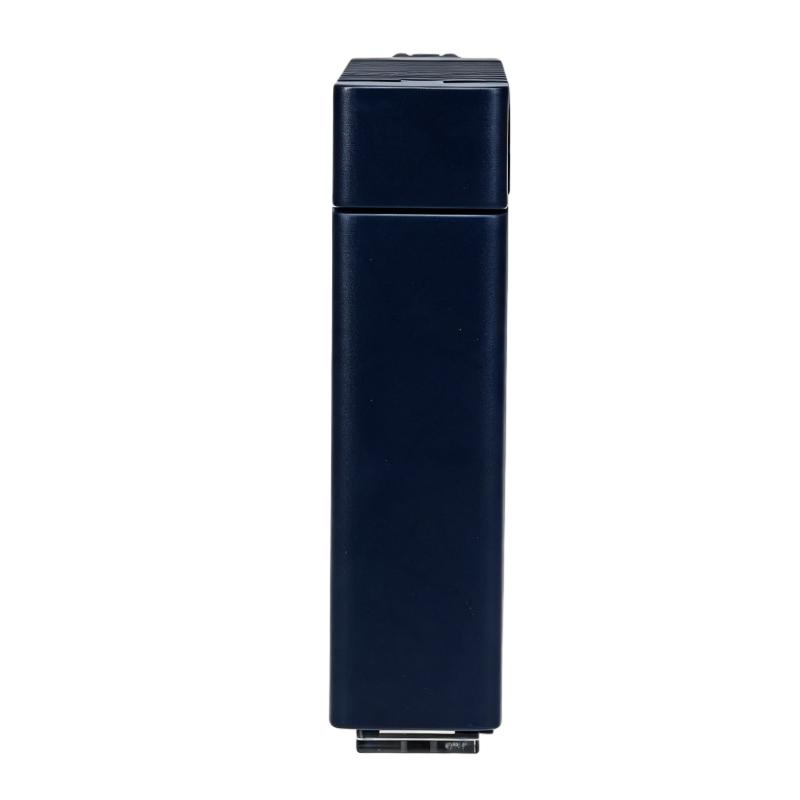
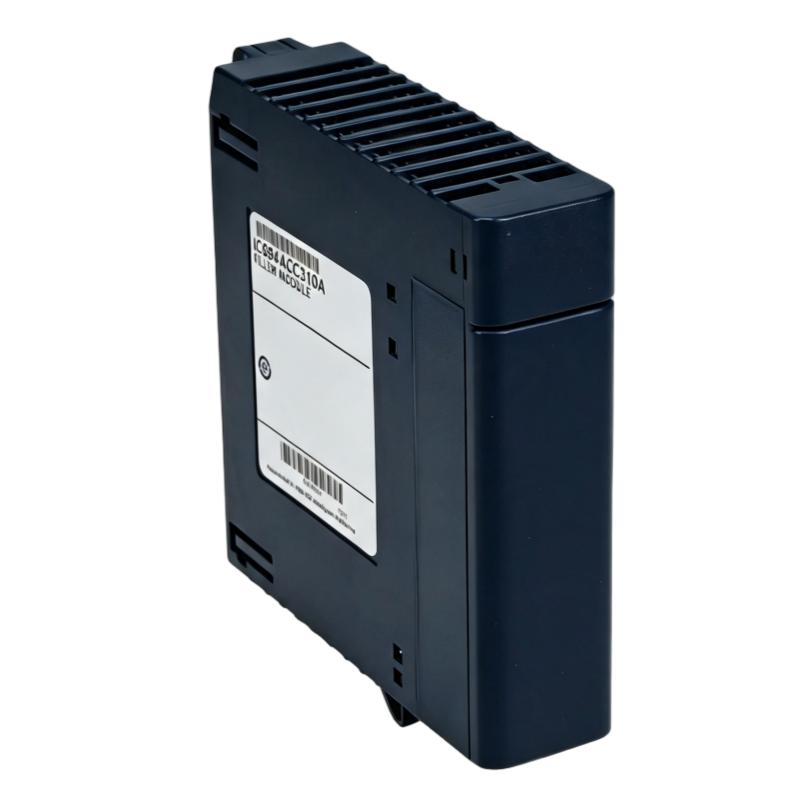
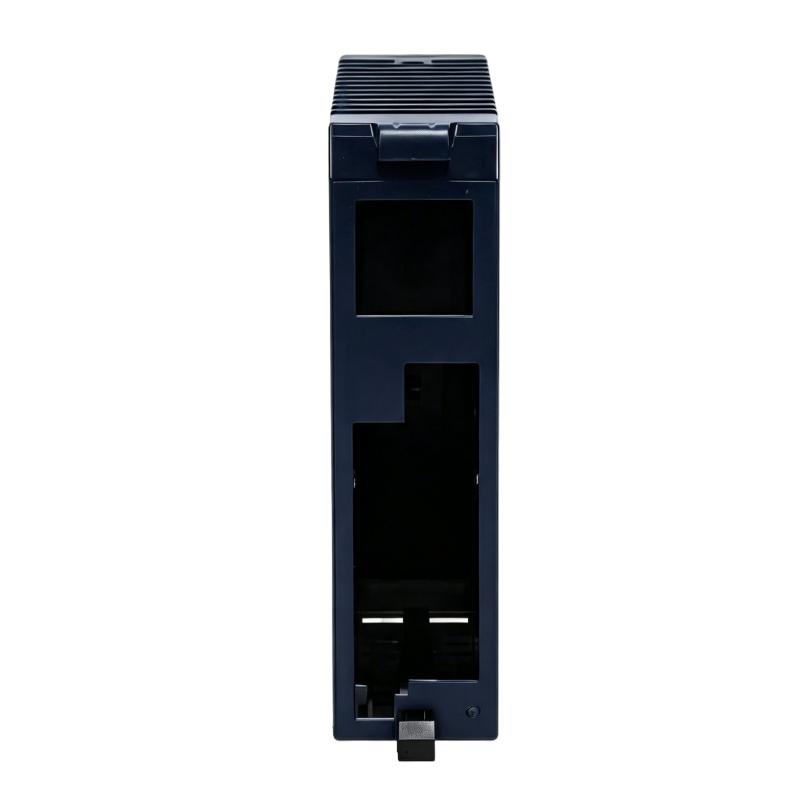
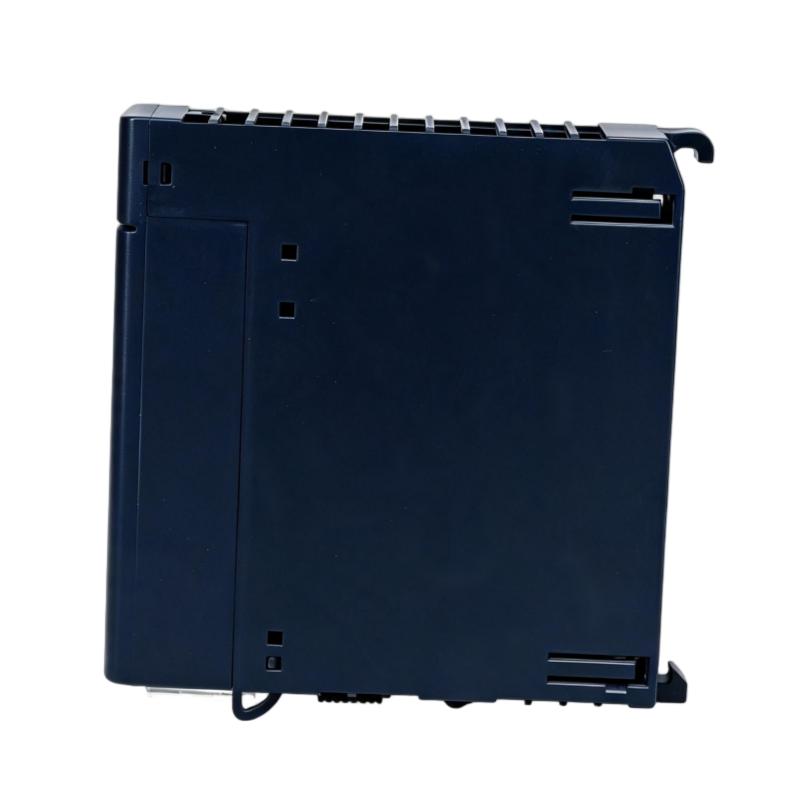
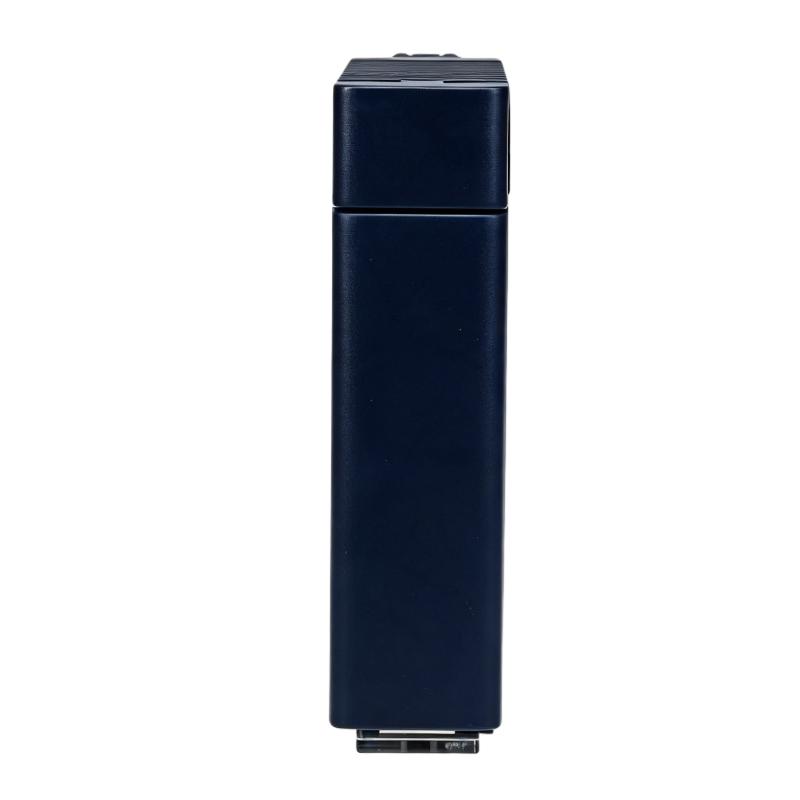
The GE IC695ACC310 PACSystems RX3i Filler Module is a rack accessory used in PACSystems RX3i configurations to occupy an unused module position. Rather than performing I/O acquisition, processing, or communication, the filler module maintains the physical arrangement of the rack where an active module is not installed.
In an RX3i control cabinet, unused slots can occur when a system is built with expansion capacity for future I/O or when a particular section of the rack does not require an active module. The IC695ACC310 provides a physical solution for these locations while maintaining a consistent rack assembly.
Its function is therefore mechanical and system-configuration oriented. It should not be treated as an intelligent control module or an I/O device.
Technical Specifications
| Parameter | Specification |
|---|---|
| Product | GE IC695ACC310 |
| Product Family | PACSystems RX3i |
| Product Type | Filler Module |
| Primary Function | Occupies an unused rack position |
| System Role | Rack and module-position management |
| Application | PACSystems RX3i control systems |
| Physical Dimensions | 134 × 35 × 107 mm |
| Weight | 0.3 kg |
Product Features
- Intended for use within PACSystems RX3i rack configurations.
- Occupies an unused module position in the rack.
- Maintains a consistent physical rack arrangement when an active module is not installed.
- Does not perform PLC processing or field I/O acquisition.
- Useful in systems with reserved positions for future expansion.
- Helps maintain a controlled and orderly rack layout.
- Suitable for replacement of a missing filler component in an existing RX3i installation.
- Supports modular cabinet arrangements where not every available position is populated.
Working Principle
The IC695ACC310 does not process field signals or execute application logic. Its operating principle is based on physically occupying an available module position within the RX3i rack.
When installed in an unused position, the filler module completes the physical rack arrangement without introducing an additional control or I/O function. This allows the rack to retain a defined module layout even when the corresponding position is intentionally left unused.
This distinction is important during troubleshooting. An IC695ACC310 should not be diagnosed like an input, output, CPU, or communication module. If the rack contains a filler position, the relevant checks are correct installation, physical seating, rack condition, and whether the slot is intentionally unused.
Role in a PACSystems RX3i Control Architecture
| System Element | Function |
|---|---|
| RX3i CPU | Executes the PLC application and control logic |
| RX3i Rack | Provides the physical backplane and module mounting structure |
| I/O Modules | Acquire field inputs and control field outputs |
| Communication Modules | Exchange data with networks and other control devices |
| IC695ACC310 Filler Module | Occupies an unused module position in the rack |
| Power Supply | Provides system power for the rack and installed modules |
| Field Devices | Provide process signals and receive control outputs |
The IC695ACC310 belongs to the physical rack layer rather than the control-processing path. A typical RX3i architecture can be represented as:
Field Devices → I/O Modules → RX3i Rack / CPU → Control Logic → Output Modules → Field Equipment
The filler module occupies a physical position alongside these active modules without becoming part of the signal-processing path.
Industrial Applications
| Application | Typical Use |
|---|---|
| Machine Automation | Filling unused rack positions in RX3i control cabinets |
| Manufacturing Lines | Maintaining an organized modular PLC rack |
| Process Automation | Reserving positions for future system expansion |
| Packaging Systems | Keeping unused RX3i module locations physically occupied |
| Material Handling | Maintaining consistent rack configurations |
| OEM Control Panels | Providing defined positions in standardized cabinet designs |
| System Expansion | Leaving prepared rack positions available for future modules |
| PLC Maintenance | Replacing a missing or damaged filler component |
Installation and Maintenance
- Verify the Rack Position
Confirm that the selected position is intended to remain unused before installing the filler module. - Check Module Compatibility
Verify that the filler module is intended for the specific PACSystems RX3i rack configuration. - Inspect the Module
Check the housing and mounting features for cracks, deformation, or other physical damage before installation. - Rack Condition
Inspect the corresponding rack position for contamination, mechanical damage, or obstructions. - Proper Seating
Install the module securely so that it is correctly seated in its assigned rack position. - Power Safety
Follow the applicable cabinet and PLC safety procedures before accessing the rack. - Maintain Rack Layout
Keep the documented rack configuration synchronized with the actual installed modules and filler positions. - Future Expansion Planning
If the position is reserved for future I/O or communication hardware, record its intended use in the system documentation. - Physical Inspection
Include filler modules in routine cabinet inspections, especially where vibration or mechanical movement is present. - Replacement Verification
When replacing a filler module, confirm that the replacement matches the required RX3i rack configuration. - Avoid Unnecessary Substitution
Do not replace an active I/O or communication module with a filler module simply because the active module is suspected of malfunctioning. - Post-Maintenance Check
After installation, verify that the module is properly seated and that the overall rack remains in its intended configuration.
Related Components
| Component | Function |
|---|---|
| GE PACSystems RX3i CPU | Executes control programs and manages the PLC system |
| RX3i Rack | Provides the physical mounting and backplane structure |
| RX3i Power Supply | Supplies power to the control rack |
| RX3i Digital I/O Modules | Handle discrete field signals |
| RX3i Analog I/O Modules | Acquire and output analog process signals |
| RX3i Communication Modules | Connect the PLC to industrial networks and external systems |
| RX3i Expansion Components | Extend the physical and functional capacity of the control system |
| IC695ACC310 Filler Module | Occupies an unused RX3i rack position |
Recommended Related Models
| Model / Product Family | Product Type | Typical Application |
|---|---|---|
| GE PACSystems RX3i | PLC Platform | Modular machine and process control |
| GE RX3i CPU Modules | Central Processing Unit | PLC application execution |
| GE RX3i I/O Modules | Digital / Analog I/O | Field signal acquisition and control |
| GE RX3i Communication Modules | Communication Module | PLC network connectivity |
| GE RX3i Power Supplies | Power Supply | Rack power distribution |
| GE RX3i Rack Components | Rack Accessories | Module mounting and system assembly |
Key Advantages
- Maintains an orderly RX3i rack configuration.
- Occupies unused module positions without adding control functions.
- Suitable for systems with planned future expansion.
- Simplifies physical rack management.
- Provides a direct replacement option for an existing filler position.
Technical FAQs
Does the IC695ACC310 process PLC signals?
No. The IC695ACC310 is a filler module and does not perform CPU processing, I/O acquisition, or communication. Its primary purpose is to occupy an unused module position in the RX3i rack.
Why would an RX3i system need a filler module?
A filler module can be used when a rack contains an unused position, particularly when the position is reserved for future expansion or when a standardized rack layout is being maintained. It allows the physical configuration to remain consistent without installing an active module.
Can the IC695ACC310 be used as a temporary replacement for an I/O module?
It should not be treated as a functional substitute for an I/O module. If a digital, analog, or communication module is required for system operation, the correct functional module should be installed. The filler module only occupies the physical position.
What should be checked if an IC695ACC310 does not fit correctly in the rack?
Check that the module is the correct part for the RX3i rack configuration, inspect the module and rack for physical damage, and verify that no obstruction is present at the mounting position. The module should be properly seated according to the applicable rack installation procedure.