

ProductPRODUCT
Featured products
Contact Us
- Schneider
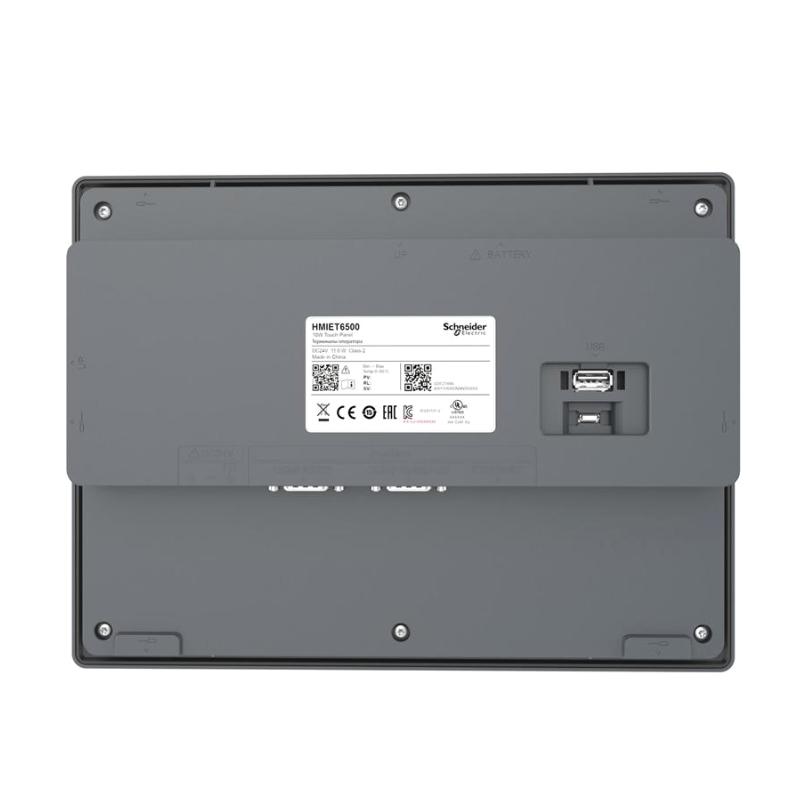
- HMIET6500
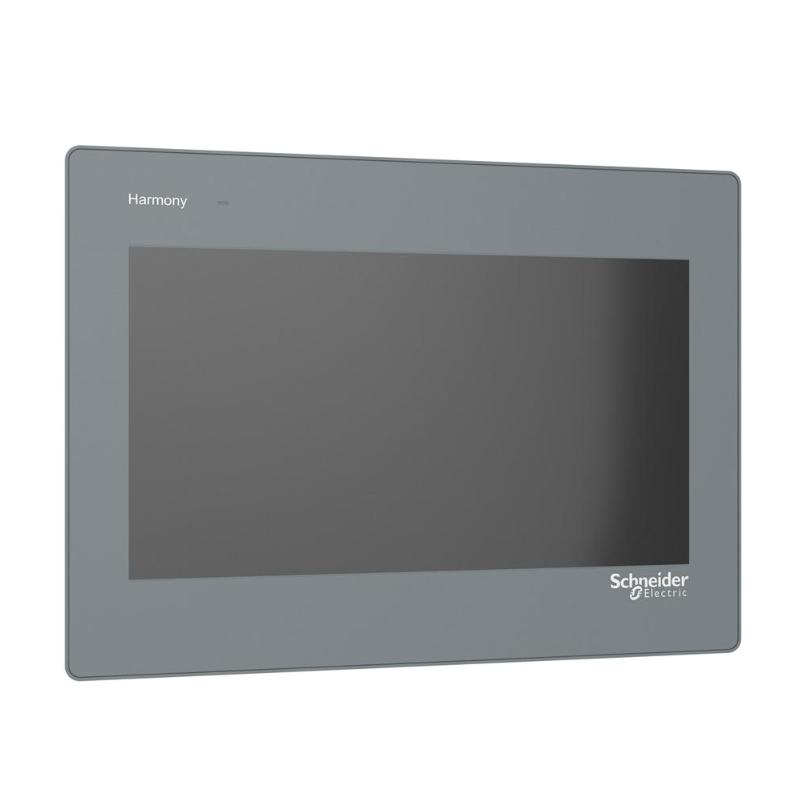
- Wide Screen Touch Panel
- France
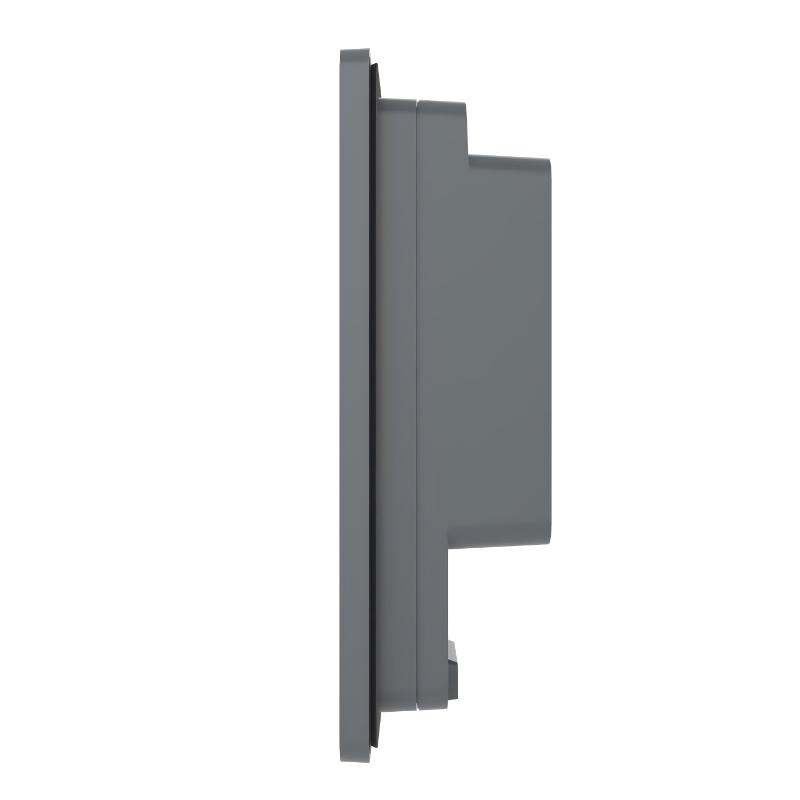
- 271 × 47 × 201 mm
- 0.99 kg
- Xiamen, China
- New & In Stock
- T/T, PayPal, Western Union
- 1 Year
- 1-3 Working Days
- DHL, UPS, TNT, FedEx and EMS.
- 24-Hour Service
- COO
- 12
Our advantage

Global Logistics
We have a 10-year logistics and express cooperation agreement, so our products can be shipped to any place in the world.

Brand new and original
Our products are imported in bulk from the place of origin. Because of the cooperative relationship, our products are all original and 100% new.

24-hour service
We provide 7*24 hours service to our customers. We will be there whenever you need us.

Price advantage
All our products are priced very favorably because we have our own warehouse and supply.
| Company Information | |||
| [email protected] | |||
| Mobile | +8615980777398 | ||
| +8615980777398 | |||
| 15980777398 |
Product Overview
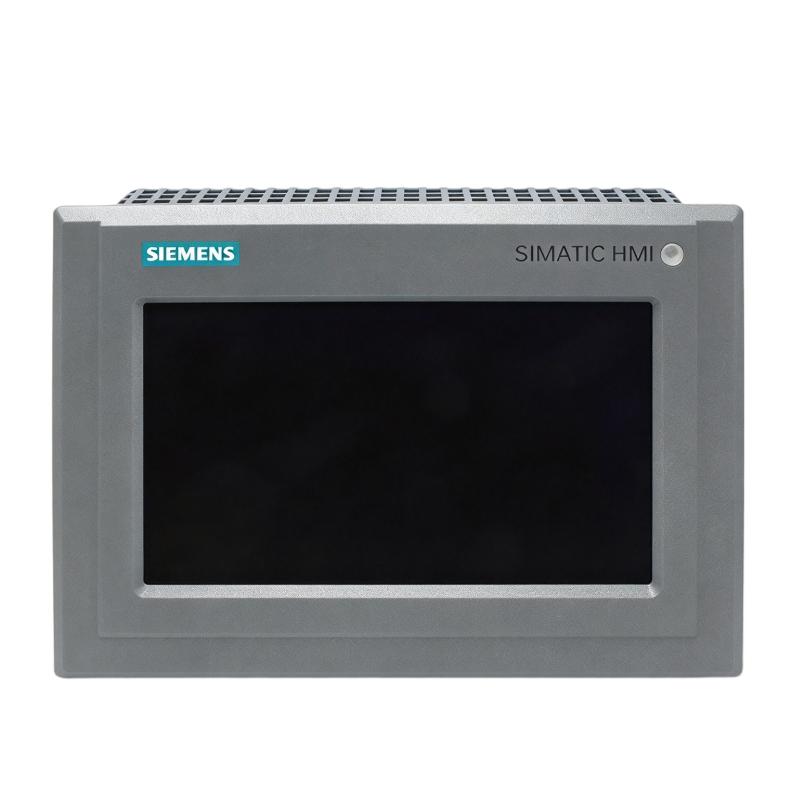
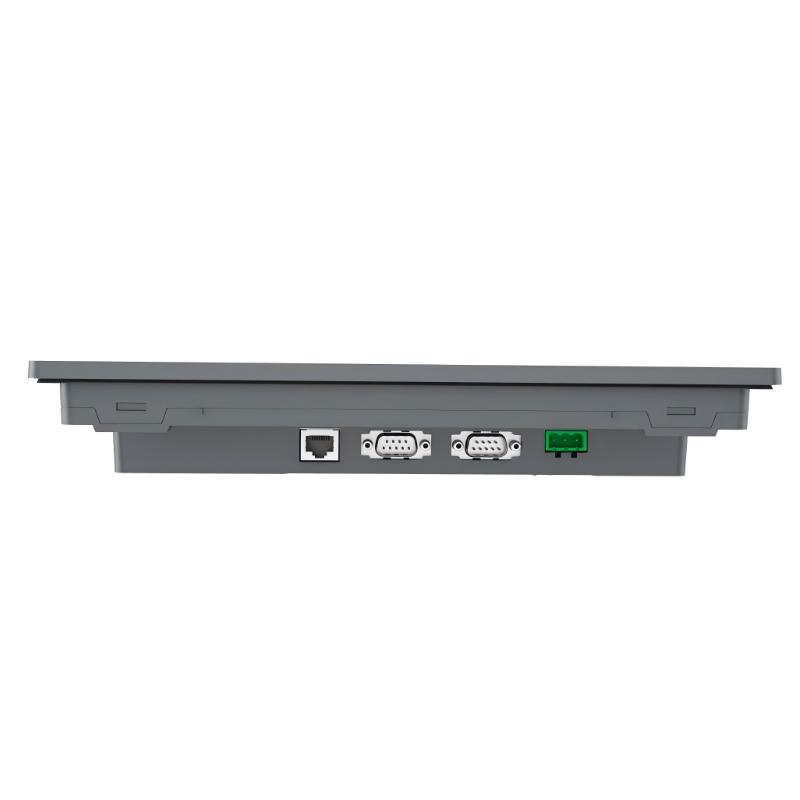
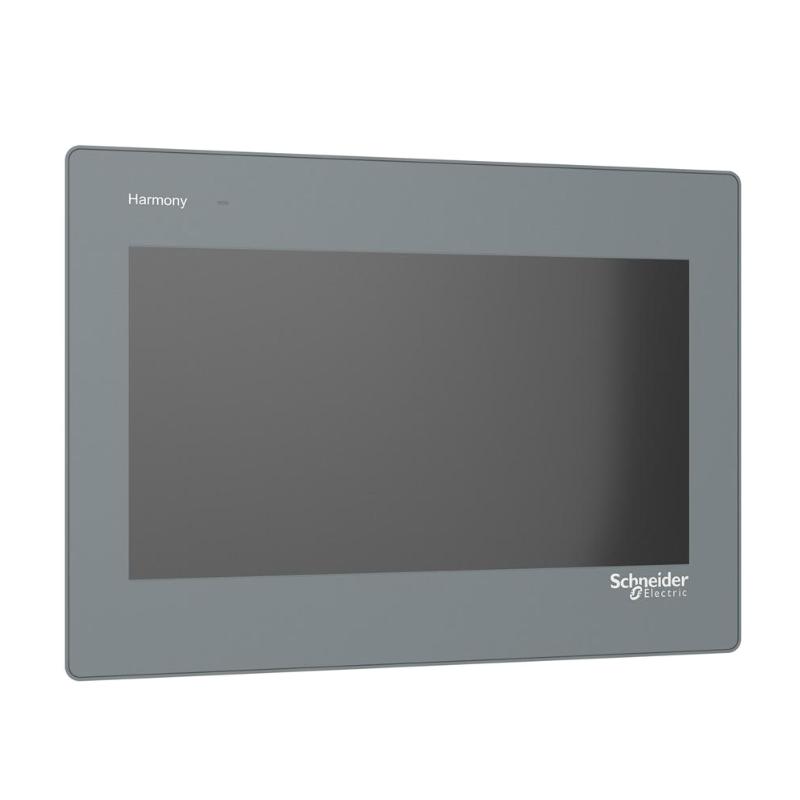
The Schneider HMIET6500 is a Harmony ET6 wide screen touch panel for machine and equipment operator interfaces. Its 10-inch display format gives operators a practical workspace for monitoring process values, viewing alarms, and interacting with control functions from a single panel.
The HMIET6500 fits applications where a dedicated touchscreen is preferred over multiple pushbuttons or small display units. It can be integrated into control cabinets or machine panels and used as the operator interface alongside PLCs, remote I/O, drives, and other automation equipment.
Its touchscreen interface supports direct interaction with application screens, making it suitable for equipment status monitoring, parameter adjustment, alarm handling, and routine machine operation.
Technical Specifications
| Parameter | Specification |
|---|---|
| Product Type | Wide screen touch panel |
| Product Family | Harmony ET6 |
| Model | HMIET6500 |
| Screen Size | 10″ |
| Display Type | Wide screen |
| User Interface | Touchscreen |
| Application | Machine and equipment operator interface |
| Mounting | Panel mounting |
| HMI Function | Operator control and monitoring |
| Display Application | Process values, alarms, status information, and control screens |
| System Integration | PLC and industrial automation control systems |
| Dimensions | 271 × 47 × 201 mm |
| Weight | 0.99 kg |
Product Features
- 10-inch wide screen format for operator interface applications
- Touchscreen operation for direct interaction with HMI screens
- Harmony ET6 platform for industrial machine and equipment applications
- Suitable for displaying process values, alarms, operating status, and control parameters
- Panel-mounted construction for integration into control cabinets and machine enclosures
- Suitable for use with PLC-based automation architectures
- Supports centralized operator access to machine functions
- Practical format for applications requiring more display space than compact HMI panels
Working Principle
The HMIET6500 acts as the operator-facing interface between personnel and the automation control system. Application screens display information received from the connected control architecture, such as operating states, process values, alarms, and equipment conditions.
When an operator touches a control object on the screen, the HMI processes the interaction and exchanges the corresponding command or parameter with the control system. Typical operations include starting or stopping equipment, changing setpoints, acknowledging alarms, and selecting different monitoring pages.
During normal operation, the panel can continuously present machine status and process information while allowing operators to move between different application screens. This reduces the need to access PLC cabinets or individual control devices for routine adjustments.
Role in a Harmony ET6 HMI Control Architecture
| System Element | Role |
|---|---|
| HMIET6500 | Provides the touchscreen operator interface |
| PLC | Executes machine logic and control sequences |
| Remote I/O | Collects field signals and controls connected devices |
| Variable Speed Drive | Controls motor speed and operating parameters |
| Sensors | Supplies process and equipment status information |
| Actuators | Performs physical machine operations commanded by the control system |
| Industrial Network | Carries data between the HMI and automation devices |
Industrial Applications
| Application | HMIET6500 Usage |
|---|---|
| Machine Automation | Operator control, machine status display, and alarm handling |
| Packaging Equipment | Monitoring production states and adjusting operating parameters |
| Material Handling | Displaying conveyor or handling equipment status |
| Process Equipment | Viewing process values and operating conditions |
| Pump Systems | Monitoring pump operation and changing control parameters |
| Motor Control Panels | Providing a centralized interface for drive and motor functions |
| Production Lines | Displaying equipment status and coordinating operator actions |
Installation and Maintenance
- Install the panel in a suitable control cabinet or machine enclosure with adequate clearance around the unit.
- Confirm that the panel cutout matches the required installation arrangement before mounting.
- Secure the HMI firmly to prevent movement or vibration during machine operation.
- Route communication cables separately from high-power motor and switching cables where practical.
- Check connector seating before commissioning the HMI.
- Verify communication between the HMI and PLC before placing the machine into production.
- Confirm that displayed process values correspond to the intended PLC variables.
- Test touchscreen controls during commissioning to ensure operator commands reach the correct control functions.
- Check alarm screens and acknowledgement functions as part of the machine startup procedure.
- Keep the front surface clean so displayed information and touchscreen operation remain clear.
- Avoid using sharp objects or excessive force on the touchscreen surface.
- Before maintenance work, place the connected machine and control system in a safe state and follow the site’s electrical isolation procedures.
Compatible System Components
| Component | Function in the System |
|---|---|
| Schneider PLC | Executes application logic and exchanges data with the HMI |
| Schneider Remote I/O | Handles distributed field input and output signals |
| Schneider Variable Speed Drive | Provides motor control and drive status information |
| Schneider Contactors and Protection Devices | Controls and protects electrical loads |
| Industrial Ethernet Devices | Supports communication between automation equipment |
| Machine Sensors | Supplies operating and process information |
| Motor Starters | Provides motor switching and control functions |
Recommended Related Models
| Model | Product Category | Typical Use |
|---|---|---|
| HMIET6401 | Harmony ET6 Wide Screen Touch Panel | Compact operator interface applications |
| HMIET6500 | Harmony ET6 Wide Screen Touch Panel | 10-inch class operator interface applications |
| HMIDT551 | Harmony GTU Advanced Touchscreen Panel | Advanced modular HMI applications |
| HMIDT952 | Harmony GTU Flat Screen | Larger industrial HMI applications |
Key Advantages
- 10-inch wide screen operator interface
- Direct touchscreen control
- Suitable for PLC-based machine automation
- Clear access to operating data and alarms
- Suitable for panel-mounted machine control applications
- Integrates naturally into industrial control architectures
Technical FAQs
What type of HMI is the Schneider HMIET6500?
The HMIET6500 is a Harmony ET6 wide screen touch panel intended for industrial operator interface applications.
What is the main purpose of the HMIET6500 in a control system?
It provides operators with a touchscreen interface for monitoring machine conditions, viewing process information, handling alarms, and interacting with control functions.
Can the HMIET6500 be used with PLC-based automation systems?
Yes. The panel can be used as the operator interface within a PLC-based control architecture, exchanging application data and commands with the connected control system.
What applications are suitable for the HMIET6500?
Typical applications include machine automation, packaging equipment, material handling systems, process equipment, pump systems, motor control panels, and production lines.