

ProductPRODUCT
Featured products
Contact Us
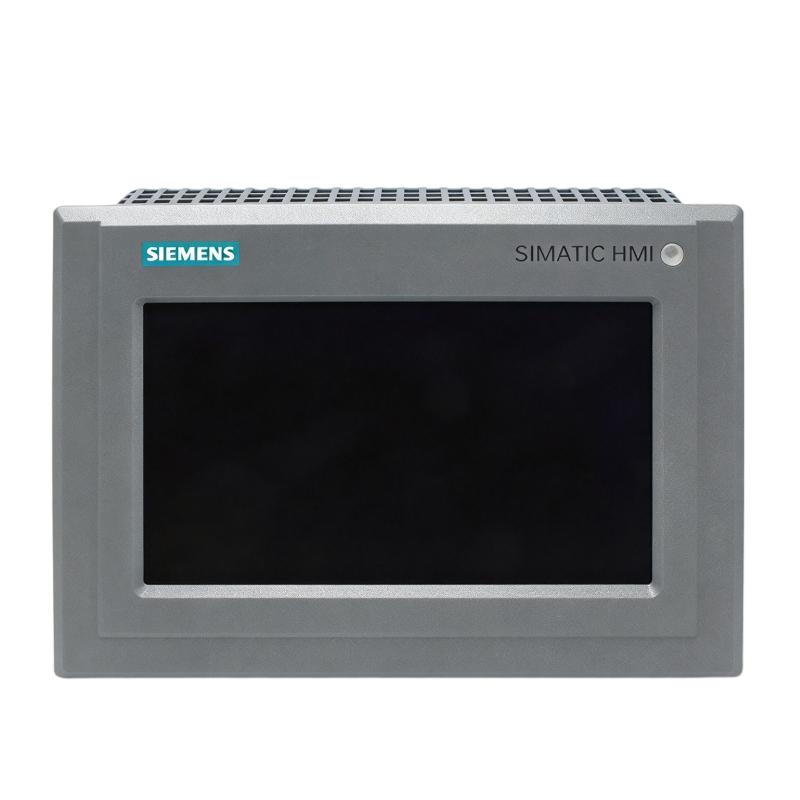
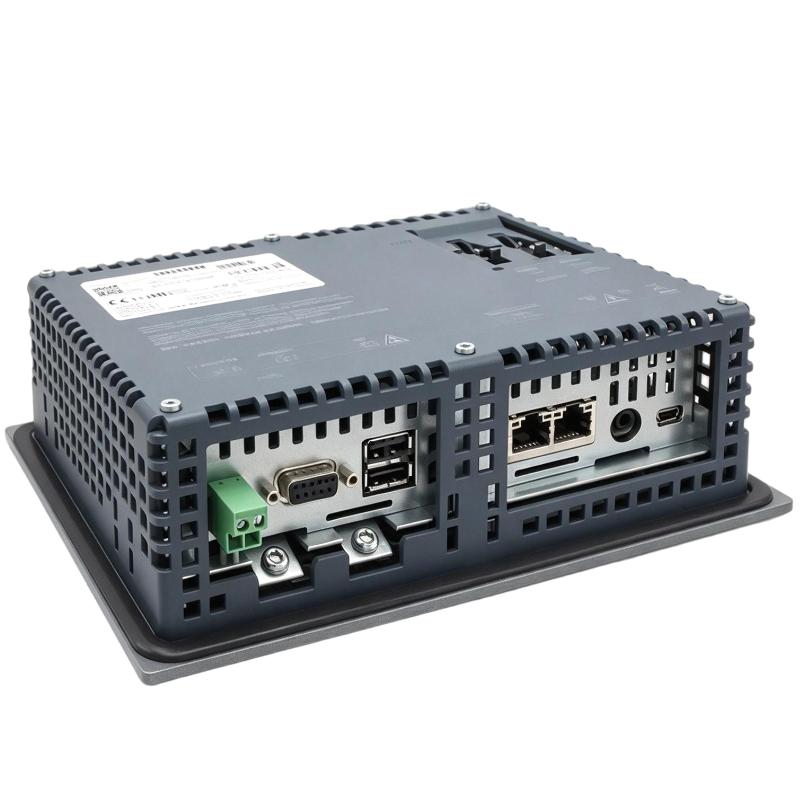
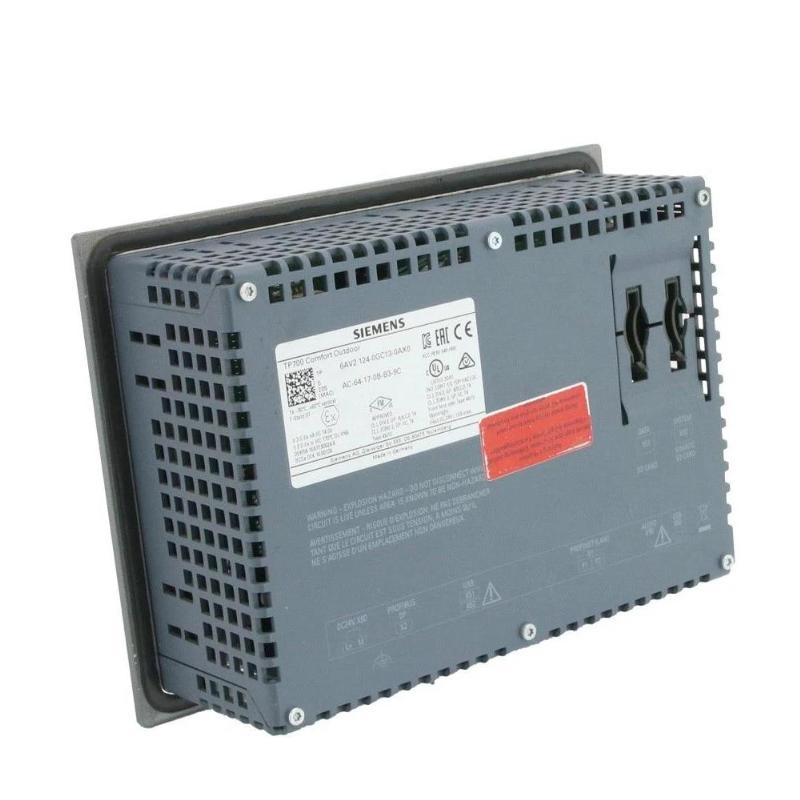
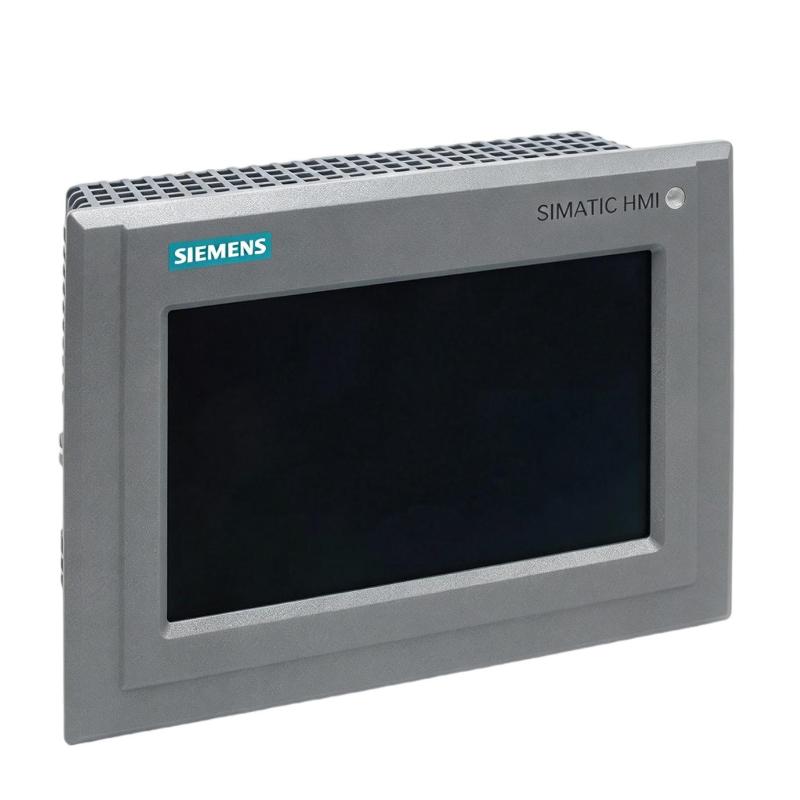
- Siemens
- 6AG2124-0GC13-1AX0
- Comfort Outdoor Panel
- Germany
- 214 × 158 × 64.6 mm
- 1.908 kg
- Xiamen, China
- New & In Stock
- T/T, PayPal, Western Union
- 1 Year
- 1-3 Working Days
- DHL, UPS, TNT, FedEx and EMS.
- 24-Hour Service
- COO
- 5
Our advantage

Global Logistics
We have a 10-year logistics and express cooperation agreement, so our products can be shipped to any place in the world.

Brand new and original
Our products are imported in bulk from the place of origin. Because of the cooperative relationship, our products are all original and 100% new.

24-hour service
We provide 7*24 hours service to our customers. We will be there whenever you need us.

Price advantage
All our products are priced very favorably because we have our own warehouse and supply.
| Company Information | |||
| [email protected] | |||
| Mobile | +8615980777398 | ||
| +8615980777398 | |||
| 15980777398 |
Product Overview
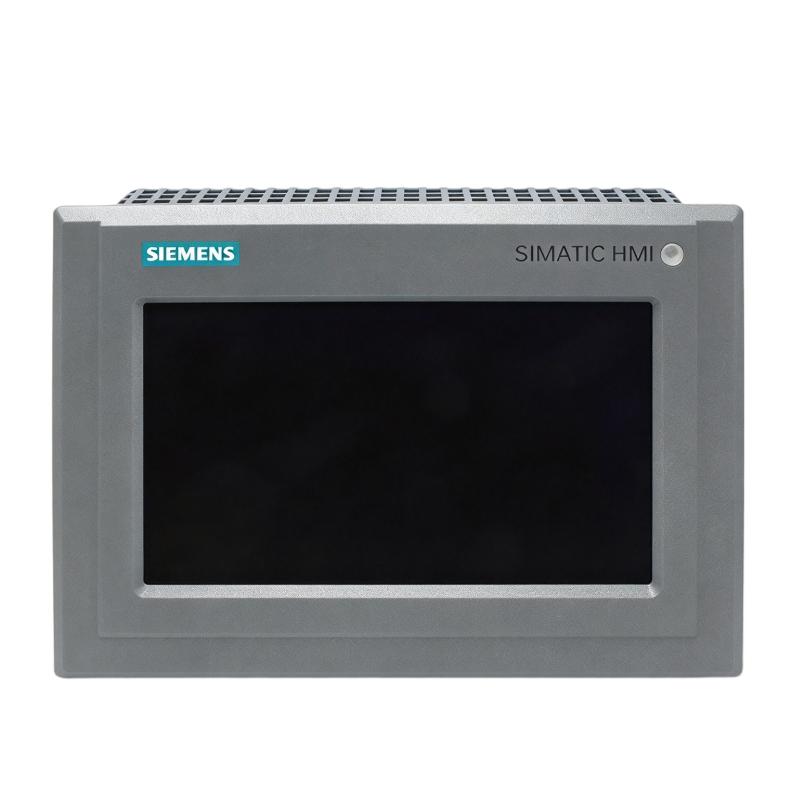
The Siemens 6AG2124-0GC13-1AX0 SIPLUS HMI TP700 Comfort Outdoor Panel is an operator interface from the SIPLUS range, based on the SIMATIC HMI TP700 Comfort platform. It enables operators to monitor machine status, view process information, and interact with automation equipment through a graphical touchscreen interface.
In industrial applications, an HMI connects the operator with the control system. Production values, equipment status, alarms, and operating commands can be presented on the panel, allowing personnel to supervise processes and respond to changing conditions without accessing the controller directly.
The SIPLUS version is intended for applications requiring an industrial HMI solution for outdoor-related operating environments. Its suitability for a particular installation depends on the specified environmental conditions, system configuration, and applicable installation requirements.
Technical Specifications
| Parameter | Specification |
|---|---|
| Product Type | HMI Operator Panel |
| Brand | Siemens |
| Order Number | 6AG2124-0GC13-1AX0 |
| Product Family | SIPLUS HMI |
| Based on Platform | SIMATIC HMI TP700 Comfort |
| Panel Model | TP700 Comfort Outdoor |
| Device Category | Touchscreen operator panel |
| Operator Interface | Graphical HMI |
| Primary Function | Machine operation and process visualization |
| System Application | Industrial automation |
| Control System Integration | Compatible automation controllers and configured communication interfaces |
| Operating Environment | Outdoor-related industrial applications, subject to product specifications |
| Configuration Software | TIA Portal with the applicable HMI engineering tools and device support |
| Installation Type | Panel-mounted HMI installation |
| Dimensions | 214 × 158 × 64.6 mm |
| Weight | 1.908 kg |
Product Features
- Based on the SIMATIC HMI TP700 Comfort operator panel platform.
- Provides a touchscreen interface for operator interaction.
- Supports graphical presentation of process values, equipment status, and alarms through the configured HMI project.
- Allows operators to access machine functions and process information from a central interface.
- Belongs to the Siemens SIPLUS product range for specialized industrial operating conditions.
- Supports integration into automation systems using compatible controllers and communication interfaces.
- Suitable for machine-level operation, monitoring, and maintenance workflows.
Working Principle
The TP700 Comfort Outdoor Panel acts as the operator-facing interface of an automation system. A configured HMI project defines the screens, process values, alarm displays, and operating controls available to the user.
During operation, the panel exchanges data with a compatible controller through the configured communication connection. The controller supplies process values and status information, which the HMI presents in a graphical format. When an operator enters a command, the panel transfers the corresponding data or request to the control system for processing.
The HMI itself does not replace the PLC or perform the complete machine-control sequence. The controller remains responsible for executing the programmed logic, while the panel provides visualization, operator input, and access to configured functions.
For an outdoor installation, the equipment must be operated within the environmental limits specified for the exact SIPLUS order number. The enclosure, mounting arrangement, wiring, and surrounding installation should also meet the requirements of the application.
Role in a SIMATIC HMI Control Architecture
| Component | Role in the System |
|---|---|
| SIPLUS TP700 Comfort Outdoor Panel | Presents process information and accepts operator input |
| SIMATIC PLC | Executes machine logic and controls connected equipment |
| HMI Engineering Software | Configures screens, tags, alarms, and operator functions |
| Industrial Communication Network | Carries data between the HMI and compatible automation devices |
| Remote I/O Modules | Connect field sensors and actuators to the controller |
| Sensors and Transmitters | Supply process measurements and equipment status |
| Actuators and Drives | Execute control actions commanded by the automation system |
| Alarm Management Functions | Display configured faults and process warnings |
| Operator Workstation | Supports engineering, diagnostics, and project maintenance where required |
Industrial Applications
| Application | HMI Function |
|---|---|
| Outdoor Industrial Machinery | Provides local operator access to machine status and configured controls |
| Manufacturing Equipment | Displays production parameters, operating states, and alarms |
| Process Automation | Presents selected process values and operator commands |
| Water and Wastewater Installations | Supports local monitoring of configured equipment and process data |
| Utility Equipment | Provides an interface for operating and checking automation systems |
| Industrial Skids and Packaged Systems | Displays equipment status and allows access to configured operating functions |
| Machine Service Areas | Helps maintenance personnel review alarms and operating information |
Installation and Maintenance
- Confirm the complete order number, 6AG2124-0GC13-1AX0, before installation.
- Verify the panel’s environmental suitability against the conditions at the intended installation site.
- Check the mounting cutout and required clearances against the applicable Siemens installation documentation.
- Isolate the relevant power supply before connecting or disconnecting electrical wiring.
- Install the panel using the specified mounting method and sealing arrangement.
- Verify that the mounting surface and enclosure provide the required environmental protection.
- Connect the power supply and communication cables according to the approved wiring design.
- Confirm that the connected PLC and communication interface are compatible with the configured HMI project.
- Configure the panel using the supported engineering software and the appropriate device configuration.
- Check process tags, operating controls, screen navigation, and alarm displays during commissioning.
- Inspect the touchscreen, enclosure, connectors, and cable entries periodically for damage or contamination.
- Back up the HMI project and record configuration changes to support future maintenance and replacement.
Compatible System Components
| Component | Function |
|---|---|
| SIMATIC PLC | Executes control logic and exchanges process data with the HMI |
| SIMATIC S7 Controller | Provides controller-level communication and machine control where compatible |
| Remote I/O Modules | Interface field signals with the control system |
| Industrial Ethernet Network | Connects compatible automation devices |
| HMI Engineering Software | Creates and maintains the operator interface project |
| Sensors and Transmitters | Supply measurement values for visualization |
| Drives and Motor Starters | Control motors and provide operating information |
| Industrial Power Supply | Supplies the required electrical power to the HMI |
| Control Cabinet or Mounting Enclosure | Supports installation and environmental protection |
Recommended Related Models
| Model | Product Name | Application |
|---|---|---|
| 6AG2124-0GC13-1AX0 | SIPLUS HMI TP700 Comfort Outdoor Panel | Outdoor-oriented operator interface applications |
| TP700 Comfort | SIMATIC HMI Comfort Panel | Machine operation and process visualization |
| TP900 Comfort | SIMATIC HMI Comfort Panel | Larger-format operator interface applications |
| TP1200 Comfort | SIMATIC HMI Comfort Panel | Machine and process monitoring with a larger display |
| TP1500 Comfort | SIMATIC HMI Comfort Panel | Applications requiring a larger operator interface |
Check the exact order numbers, environmental ratings, communication options, and engineering compatibility before selecting an alternative model.
Key Advantages
- Provides a centralized touchscreen interface for machine operators.
- Supports graphical process visualization and configured operating functions.
- Integrates with compatible Siemens automation systems.
- Helps operators access equipment status and alarms from the machine level.
- Supports maintenance through configured diagnostics and HMI project backups.
- Offers a SIPLUS variant for applications requiring the environmental specifications of the corresponding product version.
Technical FAQs
What is the Siemens 6AG2124-0GC13-1AX0 used for?
It is a SIPLUS HMI TP700 Comfort Outdoor Panel used as an operator interface in industrial automation systems. It presents configured process information and allows operators to interact with compatible controllers.
What is the difference between an HMI panel and a PLC?
The HMI provides the graphical interface for monitoring and operator input. The PLC executes the control program, processes input signals, and controls outputs. The two exchange data through a compatible communication connection.
What should be checked before installing this SIPLUS HMI panel outdoors?
Verify the exact product’s permitted temperature range, environmental protection requirements, mounting conditions, power supply, and communication interfaces. The installation enclosure and cable entries must also provide suitable protection for the actual site conditions.
Which software is used to configure the TP700 Comfort Outdoor Panel?
The SIMATIC HMI Comfort platform is configured using the supported Siemens HMI engineering tools in TIA Portal, subject to the exact device version and software compatibility. Confirm the required engineering version and device support before creating or transferring the project.