

ProductPRODUCT
Featured products
Contact Us
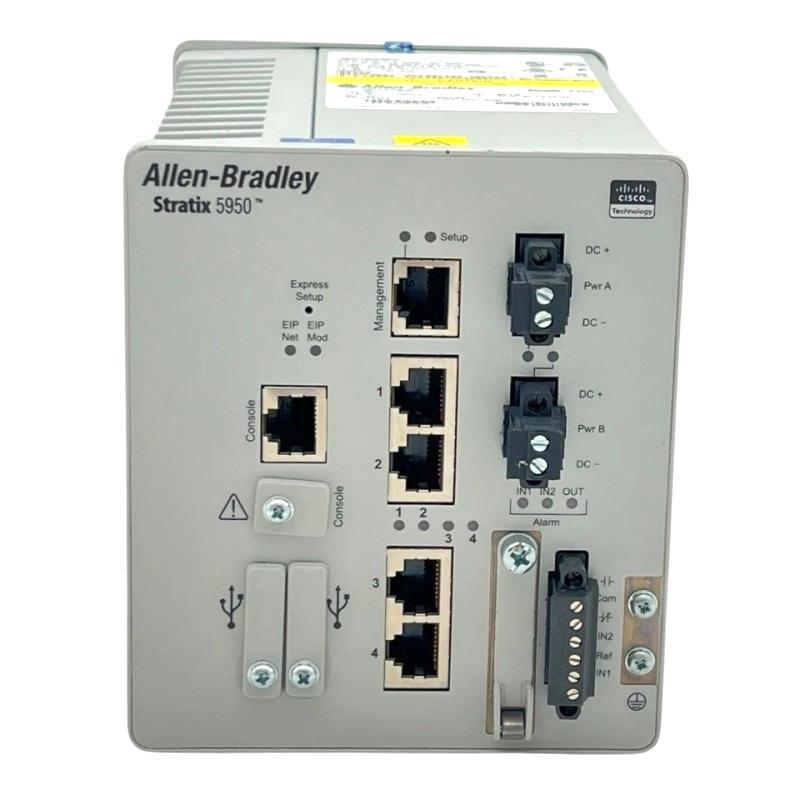
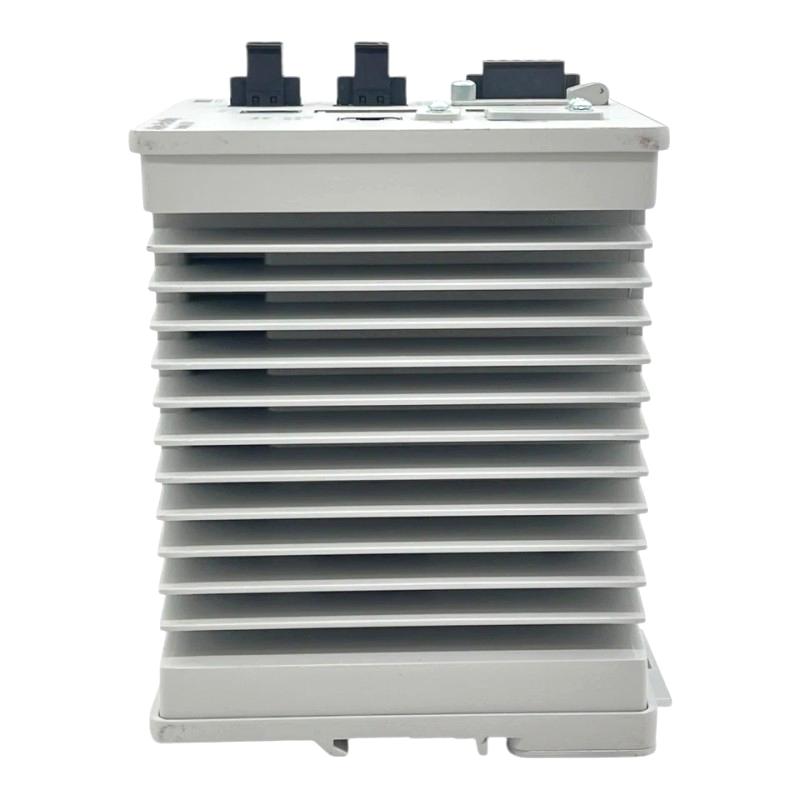
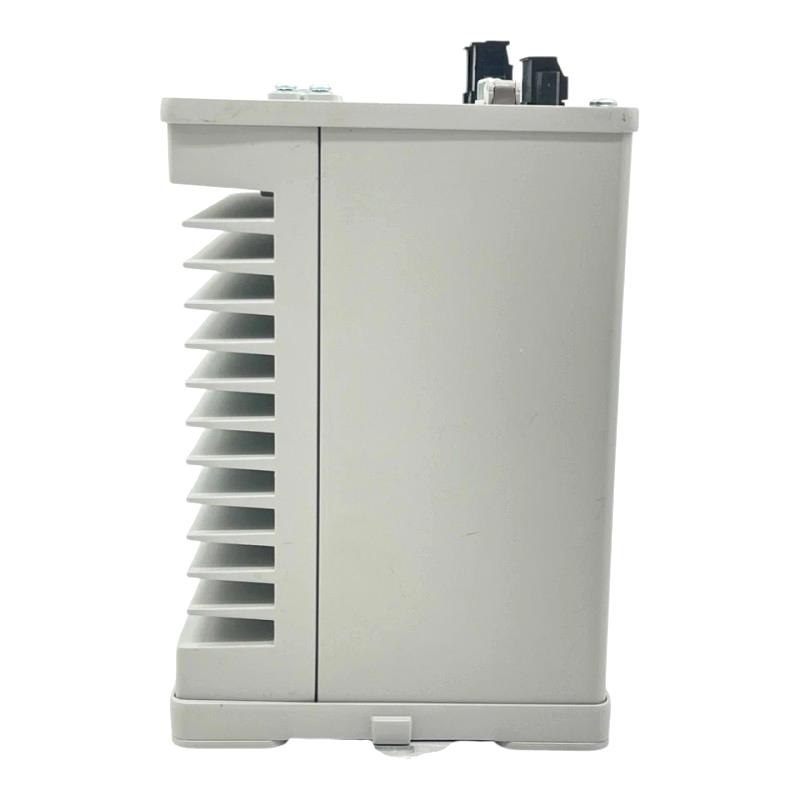
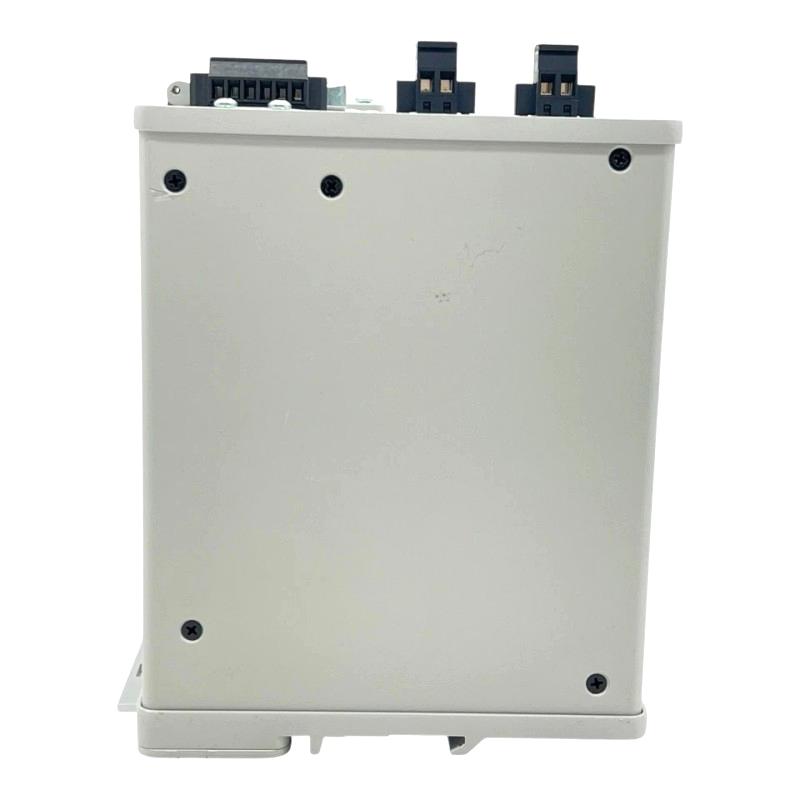
- Allen Bradley
- 1783-SAD4T0SPK9
- Security Appliance
- USA
- 159.26 × 106.68 × 129.54 mm
- 0.9 kg
- Xiamen, China
- New & In Stock
- T/T, PayPal, Western Union
- 1 Year
- 1-3 Working Days
- DHL, UPS, TNT, FedEx and EMS.
- 24-Hour Service
- COO
- 3
Our advantage

Global Logistics
We have a 10-year logistics and express cooperation agreement, so our products can be shipped to any place in the world.

Brand new and original
Our products are imported in bulk from the place of origin. Because of the cooperative relationship, our products are all original and 100% new.

24-hour service
We provide 7*24 hours service to our customers. We will be there whenever you need us.

Price advantage
All our products are priced very favorably because we have our own warehouse and supply.
| Company Information | |||
| [email protected] | |||
| Mobile | +8615980777398 | ||
| +8615980777398 | |||
| 15980777398 |
Product Overview
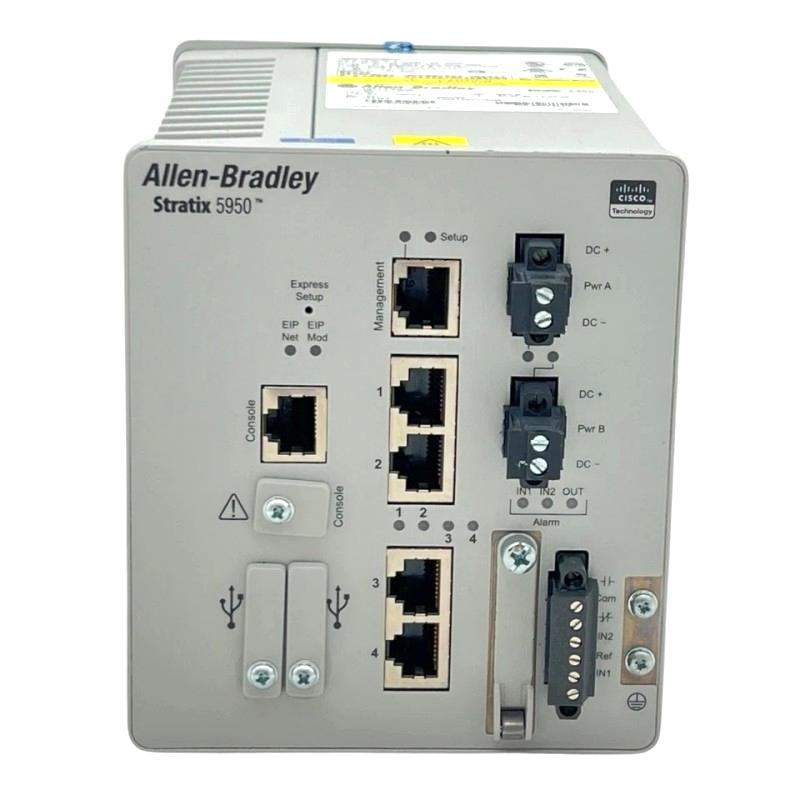
The Allen Bradley 1783-SAD4T0SPK9 Stratix 5950 Security Appliance is an industrial network security device used to protect Ethernet communications within automation systems. In a plant network, controllers, operator interfaces, engineering workstations, and supervisory systems may need to exchange data while remaining separated from less-trusted network segments. A security appliance helps enforce communication policies at these boundaries.
Within a Stratix-based industrial network, the appliance can be incorporated into a security architecture where traffic must be controlled between operational technology (OT) devices and other network zones. Typical engineering tasks include defining permitted communication paths, restricting unnecessary access, and maintaining separation between production equipment and external networks. Its role is particularly relevant in facilities where network connectivity has expanded over time and access rules need to be managed more deliberately.
The 1783-SAD4T0SPK9 belongs to the Stratix 5950 Security Appliance family. When planning a replacement or integrating the unit into an existing installation, engineers should account for the configured security policies, network topology, and connections to neighboring devices rather than treating it as an ordinary Ethernet switch.
Technical Specifications
| Parameter | Specification |
|---|---|
| Brand | Allen Bradley |
| Model | 1783-SAD4T0SPK9 |
| Product Series | Stratix 5950 |
| Product Type | Industrial Security Appliance |
| Network Category | Industrial Ethernet Security |
| Primary Function | Network traffic protection and access control |
| Application Environment | Industrial Automation Networks |
| Network Architecture | Segmented Ethernet Networks |
| Security Role | Controlled communication between network zones |
| System Integration | Industrial Control System Networks |
| Typical Connected Equipment | PLCs, HMIs, Engineering Workstations, Supervisory Systems |
| Configuration Considerations | Security Rules, Network Interfaces, Traffic Policies |
| Installation Type | Industrial Network Installation |
| Dimensions | 159.26 × 106.68 × 129.54 mm |
| Weight | 0.9 kg |
Product Features
- Industrial network protection: Supports security measures for Ethernet communications in automation environments where production traffic must be separated from other network activity.
- Traffic policy enforcement: Can be used within a network architecture that restricts communication to approved paths and services.
- Network segmentation support: Helps establish controlled boundaries between operational devices and other network zones.
- Integration with industrial Ethernet: Fits into automation networks that connect controllers, visualization systems, and engineering stations.
- Security-focused deployment: Provides a dedicated appliance role instead of relying exclusively on access controls configured on general-purpose network equipment.
- Policy-based operation: Security behavior depends on the configured rules and the intended communication paths between connected systems.
- Support for structured network design: Can be incorporated into a broader plan for separating control, supervisory, and external network traffic.
- Maintenance-oriented configuration: Documented network settings and security policies make it easier to review the intended behavior during troubleshooting or equipment replacement.
Working Principle
The Stratix 5950 Security Appliance operates as part of the network path where communications need to be controlled. Rather than allowing every connected device to communicate without restriction, the security architecture defines which traffic is permitted between designated network zones.
During normal operation, Ethernet traffic reaches the security boundary and is handled according to the appliance’s configured policies. Approved communications can proceed through the permitted path, while traffic that does not meet the applicable rules can be restricted. The actual result depends on the deployed configuration, interface assignments, and security policy.
In a PLC-based production line, for example, an engineering workstation may need access to selected controllers for programming and diagnostics, while other devices should not have unrestricted access to the control network. A security appliance can help enforce this separation when the network is configured accordingly.
A simplified communication path is:
Engineering Workstation / Supervisory Network → Security Appliance → Industrial Control Network → PLCs and Other Automation Devices
The appliance’s effectiveness depends on correctly defined rules, accurate network addressing, and a topology that directs the intended traffic through the security boundary.
Role in an Industrial Network Security Architecture
The 1783-SAD4T0SPK9 serves as a security boundary within an industrial Ethernet architecture. Its placement should reflect the communication relationships between network segments, not simply the physical location of the equipment in a cabinet.
| Network Layer or Component | Function | Relationship to the Security Appliance |
|---|---|---|
| Enterprise or External Network | Supports business systems and approved external communications | Traffic toward operational networks may be subject to security restrictions |
| Industrial DMZ or Intermediate Zone | Separates external-facing services from production systems | Can form part of a layered security design |
| Stratix 5950 Security Appliance | Applies configured network security policies | Controls permitted communications at the designated boundary |
| Industrial Ethernet Switches | Connect network devices and forward Ethernet traffic | Provide the network connectivity required by the selected topology |
| PLCs and PACs | Execute control logic and manage machine or process operations | Communicate through permitted network paths |
| HMI and SCADA Systems | Present process data and support operator supervision | Require appropriate access to controllers and data sources |
| Engineering Workstations | Support programming, configuration, and diagnostics | Access should be limited to the services and devices required for maintenance |
A typical architecture separates business access, supervisory functions, and real-time control equipment into distinct zones. The security appliance is most useful when its interfaces and rules are aligned with those boundaries. Poor placement or overly broad rules can reduce the value of network segmentation, even when the appliance itself is functioning normally.
Industrial Applications
| Application | Typical Network Requirement | Role of the Security Appliance |
|---|---|---|
| Manufacturing Production Lines | Communication between PLCs, HMIs, and supervisory systems | Helps control access between designated network segments |
| Process Automation | Separation of control equipment from business networks | Supports restrictions on cross-zone traffic |
| Machine Control Networks | Controlled engineering access to machine controllers | Helps limit communications to approved maintenance paths |
| Water and Wastewater Facilities | Network separation across process and supervisory areas | Can form part of a layered OT security architecture |
| Power and Utility Systems | Managed communication between operational zones | Supports network access policies where the topology is appropriate |
| Packaging and Material Handling | Connectivity among controllers, operator stations, and monitoring systems | Helps reduce unnecessary communication across network boundaries |
| Industrial Remote Maintenance | Restricted access for approved diagnostic activities | Can be used alongside other controls to manage maintenance connectivity |
| Factory Network Modernization | Integration of legacy control equipment with newer network infrastructure | Helps establish clearer separation between existing and newly connected systems |
Installation and Maintenance
- Review the existing network topology. Identify the network segments that need separation, the devices that require communication, and the path traffic will take through the appliance.
- Confirm the intended model and application. Verify that the unit matches the planned security role and that the surrounding network design supports the required interfaces and functions.
- Plan the installation location. Select a suitable industrial mounting position with adequate access for cabling, status inspection, and maintenance.
- Check power and grounding arrangements. Confirm that the installation’s electrical supply and grounding practices match the equipment requirements before energizing the unit.
- Inspect Ethernet connections. Check cables, connectors, link assignments, and labeling to reduce the risk of connecting a network segment to the wrong interface.
- Document the interface layout. Record which interface connects to each network zone so that later troubleshooting can distinguish physical connectivity issues from policy problems.
- Back up the existing configuration when replacing equipment. Preserve the relevant network settings and security rules where possible, then verify that the intended configuration is suitable for the replacement installation.
- Define the permitted communication paths. Specify the devices, services, and directions of traffic required for normal operation. Avoid broad rules that permit unnecessary access.
- Validate management access. Confirm that authorized engineering or administration workstations can reach the required management functions while access from other zones remains appropriately restricted.
- Test essential automation traffic. Check controller communications, HMI data updates, supervisory connections, and required engineering functions after installation or policy changes.
- Monitor operation and review logs. When communication failures occur, compare the observed traffic and security events with the configured policies before changing network rules.
- Maintain configuration records. Keep a controlled copy of the approved settings, network diagrams, and change history so future troubleshooting and maintenance can be carried out consistently.
If communications fail after installation, first determine whether the problem is physical connectivity, addressing, routing, or a security rule. Check link status and IP settings before relaxing policies. Any temporary rule change should be controlled, tested, and removed once the cause has been resolved.
Related Components
| Component | Function | Relationship to the 1783-SAD4T0SPK9 |
|---|---|---|
| Stratix Industrial Ethernet Switch | Connects industrial Ethernet devices | Provides switching connectivity around the security boundary |
| PLC or PAC Controller | Executes machine and process control logic | Exchanges control data through the approved network path |
| HMI Panel | Displays machine status and operator controls | Requires permitted access to relevant controller data |
| SCADA Server | Collects process data and supports supervisory operations | May communicate across a controlled boundary according to the network design |
| Engineering Workstation | Supports programming and diagnostics | Requires carefully limited access to controllers and network devices |
| Industrial Ethernet Cabling | Carries network traffic between equipment | Establishes the physical links between interfaces and network segments |
| Managed Network Switch | Supports VLANs and other network management functions, depending on model | Helps organize traffic and implement the intended network topology |
| Industrial Firewall or Security Gateway | Enforces network access policies | May provide an additional security layer where the architecture requires it |
Recommended Related Models
| Model | Product Name | Typical Application |
|---|---|---|
| 1783-SAD2T2SBK9 | Allen Bradley Stratix 5950 Security Appliance | Related Stratix 5950 security appliance model |
| 1783-SAD2T2SPK9 | Allen Bradley Stratix 5950 Security Appliance | Related Stratix 5950 security appliance model |
| 1783-SAD4T0SBK9 | Allen Bradley Stratix 5950 Security Appliance | Related model within the same security appliance family |
| 1783-RA2TGB | Allen Bradley Stratix 4300 Remote Access Router | Industrial remote-access networking |
| 1783-RA5TGB | Allen Bradley Stratix 4300 Remote Access Router | Industrial remote-access networking |
| 1783-RMS06T | Allen Bradley Stratix 8300 6-Port Ethernet Switch | Managed industrial Ethernet switching |
The listed models serve different network roles. A related security appliance is not automatically a direct substitute, and a remote-access router or managed switch should not be treated as functionally equivalent. Replacement selection should account for the required security functions, interfaces, configuration, and network architecture.
Key Advantages
- Adds a dedicated security function to an industrial Ethernet architecture.
- Supports controlled communication between designated network zones.
- Helps reduce unnecessary access to PLCs and other operational devices.
- Fits into network designs that separate supervisory and control traffic.
- Supports a documented approach to security policy management and troubleshooting.
- Can be incorporated into layered industrial network protection strategies.
Technical FAQs
1. What is the primary function of the Allen Bradley 1783-SAD4T0SPK9?
It is a Stratix 5950 Security Appliance used in industrial network security architectures. Its role is to help control communications between network zones according to the configured security policies and deployment topology.
2. Can the 1783-SAD4T0SPK9 be used with PLCs and HMIs?
It can be incorporated into industrial Ethernet networks that include PLCs, HMIs, engineering workstations, and supervisory systems. The permitted communication paths must be configured to match the application’s actual data and maintenance requirements.
3. What should be checked when troubleshooting communication failures?
Start with interface link status, cable connections, IP addressing, routing, and the configured security rules. If the physical network is working but a connection remains blocked, compare the required traffic with the applicable policy before making changes.
4. Can another Stratix 5950 model replace the 1783-SAD4T0SPK9 directly?
Not solely because it belongs to the same product family. Before replacement, compare the exact model designation, supported functions, interface requirements, configuration compatibility, and intended role in the network. Security policies and connectivity should be tested after the replacement.