

ProductPRODUCT
Featured products
Contact Us
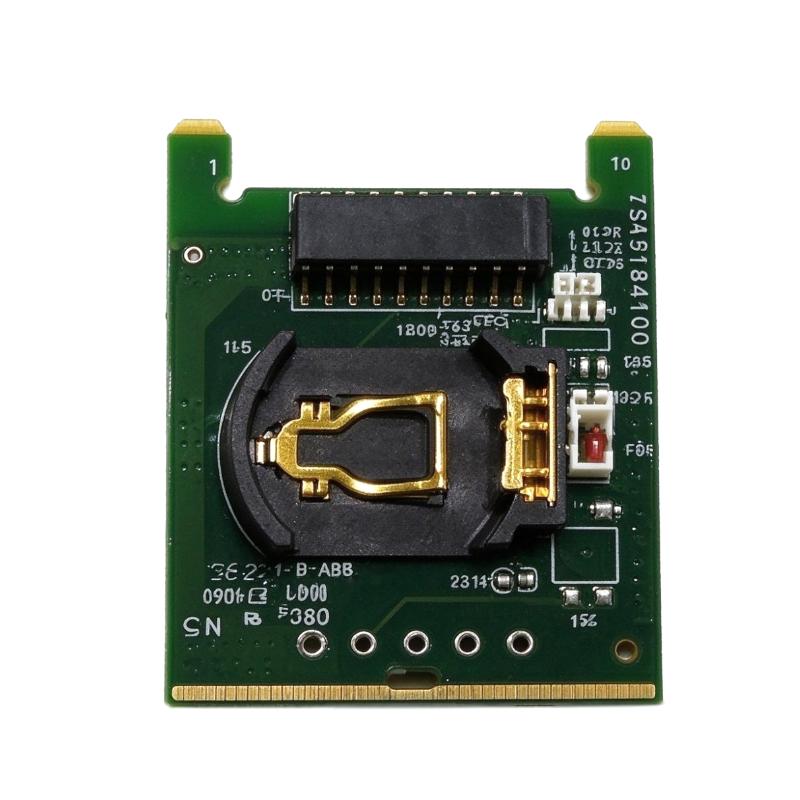
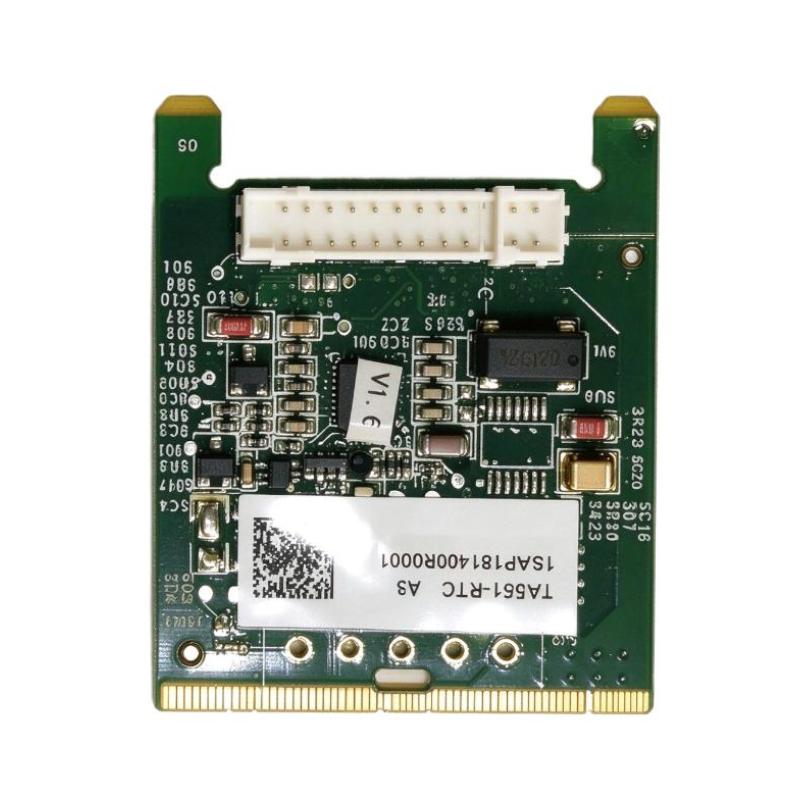
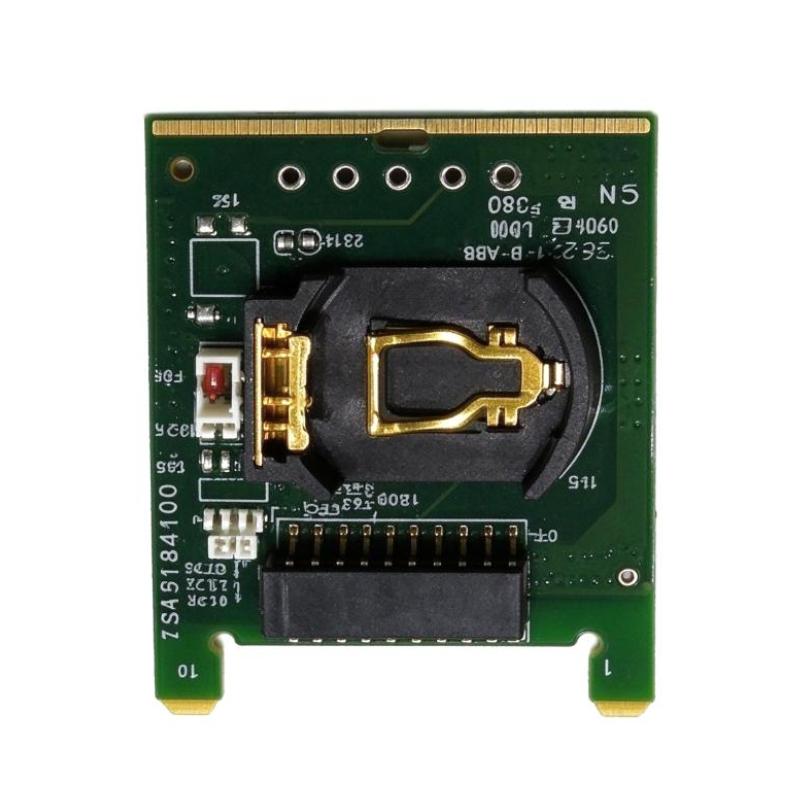
- ABB
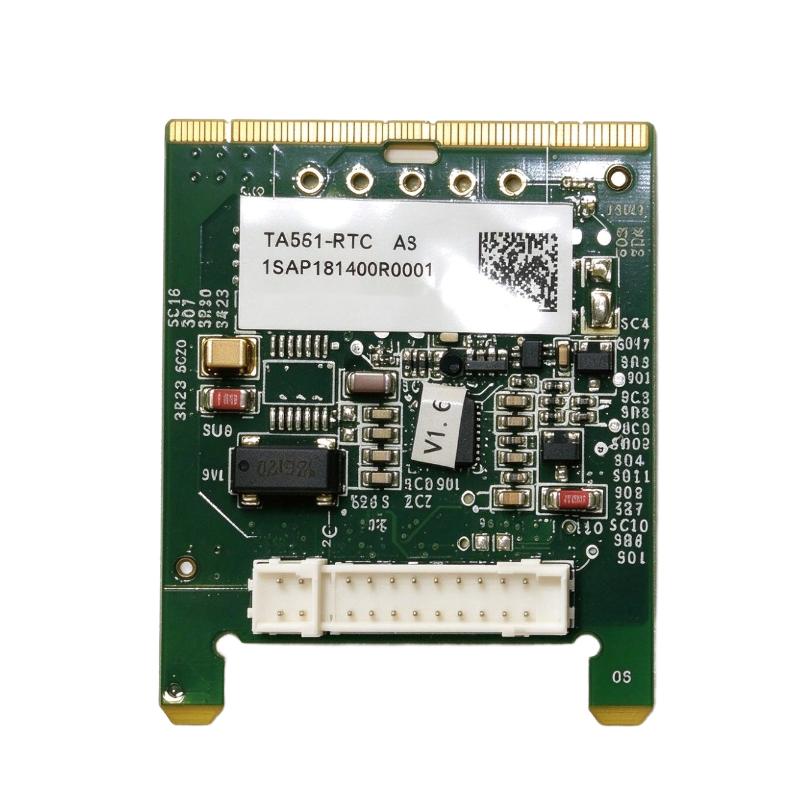
- TA561-RTC 1SAP181400R0001
- Real-Time Clock Option Board
- Sweden (SE)
- 170 × 10 × 100 mm
- 0.007 kg
- Xiamen, China
- New & In Stock
- T/T, PayPal, Western Union
- 1 Year
- 1-3 Working Days
- DHL, UPS, TNT, FedEx and EMS.
- 24-Hour Service
- COO
- 7
Our advantage

Global Logistics
We have a 10-year logistics and express cooperation agreement, so our products can be shipped to any place in the world.

Brand new and original
Our products are imported in bulk from the place of origin. Because of the cooperative relationship, our products are all original and 100% new.

24-hour service
We provide 7*24 hours service to our customers. We will be there whenever you need us.

Price advantage
All our products are priced very favorably because we have our own warehouse and supply.
| Company Information | |||
| [email protected] | |||
| Mobile | +8615980777398 | ||
| +8615980777398 | |||
| 15980777398 |
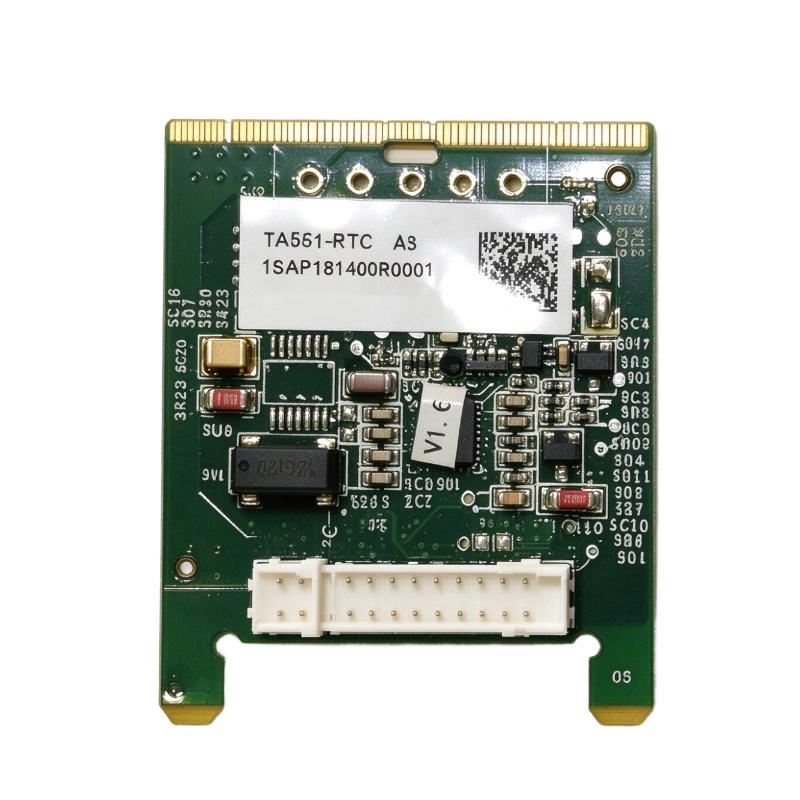
Product Overview
The ABB TA561-RTC, ordering number 1SAP181400R0001, is a real-time clock option board for compatible ABB AC500-eCo programmable logic controllers. It adds a battery-backed clock function to supported processor configurations, allowing PLC applications to work with date and time information for scheduled operations, event recording, and time-dependent control tasks.
In a machine control cabinet, the TA561-RTC is useful when the controller needs a clock function that remains available independently of the normal control supply. For example, a machine may record when an alarm occurs, maintain timestamps for production events, or execute an application sequence according to a defined schedule. These functions depend on the PLC program and the capabilities of the installed processor.
The TA561-RTC is a dedicated clock accessory rather than a communication adapter. Unlike the TA562-RS, it does not add a COM2 serial interface. The TA562-RS-RTC combines both functions in one option board, whereas the TA561-RTC is intended for applications that need the real-time clock without the additional serial interface.
When selecting the TA561-RTC for an existing installation, the exact processor model and hardware generation must be checked. Battery provision is also relevant: the associated CR2032 battery is purchased separately. Correct installation and clock verification help ensure that the application receives valid time information after the controller is restarted.
Technical Specifications
| Parameter | Specification |
|---|---|
| Manufacturer | ABB |
| Model | TA561-RTC |
| Ordering Number | 1SAP181400R0001 |
| Product Type | AC500-eCo Real-Time Clock Option Board |
| Product Family | ABB AC500-eCo V2 |
| Primary Function | Real-time clock |
| Backup Battery Type | CR2032 |
| Battery Included | No |
| Installation Type | Processor option board |
| Dimensions | 170 × 10 × 100 mm |
| Weight | 0.007 kg |
Product Features
- Real-time clock function: Supplies date and time information for supported PLC application tasks.
- Battery-backed timekeeping: Supports clock retention during loss of the normal control supply when the required battery is installed and serviceable.
- Processor option-board integration: Adds clock functionality through the designated interface on compatible AC500-eCo hardware.
- Separate battery provision: Uses a CR2032 battery, which must be obtained separately.
- Event timestamping support: Can support applications that associate alarms, operating events, or process records with time information.
- Scheduling support: Enables time-dependent application functions where the PLC program uses the clock data.
- Dedicated clock accessory: Provides a clock-only option for installations that do not require the combined RS-485 interface available on the TA562-RS-RTC.
Working Principle
The TA561-RTC supplies the processor with real-time clock information. The clock maintains date and time values, which the PLC application can read and use when executing time-dependent functions.
A simplified arrangement is:
AC500-eCo Processor → TA561-RTC → Date and Time Data → PLC Application
For example, a packaging machine may record the time of an alarm so that maintenance personnel can compare the event with production records. A pump controller may use time information as part of a programmed operating schedule. In both cases, the TA561-RTC supplies the clock function; the PLC program determines how the information is used.
The battery supports continued timekeeping when the controller’s normal power supply is interrupted. Without a serviceable battery, the clock may not retain the correct time through an extended power-off period. The battery must therefore be installed and maintained according to the applicable hardware instructions.
After installation, the clock should be set or synchronized as required by the application. The commissioning check should include verifying the displayed or read date and time, interrupting power according to the approved test procedure, and confirming that the clock retains the expected values after power is restored.
Role in the AC500-eCo PLC Architecture
The TA561-RTC supplies timekeeping functionality to the PLC application. It does not perform logic execution, process field inputs, or provide a serial communication channel.
| System Element | Function |
|---|---|
| ABB AC500-eCo Processor | Executes the PLC application and manages controller functions |
| TA561-RTC | Supplies real-time clock functionality |
| CR2032 Battery | Supports clock backup during loss of the normal control supply |
| PLC Application | Uses date and time data for scheduling, event recording, or other programmed tasks |
| Engineering Software | Supports PLC programming and application configuration |
| Operator Panel | Displays time-related information when configured by the application |
| Alarm and Event Logic | Associates controller events with clock data where required |
Industrial Applications
| Application | Practical Use |
|---|---|
| Machine Automation | Providing time data for scheduled machine sequences |
| Packaging Machinery | Recording alarm and production-event timestamps |
| Pump Control Systems | Supporting time-based operating schedules |
| Building Automation | Providing clock information for programmed control routines |
| Process Equipment | Associating operating events with date and time values |
| Production Monitoring | Supporting time-stamped records generated by the PLC application |
| Maintenance Diagnostics | Helping correlate machine events with service records |
| Existing AC500-eCo Installations | Adding the supported real-time clock option where required |
Installation and Maintenance
- Verify the complete part number: Confirm TA561-RTC and ordering number 1SAP181400R0001 against the installed accessory and processor documentation.
- Check processor compatibility: Identify the exact AC500-eCo processor model and hardware generation before fitting the clock option.
- Isolate the controller: Follow the processor’s shutdown and isolation procedure before installing or removing the option board.
- Inspect the option-board interface: Check the designated connection for contamination, damaged contacts, or mechanical obstruction.
- Install the board correctly: Align the TA561-RTC with the appropriate processor interface and seat it according to the applicable hardware instructions.
- Check the battery requirement: Obtain the specified CR2032 battery separately and confirm that it is suitable for the installed hardware.
- Inspect the battery holder: Check the holder and contacts for contamination or damage before inserting the battery with the correct polarity.
- Restore the processor configuration: Refit any covers and restore the controller’s normal configuration before applying power.
- Set the clock: Configure the correct date and time using the supported application or controller procedure.
- Verify timekeeping: Confirm that the PLC reads the expected clock values and that the application handles them correctly.
- Check backup behavior: Follow the approved test procedure to confirm that the clock retains time through the intended power interruption.
- Record the maintenance details: Document the option-board ordering number, battery replacement date, clock settings, and test results.
Compatible System Components
| Component | Function |
|---|---|
| ABB AC500-eCo Processor | Hosts the real-time clock option in supported configurations |
| CR2032 Battery | Provides backup power for clock retention |
| PLC Application | Uses clock data for programmed functions |
| Engineering Software | Supports application configuration and clock-related programming |
| Operator Panel | Displays date and time information when configured |
| Alarm and Event Logic | Uses clock values for time-stamped records where supported |
Recommended Related Models
| Model | Product Type | Selection Consideration |
|---|---|---|
| ABB TA561-RTC / 1SAP181400R0001 | AC500-eCo Real-Time Clock Option Board | Reference model for the clock-only option |
| ABB TA562-RS-RTC / 1SAP181500R0001 | RS485 Serial Adapter with Real-Time Clock | Combines clock functionality with COM2 RS-485 |
| ABB TA562-RS / 1TNE968901R4300 | AC500-eCo RS485 Serial Adapter | Adds COM2 serial communication without the combined clock function |
| ABB TA569-RS-ISO / 1SAP186400R0001 | Isolated RS485 Serial Adapter | Provides an isolated serial interface in supported configurations |
| ABB MC503 / 1TNE968901R0100 | AC500-eCo SD-Card Adapter | Provides a memory-card interface for compatible processors |
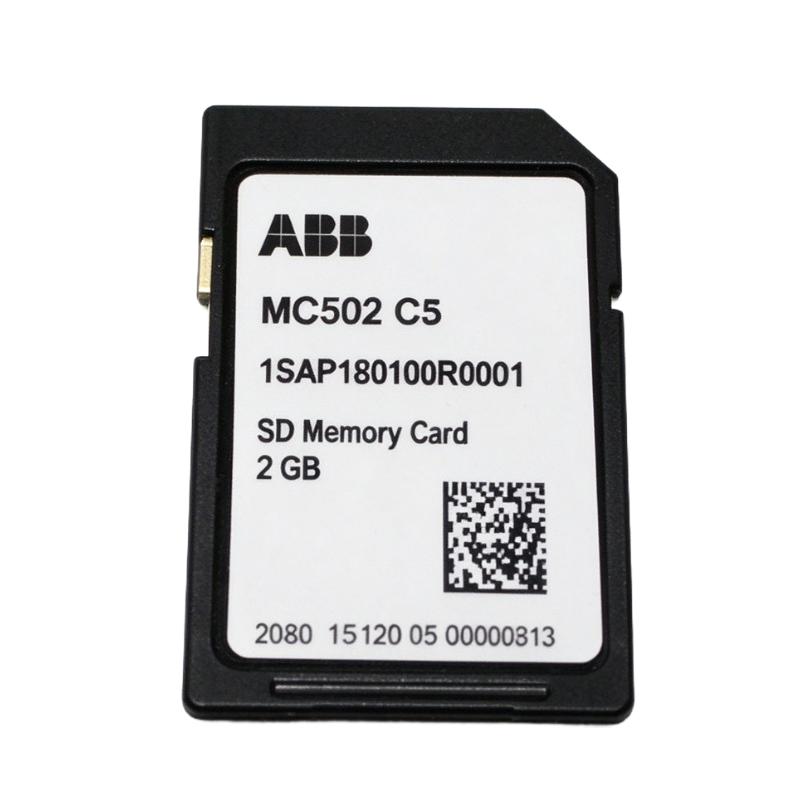
| ABB MC502 / 1SAP180100R0001 | SD Memory Card | Memory accessory for supported AC500-eCo configurations |
| ABB TK503 / 1TNE968901R1100 | USB-to-RS485 Programming Cable | Programming connection for supported COM1 arrangements |
| ABB TK504 / 1TNE968901R2100 | USB-to-RS485 Programming Cable | Programming connection for supported COM2 arrangements |
| ABB TK506 / 1SAP186100R0001 | RS485 Isolator | Provides isolation for supported serial-interface arrangements |
| ABB TA566 / 1TNE968901R3107 | Screw-Mounting Accessory | Supports screw mounting of compatible AC500-eCo CPUs and S500-eCo I/O modules |
| ABB TA570 / 1TNE968901R3203 | AC500-eCo Accessory Set | Includes specified covers and terminal accessories |
| ABB PM55x-xP | AC500-eCo Processor Family | Check the processor configuration when selecting a clock accessory |
| ABB PM56x-xP | AC500-eCo Processor Family | Check hardware compatibility and available option-board functions |
Key Advantages
- Adds a dedicated real-time clock function to compatible AC500-eCo hardware.
- Supports time-dependent PLC operations and event recording.
- Uses a separately replaceable CR2032 backup battery.
- Provides a clock-only option when an additional serial interface is unnecessary.
- Has a distinct ordering number for spare-parts identification.
Technical FAQs
Does the TA561-RTC include the backup battery?
No. The CR2032 battery is purchased separately. Confirm the battery requirement and installation procedure for the specific processor configuration.
How does the TA561-RTC differ from the TA562-RS-RTC?
The TA561-RTC provides the real-time clock function. The TA562-RS-RTC combines a real-time clock with a COM2 RS-485 serial interface. The choice depends on whether the application also requires the additional serial port.
What happens to the clock when the PLC loses power?
With a correctly installed and serviceable backup battery, the clock can retain time during a power interruption. If the battery is missing or depleted, the clock may lose its retained time and require resetting.
What should be checked if the PLC reports an incorrect date or time?
Check the clock settings, battery installation and condition, and the processor’s supported clock configuration. Also verify whether the application resets or synchronizes the clock during startup.