

ProductPRODUCT
Featured products
Contact Us
- ABB
- 1SAP180100R0001
- SD Memory Card
- Sweden (SE)
- 170 × 5 × 100 mm
- 0.007 kg
- Xiamen, China
- New & In Stock
- T/T, PayPal, Western Union
- 1 Year
- 1-3 Working Days
- DHL, UPS, TNT, FedEx and EMS.
- 24-Hour Service
- COO
- 7
Our advantage

Global Logistics
We have a 10-year logistics and express cooperation agreement, so our products can be shipped to any place in the world.

Brand new and original
Our products are imported in bulk from the place of origin. Because of the cooperative relationship, our products are all original and 100% new.

24-hour service
We provide 7*24 hours service to our customers. We will be there whenever you need us.

Price advantage
All our products are priced very favorably because we have our own warehouse and supply.
| Company Information | |||
| [email protected] | |||
| Mobile | +8615980777398 | ||
| +8615980777398 | |||
| 15980777398 |
Product Overview
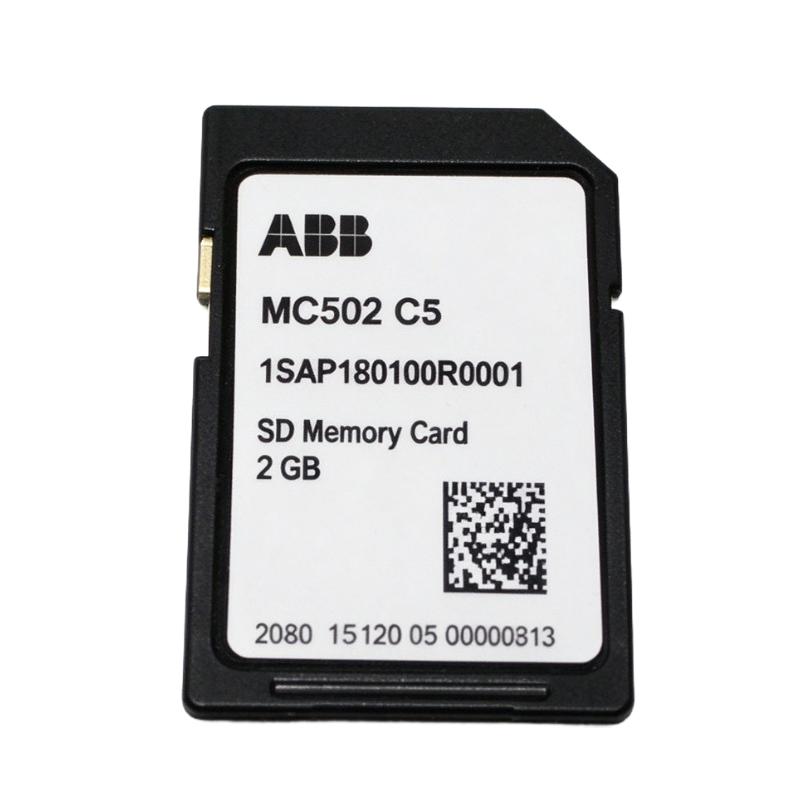
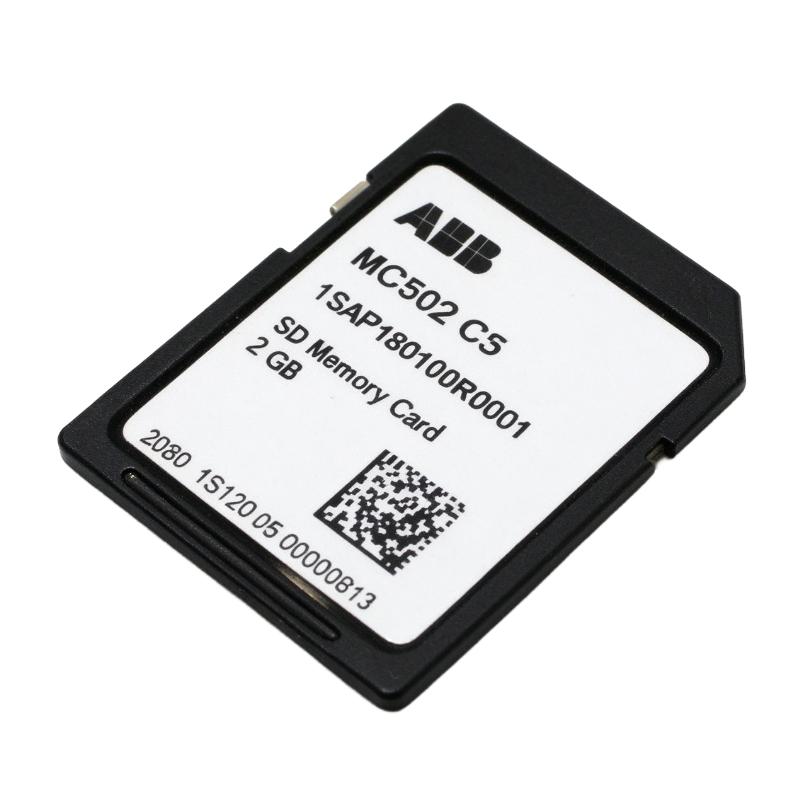
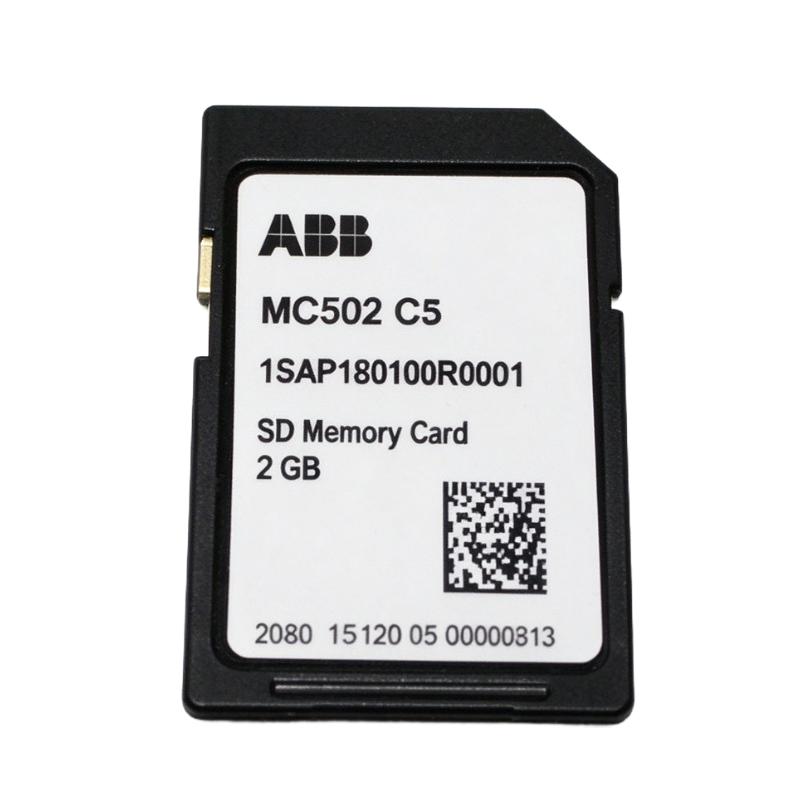
The ABB 1SAP180100R0001 is the ordering number for the MC502 SD Memory Card, a removable storage accessory used with compatible ABB AC500 PLC configurations. In an automation system, the memory card provides storage for supported controller functions, including specific firmware-update and maintenance procedures.
For a maintenance engineer working on an existing AC500-eCo V2 controller, the MC502 can be relevant when preparing a memory card for an approved firmware-update procedure or other supported storage operation. The card is a separate component from the MC503 memory-card adapter, which provides the required interface for compatible PM55x-xP and PM56x-xP processors.
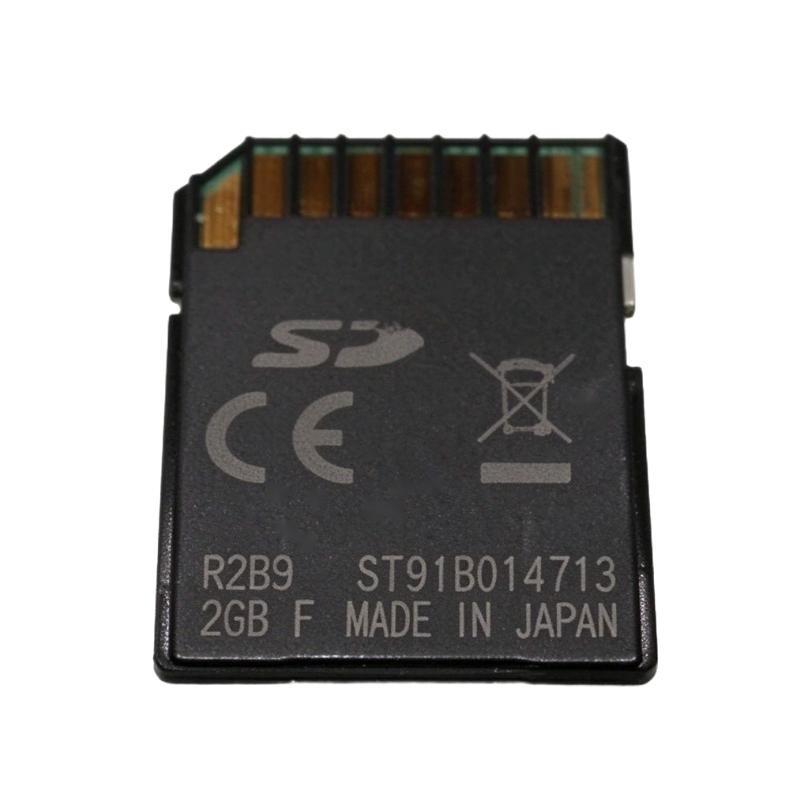
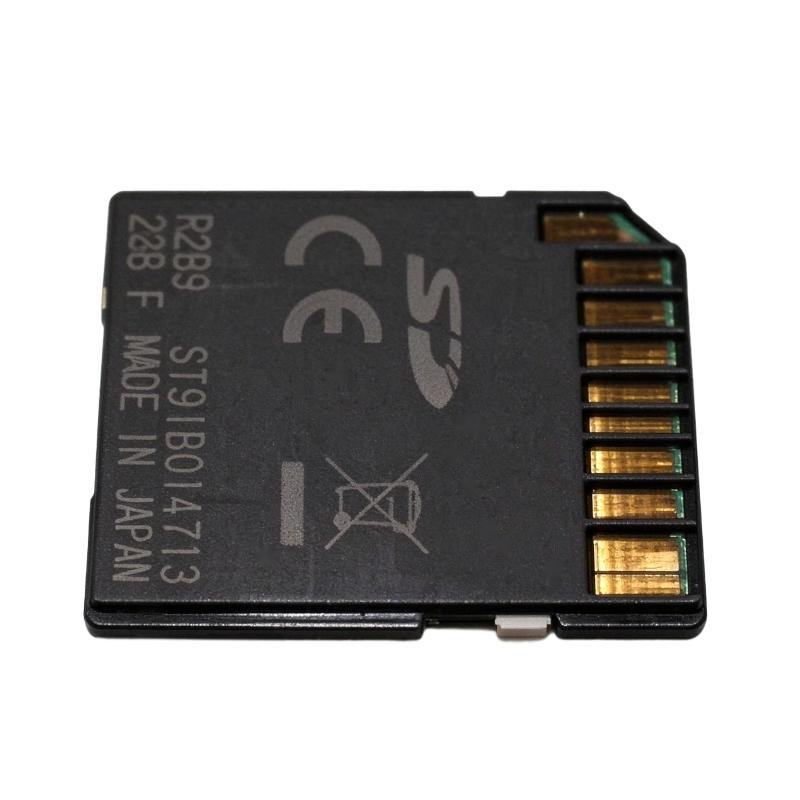
The MC502 is identified as a 2 GB SD memory card in the associated AC500 accessory documentation. Its use depends on the processor generation and the particular application. It should not be assumed that every AC500-eCo processor accepts the same card type or supports every storage function.
When replacing a card in an installed controller, engineers should check the CPU model, firmware requirements, and intended use before transferring files or inserting the card. A memory card prepared for one controller task may not automatically be suitable for another. During operation, the card should not be removed while the controller is accessing it, as doing so can corrupt stored files or interrupt normal PLC operation.
Technical Specifications
| Parameter | Specification |
|---|---|
| Manufacturer | ABB |
| Model | MC502 |
| Ordering Number | 1SAP180100R0001 |
| Product Type | AC500-eCo SD Memory Card |
| Product Family | ABB AC500 |
| Memory Capacity | 2 GB |
| Memory Technology | Solid-state flash storage |
| Associated Adapter | ABB MC503, where required |
| Application | Supported PLC storage and maintenance operations |
| Dimensions | 170 × 5 × 100 mm |
| Weight | 0.007 kg |
Product Features
- Removable flash storage: Stores files required by supported PLC storage and maintenance functions.
- 2 GB capacity: Provides the specified storage capacity for compatible AC500 configurations.
- AC500 accessory compatibility: Belongs to the memory-card range associated with ABB PLC hardware.
- MC503 adapter pairing: Can be used with the MC503 adapter where the processor configuration requires it.
- Firmware maintenance support: Can be used in supported firmware-update procedures when prepared according to the applicable instructions.
- Separate component identification: The MC502 model and 1SAP180100R0001 ordering number help distinguish the card from the MC503 adapter and other memory-card variants.
- Controller-dependent operation: Available functions depend on the processor generation, firmware, and card preparation.
Working Principle
The MC502 stores digital files in solid-state flash memory. When installed in a compatible PLC memory-card interface, the controller can access the stored content for the functions supported by its hardware and firmware.
A typical arrangement for a compatible AC500-eCo V2 processor is:
MC502 SD Memory Card → MC503 Adapter, Where Required → Compatible PLC Processor
For example, a technician carrying out an approved firmware-update procedure may prepare the MC502 card with the required files, install it in the supported processor configuration, and follow the prescribed startup or update sequence. The processor then reads the card according to the update procedure.
The card itself does not execute PLC logic, control motor outputs, or provide communication interfaces. Those functions remain with the processor and the connected automation hardware. The MC502 supplies the storage medium used by supported controller operations.
Correct file preparation and compatibility are essential. An incorrectly prepared card, an unsupported storage format, or files intended for another processor may prevent the operation from completing. During normal operation, the memory card should only be removed when the controller’s instructions indicate that access has stopped and removal is permitted.
Role in the AC500 PLC Architecture
The MC502 serves as a removable storage component within supported ABB AC500 configurations. It complements the processor’s onboard memory rather than replacing the CPU or its application execution functions.
| System Element | Function |
|---|---|
| ABB AC500 / AC500-eCo Processor | Executes PLC logic and manages supported storage operations |
| MC502 SD Memory Card | Stores files for supported controller functions |
| MC503 Memory Card Adapter | Provides the card interface for compatible processor configurations that require it |
| PLC Firmware | Determines supported card functions and firmware compatibility |
| Engineering Software | Supports application development and preparation of relevant maintenance files |
| Memory-Card Slot | Provides the physical connection for the supported card arrangement |
| PLC Application | Executes the machine’s control logic independently of the card’s storage function |
Industrial Applications
| Application | Practical Use |
|---|---|
| PLC Firmware Maintenance | Preparing storage media for a supported firmware-update procedure |
| Existing AC500-eCo V2 Systems | Maintaining compatible controller installations that use the MC502 |
| Machine Automation | Supporting approved memory-card operations on compatible PLC hardware |
| OEM Control Panels | Keeping the required storage accessory available for service work |
| Equipment Commissioning | Preparing card-based maintenance procedures where supported |
| PLC Troubleshooting | Checking card condition and file preparation when a supported storage operation fails |
| Industrial Service Departments | Maintaining correctly identified replacement cards for existing installations |
| Controller Configuration Work | Using removable storage for functions documented for the particular processor |
Installation and Maintenance
- Verify the ordering number: Confirm MC502 and 1SAP180100R0001 before using the card in a controller or maintenance procedure.
- Identify the processor: Check the complete CPU model and hardware generation to establish whether the MC502 is supported.
- Confirm the required adapter: Determine whether the processor configuration requires the MC503 memory-card adapter.
- Check the intended operation: Establish whether the card is being used for firmware maintenance, file storage, or another documented PLC function.
- Prepare the card correctly: Use the prescribed procedure and the correct files for the target processor and firmware version.
- Inspect the card: Check for visible damage, contamination, or other conditions that could interfere with insertion or operation.
- Follow the shutdown or access procedure: Observe the processor’s instructions before inserting or removing the card.
- Install the card in the correct orientation: Align it with the designated interface and insert it without forcing the card or adapter.
- Confirm the controller’s access status: Before removal, verify that the PLC is no longer accessing the card and that its indicators show removal is permitted.
- Verify the intended operation: Follow the relevant procedure and check the controller’s status or diagnostic information for successful completion.
- Investigate card-related errors: Check processor compatibility, card preparation, file integrity, adapter seating, and the prescribed update sequence before replacing hardware.
- Record the maintenance details: Document the card ordering number, target processor, firmware version where relevant, and the result of the storage operation.
Compatible System Components
| Component | Function |
|---|---|
| ABB MC502 SD Memory Card | Provides removable flash storage |
| ABB MC503 Memory Card Adapter | Adapts the MC502 for compatible processor configurations that require it |
| Compatible AC500-eCo V2 Processor | Hosts supported memory-card operations |
| PLC Firmware | Determines supported card functions and version requirements |
| Engineering Software | Supports PLC programming and preparation of maintenance files |
| Processor Memory-Card Interface | Provides the physical card connection |
| PC Card Reader | Allows the memory card to be prepared on a computer where the documented procedure requires it |
Recommended Related Models
| Model | Product Type | Selection Consideration |
|---|---|---|
| ABB MC502 / 1SAP180100R0001 | AC500-eCo SD Memory Card | Reference card for supported AC500 configurations |
| ABB MC503 / 1TNE968901R0100 | SD Memory Card Adapter | Required for compatible processor arrangements that use the MC502 through an adapter |
| ABB MC5141 / 1SAP180100R0041 | AC500 Memory Card | Alternative card for supported AC500 hardware configurations |
| ABB MC5102 / 1SAP180100R0002 | Micro Memory Card with Adapter | Alternative storage accessory for processor generations that support this configuration |
| ABB TA5350-AD | Micro Memory Card Adapter | Adapter for the MC5102 in supported processor configurations |
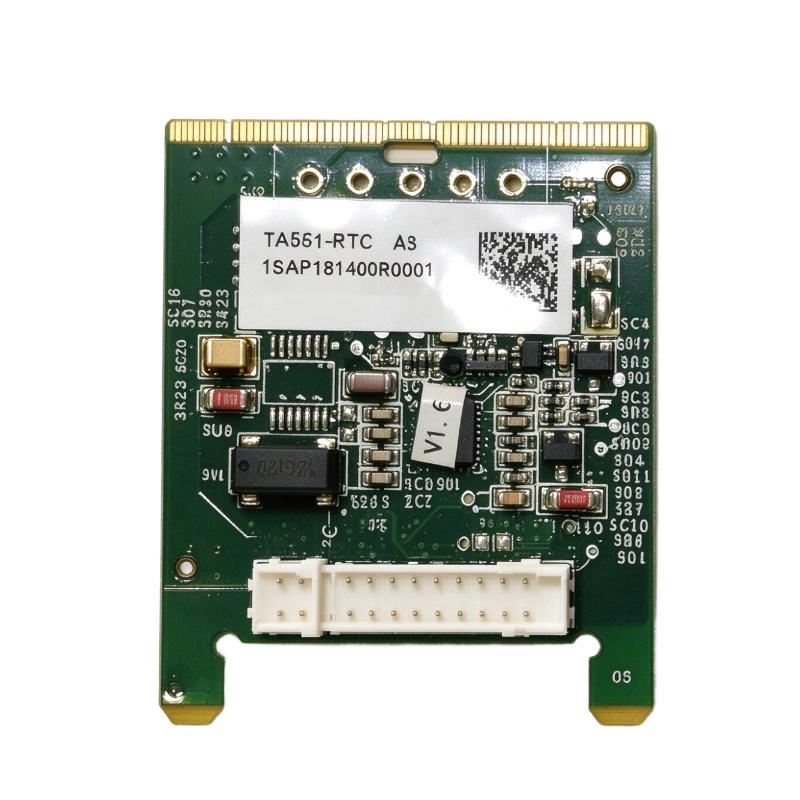
| ABB TA561-RTC / 1SAP181400R0001 | AC500-eCo Real-Time Clock Option Board | Adds real-time clock functionality to compatible controllers |
| ABB TA562-RS / 1TNE968901R4300 | AC500-eCo RS485 Serial Adapter | Adds a COM2 serial interface to supported processors |
| ABB TA562-RS-RTC / 1SAP181500R0001 | RS485 Serial Adapter with Real-Time Clock | Combines serial communication and clock functions |
| ABB TA566 / 1TNE968901R3107 | Wall-Mounting Accessory | Supports mounting of compatible AC500-eCo hardware |
| ABB TA570 / 1TNE968901R3203 | AC500-eCo Accessory Set | Provides specified covers and terminal accessories |
| ABB TK503 / 1TNE968901R1100 | USB-to-RS485 Programming Cable | Programming connection for supported COM1 arrangements |
| ABB TK504 / 1TNE968901R2100 | USB-to-RS485 Programming Cable | Programming connection for supported COM2 arrangements |
Key Advantages
- Provides removable flash storage for supported PLC operations.
- Offers a specified 2 GB capacity.
- Supports documented maintenance procedures on compatible AC500 configurations.
- Can be paired with the MC503 adapter where required.
- Has a dedicated ordering number for replacement identification.
Technical FAQs
Is the MC502 the same component as the MC503?
No. The MC502 is the memory card, while the MC503 is the memory-card adapter used with compatible processor configurations that require it. They perform different functions and have separate ordering numbers.
Can the MC502 be used for firmware updates?
It can be used for supported firmware-update procedures when the target processor accepts the card and the required files are prepared according to the applicable instructions. The procedure varies by processor and firmware version.
Is the MC502 compatible with every AC500-eCo processor generation?
No universal compatibility should be assumed. Check the exact processor generation and the documented memory-card requirements before selecting the MC502.
Can the card be removed while the PLC is running?
Do not remove the card while the controller is accessing it. Follow the processor’s status-indicator and removal instructions to avoid corrupting files or interrupting PLC operation.