

ProductPRODUCT
Featured products
Contact Us
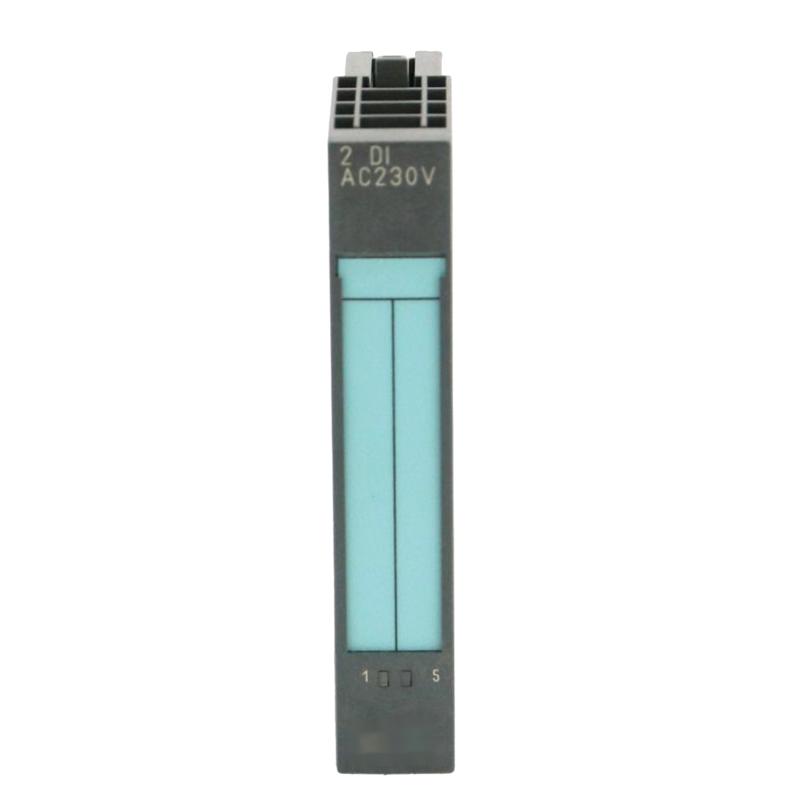
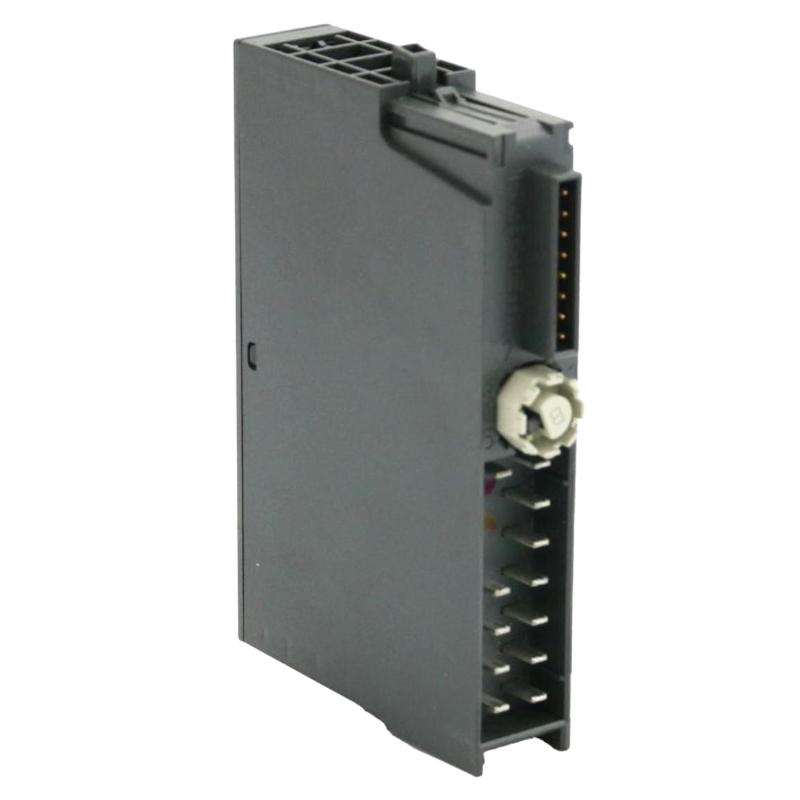
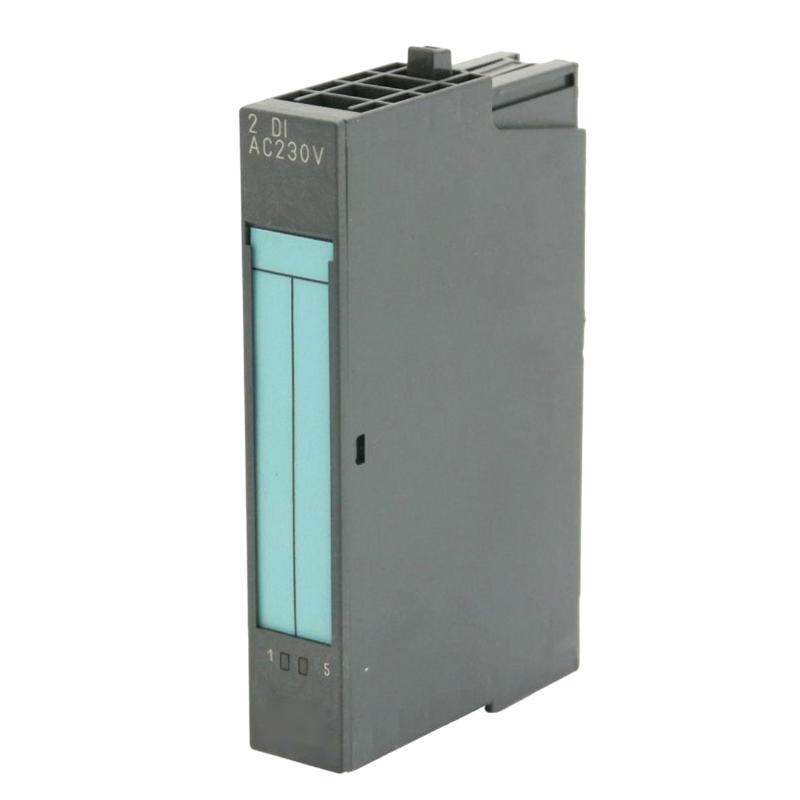
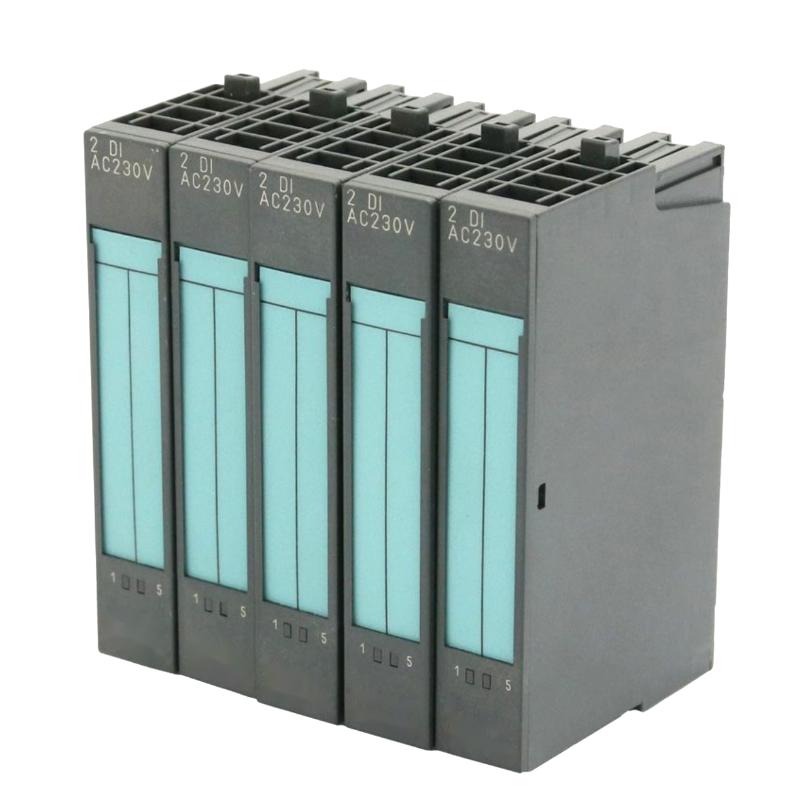
- Siemens
- 6ES7131-4CD02-0AB0
- Digital Input Electronic Module
- Germany
- 15 × 81 × 52 mm
- 0.035 kg
- Xiamen, China
- New & In Stock
- T/T, PayPal, Western Union
- 1 Year
- 1-3 Working Days
- DHL, UPS, TNT, FedEx and EMS.
- 24-Hour Service
- COO
- 7
Our advantage

Global Logistics
We have a 10-year logistics and express cooperation agreement, so our products can be shipped to any place in the world.

Brand new and original
Our products are imported in bulk from the place of origin. Because of the cooperative relationship, our products are all original and 100% new.

24-hour service
We provide 7*24 hours service to our customers. We will be there whenever you need us.

Price advantage
All our products are priced very favorably because we have our own warehouse and supply.
| Company Information | |||
| [email protected] | |||
| Mobile | +8615980777398 | ||
| +8615980777398 | |||
| 15980777398 |
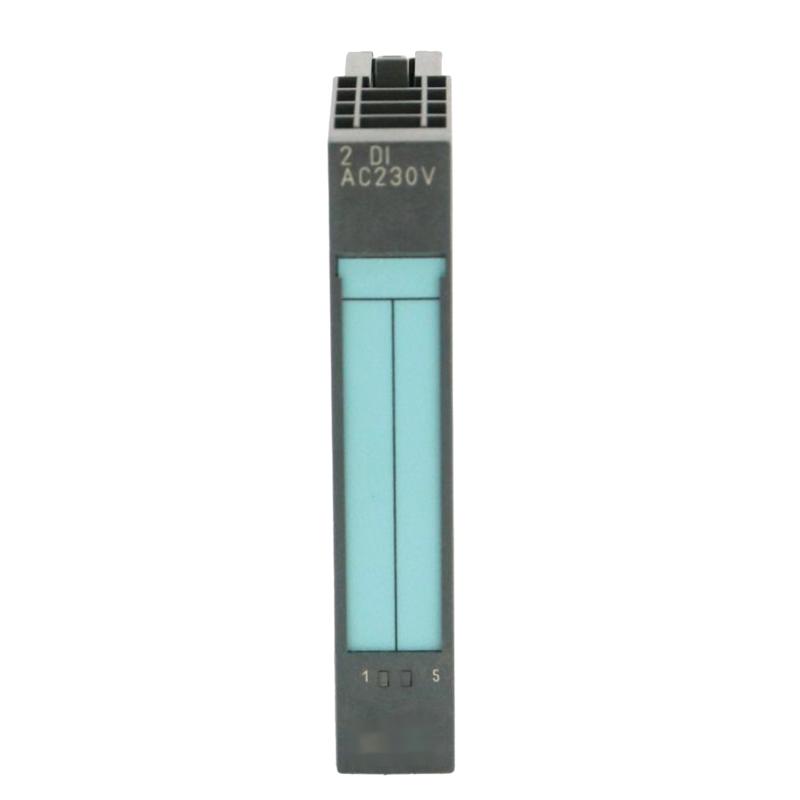
Product Overview
The Siemens 6ES7131-4CD02-0AB0 is a four-channel digital input module for the SIMATIC ET 200S distributed I/O system. Unlike a conventional 24 V DC-only input module, this variant accepts both AC and DC input signals within its specified voltage ranges, making it suitable for applications where different types of discrete signals need to be collected at a local I/O station.
The module can monitor field devices such as switches, position contacts, and compatible two-wire sensors. It transfers the detected input states through the ET 200S backplane bus to the higher-level controller. In a machine control cabinet, this allows discrete signals to be collected close to the equipment rather than individually routed back to a central PLC rack.
One feature worth considering during selection is its 24–48 V AC/DC input capability. The connected signal must fall within the module’s specified input thresholds; a standard 24 V DC input module is not an automatic substitute. Green channel LEDs provide local status indication, while configurable diagnostics can assist with identifying certain input faults.
The 6ES7131-4CD02-0AB0 is an electronic module within an ET 200S station, not a standalone controller. Its terminal module, field wiring, power arrangement, and controller configuration must all match the intended installation.
Technical Specifications
| Parameter | Specification |
|---|---|
| Manufacturer | Siemens |
| Model / Article Number | 6ES7131-4CD02-0AB0 |
| Product Family | SIMATIC ET 200S |
| Product Type | Digital Input Electronic Module |
| Module Designation | 4DI UC 24…48 V |
| Number of Digital Inputs | 4 |
| Rated Input Voltage | 24–48 V AC/DC |
| Input Characteristic | IEC 61131 Type 1 |
| Maximum Input Delay | 15 ms |
| Channel Status Indicators | Green LEDs |
| Diagnostics Function | Configurable |
| Reverse Polarity Protection | Automatic for AC or DC |
| Dimensions | 15 × 81 × 52 mm |
| Weight | 0.035 kg |
Product Features
- Four universal input channels: Accepts supported AC or DC discrete signals within the specified voltage ranges.
- 24–48 V AC/DC operation: Supports input circuits that require more than a conventional 24 V DC-only interface.
- Channel-level status indication: Green LEDs help technicians compare field-device states with the module’s detected inputs.
- Configurable diagnostics: Supports diagnostic functions that can be enabled through the applicable hardware configuration.
- Sensor supply capability: Provides sensor supply outputs with short-circuit protection, subject to the module’s electrical limits.
- Distributed I/O integration: Transfers input data through the SIMATIC ET 200S backplane bus.
Working Principle
The module monitors the electrical state of each input channel and converts it into digital information for the controller. When a connected field device changes state, the input electronics evaluate the applied voltage against the module’s signal thresholds and update the corresponding input data.
Its universal input design supports specified AC and DC signals. For a DC signal, the valid ON and OFF ranges depend on polarity and voltage level. For an AC signal, the applied voltage and frequency must remain within the permitted range. A voltage outside the specified thresholds may not be interpreted as a valid switching state.
The typical signal path is:
Field Switch or Sensor → 6ES7131-4CD02-0AB0 → ET 200S Backplane Bus → Interface Module → PLC
The module’s green LEDs provide a local indication of input status. Where diagnostics are configured, the system can also report supported fault conditions. The specified input delay can reach 15 ms, so the module should be selected with the application’s response-time requirements in mind.
Role in the SIMATIC ET 200S Control Architecture
The 6ES7131-4CD02-0AB0 handles discrete signal acquisition at the field level. It is particularly relevant where the input circuits use supported AC or DC voltages and the controller needs their states for sequence control, equipment monitoring, or interlocking.
Field Devices → Digital Input Module → ET 200S Backplane Bus → Interface Module → SIMATIC Controller
| System Element | Function |
|---|---|
| 6ES7131-4CD02-0AB0 | Acquires four supported AC/DC digital input signals |
| Field Switches and Sensors | Provide machine or process status signals |
| ET 200S Terminal Module | Connects field wiring to the electronic module |
| ET 200S Interface Module | Connects the distributed station to the control network |
| SIMATIC PLC | Processes input states and executes control logic |
| Engineering Configuration | Defines station setup, input addressing, and supported diagnostics |
Industrial Applications
| Application | Typical Use |
|---|---|
| Machine Automation | Monitoring position switches and discrete equipment states |
| Material Handling | Reading end-position contacts and conveyor status signals |
| Packaging Machinery | Acquiring switching signals from individual machine stations |
| Industrial Utility Systems | Collecting discrete status signals in local control cabinets |
| Equipment Monitoring | Transferring contact states to a central controller |
| Distributed Control Panels | Handling field signals close to the equipment |
| Mixed-Voltage Input Circuits | Acquiring supported AC or DC signals without assuming a DC-only input configuration |
Installation and Maintenance
- Verify the module number: Confirm that 6ES7131-4CD02-0AB0 is the required four-channel AC/DC input variant.
- Check the input voltage: Establish whether each field circuit uses AC or DC and confirm that its operating voltage falls within the specified range.
- Review the terminal assignment: Match the field wiring to the installed ET 200S terminal module and the applicable wiring diagram.
- Isolate the electrical supply: De-energize the relevant circuits and follow the site’s electrical safety procedures before installation or removal.
- Check signal polarity: For DC inputs, verify the required polarity and reference connections before energizing the circuit.
- Inspect field-device compatibility: Confirm that switches and sensors meet the module’s input-current and signal-threshold requirements.
- Check sensor supply loading: Where the module supplies sensors, keep the connected load within the permitted output-current limits.
- Seat the module correctly: Install the electronic module in its specified ET 200S station position and verify that it is properly engaged.
- Observe channel indicators: Compare the green LEDs with the actual states of the connected field devices during controlled testing.
- Review diagnostic settings: Check that the required diagnostic functions are enabled in the station configuration.
- Test controller input data: Confirm that each channel changes the expected PLC input address and that the control program responds correctly.
- Record the final configuration: Document channel assignments, signal voltages, diagnostic settings, and any wiring changes made during maintenance.
Compatible System Components
| Component | Function |
|---|---|
| SIMATIC ET 200S Terminal Module | Provides the field wiring interface for the electronic module |
| ET 200S Interface Module | Connects the distributed I/O station to the control system |
| SIMATIC PLC | Processes the acquired digital input data |
| Compatible AC/DC Switches | Supply discrete signals within the module’s permitted input ranges |
| Compatible Two-Wire Sensors | Provide input signals when their electrical characteristics meet the module’s requirements |
| Suitable Sensor Power Supply | Supplies field devices according to the wiring design and electrical limits |
Recommended Related Models
| Model | Product Type | Selection Consideration |
|---|---|---|
| Siemens 6ES7131-4BB01-0AA0 | SIMATIC ET 200S Digital Input Electronic Module | Check the input voltage and channel configuration before considering it as an alternative |
| Siemens 6ES7131-4BB01-0AB0 | SIMATIC ET 200S Digital Input Electronic Module | Verify the exact variant and electrical requirements |
| Siemens 6ES7131-4BD01-0AA0 | SIMATIC ET 200S Digital Input Electronic Module | Compare the signal type and input configuration with the existing installation |
| Siemens 6ES7131-4BF00-0AA0 | SIMATIC ET 200S Digital Input Electronic Module | Confirm compatibility with the field-device signals and station configuration |
Key Advantages
- Four digital inputs with support for specified AC and DC signals.
- Local channel-status indication for commissioning and troubleshooting.
- Configurable diagnostics for supported fault conditions.
- Integration with the SIMATIC ET 200S distributed I/O platform.
- Sensor supply capability within the module’s electrical limits.
Technical FAQs
Can the 6ES7131-4CD02-0AB0 accept both AC and DC input signals?
Yes. The module supports specified AC and DC input voltages in the 24–48 V range. The actual signal must meet the relevant voltage thresholds and, for AC, the permitted frequency range.
Is this module interchangeable with a standard 24 V DC digital input module?
Not automatically. The 6ES7131-4CD02-0AB0 supports universal AC/DC inputs, while other ET 200S input modules can have different voltage ranges, channel counts, and input characteristics. Check the complete article number and wiring requirements before substitution.
What does the 15 ms input delay mean for machine control?
The input delay is the time required for an electrical input transition to be recognized by the module. Applications with fast switching or tight sequence timing should account for this delay alongside PLC scan time and other communication delays.
What should be checked if a field signal is present but the input status is incorrect?
Verify the actual voltage at the terminal, DC polarity where applicable, the field-device output characteristics, the terminal connections, and the channel configuration. Also check the relevant diagnostic information and PLC input address before replacing the module.