

ProductPRODUCT
Featured products
Contact Us
- Schneider
- HMIDT551
- Advanced Touchscreen Panel
- France
- 268.5 × 67 × 198.5 mm
- 2.5 kg
- Xiamen, China
- New & In Stock
- T/T, PayPal, Western Union
- 1 Year
- 1-3 Working Days
- DHL, UPS, TNT, FedEx and EMS.
- 24-Hour Service
- COO
- 11
Our advantage

Global Logistics
We have a 10-year logistics and express cooperation agreement, so our products can be shipped to any place in the world.

Brand new and original
Our products are imported in bulk from the place of origin. Because of the cooperative relationship, our products are all original and 100% new.

24-hour service
We provide 7*24 hours service to our customers. We will be there whenever you need us.

Price advantage
All our products are priced very favorably because we have our own warehouse and supply.
| Company Information | |||
| [email protected] | |||
| Mobile | +8615980777398 | ||
| +8615980777398 | |||
| 15980777398 |
Product Overview
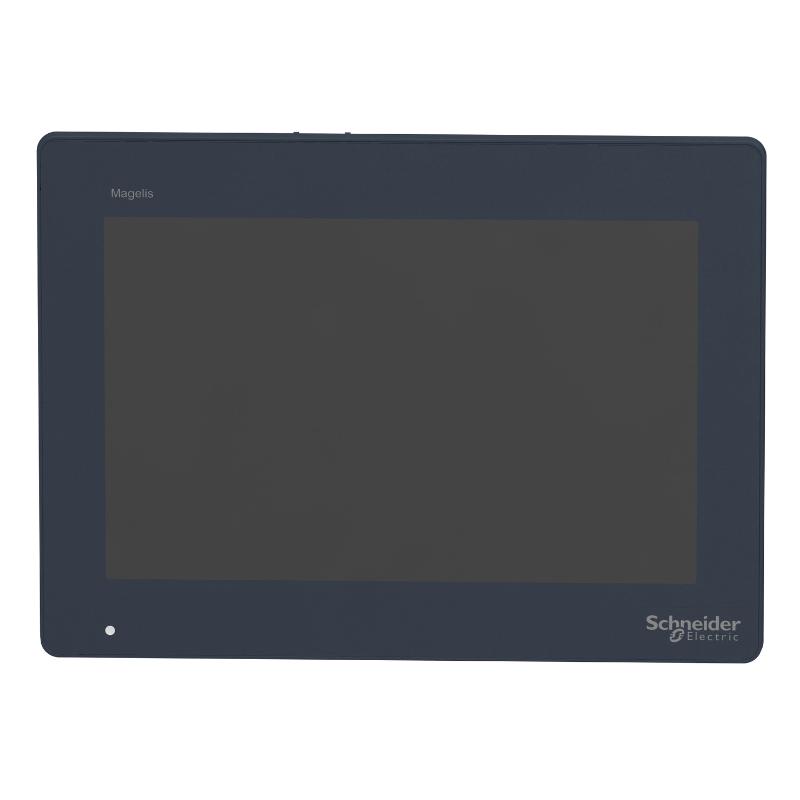
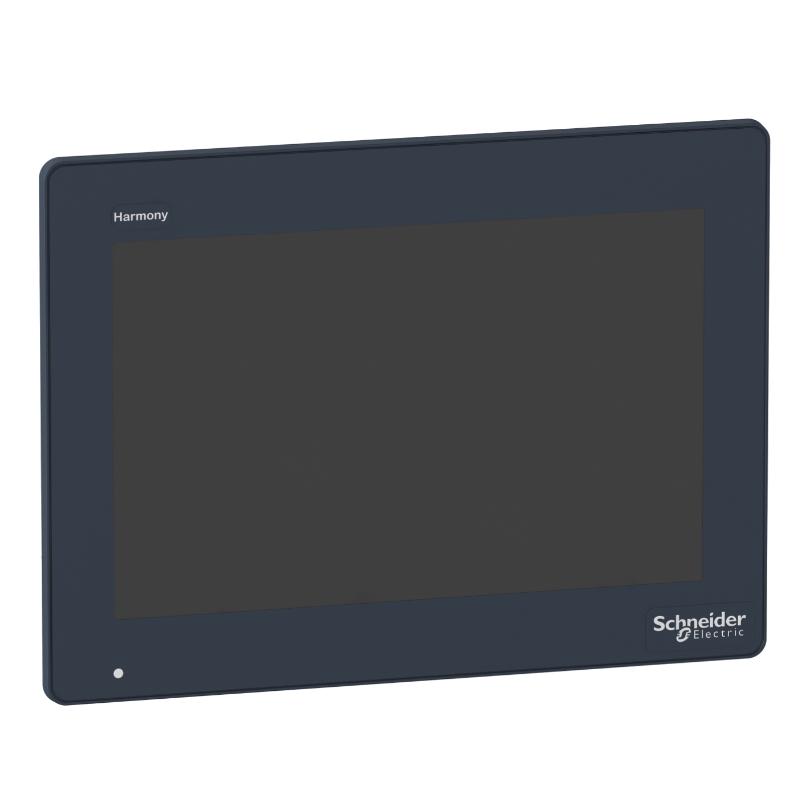
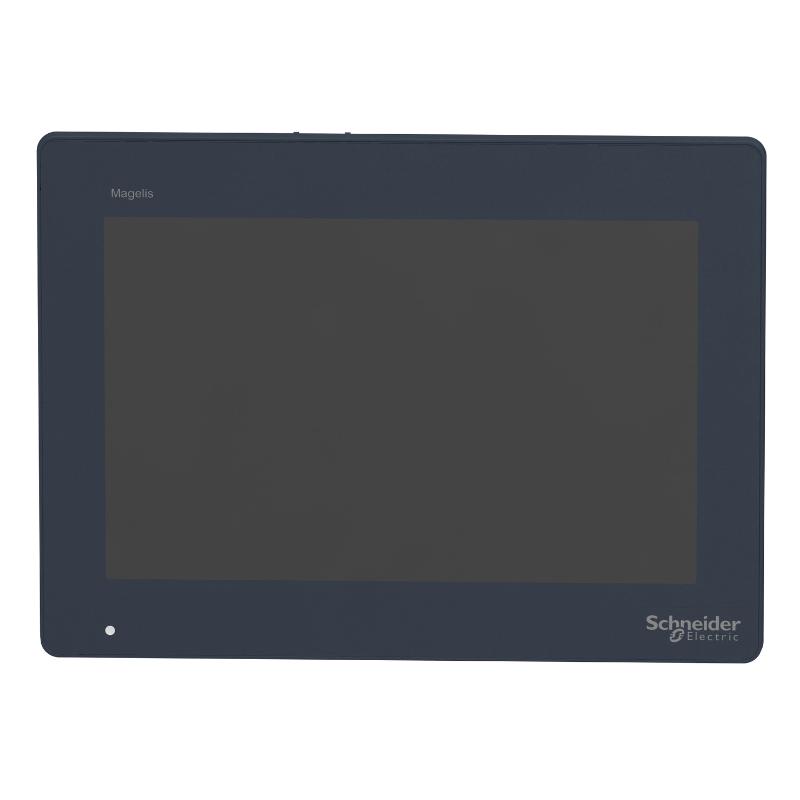
The Schneider HMIDT551 is a touchscreen panel from the Harmony GTU platform, intended for operator interface applications in industrial automation systems. It serves as the front-end display and touch interface through which operators can monitor process information, interact with control functions, and work with HMI applications.
The panel is suited to machine control cabinets and industrial operator stations where a touchscreen interface is required. It can be integrated with a compatible Harmony GTU system to provide the operator-facing interface while the control application handles process logic and device communication.
For machine builders, the HMIDT551 can be used where a dedicated touchscreen panel is preferred over a complete standalone HMI controller. The operator interface can be combined with the appropriate Harmony GTU box module to form the required HMI configuration.
Technical Specifications
| Parameter | Specification |
|---|---|
| Product | HMIDT551 |
| Product Type | Advanced touchscreen panel |
| Product Family | Harmony GTU |
| HMI Platform | Harmony GTU |
| Panel Function | Touchscreen operator interface |
| Display Type | Touchscreen display |
| User Interface | Touch operation |
| System Architecture | Modular HMI |
| Application | Industrial operator interface |
| Mounting | Panel mounting |
| Associated Hardware | Harmony GTU box module |
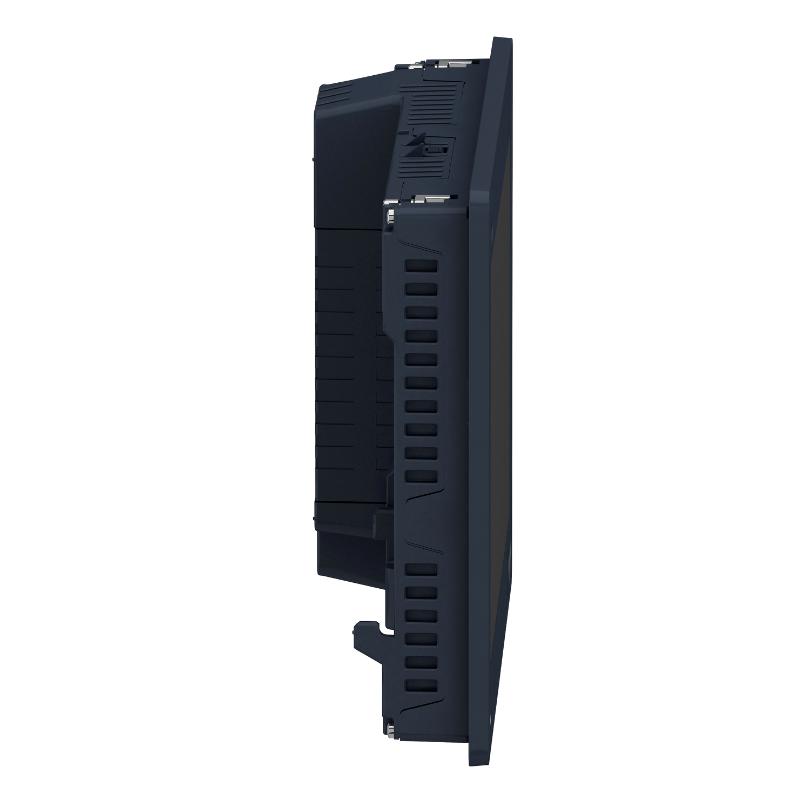
| Dimensions | 268.5 × 67 × 198.5 mm |
| Weight | 2.5 kg |
Product Features
- Harmony GTU modular HMI architecture
- Advanced touchscreen operator panel
- Intended for industrial machine and process interfaces
- Touch-based operator interaction
- Compatible with the Harmony GTU modular platform
- Can be combined with a suitable GTU box module
- Suitable for control cabinet and operator station integration
- Provides the physical interface for HMI applications
Working Principle
The HMIDT551 functions as the operator-facing part of a modular HMI system. The touchscreen displays the HMI application and allows the operator to interact with on-screen controls, status information, alarms, and process values.
When paired with the appropriate Harmony GTU box module, the panel becomes part of a complete HMI system. The box module supplies the computing and control-side functions, while the touchscreen panel handles the visual and operator interaction side.
During operation, operator inputs made on the touchscreen are processed by the connected HMI system and passed to the application logic. Process information and system status are then presented back to the operator through the panel.
Role in a Harmony GTU HMI Control Architecture
| System Position | Function |
|---|---|
| HMIDT551 | Provides the touchscreen operator interface |
| Harmony GTU Box Module | Provides the HMI processing and system functions |
| HMI Application | Presents screens, controls, alarms, and process information |
| PLC / Controller | Executes machine or process control logic |
| Industrial Network | Exchanges data between the HMI and automation devices |
| Field Devices | Provide process data and receive control commands |
Industrial Applications
| Application | Typical Use |
|---|---|
| Machine Automation | Operator control and status monitoring |
| Packaging Machinery | Displaying production information and machine controls |
| Material Handling | Monitoring equipment status and operating sequences |
| Process Equipment | HMI interface for process parameters and alarms |
| Manufacturing Lines | Central operator station for machine functions |
| Control Cabinets | Touchscreen interface integrated into industrial panels |
Installation and Maintenance
- Confirm that HMIDT551 is the required touchscreen panel for the intended Harmony GTU configuration.
- Check the panel mounting location and prepare the cabinet opening according to the applicable installation requirements.
- Ensure that the mounting surface is clean, flat, and suitable for the panel installation.
- Install the panel securely and avoid excessive mechanical force on the touchscreen or housing.
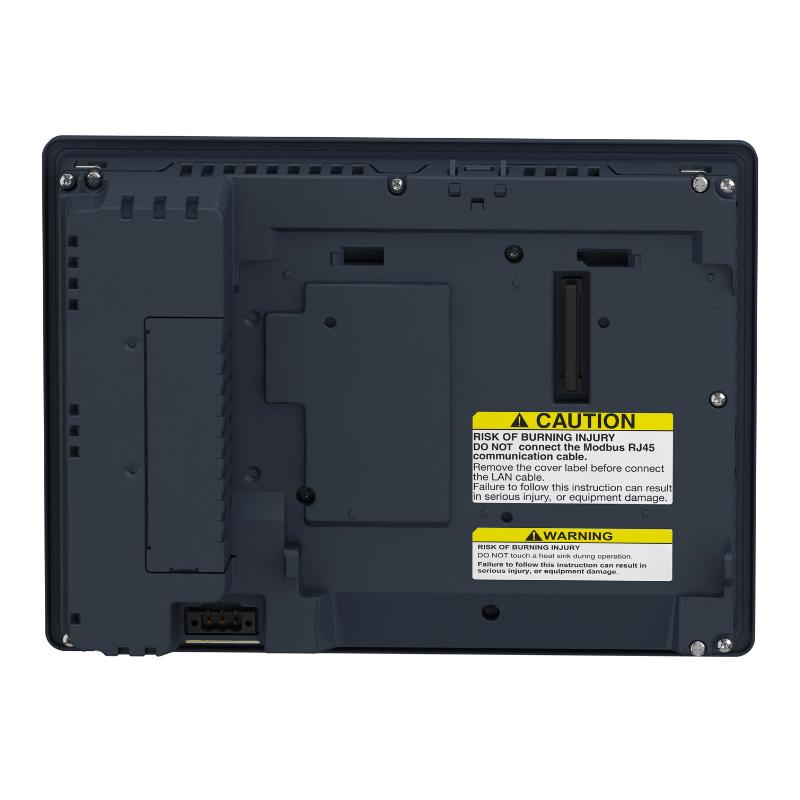
- Connect the panel to the compatible Harmony GTU box module using the specified system connection.
- Route communication and power-related cabling away from sources of excessive electrical interference where practical.
- Check all connectors before startup and ensure that they are fully seated.
- Protect the touchscreen surface from sharp tools and excessive pressure during installation and commissioning.
- Power up the HMI system and verify that the display starts normally.
- Check touchscreen operation across the main operator interface areas after installation.
- If the display or touch function behaves abnormally, inspect the system connection, power supply, and associated GTU hardware before replacing the panel.
- Keep the touchscreen surface clean and inspect the panel periodically for damage, loose mounting hardware, or connector problems.
Compatible System Components
| Component | Function |
|---|---|
| Harmony GTU Box Module | Provides the computing and system functions for the modular HMI |
| PLC | Executes machine or process control logic |
| Industrial Ethernet Network | Provides communication between the HMI and automation devices |
| HMI Application Software | Creates and manages operator screens and functions |
| Control Cabinet | Provides the installation environment for the HMI system |
| Automation I/O | Exchanges process signals with the controller |
Recommended Related Models
| Model | Product / Function |
|---|---|
| HMIDT551 | Harmony GTU Advanced Touchscreen Panel |
| HMIDT542 | Harmony GTU touchscreen panel |
| HMIDT652 | Harmony GTU touchscreen panel |
| HMIDT732 | Harmony GTU touchscreen panel |
| HMIDT952 | Harmony GTU touchscreen panel |
Key Advantages
- Modular Harmony GTU architecture
- Touchscreen operator interface
- Suitable for industrial HMI applications
- Can be paired with a compatible GTU box module
- Suitable for machine and process control cabinets
- Supports direct operator interaction with HMI applications
Technical FAQs
What is the HMIDT551 used for?
The HMIDT551 is an advanced touchscreen panel used as the operator interface in a Harmony GTU modular HMI system. It provides the display and touch functions required for operator interaction.
Is the HMIDT551 a complete standalone HMI controller?
The HMIDT551 is a touchscreen panel within the modular Harmony GTU architecture. A compatible GTU box module is used to provide the HMI processing and system functions.
What type of applications can use the HMIDT551?
It can be used for machine automation, process equipment, manufacturing lines, packaging systems, material handling equipment, and other applications requiring an industrial touchscreen operator interface.
What should be checked when replacing an HMIDT551?
The Harmony GTU system configuration, compatible box module, panel mounting arrangement, system connections, and HMI application requirements should be checked before commissioning the replacement panel.