

ProductPRODUCT
Featured products
Contact Us
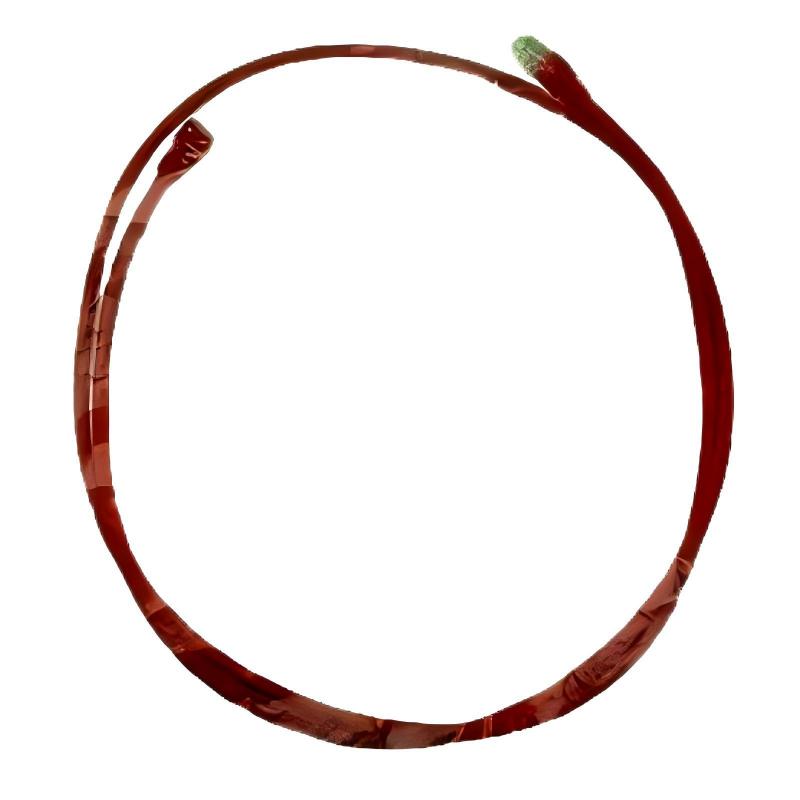
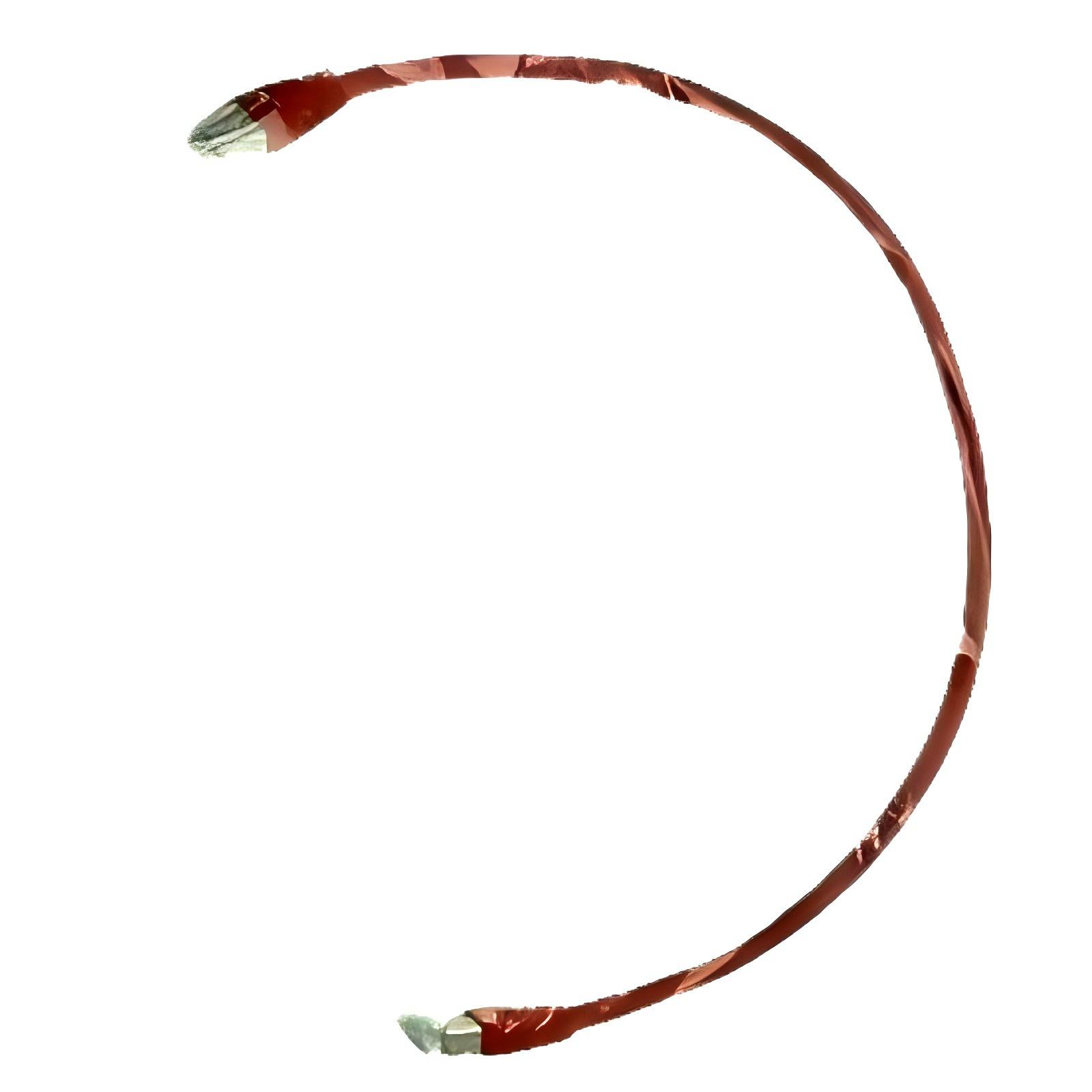
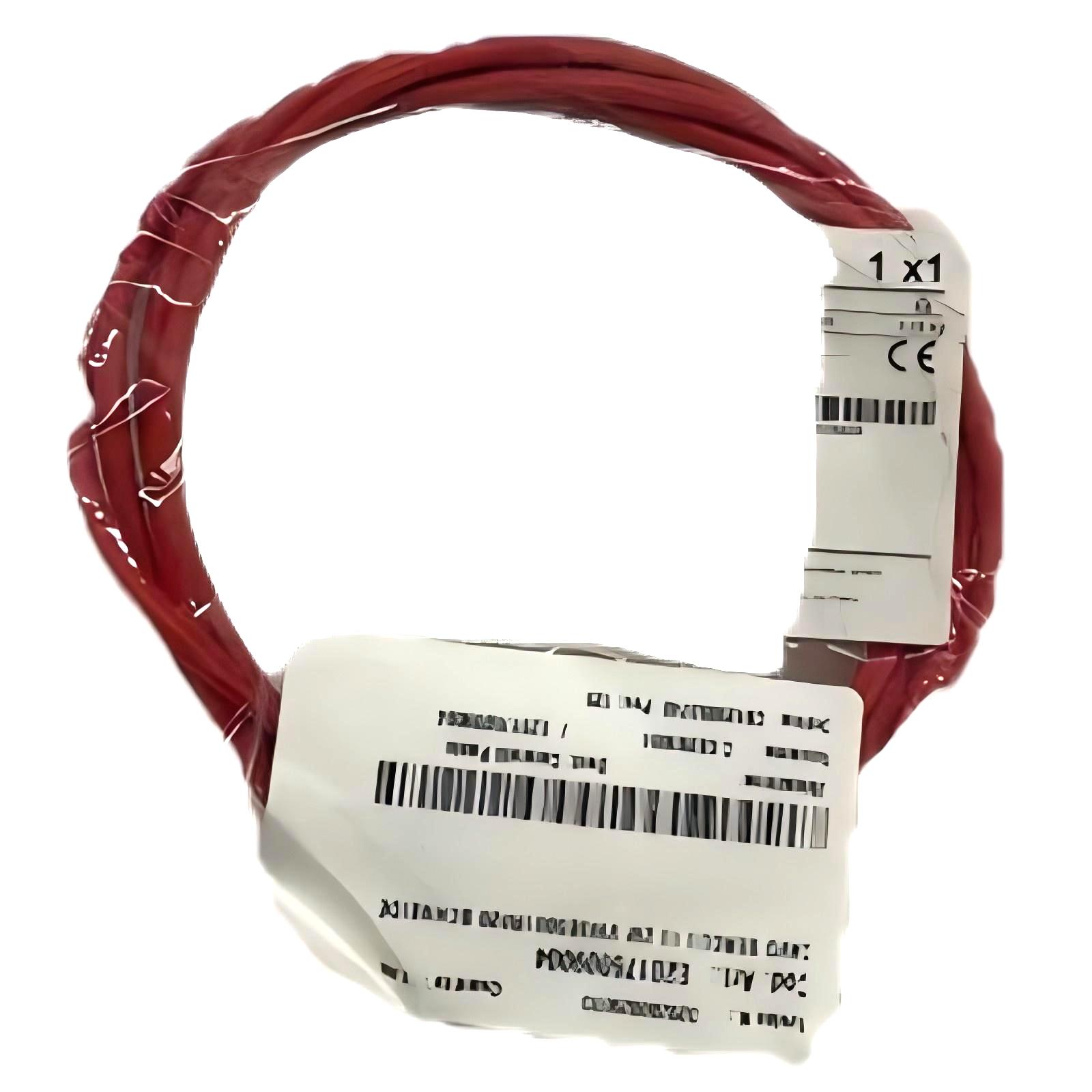
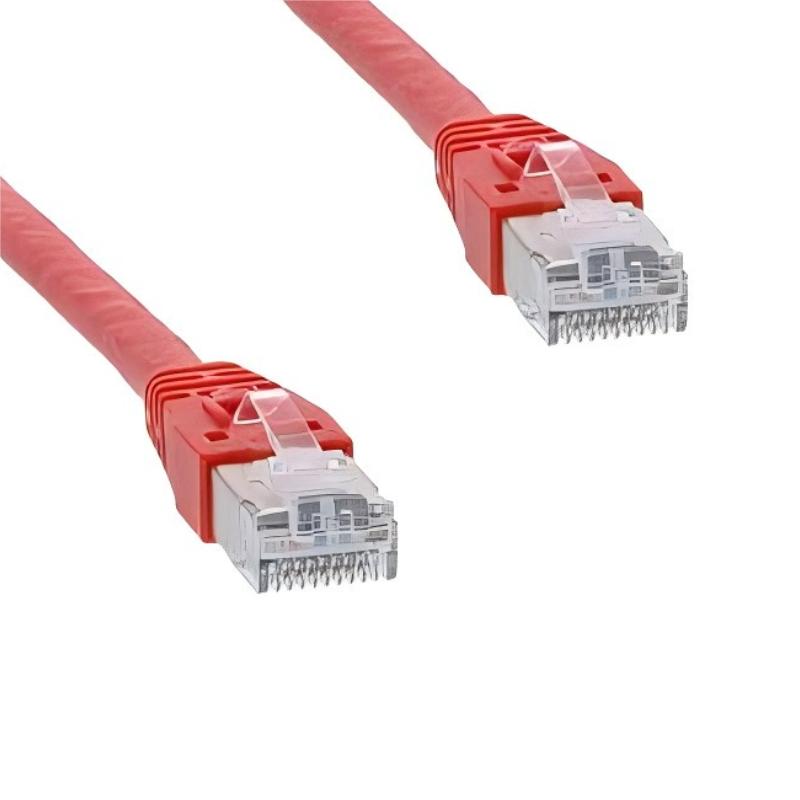
- Schneider
- VW3E5001R020
- SERCOS III Cable
- France
- 2 meters
- 0.1 kg
- Xiamen, China
- New & In Stock
- T/T, PayPal, Western Union
- 1 Year
- 1-3 Working Days
- DHL, UPS, TNT, FedEx and EMS.
- 24-Hour Service
- COO
- 4
Our advantage

Global Logistics
We have a 10-year logistics and express cooperation agreement, so our products can be shipped to any place in the world.

Brand new and original
Our products are imported in bulk from the place of origin. Because of the cooperative relationship, our products are all original and 100% new.

24-hour service
We provide 7*24 hours service to our customers. We will be there whenever you need us.

Price advantage
All our products are priced very favorably because we have our own warehouse and supply.
| Company Information | |||
| [email protected] | |||
| Mobile | +8615980777398 | ||
| +8615980777398 | |||
| 15980777398 |
1. Product Overview
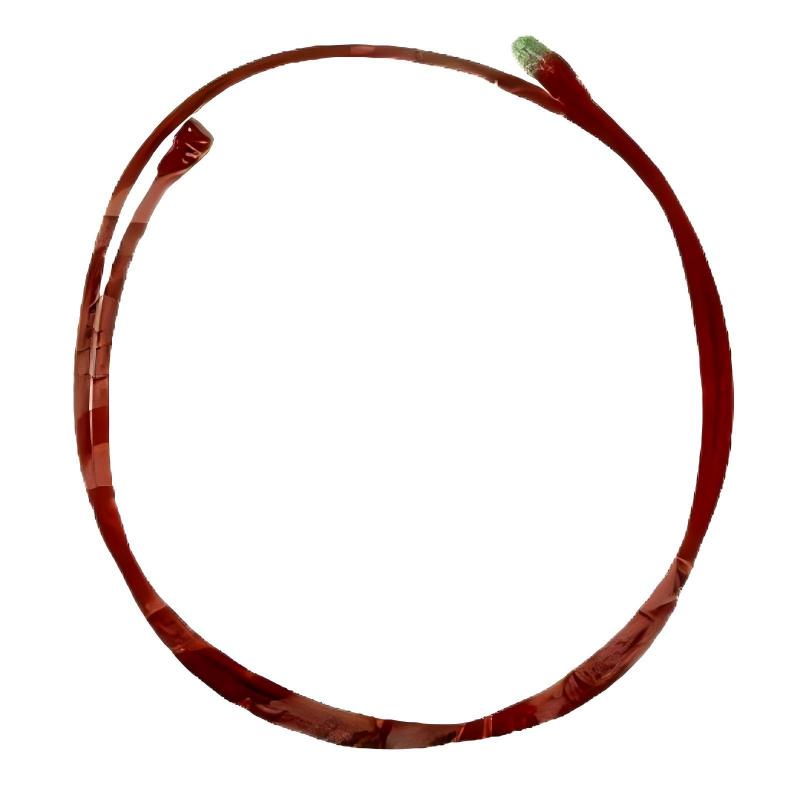
The Schneider VW3E5001R020 SERCOS III Cable is an industrial automation cable designed for applications associated with SERCOS III communication systems. In industrial control environments, reliable communication connections are essential for coordinating controllers, drives, and other automation components. Selecting the correct cable helps support stable data transmission and dependable system integration.
The VW3E5001R020 is identified by its model number and specified cable length of 2 meters. This length can be useful for equipment arrangements where connected devices are installed relatively close to one another, such as within an electrical cabinet, a machine control panel, or a compact automation assembly. Its listed weight is 0.1 kg, providing a useful reference for product identification, inventory management, and replacement planning.
SERCOS III is an industrial communication technology used in automation systems that require coordinated communication between compatible control devices. The cable must match the interface requirements of the connected equipment and the intended network configuration. Before installation, users should confirm the connector type, cable specifications, and supported hardware combination for the exact VW3E5001R020 model.
For maintenance engineers, system integrators, and industrial spare-parts buyers, verifying the complete part number is important when selecting a replacement cable. Cables with similar appearances or lengths may have different connectors, electrical characteristics, or intended applications.
2. Technical Specifications
| Parameter | Specification |
|---|---|
| Brand | Schneider Electric |
| Model | VW3E5001R020 |
| Product Type | SERCOS III Cable |
| Communication Technology | SERCOS III |
| Cable Length | 2 meters |
| Weight | 0.1 kg |
| Application | Industrial automation communication connections |
| Connection Type | Verify the connector arrangement for the exact model |
| Cable Construction | Confirm from the applicable product specifications |
| System Compatibility | Verify compatibility with the connected SERCOS III devices |
| Installation Environment | Follow the environmental requirements of the cable and connected equipment |
| Replacement Requirements | Match the part number, cable length, connectors, and interface requirements |
The cable length and weight listed above are the supplied product specifications. Connector configuration, shielding construction, minimum bending radius, environmental protection, and other electrical or mechanical characteristics should be confirmed before installation.
3. Function and Working Principle
The primary purpose of a communication cable in an industrial automation system is to provide a physical connection between compatible devices. In a SERCOS III installation, the communication infrastructure enables supported equipment to exchange data according to the network architecture and communication settings.
Depending on the control system design, this data exchange may support the coordination of automation devices, transmission of operational information, and communication between a controller and compatible drive equipment.
The VW3E5001R020 is identified as a SERCOS III cable. Its precise role in a particular installation depends on the devices being connected and the network configuration specified for that system.
3.1 Physical Communication Connection
A communication cable creates the physical link required for data transmission between compatible interfaces. The cable must be connected to the designated ports using the correct connector orientation and installation procedure.
An incorrect cable or poorly seated connector can prevent communication from being established, even when the connected devices are otherwise functioning correctly.
3.2 Data Exchange in Automation Systems
Industrial communication networks allow compatible devices to exchange information required for coordinated operation. In motion-control applications, the wider SERCOS III system can support communication between control equipment and compatible drives.
The cable itself does not independently perform control calculations or configure the connected devices. It serves as part of the physical communication infrastructure.
3.3 Importance of Correct Cable Selection
Cable selection should consider the intended communication interface, required length, connector arrangement, and installation conditions. A cable that fits mechanically may not necessarily meet the electrical or communication requirements of the application.
Using the correct cable helps reduce avoidable connection faults and simplifies commissioning and maintenance.
4. Role in Industrial Automation Systems
Communication cables are essential components in modern industrial control installations. They connect devices that must exchange information and help maintain the physical communication path between system components.
4.1 Drive and Motion-Control Integration
Motion-control systems may use compatible controllers, servo drives, and other devices that communicate through an industrial network. A correctly selected SERCOS III cable supports the physical connection required by the configured system.
The actual network topology and supported devices depend on the control platform and equipment documentation.
4.2 Control Cabinet Wiring
A 2-meter cable can be considered for installations where the required connection distance is relatively short. Appropriate cable routing helps keep cabinet wiring organized and makes it easier to inspect and maintain connections.
The specified cable length should be evaluated against the actual distance between connection points, including the routing path and any service allowance required by the installation.
4.3 Machine Communication Infrastructure
Industrial machines often contain multiple control and communication components installed in compact spaces. Correct cable selection helps establish the intended connections between compatible devices.
Cable routing should avoid unnecessary tension, sharp bends, and interference from moving mechanical parts.
4.4 Maintenance and Spare-Parts Management
Keeping the correct cable available can reduce delays when an existing communication connection becomes damaged or requires replacement. Accurate model identification helps maintenance teams distinguish the VW3E5001R020 from cables with different lengths or connector configurations.
4.5 System Availability
A damaged or incorrectly installed communication cable may interrupt data exchange and cause communication-related faults in connected equipment. Proper installation, inspection, and replacement practices help reduce preventable downtime.
5. Industrial Applications
The Schneider VW3E5001R020 SERCOS III Cable may be evaluated for industrial automation installations that specifically require this cable model and support its interface characteristics.
5.1 Automated Manufacturing Equipment
Manufacturing machines rely on communication between controllers, drives, and other automation devices. A suitable communication cable provides the physical connection required by the designed system architecture.
5.2 Servo Drive Systems
Servo systems require compatible control and drive equipment to exchange information according to the supported communication architecture. Where the installed equipment specifies this cable, the VW3E5001R020 can be considered for the corresponding connection.
Compatibility should be confirmed against the drive and controller documentation before use.
5.3 Packaging Machinery
Packaging equipment may include coordinated motion systems, automated feeding mechanisms, and machine-control assemblies. Reliable communication connections are important for maintaining the intended coordination between supported devices.
The suitability of this cable depends on the installed communication interfaces and machine configuration.
5.4 Material Handling Systems
Conveyors, transfer mechanisms, and other material handling equipment may use industrial controllers and drive systems connected through a communication network. Correct cable selection helps maintain the required physical network connections.
5.5 Industrial Equipment Upgrades
During maintenance or control-system modernization, existing communication cables may need replacement. The VW3E5001R020 should be selected only when its part number, cable length, connectors, and technical characteristics match the intended installation.
These examples describe potential application environments for suitable SERCOS III communication cables. They do not establish universal compatibility with every machine or drive system.
6. Installation and System Integration
Correct installation helps preserve communication reliability and reduces the risk of connection faults. The following steps provide a general checklist; the manufacturer’s instructions for the cable and connected devices take precedence.
Step 1: Verify the Model Number
Confirm that the cable label or packaging identifies the product as Schneider VW3E5001R020. Check the specified 2-meter length and compare the part number with the system bill of materials or maintenance records.
Do not select a substitute solely because it has a similar appearance.
Step 2: Confirm Interface Compatibility
Identify the two devices to be connected and verify that both support the intended SERCOS III connection. Check the required connector arrangement and any cable-specific requirements in the applicable equipment documentation.
Step 3: Inspect the Cable
Before installation, examine the cable jacket, connectors, and strain-relief areas for cuts, crushing, deformation, corrosion, or other visible damage.
Do not install a cable with damaged insulation or connectors that cannot be securely seated.
Step 4: Place the Equipment in a Safe State
Before connecting or disconnecting the cable, follow the machine’s approved safety procedure. Where required, stop the equipment, isolate relevant power sources, and verify that the system is in a safe condition.
Follow site lockout/tagout requirements whenever applicable.
Step 5: Route the Cable Correctly
Route the cable along the planned wiring path. Avoid sharp edges, excessive bending, crushing, and unnecessary mechanical tension.
Keep the cable clear of moving components and follow the installation requirements for separation from power wiring or other potential sources of electrical interference.
Step 6: Connect the Cable
Align the connectors with the designated ports and secure them according to the specified procedure. Do not force a connector into a port if its orientation or fit is incorrect.
Ensure that the cable is not twisted or pulled tightly after connection.
Step 7: Check the Completed Installation
Inspect the connection points and confirm that the cable is supported appropriately. Verify that the routing does not interfere with cabinet doors, moving machine parts, ventilation, or maintenance access.
Step 8: Restore Operation and Verify Communication
Restore power and operation according to the approved commissioning procedure. Check the controller, drive, or engineering software for communication status and diagnostic messages.
If communication is not established, follow the system’s diagnostic procedure instead of assuming that the cable is defective.
7. Common Problems and Troubleshooting
Communication faults may originate from the cable, connectors, connected devices, network configuration, or other parts of the automation system. A systematic troubleshooting process helps identify the actual cause.
| Symptom | Possible Causes | Recommended Checks |
|---|---|---|
| Communication is not established | Incorrect connection, damaged cable, incompatible interface, or device configuration issue | Verify the model, connectors, device compatibility, and diagnostic status |
| Intermittent communication | Loose connectors, cable damage, electrical interference, or mechanical stress | Inspect connection security, routing, and the cable jacket |
| Network or device alarm appears | Communication interruption or a fault elsewhere in the system | Record diagnostic codes and follow the connected device’s troubleshooting procedure |
| Connector does not fit correctly | Incorrect cable variant, damaged connector, or wrong port | Compare the connector arrangement and part number before proceeding |
| Communication fails after maintenance | Cable connected incorrectly, disturbed wiring, or changed configuration | Review recent work and verify each affected connection |
| Fault remains after cable replacement | Problem may originate from a device, port, configuration, or another network component | Check the wider communication path and associated equipment |
| Cable jacket shows visible damage | Crushing, abrasion, sharp bending, or environmental exposure | Remove the damaged cable from service and inspect the routing cause |
7.1 Inspect the Cable and Connectors
Check the full accessible cable length for cuts, flattened sections, abrasion, or other signs of mechanical damage. Inspect connectors for contamination or physical deformation.
If damage is found, replace the cable with a verified compatible part rather than attempting an improvised repair.
7.2 Verify the Connected Devices
Confirm that the connected ports are intended for the cable and communication interface being used. Check the device status indicators and diagnostic information to determine whether the fault is localized or affects a wider section of the network.
7.3 Review Cable Routing
Poor routing may expose the cable to mechanical stress, interference, heat, or repeated movement. Check whether the installation follows the applicable routing and separation requirements.
Correct the underlying routing problem before installing a replacement cable.
7.4 Check Configuration and Network Status
A communication failure does not automatically mean the cable is faulty. Verify the relevant controller and drive settings, network status, and device diagnostics according to the system documentation.
Avoid changing configuration parameters without recording the original settings and understanding the consequences.
7.5 Replace the Cable When Necessary
If the cable is visibly damaged or has been identified as the cause through an appropriate diagnostic process, replace it with a cable that meets the required specifications. After replacement, verify communication and confirm that the original fault has cleared.
8. Preventive Maintenance and Reliability
Preventive maintenance helps identify cable damage before it develops into a system interruption.
- Inspect the cable jacket: Look for abrasion, cuts, crushing, or other visible damage during scheduled maintenance.
- Check connector security: Confirm that connectors remain properly seated and are not exposed to excessive tension.
- Maintain suitable routing: Avoid sharp bends, pinch points, and contact with moving machinery.
- Control electrical interference: Follow the installation requirements for cable separation, grounding, and routing around power equipment.
- Keep accurate spare-parts records: Record the complete model number and cable length.
- Use approved replacements: Confirm connector and interface compatibility before installing a substitute.
- Document recurring faults: Track communication alarms and maintenance actions to identify repeated installation problems.
- Follow site procedures: Apply the appropriate safety, inspection, and commissioning requirements.
The inspection interval should reflect the machine’s operating environment, movement, vibration, system criticality, and maintenance policy.
9. Compatible System Components
The VW3E5001R020 should be evaluated as part of the complete automation communication arrangement. The following table lists component categories that may need to be checked during integration; it does not confirm compatibility with any specific device model.
| Component Category | Integration Considerations |
|---|---|
| SERCOS III-compatible controller | Confirm the supported communication interface and network configuration |
| Compatible servo drive | Verify the designated communication port and cable requirements |
| Motion-control equipment | Confirm that the equipment supports the intended SERCOS III connection |
| Network interface | Check connector type and the applicable interface specifications |
| Adjacent communication cables | Verify that each cable meets the requirements of its intended connection |
| Control cabinet assembly | Ensure sufficient routing space and protection against mechanical damage |
| Engineering and diagnostic software | Confirm that the connected equipment is supported and that diagnostic information is available |
The complete system configuration should be reviewed before commissioning. A cable’s association with SERCOS III alone does not guarantee compatibility with every device that uses industrial communication.
10. Replacement and Alternative Selection
When replacing the Schneider VW3E5001R020, confirm the technical requirements of the existing installation before selecting a substitute.
| Selection Factor | What to Verify |
|---|---|
| Exact model | Confirm Schneider VW3E5001R020 |
| Cable length | 2 meters |
| Connector arrangement | Match the required connector types and configurations |
| Communication interface | Confirm suitability for the intended SERCOS III connection |
| Electrical characteristics | Verify the cable’s applicable transmission and electrical specifications |
| Mechanical construction | Check cable flexibility, routing needs, and installation conditions |
| Environmental suitability | Confirm that the cable meets the installation’s temperature and environmental requirements |
| Product condition | Inspect for damage and verify storage and handling conditions |
| System compatibility | Confirm suitability for both connected devices and the intended network configuration |
10.1 Choosing the Correct Replacement
The safest starting point is to match the complete original part number. If the original cable is unavailable, any alternative should be evaluated against the required interface, connector configuration, electrical specifications, and installation conditions.
A cable with a similar length or connector appearance may not provide equivalent performance.
10.2 Considering Cable Length
The supplied cable length is 2 meters. When assessing a replacement, measure the actual routing path rather than only the straight-line distance between devices.
The cable should reach the connection points without excessive tension while avoiding unnecessary slack that could interfere with equipment or complicate maintenance.
10.3 Evaluating Replacement Quality
Inspect replacement cables for clear identification, intact connectors, and undamaged insulation. For critical automation systems, use parts approved for the intended application and maintain traceable spare-parts records.
11. Key Benefits of Correct Cable Selection
Correct selection and installation of the VW3E5001R020 can support reliable integration in suitable industrial automation systems.
Appropriate communication connectivity: A compatible cable provides the physical connection required by the intended SERCOS III installation.
Practical 2-meter length: The specified length can suit short-distance connections where the system layout and routing requirements permit.
Simplified spare-parts identification: A clearly documented model number helps technicians identify the required replacement during maintenance.
More efficient troubleshooting: Correct cable identification makes it easier to distinguish cable-related faults from problems involving devices or network configuration.
Organized control cabinet wiring: Selecting a suitable length helps maintain orderly cable routing and access to connected equipment.
Improved maintenance planning: Recording the model number and installation details supports inventory management and reduces the risk of incompatible substitutions.
These benefits depend on using the cable within its specified limits and following the requirements of the connected equipment.
12. Technical FAQs
Q1: What is the Schneider VW3E5001R020?
The Schneider VW3E5001R020 is identified as a SERCOS III Cable for industrial automation communication applications. Its suitability depends on the connected devices and the requirements of the intended installation.
Q2: What is the cable length?
The specified cable length is 2 meters.
Q3: What is the weight of the VW3E5001R020?
The supplied product weight is 0.1 kg.
Q4: What is the purpose of a SERCOS III cable?
A SERCOS III cable provides a physical communication connection between compatible devices in an industrial automation system. The actual function of the connection depends on the network architecture and connected equipment.
Q5: Can this cable be used with any Schneider Electric drive?
No. Compatibility should not be assumed from the brand alone. Verify the exact drive model, communication interface, connector arrangement, and cable requirements.
Q6: What should be checked before installing the cable?
Confirm the model number, cable length, connector configuration, device compatibility, cable condition, and required routing conditions. Follow the applicable safety and installation procedures.
Q7: Why might a system fail to communicate after cable installation?
Possible causes include an incorrectly seated connector, a damaged cable, an incompatible connection, configuration errors, or a fault in another network component. Review diagnostic information and inspect the complete communication path.
Q8: Can a cable with a different length replace the VW3E5001R020?
A different length may be acceptable only if it meets the system’s technical requirements and approved installation limits. Confirm the permitted cable specifications and routing requirements before substituting another model.
Q9: How can cable-related communication problems be prevented?
Use the correct cable, secure connectors properly, protect the cable from mechanical damage, follow routing requirements, and inspect connections during scheduled maintenance.
Q10: Should a damaged communication cable be repaired or replaced?
Replacement with a verified compatible cable is generally the safer approach when the cable jacket or connector is damaged. Follow the manufacturer’s requirements and the site’s maintenance procedures.
13. Conclusion
The Schneider VW3E5001R020 SERCOS III Cable is an industrial automation communication cable specified with a length of 2 meters and a weight of 0.1 kg. It can be considered for installations that require this exact cable model and meet its interface and connection requirements.
Reliable operation depends on correct product identification, compatibility with the connected devices, appropriate routing, and secure connector installation. During maintenance, technicians should inspect the cable for physical damage, review communication diagnostics, and verify the wider network before concluding that the cable is the cause of a fault.
For replacement planning and system integration, confirm the complete part number and the applicable technical requirements before installation. Careful selection and preventive maintenance help support dependable communication and reduce avoidable downtime in industrial automation systems.