

ProductPRODUCT
Featured products
Contact Us
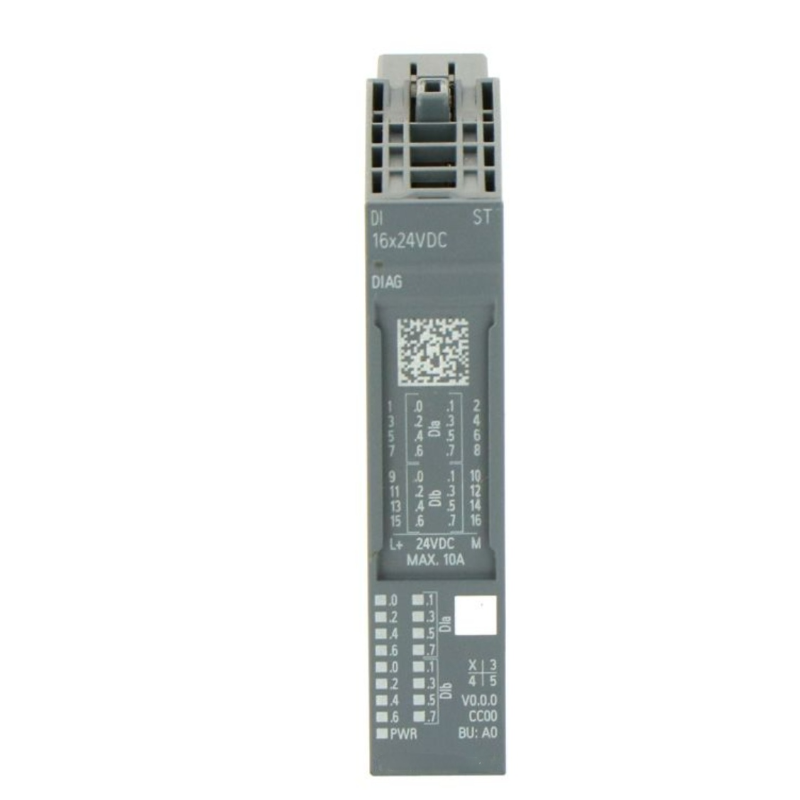
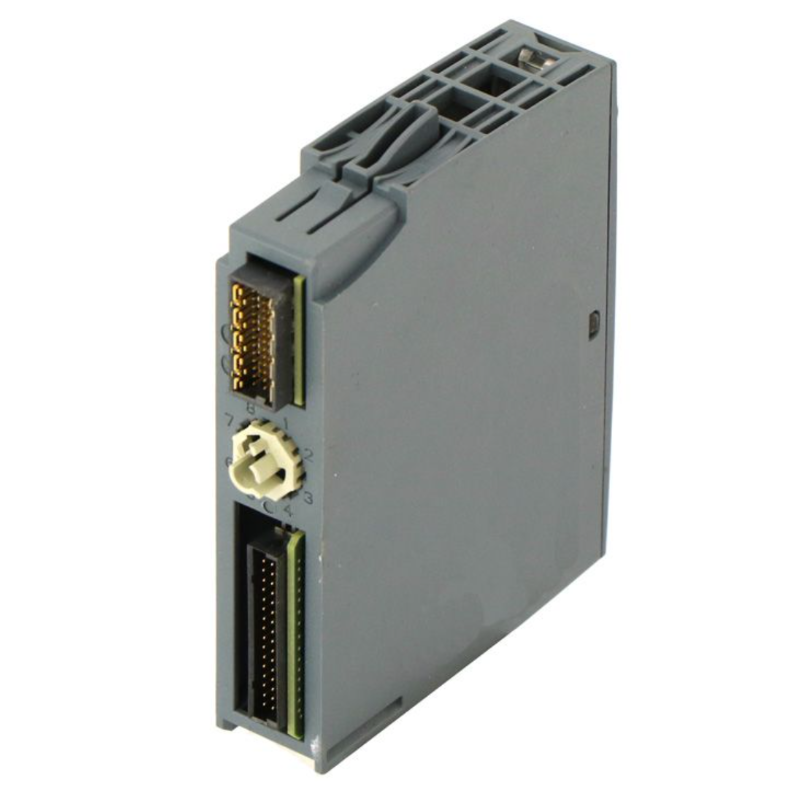
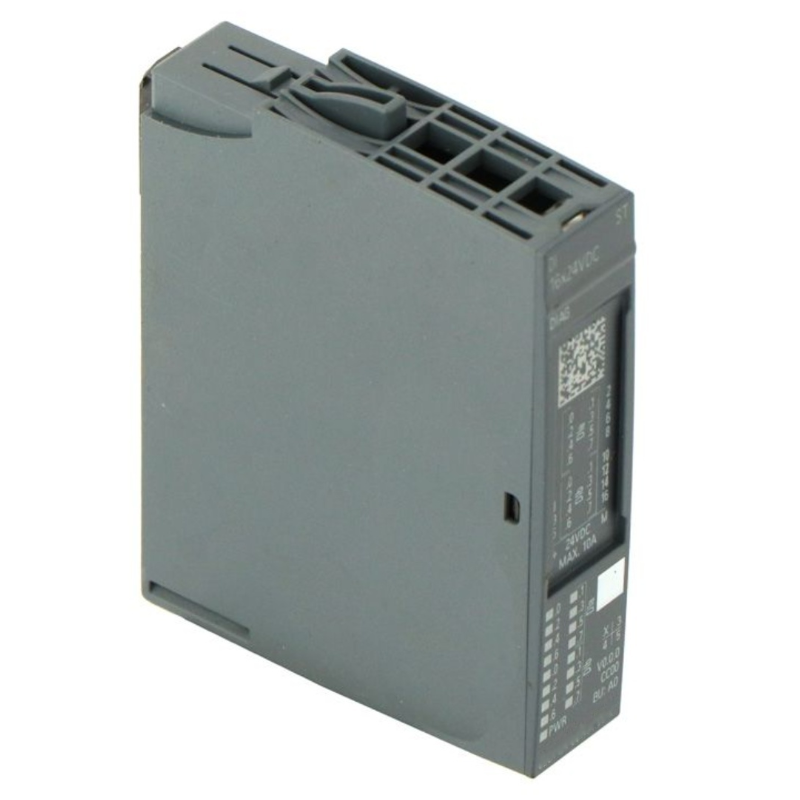
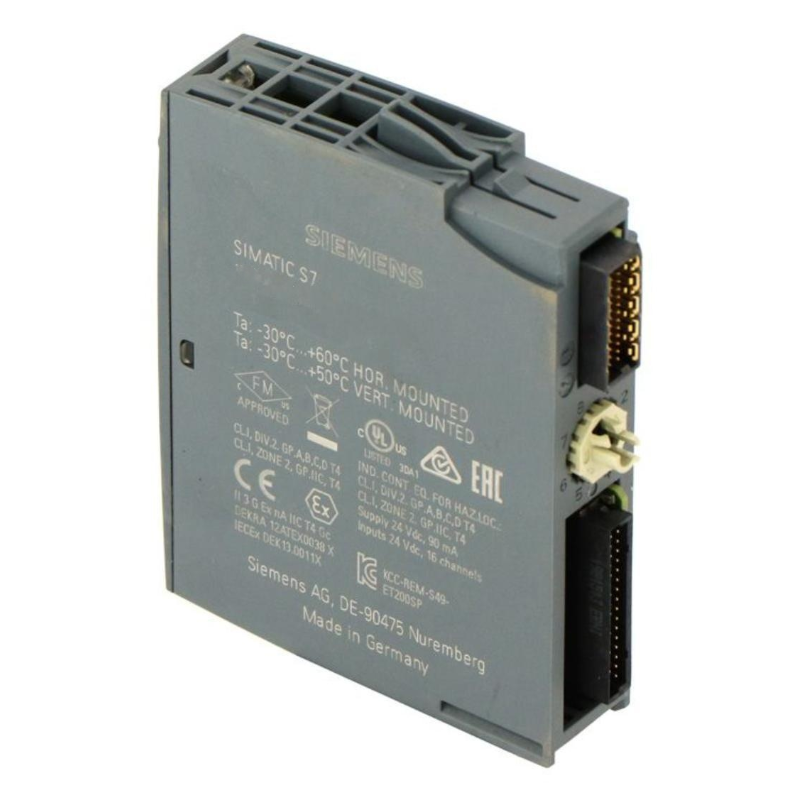
- Siemens
- 6AG2131-6CF00-4AU0
- Digital Input Module
- Germany
- 20 × 73 × 58 mm
- 0.046 kg
- Xiamen, China
- New & In Stock
- T/T, PayPal, Western Union
- 1 Year
- 1-3 Working Days
- DHL, UPS, TNT, FedEx and EMS.
- 24-Hour Service
- COO
- 6
Our advantage

Global Logistics
We have a 10-year logistics and express cooperation agreement, so our products can be shipped to any place in the world.

Brand new and original
Our products are imported in bulk from the place of origin. Because of the cooperative relationship, our products are all original and 100% new.

24-hour service
We provide 7*24 hours service to our customers. We will be there whenever you need us.

Price advantage
All our products are priced very favorably because we have our own warehouse and supply.
| Company Information | |||
| [email protected] | |||
| Mobile | +8615980777398 | ||
| +8615980777398 | |||
| 15980777398 |
Product Overview
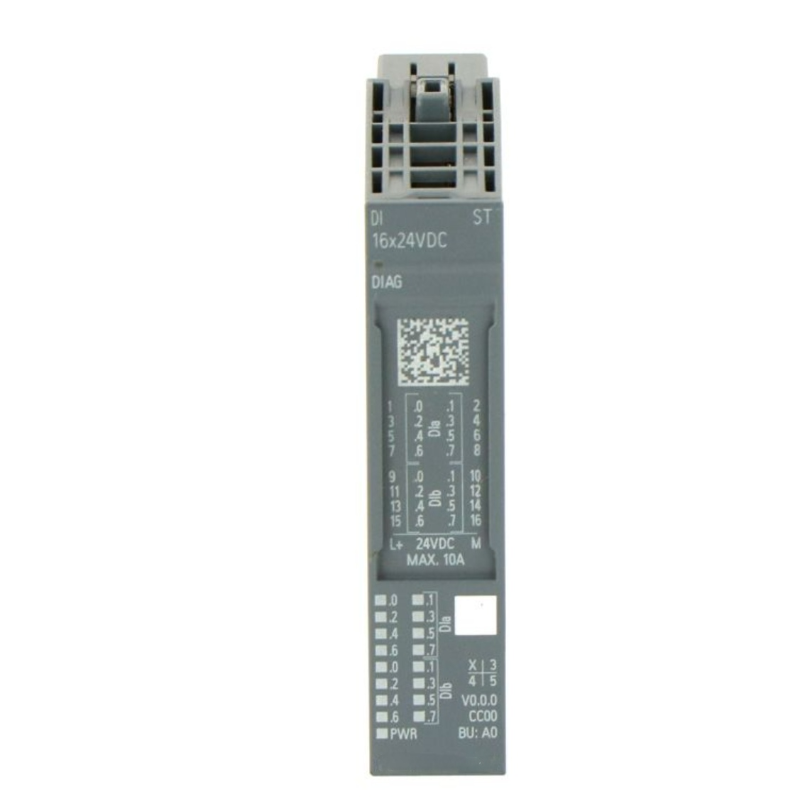
The Siemens 6AG2131-6CF00-4AU0 SIPLUS ET 200SP Digital Input Module is used to acquire discrete electrical signals from field devices in distributed automation systems. As part of the SIMATIC ET 200SP platform, it transfers input information to a connected controller for processing within the machine or process control program.
Digital inputs allow a PLC to monitor conditions such as switch positions, sensor states, equipment feedback, and operator commands. The controller uses these signals to manage machine sequences, evaluate interlocks, update operating status, and initiate programmed responses.
The module operates within an ET 200SP station and works with the corresponding BaseUnit, interface module, and configured controller. Its role is to provide the input interface between field wiring and the automation system rather than execute control logic independently.
Technical Specifications
| Parameter | Specification |
|---|---|
| Product Type | Digital Input Module |
| Brand | Siemens |
| Order Number | 6AG2131-6CF00-4AU0 |
| Product Family | SIPLUS ET 200SP |
| Based on Product Platform | SIMATIC ET 200SP |
| Module Category | Digital input |
| Signal Type | Digital signals |
| Primary Function | Acquisition of discrete field signals |
| Automation Architecture | Distributed I/O |
| Controller Integration | Compatible SIMATIC automation systems |
| Station Integration | ET 200SP station with compatible BaseUnit |
| Configuration Environment | TIA Portal with applicable device support |
| Typical Signal Sources | Switches, push buttons, and compatible digital sensors |
| Dimensions | 20 × 73 × 58 mm |
| Weight | 0.046 kg |
Product Features
- Acquires discrete electrical signals from connected field devices.
- Integrates into the Siemens ET 200SP distributed I/O system.
- Makes input states available to the controller for programmed processing.
- Supports machine-status monitoring and field-device feedback.
- Fits into a modular I/O architecture with compatible ET 200SP station components.
- Supports organized field-signal wiring in distributed control cabinets.
- Belongs to the SIPLUS product range for specialized industrial operating conditions.
Working Principle
The module receives electrical signals from connected field devices through its input terminals. Its input circuitry interprets these signals as discrete states according to the module’s electrical characteristics.
The resulting input information is transferred through the ET 200SP station to the connected controller. The PLC program evaluates the states and determines the appropriate response. For example, a sensor signal may indicate that a component has reached a position, allowing the controller to advance a machine sequence or update an alarm condition.
The module handles signal acquisition and communication within the I/O station. The controller remains responsible for processing the automation program and managing connected outputs.
Role in a Distributed I/O Control Architecture
| Component | Role in the System |
|---|---|
| 6AG2131-6CF00-4AU0 Digital Input Module | Acquires discrete field signals |
| ET 200SP BaseUnit | Provides module mounting and electrical connections |
| ET 200SP Interface Module | Connects the I/O station to the automation network |
| SIMATIC PLC | Processes input states and executes control logic |
| Field Sensors | Detect machine or process conditions |
| Limit Switches | Report mechanical positions |
| Push Buttons and Selector Switches | Supply operator commands and mode selections |
| Industrial Communication Network | Transfers data between the I/O station and controller |
| HMI Operator Panel | Displays selected input states, alarms, and machine conditions |
Industrial Applications
| Application | Digital Input Function |
|---|---|
| Machine Automation | Monitors equipment states and discrete operating conditions |
| Assembly Lines | Collects sensor and position-switch feedback |
| Packaging Equipment | Detects product presence and mechanism positions |
| Conveyor Systems | Monitors limit switches and equipment status |
| Process Skids | Acquires discrete signals from field switches and compatible instruments |
| Material Handling | Reports position and status conditions to the controller |
| Distributed Control Cabinets | Collects field signals near the monitored equipment |
Installation and Maintenance
- Confirm the complete order number, 6AG2131-6CF00-4AU0, against the system bill of materials.
- Review the module’s electrical specifications before connecting field devices.
- Confirm compatibility with the ET 200SP station, interface module, and selected BaseUnit.
- Isolate the relevant power supply before installation or changes to field wiring.
- Install the module according to the ET 200SP system installation instructions.
- Check the BaseUnit and terminal assignment against the wiring diagram.
- Connect field devices using the specified terminal layout and conductor requirements.
- Verify signal polarity, common connections, and supply arrangements where applicable.
- Configure the module in the engineering project and assign the required input addresses.
- Test each connected input by changing the field-device state and checking the corresponding controller status.
- Inspect the module, BaseUnit, terminals, and wiring for loose connections, contamination, or damage during maintenance.
- Record replacement and configuration changes, then verify normal signal acquisition before returning the system to service.
Compatible System Components
| Component | Function |
|---|---|
| ET 200SP BaseUnit | Provides module mounting and electrical connections |
| ET 200SP Interface Module | Connects the I/O station to the controller network |
| SIMATIC PLC | Processes digital input states |
| Digital Field Sensors | Supply discrete status signals |
| Limit Switches | Detect mechanical positions |
| Push Buttons | Provide manual control inputs |
| Industrial Network Components | Support communication between the I/O station and controller |
| HMI Operator Panel | Presents selected input states and machine information |
| TIA Portal Engineering Software | Supports hardware configuration and I/O address assignment |
Recommended Related Models
| Model | Product Name | Application |
|---|---|---|
| 6AG2131-6CF00-4AU0 | SIPLUS ET 200SP Digital Input Module | Distributed digital signal acquisition |
| 6AG2131-6BH01-4BA0 | SIPLUS ET 200SP Digital Input Module | Distributed digital input applications |
| 6ES7131 Series | SIMATIC ET 200SP Digital Input Modules | Digital input expansion |
| 6ES7193 Series | SIMATIC ET 200SP BaseUnits | Module mounting and field wiring |
| ET 200SP Interface Modules | SIMATIC ET 200SP Interface Modules | Distributed station communication |
Key Advantages
- Collects discrete field signals within a distributed I/O architecture.
- Supports PLC-based monitoring of machine states and sensor feedback.
- Integrates into compatible ET 200SP station configurations.
- Helps organize field wiring in distributed control cabinets.
- Supports systematic signal testing during commissioning and maintenance.
Technical FAQs
What is the Siemens 6AG2131-6CF00-4AU0 used for?
It is a SIPLUS ET 200SP digital input module used to collect discrete signals from field devices and make their states available to a connected controller.
Does the module execute machine control logic?
No. The module acquires input signals and transfers their states through the I/O station. The connected PLC executes the control program and determines how the system responds to those signals.
Which devices are typically connected to a digital input module?
Common examples include limit switches, push buttons, proximity sensors, and other compatible devices that provide discrete electrical signals. The actual input voltage and wiring requirements depend on the module’s specifications.
What should be checked when replacing this module?
Confirm the order number, electrical signal requirements, BaseUnit compatibility, terminal assignment, hardware configuration, and input address mapping. After installation, test the connected field signals and verify that the controller receives the expected states.