

ProductPRODUCT
Featured products
Contact Us
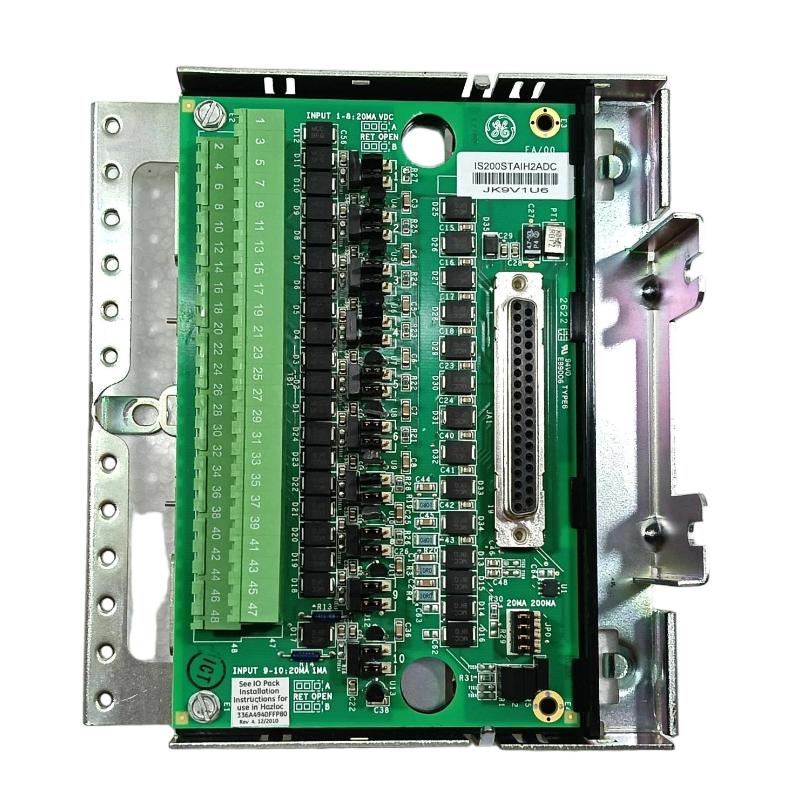
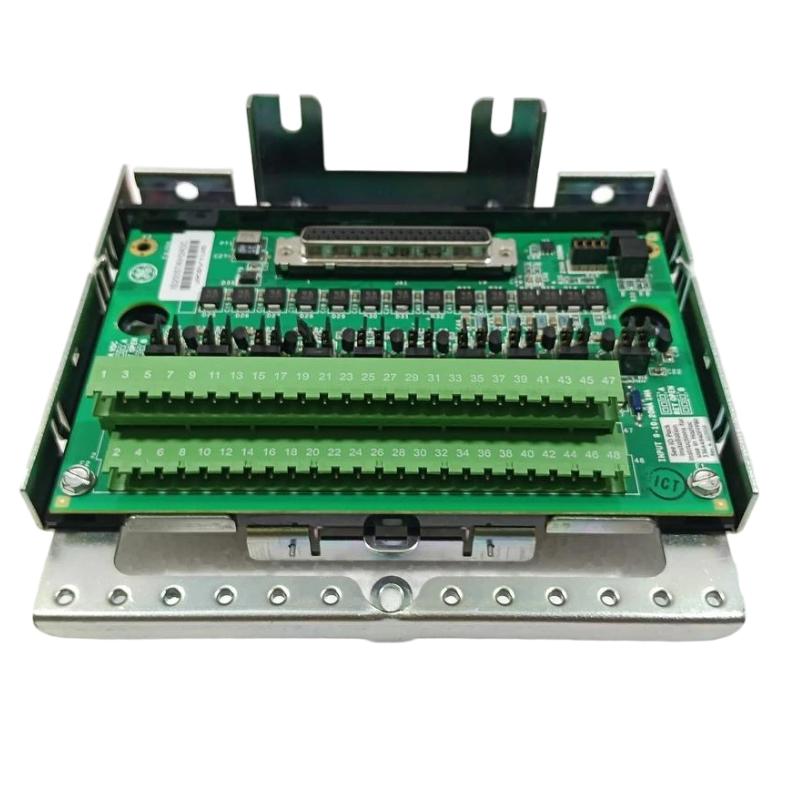
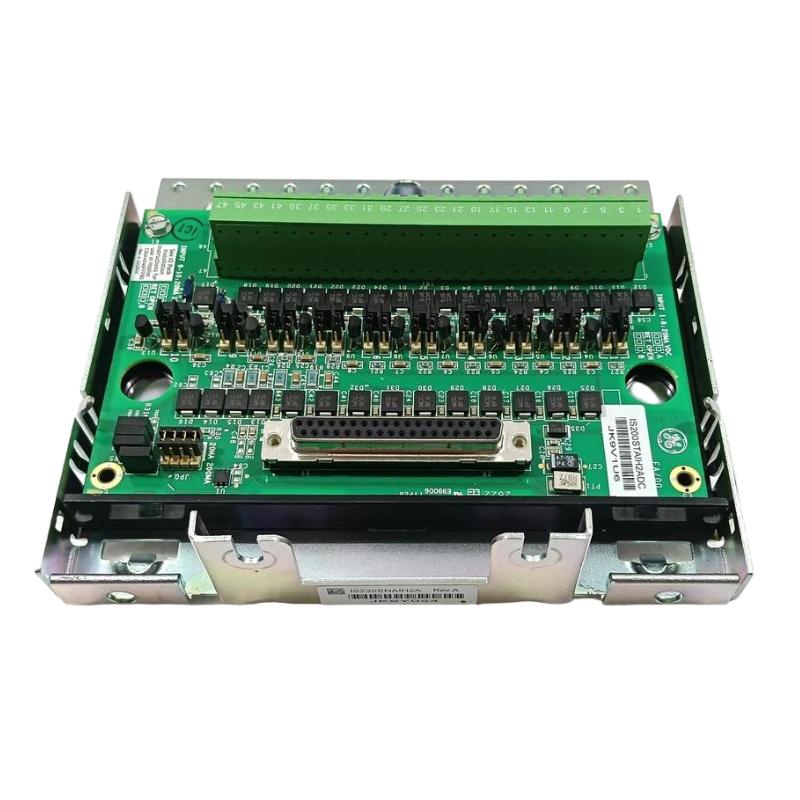
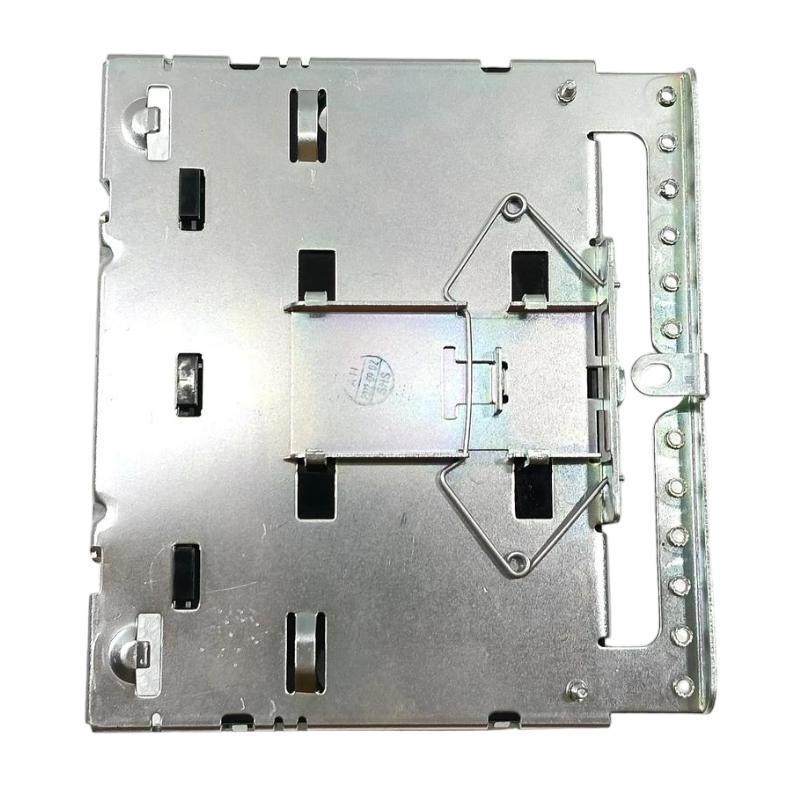
- GE
- IS230SNAIH2A
- DIN Rail Module
- USA
- 330.2 x 20 x 101.6 mm
- 0.907 kg
- Xiamen, China
- New & In Stock
- T/T, PayPal, Western Union
- 1 Year
- 1-3 Working Days
- DHL, UPS, TNT, FedEx and EMS.
- 24-Hour Service
- COO
- 4
Our advantage

Global Logistics
We have a 10-year logistics and express cooperation agreement, so our products can be shipped to any place in the world.

Brand new and original
Our products are imported in bulk from the place of origin. Because of the cooperative relationship, our products are all original and 100% new.

24-hour service
We provide 7*24 hours service to our customers. We will be there whenever you need us.

Price advantage
All our products are priced very favorably because we have our own warehouse and supply.
| Company Information | |||
| [email protected] | |||
| Mobile | +8615980777398 | ||
| +8615980777398 | |||
| 15980777398 |
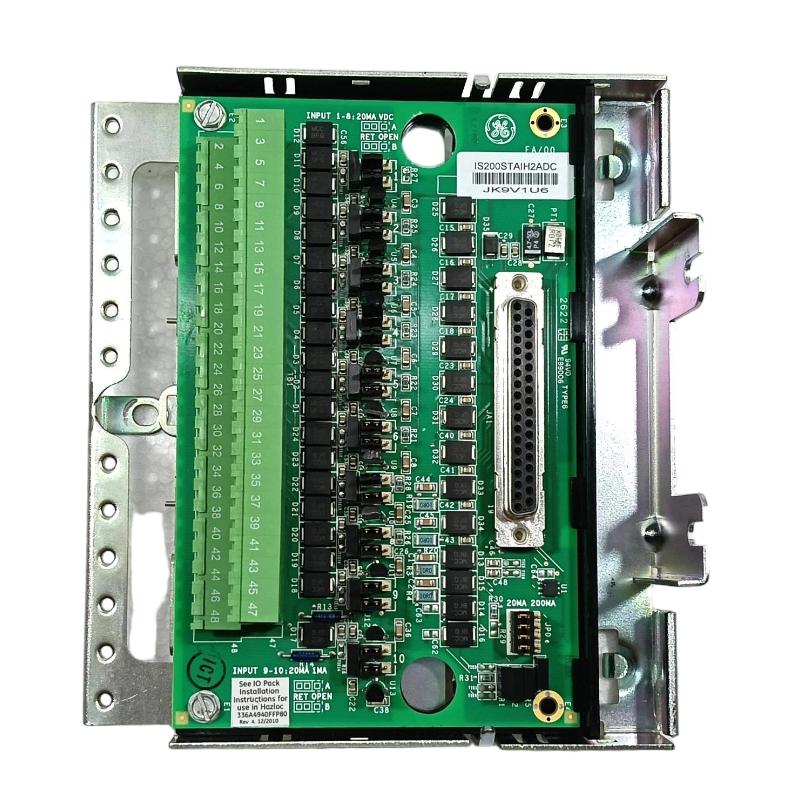
Product Overview
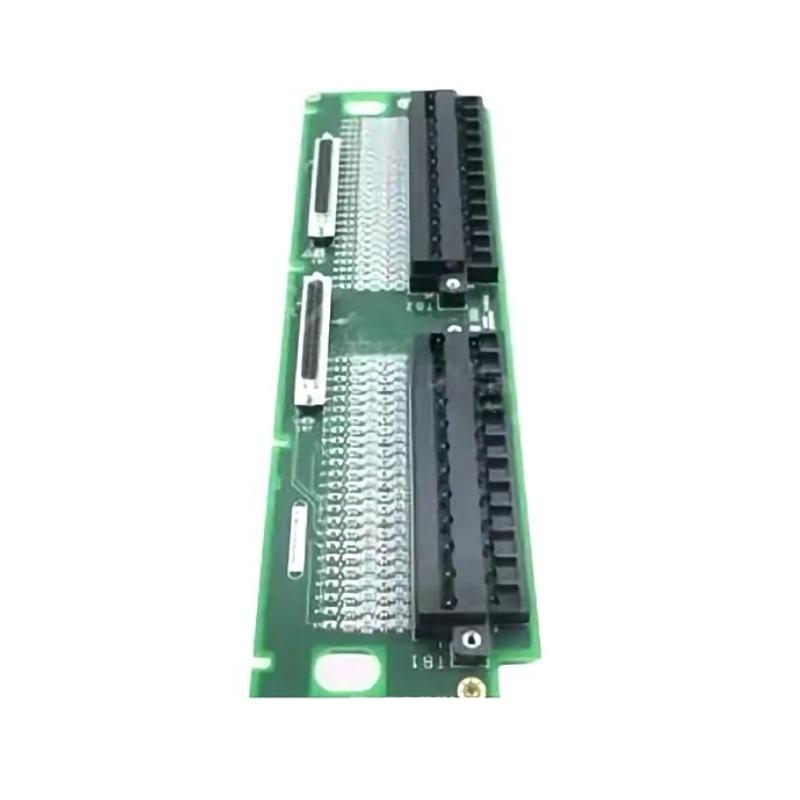
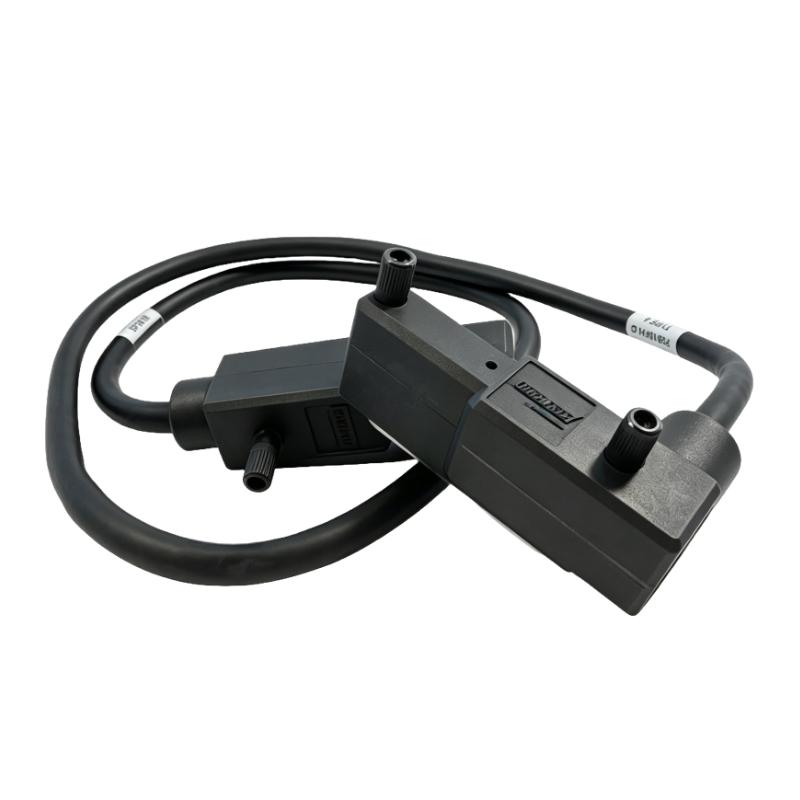
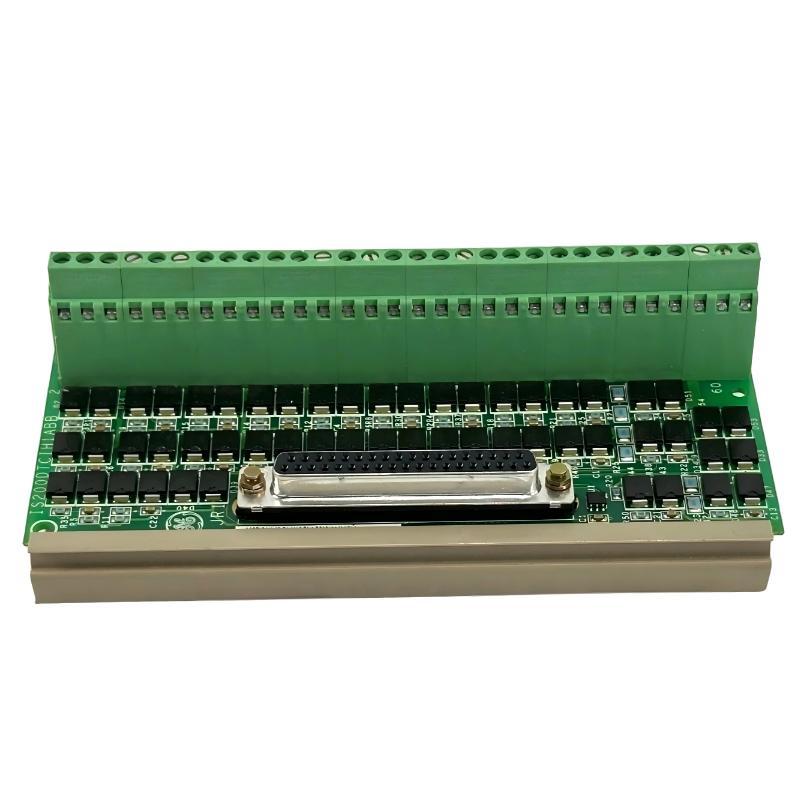
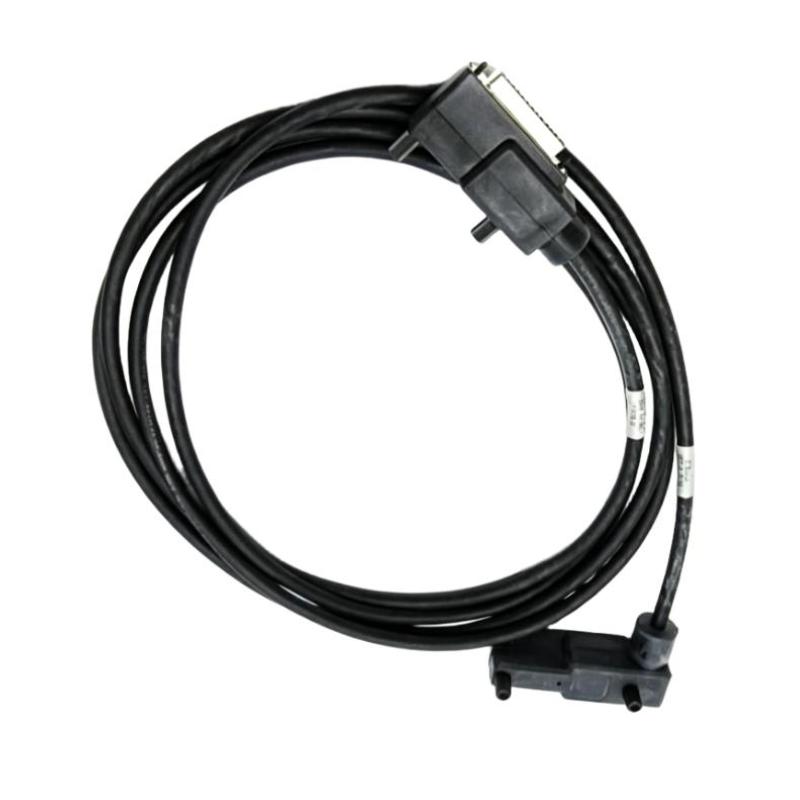
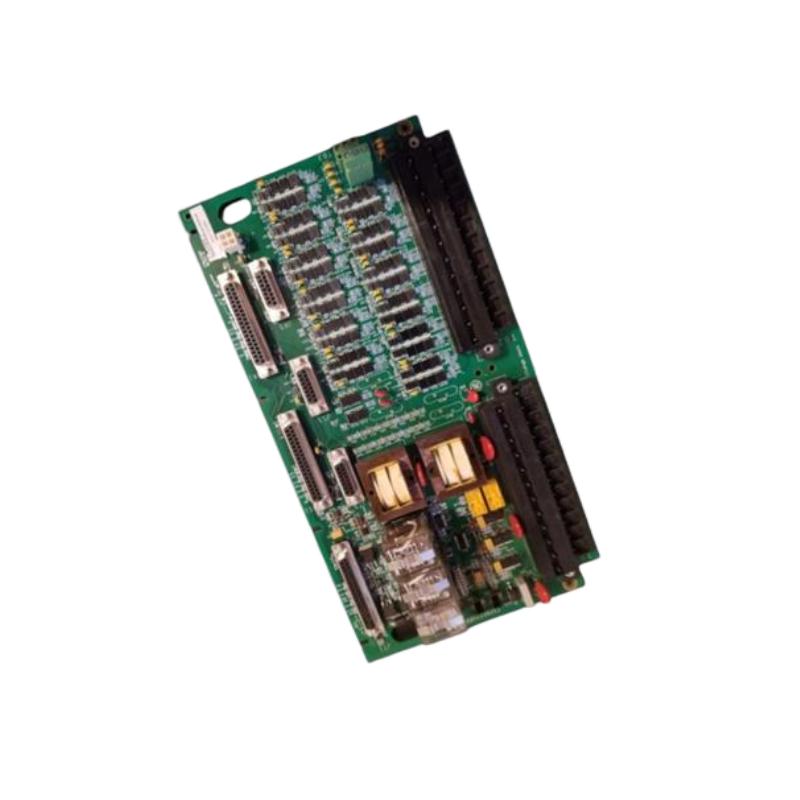
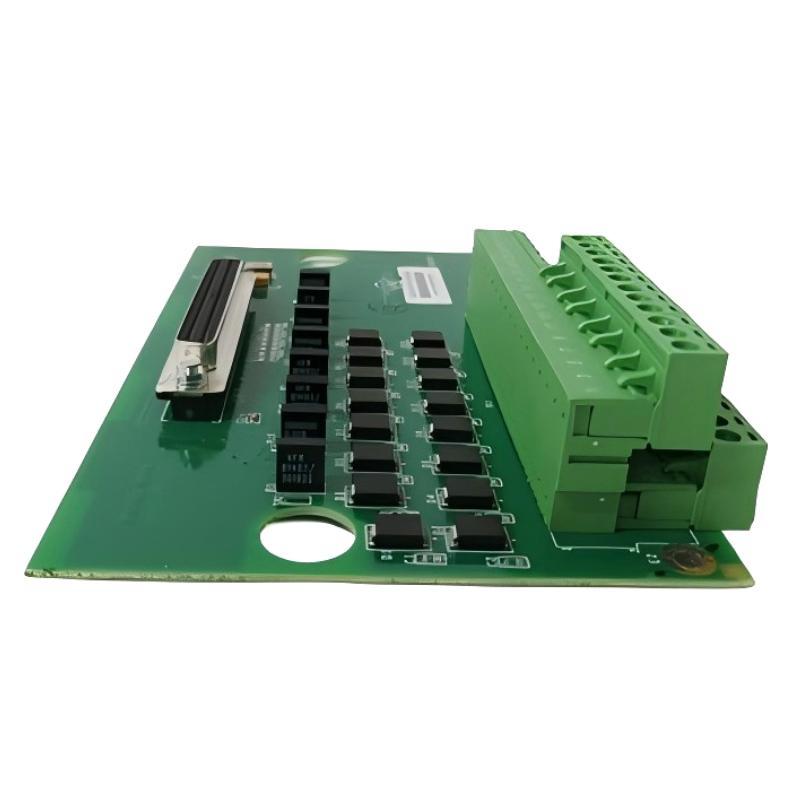
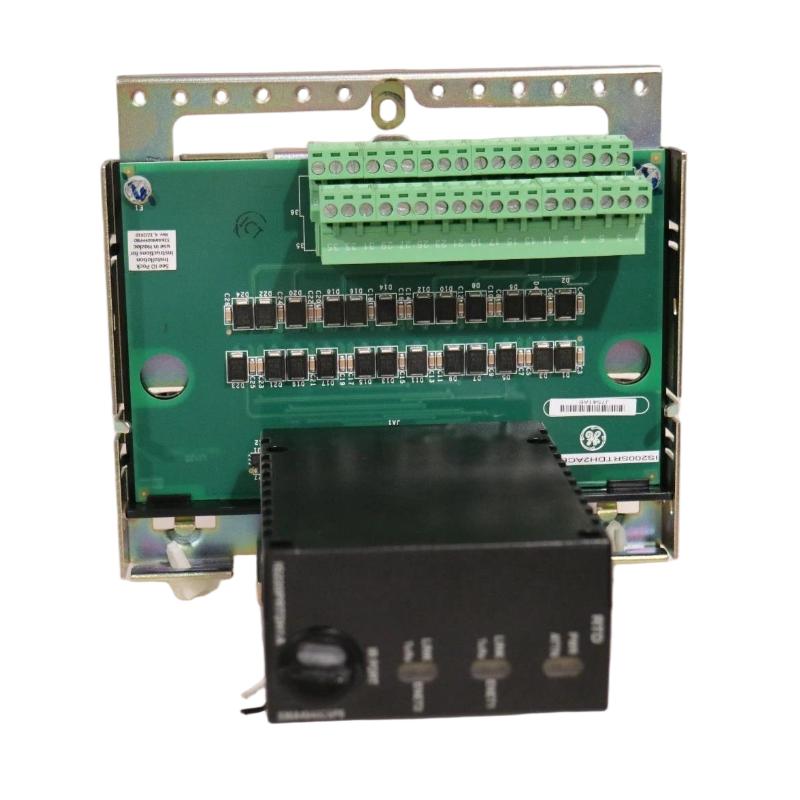
The GE IS230SNAIH2A DIN Rail Module is an industrial automation component designed for integration into compatible GE control equipment. DIN rail modules are commonly used in industrial control cabinets to provide organized mounting and electrical interfacing for control, monitoring, and signal-related assemblies.
In industrial automation, reliable hardware integration is essential for maintaining communication between field devices and control equipment. Modules installed within a control cabinet may support signal interfaces, electrical connections, or other functions defined by the host system. The precise role of the IS230SNAIH2A must be confirmed using the applicable hardware documentation rather than inferred from its model designation alone.
The module is intended for use in a compatible installation where correct identification, mounting, wiring, and configuration are important to system reliability. Before connecting field devices or replacing an existing assembly, technicians should verify its electrical characteristics, connector arrangement, and relationship to the associated control hardware.
With listed dimensions of 330.2 × 20 × 101.6 mm and a weight of approximately 0.907 kg, the IS230SNAIH2A can be included in cabinet-layout planning, replacement preparation, and industrial spare-parts management.
Technical Specifications
| Parameter | Specification |
|---|---|
| Manufacturer | General Electric (GE) |
| Model | IS230SNAIH2A |
| Product Type | DIN Rail Module |
| Product Family | GE IS230 Series |
| Mounting Format | DIN rail, as identified by the product description |
| Primary Function | Industrial control-system interfacing; exact function to be verified |
| Application | Industrial automation and control equipment |
| Dimensions | 330.2 × 20 × 101.6 mm |
| Weight | 0.907 kg |
Note: The exact module function, signal type, channel count, electrical ratings, connector assignments, and compatibility requirements should be verified against the documentation for the specific hardware revision.
Function and Working Principle
The operation of a DIN rail module depends on its intended role within the host control system. Some modules provide signal interfaces, while others support electrical connections, monitoring, or communication between system components. The exact function of the IS230SNAIH2A should be established from its equipment documentation before assigning it to a particular application.
Hardware Integration
A DIN rail module provides a defined installation format within an industrial control cabinet. Proper mounting helps maintain a stable mechanical installation and keeps associated wiring organized.
The mounting arrangement should follow the requirements of the compatible equipment, including any specified clearances, orientation, and environmental conditions.
Electrical Interfacing
Depending on its documented design, a control module may connect with other electronic assemblies or designated field circuits. The connected devices, electrical ratings, and wiring arrangement must match the module’s actual specifications.
No particular input/output capability should be assumed without verifying the relevant hardware details.
Signal or Data Handling
If the module supports signal or data interfacing, its role is determined by the connected equipment and the architecture of the control system. The host controller may use information received through the interface for monitoring, sequencing, or other configured control functions.
The precise signal path and processing capabilities of the IS230SNAIH2A require confirmation from the applicable documentation.
System-Level Operation
The module operates as part of a larger industrial control installation. Its performance depends on correct hardware selection, reliable connections, compatible configuration, and the operating conditions of the surrounding equipment.
Role in Industrial Automation Systems
Industrial control cabinets contain a range of components, including controllers, I/O hardware, communication devices, power distribution assemblies, and field wiring interfaces. DIN rail modules help organize these components within the overall control architecture.
Within a compatible GE installation, the IS230SNAIH2A should be used according to its documented system role. Accurate identification is particularly important because different modules can share a product family or mounting format while performing different electrical functions.
Typical benefits of correctly integrated DIN rail hardware include:
- Organized cabinet installation
- Consistent mounting and component positioning
- Easier access for inspection and maintenance
- More manageable wiring arrangements
- Simplified hardware identification
- Improved efficiency during replacement work
These are general benefits of DIN rail installation and do not establish unverified functions specific to the IS230SNAIH2A.
Industrial Applications
Industrial Control Cabinets
DIN rail mounting is widely used in control cabinets where multiple electronic assemblies must be installed in an organized and maintainable arrangement. The module’s exact application depends on its documented function and compatibility with the host equipment.
Process Automation
Process facilities use integrated control hardware to monitor and regulate industrial operations. Compatible interface modules can form part of the infrastructure connecting instruments, controllers, and other electronic assemblies.
Manufacturing Equipment
Manufacturing systems rely on control cabinets containing hardware for machine operation, monitoring, and coordination. DIN rail components help organize the installation and support maintenance access.
Equipment Monitoring
Industrial monitoring arrangements may include modules that interface with designated measurement or status signals. The suitability of the IS230SNAIH2A for a monitoring task must be confirmed from its technical specifications.
System Maintenance and Refurbishment
During cabinet upgrades or equipment repairs, DIN rail modules may be inspected, replaced, or repositioned according to the approved design. Correct model identification is essential to prevent the installation of an incompatible component.
Installation and System Integration
Proper installation helps maintain mechanical stability and electrical reliability. Before installing the GE IS230SNAIH2A, technicians should confirm its function and ensure that the module matches the intended system configuration.
1. Verify the Model Number
Confirm the full model designation IS230SNAIH2A and inspect the revision markings and identification labels. Compare these details with the original component and the host equipment’s parts documentation.
2. Confirm the Intended Function
Determine the module’s documented purpose, electrical interface, and relationship to the associated control equipment. Do not assume that it is an analog, digital, communication, or power module based solely on its model number.
3. Check DIN Rail Compatibility
Verify that the mounting arrangement matches the intended rail and enclosure. Allow the clearance required for wiring, access, and any environmental or thermal considerations specified for the installation.
4. Inspect Connectors and Wiring
Examine the connectors and associated conductors for damage, corrosion, contamination, or loose connections. Follow the approved wiring diagrams when identifying terminals and connected devices.
5. Follow Electrical Safety Procedures
Isolate the relevant equipment and follow the required shutdown and electrostatic-discharge procedures before handling the module. Installation should be performed by qualified personnel familiar with the host system.
6. Verify System Compatibility
Confirm that the module’s hardware revision and electrical characteristics are appropriate for the intended control architecture. Physical fit alone is not sufficient evidence of compatibility.
7. Perform Commissioning Checks
After installation, inspect the mounting, connectors, and wiring. Verify the module’s status using the host system’s approved diagnostic procedures and test its documented functions before returning the equipment to normal operation.
Troubleshooting the IS230SNAIH2A
Troubleshooting should begin by confirming the module’s actual function and the symptoms reported by the host system. Problems may originate in the module, connected wiring, associated hardware, configuration, or the wider control system.
Module Not Recognized
If the host system does not recognize the installed module, check the model number, hardware revision, installation position, connectors, and configuration. Verify compatibility with the intended control architecture before replacing the component.
Intermittent Operation
Intermittent behavior may be associated with loose connections, damaged wiring, mechanical movement, environmental conditions, or faults in associated equipment. Inspect the installation and review available diagnostic information.
Unexpected Signal or Data Behavior
If the module is used for signal or data interfacing, confirm its documented function and verify the connected devices, wiring, and configuration. Avoid assuming a particular signal type or communication protocol without confirmation.
Physical Damage or Overheating
Inspect the housing, mounting points, and connectors for cracks, deformation, discoloration, or signs of overheating. If damage is found, follow the site’s approved isolation and inspection procedures before returning the equipment to service.
Recurring System Alarms
Repeated alarms may originate from the module or from other components in the same control path. Review diagnostic information, verify the associated hardware, and trace the issue through the documented system architecture before deciding that the module requires replacement.
Maintenance Recommendations
Routine inspection helps maintain reliable operation and simplifies future maintenance.
- Inspect the module housing: Check for physical damage, contamination, or signs of overheating.
- Check mounting security: Ensure that the module remains securely installed on its designated rail.
- Inspect connectors: Look for damaged contacts, corrosion, and loose connections.
- Review associated wiring: Check for damaged insulation, poor routing, or excessive mechanical strain.
- Maintain cabinet conditions: Protect electronic equipment from excessive dust, moisture, heat, and vibration.
- Review system diagnostics: Investigate recurring alarms or abnormal operating indications.
- Document maintenance activities: Record model identification, revision information, inspection findings, and replacement history.
Maintenance procedures should follow the requirements of the complete control system and the module’s documented function.
Compatible System Components
The IS230SNAIH2A should be integrated only with components confirmed to be compatible with its actual hardware function. Depending on the host architecture, a typical industrial control installation may include the following elements:
| Component | Typical Role |
|---|---|
| GE IS230SNAIH2A | DIN rail-mounted control-system component |
| Compatible Control Hardware | Performs the designated control or interface function |
| Associated Wiring | Connects the module to the relevant system components |
| Power Supply | Provides power where required by the module and installation |
| Control Processor | Executes configured automation logic |
| Operator Interface | Displays available status and diagnostic information |
| Industrial Control Cabinet | Houses and protects the installed assemblies |
This table represents a general control-system arrangement. It does not confirm that every listed component connects directly to the IS230SNAIH2A. The actual configuration must be established from the applicable equipment documentation.
Replacement and Procurement Considerations
When sourcing a replacement for the GE IS230SNAIH2A, verify the exact part number and its intended function. Components with similar dimensions or mounting formats may have different electrical interfaces and may not be interchangeable.
Before purchasing, confirm:
- Full model number: IS230SNAIH2A
- Hardware revision and identification markings
- Documented module function
- Electrical ratings and interface requirements
- Connector and mounting arrangement
- Compatibility with the host control system
- Required associated hardware
- Physical dimensions and weight
The listed dimensions are 330.2 × 20 × 101.6 mm, and the listed weight is 0.907 kg. These values support inventory management and installation planning but do not independently establish compatibility.
Before removing the existing module, document its identification and connection arrangement. After replacement, complete the required inspection, configuration checks, and commissioning procedures before returning the equipment to service.
Technical FAQs
What is the GE IS230SNAIH2A?
The GE IS230SNAIH2A is identified as a DIN rail module for industrial control equipment. Its precise electrical function should be confirmed from the applicable hardware documentation.
What are the dimensions of the IS230SNAIH2A?
The listed dimensions are 330.2 × 20 × 101.6 mm.
How much does the module weigh?
The listed weight is approximately 0.907 kg.
What does DIN rail mounting provide?
DIN rail mounting provides a standardized mechanical installation format for compatible industrial control components, helping organize equipment inside control cabinets.
Is the IS230SNAIH2A an analog or digital I/O module?
Its exact function cannot be established reliably from the supplied product designation alone. Verify the model against the applicable documentation before connecting field signals.
Can another GE IS230 module replace the IS230SNAIH2A?
Not automatically. The replacement must match the required electrical function, hardware configuration, connector arrangement, and host-system requirements.
What should be checked before installation?
Confirm the model number, hardware revision, intended function, electrical ratings, wiring arrangement, mounting requirements, and compatibility with the host equipment.
Conclusion
The GE IS230SNAIH2A DIN Rail Module is an industrial automation component intended for installation within a compatible control-system architecture. DIN rail mounting supports organized cabinet layouts and makes hardware easier to access during inspection, servicing, and replacement.
With listed dimensions of 330.2 × 20 × 101.6 mm and a weight of 0.907 kg, the module can be included in equipment planning and spare-parts management. Reliable integration depends on confirming the exact hardware function, following the approved wiring arrangement, and verifying compatibility with the host system.
For installation or replacement, use the complete model designation and applicable equipment documentation to establish the module’s electrical characteristics and intended role. Careful identification, safe handling, and systematic commissioning help support dependable industrial control operation.