

ProductPRODUCT
Featured products
Contact Us
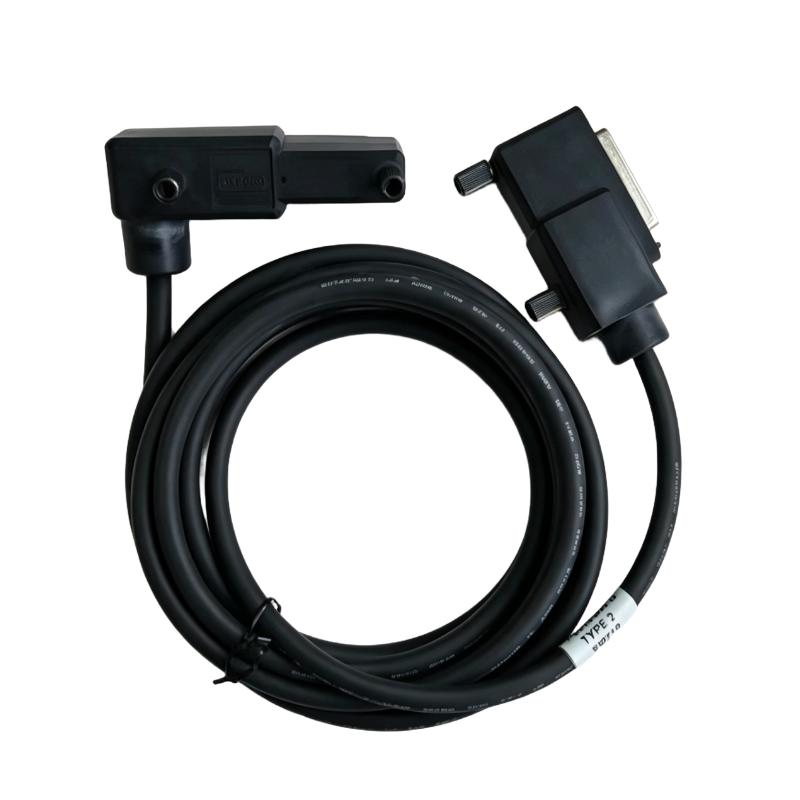
- Foxboro
- P0916DW
- Termination Cable
- USA
- 3 meters
- 3 kg
- Xiamen, China
- New & In Stock
- T/T, PayPal, Western Union
- 1 Year
- 1-3 Working Days
- DHL, UPS, TNT, FedEx and EMS.
- 24-Hour Service
- COO
- 5
Our advantage

Global Logistics
We have a 10-year logistics and express cooperation agreement, so our products can be shipped to any place in the world.

Brand new and original
Our products are imported in bulk from the place of origin. Because of the cooperative relationship, our products are all original and 100% new.

24-hour service
We provide 7*24 hours service to our customers. We will be there whenever you need us.

Price advantage
All our products are priced very favorably because we have our own warehouse and supply.
| Company Information | |||
| [email protected] | |||
| Mobile | +8615980777398 | ||
| +8615980777398 | |||
| 15980777398 |
Product Overview
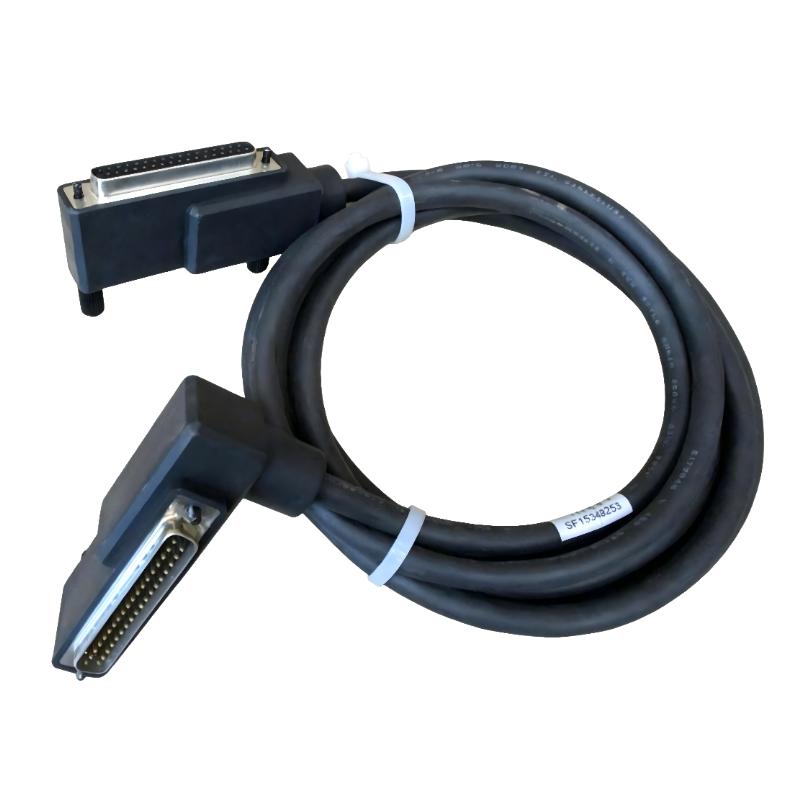
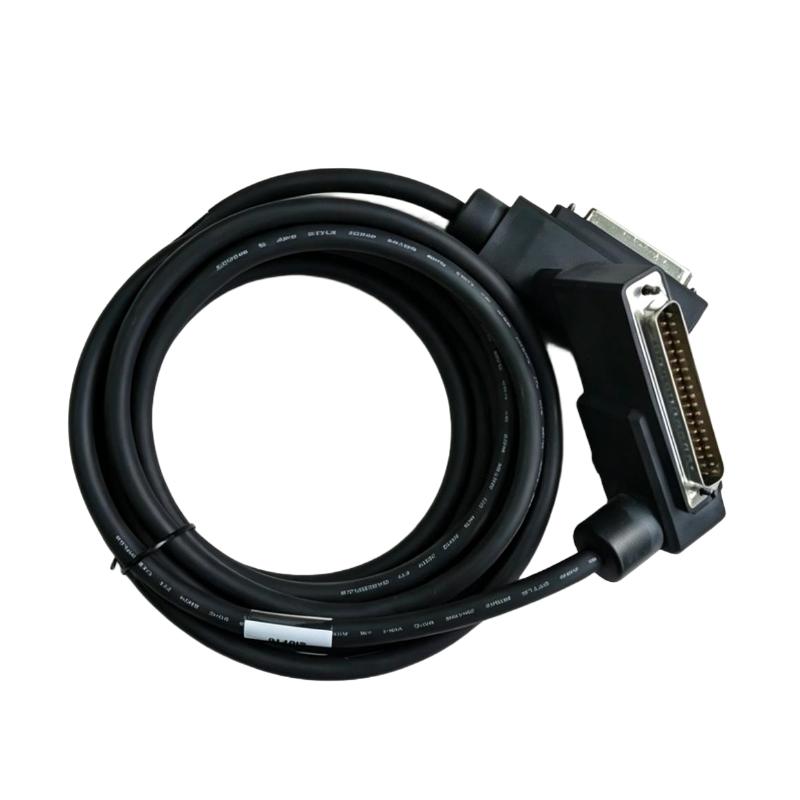
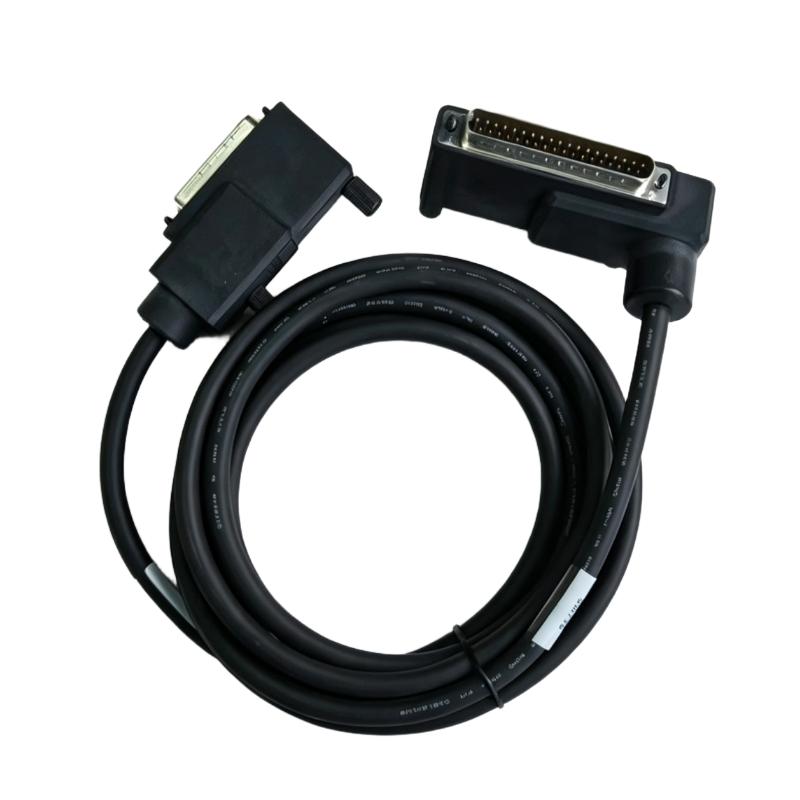
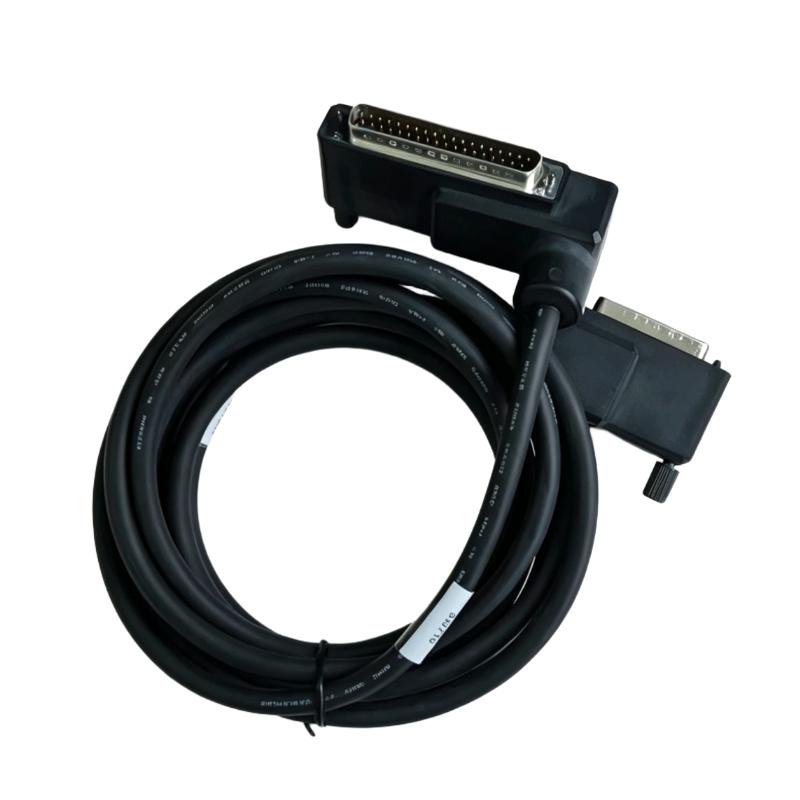
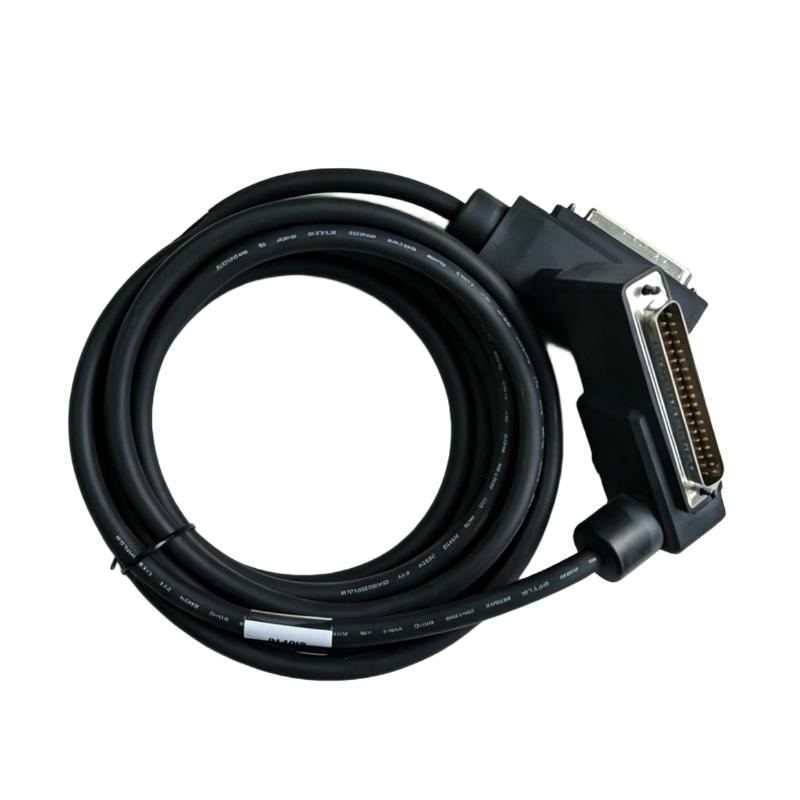
The Foxboro P0916DW I/A Series 200 Type 2 P/PVC Termination Cable is an interconnection component used in Foxboro I/A Series control system installations. It supports signal and interface connections between compatible system components, helping establish the required electrical path within a distributed control system.
In process automation environments, termination cables are part of the physical infrastructure connecting control equipment and associated interface assemblies. Correct cable selection helps maintain the intended system layout and simplifies replacement work during maintenance or equipment refurbishment.
When replacing an existing cable, engineers should confirm the full part number and the applicable connection arrangement to ensure it matches the installed Foxboro hardware.
Technical Specifications
| Parameter | Specification |
|---|---|
| Brand | Foxboro |
| Model | P0916DW |
| Product Type | Termination Cable |
| Product Family | I/A Series |
| System Platform | Foxboro I/A Series 200 |
| Cable Type | Type 2 P/PVC Termination Cable |
| Primary Function | System interconnection |
| Application | Industrial process control |
| Installation Context | Compatible Foxboro control system assemblies |
| Connection Role | Provides a cable connection between compatible system components |
| Maintenance Use | Replacement of an existing compatible termination cable |
| Cable Length | 3 meters |
| Shipping Weight | 3 kg |
Product Features
- I/A Series system compatibility: Intended for use in applicable Foxboro I/A Series control system installations.
- Termination cable format: Serves as a physical connection component within the control system architecture.
- Defined cable length: The specified length supports planning for cabinet layout and cable routing.
- Replacement suitability: The model number helps maintenance teams identify the cable required for an existing installation.
- Industrial automation application: Used as part of the interconnection infrastructure supporting process control equipment.
Working Principle
The P0916DW functions as a physical cable connection within a compatible Foxboro I/A Series 200 installation. Once connected to the designated interfaces, it establishes the electrical path required for communication or signal interconnection between the associated system components.
The cable itself does not execute control logic or process field measurements. Instead, it supports the connections through which the control system’s hardware operates as an integrated installation. Its correct use depends on matching the cable to the intended interface and wiring arrangement.
During maintenance, technicians typically identify the installed cable, inspect its connectors and routing, and verify the replacement part number before restoring the connection.
Role in a Foxboro I/A Series Control Architecture
| System Layer | Related Component | Function |
|---|---|---|
| Control System | Foxboro I/A Series 200 | Provides the process control system platform |
| Interconnection Layer | P0916DW Termination Cable | Establishes the required physical connection between compatible components |
| Control Hardware | Compatible Foxboro control and interface assemblies | Performs control processing and system interfacing |
| Field Interface | Applicable signal interface components | Connects control hardware with field-related signals |
| Maintenance Layer | Replacement cable and service documentation | Supports troubleshooting and restoration of the installed connection |
Industrial Applications
| Application | Typical Use |
|---|---|
| Process Control Systems | Cable interconnection within compatible Foxboro control installations |
| Distributed Control System Cabinets | Routing connections between designated system assemblies |
| Industrial Plant Maintenance | Replacement of an existing termination cable |
| System Refurbishment | Restoration of cable connections during control hardware servicing |
| Control System Expansion | Interconnection of compatible equipment where specified by the system design |
Installation and Maintenance
- Confirm the model number. Verify that the cable is identified as Foxboro P0916DW.
- Check the system documentation. Confirm that the cable is specified for the intended I/A Series 200 installation.
- Identify both connection points. Use the wiring diagram or equipment documentation to establish the correct cable endpoints.
- Isolate equipment as required. Follow site procedures before disconnecting cables from energized control equipment.
- Inspect the cable before installation. Look for damaged insulation, bent connector parts, contamination, or other visible defects.
- Check the connectors. Confirm that the cable ends match the designated interfaces.
- Route the cable appropriately. Avoid excessive bending, pulling, crushing, and contact with sharp cabinet edges.
- Keep cable routing organized. Maintain separation from sources of electrical interference where required by the system installation guidelines.
- Secure the cable. Prevent unnecessary movement or strain at connection points.
- Verify the connection. Confirm that each end is fully seated and connected to the correct interface.
- Test system operation. After reconnection, check the relevant system diagnostics and confirm that the affected equipment operates as expected.
- Record replacement details. Document the cable model, installation location, and maintenance work performed.
Compatible System Components
| Component | Role in the System |
|---|---|
| Foxboro I/A Series 200 Control Hardware | Provides the system platform in which the cable may be installed |
| Compatible Foxboro Interface Assemblies | Provide the designated connection points for the cable |
| Control System Cabinet | Houses the associated control and interface equipment |
| System Wiring Documentation | Identifies connection endpoints and installation requirements |
| Compatible Replacement Cable | Restores the connection when an installed cable requires replacement |
Recommended Related Models
| Model / Product Family | Product Type | Relationship |
|---|---|---|
| Foxboro P0916 Series | Termination and interconnection components | Related part-number family for comparison during maintenance |
| Foxboro I/A Series 200 | Control system platform | Associated system family |
| Foxboro I/A Series Interface Components | Interface hardware | Related equipment used in system interconnection arrangements |
| Foxboro Control System Cables | System interconnection cables | Related component category for cable replacement and cabinet servicing |
Key Advantages
- Supports physical interconnection in compatible Foxboro control installations.
- Provides a model-specific identifier for maintenance and replacement planning.
- Helps maintain organized connections between system components.
- Can be incorporated into existing installations when the required interface compatibility is confirmed.
- Supports control system servicing and restoration work.
Technical FAQs
1. What is the Foxboro P0916DW used for?
The P0916DW is an I/A Series 200 Type 2 P/PVC termination cable used as an interconnection component in compatible Foxboro control system installations.
2. What is the specified cable length?
The specified cable length is 3 meters.
3. Is the P0916DW compatible with every Foxboro I/A Series component?
Compatibility should not be assumed across all I/A Series hardware. The cable’s part number, connector arrangement, and intended connection points should be checked against the relevant system documentation.
4. What should be checked when replacing this cable?
Confirm the complete part number, inspect the connectors and cable condition, verify the intended connection endpoints, and check system diagnostics after installation.