

ProductPRODUCT
Featured products
Contact Us
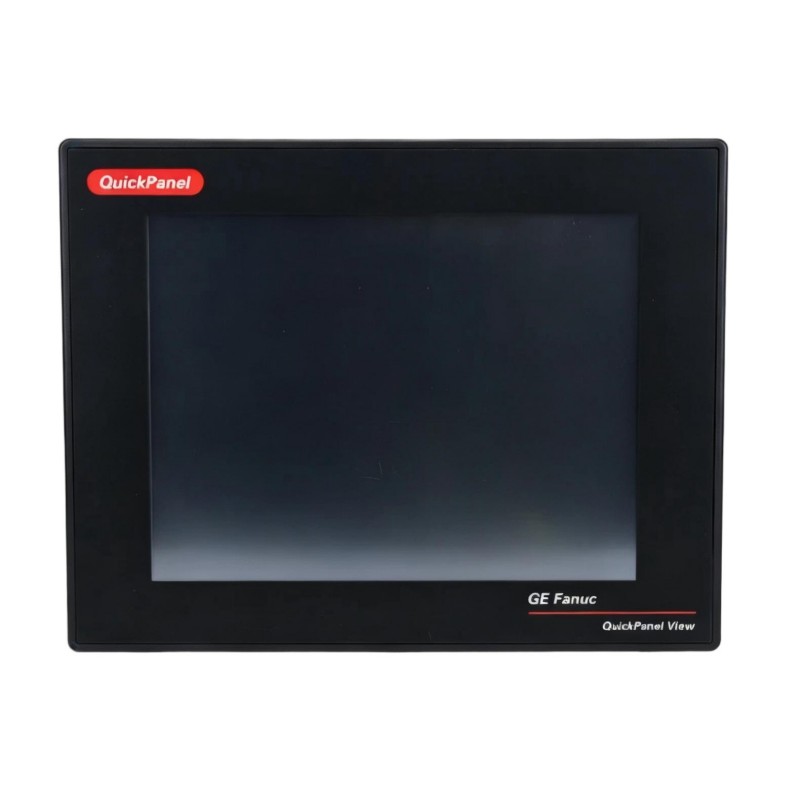
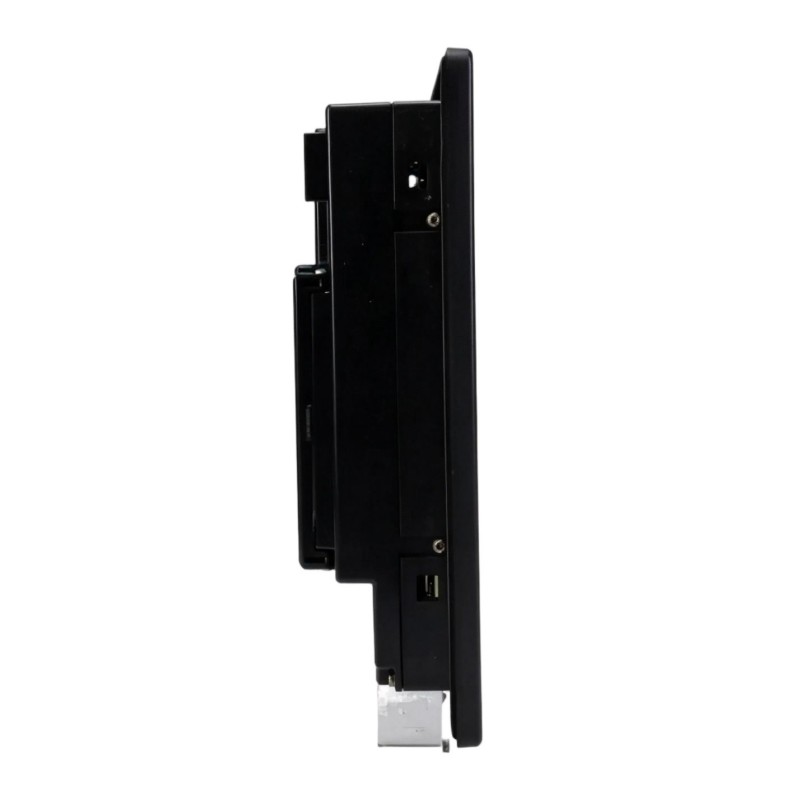
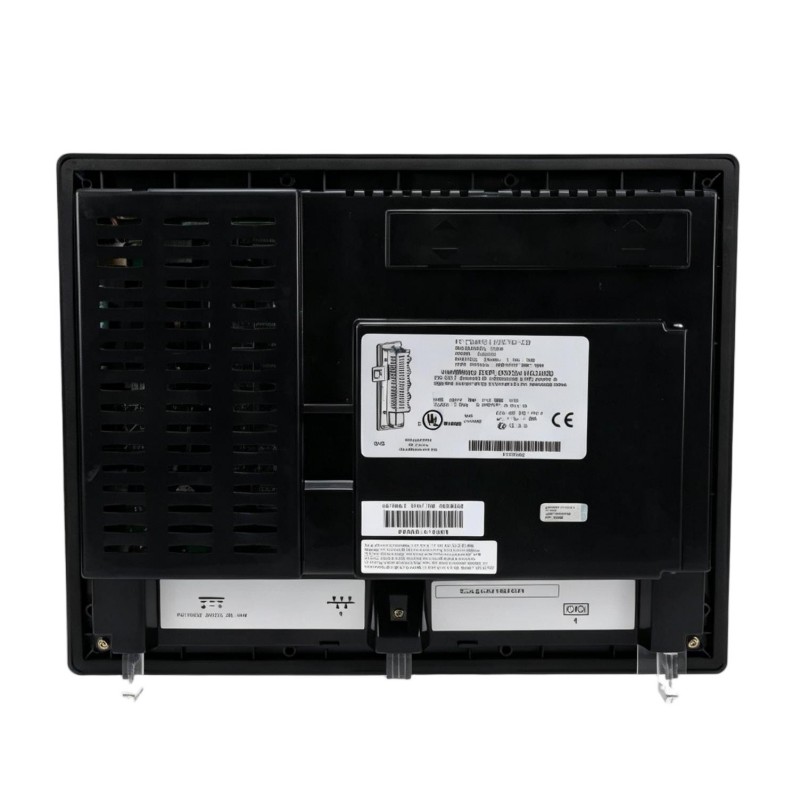
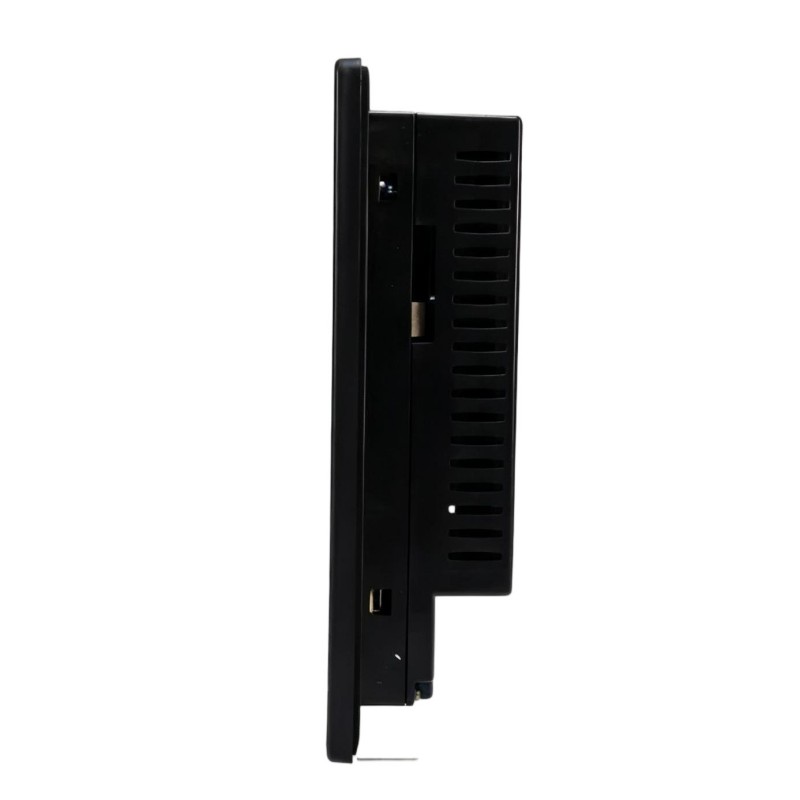
- GE
- IC754VSI12CTD-HH
- 12-Inch Display
- USA
- 192 × 36 × 137 mm
- 0.8 kg
- Xiamen, China
- New & In Stock
- T/T, PayPal, Western Union
- 1 Year
- 1-3 Working Days
- DHL, UPS, TNT, FedEx and EMS.
- 24-Hour Service
- COO
- 30
Our advantage

Global Logistics
We have a 10-year logistics and express cooperation agreement, so our products can be shipped to any place in the world.

Brand new and original
Our products are imported in bulk from the place of origin. Because of the cooperative relationship, our products are all original and 100% new.

24-hour service
We provide 7*24 hours service to our customers. We will be there whenever you need us.

Price advantage
All our products are priced very favorably because we have our own warehouse and supply.
| Company Information | |||
| [email protected] | |||
| Mobile | +8615980777398 | ||
| +8615980777398 | |||
| 15980777398 |
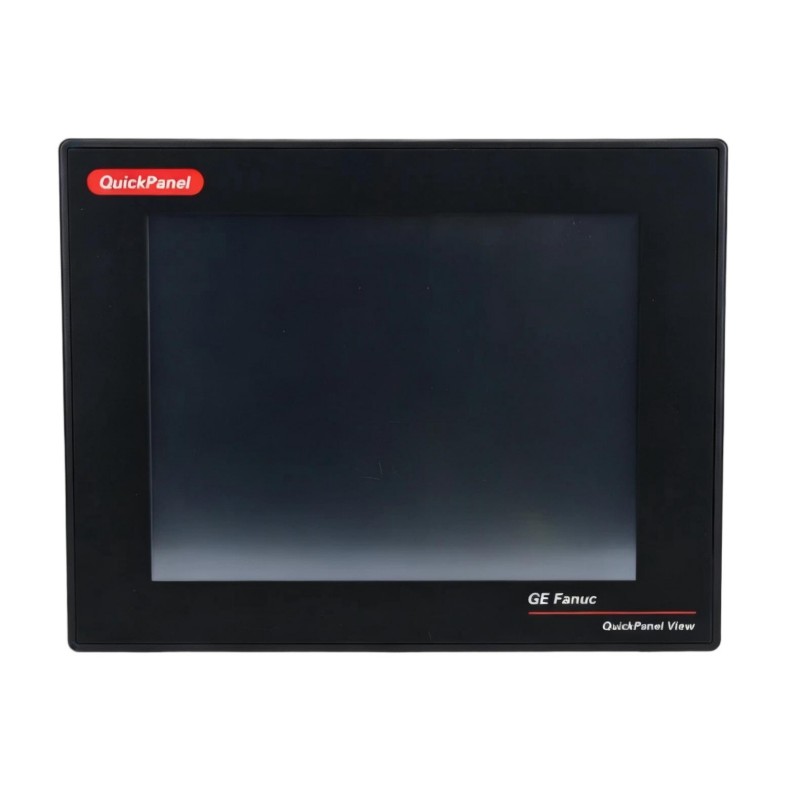
Product Overview
The GE IC754VSI12CTD-HH QuickPanel View 12-Inch Display is a panel-mounted operator interface used to present machine, process, and control information in industrial automation environments. It belongs to the QuickPanel View family and serves primarily as the visualization layer between control equipment and plant personnel.
In a typical control system, PLCs, remote I/O stations, drives, and other controllers handle field data and control logic, while the QuickPanel View display presents that information in a form that operators can use during normal operation and troubleshooting. Typical screens can include process values, equipment status, alarms, trends, and operator commands.
The display is suited to control cabinets and operator panels where direct access to production information is required. Its role is mainly focused on human-machine interaction rather than field signal acquisition or control execution.
Technical Specifications
| Parameter | Specification |
|---|---|
| Product | GE IC754VSI12CTD-HH |
| Product Family | QuickPanel View |
| Product Type | 12-Inch Display |
| Application | Industrial operator interface and process visualization |
| Primary Function | Display of control, machine, and process information |
| System Role | Human-machine interface |
| Installation | Panel-mounted industrial control equipment |
| Physical Dimensions | 192 × 36 × 137 mm |
| Weight | 0.8 kg |
Product Features
- 12-inch operator display for industrial control and machine visualization.
- Supports a dedicated HMI layer between plant personnel and automation equipment.
- Suitable for displaying process values, equipment states, alarms, and operator information.
- Fits into control-panel and machine-interface applications where localized visualization is required.
- Can be integrated with PLC-based and other industrial control architectures.
- Helps operators monitor equipment conditions without accessing controller hardware directly.
- Suitable for applications requiring a dedicated industrial display rather than a general-purpose computer monitor.
- Compact mechanical construction supports installation inside space-constrained control panels.
Working Principle
The IC754VSI12CTD-HH operates as the visualization endpoint of an industrial HMI system. Data generated by a PLC, controller, or other connected automation device is transferred through the configured communication interface and processed by the HMI application. The display then presents the information through operator screens.
During operation, an operator may view machine states, numerical process values, alarm conditions, or other configured information. Where the HMI application supports operator commands, actions entered through the interface are passed back through the communication path to the associated control system.
The display itself should not be treated as the source of process control logic. Controller programs, PLC logic, and connected automation devices remain responsible for control decisions. The QuickPanel View unit provides the visual and operator interaction layer needed to access that information.
For troubleshooting, this distinction is useful. A blank or abnormal screen does not necessarily indicate a PLC or field-device failure. Power, display hardware, HMI configuration, and communication between the HMI and controller should be checked separately.
Role in a QuickPanel View Control Architecture
| System Element | Function |
|---|---|
| Field Devices | Provide process, machine, and equipment status information |
| PLC / Controller | Executes control logic and manages connected automation equipment |
| Communication Network | Transfers process and control data between the controller and HMI |
| IC754VSI12CTD-HH Display | Presents process information and operator interface screens |
| HMI Application | Defines screens, alarm presentation, operator controls, and visualization logic |
| Operator | Monitors equipment and performs authorized operating actions |
| Control Equipment | Executes commands received from the automation system |
The IC754VSI12CTD-HH sits at the operator-facing end of the architecture. A simplified signal path is:
Field Devices → PLC / Controller → Communication Network → HMI → IC754VSI12CTD-HH Display → Operator
For applications with multiple controllers or connected automation devices, the display can serve as a centralized visualization point for the information made available to the HMI application.
Industrial Applications
| Application | Typical Use |
|---|---|
| Machine Automation | Displaying machine status, operating conditions, and operator controls |
| Manufacturing Lines | Monitoring production equipment and process values |
| Packaging Machinery | Providing operator access to machine states, alarms, and production information |
| Material Handling | Visualizing conveyor, transfer, and handling-system conditions |
| Process Equipment | Presenting operating parameters and alarm information |
| Pump and Motor Systems | Monitoring equipment status and operating parameters |
| Control Panels | Providing a dedicated operator interface within an automation cabinet |
| Industrial Equipment | Local visualization of controller and machine information |
Installation and Maintenance
- Panel Installation
Install the display in a suitable control-panel location with adequate clearance for wiring, connectors, and servicing. - Power Verification
Confirm that the supplied power matches the requirements of the installed system before energizing the unit. - Communication Wiring
Inspect communication cables and connectors for correct routing, secure connections, and signs of physical damage. - HMI Configuration
Verify that the loaded HMI application corresponds to the connected controller and intended machine configuration. - Controller Communication
When displayed values are missing or outdated, check the communication path between the HMI and PLC or controller before replacing the display. - Screen Operation
Check for abnormal screen behavior, intermittent display problems, or unexpected operator-interface responses during routine inspection. - Connector Inspection
Periodically inspect accessible connectors for looseness, contamination, or mechanical stress. - Environmental Conditions
Keep the installation within the environmental conditions specified for the equipment and protect the display from excessive contamination or moisture. - Alarm Verification
Confirm that important alarm screens and operator indications remain correctly configured after HMI application changes. - Configuration Backup
Keep a controlled backup of the HMI application and configuration so that the operator interface can be restored after maintenance or hardware replacement. - Replacement Checks
Before replacing the display, verify power, communication, configuration, and upstream controller operation to avoid replacing a functioning unit for a system-level fault. - Post-Maintenance Test
After installation or replacement, verify screen operation, communication with the controller, displayed process values, alarms, and authorized operator commands.
Related Components
| Component | Function |
|---|---|
| GE QuickPanel View HMI Components | Provide the operator-interface platform associated with the display |
| PLC / Controller | Supplies process data and executes control logic |
| Industrial Ethernet or Serial Network | Provides communication between the HMI and control equipment |
| Remote I/O | Connects field signals to the controller |
| Operator Panel | Provides the physical mounting location and associated controls |
| Machine Sensors | Supply process and equipment status information |
| Drives and Motor Controllers | Provide operating data from motor-driven equipment |
| HMI Application | Defines visualization screens, alarms, and operator functions |
Recommended Related Models
| Model / Product Family | Product Type | Typical Application |
|---|---|---|
| GE QuickPanel View | Industrial HMI | Machine and process visualization |
| GE QuickPanel Series | Operator Interface | PLC-based machine control and monitoring |
| GE PLC Systems | Programmable Controller | Control logic and automation processing |
| GE Industrial I/O | I/O Modules | Field signal acquisition and output control |
| GE Operator Interface Components | HMI Hardware | Local operator monitoring and control |
| GE Industrial Communication Components | Communication Hardware | Controller-to-HMI data exchange |
Key Advantages
- Dedicated 12-inch operator visualization.
- Suitable for industrial control-panel applications.
- Clear separation between controller logic and operator interaction.
- Supports centralized viewing of machine and process information.
- Useful for local monitoring, alarm handling, and operator access.
- Integrates naturally into PLC-based HMI architectures.
Technical FAQs
What should be checked if the IC754VSI12CTD-HH display is powered but process data is not updating?
First check whether the HMI application is running normally. Then inspect the communication connection to the PLC or controller, verify the controller is operating, and check whether the expected data source is available. If the HMI screen itself operates normally but values remain static, the communication or controller side should be investigated before replacing the display.
Can the IC754VSI12CTD-HH itself replace a PLC or controller?
No. The display functions as an operator-interface component. The PLC or controller remains responsible for executing control logic, processing field signals, and commanding connected equipment. The IC754VSI12CTD-HH presents information generated by the control system and can provide operator interaction where supported by the HMI application.
What is the difference between a display fault and an HMI communication fault?
A display fault generally affects the physical presentation or operation of the screen itself. A communication fault can leave the display powered and functional while process values, equipment states, or alarms fail to update. Checking the screen, power supply, communication connection, HMI application, and controller separately helps identify the actual fault location.
What should be considered when replacing an IC754VSI12CTD-HH in an existing control panel?
Check the exact model, mechanical installation, electrical connections, HMI application, communication configuration, and compatibility with the existing control architecture. The replacement should also be tested with the controller after installation to verify screen operation, process data, alarms, and operator functions.