

ProductPRODUCT
Featured products
Contact Us
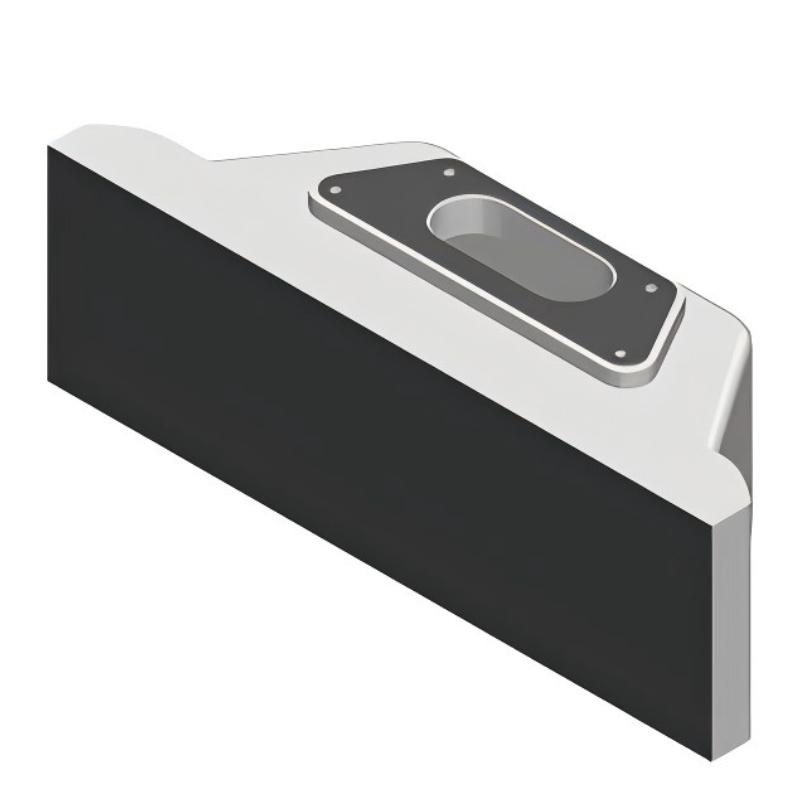
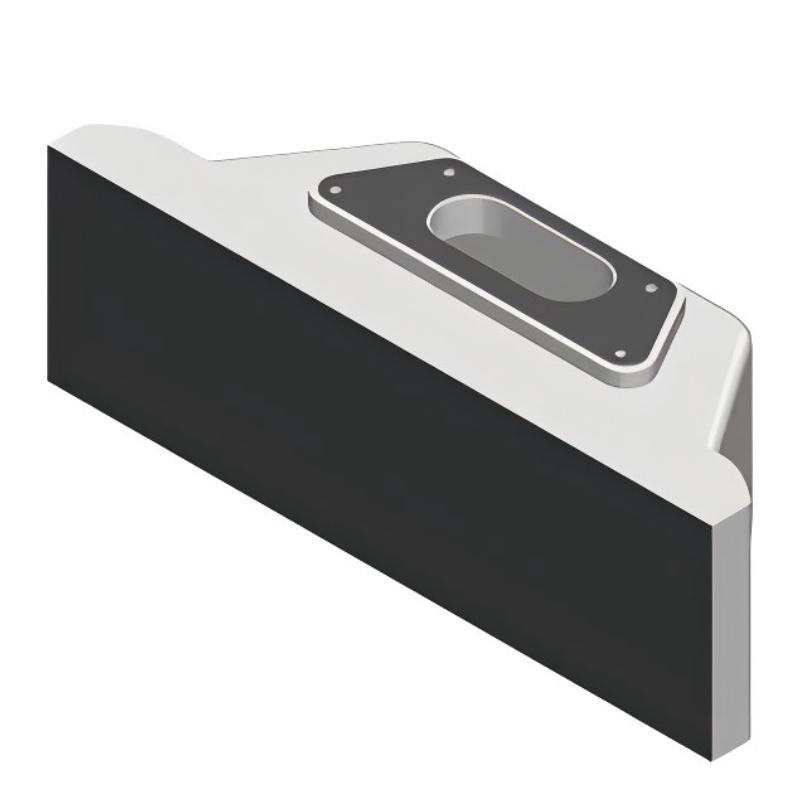
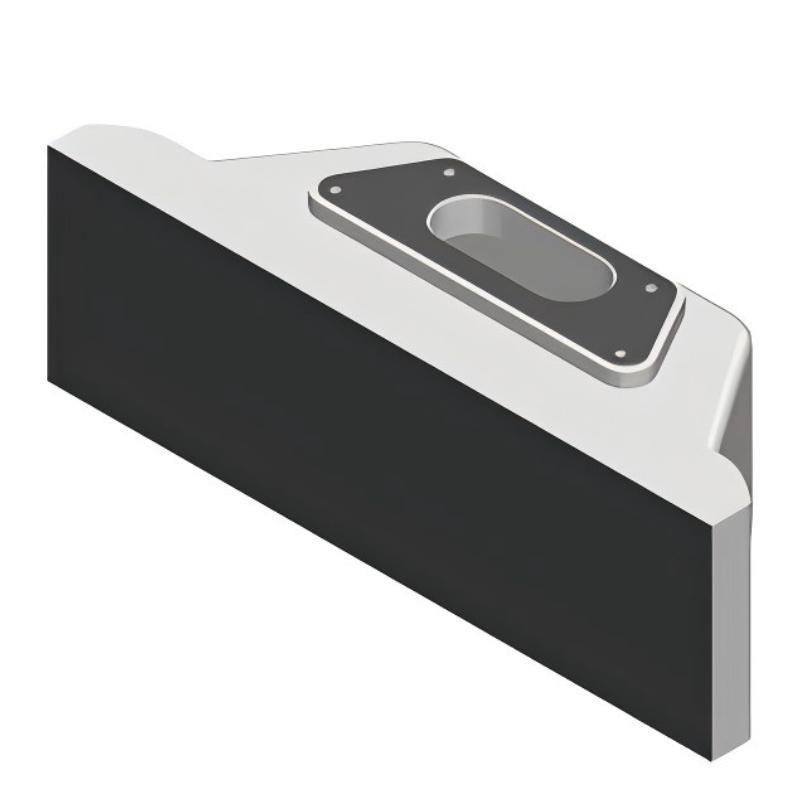
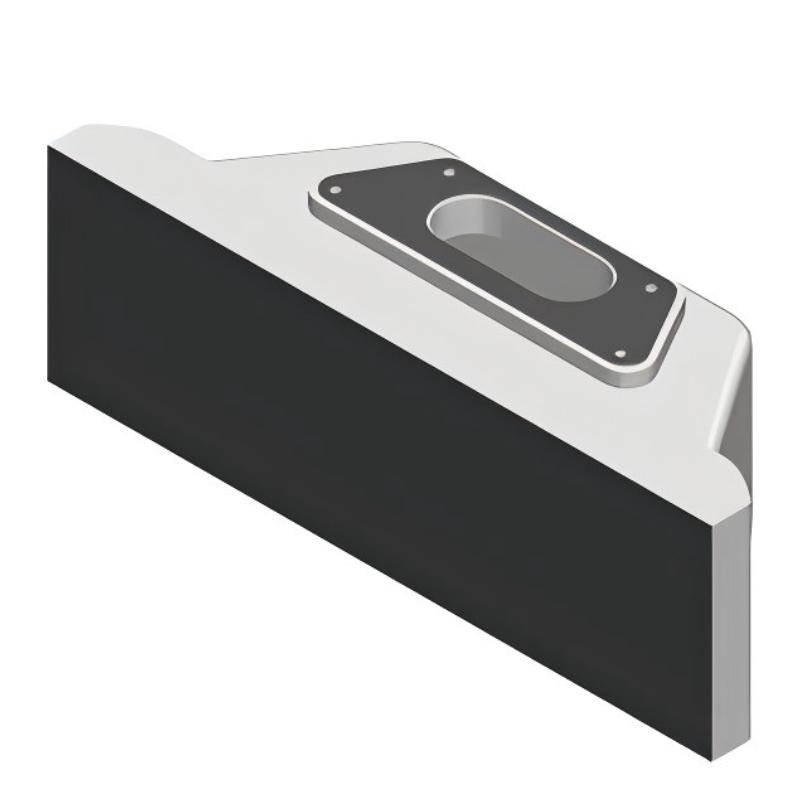
- Siemens
- 6AV7674-1LA32-0AA0
- Extension Unit 12" PROFINET
- Germany
- 313 × 99 × 100.65 mm
- 2.183 kg
- Xiamen, China
- New & In Stock
- T/T, PayPal, Western Union
- 1 Year
- 1-3 Working Days
- DHL, UPS, TNT, FedEx and EMS.
- 24-Hour Service
- COO
- 5
Our advantage

Global Logistics
We have a 10-year logistics and express cooperation agreement, so our products can be shipped to any place in the world.

Brand new and original
Our products are imported in bulk from the place of origin. Because of the cooperative relationship, our products are all original and 100% new.

24-hour service
We provide 7*24 hours service to our customers. We will be there whenever you need us.

Price advantage
All our products are priced very favorably because we have our own warehouse and supply.
| Company Information | |||
| [email protected] | |||
| Mobile | +8615980777398 | ||
| +8615980777398 | |||
| 15980777398 |
Product Overview
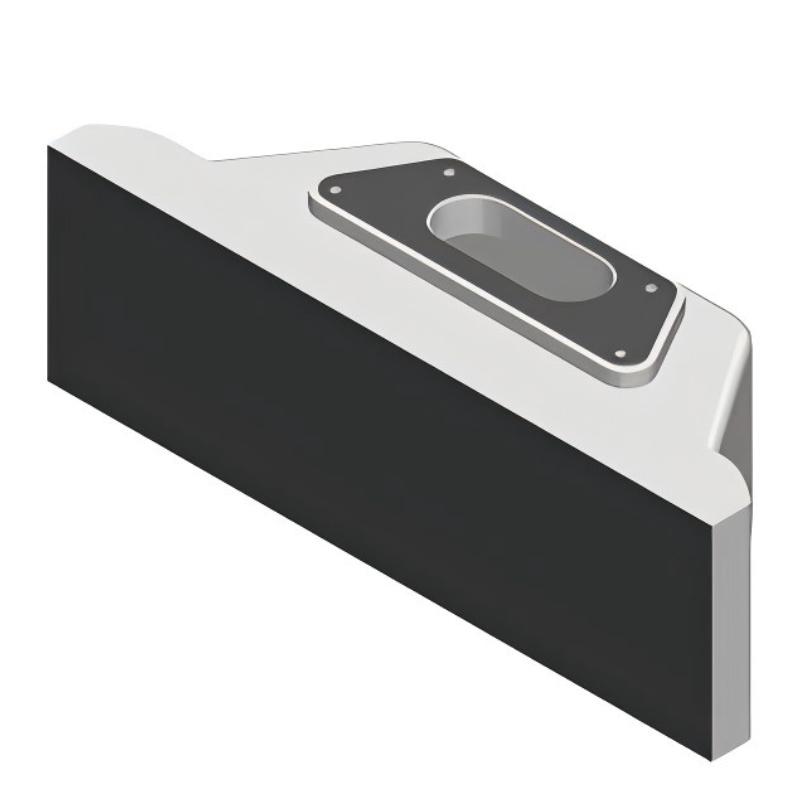
The Siemens 6AV7674-1LA32-0AA0 Extension Unit 12″ PROFINET adds physical operator controls to a compatible SIMATIC HMI PRO installation. It mounts beneath a fully enclosed 16:9 HMI/IPC device and combines dedicated operating elements with network-based signal transmission, allowing operators to use physical controls without relying entirely on touchscreen interaction.
On a packaging line, for example, an operator may use the HMI to select recipes, monitor production counts, and review alarms, while dedicated buttons handle frequently used machine commands. A selector switch or illuminated control can remain available at the operator station even when the HMI displays a different screen. This separation is useful where operating procedures require clearly identified physical controls alongside software-based interaction.
The 6AV7674-1LA32-0AA0 supports six mounting positions for command devices and signaling units. This allows the operator interface to accommodate a range of control arrangements, depending on the selected components and the requirements of the machine. The specific buttons, switches, and signaling devices must be selected to suit the intended operation.
Its PROFINET connection differentiates this model from the 6AV7674-1LA31-0AA0 Extension Unit 12″ Hardwired. With the PROFINET version, the non-safety I/O signals are transmitted over the industrial network, while safety-related signals, including the emergency-stop circuit, are connected directly to the system. This reduces the need to route every ordinary operator-control signal individually to the control cabinet, while retaining a separate connection for the safety-related circuit.
The unit also supports parameterizable keys and a key and signal lamp test that runs automatically when the system is switched on. These features are relevant during commissioning because they help verify the operator-control interface before normal machine operation begins. The behavior of individual controls still depends on the installed components, configuration, and machine application.
The Extension Unit is intended for compatible HMI/IPC PRO devices using the corresponding mounting interface. It is not an independent PLC, HMI display, or safety controller. Its role is to connect physical operator interaction with the machine’s automation architecture through the specified network and direct safety wiring.
Technical Specifications
| Parameter | Specification |
|---|---|
| Manufacturer | Siemens |
| Model | 6AV7674-1LA32-0AA0 |
| Product Type | Extension Unit 12″ PROFINET |
| Product Family | SIMATIC HMI Extension Units and Operator Controls |
| Product Category | HMI Operator Control Unit |
| Primary Function | Physical operator controls with PROFINET-based signal transmission |
| Compatible Device Format | Fully enclosed 16:9 HMI/IPC PRO devices |
| Mounting Position | Lower part of the compatible HMI/IPC PRO device |
| Mounting Type | Screwed joint |
| Number of Mounting Positions | 6 |
| Number of Command Devices and Signaling Units | Up to 6, according to the configured arrangement |
| Control Elements | Parameterizable keys supported |
| Communication Protocol | PROFINET |
| Network Redundancy | Media Redundancy Protocol (MRP) supported |
| Safety Signal Connection | Direct connection to the system |
| Safety-Related Contact Connector | 8-pin connector |
| Supply Voltage | 24 V DC |
| Permissible Supply Voltage Range | 19.2–28.8 V DC |
| Key and Signal Lamp Test | Automatic test when switching on |
| Protection Rating | IP65 all-round |
| Enclosure Material | Aluminum |
| Front Enclosure Material | Aluminum |
| Ambient Relative Humidity | Up to 90%, non-condensing |
| Dimensions | 313 × 99 × 100.65 mm |
| Weight | 2.183 kg |
Product Features
- PROFINET signal transmission: Transfers applicable operator-control I/O signals through the industrial Ethernet network.
- Six control positions: Supports a customized arrangement of command devices and signaling units.
- Parameterizable keys: Allows supported key functions to be assigned according to the application.
- Direct safety-signal connection: Keeps safety-related signals separate from ordinary PROFINET-transmitted I/O.
- Dedicated emergency-stop interface: Uses an 8-pin connector for the safety-related contacts.
- 24 V DC operation: Uses a defined DC supply range for the unit’s electrical operation.
- Automatic startup test: Checks keys and signal lamps when the system is switched on.
- Media redundancy support: Supports MRP for applicable PROFINET network configurations.
- Aluminum enclosure: Provides a metal housing for the operator-control assembly.
- Integrated HMI mounting: Fits the lower mounting position of a compatible 16:9 HMI/IPC PRO device.
Working Principle
The 6AV7674-1LA32-0AA0 combines physical operator input with PROFINET communication. When an operator activates a supported control, the associated signal is handled through the Extension Unit’s configured interface and transmitted over PROFINET to the connected automation system.
Physical Control → Extension Unit → PROFINET Network → PLC or Machine Controller → Machine Response
During normal operation, the PLC receives the relevant operator-control signals over the network and processes them according to the machine program. For example, a control command may request a sequence start, acknowledge a condition, or select a permitted operating mode. Whether the command is accepted depends on the PLC logic, machine state, and applicable interlocks.
The six mounting positions allow the physical interface to be arranged around the machine’s operating tasks. Parameterizable keys can be assigned supported functions, while signaling elements can provide visual feedback when configured for the application. The installed components and their assignments must be documented so that operators and maintenance personnel can identify each control correctly.
Safety-related signals follow a separate path. The emergency-stop contacts are connected directly to the system through the designated 8-pin interface rather than being treated as ordinary PROFINET-transmitted I/O. The external safety circuit must evaluate these signals through the appropriate safety equipment. Network communication or a visual indication on the HMI must not be used as a substitute for a properly implemented emergency-stop function.
The unit also supports MRP, which can be used in a suitably configured PROFINET network to improve communication-path availability following certain network disruptions. MRP requires compatible network devices and correct network configuration; its presence in the Extension Unit does not automatically make the entire automation network redundant.
At startup, the key and signal lamp test checks the supported operating elements and indicators. Commissioning should also verify the actual I/O assignments, PROFINET communication, and safety circuit independently before the equipment is released for production.
Role in a Siemens SIMATIC HMI PRO Control Architecture
The Extension Unit serves as the physical operator-input layer between the HMI workstation and the machine’s control system. It allows routine operator commands to be exchanged through PROFINET while maintaining a direct electrical connection for safety-related signals.
SIMATIC HMI PRO Device → Extension Unit 12″ PROFINET → PROFINET Network → PLC
Emergency-Stop Contacts → Direct Safety Wiring → Safety Relay or Safety Controller
| System Component | Function |
|---|---|
| Siemens 6AV7674-1LA32-0AA0 | Provides physical operator controls and PROFINET-based I/O communication |
| SIMATIC HMI PRO Device | Displays machine status, alarms, recipes, and operating parameters |
| Physical Command Devices | Generate operator commands for the configured machine functions |
| Signaling Units | Provide visual indication for selected operating conditions |
| PROFINET Network | Transmits applicable non-safety signals between the Extension Unit and automation system |
| PLC or Machine Controller | Processes operator commands and executes programmed machine sequences |
| 8-Pin Safety Connector | Connects the safety-related contacts directly to the system |
| Safety Relay or Safety Controller | Evaluates emergency-stop signals according to the machine’s safety design |
| PROFINET Switches Supporting MRP | Support network media redundancy when configured as part of a compatible topology |
| Control Cabinet | Houses the controller, network equipment, terminals, and associated electrical components |
The network and safety wiring must be commissioned as separate signal paths, even though both are part of the same operator station.
Industrial Applications
| Application | Typical Use |
|---|---|
| Packaging Lines | Combining recipe management on the HMI with dedicated physical machine commands |
| Automotive Assembly | Providing network-connected operator controls at assembly workstations |
| Conveyor and Material Handling Systems | Transmitting routine operator commands through PROFINET |
| Industrial Robotics | Integrating physical controls with HMI-based monitoring at a robot cell |
| Automated Assembly Machines | Assigning supported keys to commonly used operating functions |
| Machine Tools | Combining touchscreen setup with physical controls for routine operation |
| Food and Beverage Equipment | Integrating a network-connected operator interface into compatible machine installations |
| Pharmaceutical Production Equipment | Providing organized operator controls alongside process visualization |
| Inspection and Test Stations | Combining HMI-based results display with dedicated test commands |
| Distributed Production Cells | Using PROFINET communication for operator I/O within a networked automation architecture |
The PROFINET configuration is particularly suitable for applications where ordinary operator-control signals are already integrated into a networked automation system. Safety-related functions must still be implemented through the appropriate direct wiring and safety architecture.
Installation and Maintenance
- Verify HMI compatibility: Confirm that the HMI/IPC is a compatible fully enclosed 16:9 SIMATIC HMI PRO device with the required lower mounting interface.
- Check the mounting arrangement: Confirm the mechanical connection and ensure the Extension Unit is installed in the intended position beneath the HMI.
- Inspect the unit: Examine the enclosure, control elements, connectors, and cable interfaces for visible damage before installation.
- Confirm the network design: Check the intended PROFINET topology, device addressing, controller configuration, and switch compatibility before connecting the unit.
- Secure the mechanical assembly: Mount the Extension Unit using the specified fastening method and verify that the connection is secure.
- Configure the control positions: Identify the selected command devices and signaling units and document their intended functions.
- Connect the PROFINET interface: Use the specified network connection and verify correct cable routing, connector engagement, and network configuration.
- Wire the safety-related contacts: Connect the emergency-stop contacts through the dedicated 8-pin interface according to the machine’s approved electrical drawings.
- Check the power supply: Verify the 24 V DC supply and ensure that the voltage remains within the specified operating range.
- Run the startup checks: Confirm that the key and signal lamp test operates as expected and investigate any control or indicator that fails to respond.
- Verify network and control behavior: Check PROFINET communication, signal assignments, PLC input states, and the response of each configured operator control.
- Validate the safety circuit: Test the emergency-stop function using the machine’s approved safety validation procedure, then record the results and any corrective work.
During routine maintenance, inspect the control elements, network connection, supply wiring, and mechanical mounting. If an operator command fails, distinguish between a control-element fault, a PROFINET communication problem, an incorrect signal assignment, and a PLC logic condition before replacing components.
Related Components
| Component | Function |
|---|---|
| Siemens 6AV7674-1LA32-0AA0 | 12-inch PROFINET Extension Unit for compatible HMI PRO devices |
| Siemens SIMATIC HMI PRO Device | Main touchscreen interface for visualization and operator interaction |
| PROFINET Industrial Ethernet Cable | Connects the Extension Unit to the configured network |
| PROFINET-Compatible PLC | Processes the Extension Unit’s network-transmitted operator signals |
| PROFINET Switch Supporting MRP | Supports media redundancy in a compatible network topology |
| Emergency-Stop Contacts | Supply safety-related signals through the dedicated direct connection |
| Safety Relay or Safety Controller | Evaluates the emergency-stop circuit |
| 24 V DC Power Supply | Supplies the specified operating voltage |
| Siemens 6AV7674-1LA31-0AA0 | Hardwired 12-inch Extension Unit with direct plant I/O connections |
| Siemens 6AV7674-1LA33-0AA0 | 12-inch PROFIsafe Extension Unit for a different safety communication arrangement |
Recommended Related Models
| Model / Product Reference | Product Type | Typical Application |
|---|---|---|
| Siemens 6AV7674-1LA32-0AA0 | Extension Unit 12″ PROFINET | Network-connected physical controls for compatible HMI PRO devices |
| Siemens 6AV7674-1LA42-0AA0 | Extension Unit 15″ PROFINET | PROFINET operator controls for compatible 15-inch-format installations |
| Siemens 6AV7674-1LA52-0AA0 | Extension Unit 19″ PROFINET | Network-connected operator interface for compatible 19-inch-format installations |
| Siemens 6AV7674-1LA62-0AA0 | Extension Unit 22″ PROFINET | PROFINET control extension for compatible 22-inch-format installations |
| Siemens 6AV7674-1LA72-0AA0 | Extension Unit 24″ PROFINET | Network-connected operator controls for compatible 24-inch-format installations |
| Siemens 6AV7674-1LA82-0AA0 | Extension Unit 24″ Portrait PROFINET | Portrait-format PROFINET operator-control arrangement |
| Siemens 6AV7674-1LA31-0AA0 | Extension Unit 12″ Hardwired | Direct-wired I/O for installations requiring individual plant connections |
| Siemens 6AV7674-1LA33-0AA0 | Extension Unit 12″ PROFIsafe | Operator-control signals using the PROFINET/PROFIsafe communication arrangement |
| Siemens 6AV7674-1LA30-0AA0 | Extension Unit Box 12″ | Empty enclosure for customer-selected control components |
Key Advantages
- Transmits applicable operator-control I/O signals through PROFINET.
- Provides six positions for configuring physical command and signaling devices.
- Maintains a separate direct connection for safety-related signals.
- Supports MRP in compatible PROFINET network configurations.
- Includes an automatic key and signal lamp test at startup.
- Combines physical operator controls with a compatible HMI PRO workstation.
Technical FAQs
Which signals are transmitted over PROFINET, and which require direct wiring?
The unit transmits non-safety I/O signals through PROFINET. Safety-related signals, including emergency-stop contacts, are connected directly to the system through the dedicated safety interface. The electrical drawings should identify these paths separately during commissioning.
Can all six mounting positions be configured with the same type of control?
The unit supports six mounting positions for command devices and signaling units, but the final arrangement depends on the selected compatible components and the application’s operating requirements. Verify the component fit, electrical connections, and control assignments before preparing the operator layout.
What does MRP support mean for this Extension Unit?
MRP stands for Media Redundancy Protocol. It supports network recovery in a compatible PROFINET ring topology when the connected network devices and configuration support the protocol. MRP does not eliminate the need for correct network planning or guarantee uninterrupted operation under every fault condition.
What should be checked if the physical controls work but their commands do not reach the PLC?
Check the PROFINET connection, device configuration, controller communication status, configured signal assignments, and PLC logic. Also verify that the affected command is intended to be transmitted through PROFINET rather than through the separate safety-related wiring.