

ProductPRODUCT
Featured products
Contact Us
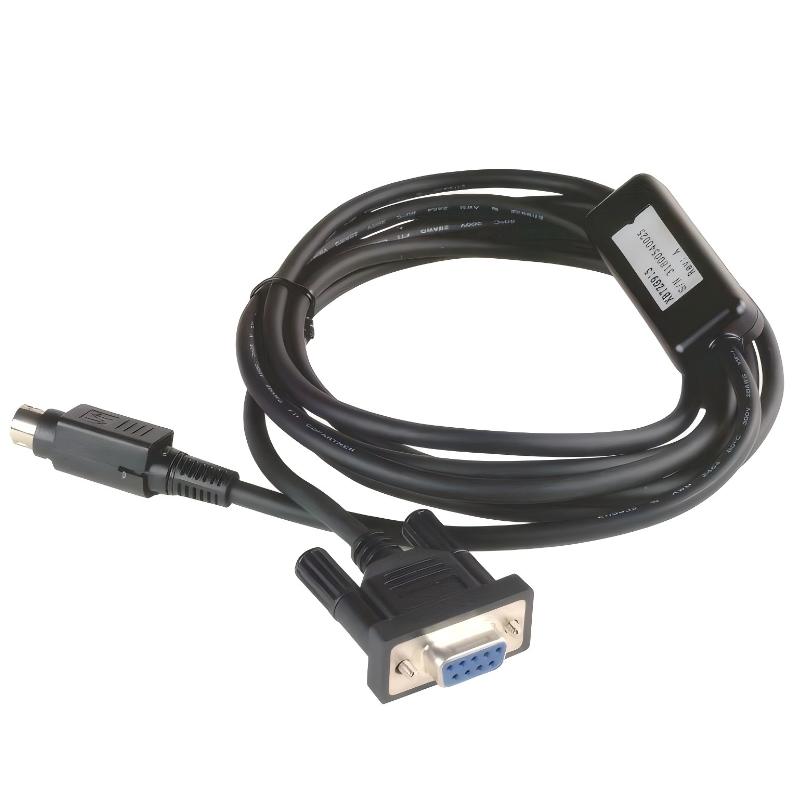
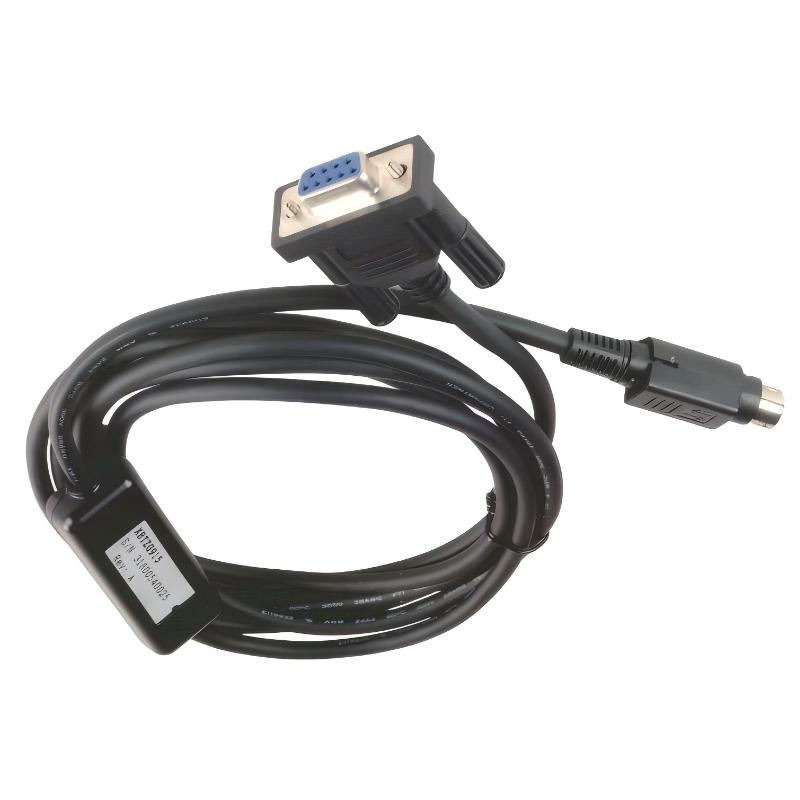
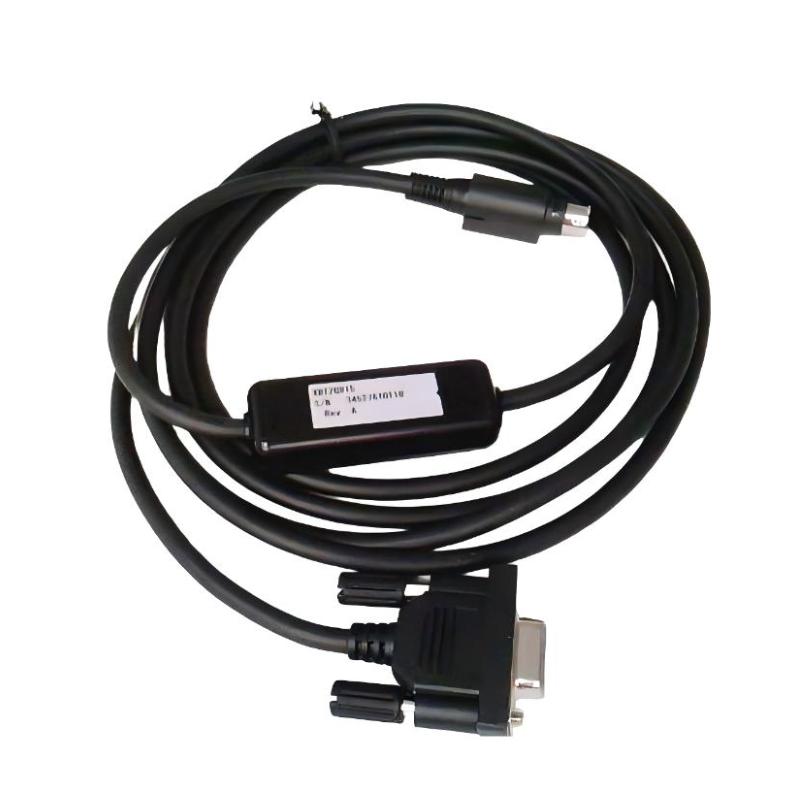
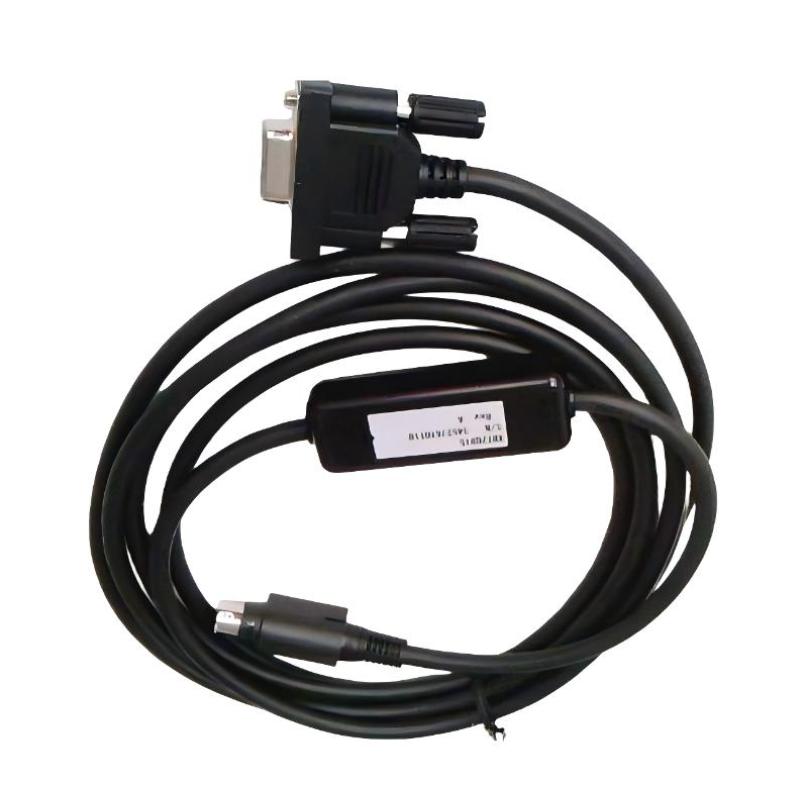
- Schneider
- XBTZG915
- Adaptor For Terminal XBT - For Advanced Panel
- France
- 0.2 meters
- 3 kg
- Xiamen, China
- New & In Stock
- T/T, PayPal, Western Union
- 1 Year
- 1-3 Working Days
- DHL, UPS, TNT, FedEx and EMS.
- 24-Hour Service
- COO
- 62
Our advantage

Global Logistics
We have a 10-year logistics and express cooperation agreement, so our products can be shipped to any place in the world.

Brand new and original
Our products are imported in bulk from the place of origin. Because of the cooperative relationship, our products are all original and 100% new.

24-hour service
We provide 7*24 hours service to our customers. We will be there whenever you need us.

Price advantage
All our products are priced very favorably because we have our own warehouse and supply.
| Company Information | |||
| [email protected] | |||
| Mobile | +8615980777398 | ||
| +8615980777398 | |||
| 15980777398 |
Product Overview
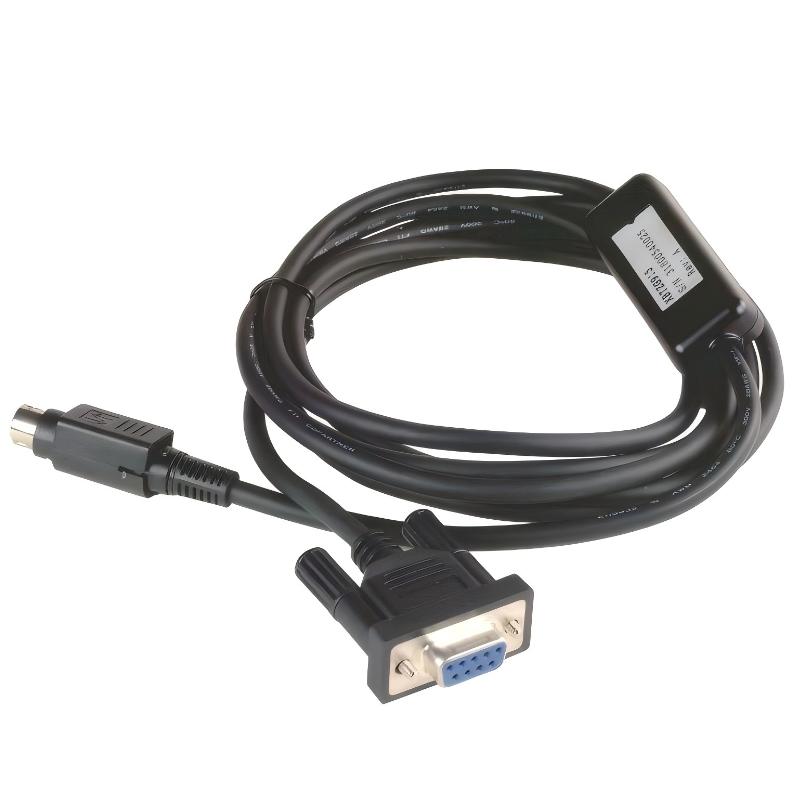
The Schneider XBTZG915 Adaptor For Terminal XBT – For Advanced Panel is an accessory used with compatible Schneider XBT advanced panel installations. Unlike an HMI terminal itself, the XBTZG915 serves as an interface accessory within the panel connection arrangement, supporting the physical and electrical connection between the terminal and associated system cabling.
The adaptor is suited to installations where the XBT terminal requires the corresponding interface arrangement for connecting to external equipment. It can be used during original panel assembly as well as when servicing or replacing components in an existing Magelis XBT installation.
With a 0.2-meter cable length, the XBTZG915 is intended for short-distance connections around the terminal rather than long cable runs through the control cabinet. This makes cable routing relatively compact when the associated equipment is installed close to the operator panel.
For maintenance work, using the appropriate adaptor helps maintain the intended connection arrangement of the XBT terminal. It is particularly useful when replacing an existing accessory, rebuilding an HMI panel, or restoring the connection between an advanced panel and its compatible external interface.
Technical Specifications
| Parameter | Specification |
|---|---|
| Manufacturer | Schneider Electric |
| Model | XBTZG915 |
| Product Family | Magelis XBT |
| Product Series | XBTZG |
| Product Type | Adaptor for XBT Terminal – Advanced Panel |
| Primary Function | Terminal connection adaptor |
| System Role | HMI accessory / connection interface |
| Application | Advanced XBT panel connection |
| Cable Length | 0.2 meters |
| Shipping Weight | 3 kg |
Product Features
- Adaptor accessory for compatible Schneider XBT terminals
- Intended for advanced panel applications
- Compact 0.2-meter cable connection
- Supports short-distance terminal connection arrangements
- Suitable for panel assembly and replacement work
- Useful for maintenance of existing Magelis XBT installations
- Helps maintain the specified interface arrangement between compatible components
- Suitable for industrial HMI system servicing
Working Principle
The XBTZG915 functions as an interface accessory rather than as an independent control device. Its purpose is to establish the required connection between the compatible XBT terminal and the associated external connection point.
XBT Advanced Panel → XBTZG915 Adaptor → Connection Cable / Interface → Automation System
During operation, the adaptor does not execute PLC logic or process control. Instead, it forms part of the physical connection path through which the terminal communicates with the associated automation equipment.
In a typical installation, the XBTZG915 is positioned close to the operator terminal, keeping the short cable section within the panel area. The connected system equipment then handles the actual control, communication, and field-device functions.
Typical functions associated with the adaptor installation include:
- Connecting the XBT terminal to compatible external equipment
- Maintaining the required terminal interface arrangement
- Supporting short-distance cable routing
- Simplifying terminal replacement
- Supporting HMI panel servicing
The adaptor should be matched to the terminal and connection architecture before installation rather than substituted solely according to connector appearance.
Role in a Magelis XBT Control Architecture
The XBTZG915 is an accessory located at the HMI connection layer. It works together with a compatible XBT advanced panel and the associated communication or connection equipment.
Operator → XBT Advanced Panel → XBTZG915 → Interface / Communication Path → PLC / Controller
| System Element | Function |
|---|---|
| Operator | Enters commands and monitors machine status |
| XBT Advanced Panel | Provides the graphical operator interface |
| XBTZG915 | Provides the specified terminal connection |
| Interface / Cable | Carries the required connection signals |
| PLC / Controller | Executes automation and machine-control logic |
| I/O System | Exchanges signals with field equipment |
| Machine Equipment | Performs the physical process operation |
The adaptor therefore belongs to the connection infrastructure surrounding the HMI rather than the control-logic layer itself.
Industrial Applications
| Application | Typical Use |
|---|---|
| Machine HMI Panels | Connecting compatible XBT advanced panels |
| Packaging Machinery | Supporting operator-terminal connections |
| Assembly Equipment | HMI panel connection and service |
| Production Lines | Maintaining existing XBT terminal interfaces |
| Process Equipment | Supporting local operator-station wiring |
| OEM Control Panels | Integration of XBT terminal accessories |
| HMI Replacement | Reconnecting replacement advanced panels |
| Maintenance Projects | Restoring existing terminal connections |
Installation and Maintenance
- Confirm that the XBTZG915 is the correct adaptor for the specific XBT terminal before installation.
- Inspect the adaptor and cable for mechanical damage before connecting it.
- Verify the terminal connection point and mating interface.
- Keep the 0.2-meter cable free from excessive bending or mechanical tension.
- Route the cable away from unnecessary sources of electrical interference.
- Ensure connectors are fully seated before energizing the HMI system.
- Do not force a connector into an incompatible terminal interface.
- Verify the communication or connection path after installation.
- Check the HMI for normal startup and communication status.
- During maintenance, inspect the adaptor for loose connections or damaged cable insulation.
- Replace damaged accessories rather than relying on temporary cable repairs in industrial control panels.
- After replacement, test the complete HMI-to-controller connection before returning the machine to normal operation.
If the connected XBT terminal fails to communicate after installation, check the adaptor connection first, followed by the associated cable, interface equipment, terminal configuration, and controller communication path.
Related Components
| Component | Function |
|---|---|
| Schneider Magelis XBT Terminal | Provides the operator interface |
| XBT Advanced Panel | Provides graphical machine visualization |
| XBT Communication Accessories | Supports terminal communication |
| XBT Connection Cables | Provides the required connection path |
| Schneider PLC / Controller | Executes machine-control logic |
| Schneider I/O Modules | Interfaces with field signals |
| Industrial Ethernet / Bus Network | Provides system-level communication |
| Control Panel Equipment | Houses and connects automation components |
Recommended Related Models
| Model / Product Family | Product Type | Typical Application |
|---|---|---|
| Schneider Magelis XBT | HMI Terminal Family | Industrial operator interface |
| Schneider XBTGT | Advanced Touchscreen HMI | Machine and process visualization |
| Schneider XBTGK | Advanced HMI with Keyboard | Operator control applications |
| Schneider XBTG | Graphic Touch Panel | Machine-level HMI |
| Schneider XBTZG | XBT Accessory Family | Terminal connection applications |
| Schneider Modicon M340 | PLC Platform | Machine and automation control |
Key Advantages
- Intended specifically for compatible XBT advanced panel connection arrangements
- Short 0.2-meter cable length for compact panel routing
- Useful for original HMI installation and replacement work
- Supports maintenance of existing Magelis XBT systems
- Helps maintain the intended terminal interface configuration
- Simple accessory-level component within the HMI connection architecture
- Suitable for industrial control-panel servicing
Technical FAQs
What is the purpose of the XBTZG915?
The XBTZG915 is an adaptor accessory for compatible Schneider XBT advanced panels. It forms part of the terminal connection arrangement rather than performing independent HMI or PLC control functions.
Is the 0.2-meter cable suitable for connections inside a control panel?
Yes. The short cable length is suited to installations where the associated connection point is located close to the XBT terminal. It helps keep the local connection compact without requiring an unnecessarily long cable section.
Can the XBTZG915 be replaced with a generic adaptor?
Replacement should be based on compatibility with the specific XBT terminal and connection architecture. A generic adaptor should not be selected only because its connector appears physically similar.
What should be checked if an XBT terminal does not communicate after installing the adaptor?
Check that the XBTZG915 is correctly connected at both ends, then inspect the associated cable and interface equipment. If the physical connection is correct, verify the terminal configuration and controller communication path to determine where the fault occurs.