

ProductPRODUCT
Featured products
Contact Us
- Schneider
- XBTGT5340
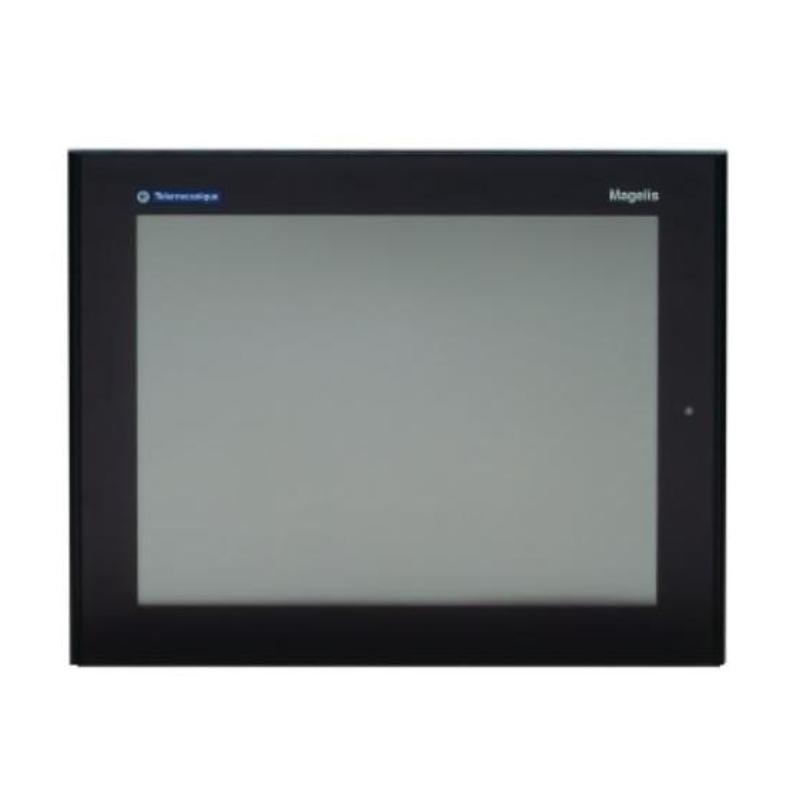
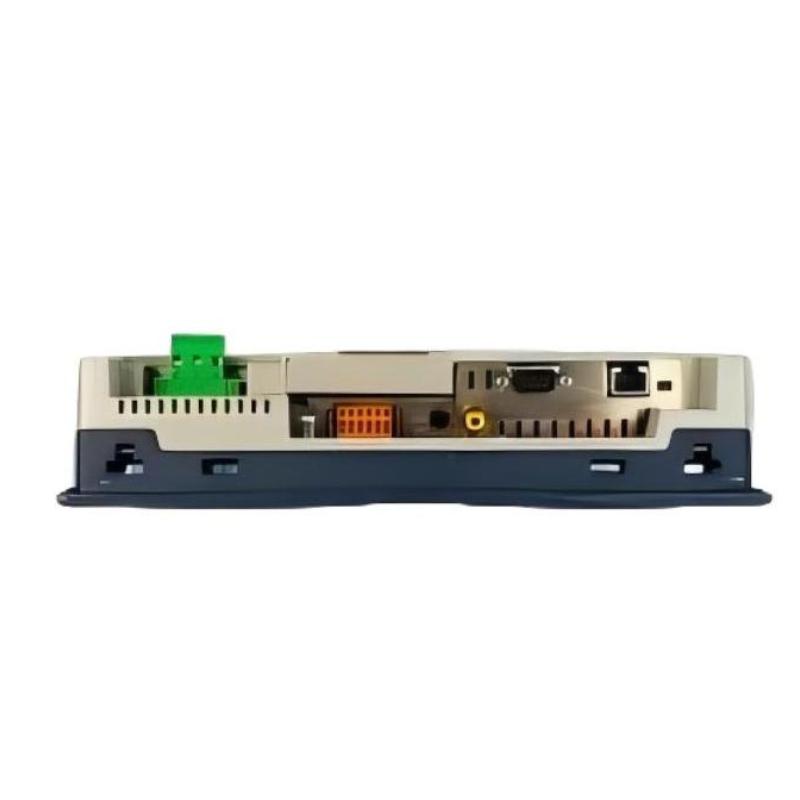
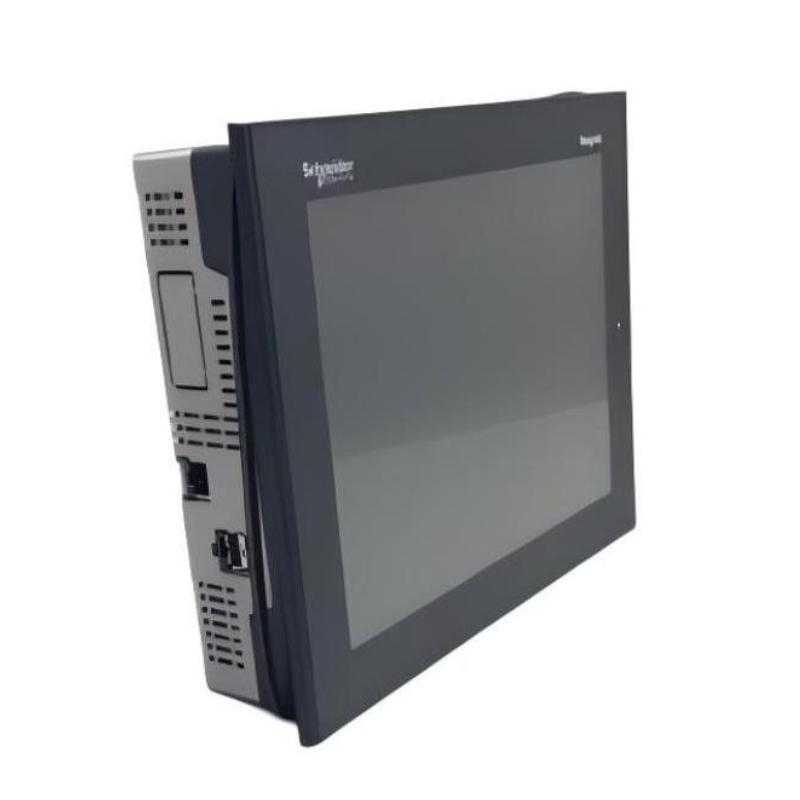
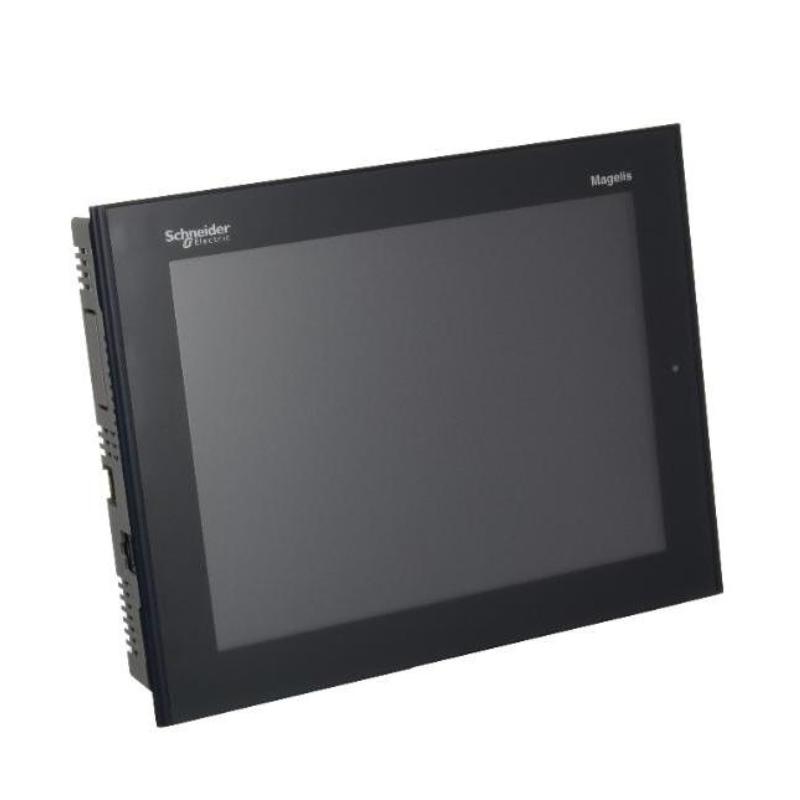
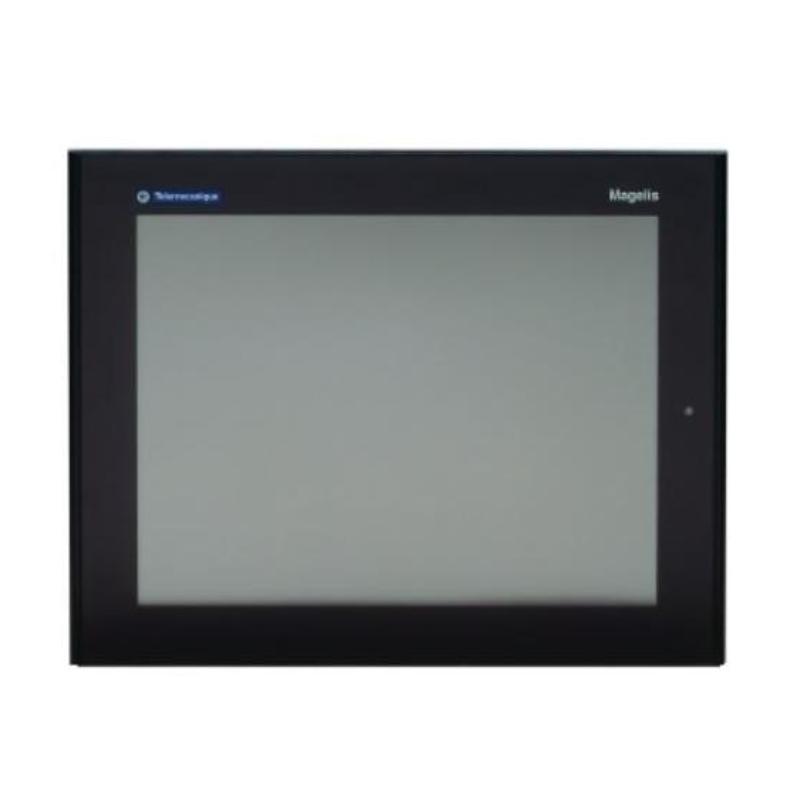
- 10.4" Advanced Touchscreen Panel
- France
- 270.5 × 212.5 × 57 mm
- 2.5 kg
- Xiamen, China
- New & In Stock
- T/T, PayPal, Western Union
- 1 Year
- 1-3 Working Days
- DHL, UPS, TNT, FedEx and EMS.
- 24-Hour Service
- COO
- 50
Our advantage

Global Logistics
We have a 10-year logistics and express cooperation agreement, so our products can be shipped to any place in the world.

Brand new and original
Our products are imported in bulk from the place of origin. Because of the cooperative relationship, our products are all original and 100% new.

24-hour service
We provide 7*24 hours service to our customers. We will be there whenever you need us.

Price advantage
All our products are priced very favorably because we have our own warehouse and supply.
| Company Information | |||
| [email protected] | |||
| Mobile | +8615980777398 | ||
| +8615980777398 | |||
| 15980777398 |
Product Overview
The Schneider XBTGT5340 10.4″ Advanced Touchscreen Panel is a graphical operator interface for industrial machines and automation systems that require a larger local display for monitoring and control. It gives operators access to configured machine information and operating functions directly from the control panel.
The 10.4-inch touchscreen is suitable for applications where several process values, machine states, alarms, or operating controls need to be presented within a graphical interface. It fits applications such as production machinery, packaging equipment, process equipment, and manufacturing cells where operators need more visual information than a small-format terminal can conveniently provide.
Within the automation architecture, the XBTGT5340 operates at the HMI layer between the operator and the control system. The PLC or controller continues to execute machine logic, sequencing, and interlocks, while the touchscreen handles visualization and operator interaction.
For commissioning and maintenance, the terminal provides a convenient machine-side interface for checking configured operating information and using available control functions. This allows technicians to investigate machine behavior from the operator station without relying exclusively on direct access to the control cabinet.
Technical Specifications
| Parameter | Specification |
|---|---|
| Manufacturer | Schneider Electric |
| Model | XBTGT5340 |
| Product Family | Magelis XBT |
| Product Series | XBTGT |
| Product Type | 10.4″ Advanced Touchscreen Panel |
| Primary Function | Advanced graphical operator interface |
| System Role | Human-machine interface |
| Application | Machine and process monitoring and control |
| Installation | Control panel / operator station |
| Display Size | 10.4 inches |
| Dimensions | 270.5 × 212.5 × 57 mm |
| Weight | 2.5 kg |
Product Features
- 10.4-inch graphical touchscreen interface
- Magelis XBT operator-interface platform
- XBTGT series advanced touchscreen panel
- Suitable for machine and process visualization
- Provides a larger display area for configured operating information
- Supports direct touchscreen interaction with configured functions
- Suitable for production, commissioning, and maintenance activities
- Practical for industrial control panels requiring graphical HMI functions
Working Principle
The XBTGT5340 operates as the graphical interface between the operator and the automation controller. The configured HMI application determines which machine values, states, alarms, and control functions are displayed on each screen.
Operator Touch Input → XBTGT5340 → PLC / Controller → I/O System → Machine Equipment
When an operator selects a configured touchscreen function, the terminal communicates the corresponding command to the control system. The PLC or controller evaluates the command according to the programmed sequence, permissive conditions, and interlocks before initiating the relevant machine action.
Operating information travels in the opposite direction. Data handled by the controller is made available to the HMI application, allowing the XBTGT5340 to display machine status and process information in a graphical format.
Typical functions can include:
- Machine status visualization
- Process value monitoring
- Operator command entry
- Alarm and condition display
- Manual operating functions
- Maintenance and commissioning interaction
The terminal therefore provides the visual and interactive layer while the controller remains responsible for the actual automation logic.
Role in a Magelis XBTGT Control Architecture
The XBTGT5340 occupies the HMI layer of a machine or process-control architecture. It gives operators a graphical interface for accessing configured control functions without taking over the responsibilities of the PLC or field-level equipment.
Operator → XBTGT5340 → PLC / Controller → I/O Modules → Sensors & Actuators
| System Element | Function |
|---|---|
| Operator | Monitors operating conditions and enters commands |
| XBTGT5340 | Provides graphical touchscreen interaction |
| PLC / Controller | Executes machine logic and sequencing |
| I/O Modules | Exchanges electrical signals with field equipment |
| Sensors | Supplies machine and process feedback |
| Actuators | Executes commands from the control system |
| Machine Equipment | Performs the physical production or process operation |
This architecture keeps visualization and operator interaction at the HMI level while the PLC handles deterministic machine-control functions.
Industrial Applications
| Application | Typical Use |
|---|---|
| Production Machinery | Graphical machine status and operator control |
| Packaging Systems | Production monitoring and touchscreen commands |
| Assembly Equipment | Machine operation and process visualization |
| Machine Tools | Local operating information and control functions |
| Material Handling | Equipment status and operator commands |
| Process Equipment | Monitoring of configured process information |
| Manufacturing Cells | Centralized local operator interface |
| OEM Machinery | Graphical HMI for integrated machine control |
Installation and Maintenance
- Install the XBTGT5340 in a position that provides clear screen visibility and convenient operator access.
- Verify the control-panel mounting opening before installation.
- Ensure sufficient space is available behind the panel for wiring and servicing.
- Confirm the terminal power connections before energizing the unit.
- Verify communication wiring between the HMI and associated controller.
- Keep communication wiring properly routed within the control cabinet.
- Check the HMI application configuration before commissioning.
- Verify that displayed variables correspond to the intended PLC data.
- Test touchscreen commands under controlled machine conditions.
- Check the display and touch interface periodically for physical damage or abnormal response.
- Keep the touchscreen surface clean using suitable non-abrasive cleaning methods.
- After replacing the terminal, verify the HMI project and communication configuration before returning the machine to service.
For troubleshooting, check the touchscreen response, HMI configuration, communication path, PLC data, and field equipment separately. A displayed error or failed command may originate from the controller or application configuration rather than the terminal hardware.
Related Components
| Component | Function |
|---|---|
| Schneider PLC / Controller | Executes machine-control logic |
| Schneider Magelis XBT Terminals | Provides operator-interface functions |
| Schneider Digital I/O Modules | Interfaces with discrete field signals |
| Schneider Analog I/O Modules | Handles analog process signals |
| Machine Sensors | Provides process and equipment feedback |
| Relays and Contactors | Switches electrical loads |
| Motor Starters | Controls motor starting and stopping |
| Variable Speed Drives | Controls motor operating conditions |
Recommended Related Models
| Model / Product Family | Product Type | Typical Application |
|---|---|---|
| Schneider Magelis XBT | Operator Terminal Family | Machine-level operator interface |
| Schneider Magelis XBTGT | Advanced Graphic Touch Panel | Machine and process visualization |
| Schneider Magelis XBTGK | Touchscreen and Keyboard HMI | Operator control with physical keys |
| Schneider Magelis XBTG | Graphic Touch Panel | Graphical machine operation |
| Schneider Magelis HMIG | HMI Terminal | Machine and process visualization |
| Schneider Modicon M340 | PLC Platform | Machine and automation control |
Key Advantages
- 10.4-inch graphical touchscreen for detailed machine visualization
- Larger display area for multiple configured operating functions
- Direct touchscreen interaction at the machine operator station
- Suitable for industrial machine and process applications
- Useful for production, commissioning, and maintenance
- Fits the Magelis XBTGT advanced operator-interface family
- Provides a dedicated HMI layer above the PLC control system
Technical FAQs
What makes the XBTGT5340 suitable for advanced machine visualization?
Its 10.4-inch graphical interface gives application designers more screen area for organizing machine information, operating controls, alarms, and process values within the HMI application.
How is the XBTGT5340 different from a touchscreen with a keyboard?
The XBTGT5340 is an advanced touchscreen panel, whereas a model such as the XBTGK5330 combines touchscreen operation with a physical keyboard. The appropriate choice depends on whether the application requires dedicated physical operator keys.
Can the XBTGT5340 perform machine sequencing independently?
The terminal serves as the operator interface. Machine sequencing, interlocks, and equipment control remain functions of the associated PLC or controller.
What should be verified after replacing an XBTGT5340?
Verify the physical installation, power connection, communication path, HMI application, controller addressing, and displayed variables. Operator commands should also be tested under controlled conditions before the machine returns to normal production.