

ProductPRODUCT
Featured products
Contact Us
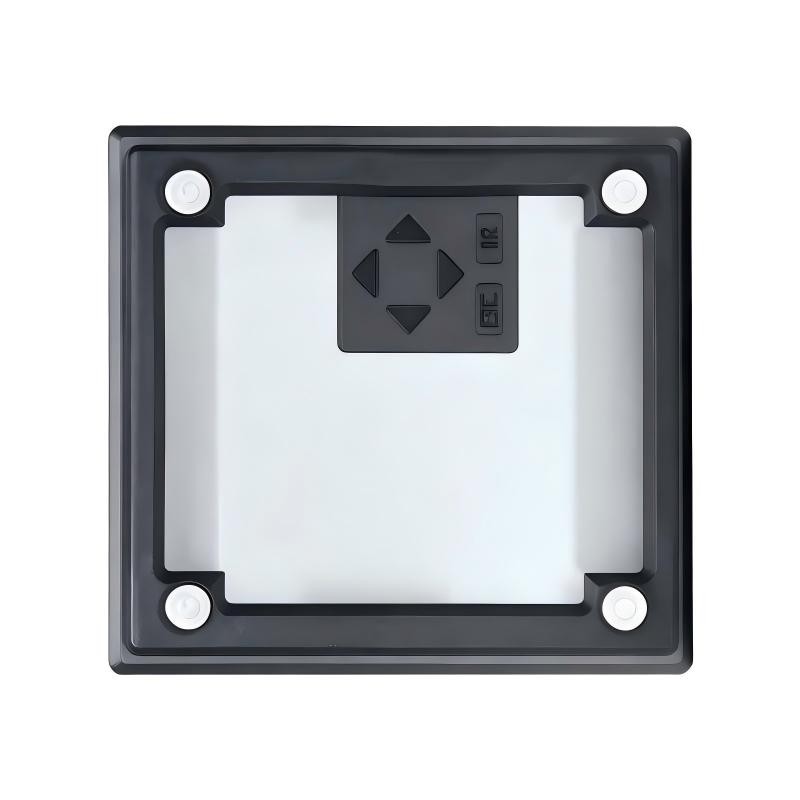
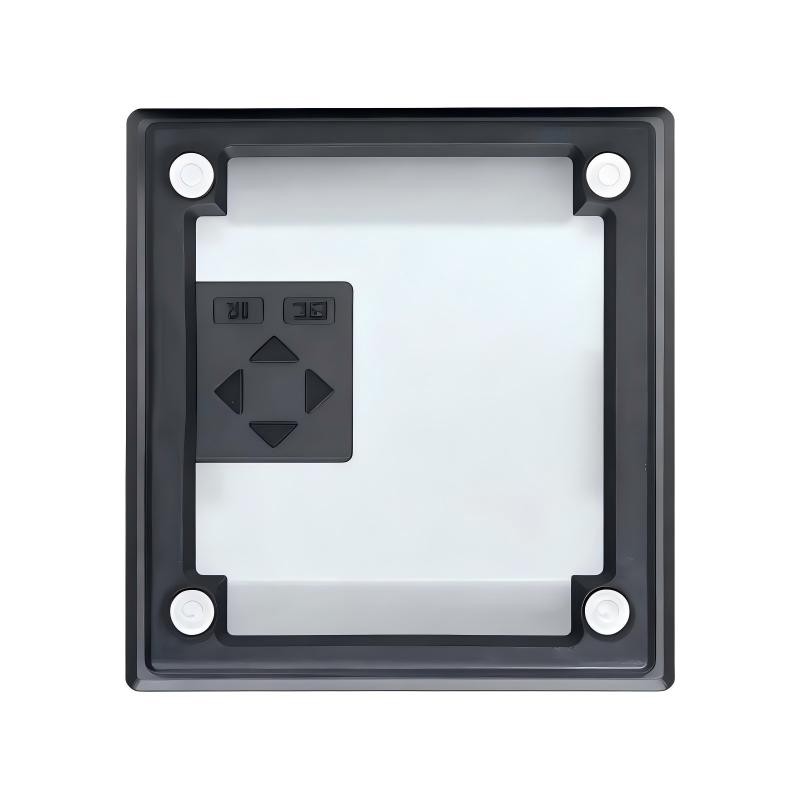
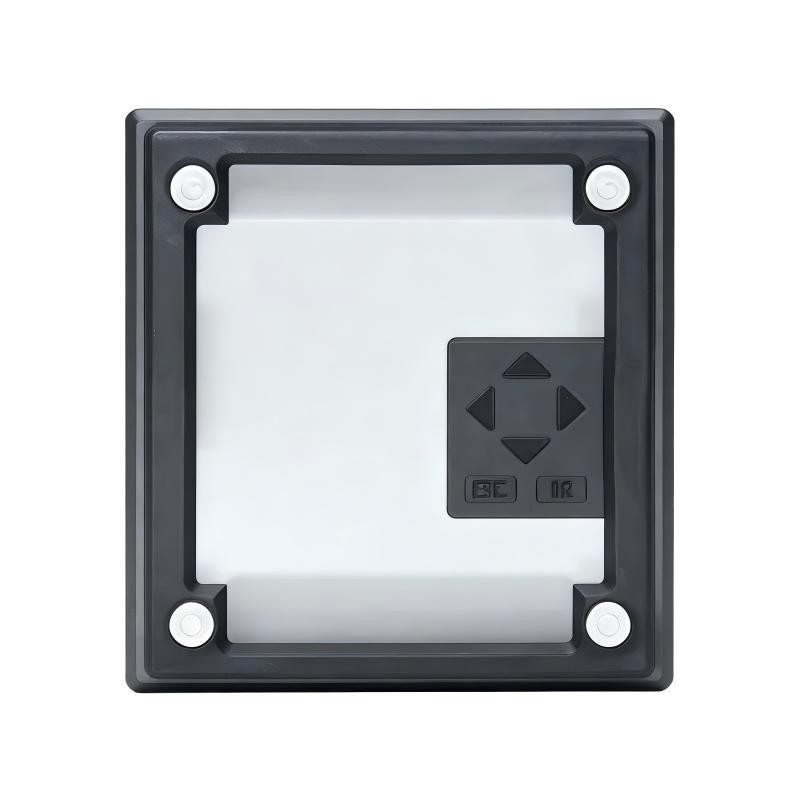
- Siemens
- 6AG1057-1AA02-0AA0
- Front Panel Mounting Kit
- Germany
- 9.0 × 7.2 × 5.5 cm
- 0.04kg
- Xiamen, China
- New & In Stock
- T/T, PayPal, Western Union
- 1 Year
- 1-3 Working Days
- DHL, UPS, TNT, FedEx and EMS.
- 24-Hour Service
- COO
- 5
Our advantage

Global Logistics
We have a 10-year logistics and express cooperation agreement, so our products can be shipped to any place in the world.

Brand new and original
Our products are imported in bulk from the place of origin. Because of the cooperative relationship, our products are all original and 100% new.

24-hour service
We provide 7*24 hours service to our customers. We will be there whenever you need us.

Price advantage
All our products are priced very favorably because we have our own warehouse and supply.
| Company Information | |||
| [email protected] | |||
| Mobile | +8615980777398 | ||
| +8615980777398 | |||
| 15980777398 |
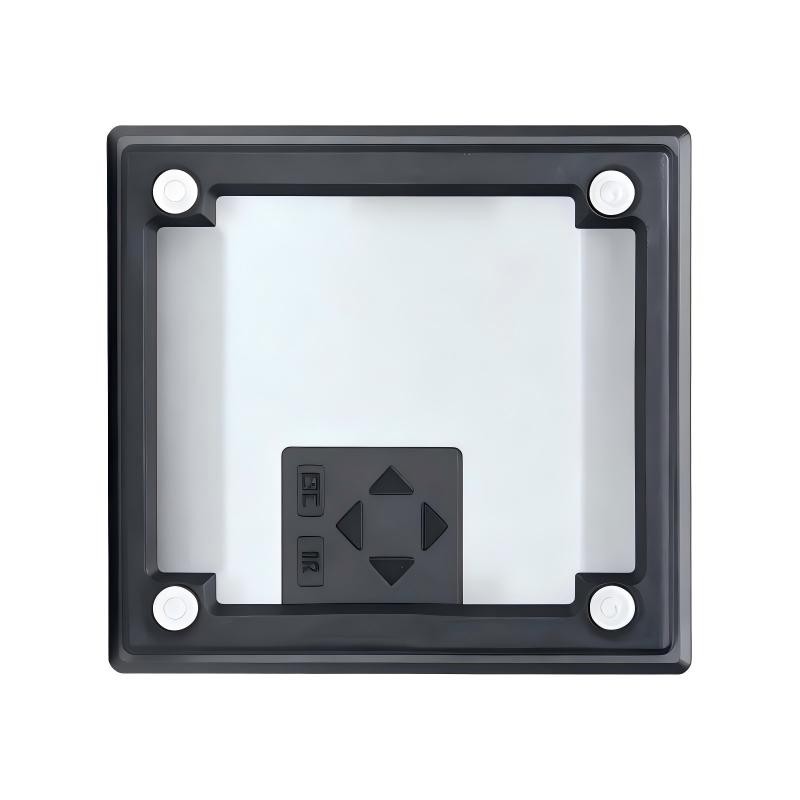
Siemens 6AG1057-1AA02-0AA0 — Product Overview, Technical Specifications, Applications, Advantages and Related Models
1. Product Overview
The 6AG1057-1AA02-0AA0 is a model number within the Siemens industrial automation product-numbering system. Before assigning detailed technical characteristics to this exact model, its complete product designation and hardware configuration must be distinguished from those of similar LOGO! and SIPLUS LOGO! accessories.
This document is organized for industrial purchasing, product catalog preparation, equipment selection and maintenance planning. It covers the product’s identification, technical parameters, intended applications, advantages, brand and product-family classification, and two groups of five related models.
Technical accuracy note: The exact product description, mounting configuration, dimensions and net weight of 6AG1057-1AA02-0AA0 cannot be established confidently without verifying the exact part number. The tables below therefore distinguish information that can be described at the product-family level from specifications that require confirmation. Unverified measurements are marked accordingly rather than presented as confirmed engineering data.
2. Basic Product Identification
| Parameter | Specification |
|---|---|
| Model number | 6AG1057-1AA02-0AA0 |
| Brand | Siemens |
| Product family | LOGO! |
| Product category | Input simulator |
| Product designation | Input Simulator for LOGO! 12/24 V |
| Product series | LOGO! automation accessories |
| Device type | Input simulation and operator-interface accessory |
| Compatible supply voltage | 12 V DC / 24 V DC |
| Mounting method | DIN-rail mounting |
| Input types | Digital and analog simulation, depending on the connected controller configuration |
| Display | Display-equipped version; confirm the exact variant before ordering |
| Operating temperature | 0°C to +55°C |
| Dimensions (L × W × D) | Approximately 9.0 × 7.2 × 5.5 cm |
| Net weight | Approximately 0.040 kg |
| Communication interface | No independent network interface established |
| Main function | Simulation of input conditions for compatible LOGO! control equipment |
| Typical application | Control-system testing, demonstration, training and troubleshooting |
The dimensions and weight above are approximate product-level values. They should be checked against the physical unit and its technical documentation before being used for cabinet design, shipping calculations or formal procurement specifications.
3. Detailed Product Description
3.1 Product Function
The 6AG1057-1AA02-0AA0 is an input simulator designed for use with compatible LOGO! compact logic controllers operating with 12 V DC or 24 V DC systems.
An input simulator allows selected input conditions to be created or changed without requiring every test to be performed using the actual field sensors and switches. This makes it useful when checking a control program, demonstrating logic functions or carrying out preliminary tests on a compact automation system.
For example, a technician can simulate a switch changing state and observe how the connected controller responds. Depending on the controller configuration and available functions, the test may help confirm basic interlocks, timer operations, switching sequences and other programmed behaviors.
The simulator does not replace a complete field instrumentation system. It is primarily a supporting device for testing, demonstration and operation of compatible control equipment.
3.2 Compatibility with LOGO! Controllers
The product belongs to the LOGO! automation family. Compatibility should be checked against the specific controller generation, supply voltage and input configuration.
Although the product designation indicates 12/24 V operation, this does not mean that every controller in the LOGO! family supports every possible connection arrangement. The intended controller’s electrical specifications and connection instructions must be followed.
3.3 Compact Installation
The approximate dimensions of 9.0 × 7.2 × 5.5 cm make the device suitable for compact control installations.
DIN-rail mounting can help simplify its integration into a control cabinet, training panel or test bench. Adequate space must still be provided for wiring, terminals, ventilation and maintenance access.
3.4 Use in Testing and Demonstration
Input simulation is particularly useful when a machine or process is unavailable during initial testing.
A technician can test selected control conditions before the actual equipment is connected. In a training environment, the simulator can also help demonstrate the relationship between an input condition and a programmed output response.
The actual tests that can be performed depend on the simulator’s available controls and the connected controller.
4. Detailed Technical Specifications
| Technical parameter | Specification |
|---|---|
| Model number | 6AG1057-1AA02-0AA0 |
| Brand | Siemens |
| Series | LOGO! |
| Product type | Input simulator |
| Intended controller family | LOGO! compact logic controllers |
| Supply voltage | 12 V DC / 24 V DC |
| Mounting type | DIN rail |
| Input simulation | Digital and analog-related input simulation, subject to the supported configuration |
| Output type | Transistor-related specification is associated with this product listing; verify the precise electrical function in the product documentation |
| Display | Verify the exact hardware variant |
| Minimum operating temperature | 0°C |
| Maximum operating temperature | +55°C |
| Dimensions (L × W × D) | Approximately 9.0 × 7.2 × 5.5 cm |
| Net weight | Approximately 0.040 kg |
| Independent PLC processing capability | None |
| Independent motor-control function | None |
| Independent communication function | Not established |
| Primary purpose | Input simulation for controller testing |
| Typical environment | Indoor control cabinets, test benches and training panels |
| Installation requirement | Compatible controller, suitable DC supply and correct wiring |
| Maintenance requirement | Periodic inspection of wiring, terminals and mounting condition |
The output-related classification should not be confused with the number or type of inputs that can be simulated. The exact electrical arrangement must be confirmed for the particular hardware revision.
5. Product Advantages
5.1 Reduces Dependence on Field Sensors During Testing
The input simulator can help test control logic without requiring all real-world switches and sensors to be installed and operational.
This can be useful during preliminary commissioning, workshop testing and troubleshooting. It also helps technicians separate control-program issues from faults in external sensing equipment.
5.2 Supports Faster Functional Checks
When testing a simple automation sequence, manually creating input conditions can make it easier to observe how the controller reacts.
For example, a technician can check whether a programmed sequence responds correctly to a simulated start condition, a stop condition or a change in operating state.
The benefit depends on the input conditions supported by the simulator and the functions implemented in the controller.
5.3 Compact Design
The compact form factor makes the device suitable for small automation panels and laboratory training equipment.
Its relatively low weight also makes it easy to handle when assembling or modifying a test setup.
5.4 Practical for Training
Input simulation is useful in educational and industrial training environments because it provides a straightforward way to demonstrate control logic.
Students and technicians can observe how changes in input conditions affect a programmed sequence without having to operate a complete machine.
5.5 Suitable for Preliminary Commissioning
Before connecting a complete field installation, a technician may use simulated inputs to check selected program functions and basic control responses.
This can help identify simple programming or configuration issues early in the commissioning process.
Simulation alone does not establish that the complete machine is safe or ready for production. Safety circuits, actual field devices and operating conditions require separate validation.
5.6 Compatible with Compact Automation Workflows
The LOGO! product family is used for relatively small automation tasks. An input simulator can support testing and demonstration activities within that environment without requiring a separate, full-scale test system.
6. Product Applications
| Application | Description | Main benefit |
|---|---|---|
| PLC program testing | Creates selected input conditions for checking program responses | Simplifies basic functional testing |
| Industrial training | Demonstrates input-state changes and programmed logic | Makes control concepts easier to understand |
| Workshop testing | Tests compatible controller functions before field installation | Reduces dependence on actual sensors during preliminary checks |
| Machine commissioning | Supports selected control checks during setup | Helps identify basic configuration issues |
| Maintenance troubleshooting | Assists with separating controller-related issues from field-input problems | Supports a more structured diagnostic process |
| Automation demonstrations | Demonstrates how programmed logic responds to changing conditions | Provides a compact training arrangement |
| Laboratory experiments | Supports experiments involving digital control and logic sequences | Offers a convenient test accessory |
| Prototype development | Tests selected input-dependent functions during early development | Helps evaluate preliminary program behavior |
6.1 Industrial Automation
In a small machine-control system, a LOGO! controller may be programmed to respond to start buttons, limit switches, level switches or other input devices.
An input simulator can help reproduce selected input conditions during initial tests. This is especially useful when the machine has not yet been fully assembled.
6.2 Electrical Engineering Training
In a training panel, an instructor can demonstrate how a controller responds when an input changes state.
This provides a practical way to explain basic logic operations, interlocks, timing sequences and input/output relationships.
6.3 Maintenance and Troubleshooting
When a system does not behave as expected, technicians often need to determine whether the problem originates in the controller program, the input wiring or the field sensor.
Simulation can help test selected controller responses, although it cannot independently prove that a field sensor or complete safety circuit is functioning correctly.
7. Brand and Product Series
| Classification | Details |
|---|---|
| Brand | Siemens |
| Product family | LOGO! |
| Product series | LOGO! compact automation |
| Product category | Input simulation accessory |
| Device type | Controller testing and demonstration accessory |
| Main function | Simulating input conditions |
| Compatible system | Supported LOGO! controller configurations |
| Supply voltage | 12 V DC / 24 V DC |
| Mounting method | DIN rail |
| Primary application | Testing, training and troubleshooting |
The LOGO! family is intended for compact control applications. It includes programmable logic modules and associated accessories used to build relatively small automation systems.
The 6AG1057-1AA02-0AA0 is an accessory for input simulation. It should therefore be compared with other testing and demonstration accessories when the objective is to obtain a similar function.
A programmable logic module, an expansion module and an input simulator have different purposes and should not be treated as interchangeable products.
8. Five Related Models
The following five models are potential comparison candidates from the LOGO! automation ecosystem. They cover related control, input/output expansion and installation functions.
Because exact compatibility and the complete specifications of every candidate have not been established here, the table marks unverified values accordingly.
| Model number | Product category | Main function | Supply / electrical parameters | Dimensions (cm) | Weight (kg) |
|---|---|---|---|---|---|
| 6AG1057-1AA00-0AA3 | SIPLUS LOGO! mounting kit | Front-panel mounting, 4 MW | No independent electrical supply | 13 × 10 × 7, packaging | 0.150 |
| 6AG1057-1AA00-0AA2 | SIPLUS LOGO! mounting kit | Front-panel mounting, 8 MW | No independent electrical supply | 17 × 11 × 7.1, packaging | 0.170 |
| 6ED1052-1CC08-0BA2 | LOGO! logic module | Compact programmable control | Verify exact supply and I/O configuration | Verify | Verify |
| 6ED1055-1CB10-0BA2 | LOGO! expansion module | Additional input/output capability | Verify exact signal configuration | Verify | Verify |
| 6ED1055-1HB00-0BA2 | LOGO! expansion module | Expansion of compatible controller systems | Verify exact electrical configuration | Verify | Verify |
The first two products are mounting accessories rather than input simulators. They are included because they belong to the same broader LOGO! ecosystem, not because they provide the same functionality as the reference product.
8.1 6AG1057-1AA00-0AA3
This model is a front-panel mounting kit intended for compatible LOGO! equipment in a 4 MW arrangement.
It is relevant when the project requires a mounting solution for a compact controller and the corresponding panel layout.
8.2 6AG1057-1AA00-0AA2
This is the corresponding 8 MW mounting-kit configuration.
It may be considered when the panel must accommodate a wider arrangement of compatible control equipment. It does not provide input simulation by itself.
8.3 6ED1052-1CC08-0BA2
This model belongs to the LOGO! logic-module category. It is relevant when a project requires programmable control functions rather than input simulation alone.
The exact supply voltage, onboard I/O, output type and hardware generation must be confirmed before selection.
8.4 6ED1055-1CB10-0BA2
An expansion module can increase the signal capacity of a compatible controller system.
It may be appropriate when the project requires additional connections for switches, sensors or other field devices. The exact module configuration should be checked against the intended controller.
8.5 6ED1055-1HB00-0BA2
This is another candidate from the LOGO! expansion-module category.
Its suitability depends on the required input/output arrangement, electrical characteristics and compatibility with the installed base module.
9. Five Additional Siemens Models for Industrial Automation
The following models represent broader automation products that may be relevant to projects using compact logic control or more extensive programmable automation.
They are not all from the same product series and are not direct replacements for the input simulator.
| Model number | Product category | Main application | Key parameters to verify | Dimensions (cm) | Weight (kg) |
|---|---|---|---|---|---|
| 6ED1052-1MD00-0BA7 | LOGO! logic module | Compact machine control | Supply voltage, onboard I/O and output type | Verify | Verify |
| 6AG1052-1CC00-2BA6 | SIPLUS LOGO! logic module | Compact control in specified environmental conditions | Supply, I/O and temperature limits | Verify | Verify |
| 6ES7214-1AG40-0XB0 | SIMATIC S7-1200 CPU | Programmable machine automation | Supply, integrated I/O and communication | Verify | Verify |
| 6ES7134-6GF00-0AA1 | SIMATIC ET 200SP analog input module | Analog signal acquisition | Channel count, signal range and resolution | Verify | Verify |
| 6ES7132-6BH01-0BA0 | SIMATIC ET 200SP digital output module | Digital output control | Channel count, output voltage and current | Verify | Verify |
These models are intended as broader comparison candidates, not as a verified list of the brand’s best-selling products. Their precise dimensions, weight and electrical characteristics must be checked against the exact hardware variant.
9.1 6ED1052-1MD00-0BA7 — LOGO! Logic Module
A LOGO! logic module is relevant when the application requires programmable switching, timing, sequencing or other compact control functions.
It performs control processing rather than merely simulating inputs. Selection should be based on the required supply voltage, I/O configuration, output characteristics and supported expansion equipment.
9.2 6AG1052-1CC00-2BA6 — SIPLUS LOGO! Logic Module
This model is a candidate for comparison when a compact control system must operate under the environmental conditions specified for the relevant SIPLUS variant.
The exact temperature limits and electrical specifications should be confirmed for the selected hardware revision.
9.3 6ES7214-1AG40-0XB0 — SIMATIC S7-1200 CPU
The SIMATIC S7-1200 family is relevant to applications requiring a more extensive programmable automation platform.
Compared with an input simulator, a CPU performs the main control-processing function and may support a larger range of machine-control and communication requirements, depending on its configuration.
9.4 6ES7134-6GF00-0AA1 — Analog Input Module
An analog input module is used to acquire analog signals from compatible field devices.
The selection process should consider signal type, input range, resolution, channel count and compatibility with the selected distributed I/O system.
9.5 6ES7132-6BH01-0BA0 — Digital Output Module
A digital output module is used to provide switching signals to compatible loads or interface equipment.
Its suitability depends on the output voltage, current rating, load type, channel count and the requirements of the associated control system.
10. Model Selection Guide
| Requirement | Recommended product category | Important considerations |
|---|---|---|
| Simulate input conditions | LOGO! input simulator | Supply voltage and controller compatibility |
| Test a compact control program | LOGO! logic module with suitable test accessories | Program functions and I/O configuration |
| Demonstrate control logic | Input simulator and compatible LOGO! controller | Available simulation controls and training objectives |
| Add more input/output points | LOGO! expansion module | Signal type and supported expansion configuration |
| Mount a controller through a panel | LOGO! front-panel mounting kit | Module width, panel cut-out and installation depth |
| Acquire analog field signals | Analog input module | Signal range, resolution and channel count |
| Control digital field loads | Digital output module | Output voltage, current and load compatibility |
| Build a larger automation system | SIMATIC PLC platform | Processing requirements, communications and system architecture |
11. Installation and Maintenance Considerations
11.1 Verify the Supply Voltage
The product is intended for 12 V DC or 24 V DC LOGO! applications. Confirm the required supply arrangement and connection instructions before energizing the equipment.
11.2 Confirm Controller Compatibility
Check the exact LOGO! controller generation and input configuration. Do not assume that every device in the LOGO! family supports the same accessories or wiring arrangements.
11.3 Inspect the DIN-Rail Installation
Ensure that the device is properly secured and that wiring does not interfere with the mounting mechanism.
11.4 Provide Adequate Wiring Space
The approximate device dimensions are 9.0 × 7.2 × 5.5 cm. Additional clearance may be needed for connectors, cable bends and maintenance access.
11.5 Test Inputs Methodically
When using the simulator, test one condition at a time where practical. Compare the controller’s observed response with the intended logic behavior and the approved control sequence.
11.6 Do Not Substitute Simulation for Safety Validation
An input simulator can help with functional testing, but it does not establish the safety of an entire machine. Emergency-stop functions, protective interlocks and safety-related control circuits must be validated using the applicable procedures.
12. Final Product Summary
| Parameter | Specification |
|---|---|
| Model number | 6AG1057-1AA02-0AA0 |
| Brand | Siemens |
| Product family | LOGO! |
| Product category | Input simulator |
| Intended use | Input simulation for compatible LOGO! controllers |
| Supply voltage | 12 V DC / 24 V DC |
| Mounting method | DIN rail |
| Operating temperature | 0°C to +55°C |
| Dimensions (L × W × D) | Approximately 9.0 × 7.2 × 5.5 cm |
| Net weight | Approximately 0.040 kg |
| Main advantage | Convenient simulation of selected input conditions |
| Primary applications | Testing, training, commissioning and troubleshooting |
| Direct replacement criteria | Supply voltage, controller generation, wiring and functional compatibility |
The 6AG1057-1AA02-0AA0 is an input simulator intended for compatible LOGO! automation systems. Its principal role is to support the creation and testing of input conditions, helping technicians evaluate selected control functions without relying entirely on the final field installation.
Its compact dimensions, low weight, DC supply compatibility and suitability for training and preliminary functional testing make it a useful accessory in small automation environments.
For purchasing and engineering documentation, the most important details are the exact model number, 12 V DC / 24 V DC supply compatibility, DIN-rail mounting, operating temperature range, and the approximate dimensions and weight. Confirm these physical and electrical specifications against the exact hardware variant before finalizing a purchase or installation.