

ProductPRODUCT
Featured products
Contact Us
- Schneider
- XBTORT7340
- Advanced Touchscreen Panel
- France
- 395 x 294 x 60 mm
- 5.6 kg
- Xiamen, China
- New & In Stock
- T/T, PayPal, Western Union
- 1 Year
- 1-3 Working Days
- DHL, UPS, TNT, FedEx and EMS.
- 24-Hour Service
- COO
- 7
Our advantage

Global Logistics
We have a 10-year logistics and express cooperation agreement, so our products can be shipped to any place in the world.

Brand new and original
Our products are imported in bulk from the place of origin. Because of the cooperative relationship, our products are all original and 100% new.

24-hour service
We provide 7*24 hours service to our customers. We will be there whenever you need us.

Price advantage
All our products are priced very favorably because we have our own warehouse and supply.
| Company Information | |||
| [email protected] | |||
| Mobile | +8615980777398 | ||
| +8615980777398 | |||
| 15980777398 |
Product Overview
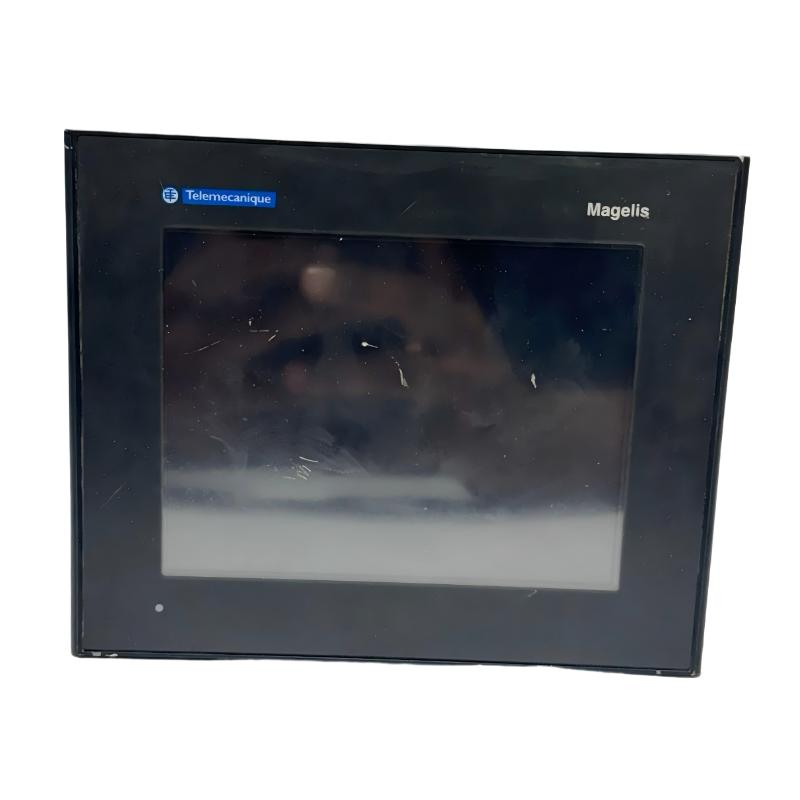
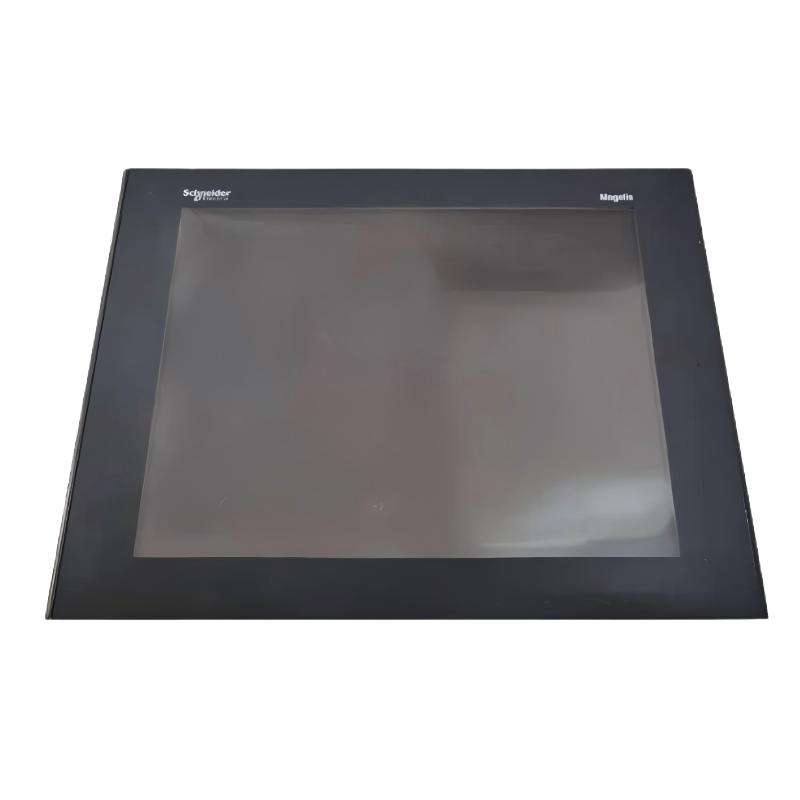
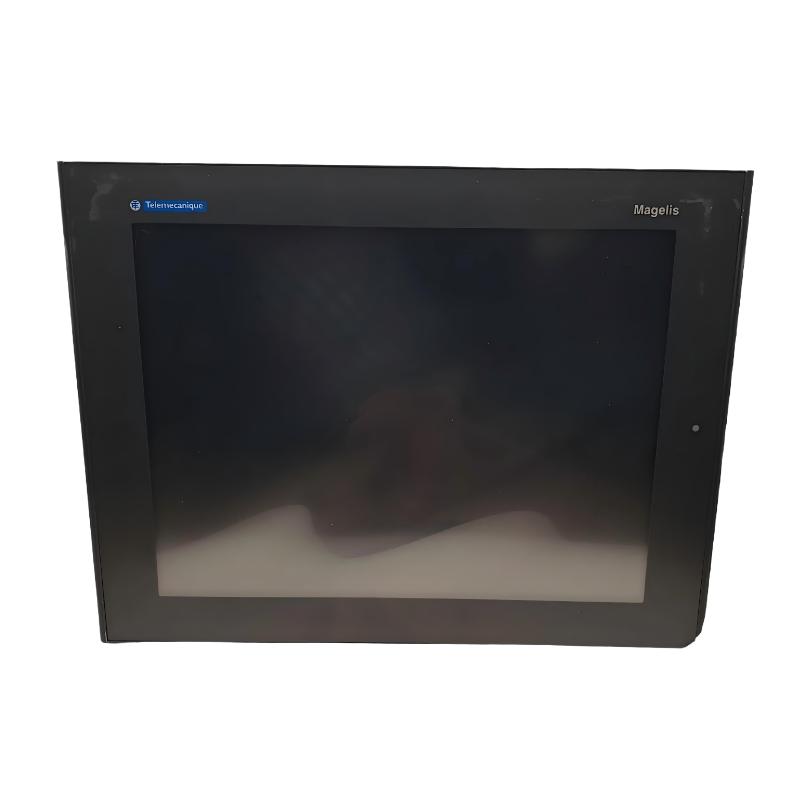
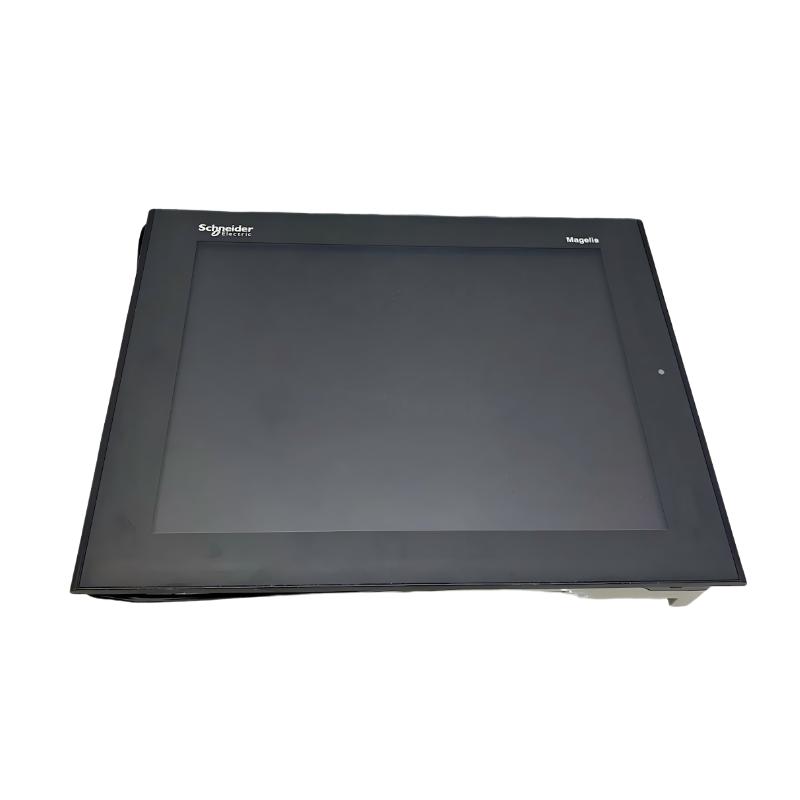
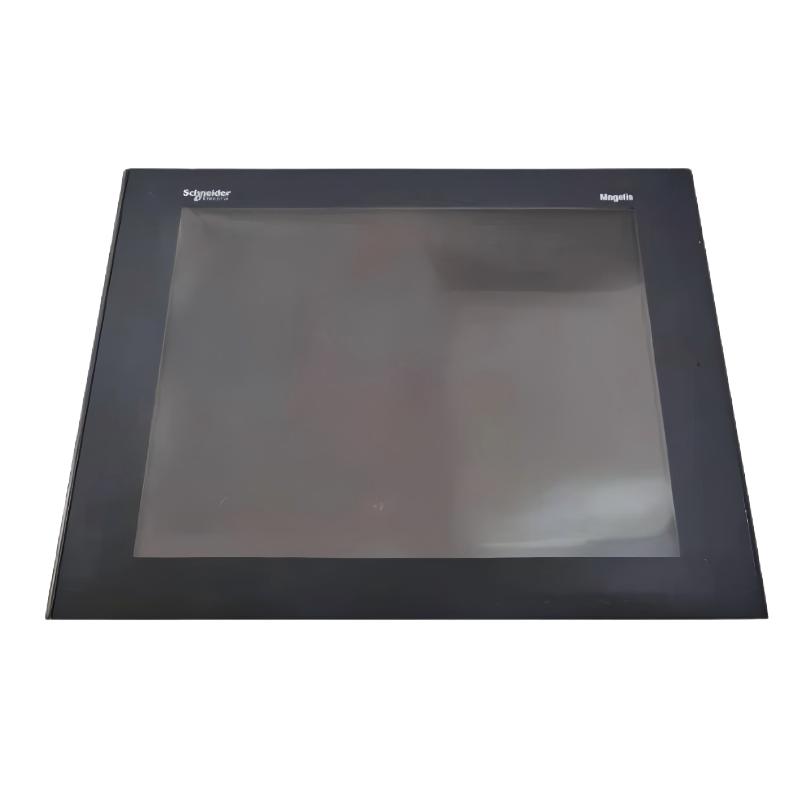
The Schneider Electric XBTGT7340 Magelis Advanced Touchscreen Panel is an industrial human-machine interface (HMI) designed to provide operators with visual access to machine status, process data, alarms, and control functions. As part of the Magelis XBT GT series, this advanced operator panel supports communication with compatible PLCs and automation equipment in industrial control systems.
An HMI serves as the interface between machine operators and automated equipment. Instead of relying exclusively on physical push buttons and indicator lamps, operators can use configured graphical screens to monitor process conditions, acknowledge alarms, enter production parameters, and interact with connected controllers.
The XBTGT7340 features a 15-inch color TFT LCD touchscreen with an XGA resolution of 1024 × 768 pixels. Its display is designed for industrial visualization applications where multiple process values, equipment status indicators, alarms, and graphical elements may need to be shown together.
The panel operates from an external 24 V DC power supply, with a specified supply range of 19.2–28.8 V DC. Its communication interfaces include Ethernet and serial connections, supporting integration with compatible controllers and industrial devices through the appropriate communication protocols.
The XBTGT7340 also includes a CompactFlash card slot, USB host interfaces, a real-time clock, and configurable operator-interface functions. Applications are developed using the associated Vijeo Designer software environment, with supported features depending on the software version, installed firmware, and target configuration.
This model has been discontinued by Schneider Electric. It may still be relevant for maintaining existing Magelis installations, replacing failed operator panels, or preserving an established HMI application. Before ordering, verify the complete model number and the hardware and software requirements of the existing system.
Technical Specifications
| Parameter | Specification |
|---|---|
| Brand | Schneider Electric |
| Product Family | Magelis XBT GT |
| Model | XBTGT7340 |
| Product Type | Advanced Touchscreen Panel / HMI |
| Display Type | Backlit color TFT LCD |
| Display Size | 15 inches |
| Display Resolution | 1024 × 768 pixels (XGA) |
| Display Colors | 65,536 colors |
| Rated Supply Voltage | 24 V DC |
| Supply Voltage Range | 19.2–28.8 V DC |
| Power Consumption | Approximately 42 W |
| Inrush Current | Up to 30 A |
| Ethernet | 10BASE-T / 100BASE-TX |
| Serial Communication | RS-232C / RS-422 / RS-485, depending on port and configuration |
| Additional Serial Interface | RS-485; supports specified protocols including Modbus and Siemens MPI |
| USB Interfaces | USB host ports |
| Removable Storage | CompactFlash card slot |
| Real-Time Clock | Built in |
| Configuration Software | Vijeo Designer |
| Mounting Method | Flush mounting |
| Front Protection | IP65 |
| Rear Protection | IP20 |
| Front Panel Rating | NEMA 4X for indoor use |
| Dimensions | 395 × 294 × 60 mm |
| Weight | 5.6 kg |
| Operating Temperature | 0–50°C |
| Storage Temperature | −20–60°C |
| Product Status | Discontinued |
Note: The specifications above refer to the documented XBTGT7340 model. The originally supplied designation XBTORT7340 should be confirmed against the physical nameplate before the listing is published.
Function and Working Principle
The XBTGT7340 operates as an operator-interface terminal. It displays information supplied by connected automation controllers and sends operator commands or entered values to those controllers through supported communication interfaces.
1. Process Visualization
The HMI can display configured graphical screens representing machine states, production stages, process values, and equipment status. Screen layouts are created in the application-development environment and transferred to the panel.
Typical display elements include numerical values, status indicators, trend displays, alarm lists, and navigation controls. The exact functions depend on the application designed for the target machine.
The 15-inch XGA screen provides a relatively large visualization area, allowing engineers to organize complex screens while maintaining readable text and graphical elements.
2. Operator Command Input
The touchscreen allows operators to interact with configured controls on the display. Depending on the application, these controls may be used to select operating modes, enter setpoints, acknowledge alarms, or request machine actions.
The HMI does not independently replace the PLC’s control logic. The PLC or other connected controller should validate commands, enforce interlocks, and manage machine operation according to the system design.
3. Communication with PLCs
The XBTGT7340 communicates with compatible controllers through its supported serial and Ethernet interfaces. The actual protocol and connection method must match the connected controller and the application’s configuration.
The panel supports a range of communication protocols associated with Schneider Electric equipment and third-party automation platforms. However, not every protocol is available for every connection or firmware configuration. Compatibility should be checked before integration.
4. Alarm and Status Display
An HMI application can display alarms and status messages received from the control system. Operators may use these screens to identify abnormal conditions, determine which equipment requires attention, and acknowledge events where permitted.
Alarm accuracy depends on the PLC program, communication reliability, and correct application configuration. The HMI should not be treated as the sole safety mechanism for a machine.
5. Data Storage and Time Information
The panel includes a CompactFlash card slot and a built-in real-time clock. Depending on the application design, supported storage and time functions can assist with application handling and time-related process information.
The card type, capacity, formatting, and intended use must comply with the panel’s documentation and application requirements. Backups should be maintained separately rather than relying exclusively on removable storage inside the unit.
Role in Industrial Control Systems
The XBTGT7340 commonly functions as the operator-facing component of a PLC-based automation system. It presents process information in a form that operators can understand and provides a controlled interface for permitted commands.
PLC and Controller Integration
A PLC monitors inputs, executes control logic, and operates outputs. The HMI provides the visual interface through which operators can monitor or interact with that logic.
For example, a PLC may control a pump according to level and pressure inputs, while the HMI displays the measured values, operating state, alarms, and authorized setpoints. The controller remains responsible for executing the actual control sequence.
Machine Monitoring
The HMI can present the status of motors, conveyors, valves, sensors, and other equipment when those values are available from the connected controller.
A well-designed screen layout can reduce the time required to locate operating information and help maintenance personnel identify the part of a process that requires inspection.
Production Operation
In manufacturing systems, operators may use the panel to select recipes, enter production targets, review machine states, or acknowledge process alarms. These functions depend on the application programmed for the particular installation.
Access permissions and command validation should be designed appropriately for the machine and its operational risks.
Legacy-System Maintenance
Because the XBTGT7340 is discontinued, one important use case is the maintenance of existing control systems that depend on a specific Magelis application.
Keeping a compatible replacement available can help reduce downtime, but successful replacement requires more than matching the physical dimensions. The existing application, communication drivers, firmware, and connected PLC must all be considered.
Industrial Applications
1. Manufacturing Machinery
The XBTGT7340 can provide an operator interface for manufacturing machines that require visual status information, alarm handling, and configurable operating screens.
Typical examples include assembly equipment, automated workstations, and production machines controlled by compatible PLCs.
2. Packaging and Material Handling
Packaging lines often require operators to monitor machine states, production counts, operating modes, and fault conditions. An HMI can consolidate this information on a single interface.
The panel can also provide access to configured commands for starting permitted sequences or changing production parameters, subject to the control system’s interlocks and permissions.
3. Process Control
In suitable process-control installations, the panel can display variables such as temperature, pressure, flow, and tank level when these measurements are provided by connected instrumentation and controllers.
The HMI is responsible for visualization and operator interaction; the control logic and process regulation are implemented by the appropriate automation equipment.
4. Water and Wastewater Systems
Water-treatment and pumping installations may use HMIs to display pump states, tank levels, alarms, and operating parameters. The XBTGT7340 may be considered for legacy systems where its communication capabilities and application remain compatible.
Environmental conditions, panel protection, electrical installation, and application requirements must be evaluated for the actual site.
5. Industrial Utilities
Utility systems such as compressed-air distribution, ventilation, and auxiliary process equipment may use an HMI for equipment status and operator access.
The suitability of this panel depends on the required protocol, screen design, installation environment, and controller compatibility.
Installation and System Integration
Correct installation is essential for reliable operation and long-term maintainability.
1. Verify the Exact Model
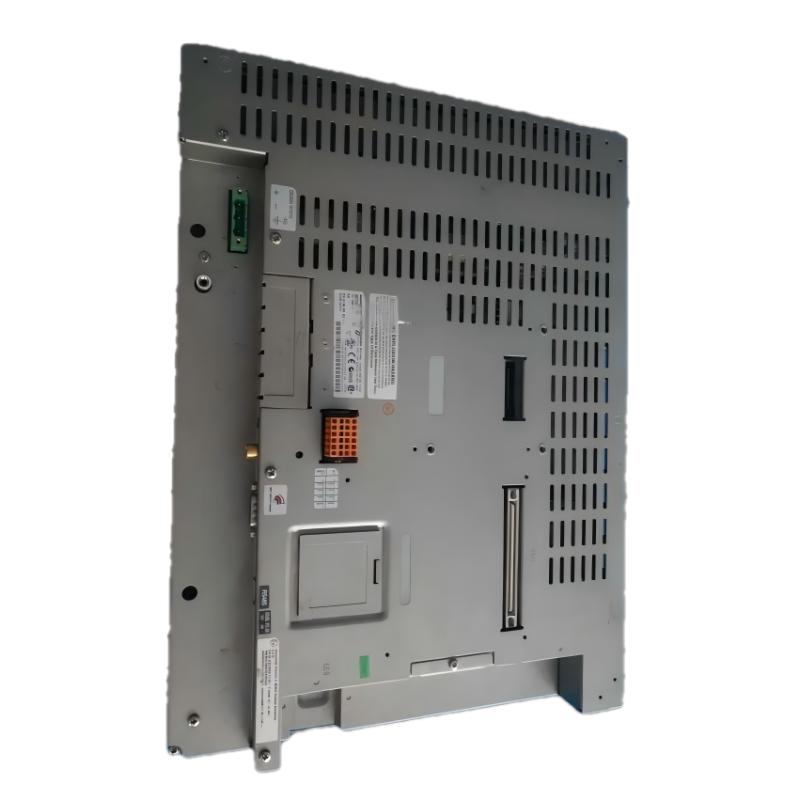
Confirm that the product is XBTGT7340 by checking the label on the rear of the unit. The designation supplied for this listing, XBTORT7340, does not match the model identified in the manufacturer documentation reviewed for the stated dimensions and weight.
Also check the hardware revision, serial number, and available firmware information where applicable.
2. Confirm the Power Supply
The panel uses an external 24 V DC supply, with a specified operating range of 19.2–28.8 V DC. The supply should have sufficient capacity for the panel’s power demand and inrush characteristics.
Verify the polarity, grounding arrangement, wiring, and protective devices before applying power. Use a suitable industrial power supply and follow the installation instructions.
3. Prepare the Panel Cutout
The unit is designed for flush mounting. The published overall dimensions are 395 × 294 × 60 mm, but the required cutout is smaller than the outer front-panel dimensions.
For the XBTGT7340, the manufacturer’s mounting information specifies a cutout of approximately 383.5 × 282.5 mm. Confirm the exact drawing and allowable panel thickness before machining the enclosure.
Provide the recommended clearance around the panel to support ventilation, installation, and maintenance access.
4. Connect Communication Interfaces
Select the communication interface that matches the PLC and application. Ethernet and serial communication may be used where supported by the relevant controller, driver, and software configuration.
Check cable type, connector pinout, baud rate where applicable, IP addressing, protocol settings, and grounding. Do not assume that a cable or protocol used by another Magelis model will necessarily be suitable for this unit.
5. Transfer and Verify the HMI Application
Use a compatible version of Vijeo Designer and the appropriate project files to maintain or restore the HMI application. Check compatibility among the software version, target model, firmware, and connected controller.
Before transferring an application to a replacement unit, back up the existing project and record communication settings. Test screen navigation, data values, alarms, and operator commands after installation.
6. Environmental Protection
The documented enclosure protection is IP65 on the front and IP20 on the rear. The front-panel rating does not mean the rear of the panel can be exposed to water or dust without suitable protection.
Install the HMI in a suitable enclosure and maintain the specified operating temperature and humidity conditions. Avoid condensation, excessive vibration, and contamination that could affect the display or connectors.
Compatible System Components
The XBTGT7340 is an operator interface rather than a standalone machine controller. Its integration depends on compatible automation equipment and correctly configured application software.
| Component | Function | Integration Considerations |
|---|---|---|
| Schneider Electric PLC | Executes machine-control logic | Confirm the PLC model, supported driver, and communication method |
| Third-party PLC | Provides control functions for compatible systems | Verify the protocol and driver supported by the installed HMI software |
| 24 V DC power supply | Supplies operating power | Ensure sufficient current capacity and suitable protection |
| Ethernet cable and network switch | Supports Ethernet communications | Verify cable specification, network settings, and supported protocol |
| Serial communication cable | Connects compatible serial devices | Check connector type, pinout, signal standard, and baud rate |
| CompactFlash card | Provides supported removable storage | Verify card compatibility and intended use |
| USB storage device | Supports applicable transfer or peripheral functions | Confirm supported USB functions and procedures |
| Vijeo Designer software | Develops and maintains the HMI application | Match software version and target configuration |
| Industrial control cabinet | Houses the HMI and associated equipment | Provide the correct cutout, ventilation, and rear protection |
These are system integration examples. They are not necessarily included with the panel.
Alternative Models and Replacement Considerations
The XBTGT7340 is discontinued, and replacement selection should consider the existing application and communication architecture.
| Alternative | Considerations |
|---|---|
| Another XBTGT7340 unit | May simplify replacement if the hardware, firmware, and application are compatible |
| Schneider Electric HMIDT732 | A model identified by Schneider Electric as a replacement option in relevant product documentation; verify project and system compatibility |
| Another Magelis XBT GT panel | Requires careful review of display resolution, screen size, interfaces, memory, and software support |
| A newer Schneider Electric Harmony HMI | May support a modernization project but can require application conversion, wiring changes, and commissioning |
| A third-party industrial HMI | Requires confirmation of protocol support, application redevelopment, and system validation |
Before selecting a replacement, check:
- Screen size and resolution.
- Power supply requirements.
- Panel cutout and mounting dimensions.
- Ethernet and serial interfaces.
- Supported PLC drivers and protocols.
- Application software and project-file availability.
- Firmware and application compatibility.
- Environmental protection and operating temperature.
- Required USB or removable-storage functions.
- Alarm, data, and operator-command behavior.
A replacement panel with a similar screen size is not automatically a drop-in substitute. Application migration may require redesigning screens, rebuilding communications, or retesting machine behavior.
Key Advantages
Large 15-Inch Display
The 1024 × 768 XGA color display provides space for detailed process screens, status information, alarms, and operator controls.
Industrial Touchscreen Operation
The touchscreen supports configured operator interaction, reducing dependence on separate physical controls for every operation.
Multiple Communication Interfaces
Ethernet and serial connections support integration with compatible controllers and automation systems when the appropriate protocol and configuration are available.
Application-Based Visualization
Vijeo Designer allows engineers to build graphical screens tailored to the machine’s operating requirements.
Removable Storage Support
The CompactFlash slot supports applicable storage and maintenance functions, subject to the panel’s documented requirements.
Industrial Mounting Design
The flush-mount format allows the panel to be installed into a compatible operator station or control-cabinet door.
Support for Legacy Equipment
For existing installations, sourcing the correct XBTGT7340 model can help preserve an established HMI application and reduce the extent of replacement work, provided the unit and software are compatible.
Technical FAQs
1. What is the Schneider Electric XBTGT7340?
It is a Magelis XBT GT advanced touchscreen panel used as an HMI in industrial automation systems. It displays process information and provides an interface for operators to interact with compatible controllers.
2. What is the display size and resolution?
The XBTGT7340 has a 15-inch color TFT LCD display with a resolution of 1024 × 768 pixels (XGA).
3. What power supply does it require?
The panel operates from an external 24 V DC supply, with a specified voltage range of 19.2–28.8 V DC.
4. Does it support Ethernet communication?
Yes. The documented interface includes 10BASE-T/100BASE-TX Ethernet. Actual communication with a controller depends on the supported protocol, driver, network configuration, and application.
5. Which software is used to configure the panel?
The documented configuration software is Vijeo Designer. The appropriate version and target support should be checked before opening or transferring an existing project.
6. What are the mounting dimensions?
The overall dimensions are 395 × 294 × 60 mm. The mounting cutout is approximately 383.5 × 282.5 mm; confirm the manufacturer’s drawing before preparing the panel.
7. Is the XBTGT7340 still in production?
No. Schneider Electric lists the XBTGT7340 as discontinued. The manufacturer has identified HMIDT732 as a replacement option in relevant product documentation, but compatibility must be checked for the actual application.
8. Can it communicate with Siemens or Allen-Bradley PLCs?
The documented product supports certain third-party protocols, including Siemens Simatic and Rockwell Automation Allen-Bradley protocols. The exact PLC model, communication driver, physical interface, and software configuration must be verified before integration.
9. Is the front and rear protection rating the same?
No. The documented protection is IP65 at the front and IP20 at the rear. The panel should be installed so the rear is appropriately protected from environmental hazards.
10. What should be checked before purchasing a used panel?
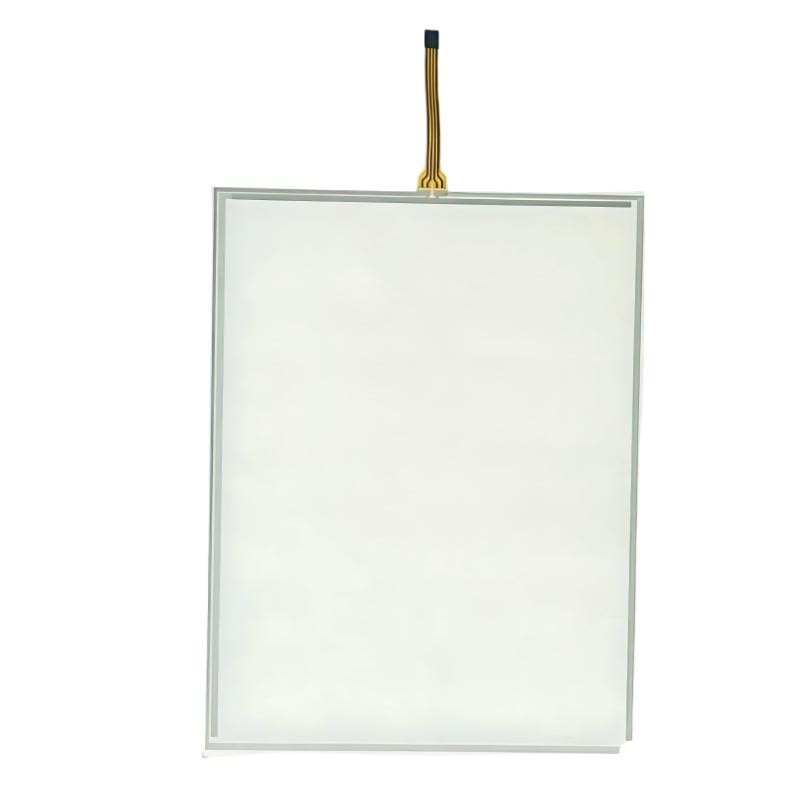
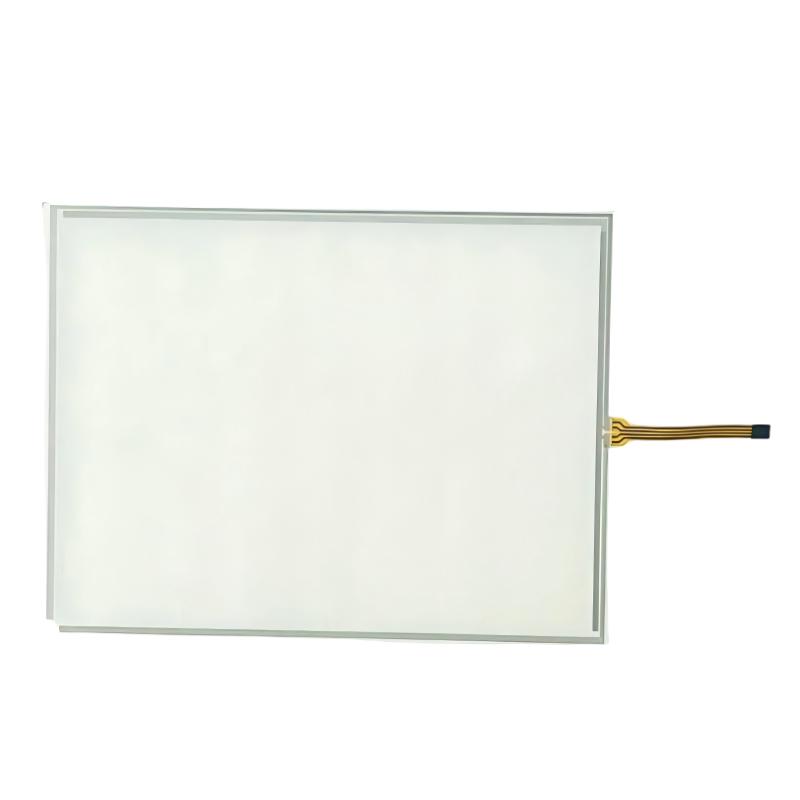
Verify the model label, display condition, touchscreen response, connectors, power-up behavior, available firmware information, and the condition of the mounting hardware. Confirm whether the existing HMI project can be restored and whether the panel is compatible with the connected PLC.
Procurement and Maintenance Recommendations
Since the XBTGT7340 is discontinued, buyers should verify the exact model number and hardware condition before purchasing. This is especially important when replacing a panel in a production line where the original application and communication settings must be preserved.
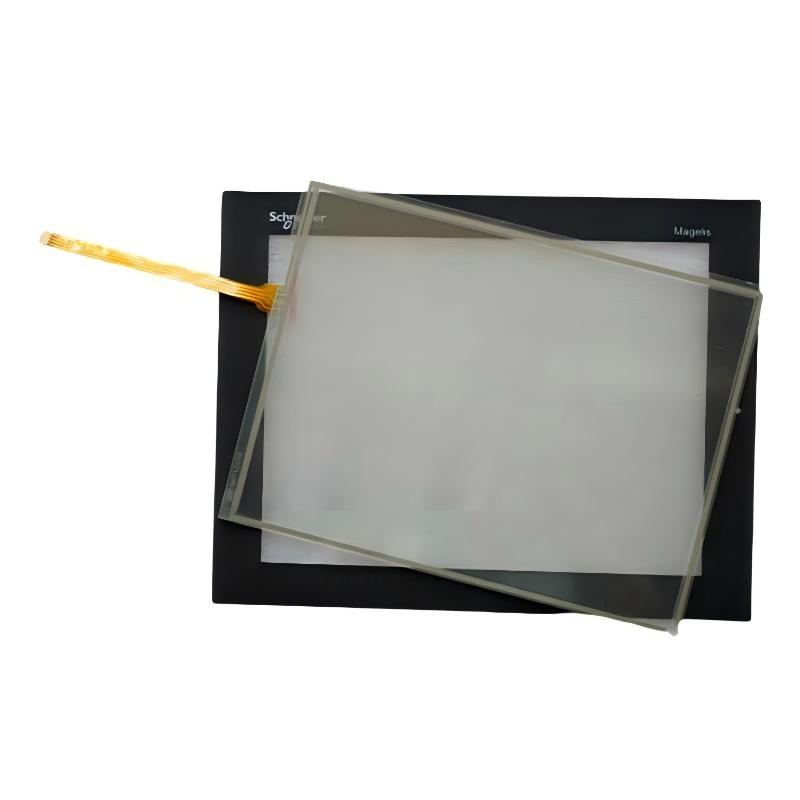
Request clear photographs of the front label and rear nameplate. Check for touchscreen dead zones, display defects, damaged connectors, signs of moisture ingress, and evidence of unauthorized repairs. For critical applications, request functional testing and confirm warranty and return conditions.
Before removing an existing panel, back up the HMI application and document PLC communication settings, IP addresses, serial parameters, and any application-specific configuration. Keep a separate copy of the project files and confirm that the required software is available.
During routine maintenance, clean the touchscreen using an appropriate non-abrasive method and avoid aggressive solvents that may damage the display surface. Inspect the enclosure seal, mounting clamps, connectors, and ventilation conditions. Follow the manufacturer’s procedures for electrical isolation before servicing the unit.
If migrating to a newer HMI, plan for application conversion, screen verification, communication testing, and operator acceptance. A replacement project should validate alarm handling, displayed values, command permissions, and machine interlocks before the system returns to normal production.
Conclusion
The Schneider Electric XBTGT7340 Magelis Advanced Touchscreen Panel is a 15-inch industrial HMI featuring an XGA color display, 24 V DC power supply, Ethernet and serial communications, removable storage support, and Vijeo Designer application development.
Its role is to provide operators with process visualization and an interface to compatible PLC-based control systems. Since the model is discontinued, accurate identification and application compatibility are essential when sourcing a replacement or maintaining an existing installation.
For this listing, verify the supplied designation XBTORT7340 against the physical nameplate. The specifications provided match the documented XBTGT7340 model, and confirming the model before publication will help ensure accurate product identification and search visibility.