

ProductPRODUCT
Featured products
Contact Us
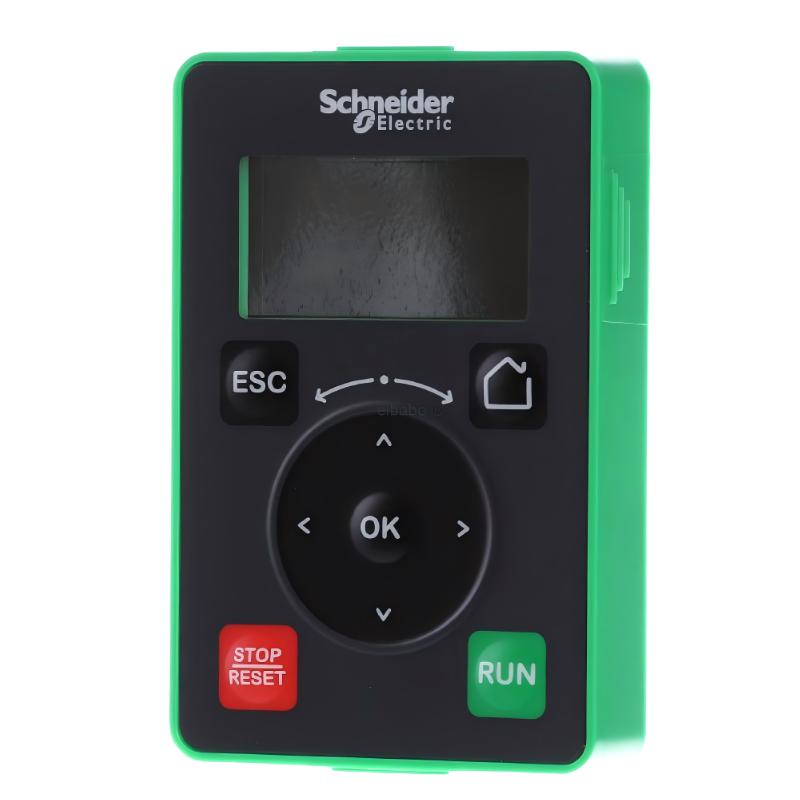
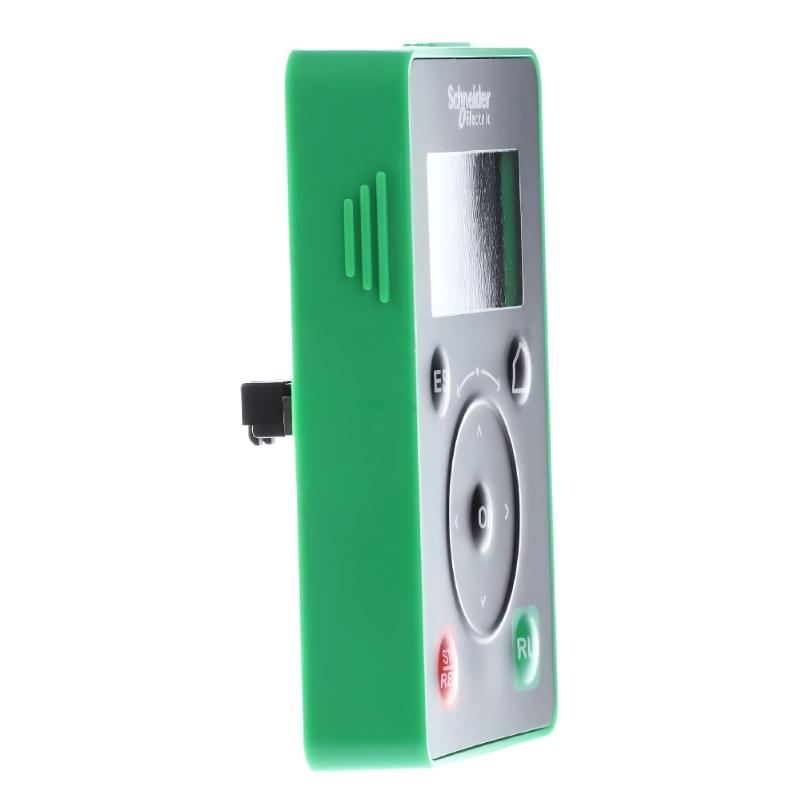
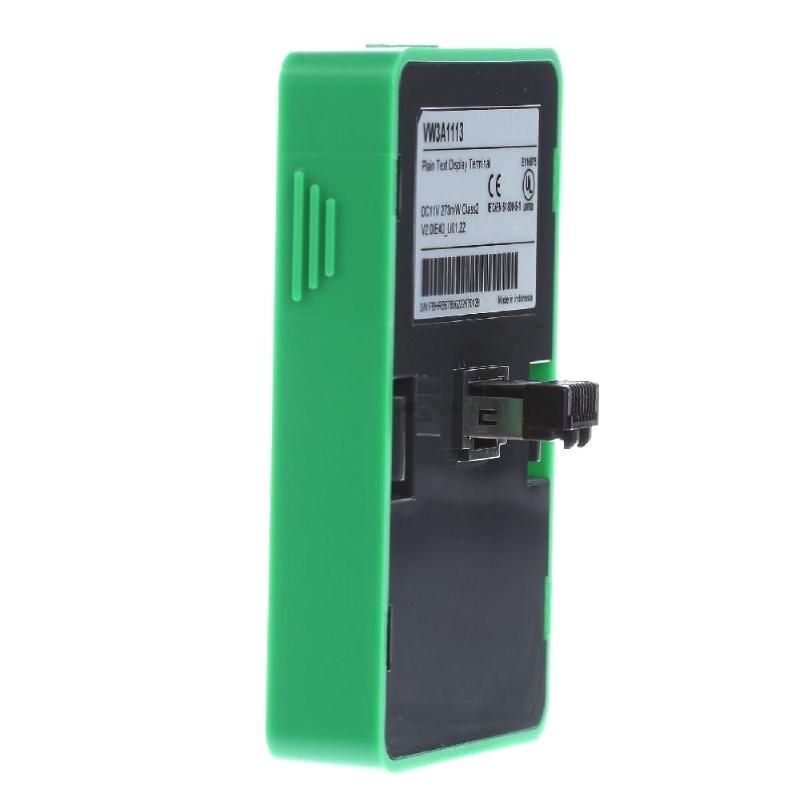
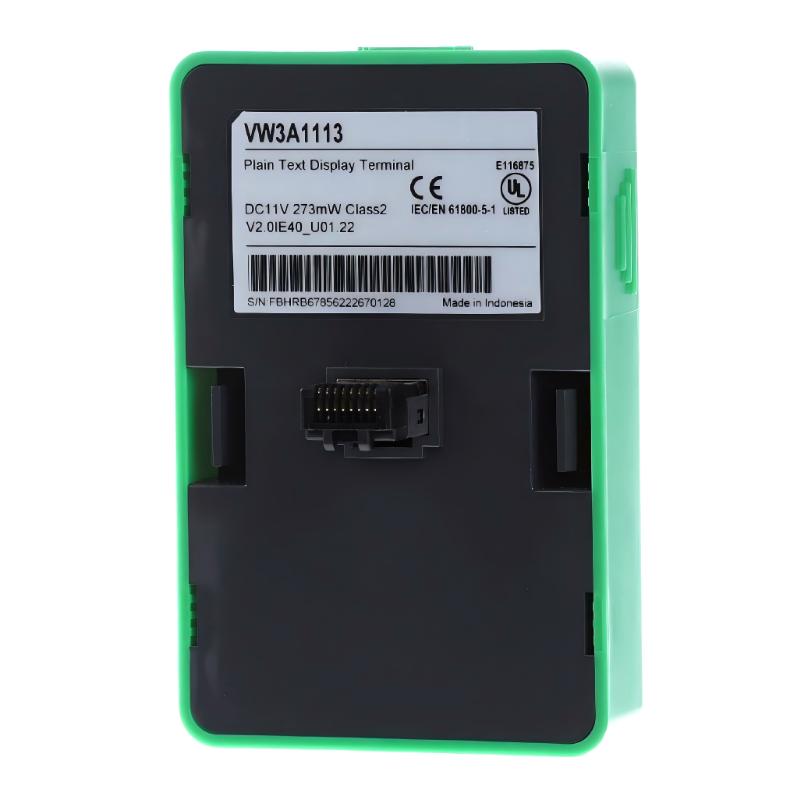
- Schneider
- VW3A1113
- Plain Text Display Terminal
- France
- 99 × 59.4 × 70 mm
- 0.05 kg
- Xiamen, China
- New & In Stock
- T/T, PayPal, Western Union
- 1 Year
- 1-3 Working Days
- DHL, UPS, TNT, FedEx and EMS.
- 24-Hour Service
- COO
- 59
Our advantage

Global Logistics
We have a 10-year logistics and express cooperation agreement, so our products can be shipped to any place in the world.

Brand new and original
Our products are imported in bulk from the place of origin. Because of the cooperative relationship, our products are all original and 100% new.

24-hour service
We provide 7*24 hours service to our customers. We will be there whenever you need us.

Price advantage
All our products are priced very favorably because we have our own warehouse and supply.
| Company Information | |||
| [email protected] | |||
| Mobile | +8615980777398 | ||
| +8615980777398 | |||
| 15980777398 |
Product Overview
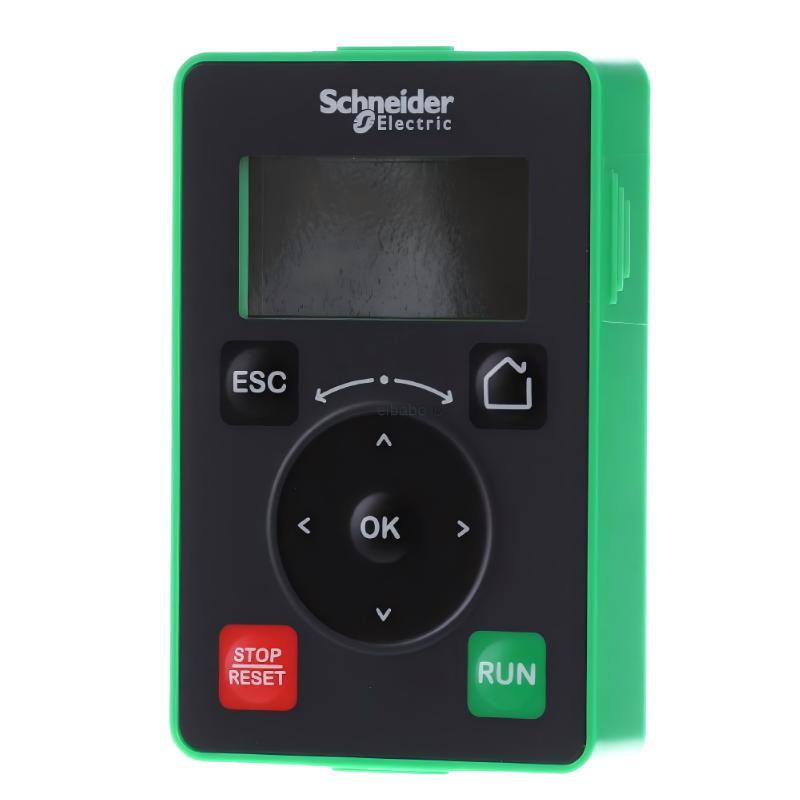
The Schneider VW3A1113 Plain Text Display Terminal is an operator interface accessory for compatible Altivar variable speed drives. It gives users a straightforward interface for viewing drive information and accessing applicable operating or configuration functions.
Compared with a graphic-oriented terminal, a plain-text display is better suited to installations where operators mainly need clear operating messages, parameter information, and basic drive status rather than a more detailed graphical presentation.
In practical motor-control applications, the terminal can be used at a machine control panel or other operator-accessible location while the Altivar drive handles the actual motor-control functions. It is also useful during commissioning and service work when technicians need direct access to drive information.
Technical Specifications
| Parameter | Specification |
|---|---|
| Manufacturer | Schneider Electric |
| Model | VW3A1113 |
| Product Family | Altivar |
| Product Type | Plain Text Display Terminal |
| Primary Function | Drive Status Display and Operator Interface |
| System Role | Drive Display / Control Interface |
| Application | Altivar Variable Speed Drive Systems |
| Installation | Operator Control Panel |
| Dimensions | 99 × 59.4 × 70 mm |
| Weight | 0.05 kg |
Product Features
- Schneider Electric Altivar Plain Text Display Terminal
- Model VW3A1113
- Text-based operator interface
- Displays applicable drive information
- Provides access to supported drive functions
- Suitable for drive status monitoring
- Useful for parameter-related operations
- Applicable to machine control panels
- Suitable for commissioning and maintenance
- Provides a simple interface for compatible Altivar systems
- Useful where basic drive information is the primary requirement
Working Principle
The VW3A1113 functions as the operator-facing display and interface for a compatible Altivar drive.
Operator → VW3A1113 → Altivar Drive → Motor
The terminal exchanges applicable information with the drive and presents it as text for the operator. Depending on the connected drive and configuration, the user can navigate through available information, review drive conditions, and access supported functions.
A typical use sequence involves checking the drive status, reviewing relevant values or parameters, and responding to operating conditions identified through the terminal.
The terminal does not perform the motor-control power conversion. The Altivar drive remains responsible for controlling the motor.
Role in an Altivar Drive System
| System Element | Function |
|---|---|
| VW3A1113 | Plain-text display and operator interface |
| Altivar Drive | Variable speed motor control |
| Drive Interface | Connects terminal with drive |
| Electric Motor | Controlled mechanical load |
| Control Panel | Provides operator access |
| Machine / Process | Uses the controlled motor |
The VW3A1113 sits between the operator and the drive’s available information and functions, giving the user a direct interface without replacing the drive controller.
Industrial Applications
| Application | Typical Use |
|---|---|
| Machine Control | Drive status and parameter access |
| Conveyor Systems | Motor operating-condition monitoring |
| Pump Systems | Drive information display |
| HVAC Equipment | Drive operation interface |
| Material Handling | Local drive interaction |
| Process Machinery | Drive monitoring |
| Industrial Control Panels | Operator-facing display |
| Motor-Control Systems | Drive service and commissioning |
Installation and Maintenance
- Confirm the VW3A1113 model before installation or replacement.
- Verify compatibility with the intended Altivar drive.
- Check the terminal connection arrangement.
- Inspect connectors and associated wiring.
- Install the terminal securely in its designated position.
- Power the system and check the display.
- Verify communication with the connected drive.
- Confirm that drive information is displayed correctly.
- Test available navigation functions.
- Check applicable parameter-access functions.
- Verify supported operator commands where configured.
- Inspect the terminal and connections if the display becomes intermittent.
- Check the communication path before replacing the terminal.
If the display operates but information from the drive is missing, investigate the connection and drive-side interface as part of the troubleshooting process.
Related Components
| Component | Function |
|---|---|
| Schneider Electric VW3A1113 | Altivar Plain Text Display Terminal |
| VW3A1111 | Altivar Graphic Display Terminal |
| VW3A1101 | Altivar Remote Graphic Terminal |
| VW3A1112 | Door Mounting Kit |
| VW3A1102 | Variable Speed Door Mounting Kit |
| Altivar Drive | Variable speed motor control |
| Communication Connection | Links terminal and drive |
| Control Panel | Provides operator access |
Recommended Related Models
| Model / Product Family | Product Type | Typical Application |
|---|---|---|
| Schneider Electric VW3A1113 | Altivar Plain Text Display Terminal | Basic drive monitoring and operation |
| Schneider Electric VW3A1111 | Altivar Graphic Display Terminal | Graphic drive monitoring |
| Schneider Electric VW3A1101 | Altivar Remote Graphic Terminal | Remote drive configuration |
| Schneider Electric VW3A1112 | Door Mounting Kit | Terminal panel mounting |
| Schneider Electric VW3A1102 | Altivar Variable Speed Door Mounting Kit | Remote terminal installation |
| Schneider Electric VW3A1006 | Altivar Remote Terminal | Remote drive operation |
| Schneider Electric VW3A1007 | Altivar Remote Terminal | Remote drive operation |
| Schneider Electric ATV71 | Altivar Variable Speed Drive | Industrial motor control |
Key Advantages
- Altivar Plain Text Display Terminal
- Model VW3A1113
- Simple text-based drive interface
- Displays applicable drive information
- Supports drive monitoring and parameter access
- Suitable for machine and process applications
- Useful for commissioning and maintenance
- Suitable for operator control panels
- Provides direct access to compatible Altivar drive functions
Technical FAQs
What type of information is suitable for display on the VW3A1113?
The terminal is intended for text-based presentation of applicable drive information, such as operating conditions, parameters, and status messages supported by the connected Altivar system.
When would a plain-text terminal be preferable to a graphic terminal?
A plain-text terminal can be appropriate when the application mainly requires straightforward status and parameter information rather than a more detailed graphical interface. The choice should also consider the functions supported by the particular Altivar drive.
What should be checked when the VW3A1113 powers up but shows no useful drive information?
First check the connection between the terminal and the drive, including connectors and associated communication wiring. The compatibility and configuration of the connected drive should also be verified.
Can the VW3A1113 be used for maintenance troubleshooting?
Yes. When supported by the connected drive, the terminal can give technicians access to drive status information and applicable parameters, making it useful for checking operating conditions during commissioning and service work.