

ProductPRODUCT
Featured products
Contact Us
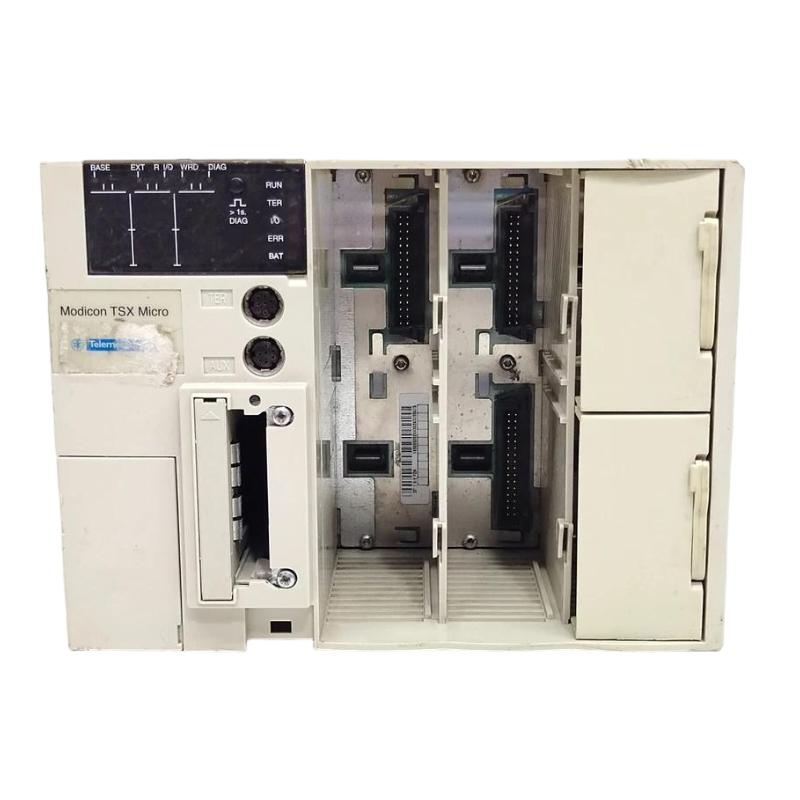
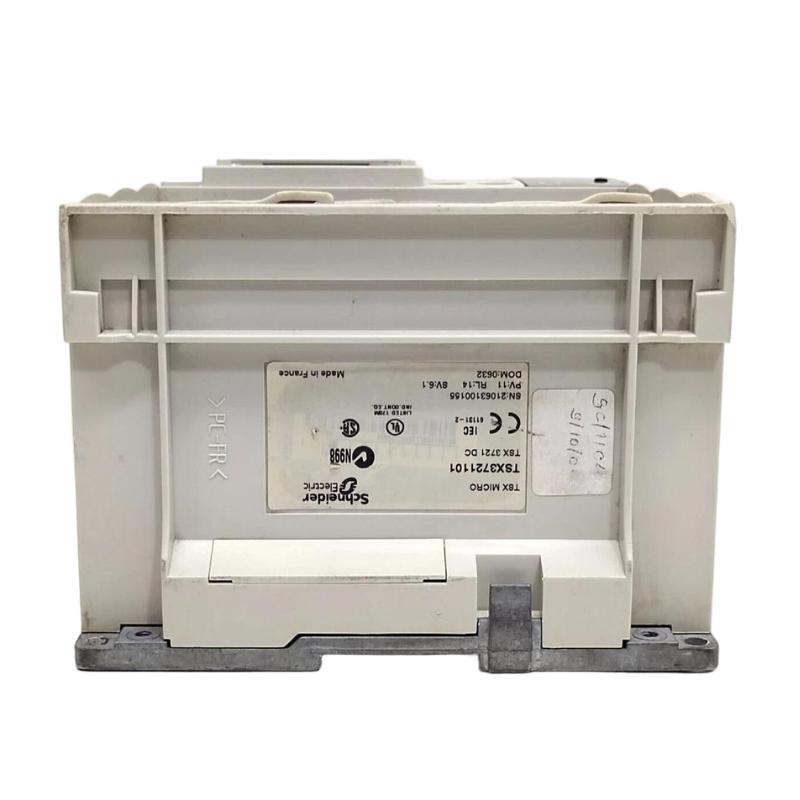
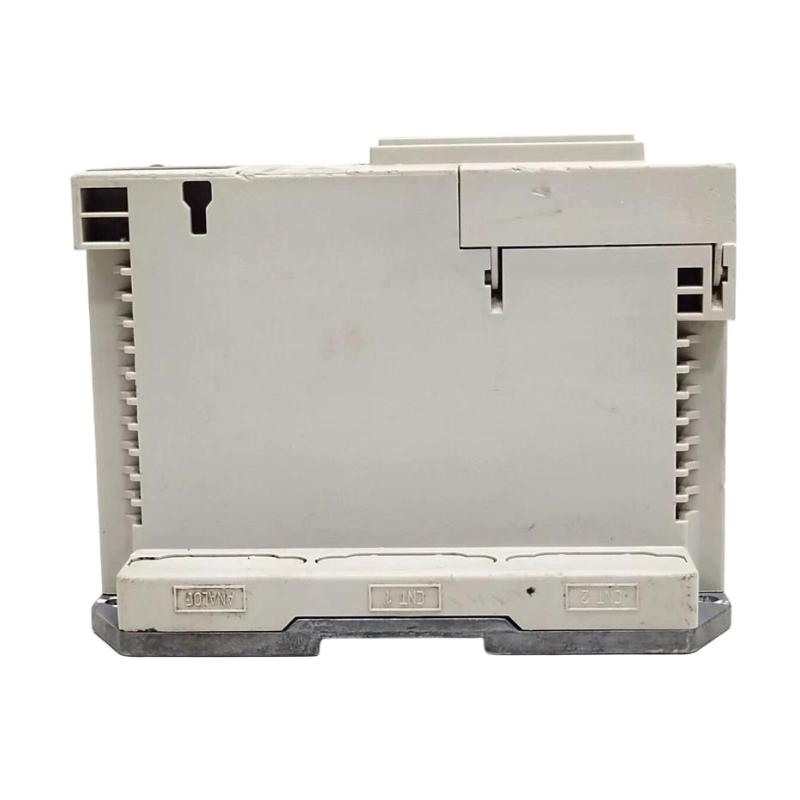
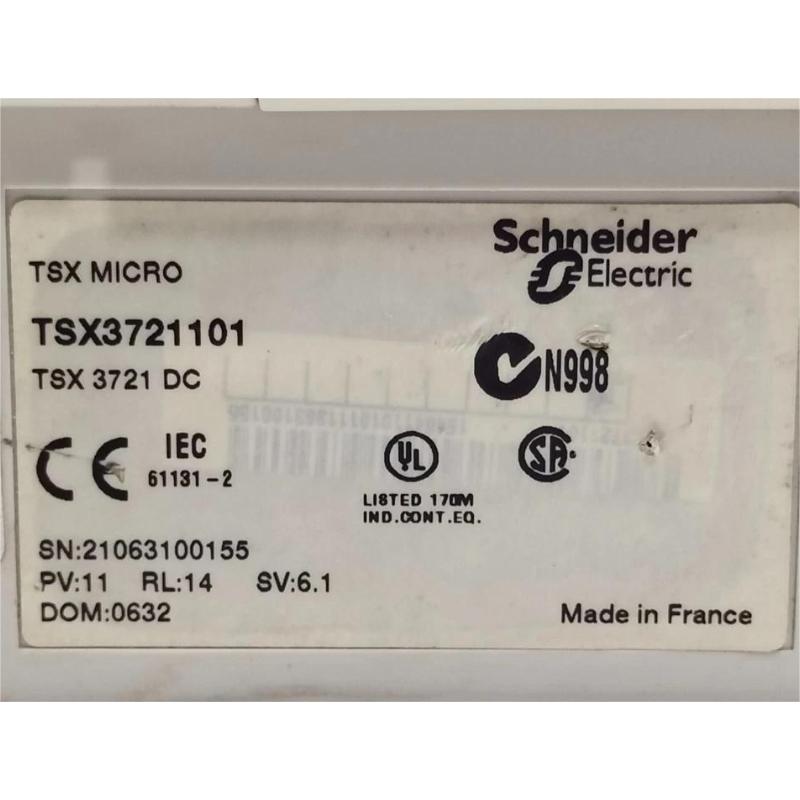
- Schneider
- TSX3721101
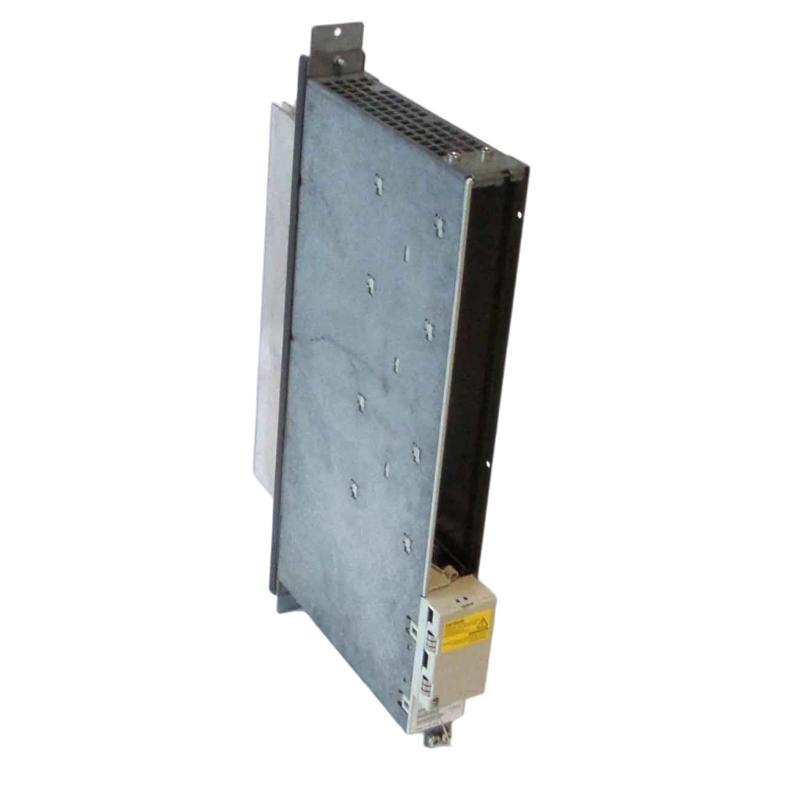
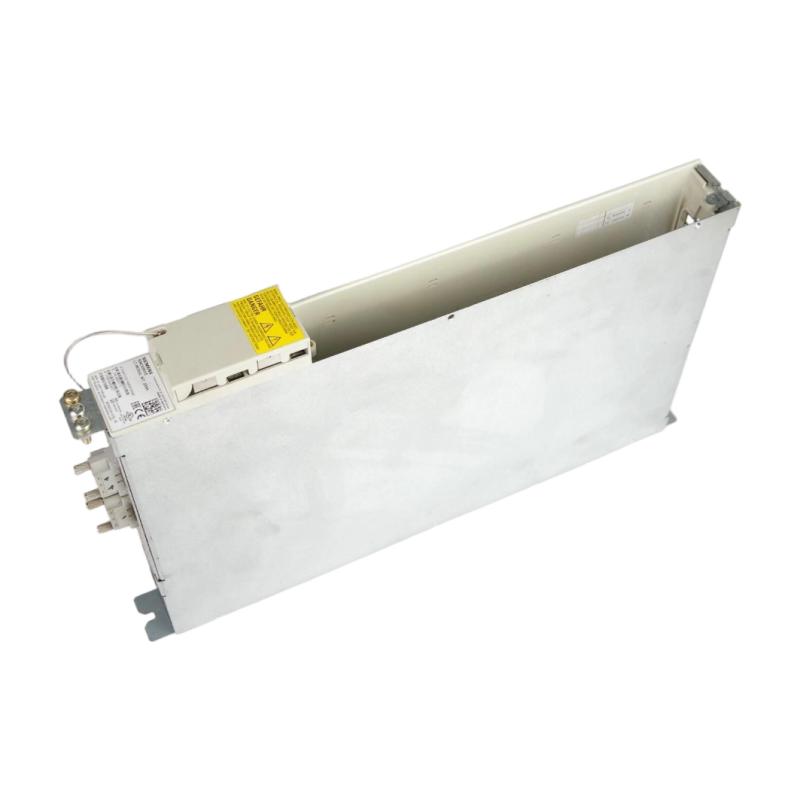
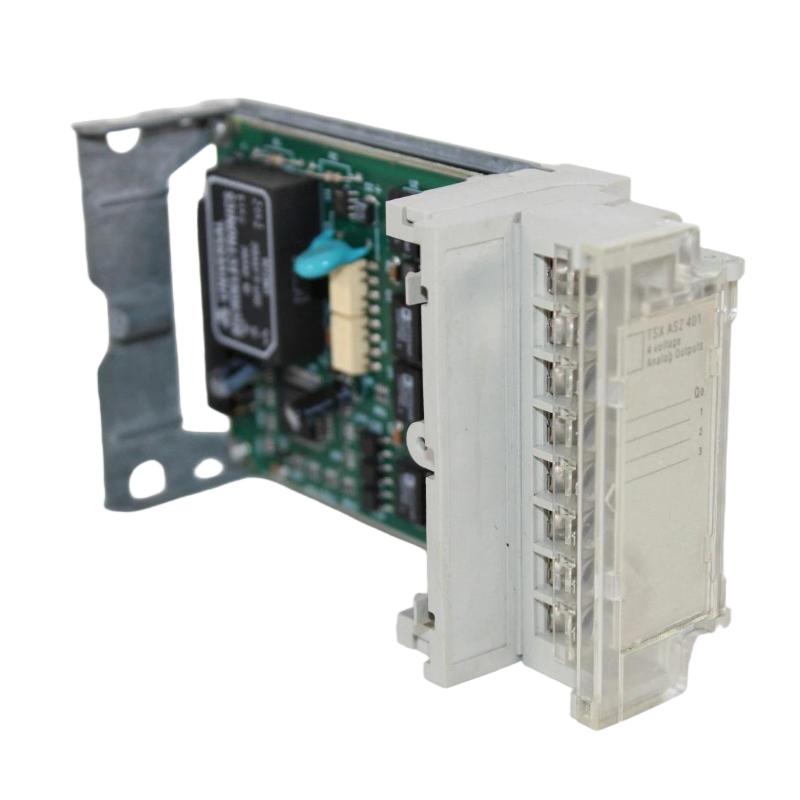
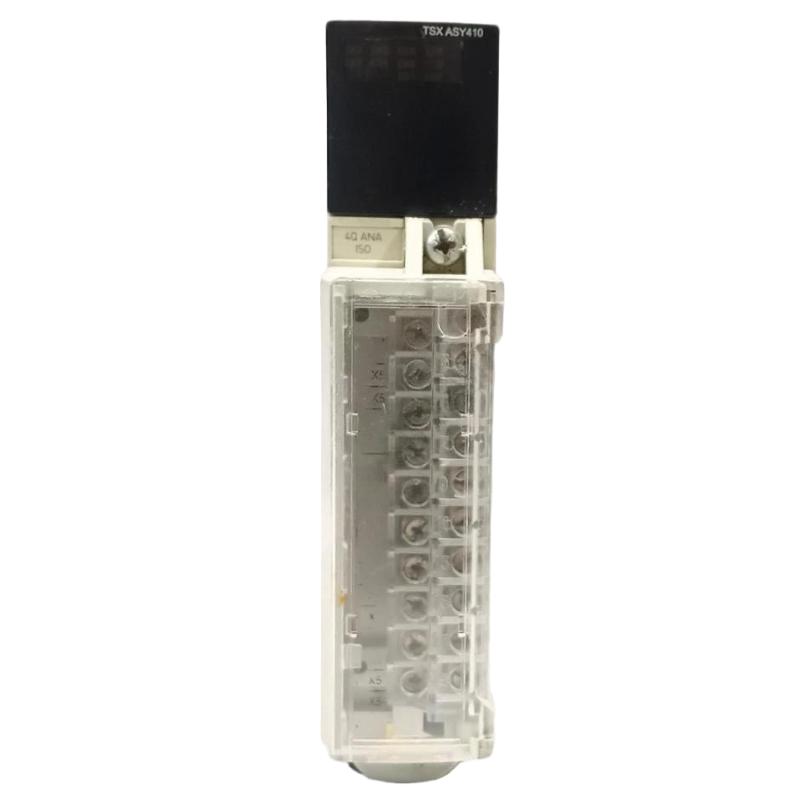
- Modular Base Controller
- France
- 341.4 x 151 x 152 mm
- 1.72 kg
- Xiamen, China
- New & In Stock
- T/T, PayPal, Western Union
- 1 Year
- 1-3 Working Days
- DHL, UPS, TNT, FedEx and EMS.
- 24-Hour Service
- COO
- 5
Our advantage

Global Logistics
We have a 10-year logistics and express cooperation agreement, so our products can be shipped to any place in the world.

Brand new and original
Our products are imported in bulk from the place of origin. Because of the cooperative relationship, our products are all original and 100% new.

24-hour service
We provide 7*24 hours service to our customers. We will be there whenever you need us.

Price advantage
All our products are priced very favorably because we have our own warehouse and supply.
| Company Information | |||
| [email protected] | |||
| Mobile | +8615980777398 | ||
| +8615980777398 | |||
| 15980777398 |
1. Product Overview
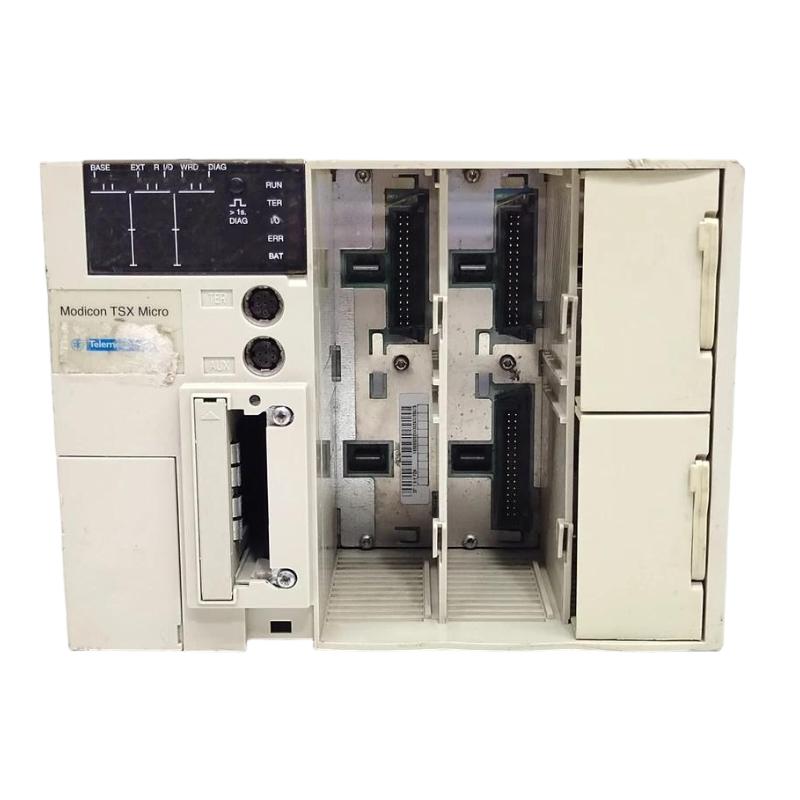
The Schneider Electric TSX3721101 Modular Base Controller is an industrial automation controller associated with the Modicon TSX Micro PLC family. Designed for programmable machine control, a PLC controller executes application logic, processes field signals, and coordinates connected equipment according to predefined operating conditions.
In industrial automation systems, the controller acts as the central processing unit for programmed operations. It evaluates information from sensors and switches, executes control instructions, and updates outputs to manage machinery and production processes.
The TSX3721101 is relevant to facilities maintaining established PLC-based equipment. In these installations, replacing a controller requires careful verification of the part number, electrical requirements, I/O configuration, communication interfaces, and original application program.
For maintenance engineers and industrial spare-parts buyers, accurate product identification is essential. A replacement that matches the physical dimensions but differs in hardware configuration may not be suitable for the existing installation. Checking the original system documentation before ordering helps reduce compatibility risks and avoid unnecessary downtime.
2. Technical Specifications
| Parameter | Specification |
|---|---|
| Brand | Schneider Electric |
| Model Number | TSX3721101 |
| Product Type | Modular Base Controller |
| Product Family | Modicon TSX Micro |
| Dimensions | 341.4 × 151 × 152 mm |
| Weight | 1.72 kg |
| Primary Function | PLC processing and machine control |
| Application | Industrial automation and equipment management |
| Power Requirements | Verify against the exact product label and technical documentation |
| Communication Interfaces | Confirm the interfaces available on the specific configuration |
| I/O Compatibility | Depends on the controller and installed module configuration |
| Programming Environment | Must be compatible with the target controller |
| Product Lifecycle | Legacy product; verify availability and service support |
The dimensions and weight are based on the supplied product information. Detailed electrical ratings, memory capacity, communication specifications, and supported expansion options should be confirmed against the exact TSX3721101 documentation before installation.
3. Function and Working Principle
The TSX3721101 performs the central processing role in a compatible PLC-based automation system. Its primary function is to execute the user program and coordinate equipment according to the available input signals and configured control logic.
3.1 Program Execution
The CPU processes programmed instructions that define how a machine operates. These instructions may include logical conditions, timers, counters, sequence steps, and equipment interlocks.
For example, an automated production machine may require a product-position sensor to confirm that an item is correctly placed before a mechanical actuator operates. The controller evaluates the input and program conditions before issuing the appropriate output command.
3.2 Input Signal Processing
Input signals provide information about machine status and operating conditions. Depending on the installation, signals may come from limit switches, proximity sensors, pushbuttons, pressure switches, and other field devices.
The controller evaluates these signals as part of its programmed logic. Correct wiring, suitable I/O hardware, and accurate channel assignments are essential for reliable operation.
3.3 Output Control
After processing the application logic, the controller updates the relevant output states through supported output hardware. These outputs may operate contactors, relays, indicator lamps, solenoid valves, or other devices through suitable electrical interfaces.
The output characteristics and load ratings depend on the installed hardware. They should be checked against the relevant technical specifications rather than inferred from the CPU model alone.
3.4 Communication and System Coordination
Industrial PLC installations may exchange data with operator interfaces, programming equipment, other controllers, or compatible industrial devices.
The communication functions available on the TSX3721101 depend on its exact configuration and the connected equipment. Communication settings should be documented before controller replacement or system modification.
4. Role in Industrial Automation Systems
The TSX3721101 can serve as a central control component in compatible legacy automation installations.
Machine sequencing: Executes programmed steps for startup, normal operation, and shutdown.
Signal processing: Evaluates input information from field sensors and operator controls.
Equipment coordination: Coordinates programmed interactions between connected devices and supported I/O hardware.
Operating-state management: Uses application logic to determine machine states and required control actions.
Interlocking: Applies programmed conditions to prevent certain operations from proceeding when required conditions are absent. Safety-critical functions must be implemented through appropriately designed and validated safety systems.
Legacy equipment maintenance: Can be relevant when restoring or maintaining machinery built around compatible Modicon TSX Micro hardware.
Maintaining the original program, wiring diagrams, and configuration records helps engineers diagnose faults and reduce the risk of unexpected behavior after replacement.
5. Typical Industrial Applications
Manufacturing Machinery
The controller can execute programmed sequences for machinery that requires sensor monitoring, actuator coordination, and equipment-status management.
Conveyor and Material Handling Systems
PLC logic can coordinate conveyor starts and stops, monitor product-position signals, and manage transfers between different machine sections.
Packaging Equipment
Packaging machinery may use PLC control to coordinate product detection, mechanical movements, and operating sequences. Actual functions depend on the application program and installed I/O hardware.
Assembly Lines
In assembly applications, a controller can manage process steps, monitor equipment conditions, and coordinate the actions of connected machinery.
Industrial Utility Equipment
Suitable applications may include control of pumps, fans, and auxiliary machinery when the control requirements match the installed PLC configuration.
Legacy Automation Maintenance
The TSX3721101 may be relevant to facilities that continue operating older production lines and control panels. Before replacing an existing controller, verify the exact model, hardware compatibility, program availability, and system configuration.
6. Installation and System Integration
Correct installation helps prevent wiring errors, controller faults, and unexpected machine behavior.
Step 1: Verify the Model Number
Confirm the complete TSX3721101 designation and compare the replacement with the installed controller. Inspect the product label, connectors, mounting arrangement, and physical condition.
Do not assume that another controller from the same product family is interchangeable without checking the specifications.
Step 2: Back Up the PLC Program
Before removing a functioning controller, obtain a verified backup of the application program and available configuration data.
Record I/O assignments, communication parameters, application settings, and any relevant memory configuration. Confirm that the backup can be accessed using a compatible programming environment.
Step 3: Isolate Electrical Power
Shut down the equipment according to the approved maintenance procedure. Isolate the relevant power sources and verify that the work area is safe before disconnecting electrical connections.
Installation and electrical testing should be performed by qualified personnel.
Step 4: Inspect the Installation
Inspect the mounting area, wiring, connectors, and cabinet for corrosion, overheating, contamination, loose terminals, or mechanical damage.
Check grounding and ventilation arrangements, and confirm that the installation environment meets the requirements for the exact controller.
Step 5: Install the Controller
Mount the controller using the intended installation arrangement. Reconnect the verified wiring according to the approved electrical drawings.
Before applying power, confirm the supply characteristics, terminal assignments, protective measures, and compatibility of the connected components.
Step 6: Restore the Application
Use a compatible programming environment and connection method to restore the correct PLC program and configuration. Verify that the project matches the target hardware.
Do not assume that a program developed for a different controller model can be transferred without modification.
Step 7: Perform Commissioning Tests
After installation and configuration checks, energize the system under controlled conditions. Check available status indicators, input states, output behavior, communication, and the intended machine sequence.
Verify relevant interlocks and protective functions before returning the equipment to normal production.
7. Troubleshooting Common Problems
Problem 1: The Controller Does Not Start
Possible causes:
- Incorrect or missing supply voltage.
- Loose or damaged wiring.
- Faulty upstream power protection.
- Internal hardware failure.
Recommended checks:
- Verify the supply against the exact product specifications.
- Inspect wiring and terminals after safely isolating the equipment.
- Check relevant protective devices and status indicators.
- Arrange qualified hardware diagnosis if the supply is correct but the controller remains inactive.
Problem 2: The PLC Program Does Not Execute Correctly
Possible causes:
- Incorrect application program.
- Incomplete program transfer.
- Configuration mismatch.
- Unexpected input conditions or active interlocks.
Recommended checks:
- Confirm that the correct program and configuration have been loaded.
- Review available controller diagnostics.
- Compare the installed configuration with the approved backup.
- Check input conditions and program logic before modifying the application.
Problem 3: Input or Output Signals Are Incorrect
Possible causes:
- Field wiring errors.
- Failed sensors or actuators.
- Incorrect I/O assignments.
- Incompatible or faulty I/O hardware.
- Program conditions preventing the expected operation.
Recommended checks:
- Compare field wiring with the approved electrical drawings.
- Check input states using a supported diagnostic method.
- Review the logic conditions governing the expected output.
- Verify the electrical characteristics of connected devices.
Never force outputs or bypass protective circuits on operating machinery without an authorized, controlled test procedure.
Problem 4: Programming Communication Fails
Possible causes:
- Incompatible programming software.
- Incorrect communication settings.
- Damaged cable or connector.
- Unsupported communication interface.
Recommended checks:
- Confirm programming-software compatibility with the exact controller.
- Verify the intended interface and connection method.
- Inspect cables and connectors.
- Review communication parameters and project configuration.
Problem 5: Intermittent Operation
Possible causes:
- Unstable power.
- Loose connections.
- Electrical interference.
- Excessive cabinet temperature.
- Age-related component deterioration.
Recommended checks:
- Review fault history and operating conditions.
- Inspect grounding, wiring, and cabinet ventilation.
- Check for recurring power interruptions or communication errors.
- Arrange further diagnosis if the fault persists.
8. Compatible System Components
The TSX3721101 should be integrated only with components confirmed to be compatible with the actual controller configuration.
| Component Category | Integration Considerations |
|---|---|
| Power supply | Confirm supply type, voltage, and electrical ratings |
| Digital input devices | Verify signal characteristics and channel assignments |
| Digital output hardware | Confirm output type, load ratings, and interface requirements |
| Analog I/O modules | Verify support for the installed controller configuration |
| Programming interface | Confirm compatibility with the controller and software |
| Communication devices | Verify supported interfaces and communication settings |
| Memory accessories | Confirm supported types and application requirements |
| Operator interface | Verify communication and application compatibility |
| Field sensors | Check electrical characteristics and wiring assignments |
| Actuators and contactors | Confirm appropriate interface hardware and load requirements |
| Mounting hardware | Verify mechanical fit and installation clearances |
The exact combination of components depends on the original system design. Confirm compatibility before purchasing accessories or changing the installed configuration.
9. Replacement and Alternative Selection
When the TSX3721101 requires replacement, the appropriate option depends on the existing machine, spare-parts availability, and long-term maintenance requirements.
| Replacement Approach | Key Considerations |
|---|---|
| Exact TSX3721101 replacement | Confirm complete model identity, condition, and functional status |
| Compatible legacy PLC | Verify program compatibility, I/O arrangement, and communication requirements |
| Modern PLC migration | Assess program conversion, wiring changes, and interface requirements |
| Complete control-system upgrade | Evaluate lifecycle support, engineering costs, downtime, and future expansion |
An exact replacement may minimize immediate engineering changes when the existing control system remains suitable for continued operation. The replacement’s hardware identity, condition, and configuration must still be verified.
A modern PLC should not be treated as a direct substitute without an engineering assessment. Migration may require application redevelopment, I/O changes, communication modifications, and comprehensive commissioning.
For used or refurbished units, confirm the supplier’s testing status, physical condition, included accessories, and warranty or return policy.
10. Key Advantages
- Centralized PLC processing: Executes the configured automation program and coordinates supported control operations.
- Legacy system maintenance: Can help maintain compatible existing automation installations.
- Structured troubleshooting: Supports systematic diagnosis of power, program, I/O, and communication problems.
- Potentially reduced replacement effort: An exact, verified replacement may avoid an immediate full control-system redesign.
- Application continuity: Restoring the correct controller and program can help return machinery to its intended operating sequence.
Actual suitability depends on the installed application, hardware condition, configuration, and availability of compatible components.
11. Frequently Asked Questions
Q1: What is the Schneider TSX3721101 Modular Base Controller?
The TSX3721101 is identified as a Schneider Electric Modicon TSX Micro Modular Base Controller intended for compatible PLC-based industrial automation applications.
Q2: What are the dimensions and weight of the TSX3721101?
The supplied dimensions are 341.4 × 151 × 152 mm, and the supplied weight is 1.72 kg.
Q3: What should I verify before purchasing this controller?
Confirm the complete model number, physical condition, electrical requirements, installed configuration, programming compatibility, and the supplier’s testing and warranty terms.
Q4: Can it replace another TSX Micro controller?
Not automatically. Compatibility depends on the exact model, hardware configuration, application program, communication requirements, and installed I/O.
Q5: Why might the controller fail to start?
Potential causes include an incorrect supply, loose wiring, a power-protection fault, or internal hardware damage. Begin with the specified electrical checks and seek qualified diagnosis if necessary.
Q6: Can I upgrade to a modern PLC?
A migration may be possible, but it requires an assessment of the original program, I/O hardware, field wiring, communication interfaces, and machine operating requirements.
Q7: Is a program backup necessary before replacement?
Yes. A verified backup and configuration record help restore the intended machine behavior and reduce the risk of commissioning errors.
12. Conclusion
The Schneider Electric TSX3721101 Modular Base Controller is intended for industrial automation systems requiring PLC-based program execution and coordinated machine control. For facilities maintaining compatible legacy equipment, accurate model identification and configuration verification are essential when sourcing a replacement.
Before installation, confirm electrical requirements, software compatibility, I/O configuration, and communication arrangements. Preserve the original application program and complete controlled commissioning tests before returning equipment to normal production.
For long-term maintenance planning, evaluate spare-parts availability, technical support, and the potential benefits of migrating to a currently supported PLC platform. Careful compatibility checks help reduce avoidable downtime and support reliable industrial operations.