

ProductPRODUCT
Featured products
Contact Us
- Schneider
- TFTX11702
- Mini Terminal
- France
- 180 × 110 × 45 mm
- 0.299 kg
- Xiamen, China
- New & In Stock
- T/T, PayPal, Western Union
- 1 Year
- 1-3 Working Days
- DHL, UPS, TNT, FedEx and EMS.
- 24-Hour Service
- COO
- 7
Our advantage

Global Logistics
We have a 10-year logistics and express cooperation agreement, so our products can be shipped to any place in the world.

Brand new and original
Our products are imported in bulk from the place of origin. Because of the cooperative relationship, our products are all original and 100% new.

24-hour service
We provide 7*24 hours service to our customers. We will be there whenever you need us.

Price advantage
All our products are priced very favorably because we have our own warehouse and supply.
| Company Information | |||
| [email protected] | |||
| Mobile | +8615980777398 | ||
| +8615980777398 | |||
| 15980777398 |
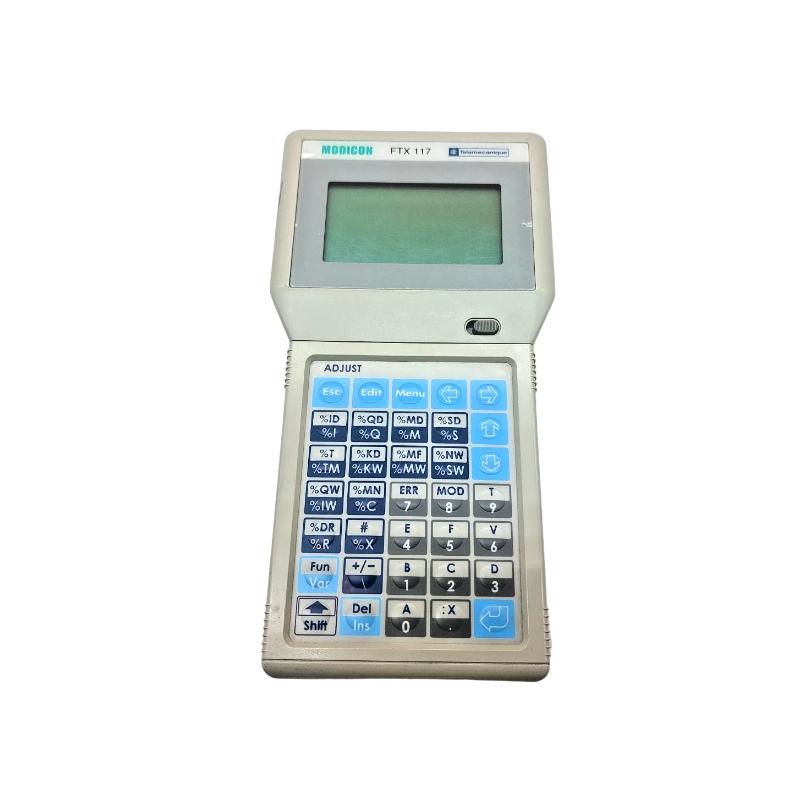
Product Overview
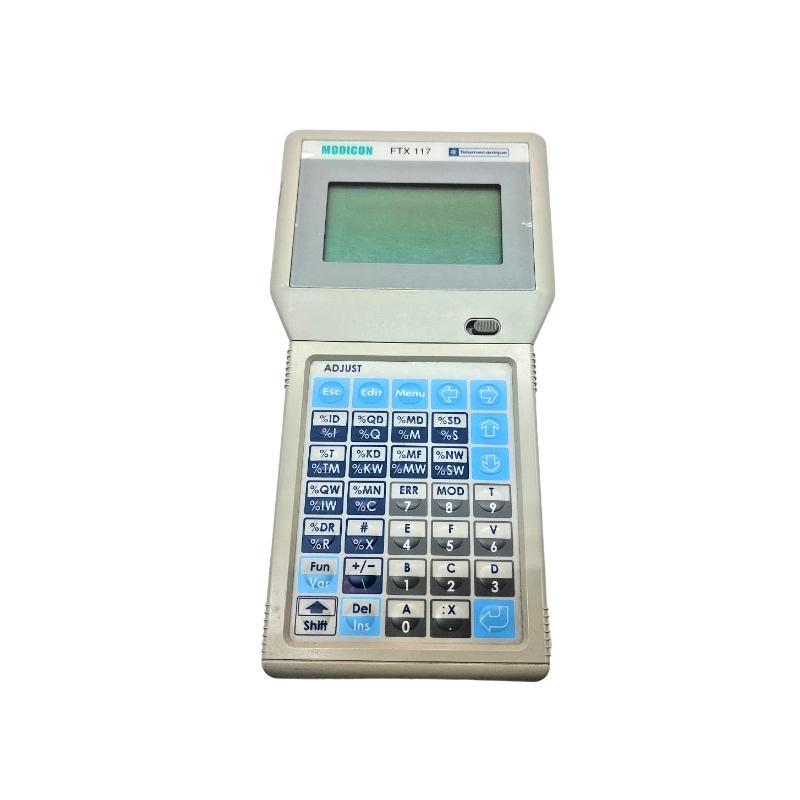
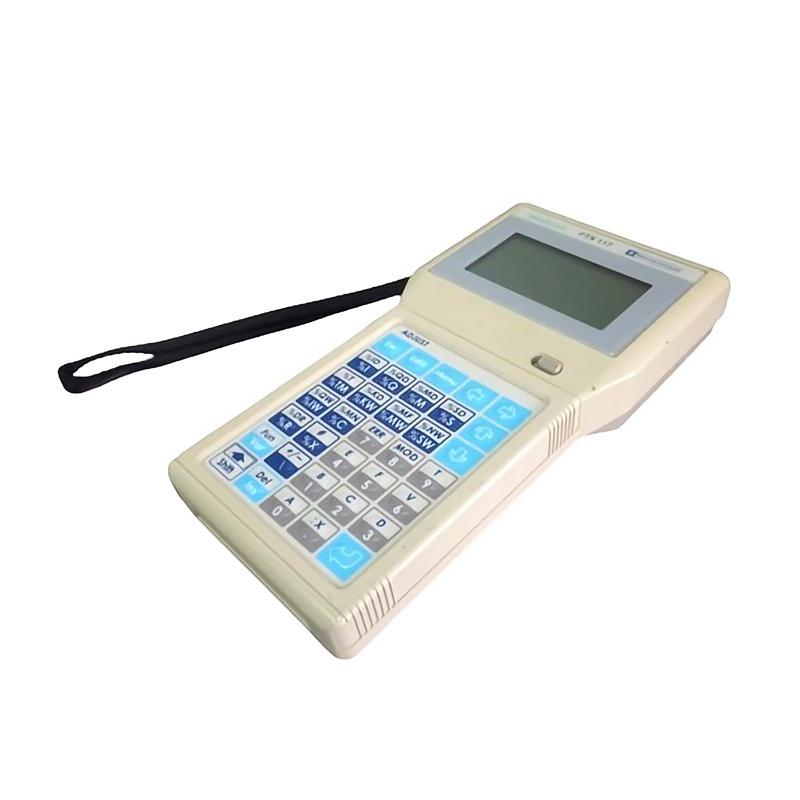
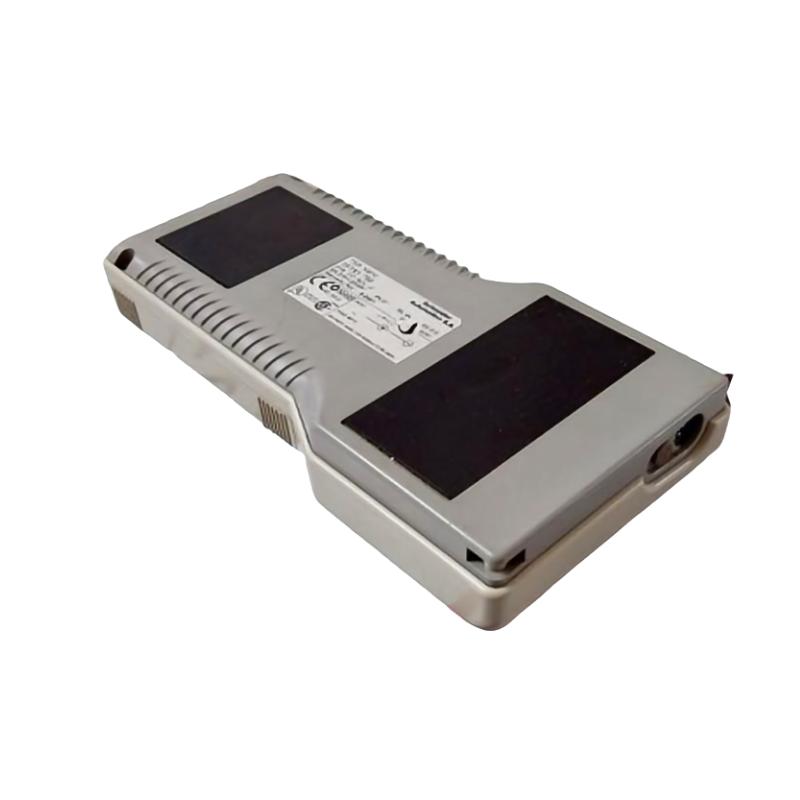
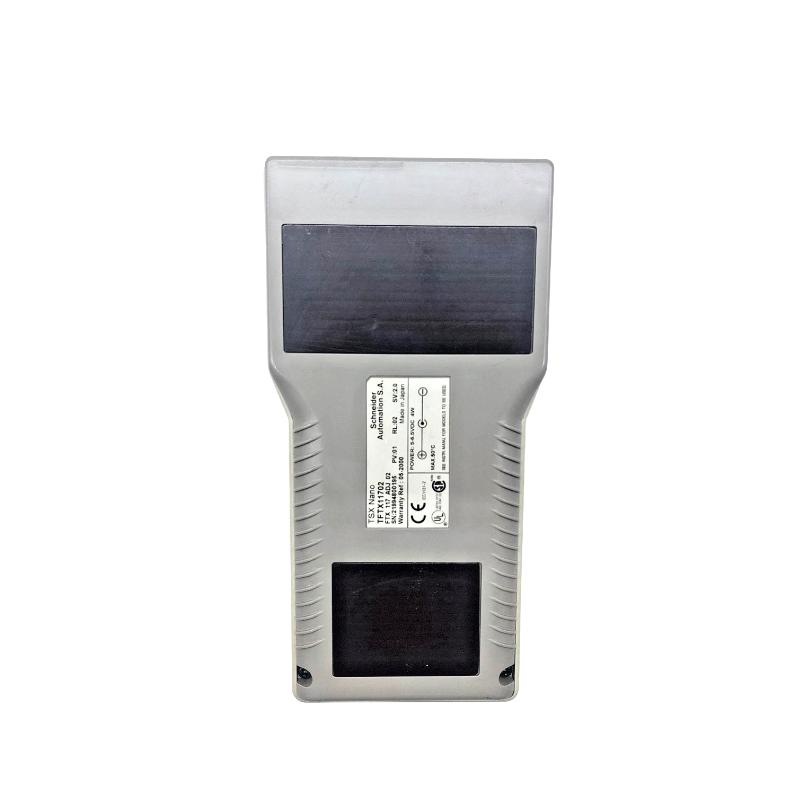
The Schneider TFTX11702 FTX 117 Mini Terminal is a compact terminal device associated with Schneider automation and control equipment. It is intended for use where an operator or maintenance technician needs a local interface for interacting with an automation installation.
In an industrial control environment, a terminal of this type can be used close to the equipment being commissioned, adjusted, or monitored. Instead of relying exclusively on a central supervisory workstation, a local terminal can provide technicians with a practical point for accessing or interacting with the connected control system.
The FTX 117 Mini Terminal is particularly relevant to installations built around Schneider industrial automation equipment and legacy control architectures. Its application depends on the host system and communication arrangement, so compatibility should be checked against the specific controller or automation platform before replacement.
For maintenance work, the terminal can form part of the local operator interface layer, working alongside controllers, I/O equipment, communication modules, and other automation components.
Technical Specifications
| Parameter | Value |
|---|---|
| Manufacturer | Schneider Electric |
| Model / Part Number | TFTX11702 |
| Product Type | FTX 117 Mini Terminal |
| Series | FTX 117 |
| Application | Industrial automation operator interface |
| Dimensions | 180 × 110 × 45 mm |
| Weight | 0.299 kg |
Product Features
- Compact terminal for industrial automation environments
- Intended for local interaction with compatible control equipment
- Suitable for commissioning, adjustment, monitoring, or maintenance tasks depending on the host system
- Designed for use within Schneider automation installations
- Provides a local interface layer between personnel and connected automation equipment
- Can be incorporated into legacy industrial control architectures
- Suitable for applications where a dedicated local terminal is required
- Works together with the controller and communication infrastructure rather than replacing controller functions
Working Principle
The TFTX11702 functions as a local terminal interface connected to compatible automation equipment. User actions entered through the terminal are transmitted through the applicable communication path to the host control system, while information supplied by the host system can be presented to the operator.
A typical interaction path can be represented as:
Operator → TFTX11702 FTX 117 Mini Terminal → Control / Communication Interface → Automation System
During commissioning or maintenance, an operator may use the terminal to interact with the connected automation equipment. The controller or host system remains responsible for executing the actual control application, while the terminal serves as the local point of interaction.
The exact communication method and available functions depend on the automation platform with which the terminal is installed. For replacement work, the terminal should therefore be matched with the existing system architecture and interface requirements rather than selected only by physical appearance.
Role in a FTX 117 Control Architecture
The TFTX11702 occupies the local operator-interface layer of an automation architecture. It works alongside the controller and communication equipment, allowing personnel to interact with the control system without taking over the underlying application logic.
Operator → TFTX11702 → Communication Interface → Controller → I/O / Field Equipment
| System Element | Function |
|---|---|
| Operator | Performs local monitoring, adjustment, commissioning, or maintenance tasks |
| TFTX11702 | Provides the local terminal interface |
| Communication Interface | Carries information between the terminal and host system |
| Controller | Executes the automation application |
| I/O Modules | Exchange electrical signals with field equipment |
| Field Devices | Provide process measurements or perform physical actions |
This arrangement keeps the user interface function separate from the controller and field-level functions while allowing local access to the automation system.
Industrial Applications
| Application | Typical Use |
|---|---|
| Machine Automation | Provides local interaction with compatible machine control equipment |
| Control System Maintenance | Gives technicians a local interface during troubleshooting and service |
| Commissioning | Supports local interaction while automation equipment is being brought into operation |
| Legacy Automation Systems | Can serve as an interface component in existing Schneider control installations |
| Industrial Equipment | Provides local access to compatible automation functions |
| Service Operations | Useful where technicians need to work directly at the equipment rather than from a remote workstation |
Installation and Maintenance
- System Compatibility: Confirm that the TFTX11702 is compatible with the existing controller, communication interface, and automation platform before installation.
- Mounting: Secure the terminal in the designated location and ensure that its interface and connection points remain accessible to operators and maintenance personnel.
- Power Connection: Verify the applicable power arrangement and inspect all connections before energizing the terminal.
- Communication Wiring: Check the interface cable and connectors carefully before connecting the terminal to the host automation system.
- Configuration: Confirm the required terminal and host-system settings before attempting normal operation.
- Connection Identification: Label the terminal connection and associated cables where necessary, especially in legacy cabinets containing multiple interface devices.
- Commissioning: Test communication between the terminal and host automation equipment before relying on the terminal for operational or maintenance functions.
- Display and Controls: Check the terminal interface during commissioning to confirm that operator inputs and displayed system information correspond correctly to the connected equipment.
- Cable Inspection: Periodically inspect communication and power cables for looseness, damage, or deterioration.
- Environmental Conditions: Keep the terminal within the applicable environmental conditions and protect it from excessive dust, moisture, heat, and vibration.
- Maintenance Records: Record relevant configuration information and connection details so that the terminal can be restored efficiently after service work.
- Replacement Checks: When replacing a TFTX11702, document the existing connections and configuration first, then verify communication and all required terminal functions after installation.
Compatible System Components
| Component Type | Typical Role |
|---|---|
| Schneider Controller | Executes the automation application |
| Schneider I/O Modules | Exchanges signals with field equipment |
| Schneider Communication Interface | Provides the communication path between terminal and control system |
| Schneider Operator Equipment | Provides additional local or supervisory interaction |
| Industrial Cabling | Connects the terminal with the host automation equipment |
| Field Devices | Supply process signals or receive control outputs |
Recommended Related Models
| Model | Product Type | Typical Application |
|---|---|---|
| Schneider TFTX11702 | FTX 117 Mini Terminal | Local industrial automation interface |
| Schneider FTX Series Terminals | Industrial Terminal | Operator and maintenance interface applications |
| Schneider Modicon Controllers | Industrial Controller | Automation application and control processing |
| Schneider Modicon I/O Modules | Industrial I/O | Field signal acquisition and output |
| Schneider ConneXium Network Equipment | Industrial Network Equipment | Communication infrastructure for compatible Ethernet systems |
Key Advantages
- Provides a dedicated local interface for compatible automation systems
- Useful during commissioning, maintenance, and local equipment operation
- Integrates the operator interface with the underlying control architecture
- Suitable for Schneider industrial automation installations
- Helps technicians interact with the control system directly at the equipment
- Can support continued operation and maintenance of compatible legacy systems
Technical FAQs
What is the Schneider TFTX11702 used for?
The TFTX11702 is an FTX 117 Mini Terminal used as a local interface for compatible Schneider automation equipment. Its exact functions depend on the host control system and communication arrangement.
Is the TFTX11702 a PLC or controller?
No. The terminal serves as an interface device rather than the main controller. The connected automation controller remains responsible for executing the control application.
What should be checked before replacing a TFTX11702?
Check the existing controller or host system, communication interface, cable connections, power arrangement, and terminal configuration. Matching the replacement to the existing architecture is important, particularly in legacy installations.
What should be checked if the terminal does not communicate with the control system?
Inspect the power supply, communication cable, connectors, host interface, and configuration settings. If the physical connections are correct, check whether the terminal and host equipment are using the expected communication arrangement and compatible settings.