Product Overview
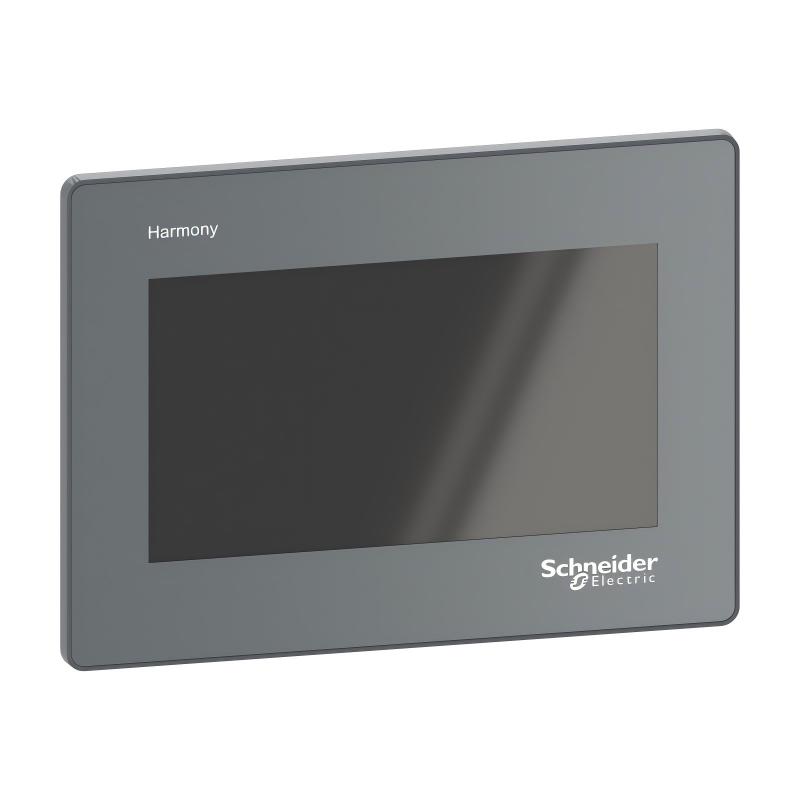
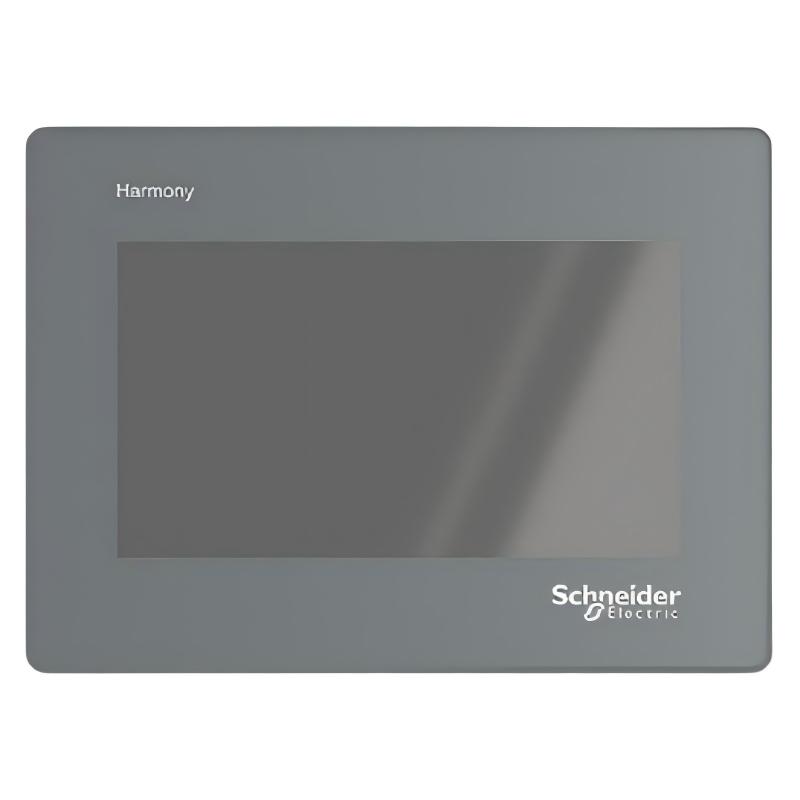
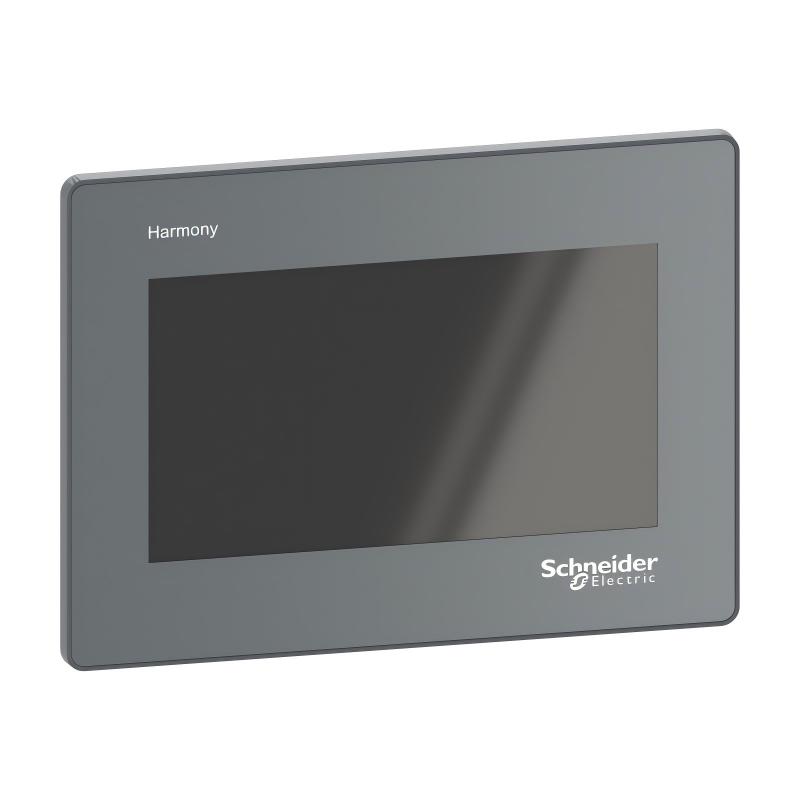
In modern industrial automation systems, efficient human-machine interaction is essential for monitoring equipment status, adjusting operating parameters, and improving production efficiency. The Schneider HMIET5400 Touchscreen is an industrial human-machine interface (HMI) device designed to provide intuitive operation, real-time visualization, and reliable communication between operators and automation systems.
The HMIET5400 serves as an operator interface terminal that allows users to monitor industrial processes, display machine information, enter control commands, and manage automation equipment through a touchscreen interface. It provides a convenient bridge between PLC controllers and machine operators, improving operational efficiency and reducing the complexity of traditional control panels.
With its compact design and industrial-grade construction, the Schneider HMIET5400 is suitable for various automation applications requiring clear visualization, easy operation, and reliable system integration.
The HMIET5400 Touchscreen is commonly used in manufacturing equipment, machine automation systems, production lines, and industrial control applications where real-time monitoring and operator interaction are required.
Technical Specifications
| Parameter |
Details |
| Manufacturer |
Schneider |
| Model |
HMIET5400 |
| Product Type |
Industrial Touchscreen HMI |
| Function |
Human-machine interface operation and monitoring |
| Display Type |
Touchscreen operator interface |
| Application |
Industrial automation monitoring and control |
| Installation Type |
Panel mounting |
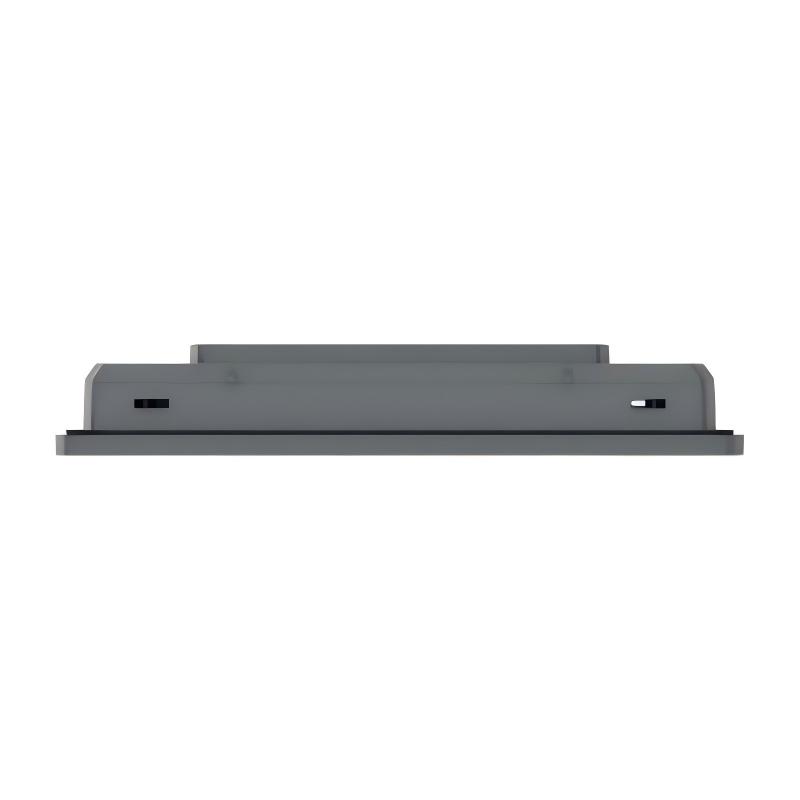
| Dimensions |
33 × 205.5 × 150.5 mm |
| Weight |
0.45 kg |
| Communication Function |
PLC and automation device communication |
| Operation Method |
Touchscreen input |
| Environment |
Industrial automation environment |
| Reliability Design |
Continuous industrial operation |
Function and Working Principle
The Schneider HMIET5400 operates as the interactive interface between operators and industrial automation systems.
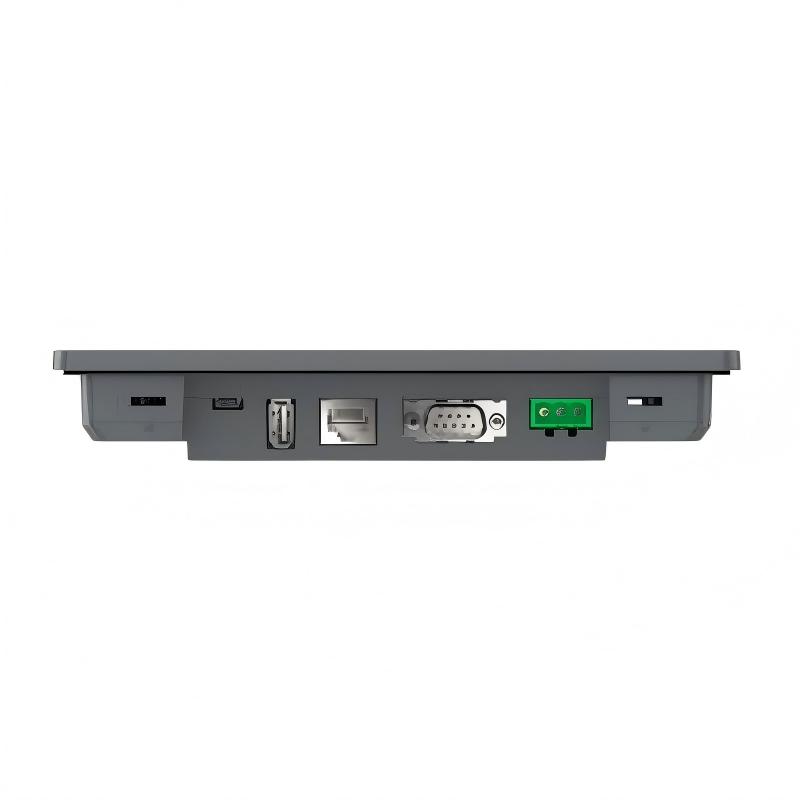
The touchscreen receives user commands through touch input, displays real-time equipment information, and exchanges data with PLC controllers or automation devices through communication networks.
The working process can be described as:
Operator Input → HMIET5400 Touchscreen → PLC Controller → Industrial Equipment
The main functions include:
- Displaying machine operating status
- Monitoring production parameters
- Providing operator control commands
- Showing alarms and system information
- Supporting PLC communication
- Improving equipment operation efficiency
During operation:
- The PLC collects data from sensors and field devices
- Data is transmitted to the HMI terminal
- The HMI displays operating information visually
- Operators enter commands through the touchscreen
- Commands are transmitted back to the control system
This creates an efficient interaction platform between humans and industrial equipment.
Role in Industrial Control Systems
The Schneider HMIET5400 plays an important role in industrial automation systems by providing visualization and operator control functions.
Compared with traditional push-button panels, an HMI touchscreen provides a more flexible and intelligent operation method. Engineers can configure different monitoring screens, control functions, and alarm displays according to application requirements.
The HMIET5400 typically works together with:
- Schneider PLC controllers
- Digital and analog I/O modules
- Industrial communication networks
- Sensors and actuators
- Motor control systems
- Machine automation equipment
A typical control structure includes:
Sensors → PLC Controller → HMIET5400 Touchscreen → Operator
This architecture provides:
- Real-time machine monitoring
- Easier equipment operation
- Faster troubleshooting
- Improved production efficiency
- Better user interaction
Industrial Applications
The Schneider HMIET5400 Touchscreen is widely used in different industrial automation fields.
Manufacturing Automation
Used for:
- Machine status monitoring
- Production parameter adjustment
- Equipment operation control
- Factory automation systems
Packaging Industry
Applied in:
- Packaging machines
- Filling systems
- Conveyor equipment
- Automated production lines
Process Automation
Supports:
- Process monitoring
- Data visualization
- Alarm management
- Equipment control
Energy Applications
Used in:
- Electrical control systems
- Power monitoring equipment
- Industrial management systems
Water Treatment and Utility Systems
Applied in:
- Pump control systems
- Monitoring stations
- Automated utility equipment
Installation and System Integration
Proper installation of the Schneider HMIET5400 is essential for reliable operation.
Recommended installation procedures include:
- Installing the HMI in a suitable control panel
- Connecting the correct power supply
- Configuring communication parameters
- Connecting with PLC or automation networks
- Testing touchscreen operation before commissioning
During commissioning, engineers should verify:
- Display performance
- Touchscreen response
- Communication status
- Alarm functions
- Data refresh accuracy
Correct installation helps prevent:
- Communication failures
- Display problems
- Incorrect operator commands
- Unexpected system downtime
Compatible System Components
The Schneider HMIET5400 typically works together with the following components:
| Component |
Function |
| Schneider PLC Controllers |
Execute automation control logic |
| I/O Modules |
Collect and process field signals |
| Communication Modules |
Exchange industrial data |
| Sensors |
Provide equipment information |
| Actuators |
Execute control actions |
| Industrial Networks |
Provide communication channels |
Together, these components create a complete human-machine control system.
Common Failure Symptoms
When the Schneider HMIET5400 experiences problems, the system may show the following symptoms:
| Fault Symptom |
Possible Cause |
| Touchscreen not responding |
Touch panel or configuration issue |
| No display output |
Power supply problem |
| Communication failure |
Network or parameter error |
| Incorrect data display |
PLC communication issue |
| Slow response |
System configuration problem |
Regular maintenance and system inspection help maintain reliable HMI performance.
Recommended Alternative Models
Depending on application requirements, the following related models may be considered:
| Model |
Type |
Key Feature |
Application |
| Schneider HMIET5400 |
Industrial Touchscreen HMI |
Compact operator interface |
Machine automation |
| Schneider HMIET6400 |
Touchscreen HMI |
Larger visualization capability |
Advanced monitoring systems |
| Schneider HMIGTO Series |
Industrial HMI |
Flexible graphical operation |
Industrial equipment |
| Schneider Magelis HMI Series |
Human Machine Interface |
Wide application range |
Factory automation |
| Schneider Harmony HMI Series |
Operator Interface |
Modern industrial visualization |
Smart automation systems |
Key Advantages
- Provides intuitive touchscreen operation
- Enables real-time industrial monitoring
- Improves operator efficiency
- Supports PLC system integration
- Reduces traditional control panel complexity
- Suitable for compact automation equipment
- Designed for industrial environments
Technical FAQs
What is the Schneider HMIET5400 used for?
The Schneider HMIET5400 is an industrial touchscreen HMI used for machine monitoring, operator control, and communication with PLC automation systems.
Is the HMIET5400 a PLC controller?
No. The HMIET5400 is an operator interface device and does not replace the PLC controller.
Where is the HMIET5400 commonly installed?
It is typically installed on industrial control panels, machine cabinets, and automation equipment.
What is the main advantage of an industrial touchscreen HMI?
An industrial touchscreen HMI provides easier operation, better visualization, and faster access to machine information compared with traditional control panels.
Conclusion
The Schneider HMIET5400 Touchscreen is a compact and reliable human-machine interface designed for industrial automation applications.
With its touchscreen operation, compact dimensions, and flexible integration capability, it provides an efficient solution for monitoring, controlling, and interacting with industrial equipment.
For automation engineers, system integrators, and maintenance professionals, the HMIET5400 offers a practical interface platform for building efficient, user-friendly, and reliable industrial control systems.