

ProductPRODUCT
Featured products
Contact Us
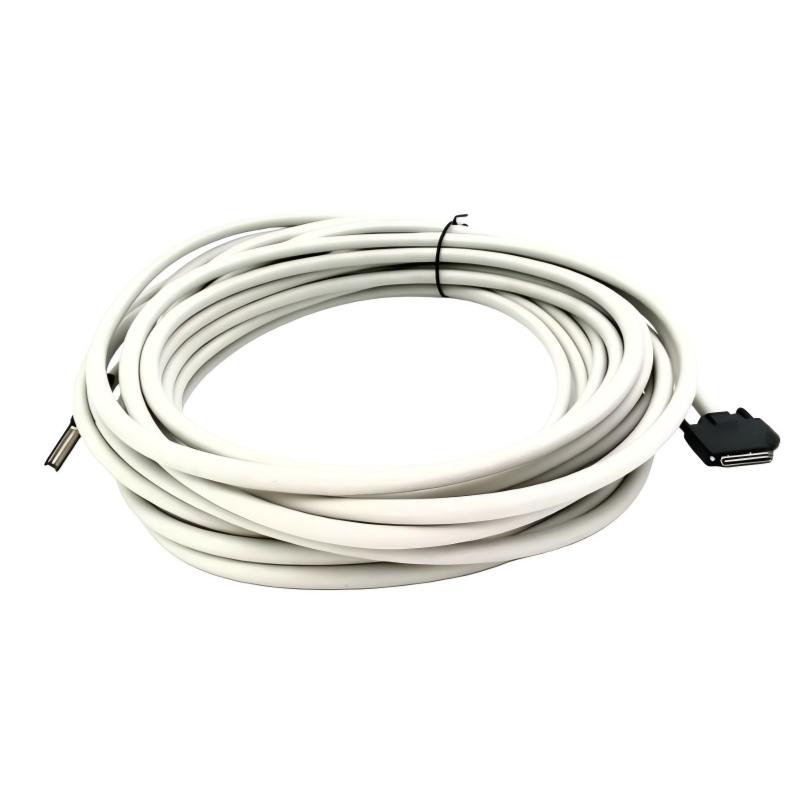
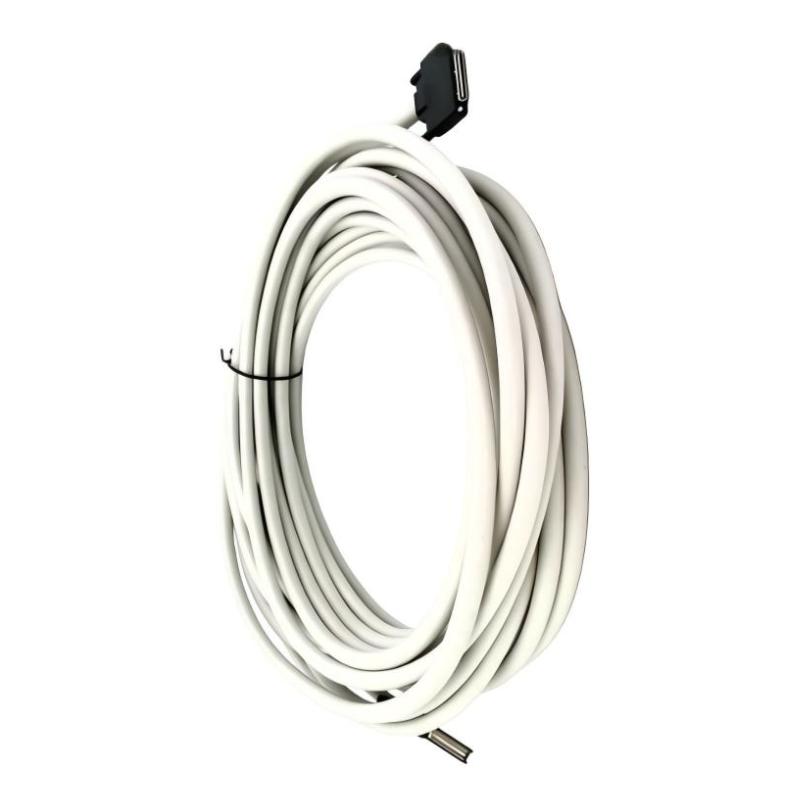
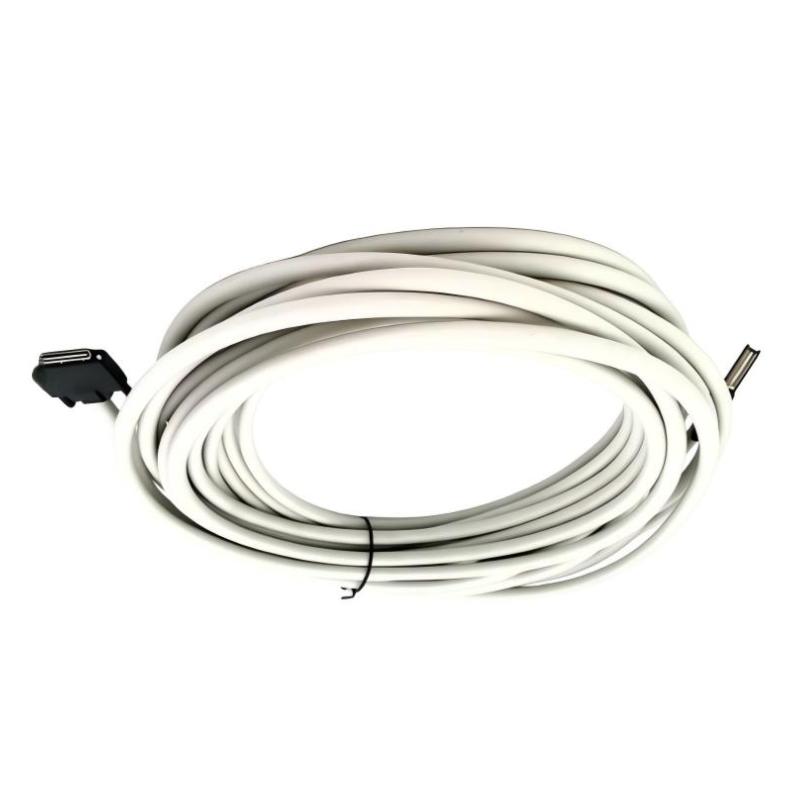
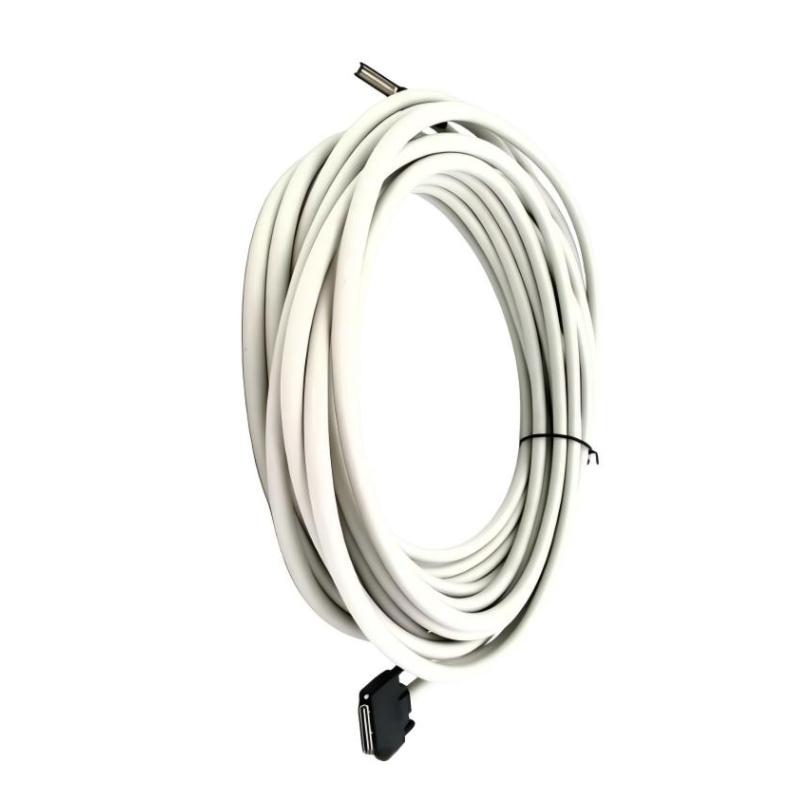
- Honeywell
- 2MLC-E152
- Extension Cable
- USA
- 15 meters
- 3 kg
- Xiamen, China
- New & In Stock
- T/T, PayPal, Western Union
- 1 Year
- 1-3 Working Days
- DHL, UPS, TNT, FedEx and EMS.
- 24-Hour Service
- COO
- 5
Our advantage

Global Logistics
We have a 10-year logistics and express cooperation agreement, so our products can be shipped to any place in the world.

Brand new and original
Our products are imported in bulk from the place of origin. Because of the cooperative relationship, our products are all original and 100% new.

24-hour service
We provide 7*24 hours service to our customers. We will be there whenever you need us.

Price advantage
All our products are priced very favorably because we have our own warehouse and supply.
| Company Information | |||
| [email protected] | |||
| Mobile | +8615980777398 | ||
| +8615980777398 | |||
| 15980777398 |
Product Overview
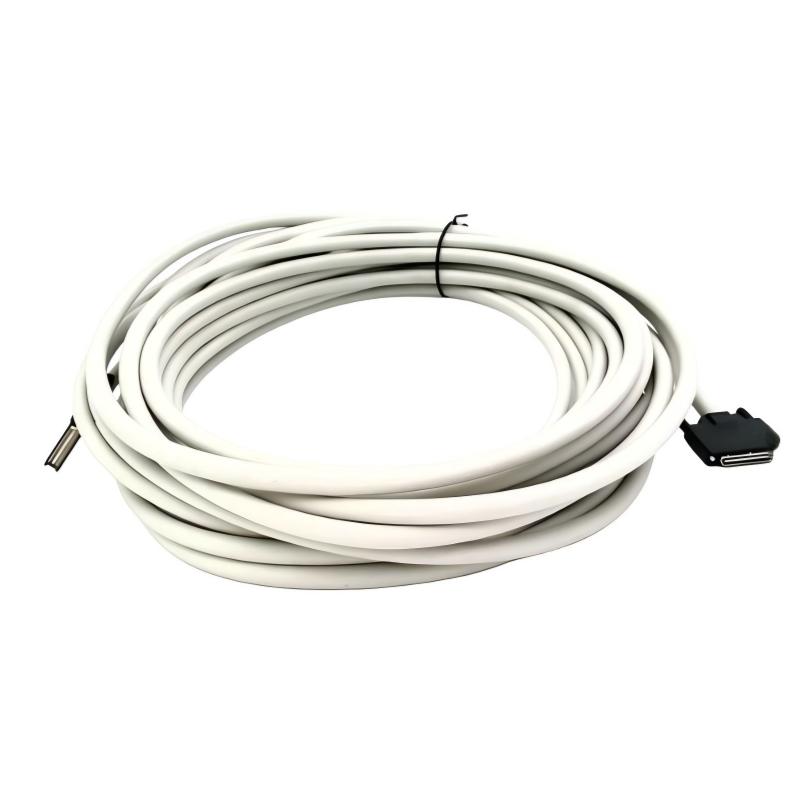
The Honeywell 2MLC-E152 MasterLogic-200 Extension Cable connects compatible I/O expansion hardware in the MasterLogic-200 programmable logic controller (PLC) system. It is the longest standard cable option in the 2MLC expansion I/O cable range, intended for installations that require the maximum permitted connection distance between the CPU and an expansion base.
In a large control cabinet or a machine with distributed control sections, additional I/O modules may need to be positioned away from the main CPU base. The 2MLC-E152 provides a 15-meter connection, allowing the supported expansion arrangement to use the full specified cable-length allowance where the installation requires it.
For example, a production machine may use the main CPU base for sequence control and an expansion base for additional sensor inputs, actuator feedback, and equipment-status signals. The extension cable connects the designated hardware so that the expansion I/O can participate in the PLC application.
The 2MLC-E152 belongs to a seven-model cable family with lengths ranging from 0.4 meters to 15 meters. Its selection requires particular attention to the overall cable route because the total distance between the CPU and the farthest I/O expansion base must not exceed 15 meters. A full-length cable therefore leaves no additional cable-length allowance along that path.
This is a dedicated MasterLogic-200 expansion accessory, not a general-purpose communication lead. Its model reference and connection arrangement should be matched to the installed CPU and expansion-base hardware.
Technical Specifications
| Parameter | Specification |
|---|---|
| Manufacturer | Honeywell |
| Model / Part Number | 2MLC-E152 |
| Product Family | MasterLogic-200 |
| Product Type | Expansion I/O Cable |
| Compatible CPU Configuration | 2MLI-CPUU |
| Application | Connection between compatible CPU-base and I/O expansion-base hardware |
| Cable Length | 15 meters |
| Cable Weight | 1.80 kg |
| Maximum CPU-to-Farthest-Expansion-Base Distance | 15 meters |
| Expansion Cable Length Options | 0.4 m, 0.6 m, 1.2 m, 3 m, 5 m, 10 m, 15 m |
| Shortest Cable in the Series | 2MLC-E041, 0.4 m |
| Longest Cable in the Series | 2MLC-E152, 15 m |
Product Features
- 15-meter cable length: Provides the longest standard connection option in the MasterLogic-200 expansion I/O cable family.
- Dedicated expansion connection: Connects compatible CPU-base and I/O expansion-base hardware.
- 2MLI-CPUU compatibility: Supports the specified non-redundant CPU expansion arrangement.
- Distributed I/O support: Allows expansion hardware to be positioned farther from the main base within the permitted cable distance.
- Defined cable weight: The 1.80 kg cable weight supports spare-parts inventory and handling planning.
- Multiple length alternatives: Offers shorter options for installations that do not require the full 15-meter reach.
- Clear model identification: Distinguishes the longest standard cable variant from the other 2MLC expansion cables.
Working Principle
The 2MLC-E152 establishes the physical connection between compatible MasterLogic-200 CPU-base and expansion-base hardware. It carries the signals required for the connected I/O expansion arrangement to participate in the supported PLC architecture.
A typical arrangement follows this path:
MasterLogic-200 CPU and Main Base → 2MLC-E152 Extension Cable → I/O Expansion Base → Installed I/O Modules
The CPU executes the control program, while the I/O modules acquire field signals or provide control outputs. The extension cable connects the additional base so that its supported modules can be used by the PLC application.
Consider a manufacturing installation in which the main base handles the machine sequence while an expansion base acquires additional sensor inputs and actuator feedback. The 15-meter cable can accommodate a longer connection route when the system layout requires it.
The maximum total cable distance between the CPU and the farthest I/O expansion base is 15 meters. When the 2MLC-E152 is used across that complete route, there is no remaining cable-length allowance for additional extension sections. The actual installation must also account for the physical route and connector placement.
The 2MLC-E152 does not execute control logic or independently convert field signals. Its purpose is to establish the required physical interconnection between compatible expansion-system components.
Role in the MasterLogic-200 PLC Architecture
The 2MLC-E152 forms the physical link between the main PLC hardware and a compatible I/O expansion base. It supports an expanded I/O arrangement while retaining the system’s specified connection-distance requirements.
PLC CPU and Main Base → Expansion Cable → Expansion Base → Digital and Analog I/O Modules
| System Component | Function |
|---|---|
| Honeywell 2MLC-E152 | Connects compatible expansion-system hardware |
| 2MLI-CPUU | Executes the PLC application in the associated CPU configuration |
| Main CPU Base | Hosts the CPU and supported main-base modules |
| I/O Expansion Base | Provides additional positions for I/O modules |
| Digital Input Modules | Acquire discrete signals from sensors and switches |
| Digital Output Modules | Control compatible field devices through designated output circuits |
| Analog Input Modules | Acquire supported process measurements |
| Analog Output Modules | Supply configured analog control signals |
| Field Devices | Provide sensor feedback or receive control commands |
| Control Cabinet | Houses the PLC bases, modules, and associated wiring |
Industrial Applications
| Application | Typical Use |
|---|---|
| Packaging Machinery | Connecting expansion bases for additional sensors and actuators |
| Conveyor Systems | Extending I/O capacity for motor feedback and position switches |
| Assembly Lines | Linking expansion hardware serving separate machine stations |
| Material Handling | Connecting additional equipment-status and interlock signals |
| Process Control Panels | Extending the PLC’s field-signal capacity |
| Water Treatment Systems | Connecting expansion hardware for pumps, valves, and instrumentation |
| Manufacturing Equipment | Incorporating additional control points into an existing PLC arrangement |
| Industrial Utility Systems | Connecting compatible expansion bases in larger control installations |
| Machine-Building Projects | Accommodating longer expansion routes within the supported system layout |
| PLC Retrofit Projects | Reconnecting expansion hardware during control-panel modifications |
Installation and Maintenance
- Verify the model reference: Confirm that the required cable is 2MLC-E152 and that the 15-meter length matches the intended connection arrangement.
- Check CPU compatibility: Verify that the installation uses the supported 2MLI-CPUU configuration and compatible expansion-base hardware.
- Measure the complete route: Calculate the cable path from the CPU to the farthest expansion base, accounting for the actual routing and connector positions.
- Isolate the equipment: Follow the approved PLC shutdown and electrical isolation procedure before disconnecting or installing the cable.
- Inspect the connectors: Check both ends for damaged contacts, contamination, or mechanical deformation.
- Plan the cable routing: Avoid crushing, sharp bends, abrasion, and interference with cabinet doors or moving equipment.
- Verify the connection points: Match both ends to the designated interfaces shown in the system installation documentation.
- Support the cable: Route and secure the cable to prevent tension or mechanical loading at the connectors.
- Check the total expansion distance: Ensure that the CPU-to-farthest-expansion-base cable distance does not exceed 15 meters.
- Restore the system: Reassemble the cabinet and restore power according to the approved commissioning procedure.
- Verify expansion operation: Confirm that the PLC recognizes the connected expansion hardware and that the installed I/O modules operate as expected.
- Record the installation: Document the cable model, connected base references, routing arrangement, and commissioning results.
Compatible System Components
| Component | Function |
|---|---|
| Honeywell 2MLI-CPUU | Provides the compatible CPU configuration for this expansion-cable arrangement |
| Honeywell MasterLogic-200 Main Base | Hosts the CPU and supported main-base modules |
| Honeywell MasterLogic-200 Expansion Base | Provides additional I/O module positions |
| Digital Input Modules | Acquire discrete field signals |
| Digital Output Modules | Provide discrete control outputs |
| Analog Input Modules | Acquire process-variable signals |
| Analog Output Modules | Supply analog commands to compatible field devices |
| Field Wiring and Terminal Assemblies | Connect the installed I/O modules to sensors and actuators |
| Honeywell 2MLC-E152 | Provides the 15-meter expansion connection |
Recommended Related Models
| Model | Product Type | Cable Length | Cable Weight |
|---|---|---|---|
| Honeywell 2MLC-E041 | MasterLogic-200 Expansion I/O Cable | 0.4 m | 0.15 kg |
| Honeywell 2MLC-E061 | MasterLogic-200 Expansion I/O Cable | 0.6 m | 0.16 kg |
| Honeywell 2MLC-E121 | MasterLogic-200 Expansion I/O Cable | 1.2 m | 0.22 kg |
| Honeywell 2MLC-E301 | MasterLogic-200 Expansion I/O Cable | 3.0 m | 0.39 kg |
| Honeywell 2MLC-E501 | MasterLogic-200 Expansion I/O Cable | 5.0 m | 0.62 kg |
| Honeywell 2MLC-E102 | MasterLogic-200 Expansion I/O Cable | 10.0 m | 1.20 kg |
| Honeywell 2MLC-E152 | MasterLogic-200 Expansion I/O Cable | 15.0 m | 1.80 kg |
Key Advantages
- Provides the longest standard cable option in the MasterLogic-200 expansion I/O cable range.
- Supports compatible expansion hardware positioned farther from the CPU base.
- Has a defined 15-meter cable length and 1.80 kg cable weight.
- Allows cable selection from a seven-model range of standard lengths.
- Supports a modular I/O arrangement within the specified expansion-distance limit.
Technical FAQs
What is the maximum connection distance supported by the 2MLC-E152?
The cable is 15 meters long, matching the specified maximum total distance between the CPU and the farthest I/O expansion base in the applicable configuration. Additional cable sections cannot be added along that same path without exceeding the limit.
Is the 2MLC-E152 suitable for every MasterLogic-200 CPU?
The 2MLC-E152 belongs to the expansion I/O cable range associated with the 2MLI-CPUU configuration. Other MasterLogic-200 architectures may use different expansion interfaces, so the CPU and base arrangement must be checked before selection.
How does the 2MLC-E152 compare with the 2MLC-E102?
The 2MLC-E152 is 15 meters long and weighs 1.80 kg, while the 2MLC-E102 is 10 meters long and weighs 1.20 kg. The longer version is relevant when the installation requires the full permitted expansion-cable distance.
What should be checked if the expansion base remains unavailable after installation?
Inspect the connectors, verify the CPU and expansion-base compatibility, and check the configured expansion arrangement. Confirm that the cable is correctly seated and that the installed route follows the system’s distance and installation requirements.