

ProductPRODUCT
Featured products
Contact Us
- Schneider
- XBTGT1100
- Advanced Touchscreen Panel
- France
- 130 x 104 x 41 mm
- 0.4 kg
- Xiamen, China
- New & In Stock
- T/T, PayPal, Western Union
- 1 Year
- 1-3 Working Days
- DHL, UPS, TNT, FedEx and EMS.
- 24-Hour Service
- COO
- 9
Our advantage

Global Logistics
We have a 10-year logistics and express cooperation agreement, so our products can be shipped to any place in the world.

Brand new and original
Our products are imported in bulk from the place of origin. Because of the cooperative relationship, our products are all original and 100% new.

24-hour service
We provide 7*24 hours service to our customers. We will be there whenever you need us.

Price advantage
All our products are priced very favorably because we have our own warehouse and supply.
| Company Information | |||
| [email protected] | |||
| Mobile | +8615980777398 | ||
| +8615980777398 | |||
| 15980777398 |
Product Overview
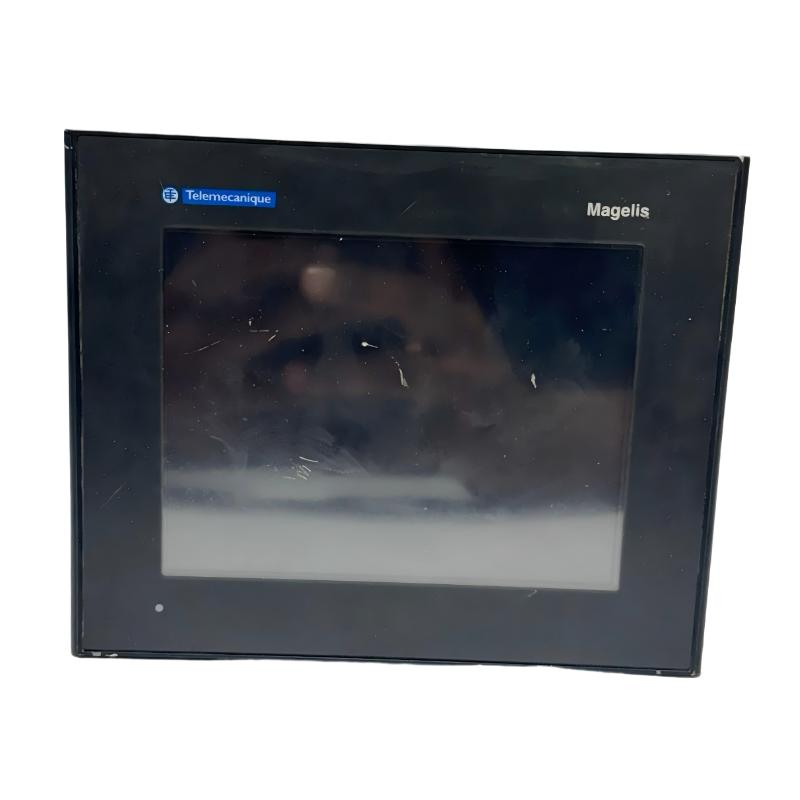
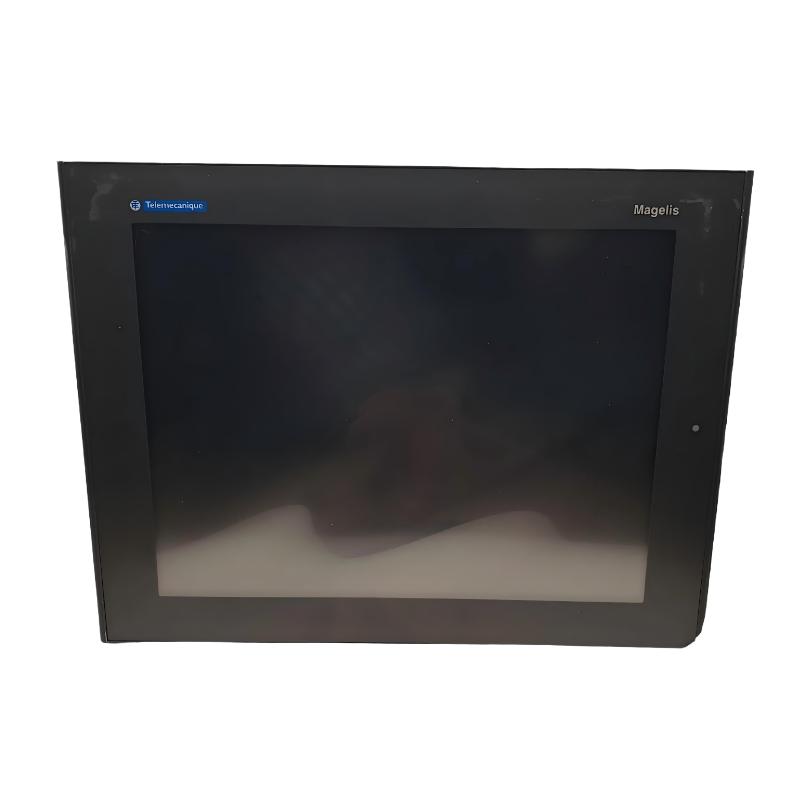
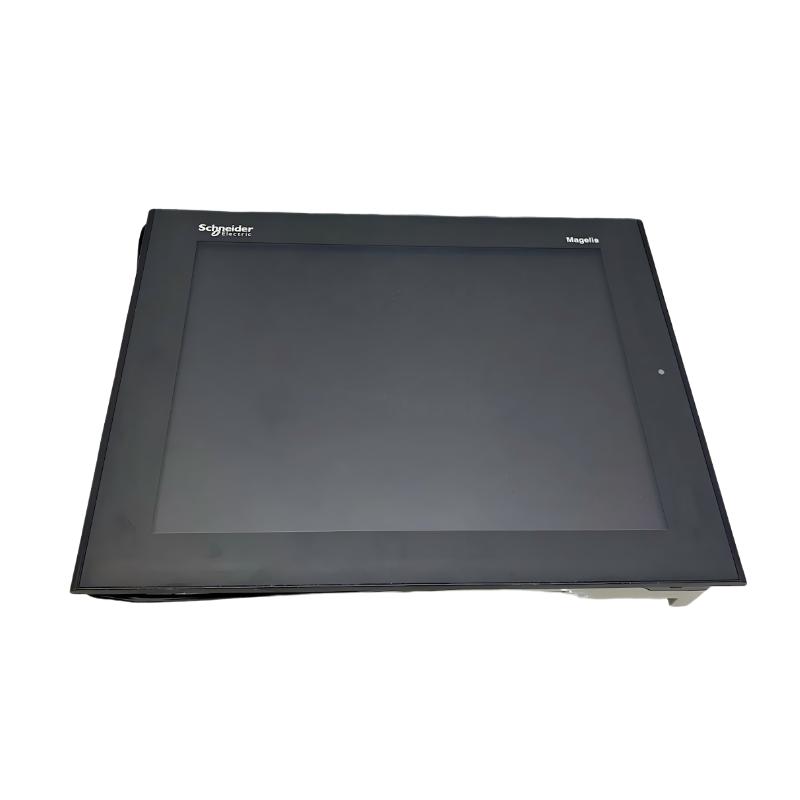
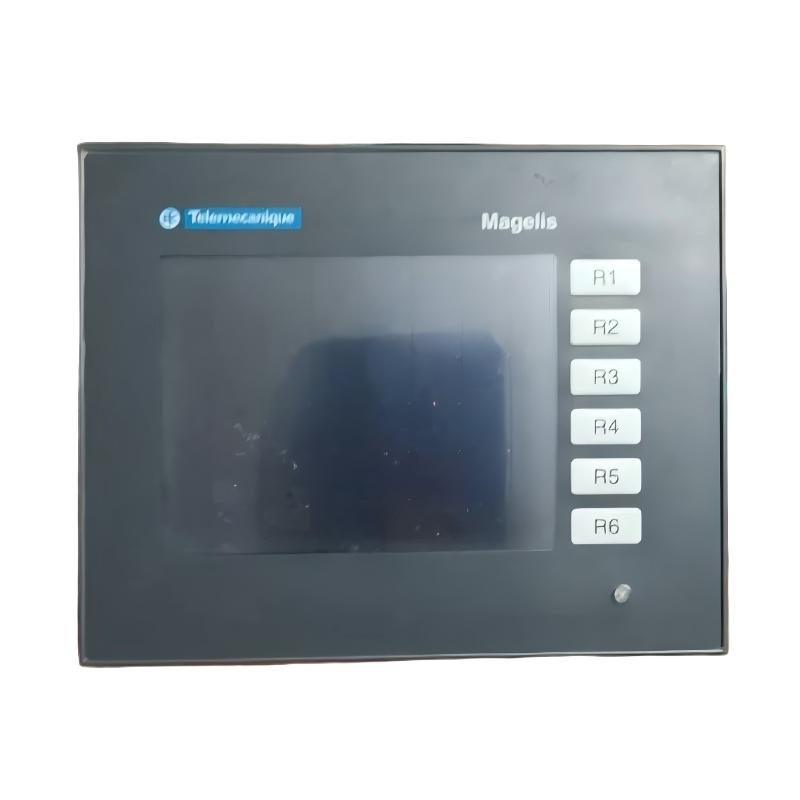
The Schneider Electric XBTGT1100 Magelis Advanced Touchscreen Panel is an industrial human-machine interface (HMI) designed to provide operators with direct access to machine status, process information, alarms, and control functions. As part of the Magelis XBT GT family, this panel supports operator interaction with PLC-based automation systems and industrial equipment.
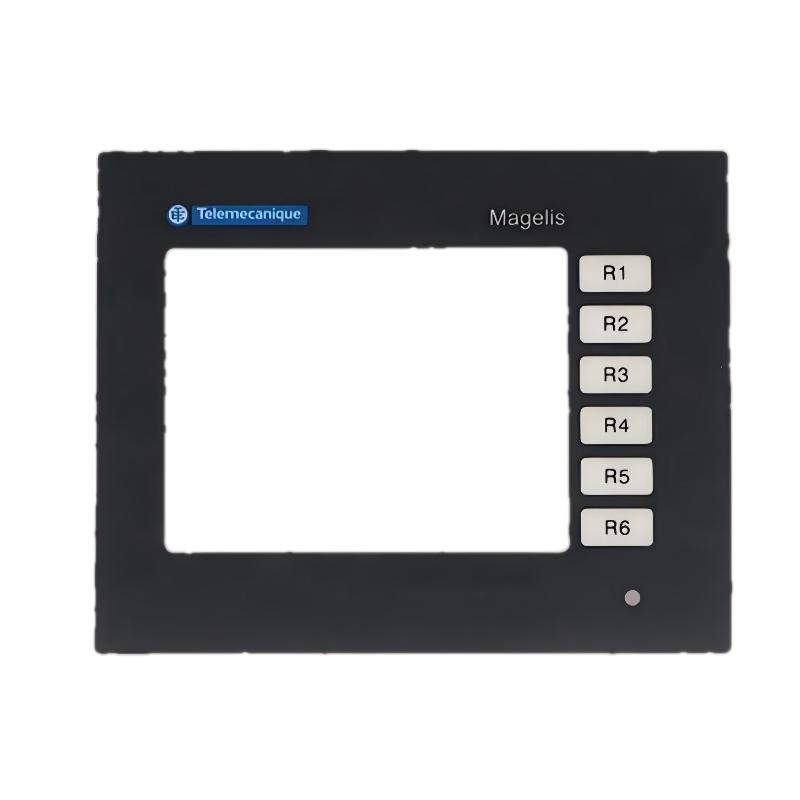
The XBTGT1100 features a 3.8-inch backlit monochrome STN LCD touchscreen with a resolution of 320 × 240 pixels. Its compact design makes it suitable for installation in control cabinets, machine operator stations, and industrial equipment panels where space is limited.
The panel operates on a nominal 24 V DC supply and uses Vijeo Designer configuration software. Its touchscreen provides an interface for navigating application screens, viewing process variables, acknowledging alarms, and entering operator commands according to the configured application.
The XBTGT1100 can be used in a range of industrial automation environments, including manufacturing machinery, packaging equipment, material handling, and process-control installations. Its ability to present operating information in a graphical format helps operators interact with control systems without relying exclusively on physical push buttons and indicator lights.
As this model has been discontinued, it is particularly relevant to industrial maintenance teams, system integrators, and spare-parts suppliers supporting existing Magelis installations. When sourcing a replacement, users should verify the exact model, communication requirements, project compatibility, and physical mounting dimensions.
Technical Specifications
| Parameter | Specification |
|---|---|
| Brand | Schneider Electric |
| Product Family | Magelis XBT GT |
| Model | XBTGT1100 |
| Product Type | Advanced Touchscreen Panel / HMI |
| Display Size | 3.8 inches |
| Display Technology | Backlit monochrome STN LCD |
| Display Color | Amber or red, with 8 levels of gray |
| Display Resolution | 320 × 240 pixels, QVGA |
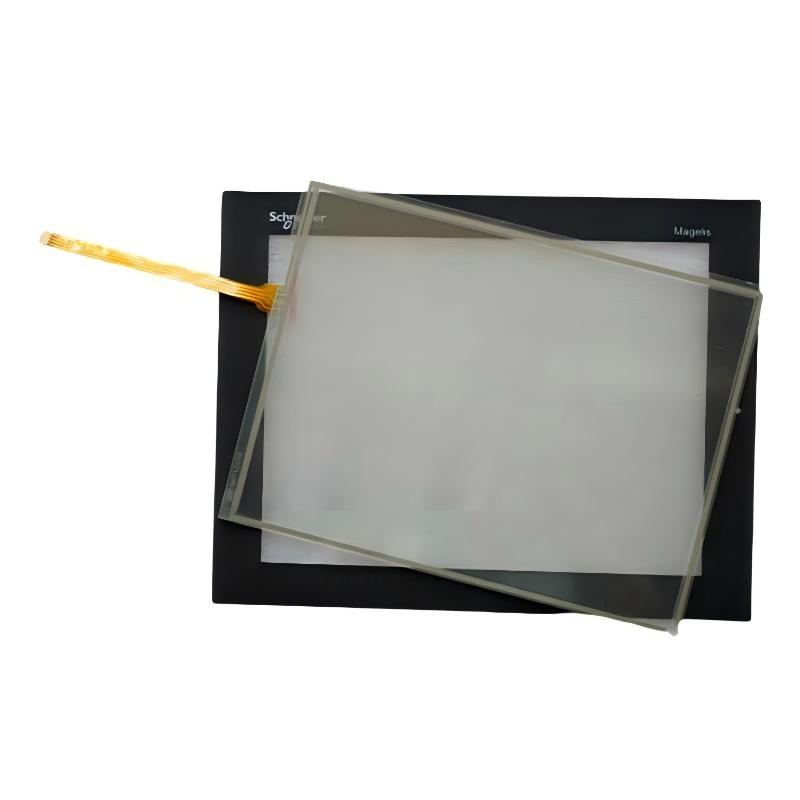
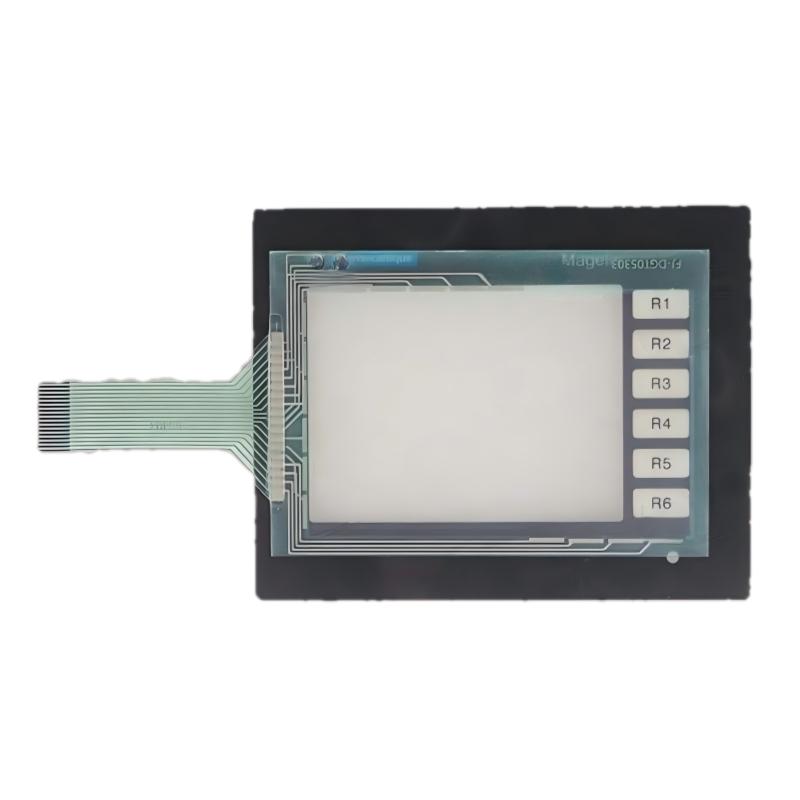
| Touchscreen Type | Resistive touch panel |
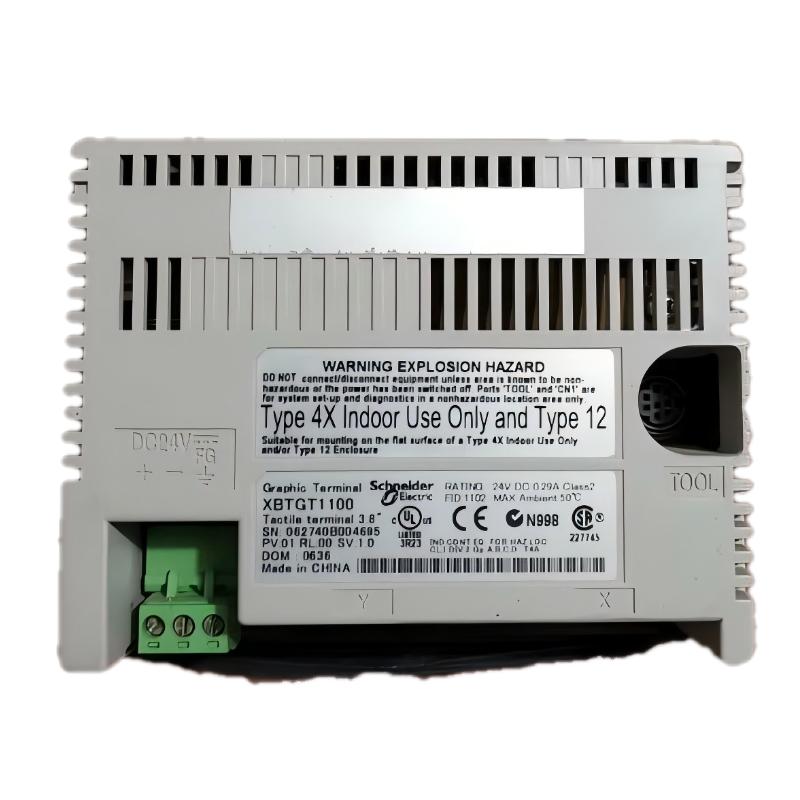
| Rated Supply Voltage | 24 V DC |
| Supply Voltage Limits | 19.2–28.8 V DC |
| Power Consumption | 7 W |
| Processor | RISC CPU |
| Processor Frequency | 100 MHz |
| Application Configuration Software | Vijeo Designer |
| Data Backup Memory | 512 kB SRAM with lithium battery backup |
| Front Panel Protection | IP65 |
| Rear Panel Protection | IP20 |
| Panel Cutout Dimensions | Approximately 118 × 92.5 mm |
| Overall Dimensions | 130 × 104 × 41 mm |
| Weight | 0.4 kg |
| Typical Application | Industrial machine monitoring and operator control |
| Product Lifecycle | Discontinued |
Specifications should be checked against the product label and applicable technical documentation before installation or replacement. The overall dimensions and weight above follow the supplied product listing.
Function and Working Principle
The XBTGT1100 serves as the operator-facing interface of an industrial control system. It displays information supplied by a connected controller and allows operators to interact with the configured application through touchscreen inputs.
1. Graphical Process Monitoring
The panel can display numerical values, text, graphical indicators, and other configured screen elements. Depending on the application, these may include motor status, production counts, temperature readings, operating modes, and machine alarms.
By presenting relevant information on a single screen, the HMI helps operators understand equipment conditions and identify when an intervention may be required.
2. Touchscreen Operation
The XBTGT1100 uses resistive touchscreen technology. Operators interact with screen objects by touching configured buttons, fields, and navigation controls.
Depending on the project design, touchscreen functions may include starting or stopping an authorized operation, selecting a machine mode, entering a setpoint, or acknowledging an alarm. Actual control permissions and available functions are determined by the application and PLC logic.
3. PLC Communication
The HMI exchanges information with a compatible PLC through a supported communication interface and protocol. The controller processes the machine logic, while the HMI provides a visual interface for operators.
The XBTGT1100 supports communication configurations associated with the Magelis XBT GT family, including supported Modbus and Uni-TE implementations. Compatibility with third-party controllers depends on the selected protocol, physical interface, cabling, and application configuration.
4. Alarm and Status Display
An HMI project can display alarm messages and operating conditions to help maintenance staff identify abnormal machine states. Screen design can organize information into clear categories, such as active alarms, machine status, and operating parameters.
Alarm handling depends on how the application and controller are programmed. The HMI itself does not replace the PLC’s control logic or the machine’s independent safety functions.
5. Application Configuration
Vijeo Designer is the designated configuration software for this model. Engineers use the software to create screens, configure variables, set up supported communication parameters, and define touchscreen interactions.
Before making changes to an existing installation, preserve the original project and verify the software version, communication settings, and controller compatibility.
Role in Industrial Control Systems
The XBTGT1100 is designed to improve interaction between operators and automated equipment. It is generally installed at the machine or control cabinet level and works alongside a PLC, sensors, actuators, and other control components.
PLC-Based Automation
A PLC executes control logic using signals from sensors and other devices. The HMI displays selected controller data and allows operators to enter commands or values.
For example, an operator may select a production mode on the HMI. The PLC then evaluates the request against its programmed interlocks and controls the corresponding equipment.
This division of responsibility helps maintain a clear distinction between operator interaction and the underlying machine-control logic.
Centralized Operator Interface
A touchscreen panel can consolidate multiple operating functions into a compact interface. Instead of installing a separate physical control for every function, engineers can create application screens for machine setup, normal operation, diagnostics, and maintenance.
The layout should prioritize frequently used functions and make important warnings easy to recognize. Critical operations should incorporate appropriate confirmation steps and controller-side interlocks.
Maintenance and Troubleshooting
The XBTGT1100 can provide maintenance personnel with access to relevant status information and diagnostic messages when these functions are configured in the application.
This can help narrow down potential problems involving sensors, actuators, drive systems, and process conditions. Effective troubleshooting still requires checking the PLC program, electrical wiring, field devices, and actual machine behavior.
Industrial Applications
1. Manufacturing Machinery
Manufacturing machines often require a convenient interface for displaying production status, operating modes, and machine parameters. The XBTGT1100 can provide these functions through application screens configured for the specific equipment.
Its compact dimensions make it suitable for certain machine-mounted control panels where a smaller display is sufficient.
2. Packaging Equipment
Packaging machinery may use an HMI to display production counts, operating states, and configured process settings. Operators can use touchscreen controls to navigate screens and enter authorized values.
The actual functionality depends on the PLC program and the HMI project installed in the panel.
3. Conveyor and Material-Handling Systems
In conveyor systems, an HMI can display equipment status, operating sequences, and fault messages. This helps operators identify which section of a system requires attention.
The panel can also provide access to selected commands, provided that the corresponding functions are implemented and protected by appropriate PLC logic.
4. Process-Control Equipment
Small process-control installations may use the XBTGT1100 to display measurements such as temperature, pressure, flow, or equipment status. The HMI presents values supplied by the controller or connected instrumentation.
Measurement accuracy depends on the underlying sensors, transmitters, signal conditioning, and controller configuration rather than the display panel alone.
5. OEM Machinery and Legacy Automation
Original equipment manufacturers may integrate Magelis HMI panels into specialized machinery. In existing installations, retaining the original panel can help preserve established screen layouts, operator workflows, and communication arrangements.
Because the XBTGT1100 is discontinued, replacement planning should include verification of the original application project and the hardware interfaces used by the machine.
Installation and System Integration
1. Verify the Power Supply
The XBTGT1100 uses a nominal 24 V DC supply, with a documented operating range of 19.2–28.8 V DC. Confirm that the power supply can accommodate the panel’s consumption and any additional devices connected to the same circuit.
Observe the specified polarity and grounding requirements. Unstable power or excessive electrical noise may cause communication problems or unexpected resets.
2. Prepare the Panel Cutout
The overall dimensions are 130 × 104 × 41 mm, while the specified panel cutout is approximately 118 × 92.5 mm.
Before cutting a control cabinet or replacing an existing HMI, confirm the mounting drawing and required clearances. Ensure that the panel is securely fixed and that its rear connections remain accessible for service.
3. Observe Environmental Requirements
The front of the panel is rated IP65 under the specified installation conditions, while the rear is rated IP20. The front-panel rating should not be interpreted as protection for the entire assembly.
Use an appropriate cabinet arrangement to protect the rear of the unit from dust, liquids, and accidental contact. Check ambient temperature, humidity, vibration, and other site conditions against the manufacturer’s limits.
4. Configure PLC Communication
Identify the connected PLC model and determine which communication protocol and physical interface are used by the original application.
Verify the cable type, connector pinout, baud rate or network parameters where applicable, and controller communication settings. Do not assume that every PLC can communicate with the XBTGT1100 simply because it belongs to a supported manufacturer’s product family.
5. Transfer and Verify the HMI Project
Where a replacement or reconfiguration is required, locate the original Vijeo Designer project and confirm that it is compatible with the target hardware and software environment.
After transferring the application, check screen navigation, displayed variables, alarms, operator commands, and communication status. If the original project is unavailable, rebuilding the interface may require access to the PLC program and the machine’s functional documentation.
6. Commission the Installation
Before returning the machine to production, verify the power supply, mounting, wiring, communication, and operator functions.
Test the displayed values against known controller data. Confirm that commands produce the expected responses and that PLC interlocks remain effective. Document the final configuration for future maintenance.
Compatible System Components
The XBTGT1100 functions as part of a wider automation installation. Compatibility depends on the communication protocol, physical interface, software configuration, and controller implementation.
| Component | Function | Integration Considerations |
|---|---|---|
| Compatible PLC | Executes machine-control logic | Confirm supported protocol and interface |
| 24 V DC power supply | Powers the HMI | Verify voltage range, capacity, and wiring |
| Vijeo Designer | Creates and manages the HMI application | Check project and software compatibility |
| Communication cable | Connects the panel to the controller | Verify connector type, pinout, and cable specification |
| Industrial sensors | Provide process measurements | Values are normally acquired through the controller or a supported architecture |
| Motor drives | Control motor speed and operation | HMI commands must be implemented through the appropriate control system |
| Control cabinet | Houses automation equipment | Provide suitable mounting, ventilation, and environmental protection |
| Ethernet or serial communication equipment | Supports applicable network architectures | Confirm the exact interface fitted to the panel and the selected protocol |
These components are examples of equipment that may be used in an integrated system. They are not necessarily included with the XBTGT1100.
Alternative Models and Replacement Considerations
The XBTGT1100 has been discontinued. Schneider Electric has identified the HMIGTO1300 as a recommended replacement in its product information, but a replacement should not be treated as automatically interchangeable.
| Alternative | Considerations |
|---|---|
| Schneider Electric HMIGTO1300 | Manufacturer-recommended replacement family option; verify project conversion, communications, and mounting requirements |
| Another compatible Magelis XBT GT panel | May be relevant for legacy installations, but display size and communication features can differ |
| A current Schneider Electric Harmony HMI | May be appropriate for a modernization project, subject to engineering review |
| A third-party industrial HMI | Requires confirmation of PLC protocol support, application redevelopment, and electrical compatibility |
Before selecting a replacement, check:
- PLC model and communication protocol.
- Communication connector and cabling.
- Existing Vijeo Designer project availability.
- Screen size, resolution, and operator requirements.
- Panel cutout and mounting dimensions.
- Supply voltage and electrical connections.
- Environmental protection and operating conditions.
- Alarm handling, access permissions, and control interlocks.
A replacement HMI may require application conversion or redevelopment. Always test the new interface and its interaction with the controller before commissioning it in a production environment.
Key Advantages
Compact Installation
The 130 × 104 × 41 mm form factor supports installations where control-panel space is limited.
Clear Monochrome Display
The 3.8-inch STN LCD and 320 × 240 resolution provide a compact display for text, values, status indicators, and configured graphics.
Resistive Touchscreen
The resistive interface supports direct operator interaction with configured screen controls.
Established HMI Configuration Environment
Vijeo Designer provides the designated application-development environment for creating and maintaining the panel’s screens and functions.
24 V DC Operation
The panel uses a common industrial control supply voltage, simplifying integration where an appropriate 24 V DC supply is already available.
Legacy System Support
For facilities with existing Magelis installations, identifying and sourcing the correct XBTGT1100 can help maintain established operator interfaces while a longer-term modernization plan is prepared.
Technical FAQs
1. What is the Schneider Electric XBTGT1100?
It is a Magelis XBT GT advanced touchscreen HMI used for operator monitoring and interaction with compatible industrial control systems.
2. What is the display size and resolution?
The panel has a 3.8-inch monochrome STN LCD touchscreen with a resolution of 320 × 240 pixels, also known as QVGA.
3. What power supply does the XBTGT1100 require?
It uses a nominal 24 V DC supply, with a documented voltage range of 19.2–28.8 V DC.
4. Which software is used to configure the panel?
Vijeo Designer is the designated configuration software. Existing projects should be checked for software-version and hardware compatibility before modification or transfer.
5. Can the XBTGT1100 communicate with a PLC?
Yes, when the PLC, communication interface, protocol, and application settings are compatible. The exact connection method must be confirmed for the installation.
6. What are the dimensions and weight?
The supplied product dimensions are 130 × 104 × 41 mm, and the weight is 0.4 kg. The required panel cutout is approximately 118 × 92.5 mm.
7. Is the XBTGT1100 still manufactured?
No. Schneider Electric lists this model as discontinued. Buyers should confirm availability and condition with their supplier before placing an order.
8. What is the recommended replacement?
Schneider Electric has listed the HMIGTO1300 as a replacement option. Before switching, verify application compatibility, communication requirements, and mechanical installation details.
9. Can the original HMI program be reused?
Potentially, but reuse depends on the project version, target hardware, software compatibility, and any differences between the original and replacement panel. Preserve a backup and test the project before production use.
10. What should be checked when purchasing a used unit?
Check the complete model number, screen condition, touch response, connectors, mounting hardware, power-up behavior, and communication performance. Confirm the unit’s condition and any available warranty or return arrangements.
Procurement and Maintenance Recommendations
Since the XBTGT1100 is discontinued, buyers should prioritize exact model identification and a clear understanding of the existing application.
Before purchasing, confirm the model number on the product label, the physical condition of the display and touchscreen, the availability of compatible communication accessories, and whether the unit has been tested. If the HMI is being purchased for a critical machine, request a functional test and confirm the supplier’s return policy.
For replacement projects, obtain a backup of the existing Vijeo Designer project and document the PLC communication settings. Check whether the original application contains custom screens, alarm definitions, or operator functions that need to be preserved.
Routine maintenance should include checking the screen, mounting, connectors, power supply, and communication cables. Keep the panel clean using cleaning methods compatible with its front surface, and avoid chemicals or abrasive materials that could damage the touchscreen.
For a modernization project, evaluate the complete operator interface rather than comparing screen dimensions alone. Communication compatibility, application migration, access control, alarm handling, and commissioning requirements should all be considered.
Conclusion
The Schneider Electric XBTGT1100 Magelis Advanced Touchscreen Panel is a compact industrial HMI featuring a 3.8-inch monochrome STN touchscreen, 320 × 240 resolution, 24 V DC power, and Vijeo Designer configuration support. With dimensions of 130 × 104 × 41 mm and a listed weight of 0.4 kg, it is designed for operator-interface applications in industrial machinery and automation systems.
Because the XBTGT1100 is discontinued, sourcing the correct unit and confirming compatibility are important for maintaining existing installations. Whether purchasing a replacement panel or planning an HMI upgrade, engineers should verify the PLC interface, application project, mounting dimensions, and operating requirements before returning the system to service.