

ProductPRODUCT
Featured products
Contact Us
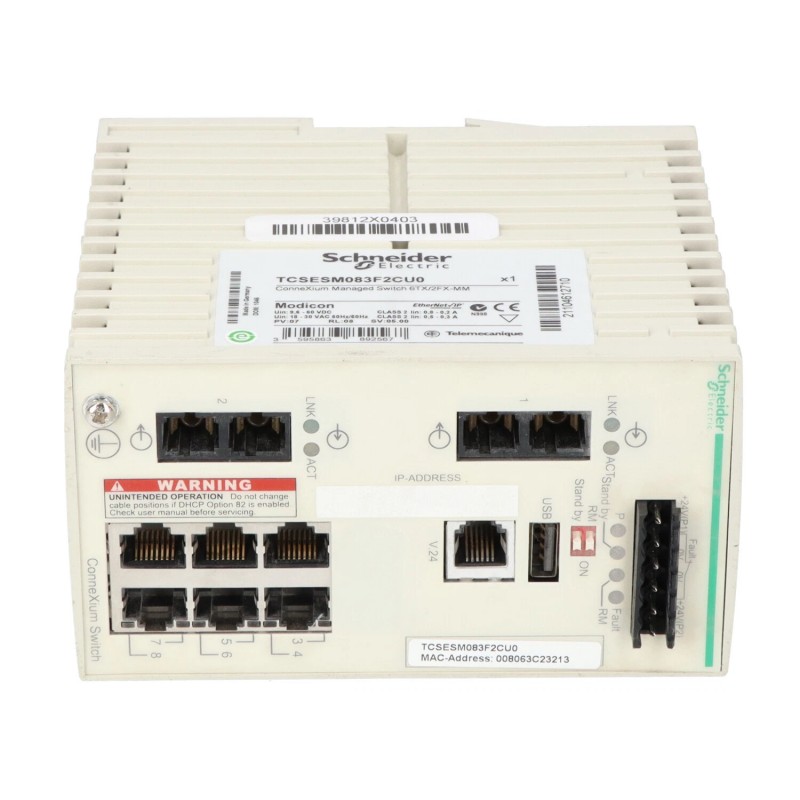
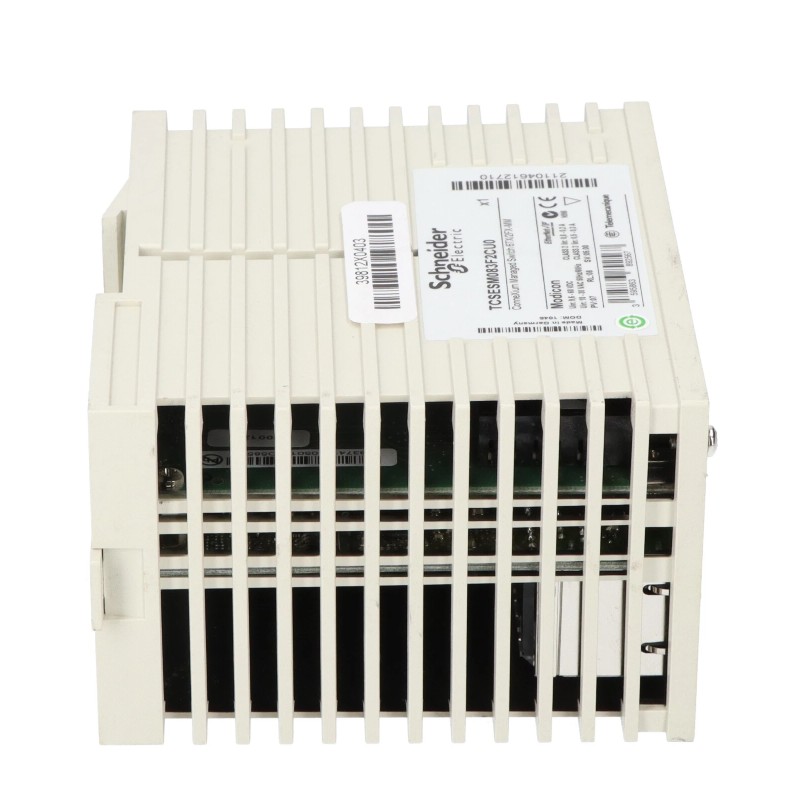
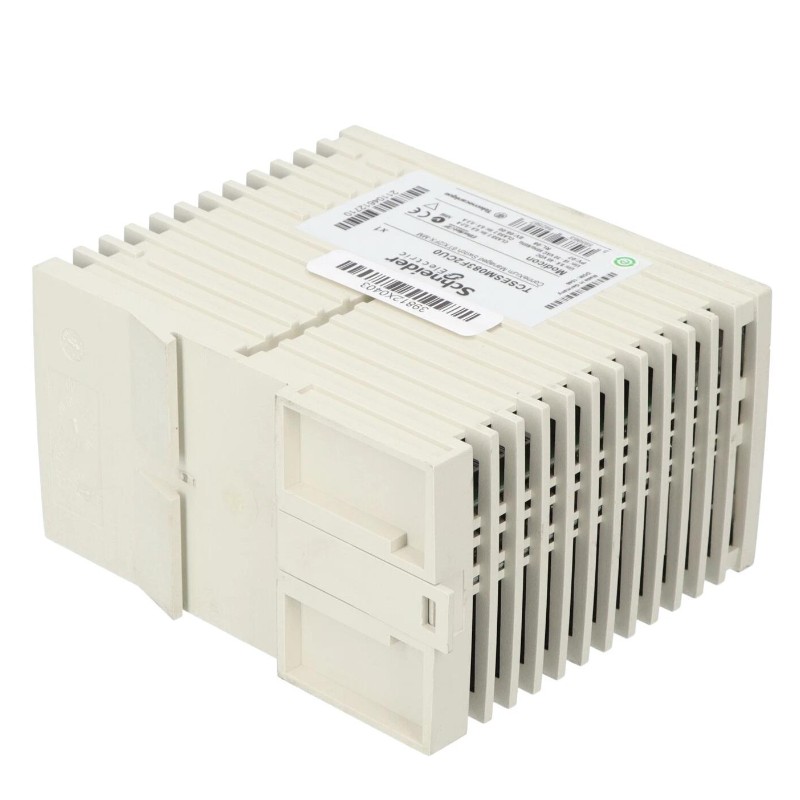
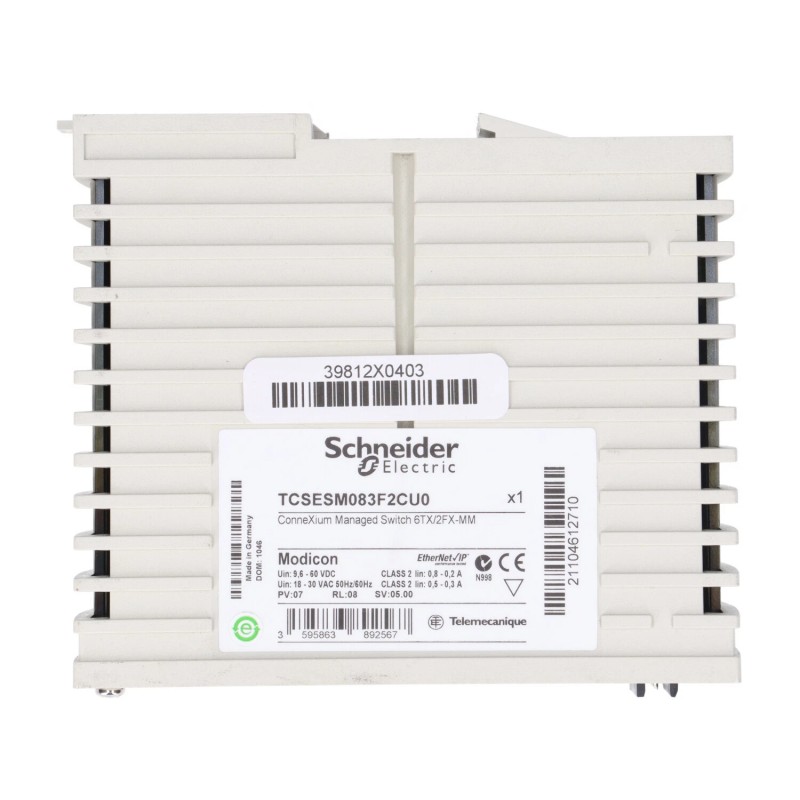
- Schneider
- TCSESM083F2CU0
- Managed Switch
- France
- 74 × 131 × 111 mm
- 0.41 kg
- Xiamen, China
- New & In Stock
- T/T, PayPal, Western Union
- 1 Year
- 1-3 Working Days
- DHL, UPS, TNT, FedEx and EMS.
- 24-Hour Service
- COO
- 8
Our advantage

Global Logistics
We have a 10-year logistics and express cooperation agreement, so our products can be shipped to any place in the world.

Brand new and original
Our products are imported in bulk from the place of origin. Because of the cooperative relationship, our products are all original and 100% new.

24-hour service
We provide 7*24 hours service to our customers. We will be there whenever you need us.

Price advantage
All our products are priced very favorably because we have our own warehouse and supply.
| Company Information | |||
| [email protected] | |||
| Mobile | +8615980777398 | ||
| +8615980777398 | |||
| 15980777398 |
Product Overview
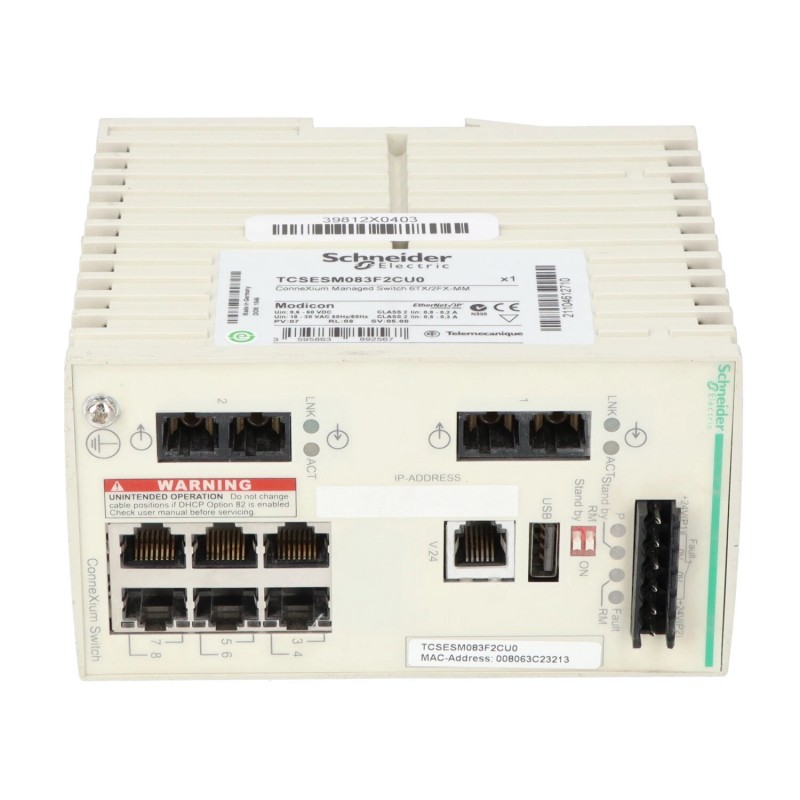
The Schneider TCSESM083F2CU0 is a ConneXium managed switch used as an Ethernet communication component in industrial automation networks. It provides a central connection point for automation devices that need to exchange data across an industrial Ethernet infrastructure.
In a control cabinet, the switch can connect PLCs, HMIs, remote I/O stations, drives, engineering workstations, and other networked equipment. Rather than handling control logic or field signals itself, it manages the movement of Ethernet traffic between connected devices and helps organize the physical network structure.
The TCSESM083F2CU0 is suited to installations where several Ethernet devices must share a common industrial network. It can also be incorporated into larger ConneXium architectures where local automation networks are connected to additional switches or higher-level plant communication systems.
For maintenance teams, the switch serves as a defined network infrastructure point. Clear port identification, structured cabling, and documented network settings make it easier to isolate communication problems and expand an existing automation network.
Technical Specifications
| Parameter | Value |
|---|---|
| Manufacturer | Schneider Electric |
| Model / Part Number | TCSESM083F2CU0 |
| Product Type | ConneXium Managed Switch |
| Series | ConneXium |
| Network Type | Industrial Ethernet |
| Application | Industrial automation network switching |
| Dimensions | 74 × 131 × 111 mm |
| Weight | 0.41 kg |
Product Features
- Managed switching for industrial Ethernet network infrastructure
- Suitable for automation systems with multiple connected Ethernet devices
- Can connect PLCs, HMIs, remote I/O, drives, and supervisory equipment
- Supports structured network architectures within ConneXium installations
- Suitable for control cabinets and distributed industrial automation systems
- Provides a central communication point between multiple network nodes
- Can be incorporated into larger Ethernet networks through additional network infrastructure
- Separates network switching functions from PLC logic and field signal processing
Working Principle
The TCSESM083F2CU0 receives Ethernet traffic from connected devices and forwards the traffic through the appropriate network path. Each connected automation station uses the switch as part of its communication route to other Ethernet nodes.
A typical system path can be represented as:
PLC / Controller → TCSESM083F2CU0 → HMI / Remote I/O / Drive / Engineering Station
For example, when a PLC exchanges data with a remote Ethernet device, the communication frames travel from the controller to the switch and are forwarded toward the destination device. Return traffic follows the corresponding network path back to the controller.
The same switching function applies to communication between an HMI and PLC or between an engineering workstation and an automation device. When several switches are interconnected, the TCSESM083F2CU0 can operate as one part of a larger industrial Ethernet topology.
Role in a ConneXium Ethernet Control Architecture
The TCSESM083F2CU0 occupies the communication infrastructure layer of the control architecture. It connects automation stations while leaving application processing to the PLC, controller, drive, HMI, or supervisory system.
PLC / Controller → TCSESM083F2CU0 → Distributed Devices → Supervisory / Plant Network
| System Element | Function |
|---|---|
| PLC / Controller | Executes the control application and exchanges automation data |
| TCSESM083F2CU0 | Provides managed Ethernet switching between connected network nodes |
| Remote I/O | Exchanges field input and output data with the controller |
| HMI | Displays process information and provides operator interaction |
| Ethernet Drive | Exchanges control commands, status, and diagnostic information |
| Engineering Workstation | Supports configuration, commissioning, and troubleshooting |
| Plant Network | Provides communication with other automation or supervisory segments |
The switch therefore acts as the communication hub between the controller layer and network-connected automation equipment.
Industrial Applications
| Application | Typical Use |
|---|---|
| PLC Control Systems | Connects controllers with networked automation devices |
| Machine Automation | Links machine controllers, HMIs, drives, and distributed equipment |
| Process Control | Provides Ethernet infrastructure for distributed control stations |
| Remote I/O Networks | Connects distributed I/O stations with central controllers |
| Drive Systems | Provides network communication paths for Ethernet-connected drives |
| HMI Networks | Connects operator interfaces with controllers and other automation stations |
| Engineering Networks | Supports communication between engineering computers and automation equipment |
| Industrial Control Cabinets | Provides centralized switching for multiple Ethernet connections |
Installation and Maintenance
- Mounting: Install the switch securely in the designated cabinet or enclosure and maintain suitable access to its communication and power connections.
- Power Wiring: Verify the applicable power supply requirements before energizing the switch. Check all power terminals for correct connection and secure contact.
- Network Cabling: Use appropriate industrial Ethernet cabling and confirm that each connector is properly seated.
- Topology Planning: Document the network topology before commissioning so that controller, HMI, I/O, drive, and uplink connections can be identified quickly.
- Address Management: Maintain a documented addressing plan for networked devices and avoid duplicate IP addresses where applicable.
- Configuration: Review the managed-switch configuration before connecting it to an operational control network.
- Port Labeling: Clearly identify network cables and ports, particularly in cabinets containing multiple Ethernet devices.
- Commissioning Test: Verify link status and test communication between the controller and each required network station.
- Cable Inspection: Periodically check Ethernet cables and connectors for looseness, damage, contamination, or other signs of deterioration.
- Environmental Conditions: Keep the switch within the applicable environmental limits of the installation and protect it from excessive heat, moisture, dust, and vibration.
- Configuration Records: Maintain an updated record of network settings and connected devices to simplify troubleshooting and replacement work.
- Replacement Checks: Before replacing the switch, document existing connections and configuration. After installation, verify all affected communication paths before returning the system to operation.
Compatible System Components
| Component Type | Typical Role |
|---|---|
| Schneider Modicon PLC | Executes the main automation control program |
| Schneider Remote I/O | Provides distributed field signal acquisition and output |
| Schneider HMI | Operator monitoring and control interface |
| Schneider Ethernet Drive | Networked motor and drive control |
| ConneXium Network Equipment | Extends or interconnects industrial Ethernet networks |
| Industrial Ethernet Cables | Provides physical network connections |
| Engineering Workstation | Supports configuration and commissioning |
| SCADA System | Provides supervisory monitoring and data collection |
Recommended Related Models
| Model | Product Type | Typical Application |
|---|---|---|
| Schneider TCSESM083F23F0 | ConneXium Ethernet TCP/IP Managed Switch | Managed Ethernet communication in automation networks |
| Schneider TCSESM163F23F0 | ConneXium Ethernet TCP/IP Managed Switch | Larger managed Ethernet network installations |
| Schneider TCSESU083FN0 | ConneXium Unmanaged Switch | Simpler industrial Ethernet network connections |
| Schneider TCSESU043F1N0 | ConneXium Unmanaged Switch | Compact Ethernet automation installations |
| Schneider TCSESMO83F2CU0 | ConneXium Managed Switch | Industrial Ethernet network infrastructure |
Key Advantages
- Provides managed Ethernet switching for industrial automation systems
- Suitable for networks containing multiple automation devices
- Supports structured communication between controllers and distributed equipment
- Integrates into ConneXium industrial Ethernet architectures
- Provides a defined network infrastructure point for maintenance and expansion
- Can support communication between control, operator, drive, I/O, and supervisory equipment
Technical FAQs
What is the TCSESM083F2CU0 used for?
The TCSESM083F2CU0 is used as a managed network switching component in industrial automation systems. It provides the Ethernet communication path between connected controllers, operator stations, I/O devices, drives, and other network equipment.
Can the TCSESM083F2CU0 be used with Schneider PLC systems?
It can be used as part of a Schneider industrial Ethernet architecture when the PLC, network configuration, and connected devices use compatible communication arrangements.
What is the difference between a managed switch and an unmanaged switch in an automation network?
A managed switch offers configuration and network-management capabilities that are not normally available on a basic unmanaged switch. This makes managed equipment more suitable for installations where the network needs structured configuration, monitoring, or controlled operation.
What should be checked when an automation device cannot communicate through the switch?
First check the power connection, Ethernet cable, connector, link status, port assignment, and device network settings. If the physical connections are correct, review the switch configuration and the communication parameters of the affected automation devices.