

ProductPRODUCT
Featured products
Contact Us
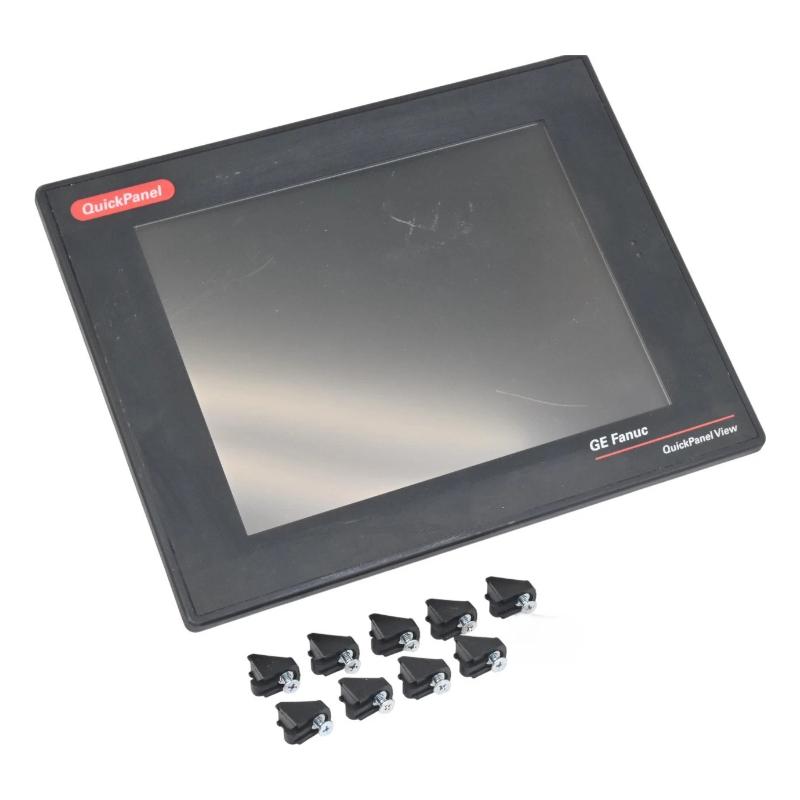
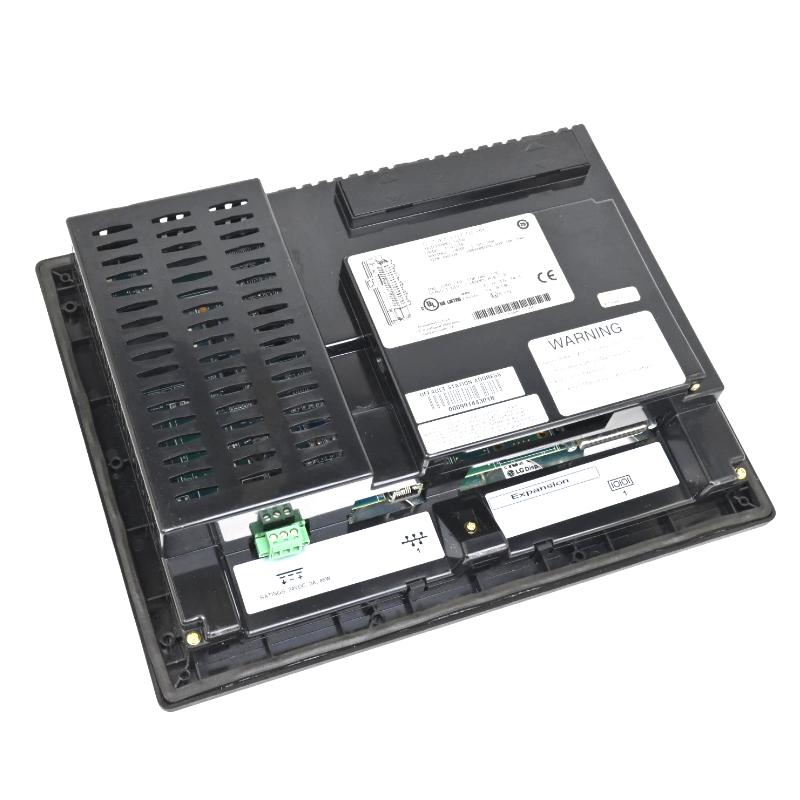
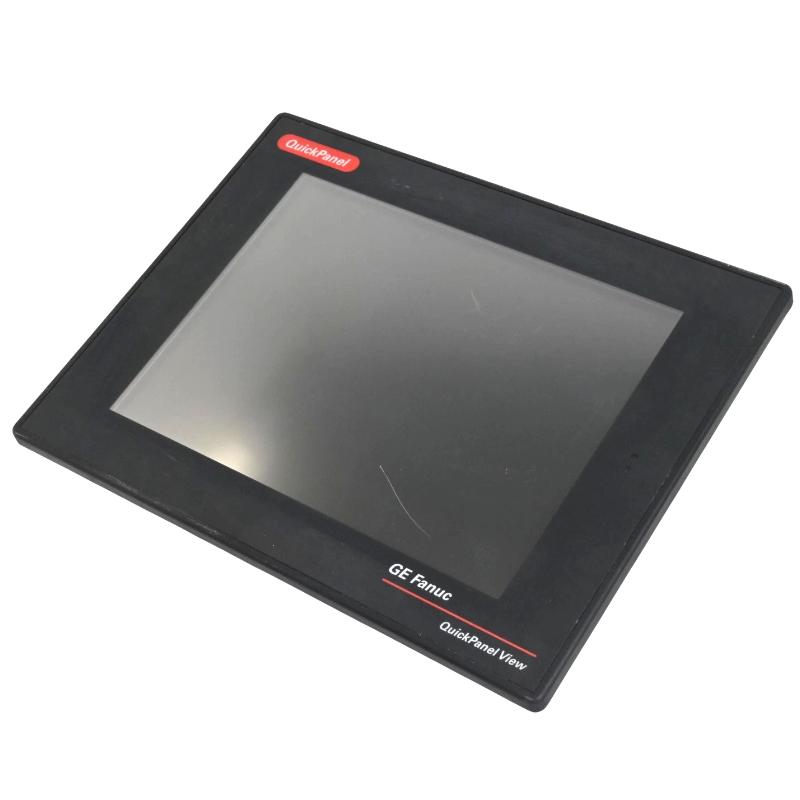
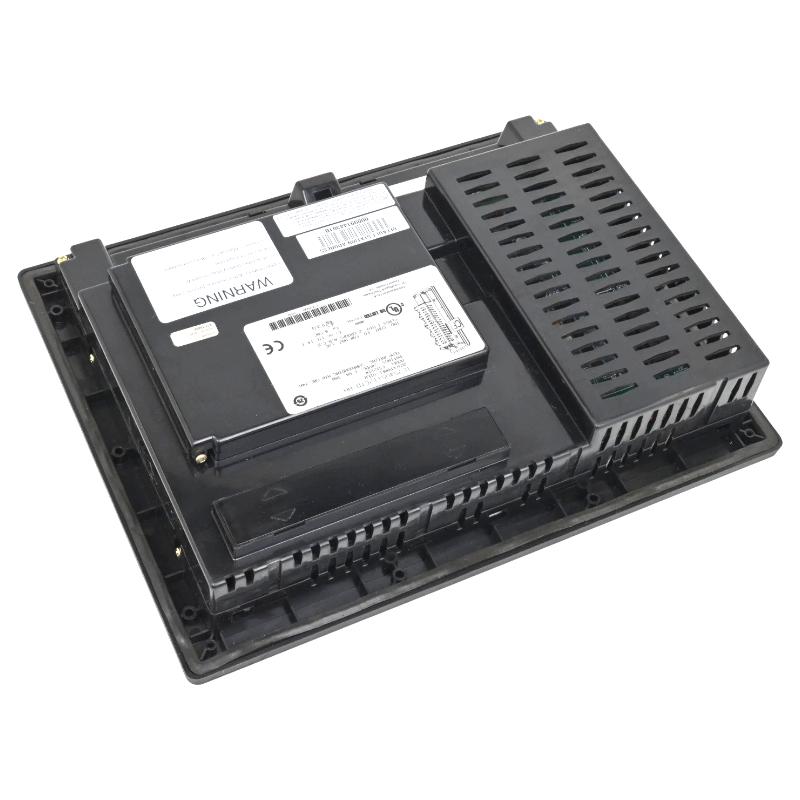
- GE
- IC754VSI12CTD
- Operator Interface Terminal
- USA
- 12-inch
- 2.4 kg
- Xiamen, China
- New & In Stock
- T/T, PayPal, Western Union
- 1 Year
- 1-3 Working Days
- DHL, UPS, TNT, FedEx and EMS.
- 24-Hour Service
- COO
- 43
Our advantage

Global Logistics
We have a 10-year logistics and express cooperation agreement, so our products can be shipped to any place in the world.

Brand new and original
Our products are imported in bulk from the place of origin. Because of the cooperative relationship, our products are all original and 100% new.

24-hour service
We provide 7*24 hours service to our customers. We will be there whenever you need us.

Price advantage
All our products are priced very favorably because we have our own warehouse and supply.
| Company Information | |||
| [email protected] | |||
| Mobile | +8615980777398 | ||
| +8615980777398 | |||
| 15980777398 |
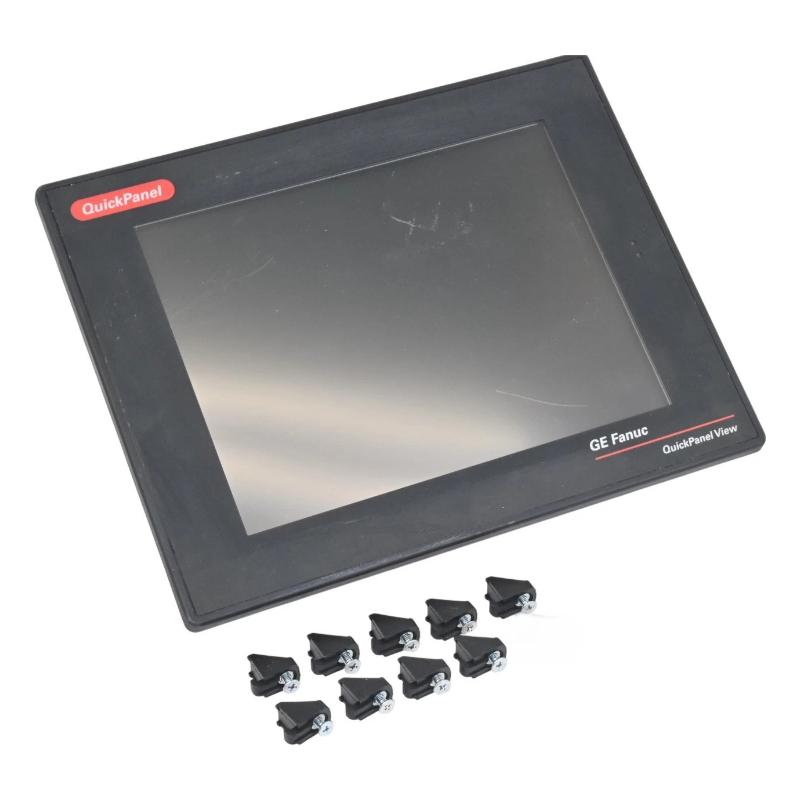
Product Overview
The GE IC754VSI12CTD QuickPanel View Operator Interface Terminal (HMI) is an industrial operator terminal used to visualize machine and process information and provide a local interface for control-system interaction. It belongs to the GE QuickPanel View family and typically operates alongside a PLC or other industrial controller.
The terminal sits above the control and I/O layers. Rather than directly acquiring field signals or executing the main PLC program, it presents information received from the control system through configured HMI screens. Operators can use these screens to review equipment states, process conditions, alarms, and available control functions.
For industrial maintenance, the IC754VSI12CTD can serve as the local operator station for an established automation system. When replacing an existing unit, the HMI hardware should be considered together with its application project, communication configuration, controller connection, and panel installation.
Technical Specifications
| Parameter | Specification |
|---|---|
| Manufacturer | GE |
| Model | IC754VSI12CTD |
| Product Family | QuickPanel View |
| Product Type | Operator Interface Terminal (HMI) |
| Primary Function | Machine / Process Visualization |
| System Role | Operator Interface Layer |
| Display Size | 12-inch |
| Application | Industrial Automation / Machine Control |
| Installation | Industrial Control Panel |
| Weight | 2.4 kg |
Product Features
The IC754VSI12CTD combines operator visualization with local access to configured control-system functions.
Key characteristics include:
- GE QuickPanel View Operator Interface Terminal
- Model IC754VSI12CTD
- 12-inch display
- Industrial HMI application
- Provides local machine and process visualization
- Displays equipment status and process information
- Supports operator interaction with configured control functions
- Suitable for alarm and status presentation
- Works with connected PLC and automation equipment
- Suitable for control-panel installations
- Useful for HMI replacement and maintenance projects
The terminal’s actual operating functions depend on the HMI application installed on the unit and the controller system to which it is connected.
Working Principle
The IC754VSI12CTD acts as the visual and interactive endpoint between an automation system and the operator.
A simplified architecture is:
Field Devices → PLC / Controller → Communication Network → IC754VSI12CTD → Operator
Its operation can be divided into several stages:
-
Process Data Acquisition
Sensors and field devices provide operating information to the PLC or control system through the relevant I/O architecture.
-
Control Processing
The controller evaluates the incoming information and executes the programmed automation logic.
-
Data Transfer
Selected process values, equipment states, alarms, and other information are transferred toward the HMI through the configured communication interface.
-
Screen Presentation
The IC754VSI12CTD organizes the received information into configured graphical screens, status displays, and alarm views.
-
Operator Interaction
The operator can interact with available HMI controls where the application permits commands such as equipment start/stop, mode selection, or parameter adjustment.
-
Command Return
An authorized operator command is transferred back through the communication path to the controller, where the programmed logic determines the resulting action.
The complete relationship can be summarized as:
Process Data → Controller → HMI Visualization → Operator Command → Controller Logic
Role in an Industrial HMI Architecture
The IC754VSI12CTD occupies the operator interface layer rather than the controller or field-I/O layer.
A typical arrangement is:
Field Equipment → I/O Modules → PLC / Controller → Network → IC754VSI12CTD → Operator
| System Element | Function |
|---|---|
| IC754VSI12CTD | Provides HMI visualization and operator interaction |
| PLC / Controller | Executes control logic |
| I/O Modules | Acquire and output field signals |
| Communication Network | Transfers data between system components |
| HMI Application | Defines screens, tags, alarms, and operator functions |
| Sensors | Supply process information |
| Actuators | Execute physical commands |
| Alarm Functions | Notify operators of configured conditions |
This layered arrangement allows operators to interact with the automation process without directly accessing the underlying PLC program.
Industrial Applications
| Application | Typical Use |
|---|---|
| Manufacturing | Machine operation and production monitoring |
| Packaging | Sequence status and operator commands |
| Material Handling | Conveyor and equipment visualization |
| Process Automation | Process monitoring and alarm display |
| Water Treatment | Pump, valve, and equipment status |
| Industrial Machinery | Local machine operation |
| Production Lines | Operator station and status monitoring |
| Plant Automation | Local supervisory interface |
The exact functions depend on the controller, HMI project, and connected equipment.
Installation and Maintenance
Replacing an HMI should be approached as both a hardware and application-maintenance task.
Recommended practices include:
- Confirm the complete IC754VSI12CTD model.
- Verify the existing panel installation.
- Record power connections.
- Document communication connections.
- Identify the connected PLC or controller.
- Back up the existing HMI project when available.
- Record screen and alarm requirements.
- Document communication parameters.
- Inspect cables and connectors.
- Check the replacement terminal before installation.
- Install the terminal according to the panel requirements.
- Restore the appropriate HMI application.
- Verify communication with the controller.
- Check process values and equipment states.
- Test alarm indications.
- Verify screen navigation.
- Test permitted operator commands.
- Confirm that displayed values update correctly.
- Monitor the terminal during normal operation.
If the HMI starts normally but shows communication errors or outdated values, troubleshooting should extend to the network, controller, communication configuration, application tags, and connected equipment.
Related Components
| Component | Function |
|---|---|
| GE IC754VSI12CTD | QuickPanel View Operator Interface Terminal |
| PLC / Controller | Executes automation logic |
| I/O Modules | Interface with field devices |
| Communication Network | Transfers process and control data |
| HMI Project | Defines visualization and operator functions |
| Field Sensors | Provide process measurements and status |
| Actuators | Perform control-system commands |
| Alarm System | Provides operator notifications |
| Control Panel | Houses the operator terminal |
Recommended Related Models
| Model / Product Family | Product Type | Typical Application |
|---|---|---|
| GE IC754VSI12CTD | QuickPanel View HMI | Industrial operator interface |
| GE IC754VGL12CTD | QuickPanel View HMI | Machine and process visualization |
| GE IC755CSW07CDA | QuickPanel Operator Interface | Industrial HMI applications |
| GE QuickPanel View Series | Operator Interface Terminal | Machine and process monitoring |
| GE Series Six PLC | PLC Control System | Legacy industrial automation |
Key Advantages
- GE QuickPanel View Operator Interface Terminal.
- Model IC754VSI12CTD.
- 12-inch display.
- Provides local machine and process visualization.
- Supports operator interaction with configured control functions.
- Displays equipment status, process information, and alarms.
- Interfaces with PLC-based automation systems.
- Suitable for industrial control panels.
- Useful for established automation installations.
- Practical for HMI replacement and maintenance work.
Technical FAQs
What should be checked if the IC754VSI12CTD powers on but cannot communicate with the controller?
Check the communication cable and connection first, then verify the controller’s operating condition and the HMI communication configuration. Network-related settings and the HMI application’s configured device or tag relationships should also be reviewed.
Why is the HMI project important when replacing an IC754VSI12CTD?
The terminal hardware alone does not define the operator interface. Screen layouts, tags, alarms, navigation, and control functions are determined by the configured HMI application. Restoring the correct project is therefore an important part of replacement commissioning.
Can an HMI communication fault affect actual machine operation?
The effect depends on the system architecture. A loss of HMI communication does not necessarily mean that the PLC has stopped executing its control program. However, operators may lose visualization or manual command capability, so the controller and process should be assessed independently from the HMI.
How can an engineer verify that a replacement IC754VSI12CTD is functioning correctly?
After restoring the appropriate application and communication configuration, verify that representative process values update, equipment states correspond to actual conditions, alarms behave as expected, and permitted operator commands reach the control system correctly. Testing should include both visualization and interaction functions.