

ProductPRODUCT
Featured products
Contact Us
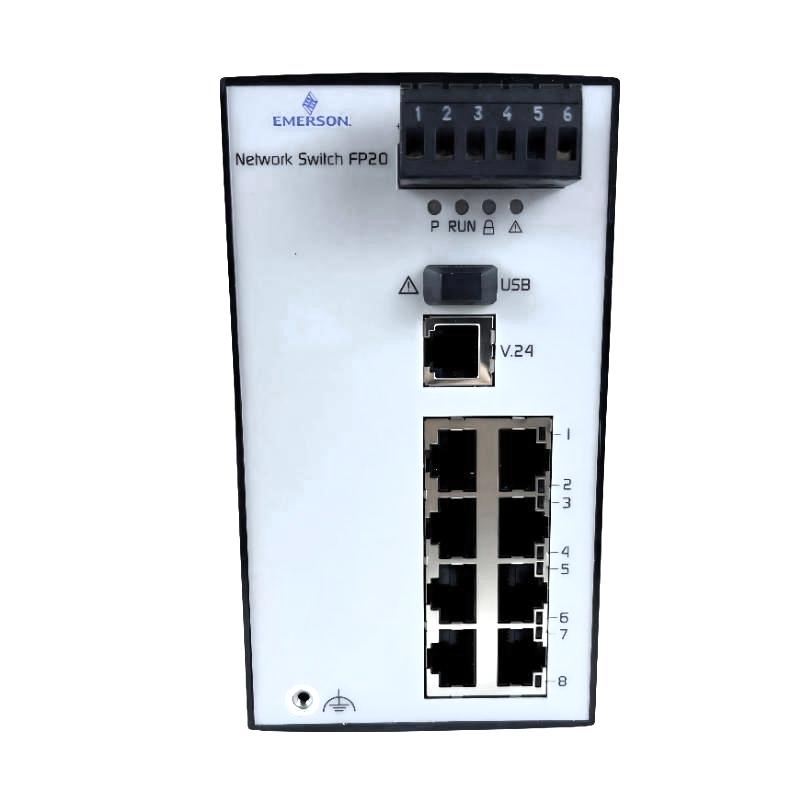
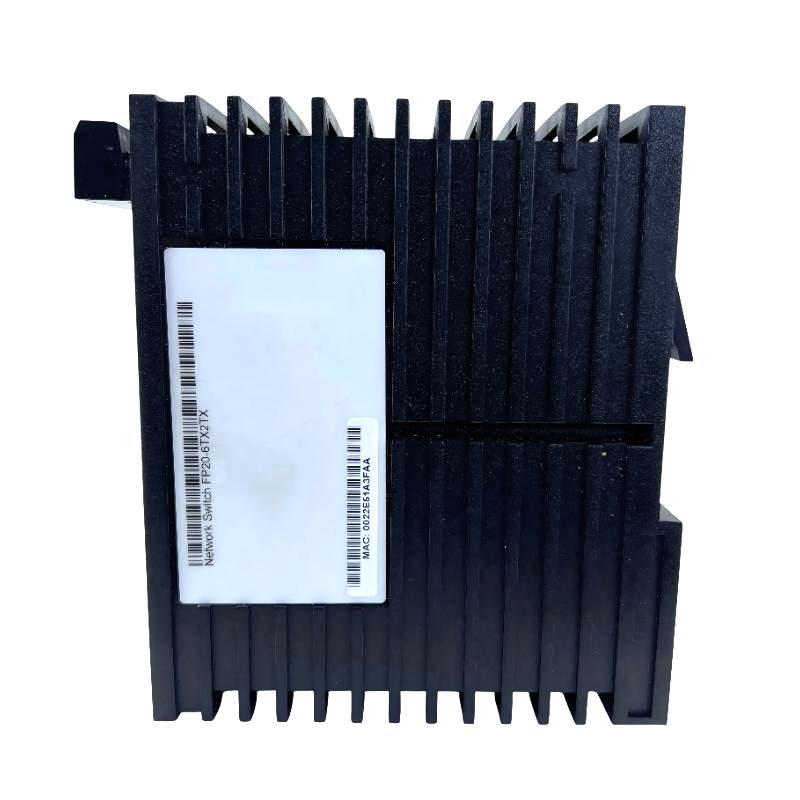
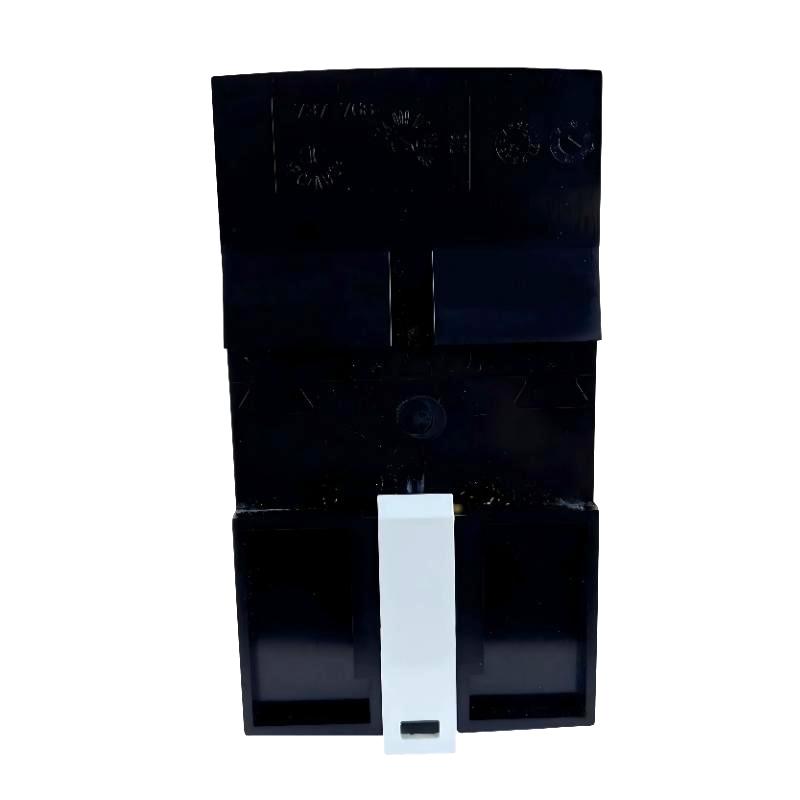
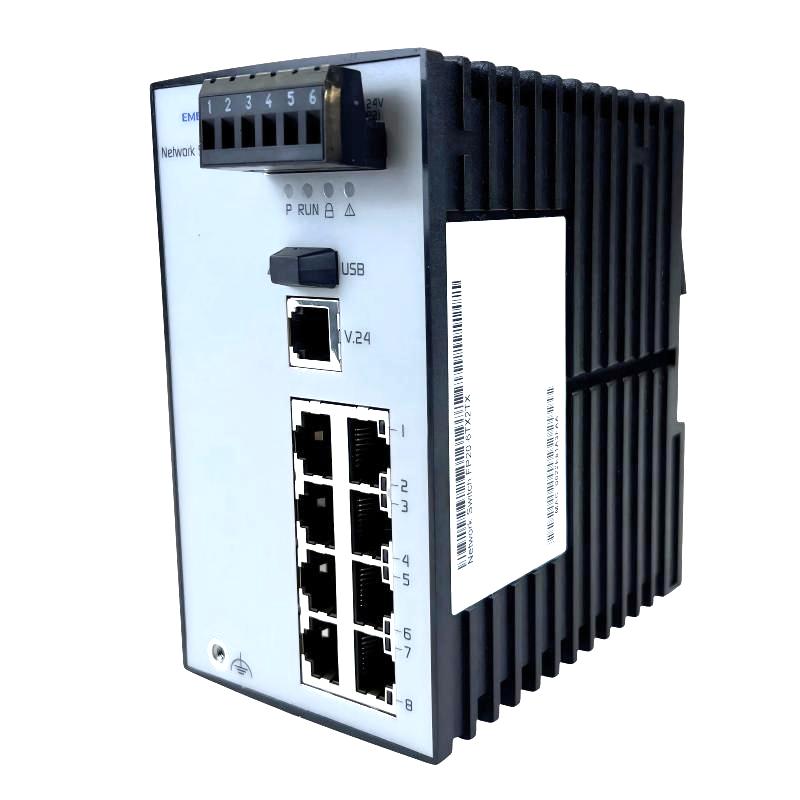
- Emerson
- VE6001P1
- 8-Port 10Base-T Ethernet Hub
- USA
- 138 × 73 × 115 mm
- 0.57 kg
- Xiamen, China
- New & In Stock
- T/T, PayPal, Western Union
- 1 Year
- 1-3 Working Days
- DHL, UPS, TNT, FedEx and EMS.
- 24-Hour Service
- COO
- 6
Our advantage

Global Logistics
We have a 10-year logistics and express cooperation agreement, so our products can be shipped to any place in the world.

Brand new and original
Our products are imported in bulk from the place of origin. Because of the cooperative relationship, our products are all original and 100% new.

24-hour service
We provide 7*24 hours service to our customers. We will be there whenever you need us.

Price advantage
All our products are priced very favorably because we have our own warehouse and supply.
| Company Information | |||
| [email protected] | |||
| Mobile | +8615980777398 | ||
| +8615980777398 | |||
| 15980777398 |
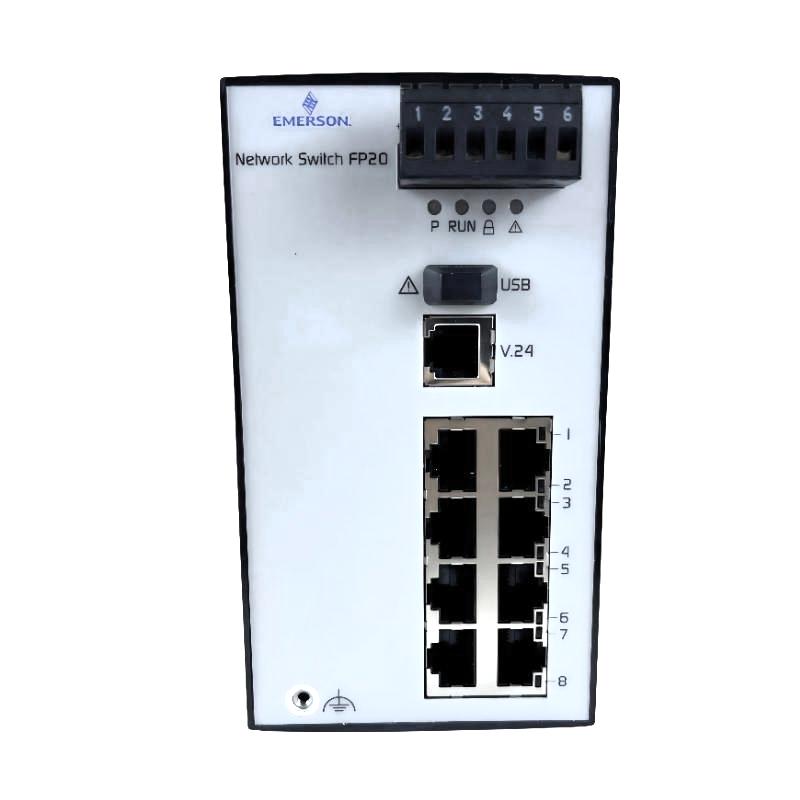
Product Overview
The Emerson VE6001P1 DeltaV 8-Port 10Base-T Ethernet Hub is a legacy Ethernet connectivity device associated with the DeltaV distributed control system. It is identified with the 3Com OfficeConnect Ethernet Hub 8 and provides eight 10Base-T Ethernet ports for connecting compatible network nodes over twisted-pair cabling.
Within a small DeltaV installation, the VE6001P1 can connect workstations, controllers, and other supported network devices through a shared Ethernet segment. It is particularly associated with small demonstration, training, and limited-node systems. Because it is an Ethernet hub rather than a modern managed switch, it repeats incoming Ethernet traffic across the shared network segment instead of independently forwarding frames based on MAC-address tables.
The VE6001P1 belongs to an earlier generation of DeltaV network hardware. Its suitability for an existing installation depends on the system version, network topology, connected interfaces, and applicable hardware support requirements. It should not be treated as interchangeable with a modern 10/100 Mbps or Gigabit Ethernet switch simply because both devices provide multiple Ethernet connections.
Technical Specifications
| Parameter | Specification |
|---|---|
| Brand | Emerson |
| Model | VE6001P1 |
| Product Type | 8-Port 10Base-T Ethernet Hub |
| Product Series | DeltaV |
| Associated Hardware | 3Com OfficeConnect Ethernet Hub 8 |
| Network Technology | Ethernet |
| Ethernet Standard | 10Base-T |
| Number of Ports | 8 |
| Nominal Port Speed | 10 Mbps |
| Transmission Medium | Twisted-pair copper Ethernet cable |
| Network Function | Shared Ethernet hub with signal repeating |
| Switching Function | No MAC-address-based packet switching |
| Network Architecture | Suitable for supported legacy DeltaV Ethernet configurations |
| Dimensions | 138 × 73 × 115 mm |
| Weight | 0.57 kg |
Product Features
- Eight Ethernet ports: Provides multiple 10Base-T connections for compatible network nodes.
- Legacy DeltaV network compatibility: Associated with earlier DeltaV control network installations.
- 10 Mbps Ethernet communication: Supports Ethernet devices operating at the specified 10Base-T rate.
- Shared-medium operation: Repeats incoming network signals across the hub’s connected ports.
- Twisted-pair cabling: Uses copper Ethernet connections for supported network links.
- Straightforward network expansion: Allows additional compatible nodes to connect to a shared Ethernet segment.
- Small-system application: Historically suited to limited-node DeltaV demonstration and training environments.
- Existing-system maintenance: May be relevant when maintaining or restoring a legacy installation that already uses this hardware.
Working Principle
The VE6001P1 operates as a physical-layer Ethernet hub. When an Ethernet signal arrives at one port, the hub repeats that signal to its other ports rather than examining the destination MAC address and forwarding the frame only to a selected port. Connected devices therefore share the available network bandwidth, and the hub does not create separate collision domains for individual connections.
For a 10Base-T network, the nominal data rate is 10 Mbps. Actual network performance depends on the connected devices, traffic levels, cabling, and overall network design. The hub does not provide the traffic segmentation, VLAN configuration, or advanced diagnostics available on managed Ethernet switches.
Communication flow: DeltaV workstation or controller → 10Base-T Ethernet connection → VE6001P1 hub → repeated Ethernet traffic → other connected network nodes.
Role in a DeltaV Control Architecture
The VE6001P1 serves as a network connectivity component in legacy DeltaV control network arrangements. It connects supported workstations and controllers over Ethernet, allowing network nodes to exchange the communications required by the installed DeltaV system. It does not execute control logic, process I/O signals, or provide power to the connected automation equipment.
Its hub-based architecture differs from the switched Ethernet networks used in newer control-system installations. All connected nodes share the hub’s communication medium, so traffic patterns and network utilization must be considered when evaluating its suitability. DeltaV network topology and supported hardware combinations are also important: a physically compatible Ethernet connection does not by itself establish that a device is supported for a particular system version.
| System Element | Role in the Architecture |
|---|---|
| DeltaV workstation | Provides the operator or engineering interface and communicates over the control network |
| DeltaV controller | Executes control strategies and exchanges network data |
| VE6001P1 Ethernet hub | Repeats Ethernet signals among connected ports |
| 10Base-T copper cabling | Carries Ethernet signals between the hub and network nodes |
| Network interface port | Provides the Ethernet connection on each workstation or compatible device |
| DeltaV system software | Uses network communication to support control, configuration, and monitoring functions |
| Network grounding arrangement | Addresses cable-shield grounding requirements where applicable to the installation |
Industrial Applications
| Application | How the VE6001P1 Is Used |
|---|---|
| DeltaV demonstration systems | Connects a limited number of compatible network nodes in a demonstration environment |
| Control-system training laboratories | Provides Ethernet connectivity for legacy DeltaV training equipment |
| Legacy process control cabinets | Connects supported workstations and controllers in an existing network arrangement |
| System maintenance and restoration | Serves as a replacement candidate when an existing installation uses the same hub model |
| Small automation test networks | Connects compatible 10Base-T devices for controlled testing |
| Historical DeltaV installations | Maintains connectivity in systems built around supported legacy network hardware |
| Engineering test environments | Allows multiple compatible Ethernet nodes to share a network segment |
| Spare-parts inventory management | Supports identification and replacement planning for older DeltaV network equipment |
Installation and Maintenance
- Verify the model identification: Confirm that the device is VE6001P1 and that the existing system calls for the 8-port 10Base-T hub.
- Check system compatibility: Confirm that the installed DeltaV version and network configuration support this legacy hardware.
- Review the network topology: Ensure that the hub is used within the intended network arrangement and does not introduce an unsupported topology.
- Confirm port requirements: Identify the workstation, controller, or other compatible device connected to each Ethernet port.
- Use suitable Ethernet cabling: Select twisted-pair cable appropriate for the 10Base-T connection and the site’s wiring requirements.
- Check cable length: Keep each copper Ethernet link within the applicable Ethernet segment limits.
- Verify cable-shield grounding: Where screened Category 5 cabling is required, check the installation’s shield-grounding arrangement because the associated hub may not ground cable shields through its power-cord earth connection.
- Inspect the power connection: Confirm that the unit’s power supply and connector arrangement are appropriate for the specific hardware revision and installation.
- Check link and activity indications: Use the available indicators to identify disconnected links or unexpected network activity.
- Review network traffic: Investigate excessive traffic, communication delays, or intermittent connectivity that may be associated with the shared-medium architecture.
- Inspect cabling and connectors: Check for loose connections, damaged cable jackets, bent contacts, and other physical faults.
- Document replacement changes: Record port assignments, cable routing, and any network configuration changes when replacing or restoring the unit.
Related Components
| Component | Function |
|---|---|
| DeltaV workstation | Provides operator access, engineering tools, or system administration functions |
| DeltaV controller | Executes control strategies and communicates with other system nodes |
| 10Base-T Ethernet network interface | Connects compatible devices to the hub |
| Twisted-pair Ethernet cable | Carries network traffic between the hub and connected nodes |
| Ethernet patch cable | Provides short copper connections between network interfaces and the hub |
| DeltaV control network hardware | Establishes the wider network environment in which the hub operates |
| Cable-shield grounding system | Supports appropriate grounding of screened network cabling |
| Compatible Ethernet switch | May be part of a broader network arrangement when supported by the installed DeltaV architecture |
Recommended Related Models
| Model | Product Description | Typical Use |
|---|---|---|
| VE6001P1 | DeltaV 8-Port 10Base-T Ethernet Hub | Legacy 10 Mbps Ethernet connectivity |
| VE6071F01C1 | DeltaV Smart Switch, 8-Port 10/100 Mbps Copper | Modernized Ethernet connectivity in supported DeltaV installations |
| VE6071F02C1 | DeltaV Smart Switch, 8-Port 10/100 Mbps Copper with Multimode Fiber Port | Copper and fiber connectivity in supported network designs |
| VE6071F01C2 | DeltaV Smart Switch, extended-spec 8-Port 10/100 Mbps Copper | Installations requiring the applicable extended environmental specification |
| VE6071F02C2 | DeltaV Smart Switch, extended-spec 8-Port 10/100 Mbps Copper with Multimode Fiber Port | Copper and fiber connectivity where the extended specification is required |
Key Advantages
- Multiple Ethernet connections: Supports up to eight connected 10Base-T network nodes.
- Legacy hardware identification: Provides a specific model reference for maintenance of older DeltaV installations.
- Simple shared-network operation: Repeats Ethernet signals without requiring port-by-port switching configuration.
- Compatibility with existing infrastructure: Can be relevant when preserving an established network arrangement.
- Practical troubleshooting: Port indicators and physical cable checks can help isolate basic connectivity problems.
- Clear replacement assessment: Its defined Ethernet technology and port count help engineers compare it with potential network hardware alternatives.
Technical FAQs
What is the difference between the VE6001P1 and a modern Ethernet switch?
The VE6001P1 is a 10Base-T Ethernet hub that repeats incoming signals to the other ports. A modern Ethernet switch learns MAC addresses and forwards frames selectively, reducing unnecessary traffic on individual links. Modern switches may also offer higher port speeds, VLANs, diagnostics, and management features that the hub does not provide.
Can the VE6001P1 be used in any DeltaV control network?
No. Its use depends on the installed DeltaV version, supported network hardware, topology, and connected interfaces. Ethernet connector compatibility alone is not sufficient to establish system compatibility, particularly when integrating legacy 10 Mbps hardware into a newer network.
Why is cable-shield grounding important when installing this hub?
Screened Ethernet cabling can help control electromagnetic interference, but the cable shield must be grounded according to the installation’s wiring design. The associated legacy hub may not provide shield grounding through its power-cord earth connection, so the cabinet grounding arrangement must be checked to avoid leaving cable shields improperly terminated.
What should be checked if connected DeltaV nodes lose network communication?
Start by checking the hub’s power connection, port indicators, Ethernet cables, and connectors. Then verify that each device is configured for the intended network, inspect the cable-shield grounding arrangement where applicable, and assess whether the shared Ethernet segment is experiencing excessive traffic or a device-related fault.