Product Overview
In industrial robotics and automation systems, display modules are important human-machine interface (HMI) components that provide operators with visual information, system status, operational parameters, and diagnostic messages. Reliable display units improve interaction efficiency between users and robotic equipment.
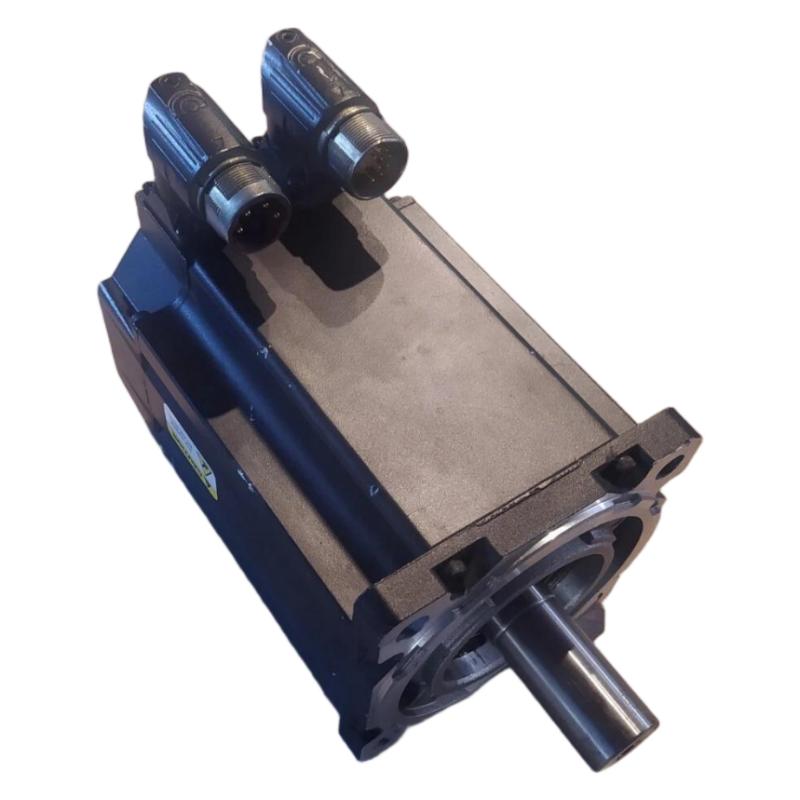
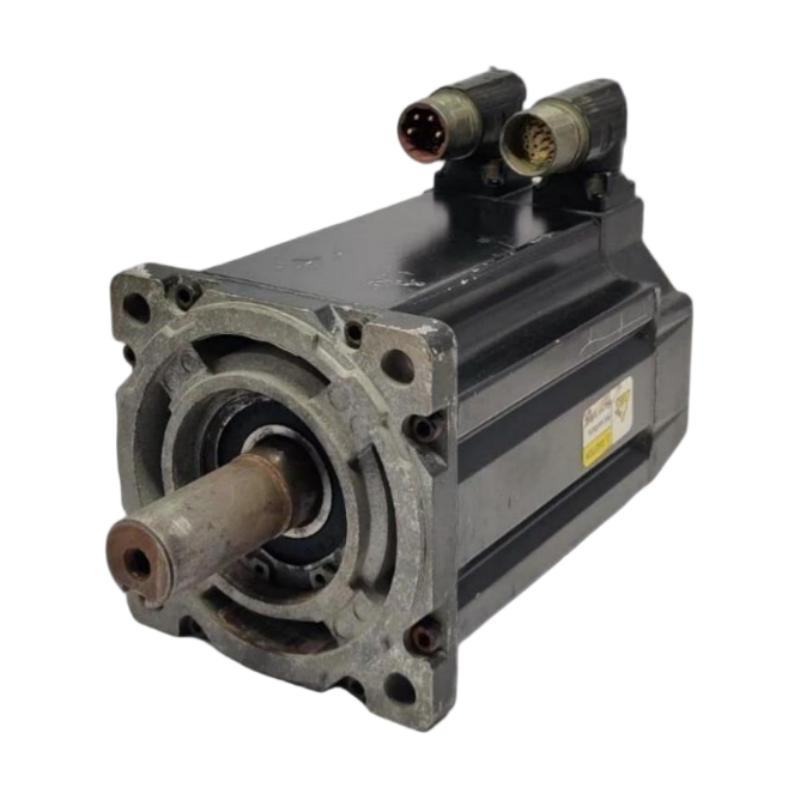
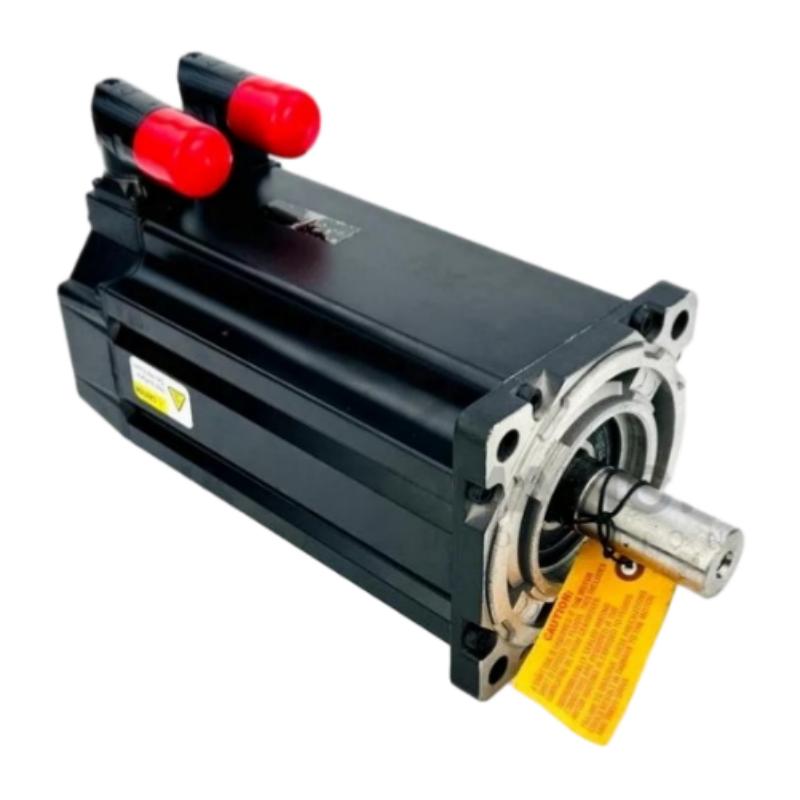
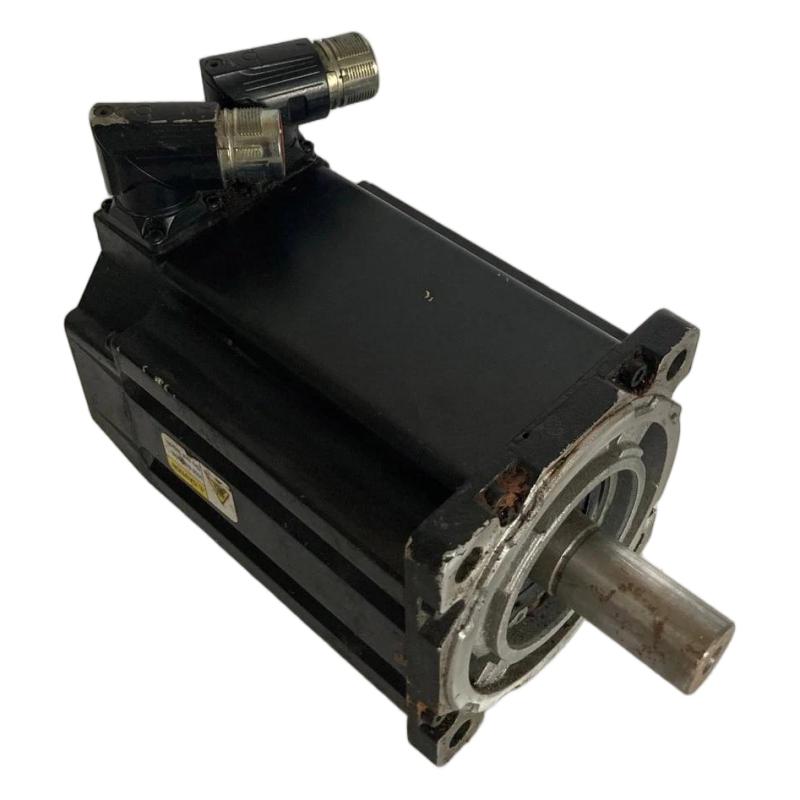
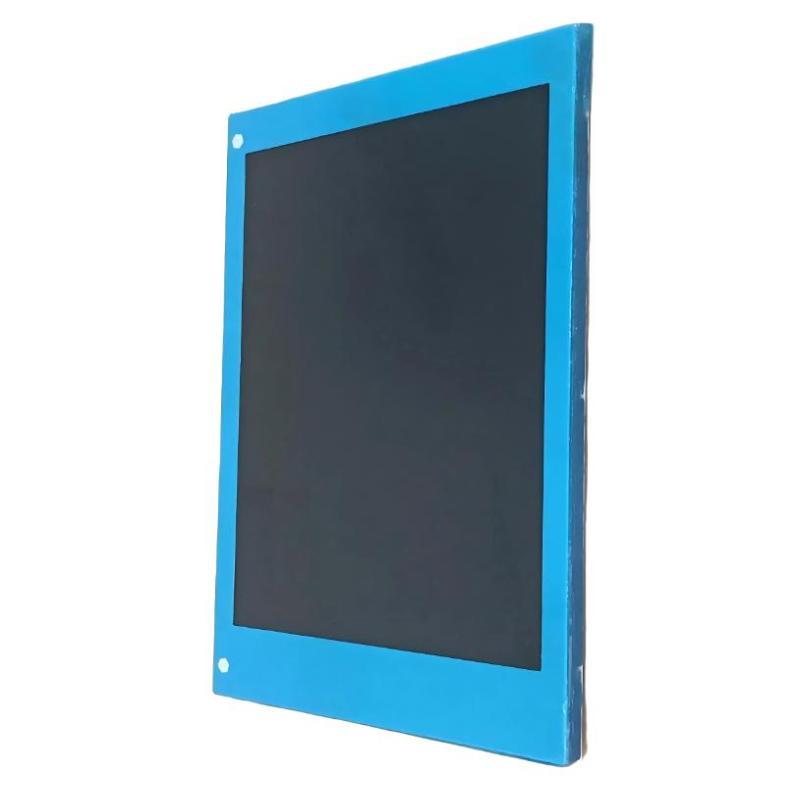
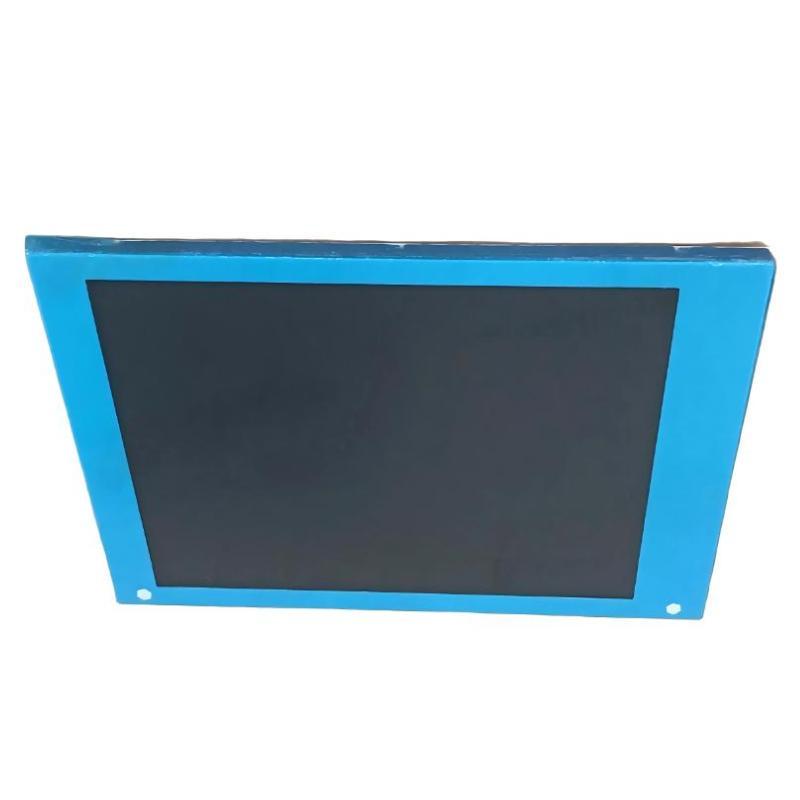
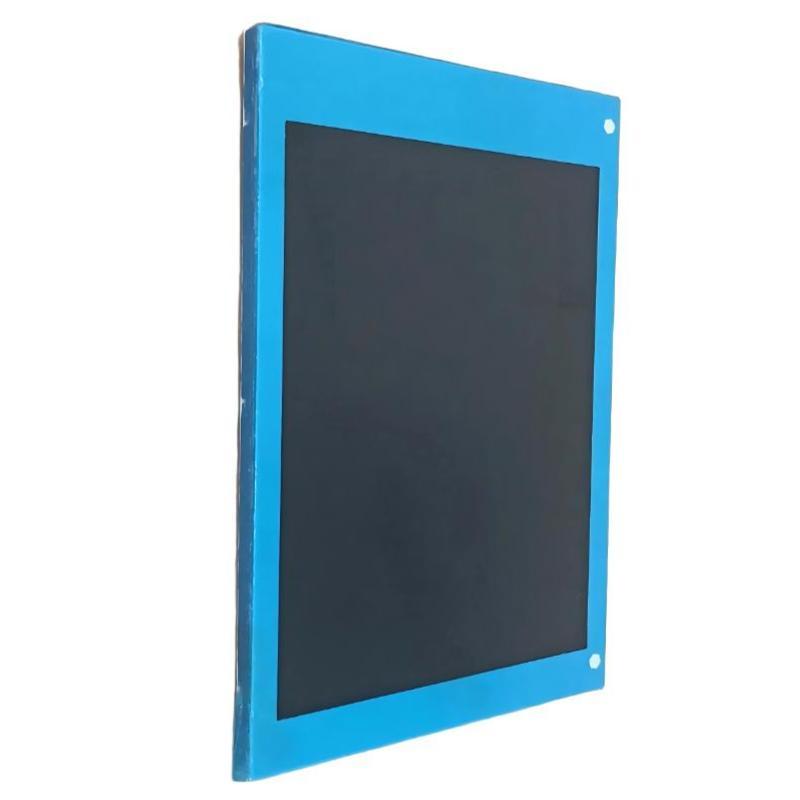
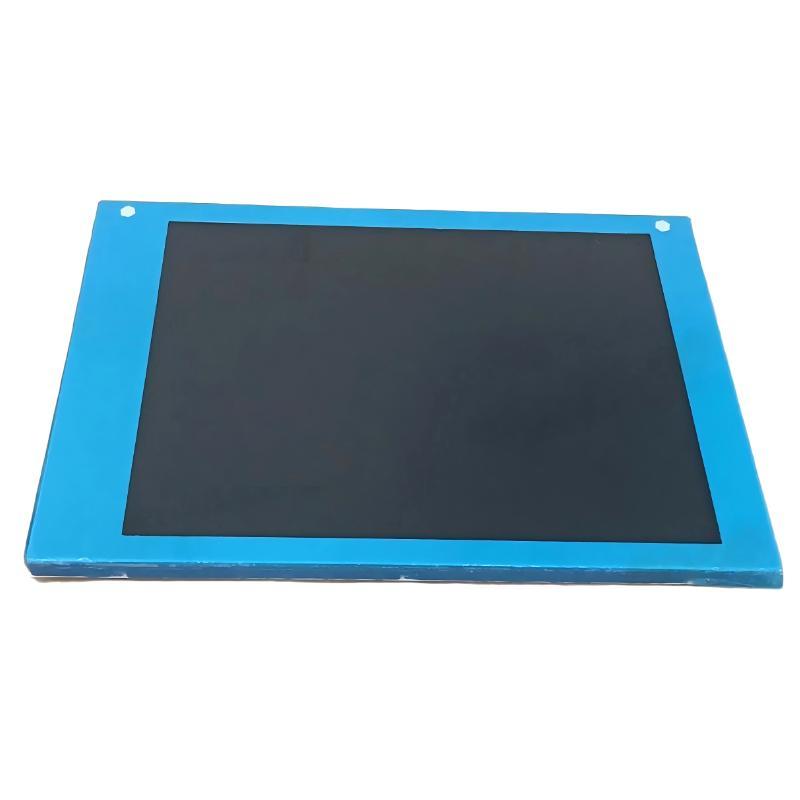
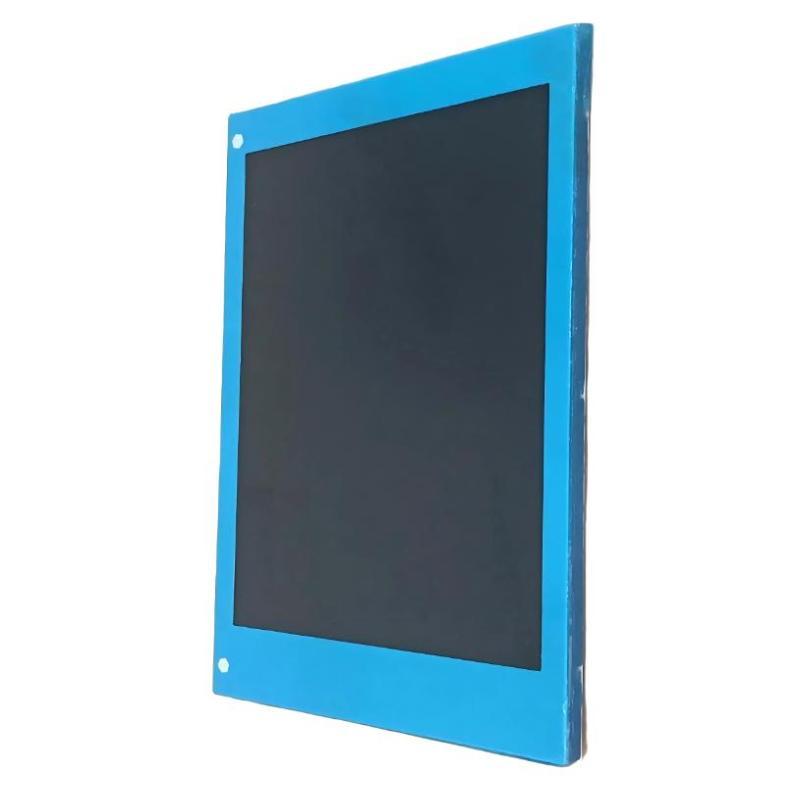
The ABB (KUKA) 00-108-513 Demonstration LCD Display is an industrial display component designed for ABB KUKA robotic systems. It provides visual output functions for system demonstrations, monitoring, and operator interaction, allowing users to view operational information and interface data.
Designed for industrial training, demonstration, and control environments, the 00-108-513 LCD Display supports clear information presentation and efficient communication between automation equipment and operators.
With dimensions of 220 × 140 × 40 mm and a weight of 0.95 kg, the ABB (KUKA) 00-108-513 Demonstration LCD Display features a compact industrial structure suitable for robotic demonstration systems, control panels, and automation interfaces.
Technical Specifications
| Parameter |
Details |
| Manufacturer |
ABB (KUKA) |
| Model |
00-108-513 |
| Product Type |
Demonstration LCD Display |
| Application |
Industrial Robot HMI / Display System |
| Function |
Visual Information Display |
| Component Type |
LCD Display Module |
| Installation Type |
Control Panel / Demonstration Equipment |
| Dimensions |
220 × 140 × 40 mm |
| Weight |
0.95 kg |
Function and Working Principle
The ABB (KUKA) 00-108-513 Demonstration LCD Display functions as a visual interface component that receives data from a control system and displays operational information to users.
The operating process is:
Controller Data Output → Display Interface Processing → LCD Screen Visualization → Operator Monitoring
Main working functions include:
- Receives display information from the robot control system.
- Processes interface data signals.
- Displays system information and operational status.
- Provides visual feedback during demonstrations and operation.
- Improves communication between operators and automation equipment.
The LCD display helps users understand robot status, system information, and operational conditions through a clear visual interface.
Role in Industrial Automation Systems
The 00-108-513 Demonstration LCD Display plays an important role in ABB KUKA robotic demonstration and interface systems.
Main functions include:
- Visual system monitoring
- Operator information display
- Robot demonstration support
- HMI interface assistance
- Automation training support
Typical applications include:
- ABB KUKA robot demonstrations
- Training equipment
- Industrial automation showcases
- Robot control interfaces
- Technical demonstration platforms
Main Features
Clear Visual Information Display
The LCD module provides convenient viewing of system information.
Advantages:
- Improved operator awareness
- Easy status monitoring
- Efficient information presentation
- Better user interaction
Human-Machine Interface Support
The display improves communication between users and robotic systems.
Benefits:
- Real-time information visibility
- Easier system understanding
- Improved operation efficiency
- Enhanced training experience
Compact Industrial Design
With dimensions of 220 × 140 × 40 mm, the display is suitable for integration into automation equipment.
Advantages:
- Compact installation size
- Flexible mounting options
- Easy panel integration
- Convenient replacement
Reliable Industrial Operation
Designed for automation environments.
Benefits:
- Stable display performance
- Reliable data visualization
- Reduced maintenance requirements
- Long-term operational support
Industrial Applications
ABB KUKA Robot Demonstration Systems
The 00-108-513 LCD Display is suitable for robot demonstration applications.
Applications include:
- Robot operation demonstrations
- Technical training systems
- Automation exhibitions
- Engineering presentations
Industrial Training Equipment
Display modules are widely used in automation education.
Applications include:
- Robot programming training
- Operator instruction
- Maintenance training
- System simulation
Robot Control Interfaces
The display can support monitoring functions in robotic environments.
Applications include:
- Control panels
- Operator stations
- Automation monitoring systems
Installation Guide
Step 1: Confirm Compatibility
Before installation, verify:
- ABB KUKA system compatibility
- Correct display model
- Interface connection type
- Controller communication requirements
Ensure the LCD display matches the existing system configuration.
Step 2: Shut Down Equipment
Before installation:
- Stop system operation
- Disconnect power supply
- Confirm safe working conditions
This prevents electrical damage during connection.
Step 3: Remove Existing Display Unit
Carefully:
- Disconnect display cables
- Remove mounting components
- Remove the existing display module
Avoid damaging interface connectors.
Step 4: Install 00-108-513 LCD Display
Installation steps:
- Mount the display correctly
- Secure fixing points
- Connect communication cables
- Check interface connections
Step 5: Perform Display Testing
After installation:
- Restore system power
- Check screen operation
- Verify displayed information
- Confirm communication status
Common Failure Symptoms
| Fault Symptom |
Possible Cause |
| No display output |
Power connection problem |
| Screen flickering |
Signal connection issue |
| Incorrect information display |
Communication fault |
| Dim display |
LCD component aging |
| Intermittent operation |
Cable connection problem |
Troubleshooting Guide
Check Power Supply Connection
Inspect:
- Power cables
- Connector condition
- Supply voltage
Insufficient power may cause display failure.
Check Communication Interface
Verify:
- Signal cables
- Interface connectors
- Controller output signals
Communication problems may prevent correct display operation.
Inspect LCD Hardware
Check:
- Screen condition
- Internal components
- Connector wear
- Physical damage
Damaged display components may require replacement.
Replace Faulty LCD Display
If the unit is confirmed defective:
- Replace the ABB (KUKA) 00-108-513 Demonstration LCD Display
- Reconnect all interfaces
- Perform system verification
Maintenance Recommendations
To maintain reliable operation of the ABB (KUKA) 00-108-513 Demonstration LCD Display:
- Keep the display surface clean
- Avoid impact and vibration
- Check cables regularly
- Prevent dust and moisture exposure
- Maintain proper operating temperature
Regular maintenance helps extend display service life and ensures stable user interaction.
Compatible Automation Components
| Component |
Function |
| LCD Display |
Visual information output |
| Teach Pendant |
Robot operation interface |
| Control Module |
Signal processing |
| PC Board |
Electronic communication |
| Robot Controller |
System control execution |
Key Advantages
- Designed for ABB KUKA robotic systems
- Provides clear visual information display
- Supports robot demonstrations and training
- Compact industrial structure
- Improves human-machine interaction
- Suitable for automation applications
Technical FAQs
What is ABB (KUKA) 00-108-513 used for?
The ABB (KUKA) 00-108-513 Demonstration LCD Display is used to provide visual information output for robot demonstration and automation interface applications.
What is the main function of this LCD display?
Its main function is to display system information, operational status, and interface data for users.
Where is it commonly used?
It is commonly used in ABB KUKA robot demonstration systems, training equipment, and industrial automation interfaces.
What are the dimensions?
The dimensions are 220 × 140 × 40 mm.
What is the weight?
The weight is 0.95 kg.
Why are display modules important in automation systems?
Display modules improve operator interaction by providing real-time system information and visual feedback.
Conclusion
The ABB (KUKA) 00-108-513 Demonstration LCD Display is a reliable industrial display component designed for ABB KUKA robotic automation environments.
With clear visualization capability, compact construction, and stable interface performance, it supports robot demonstrations, training applications, and human-machine interaction.
For robotics engineers, automation trainers, and industrial system integrators, the 00-108-513 Demonstration LCD Display provides an effective solution for improving monitoring, communication, and operational understanding within robotic systems.