

ProductPRODUCT
Featured products
Contact Us
- Bently Nevada
- 190214-02
- Power-Only I/O Module
- USA
- 241.3 × 24.4 × 99.1 mm
- 0.34 kg
- Xiamen, China
- New & In Stock
- T/T, PayPal, Western Union
- 1 Year
- 1-3 Working Days
- DHL, UPS, TNT, FedEx and EMS.
- 24-Hour Service
- COO
- 7
Our advantage

Global Logistics
We have a 10-year logistics and express cooperation agreement, so our products can be shipped to any place in the world.

Brand new and original
Our products are imported in bulk from the place of origin. Because of the cooperative relationship, our products are all original and 100% new.

24-hour service
We provide 7*24 hours service to our customers. We will be there whenever you need us.

Price advantage
All our products are priced very favorably because we have our own warehouse and supply.
| Company Information | |||
| [email protected] | |||
| Mobile | +8615980777398 | ||
| +8615980777398 | |||
| 15980777398 |
Product Overview
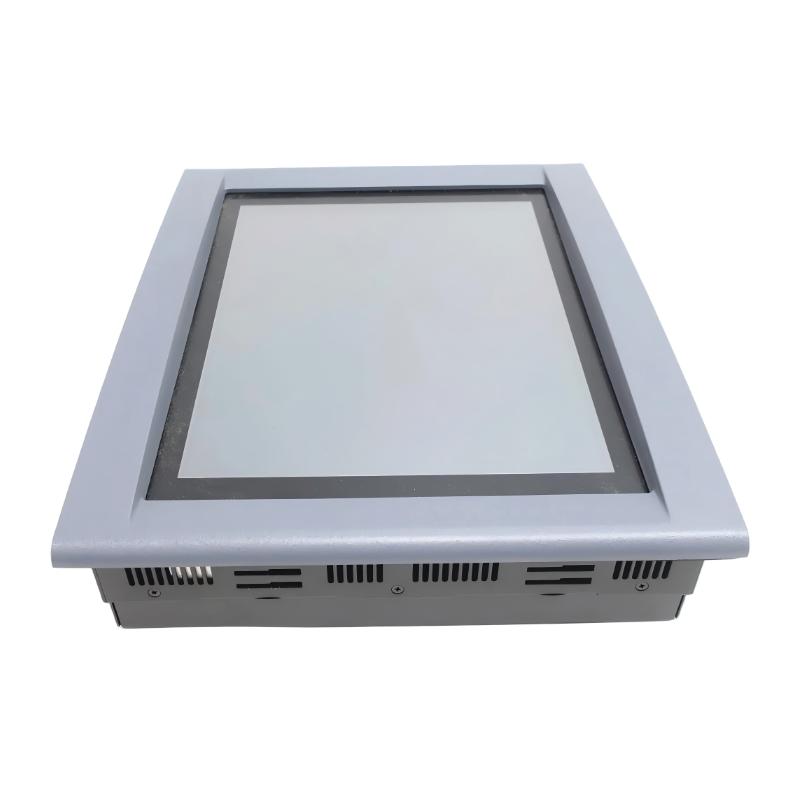
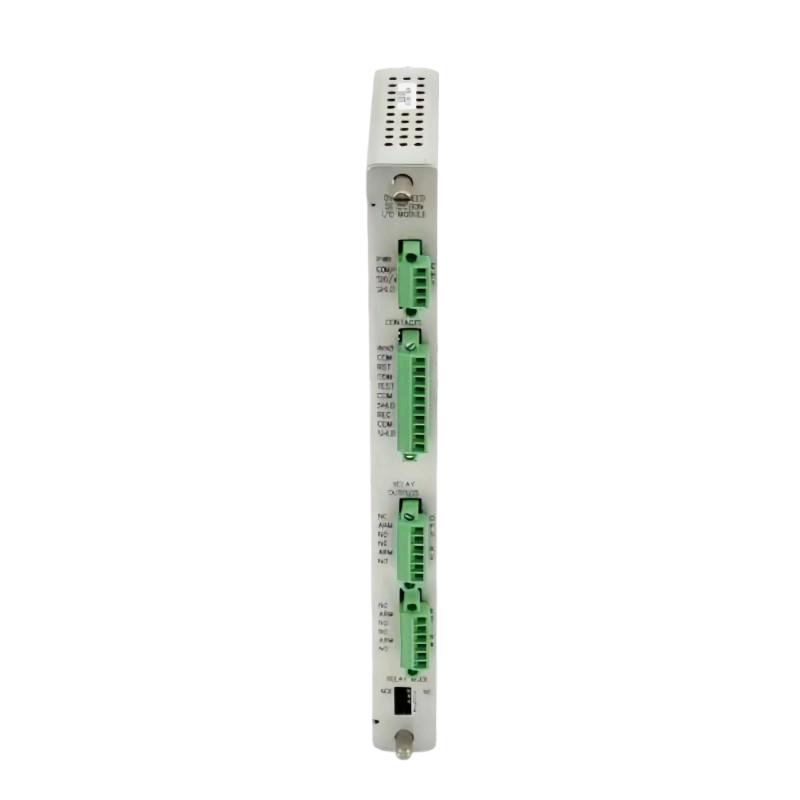
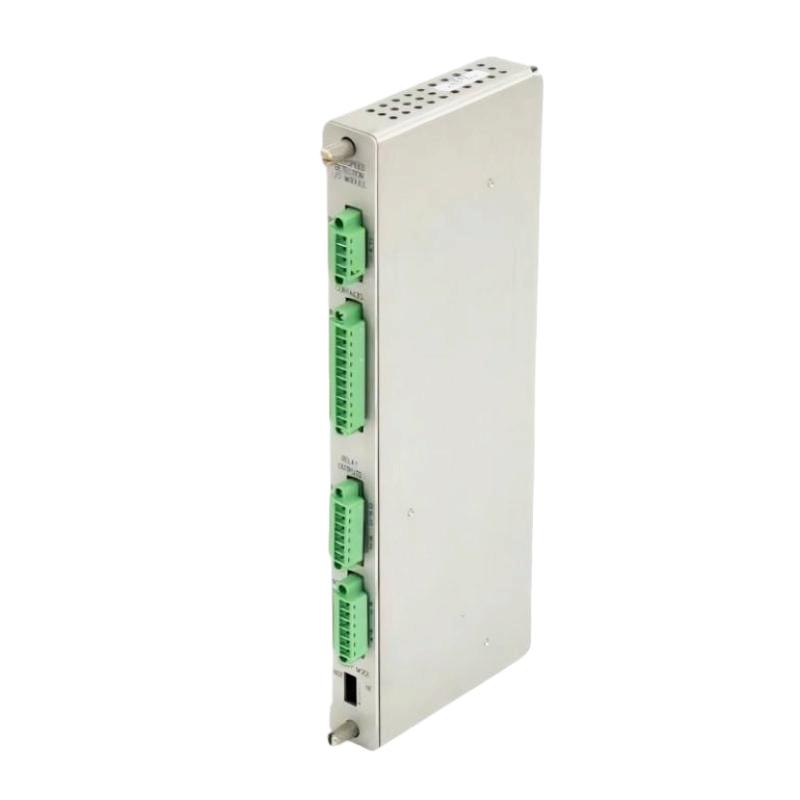
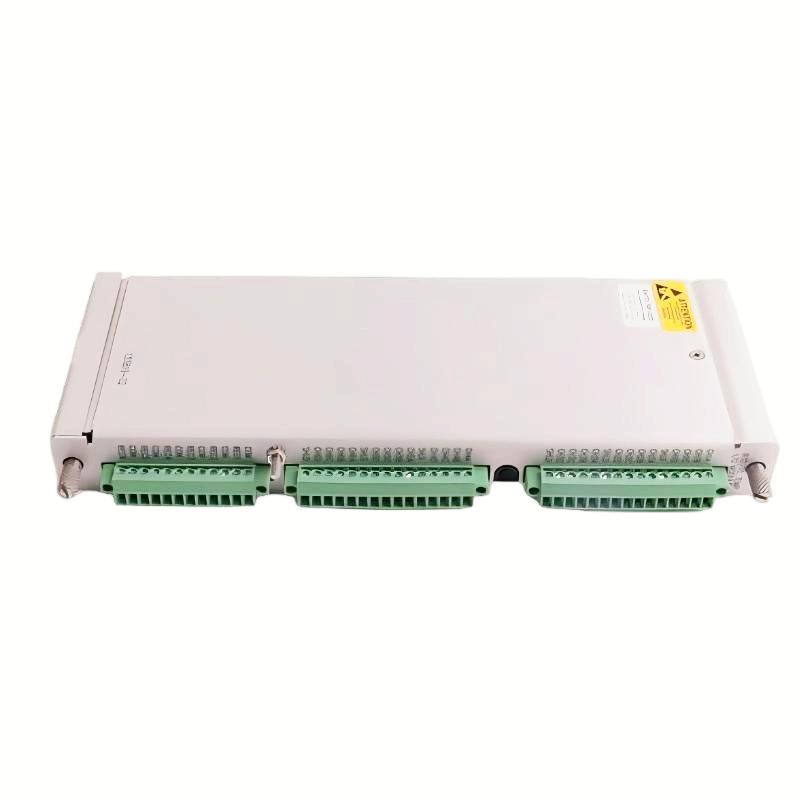
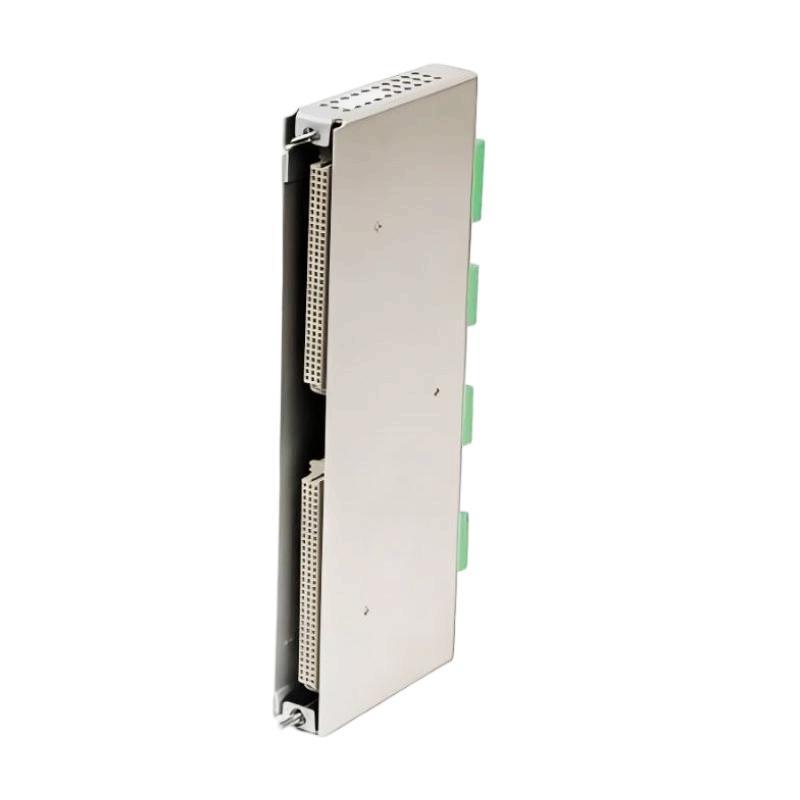
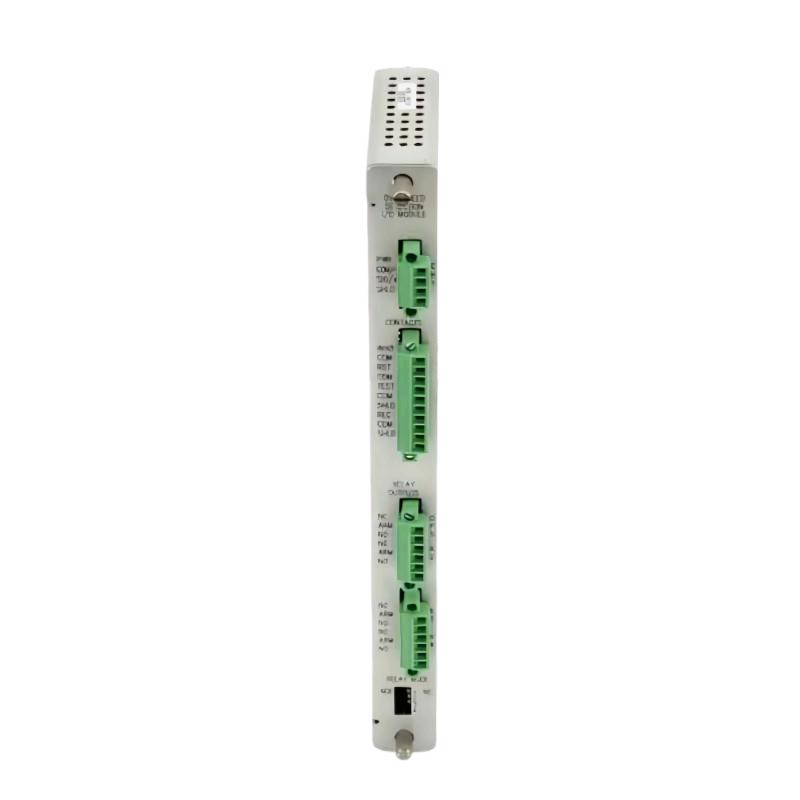
The Bently Nevada 190214-02 3500/94M Power-Only I/O Module is the rear I/O component used with a compatible 3500/94M VGA Display Monitor installation that requires a front-mounted display. Unlike the standard 3500/94M I/O module, the power-only version is intended for the designated display arrangement and should be selected according to the monitor mounting configuration.
This module is part of the interface between the 3500 machinery protection rack and its operator display. The 3500/94M system presents information such as system events, alarm events, module and channel data, and configured measurement screens. The 190214-02 supports the display connection arrangement, while the 3500 rack and monitoring modules remain responsible for acquiring and processing machinery measurements.
The module provides the designated connection arrangement for the front-mounted display, including power and display-related interfaces. When replacing an installed unit, technicians should verify the exact I/O module reference and display configuration rather than assuming that all 3500/94M I/O modules use the same connections.
Technical Specifications
| Parameter | Specification |
|---|---|
| Manufacturer | Bently Nevada |
| Model | 190214-02 |
| Associated System | 3500/94M VGA Display Monitor |
| Product Type | Power-Only I/O Module |
| Application | Front-Mount Display |
| Module Position | Rear of the 3500 rack |
| Rack Space | One full-height rear slot |
| Display Power Interface | 24 V DC display power arrangement |
| Video Interface | VGA |
| Touch Interface | RS-232 touch-controller data |
| Maximum Power Consumption | 4.6 W |
| Status Indication | OK and TX/RX LEDs |
| Dimensions | 241.3 × 24.4 × 99.1 mm |
| Weight | 0.34 kg |
Product Features
- Dedicated front-mount display application: Intended for the 3500/94M display arrangement that uses a front-mounted monitor.
- Power-only I/O configuration: Distinguishes this module from the standard 3500/94M I/O version.
- Display power interface: Supports the designated power connection for the compatible display installation.
- VGA interface: Supports the display’s video connection arrangement.
- Touch-controller interface: Provides an RS-232 connection for compatible touch data.
- Status LEDs: Offers OK and TX/RX indicators for basic operating and communication checks.
- Rear-slot installation: Occupies one full-height rear slot in the 3500 rack.
- 3500/94M system integration: Works as part of the display interface rather than as an independent machinery measurement module.
Working Principle
The 190214-02 occupies the designated rear I/O position associated with the 3500/94M display module. In a compatible front-mount configuration, it supports the required display power and signal connections. The display can then present information supplied by the 3500 machinery protection system.
The VGA interface carries the video output used by the display, while the RS-232 interface supports touch-controller data where applicable. The module’s role is to provide the required interface connections; it does not independently measure shaft vibration, process sensor signals or determine alarm conditions. Those tasks are handled by the corresponding 3500 monitoring modules and display system.
The OK and TX/RX indicators help technicians assess module status and communication activity during commissioning or troubleshooting. If the display fails to power up or respond to touch input, inspect the module reference, display power arrangement, cable connections and the relevant display interface before assuming the main monitoring rack has failed.
Role in a Bently Nevada 3500/94M Display Architecture
The 190214-02 supports the connection between a 3500 rack and the compatible front-mounted 3500/94M display. It forms part of the display interface, while the 3500 monitoring modules acquire machinery signals and the 3500/94M display presents system measurements and alarm information to operators.
| System Component | Function | Relationship to the 190214-02 |
|---|---|---|
| Bently Nevada 3500/94M VGA Display Module | Presents machinery protection information | Works with the designated I/O module in the display system |
| 3500 Rack | Houses machinery monitoring modules | Provides the rack environment for the display interface |
| 3500/94M Front-Mount Display | Shows measurements, events and alarms | Connects through the configured display interface |
| 24 V DC Power Supply | Supplies the display power arrangement | Must match the specified power connection requirements |
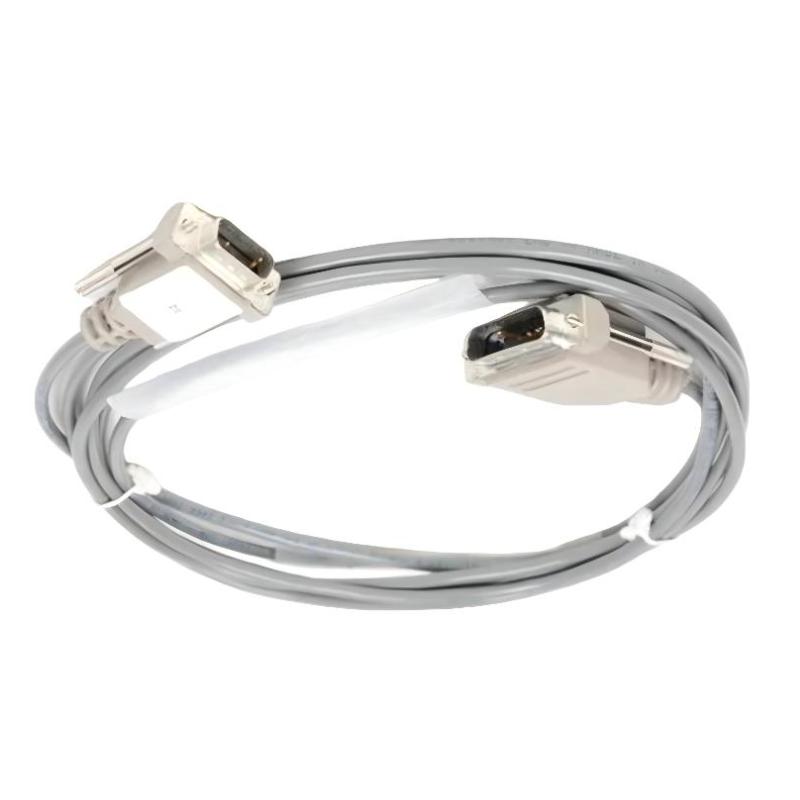
| VGA Cable | Carries video signals | Connects the display and corresponding video interface |
| RS-232 Touch Cable | Carries touchscreen input data | Supports touch-controller communication when used |
| 3500/22 Transient Data Interface | Provides system data-interface functions | Supports the broader 3500 system configuration required by the display |
| 3500 Monitoring Modules | Acquire vibration and other machinery signals | Supply the data displayed by the 3500/94M |
| Rack Configuration Software | Configures supported system and display functions | Determines the information presented on configured screens |
Industrial Applications
| Application | Operating Requirement | Role of the 190214-02 |
|---|---|---|
| Turbine Monitoring Stations | Display machinery measurements and alarm information | Supports the configured 3500/94M front-mounted display |
| Compressor Monitoring Systems | Provide local access to machinery protection data | Forms part of the display interface in a compatible 3500 rack |
| Power Generation Facilities | Present monitoring information for rotating machinery | Supports the operator display connection arrangement |
| Refinery Control Panels | Display module status, events and alarm conditions | Provides the designated I/O interface for the compatible display |
| Petrochemical Plants | Maintain access to machinery protection information | Supports the front-mounted 3500/94M display installation |
| Industrial Machinery Rooms | Provide local display access near monitoring equipment | Connects the display to the appropriate rack interface |
| Maintenance Workstations | Display channel data and system events during troubleshooting | Supports use of the compatible VGA display system |
| Existing 3500 System Maintenance | Replace a failed or damaged display interface module | Provides a specific reference for like-for-like replacement |
Installation and Maintenance
- Verify the module reference: Confirm that the replacement is 190214-02 and that the installed display configuration requires the power-only I/O version.
- Check the display arrangement: Confirm that the system uses the compatible front-mounted display configuration rather than one requiring the standard I/O module.
- Isolate the rack safely: Follow the site’s approved procedure before removing or installing the rear I/O module.
- Inspect the rack slot: Check the designated rear slot and its connector area for damage, contamination or obstruction.
- Check module alignment: Insert the module carefully into the correct position without forcing the backplane connection.
- Verify display power wiring: Confirm that the designated power connection matches the installed display and power supply arrangement.
- Inspect the VGA connection: Check the video cable and connectors if the display powers up but does not show the expected image.
- Check the touch interface: Inspect the RS-232 connection and associated cable if touchscreen commands are not received.
- Observe status indicators: Check the OK and TX/RX LEDs during startup and communication testing.
- Confirm system configuration: Verify that the 3500/94M display module and the associated 3500 rack hardware meet the required configuration and firmware conditions.
- Test display functions: Confirm that system information, alarm screens and touch navigation operate as expected after installation.
- Document the replacement: Record the module reference, rack position, cable connections and results of the functional checks.
Compatible System Components
| Component | Function | Compatibility Consideration |
|---|---|---|
| Bently Nevada 3500/94M VGA Display Module | Presents system measurements and alarm information | Confirm that the display and I/O module versions are compatible |
| Bently Nevada 3500 Rack | Houses monitoring and interface modules | Verify the installed rack and system configuration |
| 24 V DC Power Supply | Supplies the display power connection | Confirm the required output voltage and connection arrangement |
| VGA Display Monitor | Displays the video output | Match the display to the configured 3500/94M installation |
| VGA Cable Assembly | Carries video signals | Select the correct cable for the interface and installation |
| RS-232 Touch Cable | Carries touch-controller data | Verify connector type and communication arrangement |
| Bently Nevada 3500/22 Transient Data Interface | Supports data-interface functions in the 3500 system | Confirm required firmware and system configuration |
| 3500 Monitoring Modules | Acquire machinery measurements | Supply the information displayed by the 3500/94M |
Recommended Related Models
| Model | Product Type | Relationship | Selection Consideration |
|---|---|---|---|
| Bently Nevada 190214-02 | 3500/94M Power-Only I/O Module | Exact reference for replacement | Confirm that the installation requires the power-only I/O version |
| Bently Nevada 190214-01 | 3500/94M Normal I/O Module | Alternative I/O version for other supported display configurations | Not a direct substitute without verifying the display arrangement |
| Bently Nevada 184826-01 | 3500/94M Main Module | Main module associated with the display system | Verify the system and display configuration |
| Bently Nevada 119M6503-03 | Cable Assembly | Associated cable for the front-mounted display power arrangement | Confirm the cable’s specific connection role before ordering |
| Bently Nevada 119M6509-03 | Power Supply Cable | Related power cable for the 10-inch Advantech display arrangement | Check cable length and display configuration before selection |
Key Advantages
- Supports the designated 3500/94M front-mounted display configuration.
- Provides the power-only I/O arrangement for compatible display installations.
- Supports VGA video and RS-232 touch-controller interfaces.
- Includes OK and TX/RX indicators for basic status and communication checks.
- Occupies one full-height rear slot in the 3500 rack.
- Provides a specific module reference for maintenance and replacement planning.
Technical FAQs
What is the main difference between 190214-02 and 190214-01?
The 190214-02 is the power-only I/O module specified for the front-mounted 3500/94M display arrangement. The 190214-01 is the normal I/O module used with other supported display configurations. Selection should follow the actual display mounting and connection arrangement.
Does the 190214-02 process vibration measurements from the machinery?
No. It is part of the display interface, not a vibration-monitoring channel module. The 3500 monitoring modules acquire the machinery signals, and the 3500/94M system presents the corresponding information on the display.
Which connections should be checked if the display has power but no image?
Inspect the VGA cable and connectors, confirm the display and I/O module configuration, and check the relevant status indicators. If touch input also fails, inspect the separate RS-232 touch-controller connection.
Why is the 190214-02 associated with a front-mounted display rather than every 3500/94M installation?
The 3500/94M system supports different display arrangements, and the I/O module selection depends on the chosen configuration. The power-only version is specified for the front-mounted display arrangement, while other installations may require the normal I/O module.