

ProductPRODUCT
Featured products

Contact Us
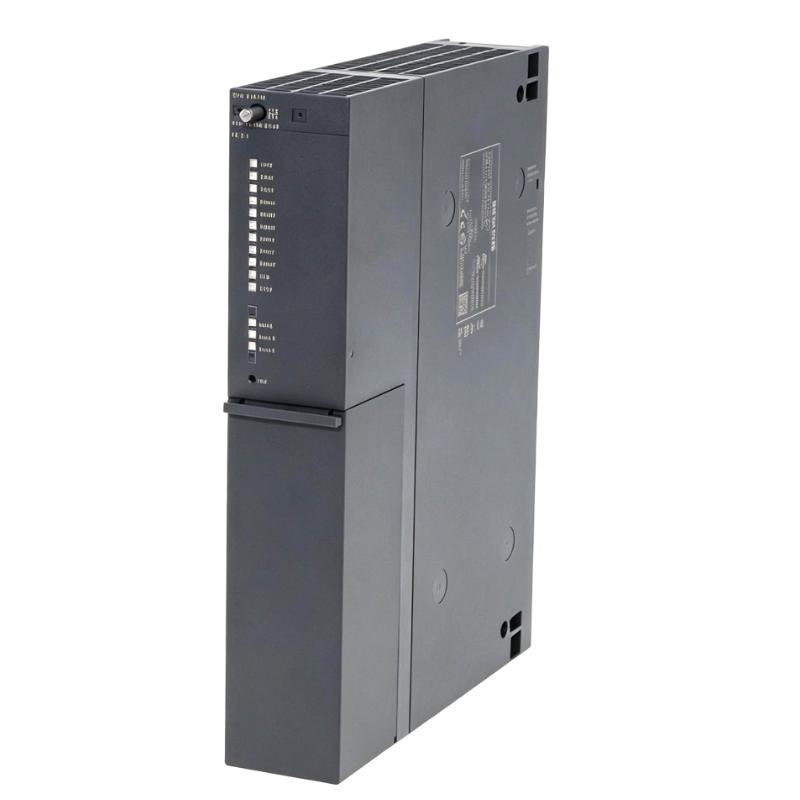
- Siemens
- 6AG1410-5HX08-7AB0
- CPU Module
- Germany
- 50 × 290 × 219 mm
- 0.85 kg
- Xiamen, China
- New & In Stock
- T/T, PayPal, Western Union
- 1 Year
- 1-3 Working Days
- DHL, UPS, TNT, FedEx and EMS.
- 24-Hour Service
- COO
- 58
Our advantage

Global Logistics
We have a 10-year logistics and express cooperation agreement, so our products can be shipped to any place in the world.

Brand new and original
Our products are imported in bulk from the place of origin. Because of the cooperative relationship, our products are all original and 100% new.

24-hour service
We provide 7*24 hours service to our customers. We will be there whenever you need us.

Price advantage
All our products are priced very favorably because we have our own warehouse and supply.
| Company Information | |||
| [email protected] | |||
| Mobile | +8615980777398 | ||
| +8615980777398 | |||
| 15980777398 |
Product Overview
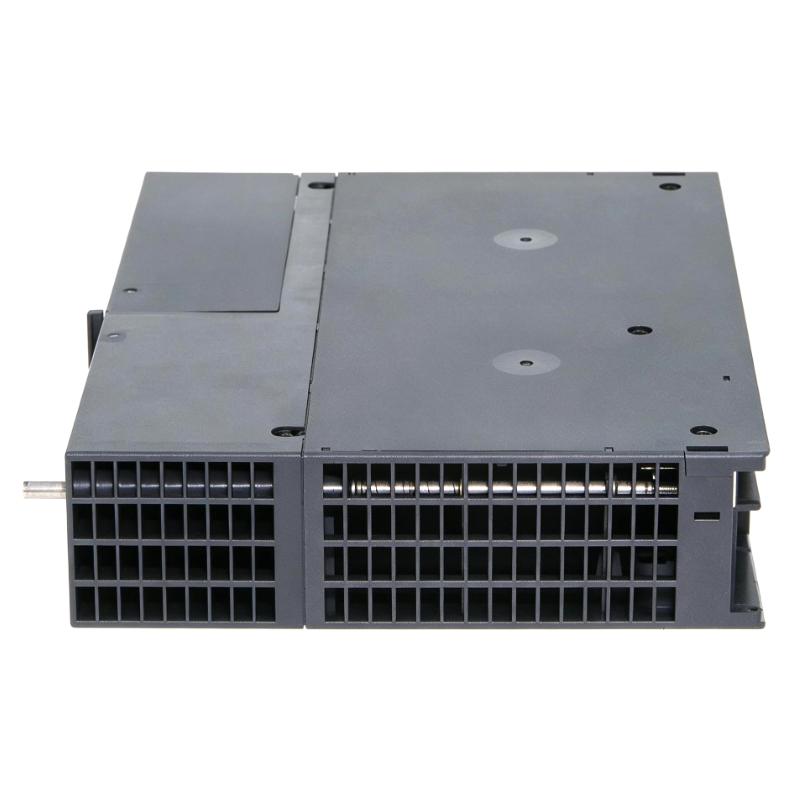
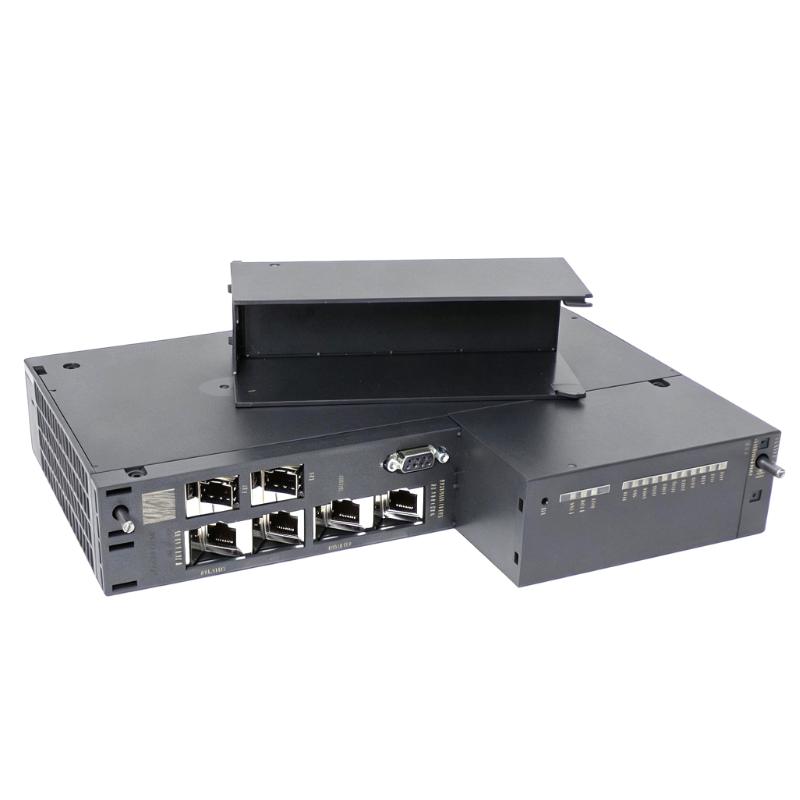
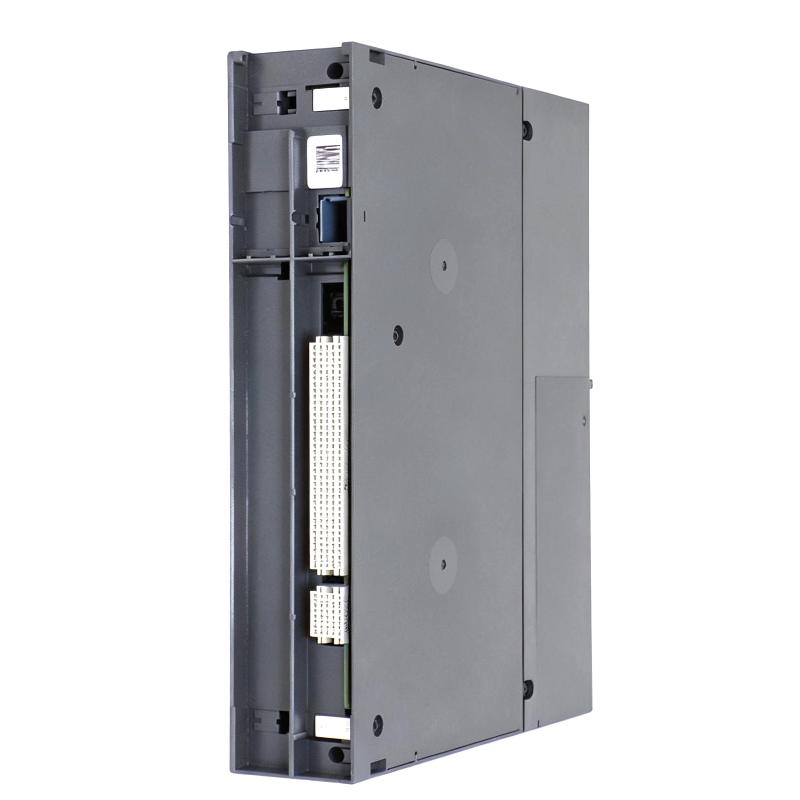
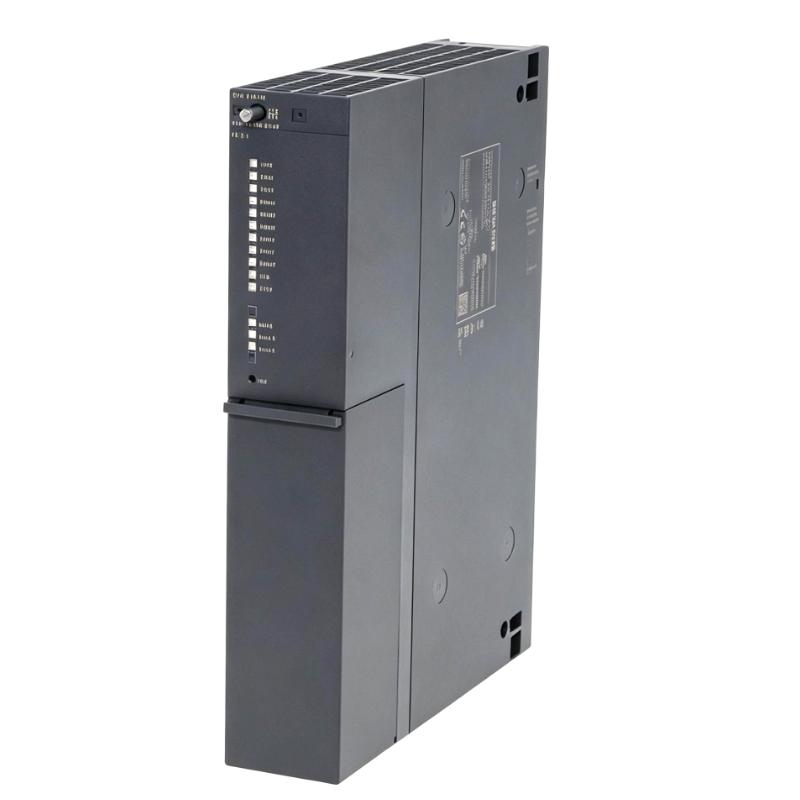
The Siemens 6AG1410-5HX08-7AB0 is a SIPLUS PCS 7 Series CPU Module used as a central processing unit in industrial automation and process control systems. It handles the execution of the configured control program, coordinates connected I/O modules, and exchanges process data with other system components.
In a PCS 7 installation, the CPU serves as the central control element between the automation station and distributed process signals. It processes input data from field-level modules, executes programmed control logic, and sends the resulting commands to output and communication modules.
The module is suitable for process automation applications where continuous control execution, coordinated I/O processing, and integration with the broader PCS 7 architecture are required. Typical installations include process plants, production lines, utility systems, and other industrial control environments.
As part of the SIPLUS product family, the module is intended for demanding industrial environments where automation equipment must operate as part of a robust control platform. It can be integrated with compatible S7-400/PCS 7 system components according to the configured system architecture.
Technical Specifications
| Parameter | Specification |
|---|---|
| Model | 6AG1410-5HX08-7AB0 |
| Product Family | SIPLUS PCS 7 |
| Product Series | PCS 7 Series |
| Product Type | CPU Module |
| Primary Function | Central processing and automation control |
| System Role | Central controller |
| Application | Industrial automation and process control |
| Dimensions | 50 × 290 × 219 mm |
| Weight | 0.85 kg |
Product Features
- SIPLUS PCS 7 Series CPU for central automation control applications.
- Executes configured control programs and coordinates process operations.
- Supports integration with compatible PCS 7 automation system components.
- Processes data exchanged between the controller, I/O modules, and communication interfaces.
- Suitable for centralized control tasks in industrial process automation.
- Supports structured system architectures with distributed field-level equipment.
- Intended for continuous operation in demanding industrial automation environments.
Working Principle
The CPU operates as the processing center of the automation station. Input information collected from connected process I/O is transferred to the controller, where the configured control program evaluates the current process conditions.
The CPU executes the control logic cyclically and determines the required output states. These results are transferred through the appropriate I/O and communication modules to actuators, drives, valves, and other field equipment.
Field Signals → I/O Modules → 6AG1410-5HX08-7AB0 CPU → Control Logic → Output / Communication Modules → Field Equipment
During operation, the CPU also exchanges diagnostic and process information with higher-level operator, engineering, and process-control functions within the PCS 7 environment.
Role in a PCS 7 Control Architecture
The 6AG1410-5HX08-7AB0 acts as the central processing element of the automation station. Its position allows field signals, control logic, I/O processing, and system-level communication to operate as an integrated control sequence.
Architecture chain
Process Sensors → Input Modules → CPU Module → Control Logic → Output Modules → Actuators / Process Equipment
| System Element | Function |
|---|---|
| Process Sensors | Detect process conditions and generate input signals |
| Input Modules | Acquire and transfer field signals |
| 6AG1410-5HX08-7AB0 | Execute control logic and process automation data |
| Output Modules | Convert controller commands into field-level outputs |
| Communication Modules | Exchange data with other automation and control-system components |
| Actuators | Execute control commands in the process |
| Engineering / Operator System | Configuration, monitoring, diagnostics, and process supervision |
Industrial Applications
| Application | Typical Use |
|---|---|
| Process Automation | Central control of continuous industrial processes |
| Chemical Plants | Coordination of process measurements, control loops, and equipment |
| Power and Utility Systems | Automation of auxiliary and process equipment |
| Manufacturing Plants | Central processing of machine and production signals |
| Water and Wastewater | Monitoring and control of treatment processes |
| Industrial Infrastructure | Integration of distributed automation equipment |
Installation and Maintenance
- Install the CPU in the compatible PCS 7 automation system according to the configured rack architecture.
- Confirm that the selected rack and associated system components are compatible with the CPU.
- Verify the power supply arrangement before energizing the automation station.
- Check the backplane and module connections for proper mechanical engagement.
- Install the required system configuration and control program using the appropriate engineering environment.
- Verify the communication connections between the CPU and connected system modules.
- Confirm that all required I/O modules are correctly recognized by the automation station.
- Check diagnostic information after startup and investigate any reported hardware or configuration faults.
- Monitor CPU operating status during commissioning and process operation.
- Keep terminal and module connections clean and properly secured in industrial environments.
- Before replacing the CPU, back up the current configuration and verify the replacement module compatibility.
- After replacement, confirm controller startup, I/O communication, program execution, and process response before returning the system to normal operation.
Related Components
| Component | Function |
|---|---|
| SIPLUS PCS 7 CPU Modules | Central processing and automation control |
| S7-400 Rack | Provides the physical mounting and backplane connection |
| Digital Input Modules | Acquire discrete field signals |
| Digital Output Modules | Control discrete field devices |
| Analog Input Modules | Acquire process measurement signals |
| Analog Output Modules | Provide analog control signals |
| Communication Modules | Connect the automation station with other control-system networks |
| Power Supply Modules | Supply operating power to the automation station |
Recommended Related Models
| Model / Product Family | Product Type | Typical Application |
|---|---|---|
| Siemens SIPLUS PCS 7 CPU Series | CPU Module | Central process automation control |
| Siemens SIPLUS S7-400 CPU Series | CPU Module | Industrial automation processing |
| Siemens SIPLUS S7-400 Digital Input Modules | Digital Input Module | Discrete signal acquisition |
| Siemens SIPLUS S7-400 Digital Output Modules | Digital Output Module | Discrete actuator control |
| Siemens SIPLUS S7-400 Analog Input Modules | Analog Input Module | Process measurement acquisition |
| Siemens SIPLUS S7-400 Analog Output Modules | Analog Output Module | Analog process control |
| Siemens SIPLUS S7-400 Communication Modules | Communication Module | Industrial network communication |
| Siemens SIPLUS S7-400 Power Supply Modules | Power Supply Module | Automation rack power |
Key Advantages
- Centralized processing for PCS 7 automation applications.
- Suitable for coordinated control of distributed I/O.
- Supports structured process-control architectures.
- Integrates with compatible Siemens automation and communication components.
- Suitable for continuous industrial control applications.
- Simplifies centralized execution of configured automation logic.
Technical FAQs
How does the CPU coordinate process data between field I/O and the PCS 7 control program?
The CPU receives process values through the connected I/O modules, processes those values according to the configured control program, and transfers the resulting commands to output or communication modules. This creates the cyclic data-processing path required for automatic process control.
What can cause a CPU to enter an abnormal operating state even when the power supply is available?
A valid power supply does not by itself confirm correct CPU operation. Hardware configuration errors, incompatible modules, communication problems, program faults, or backplane connection issues can also affect the controller’s operating state. Diagnostic information should therefore be checked together with the CPU status.
How should the CPU be evaluated when expanding an existing PCS 7 automation station?
The expansion should be checked at the system level rather than by evaluating the CPU alone. The rack configuration, I/O modules, communication architecture, power supply arrangement, available system resources, and engineering configuration should all be reviewed before additional hardware is installed.
Why is controller diagnostics important during commissioning of a PCS 7 station?
Diagnostics can distinguish between problems originating from the CPU, I/O modules, communication paths, or connected field equipment. Reviewing the diagnostic status during commissioning helps isolate configuration and hardware issues before the automation station is placed into normal process operation.