Product Overview
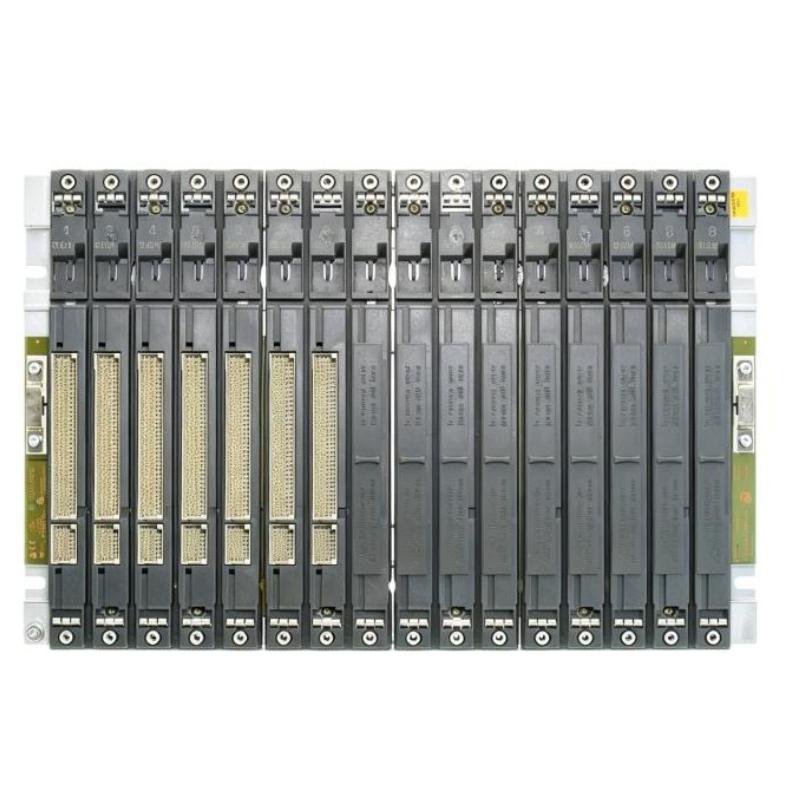
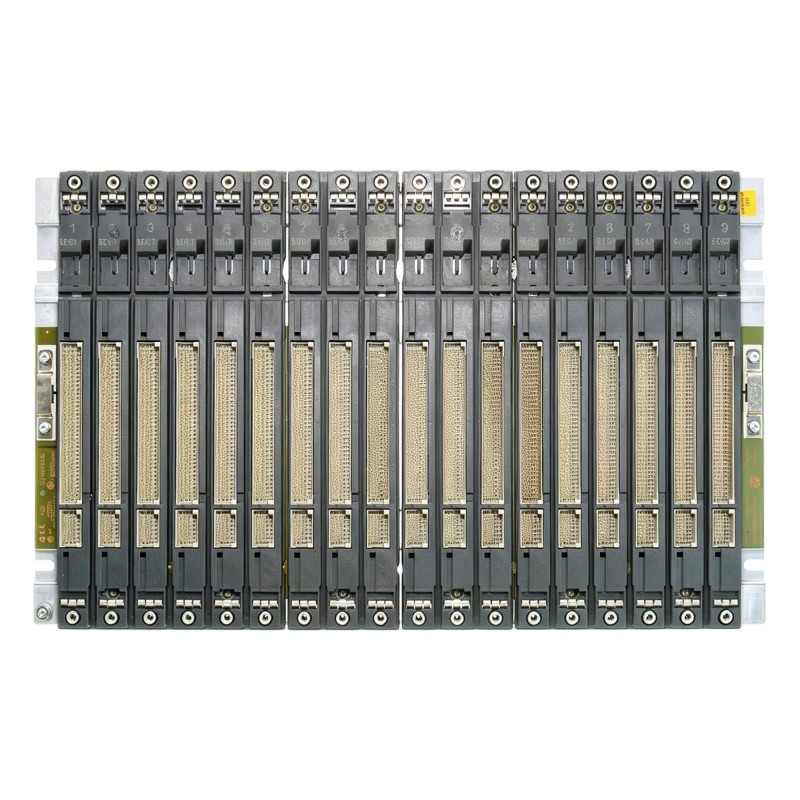
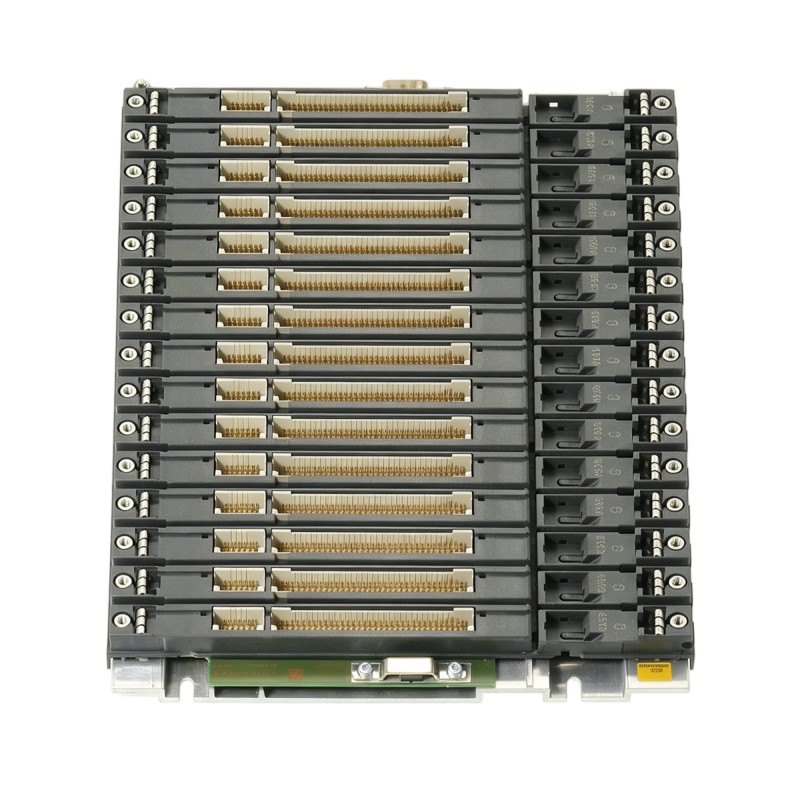
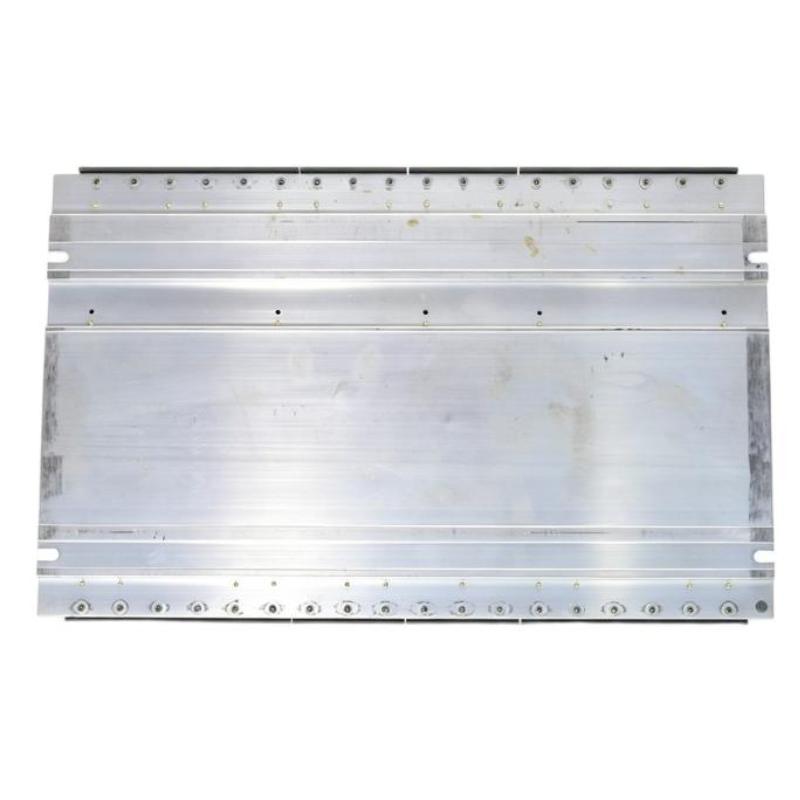
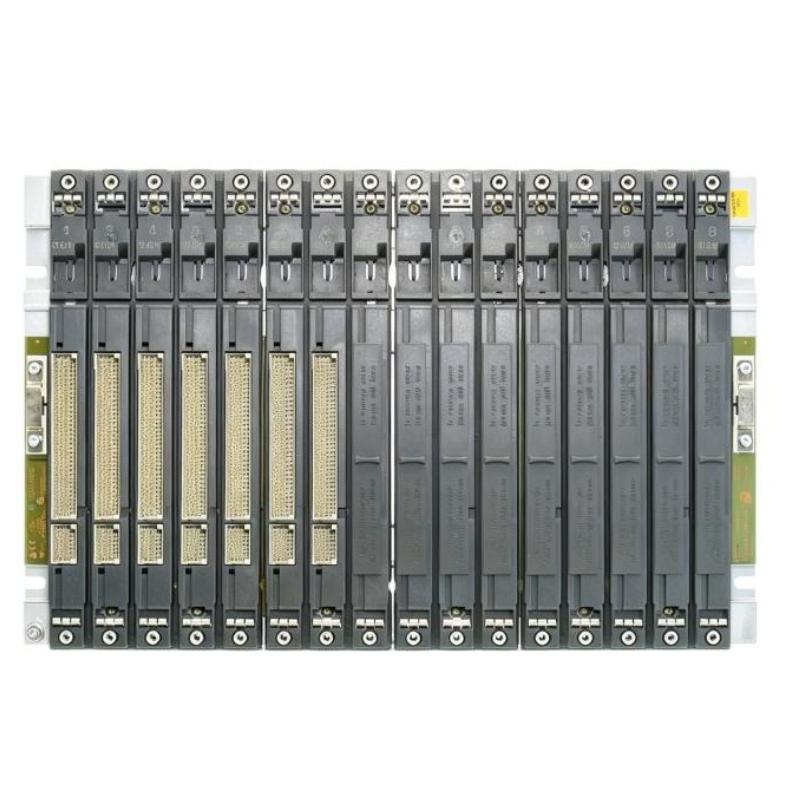
The Siemens 6AG1400-2JA10-7AA0 SIPLUS S7-400 UR2-H Rack is a rack component for assembling a SIMATIC S7-400 automation station. It provides the physical mounting structure and backplane connections required for compatible S7-400 modules installed in the control cabinet.
In an S7-400 process-control cabinet, the rack can accommodate the central PLC hardware and organize modules such as the CPU, power supply, communication modules, and I/O modules in a defined arrangement. This makes it suitable for centralized control systems where multiple S7-400 modules operate as one automation station.
For maintenance and replacement work, the 6AG1400-2JA10-7AA0 is relevant when an existing S7-400 rack needs to be replaced without changing the overall control architecture. Technicians should verify the rack model, installed module positions, cabinet arrangement, and backplane connections before removing the existing rack.
Technical Specifications
| ParameterSpecification |
|
| Manufacturer |
Siemens |
| Model |
6AG1400-2JA10-7AA0 |
| Product Family |
SIPLUS S7-400 |
| Rack Type |
UR2-H |
| Product Type |
Rack |
| System |
SIMATIC S7-400 |
| Primary Function |
Module Mounting and Backplane Interconnection |
| Application |
Industrial Automation / Process Control |
| Installation |
S7-400 Control Cabinet |
| Dimensions |
482.5 × 290 × 27.5 mm |
| Weight |
3.384 kg |
Product Features
- Siemens SIPLUS S7-400 UR2-H Rack
- Model 6AG1400-2JA10-7AA0
- Provides mounting positions for compatible S7-400 modules
- Supports internal backplane connections between installed modules
- Suitable for centralized S7-400 control stations
- Used in industrial automation and process-control cabinets
- Applicable to S7-400 system replacement projects
- Supports organized installation of CPU, communication, and I/O modules
- Suitable for control cabinet refurbishment
- Can be integrated into S7-400 rack-based automation architectures
Working Principle
The 6AG1400-2JA10-7AA0 serves as the hardware platform that holds compatible S7-400 modules and connects them through the rack backplane.
S7-400 Power Supply / CPU / Modules → UR2-H Rack → Backplane Connection → S7-400 System
The installed modules are positioned in the rack and connected through their respective backplane interfaces. The rack establishes the internal connection path between the modules, while the CPU and other active modules perform control, communication, and I/O functions.
In an operating PLC station, the rack itself does not execute the application program or process field signals. Its function is to maintain the physical and electrical structure required for the S7-400 modules to operate together.
Typical modules installed within this type of architecture include:
- S7-400 CPU
- Power supply modules
- Digital I/O modules
- Analog I/O modules
- Communication modules
- Function modules
- Other compatible S7-400 system modules
The actual module arrangement depends on the control application and the configured S7-400 hardware architecture.
Role in a S7-400 Control Architecture
The 6AG1400-2JA10-7AA0 forms part of the hardware infrastructure of an S7-400 PLC station, connecting the installed modules through the rack backplane.
Power Supply → S7-400 CPU → UR2-H Rack / Backplane → I/O & Communication Modules → Field / Supervisory Systems
| System ElementFunction |
|
| 6AG1400-2JA10-7AA0 |
Provides rack structure and backplane interconnection |
| S7-400 CPU |
Executes the PLC control program |
| S7-400 Power Supply |
Supplies power to the automation station |
| S7-400 I/O Modules |
Interface with sensors and actuators |
| Communication Modules |
Handle communication with external systems |
| Backplane |
Provides internal module connections |
| Field Devices |
Supply process signals and receive control outputs |
| HMI / SCADA |
Provides operator and supervisory functions |
Industrial Applications
| ApplicationTypical Use |
|
| Process Automation |
Mounting S7-400 hardware in process-control cabinets |
| Manufacturing Automation |
Organizing centralized PLC modules for production systems |
| Plant Utility Control |
Supporting PLC stations for pumps, compressors, and utility equipment |
| Infrastructure Control |
Providing the rack structure for industrial monitoring and control systems |
| Control Cabinet Refurbishment |
Replacing existing S7-400 rack hardware |
| PLC System Maintenance |
Maintaining established S7-400 module arrangements |
| Process-Control Systems |
Supporting centralized controller hardware installations |
| Legacy Automation Systems |
Maintaining installed S7-400 control equipment |
Installation and Maintenance
- Confirm the complete 6AG1400-2JA10-7AA0 order number before installation or replacement.
- Verify that the UR2-H rack matches the existing S7-400 system configuration.
- Record the position of each installed module before removing the existing rack.
- Inspect the rack and backplane connection areas for mechanical damage or contamination.
- Check the control cabinet mounting arrangement before installation.
- Install the rack according to the applicable S7-400 installation procedure.
- Reinstall the power supply, CPU, communication modules, and I/O modules in their intended positions.
- Confirm that each module is fully seated in the rack.
- Check all backplane connections before energizing the system.
- Verify the configured S7-400 hardware after installation.
- Check CPU and module diagnostic indications during startup.
- Confirm normal PLC, communication, and I/O operation before returning the system to service.
When troubleshooting a rack-related problem, check the module seating, backplane connections, power supply, installed modules, and overall S7-400 hardware configuration together.
Related Components
| ComponentFunction |
|
| S7-400 CPU |
Executes PLC control logic |
| S7-400 Power Supply |
Supplies system power |
| S7-400 I/O Modules |
Interface with field sensors and actuators |
| S7-400 Communication Modules |
Connect the PLC station with external systems |
| UR2-H Rack |
Provides module mounting and backplane interconnection |
| S7-400 Expansion Components |
Extend the PLC hardware arrangement where required |
| HMI |
Provides operator monitoring and control |
| SCADA System |
Provides supervisory monitoring and data collection |
Recommended Related Models
| Model / Product FamilyProduct TypeTypical Application |
|
|
| Siemens 6AG1400-1JA11-7AA0 |
SIPLUS S7-400 Rack UR2 |
S7-400 rack installation |
| Siemens 6AG1400-1TA11-7AA0 |
SIPLUS S7-400 Rack UR1 |
S7-400 centralized rack configuration |
| Siemens SIPLUS S7-400 CPU Series |
CPU Module |
PLC control and logic execution |
| Siemens SIPLUS S7-400 Power Supply Series |
Power Supply Module |
S7-400 system power |
| Siemens SIPLUS S7-400 I/O Series |
I/O Module |
Digital and analog field interfaces |
| Siemens SIPLUS S7-400 Communication Series |
Communication Module |
PLC networking and data exchange |
Key Advantages
- SIPLUS S7-400 UR2-H rack configuration.
- Provides the physical structure for compatible S7-400 modules.
- Supports internal backplane interconnection.
- Suitable for centralized PLC control cabinets.
- Applicable to S7-400 replacement and refurbishment projects.
- Supports organized installation of S7-400 system hardware.
- Suitable for process-control and industrial automation applications.
Technical FAQs
What is the main function of the Siemens 6AG1400-2JA10-7AA0?
The 6AG1400-2JA10-7AA0 provides the rack structure and backplane interconnection required for compatible S7-400 modules installed in the automation station.
Does the 6AG1400-2JA10-7AA0 execute PLC control logic?
No. The rack does not execute the PLC program. Control logic is executed by the S7-400 CPU, while I/O and communication functions are handled by the corresponding system modules.
What should be checked before replacing the UR2-H rack?
The complete order number, existing module arrangement, rack installation, backplane connections, and S7-400 hardware configuration should be checked before replacement. Recording the original module positions can simplify reassembly.
Can the 6AG1400-2JA10-7AA0 be used for an existing S7-400 system?
It can be used as part of an S7-400 rack-based architecture, but the complete system configuration should be checked before installation to ensure that the rack and installed modules are appropriate for the intended application.