

ProductPRODUCT
Featured products

Contact Us
- Siemens
- 6AG1365-0BA01-2AA0
- Interface Module
- Germany
- 40 × 125 × 120 mm
- 0.602 kg
- Xiamen, China
- New & In Stock
- T/T, PayPal, Western Union
- 1 Year
- 1-3 Working Days
- DHL, UPS, TNT, FedEx and EMS.
- 24-Hour Service
- COO
- 79
Our advantage

Global Logistics
We have a 10-year logistics and express cooperation agreement, so our products can be shipped to any place in the world.

Brand new and original
Our products are imported in bulk from the place of origin. Because of the cooperative relationship, our products are all original and 100% new.

24-hour service
We provide 7*24 hours service to our customers. We will be there whenever you need us.

Price advantage
All our products are priced very favorably because we have our own warehouse and supply.
| Company Information | |||
| [email protected] | |||
| Mobile | +8615980777398 | ||
| +8615980777398 | |||
| 15980777398 |
Product Overview
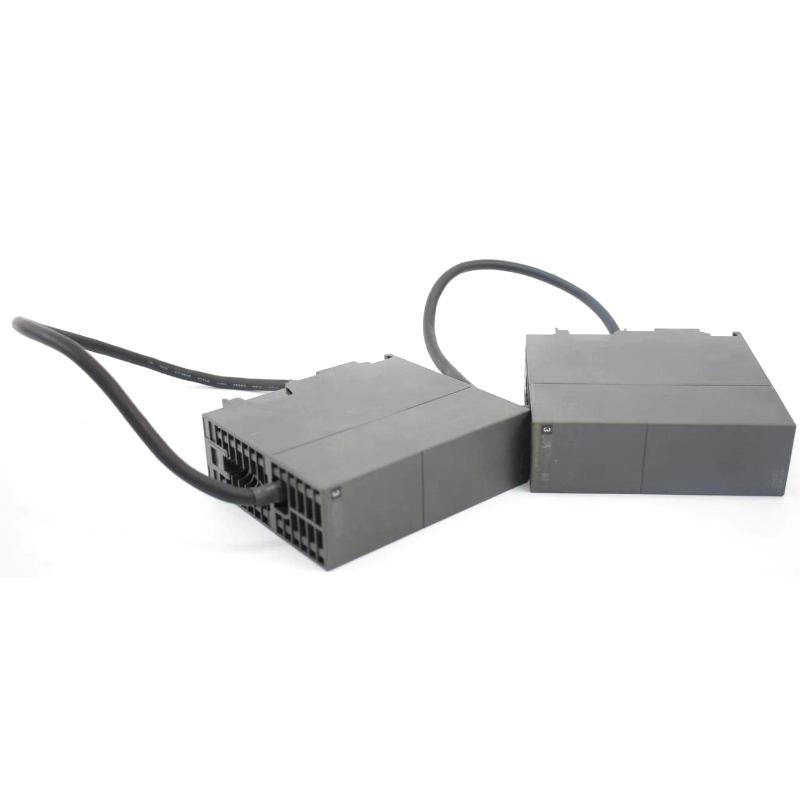
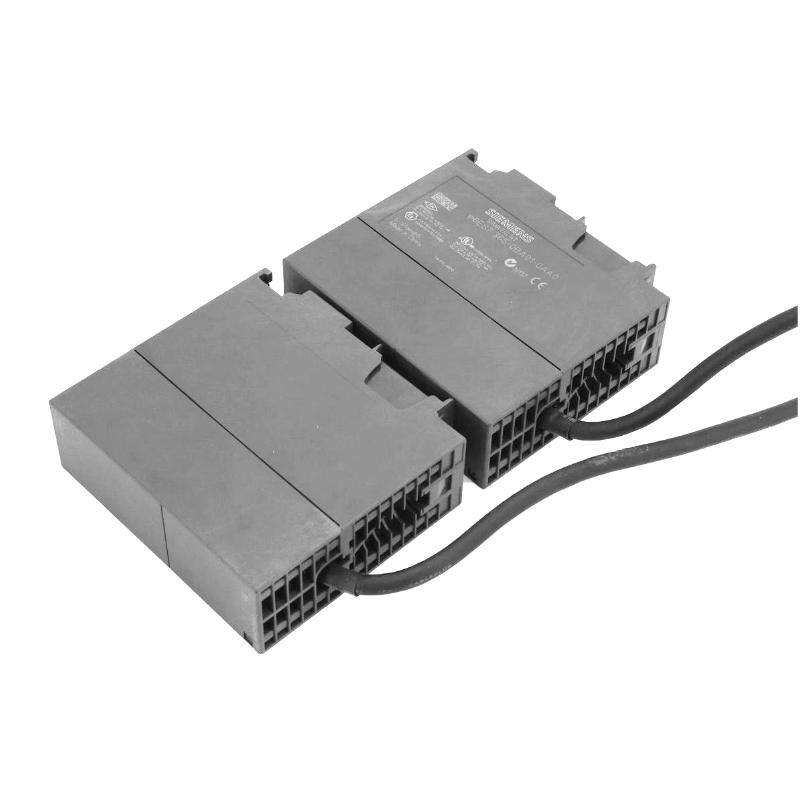
The Siemens 6AG1365-0BA01-2AA0 is a SIPLUS S7-300 IM 365 interface module used to extend an S7-300 central controller with an additional expansion rack. It is based on the standard 6ES7365-0BA01-0AA0 IM 365 and adds SIPLUS environmental protection features, making it suitable for installations where the control cabinet may experience wider temperature conditions or exposure to demanding environmental media.
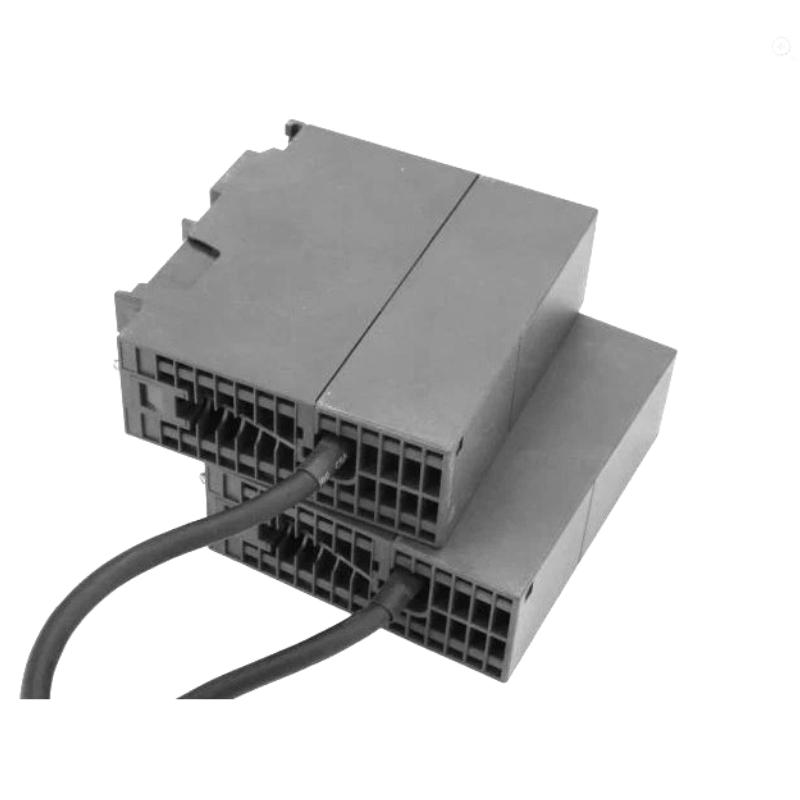
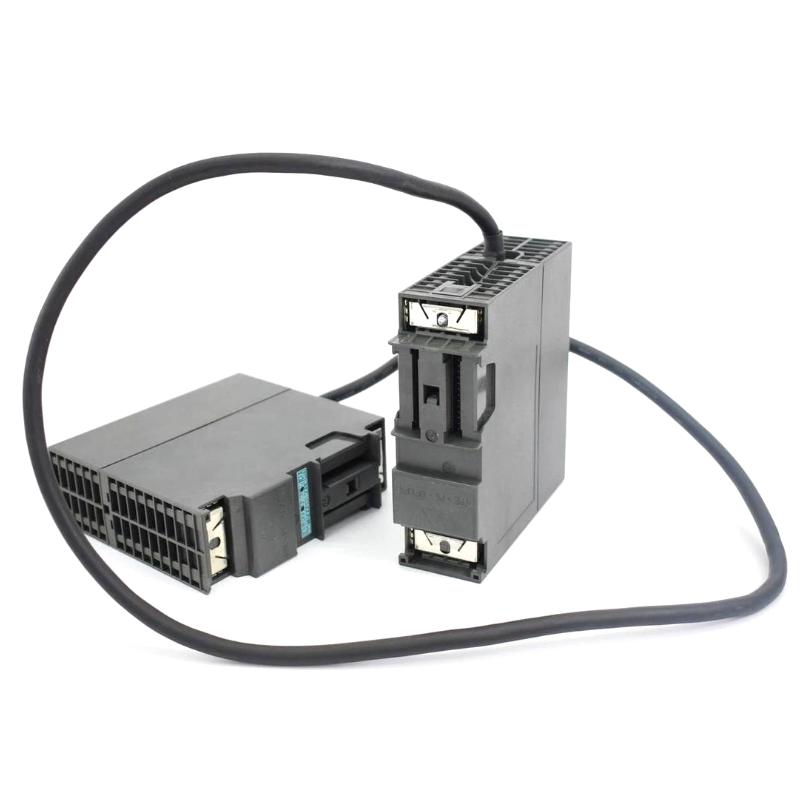
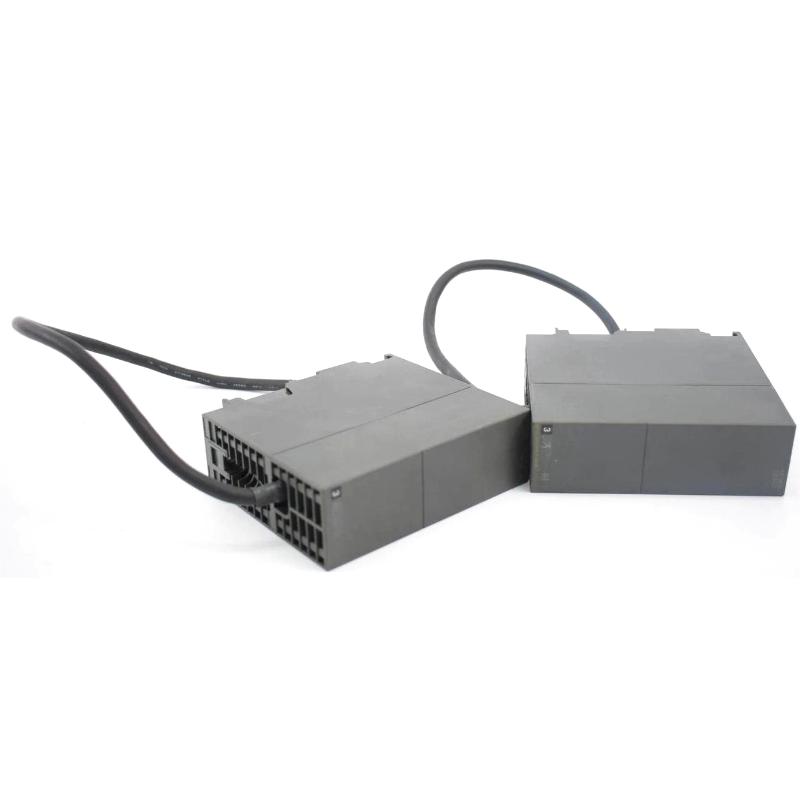
In a typical S7-300 installation, the IM 365 sits at the interface between the central rack and the expansion rack. The module is supplied with a permanent 1 m connecting cable and supports an S7-300 configuration consisting of one central controller and a maximum of one expansion unit. This arrangement is useful when the required I/O or function modules cannot all be installed directly beside the CPU.
The module does not function as an independent CPU or I/O controller. Its job is to establish the rack-to-rack connection so that modules installed in the expansion rack can participate in the S7-300 control structure.
Technical Specifications
| Parameter | Specification |
|---|---|
| Manufacturer | Siemens |
| Article Number | 6AG1365-0BA01-2AA0 |
| Product Family | SIPLUS S7-300 IM 365 |
| Product Type | Interface Module |
| Base Model | 6ES7365-0BA01-0AA0 |
| Rack Function | IM 365 connection for an expansion rack |
| Expansion Capacity | 1 expansion unit |
| Connecting Cable | Permanent 1 m cable |
| Communication Bus | Without communication bus |
| Environmental Design | Conformal coating / SIPLUS environmental protection |
| Temperature Range | -25 °C to +60 °C |
| Dimensions | 40 × 125 × 120 mm |
| Weight | 0.602 kg |
Product Features
- S7-300 rack expansion — Connects the central S7-300 rack with an additional expansion unit.
- SIPLUS environmental protection — Conformal coating and an extended operating temperature range support installation in more demanding industrial environments.
- Integrated connecting cable — The permanent 1 m cable simplifies the physical connection between the IM 365 units.
- Compact S7-300 form factor — Fits the established S7-300 modular installation concept.
- No separate communication bus required — The module is dedicated to rack expansion rather than general-purpose network communication.
- Based on the standard IM 365 — Hardware planning can be related to the corresponding SIMATIC S7-300 IM 365 standard module.
Working Principle
The IM 365 handles the physical and electrical connection between the S7-300 central rack and its expansion rack. When the CPU and required modules occupy the central rack, the IM 365 establishes the connection to the second rack through its dedicated connecting cable.
During operation, the controller can access modules installed in the expansion rack as part of the configured S7-300 station. The IM 365 itself does not process the control program; instead, it maintains the rack interface required for the distributed physical arrangement of the S7-300 hardware.
For maintenance engineers, this distinction is important. A fault involving the IM 365 or its rack connection can affect access to modules located in the expansion rack even though the CPU and central rack remain powered and operational.
Role in an S7-300 Expansion System
| System Element | Function |
|---|---|
| S7-300 CPU | Executes the user control program and manages the automation station |
| Central Rack | Houses the CPU and central S7-300 modules |
| 6AG1365-0BA01-2AA0 IM 365 | Establishes the connection to the expansion rack |
| Expansion Rack | Provides additional physical mounting positions for S7-300 modules |
| 1 m Connecting Cable | Carries the rack connection between the IM 365 interfaces |
| S7-300 I/O Modules | Process field signals and execute control outputs |
Industrial Applications
| Application | Typical Use |
|---|---|
| Machine Automation | Expanding the available S7-300 module positions when the central rack is fully occupied |
| Production Lines | Locating additional I/O and function modules in a separate rack within the same control cabinet |
| Process Equipment | Extending an S7-300 controller to accommodate additional signal-processing modules |
| Packaging Machinery | Adding further digital, analog, or function modules without redesigning the complete CPU section |
| Material Handling | Supporting larger I/O configurations where additional rack capacity is required |
| Industrial Equipment in Harsh Environments | Using the SIPLUS version where environmental conditions exceed the normal S7-300 installation range |
Installation and Maintenance
- Install according to the S7-300 rack arrangement — Position the IM 365 correctly within the central and expansion rack configuration before connecting the cable.
- Check the permanent cable connection — Inspect the 1 m connecting cable for mechanical damage, excessive bending, or loose connections during maintenance.
- Verify rack configuration in the engineering software — The expansion rack and installed modules should correspond with the actual hardware configuration.
- Maintain adequate cabinet conditions — Although the SIPLUS version supports an extended temperature range, ventilation, condensation control, and proper cabinet installation remain important.
- Inspect during troubleshooting — If modules in the expansion rack become inaccessible, check the IM 365 connection and associated rack hardware before replacing individual I/O modules.
- Observe power isolation procedures — Disconnect the relevant equipment from power before removing or reinstalling the interface module.
Related Components
| Component | Function / Relationship |
|---|---|
| Siemens 6ES7365-0BA01-0AA0 | Standard SIMATIC S7-300 IM 365 counterpart |
| S7-300 CPU | Central processing unit controlling the station |
| S7-300 Expansion Rack | Additional rack connected through the IM 365 |
| S7-300 SM Modules | Digital and analog signal modules installed in the rack |
| S7-300 FM Modules | Function modules used for specialized control tasks |
| S7-300 Power Supply | Supplies the required operating power for the rack |
Recommended Related Models
| Model | Product Type | Typical Application |
|---|---|---|
| Siemens 6ES7365-0BA01-0AA0 | SIMATIC S7-300 IM 365 | Standard S7-300 expansion rack connection |
| Siemens 6AG1153-1AA03-2XB0 | SIPLUS S7-300 IM 153-1 | Connecting S7-300 I/O to PROFIBUS DP |
| Siemens 6ES7360-0AA01-0AA0 | SIMATIC S7-300 IM 360 | Central rack interface for multi-rack S7-300 configurations |
| Siemens 6ES7361-3CA01-0AA0 | SIMATIC S7-300 IM 361 | Connecting expansion racks in larger S7-300 configurations |
| Siemens 6AG1315-2EH14-7AB0 | SIPLUS S7-300 CPU | Higher-level S7-300 control applications |
| Siemens 6AG1321-1BH02-2AA0 | SIPLUS S7-300 Digital Input Module | Extended-environment digital signal acquisition |
Key Advantages
- Extends an S7-300 station with an additional rack.
- Suitable for applications requiring SIPLUS environmental protection.
- Includes a permanent 1 m rack connection cable.
- Keeps additional I/O physically separated from the CPU rack when cabinet layout requires it.
- Uses the established S7-300 IM 365 architecture for straightforward system expansion.
- Particularly useful for maintaining existing S7-300 installations where rack expansion is required.
Technical FAQs
Can the 6AG1365-0BA01-2AA0 connect more than one expansion rack?
No. The IM 365 configuration supports one expansion unit. Applications requiring more extensive multi-rack S7-300 architectures should use the appropriate IM 360/IM 361 configuration.
What is the difference between the 6AG1365-0BA01-2AA0 and the standard 6ES7365-0BA01-0AA0?
The 6AG1365-0BA01-2AA0 is the SIPLUS version based on the standard IM 365. It adds environmental protection features, including conformal coating and an extended temperature range, for more demanding installation conditions.
Does the IM 365 process PLC logic or field signals?
No. The module is an interface component for rack expansion. Program execution remains the responsibility of the S7-300 CPU, while signal processing is handled by the relevant I/O or function modules installed in the racks.
What should be checked if the expansion-rack modules cannot be accessed?
Start with the physical connection between the two IM 365 interfaces, including the permanent connecting cable. Then verify the rack configuration, module seating, power supply, and diagnostic information from the S7-300 controller before replacing the interface module.