

ProductPRODUCT
Featured products
Contact Us
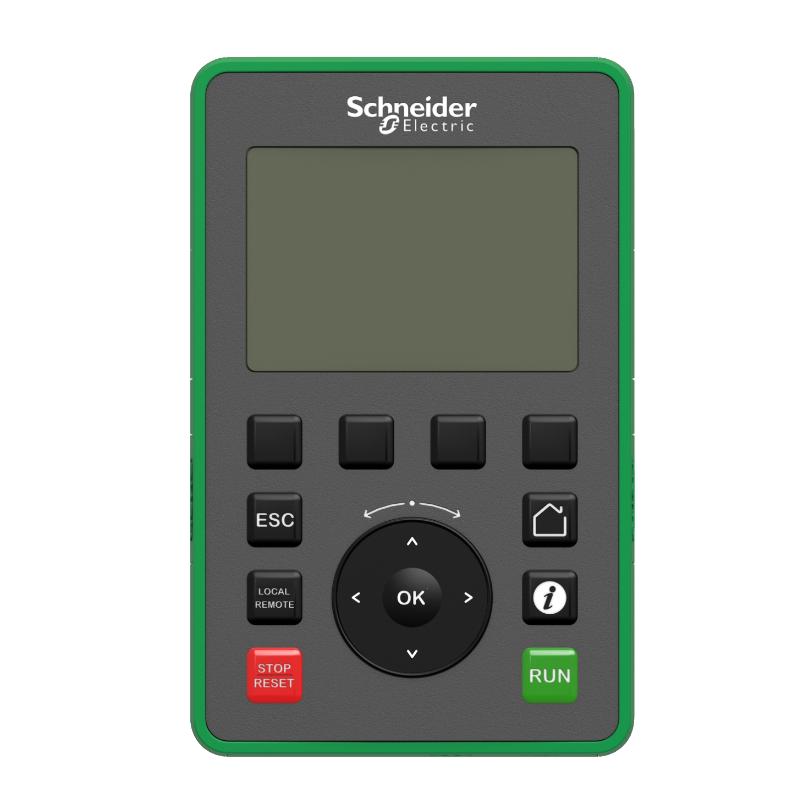
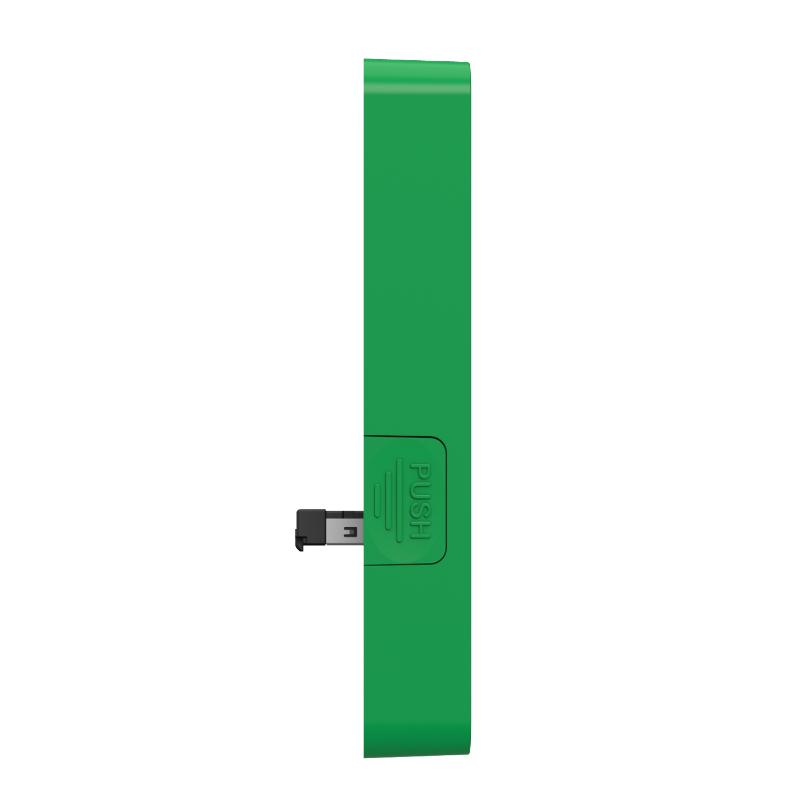
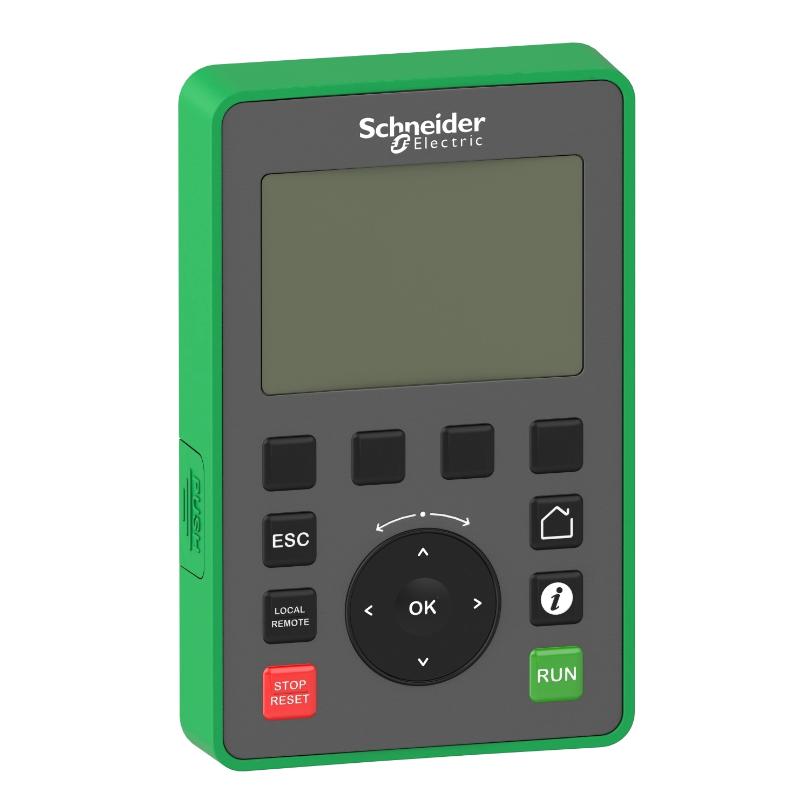
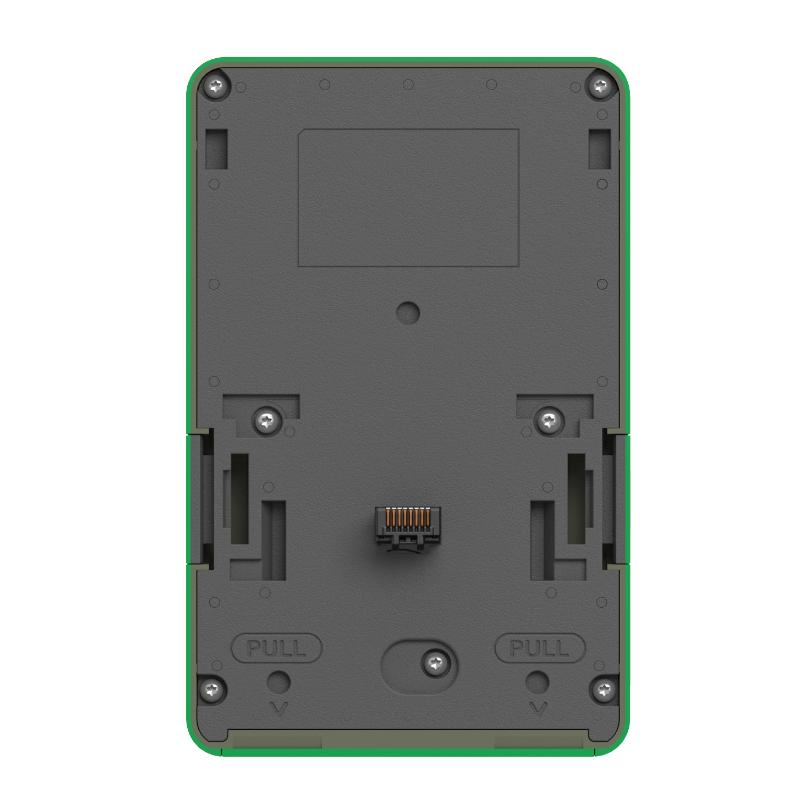
- Schneider
- VW3A1111
- Graphic Display Terminal
- France
- 99 × 59.4 × 70 mm
- 0.2 kg
- Xiamen, China
- New & In Stock
- T/T, PayPal, Western Union
- 1 Year
- 1-3 Working Days
- DHL, UPS, TNT, FedEx and EMS.
- 24-Hour Service
- COO
- 67
Our advantage

Global Logistics
We have a 10-year logistics and express cooperation agreement, so our products can be shipped to any place in the world.

Brand new and original
Our products are imported in bulk from the place of origin. Because of the cooperative relationship, our products are all original and 100% new.

24-hour service
We provide 7*24 hours service to our customers. We will be there whenever you need us.

Price advantage
All our products are priced very favorably because we have our own warehouse and supply.
| Company Information | |||
| [email protected] | |||
| Mobile | +8615980777398 | ||
| +8615980777398 | |||
| 15980777398 |
Product Overview
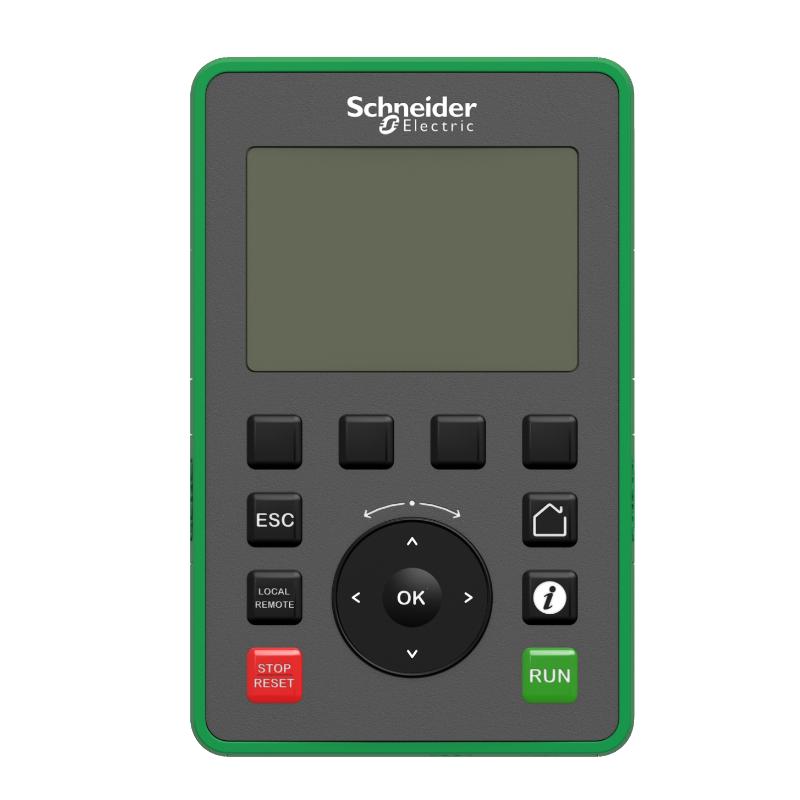
The Schneider VW3A1111 Altivar Graphic Display Terminal is a graphic operator interface used with compatible Altivar variable speed drives. It gives operators a direct way to view drive operating information, navigate available menus, and access applicable configuration and control functions.
This type of terminal is useful when drive information needs to be available at the operator station rather than only at the drive itself. In a machine-control cabinet, for example, the terminal can serve as the operator-facing interface while the Altivar drive handles the actual motor-control task.
For commissioning and maintenance, the graphic display can also be useful for checking drive status, reviewing parameters, and identifying operating conditions without relying exclusively on the supervisory control system.
Technical Specifications
| Parameter | Specification |
|---|---|
| Manufacturer | Schneider Electric |
| Model | VW3A1111 |
| Product Family | Altivar |
| Product Type | Graphic Display Terminal |
| Primary Function | Drive Monitoring and Operator Interface |
| System Role | Graphic Drive Display / Control Interface |
| Application | Altivar Variable Speed Drive Systems |
| Installation | Drive / Operator Control Panel |
| Dimensions | 99 × 59.4 × 70 mm |
| Weight | 0.2 kg |
Product Features
- Schneider Electric Altivar Graphic Display Terminal
- Model VW3A1111
- Graphic operator interface for compatible Altivar drives
- Displays drive operating information
- Provides access to applicable drive menus
- Supports drive parameter viewing and adjustment
- Useful for commissioning activities
- Suitable for routine drive monitoring
- Applicable to machine and process control panels
- Supports local interaction with compatible drive systems
- Useful for maintenance and troubleshooting
Working Principle
The VW3A1111 works as the operator-facing interface for the connected Altivar drive.
Operator → VW3A1111 → Altivar Drive → Motor
The terminal receives operating information from the drive and presents the available data through its display. The operator can navigate through the interface to review drive conditions and access supported parameters or commands.
During commissioning, a technician can use the terminal to check drive settings and operating status. During normal production, the same interface can be used to monitor the drive and interact with supported functions.
The motor-control process remains within the Altivar drive. The VW3A1111 handles the user-interface side of the system.
Role in an Altivar Drive System
| System Element | Function |
|---|---|
| VW3A1111 | Graphic display and operator interface |
| Altivar Drive | Variable speed motor control |
| Drive Interface | Provides communication with the terminal |
| Electric Motor | Controlled mechanical load |
| Control Panel | Operator access point |
| Machine / Process | Uses the controlled motor |
The terminal connects the operator with the drive’s available information and functions without taking over the drive’s motor-control responsibilities.
Industrial Applications
| Application | Typical Use |
|---|---|
| Machine Automation | Drive monitoring and setup |
| Conveyor Systems | Motor operating-status display |
| Pumping Equipment | Drive parameter access |
| HVAC Systems | Variable speed drive monitoring |
| Material Handling | Local drive interaction |
| Process Machinery | Drive configuration and diagnostics |
| Industrial Control Panels | Operator-facing drive interface |
| Motor-Control Systems | Drive status and parameter management |
Installation and Maintenance
- Confirm the VW3A1111 model before installation or replacement.
- Verify compatibility with the intended Altivar drive.
- Check the terminal connection arrangement.
- Inspect connectors and associated wiring.
- Install the terminal securely in the designated location.
- Check the display after powering the system.
- Verify communication with the connected drive.
- Confirm that drive operating information is displayed correctly.
- Test menu navigation.
- Verify applicable parameter-access functions.
- Test supported control commands where configured.
- Check for intermittent communication during operation.
- Inspect the terminal interface if displayed information becomes unavailable.
If the display remains active but drive information is missing, investigate the communication path and drive-side interface before replacing the display terminal.
Related Components
| Component | Function |
|---|---|
| Schneider Electric VW3A1111 | Altivar Graphic Display Terminal |
| Altivar Variable Speed Drive | Motor speed and operation control |
| Communication Interface | Links terminal and drive |
| Control Panel | Provides operator access |
| Electric Motor | Controlled load |
| Machine Controller | Coordinates machine operation |
| Drive Wiring | Supports the terminal connection |
Recommended Related Models
| Model / Product Family | Product Type | Typical Application |
|---|---|---|
| Schneider Electric VW3A1111 | Altivar Graphic Display Terminal | Drive monitoring and operation |
| Schneider Electric VW3A1101 | Altivar Remote Graphic Terminal | Drive configuration and remote operation |
| Schneider Electric VW3A1006 | Altivar Remote Terminal | Remote drive operation |
| Schneider Electric VW3A1007 | Altivar Remote Terminal | Remote drive operation |
| Schneider Electric VW3A1102 | Altivar Variable Speed Door Mounting Kit | Remote terminal installation |
| Schneider Electric VW3A1103 | Altivar Protective Front Door | Terminal protection |
| Schneider Electric ATV61 | Altivar Variable Speed Drive | Industrial motor control |
| Schneider Electric ATV71 | Altivar Variable Speed Drive | High-performance motor control |
Key Advantages
- Altivar Graphic Display Terminal
- Model VW3A1111
- Provides a direct graphic interface to compatible drives
- Displays drive operating information
- Supports parameter access
- Useful during commissioning and maintenance
- Suitable for machine and process applications
- Provides convenient operator access to drive functions
- Suitable for Altivar drive control-panel installations
Technical FAQs
What information can an operator obtain from the VW3A1111?
The terminal can present available drive operating information and provide access to applicable menus and parameters. The exact information depends on the connected Altivar drive and its configuration.
Is the VW3A1111 responsible for controlling motor output?
No. The Altivar drive remains responsible for motor-speed and motor-control functions. The VW3A1111 serves as the graphic display and operator interface.
Why is a graphic terminal useful during commissioning?
A graphic interface allows technicians to navigate drive menus and review operating information directly at the drive interface. This can simplify parameter checking and functional testing during startup.
What should be investigated if the terminal displays incorrectly or loses drive information?
Check the connection between the terminal and drive, including connectors, associated wiring, and the drive-side interface. If the physical connection is satisfactory, the terminal and drive configuration should be checked before replacing hardware.