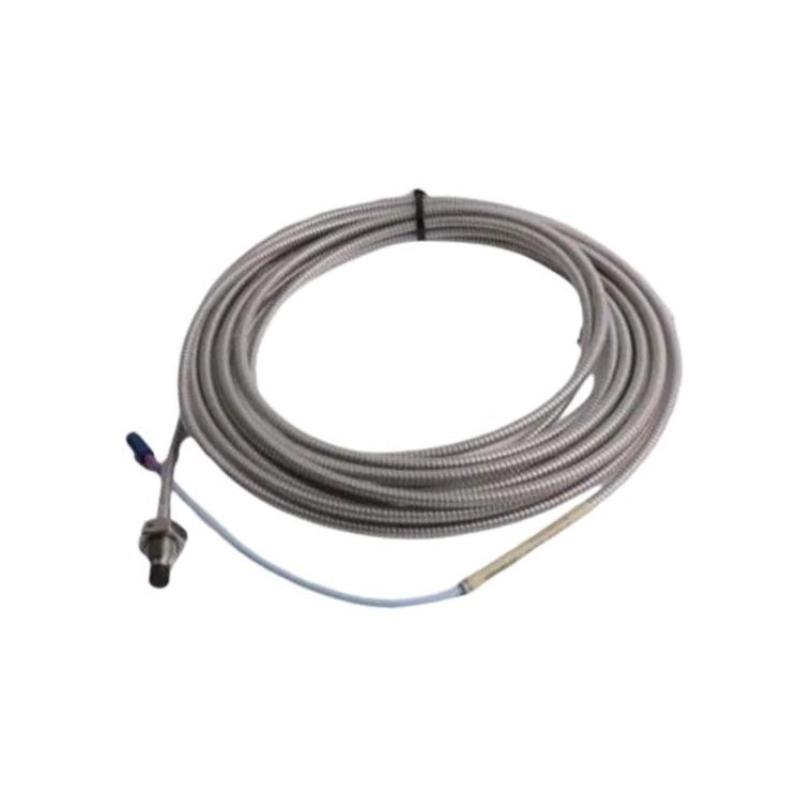
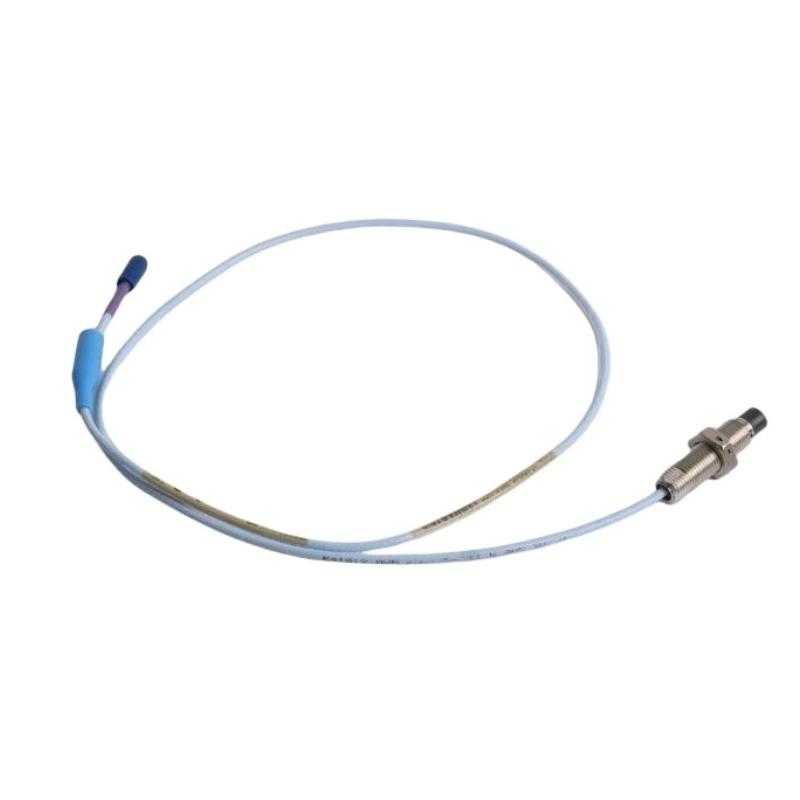
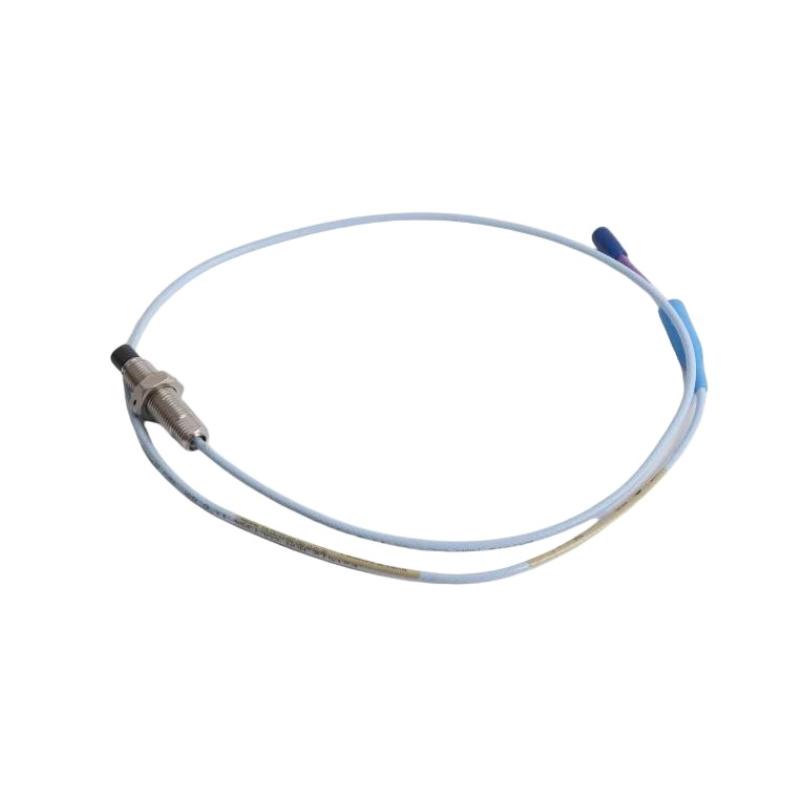
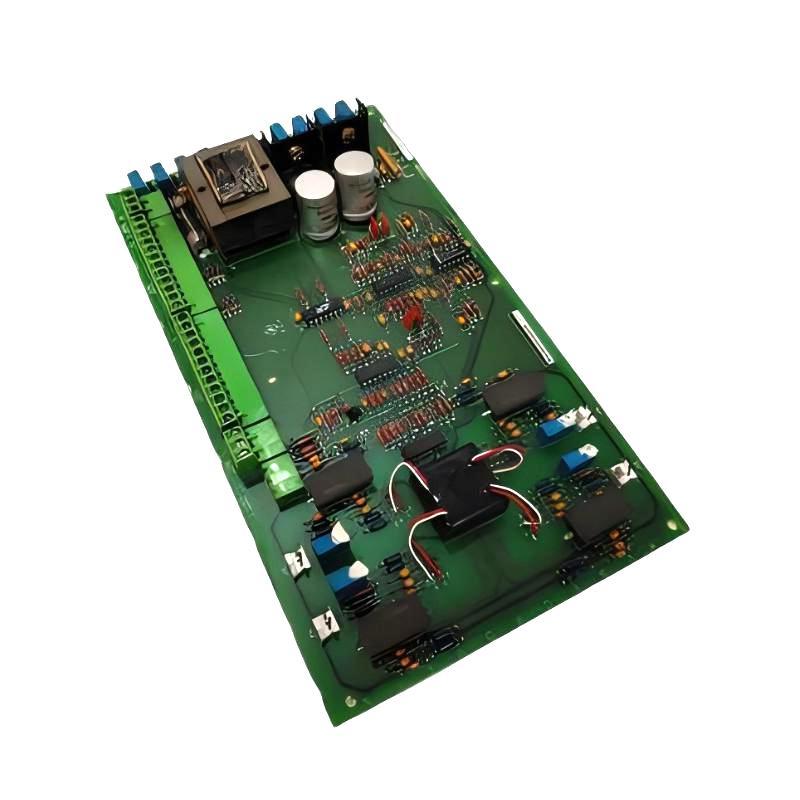
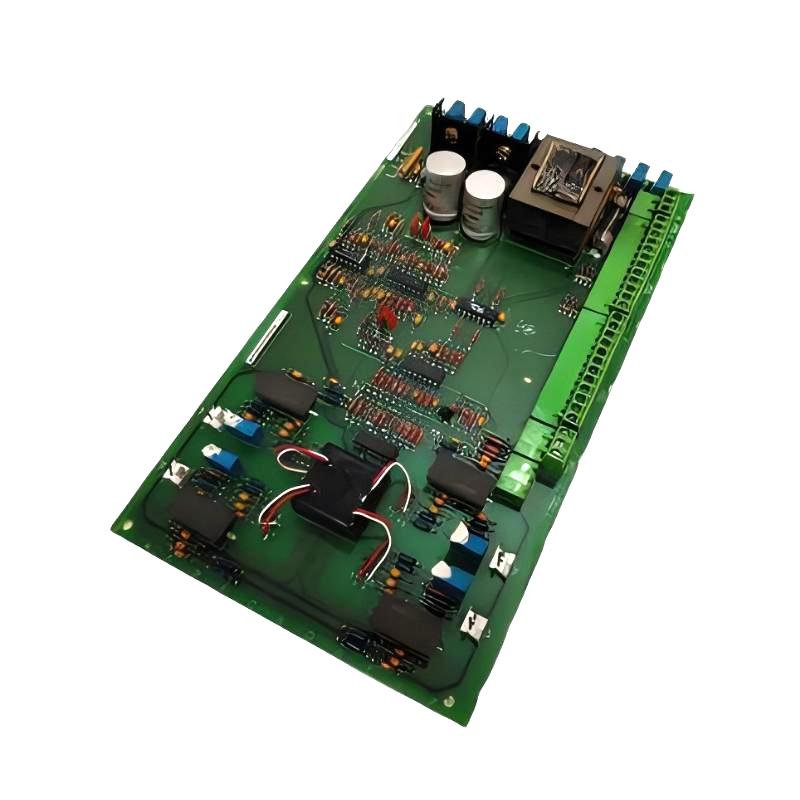
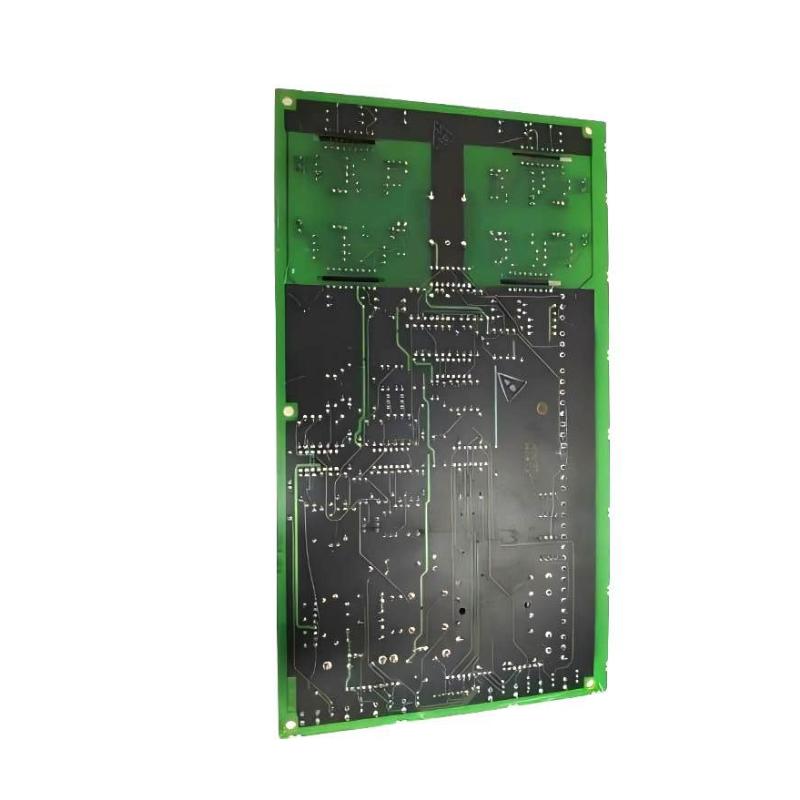
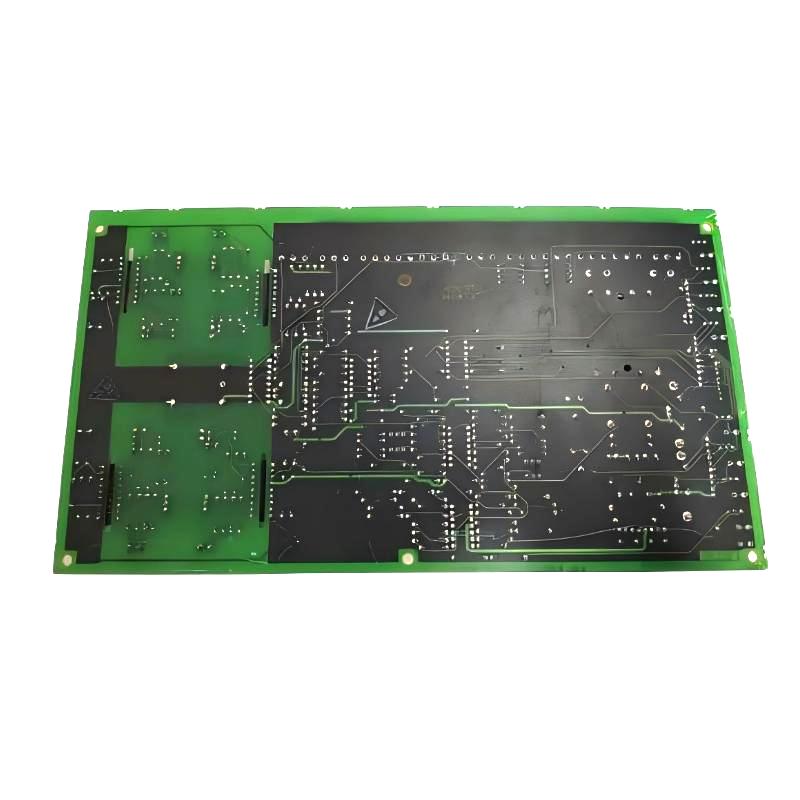
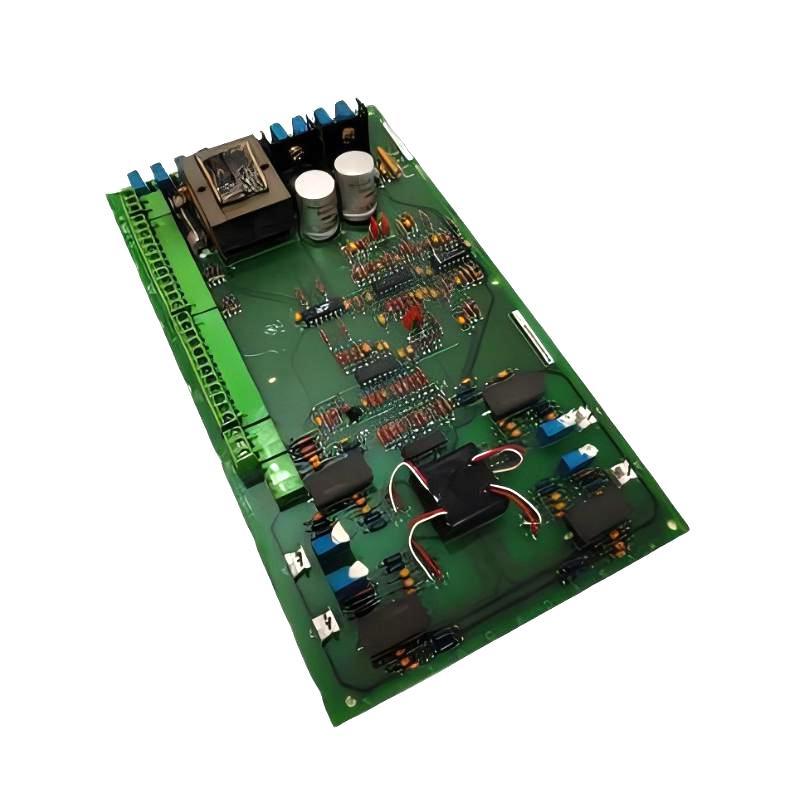
• GE DS200SIOCG1AEA VME bracket I/O plate
  • GE DS200SIOCG1AEA VME bracket I/O plate
  • GE DS200SIOCG1AEA VME bracket I/O plate
  • GE DS200SIOCG1AEA VME bracket I/O plate
Product Overview The GE DS200SIOCG1AEA VME Bracket I/O Plate is a compact hardware component designed to support I/O-related connections and mechanical integration within compatible GE VME-base……
GE DS200SIOCG1AEA VME bracket I/O plate
  • GE
  • DS200SIOCG1AEA
  • VME bracket I/O plate
  • USA
  • 170 × 150 × 25 mm
  • 0.2 kg
  • Xiamen, China
  • New & In Stock
  • T/T, PayPal, Western Union
  • 1 Year
  • 1-3 Working Days
  • DHL, UPS, TNT, FedEx and EMS.
  • 24-Hour Service
  • COO
  • 3

Our advantage

GE DS200SIOCG1AEA VME bracket I/O plate

Global Logistics

We have a 10-year logistics and express cooperation agreement, so our products can be shipped to any place in the world.

GE DS200SIOCG1AEA VME bracket I/O plate

Brand new and original

Our products are imported in bulk from the place of origin. Because of the cooperative relationship, our products are all original and 100% new.

GE DS200SIOCG1AEA VME bracket I/O plate

24-hour service

We provide 7*24 hours service to our customers. We will be there whenever you need us.

GE DS200SIOCG1AEA VME bracket I/O plate

Price advantage

All our products are priced very favorably because we have our own warehouse and supply.


Company Information
E-mail [email protected]
Mobile +8615980777398
Whatsapp +8615980777398
WeChat 15980777398

Product Overview

The GE DS200SIOCG1AEA VME Bracket I/O Plate is a compact hardware component designed to support I/O-related connections and mechanical integration within compatible GE VME-based industrial control systems.

Unlike a processor or active control board, the DS200SIOCG1AEA is primarily associated with the physical organization and support of I/O interfaces within a modular control-frame architecture. Its bracket and plate configuration can help maintain proper positioning of connected interfaces, wiring, and associated hardware while contributing to an orderly control-cabinet installation.

The stated dimensions are 170 × 150 × 25 mm, with a weight of only 0.2 kg, making the component particularly suitable for applications where compact mechanical support and organized I/O installation are required.


Technical Specifications

Parameter Details
Manufacturer GE
Model DS200SIOCG1AEA
Product Type VME Bracket I/O Plate
Series GE Industrial Control
Main Function I/O Mechanical Support and Interface Organization
Architecture VME-Based Control System
Installation Control Frame / Cabinet
Component Type Bracket / I/O Plate
Dimensions 170 × 150 × 25 mm
Weight 0.2 kg

Function and Working Principle

The DS200SIOCG1AEA differs from active electronic modules because its primary purpose is related to mechanical I/O integration and support.

A simplified installation arrangement is:

VME Control Frame → Bracket / I/O Plate → I/O Connections → Field Wiring

The component can contribute to:

  • I/O interface organization
  • Mechanical support
  • Connector positioning
  • Cable management
  • Control-frame integration
  • Protection of interface areas

By maintaining a stable physical mounting arrangement, the I/O plate can help reduce mechanical stress on connectors and wiring.


VME System Integration

VME-based industrial control systems commonly use a modular frame containing processors, I/O modules, communication boards, and supporting hardware.

A properly installed bracket or I/O plate can help maintain:

  • Correct component alignment
  • Stable connector positioning
  • Organized wiring
  • Reliable mechanical support
  • Easier maintenance access

The DS200SIOCG1AEA should therefore be considered part of the overall mechanical and electrical integration of the control frame rather than as an independent processing module.


Main Features

Compact Mechanical Design

The stated dimensions are:

170 × 150 × 25 mm

This compact form allows the component to fit within control-frame and cabinet assemblies without requiring significant additional space.


Lightweight Construction

With a stated weight of only 0.2 kg, the component can be handled easily during:

  • Installation
  • Inspection
  • Board replacement
  • Cabinet maintenance
  • System refurbishment

I/O Interface Support

The bracket and plate configuration can help organize I/O-related connections and maintain proper positioning of associated hardware.

Potential benefits include:

  • Reduced cable strain
  • Improved connector alignment
  • Better cabinet organization
  • Simplified maintenance
  • More consistent mechanical installation

Industrial Applications

The DS200SIOCG1AEA can be used in compatible industrial control environments involving:

  • VME control systems
  • Power-generation automation
  • Turbine control
  • Industrial drive systems
  • Process-control equipment
  • Manufacturing automation
  • Heavy industrial machinery
  • Modular control cabinets

Installation Guide

Step 1 – Verify the Component

Before installation:

  • Confirm the complete model number.
  • Verify the mechanical configuration.
  • Compare dimensions with the existing assembly.
  • Inspect mounting points.
  • Check for shipping damage.

Because this is a mechanical interface component, dimensional and mounting compatibility are particularly important.


Step 2 – Shut Down the System

Before working inside the control cabinet:

  • Shut down the equipment.
  • Isolate electrical power where required.
  • Follow lockout/tagout procedures.
  • Observe ESD precautions when working around electronic boards.

Step 3 – Remove the Existing Plate

If replacing an existing component:

  1. Document the existing arrangement.
  2. Identify connected wiring or interfaces.
  3. Remove retaining hardware.
  4. Carefully remove the plate or bracket.
  5. Inspect the mounting area.

Step 4 – Install the New I/O Plate

Position the DS200SIOCG1AEA correctly and:

  • Align mounting holes.
  • Secure the bracket or plate.
  • Confirm mechanical stability.
  • Verify connector alignment.
  • Ensure that cables are not excessively stressed.

Step 5 – Reconnect Associated Hardware

After securing the plate:

  • Reinstall associated connectors.
  • Route cables correctly.
  • Confirm that wiring is not pinched.
  • Check connector engagement.
  • Verify that adjacent boards remain properly seated.

Step 6 – Final Inspection

Before restoring the system:

  • Check all mounting hardware.
  • Inspect cable routing.
  • Verify mechanical clearances.
  • Confirm that no loose hardware remains inside the cabinet.
  • Check that all covers and protective components are correctly installed.

Common Failure Symptoms

Because the DS200SIOCG1AEA is primarily a mechanical I/O support component, failures are often associated with physical installation rather than electronic processing.

Symptom Possible Cause
Loose I/O connection Improper mounting
Connector misalignment Bent or incorrectly positioned plate
Cable strain Poor cable routing
Intermittent connection Mechanical looseness
Excessive vibration Loose mounting hardware
Difficult maintenance access Incorrect installation
Damaged connector Mechanical stress

Troubleshooting Guide

Loose Connections

If an I/O connection becomes loose:

  • Inspect mounting hardware.
  • Check bracket alignment.
  • Inspect connector seating.
  • Verify cable routing.
  • Tighten hardware according to approved procedures.

Connector Misalignment

If connectors do not align correctly:

  • Verify plate orientation.
  • Check mounting-hole alignment.
  • Inspect for deformation.
  • Confirm that the correct component is installed.
  • Check adjacent hardware for interference.

Cable Stress

Excessive cable tension can damage connectors and wiring.

Inspect for:

  • Sharp bends
  • Excessive pulling force
  • Pinched cables
  • Unsupported wiring
  • Poor routing

Reorganize the wiring so that connectors are not carrying unnecessary mechanical loads.


Vibration-Related Problems

If the system operates in a high-vibration environment:

  • Check mounting hardware.
  • Inspect bracket stability.
  • Examine connectors.
  • Look for signs of movement.
  • Check surrounding cabinet components.

Physical Inspection

During routine maintenance, inspect the DS200SIOCG1AEA for:

  • Bent mounting surfaces
  • Cracks
  • Deformation
  • Corrosion
  • Loose hardware
  • Damaged connector-support areas
  • Excessive wear

A mechanically damaged plate should be replaced if it can no longer maintain proper alignment or support.


Preventive Maintenance

Recommended maintenance includes:

  • Periodic mounting inspection
  • Connector alignment checks
  • Cable-routing inspection
  • Cabinet cleaning
  • Vibration inspection
  • Hardware tightening
  • Checking for corrosion
  • Inspecting adjacent I/O components

Preventive mechanical maintenance can help avoid intermittent I/O problems that may otherwise appear to be electronic faults.


System Integration

The DS200SIOCG1AEA may work alongside several types of control-system components.

Component Typical Function
VME Backplane Provides modular system interconnection
I/O Card Handles input/output signals
Control Processor Executes control logic
Communication Board Provides system communication
Terminal Interface Connects field wiring
I/O Plate / Bracket Provides mechanical interface support

The physical condition of the bracket and plate can directly affect the reliability of the associated connectors and wiring.


Key Advantages

  • Compact mechanical design
  • Lightweight 0.2 kg construction
  • Supports VME I/O integration
  • Helps maintain connector alignment
  • Facilitates organized cabinet installation
  • Reduces mechanical stress on I/O connections
  • Supports easier maintenance
  • Dimensions: 170 × 150 × 25 mm

Technical FAQs

What is the GE DS200SIOCG1AEA?

The GE DS200SIOCG1AEA is a VME Bracket I/O Plate used as a mechanical support and interface component within compatible GE industrial control systems.

Is the DS200SIOCG1AEA a processor board?

No. Based on the supplied product description, it is an I/O bracket and plate component, rather than a processor or active control module.

What is its main purpose?

Its primary purpose is to support and organize I/O-related hardware, connectors, and wiring within a VME-based control-frame installation.

What are the dimensions?

The stated dimensions are 170 × 150 × 25 mm.

What is the weight?

The stated weight is 0.2 kg.

Why is mechanical alignment important?

Correct alignment helps prevent connector stress, cable strain, intermittent connections, and installation problems.

Can a damaged I/O plate cause intermittent faults?

Yes. If mechanical damage causes connectors to shift or wiring to experience excessive stress, intermittent I/O connections may occur.


Conclusion

The GE DS200SIOCG1AEA VME Bracket I/O Plate is a compact mechanical interface component designed to support I/O integration within compatible GE VME-based industrial control systems.

Its stated dimensions of 170 × 150 × 25 mm and lightweight 0.2 kg construction make it suitable for compact control-frame installations. Although it does not serve the same active processing role as a CPU or I/O electronics board, its mechanical condition is important for maintaining proper connector alignment, cable organization, and reliable system integration.

For industrial maintenance teams, careful installation, correct mechanical alignment, regular inspection, and proper cable management are essential to maintaining reliable operation of systems equipped with the DS200SIOCG1AEA.


Related Products

Get the latest price? We will reply as soon as possible (within 12 hours)

No:77501