

ProductPRODUCT
Featured products
Contact Us
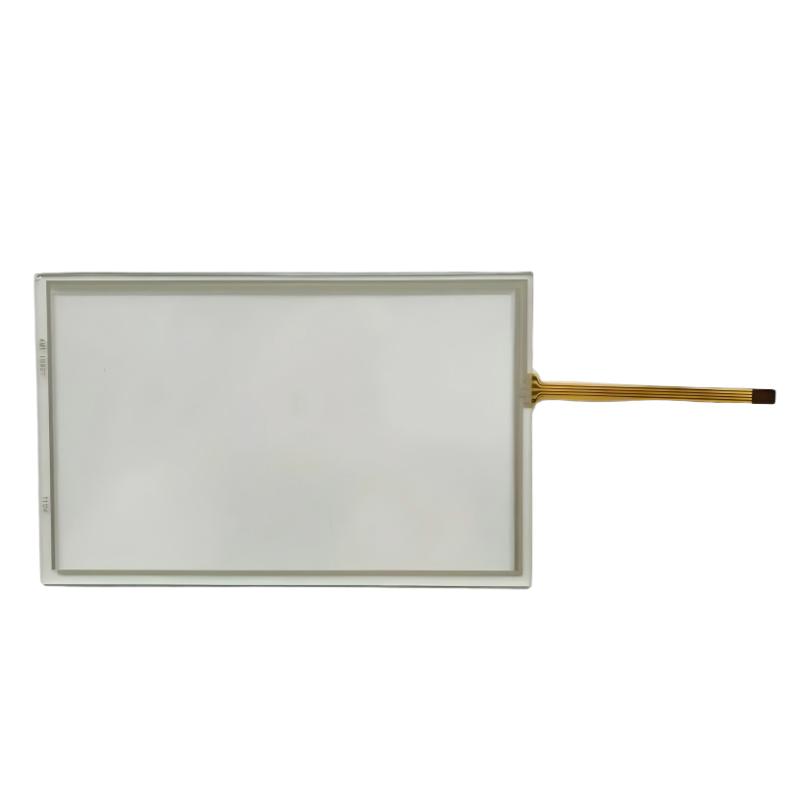
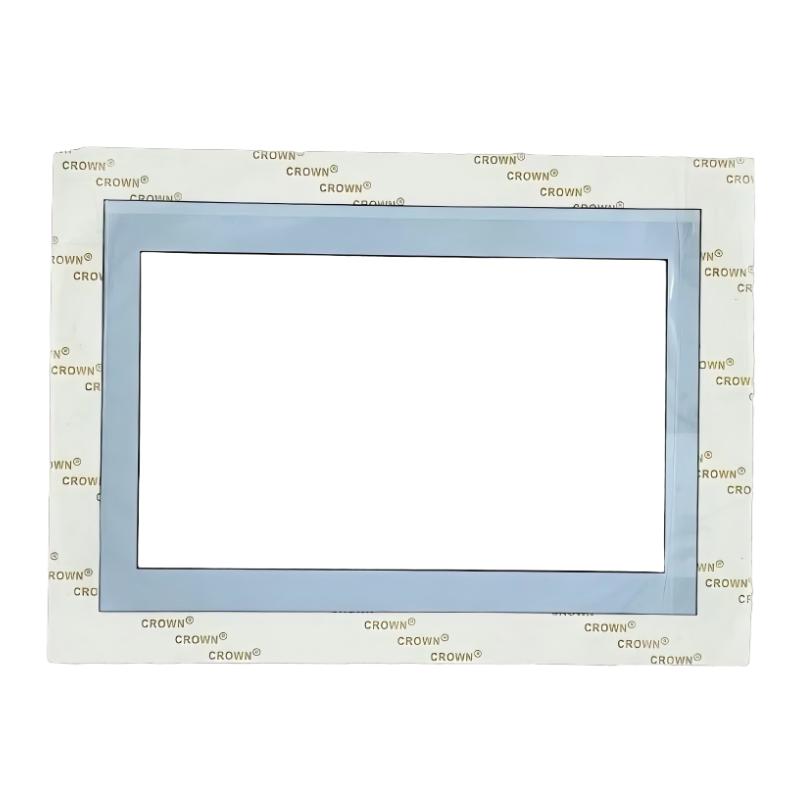
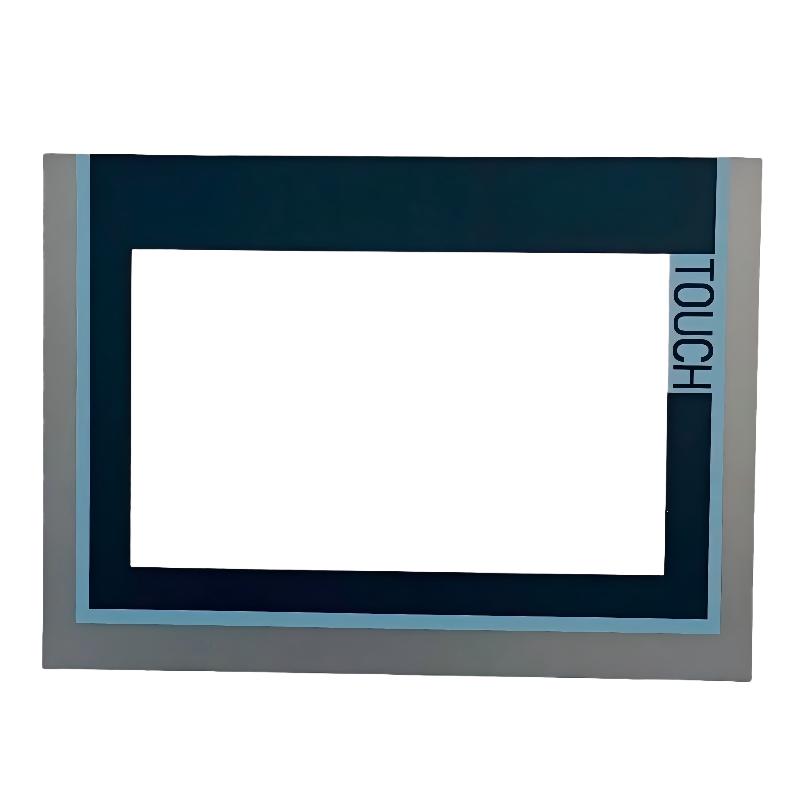
- Siemens
- 6AG1124-0GC13-2AX0
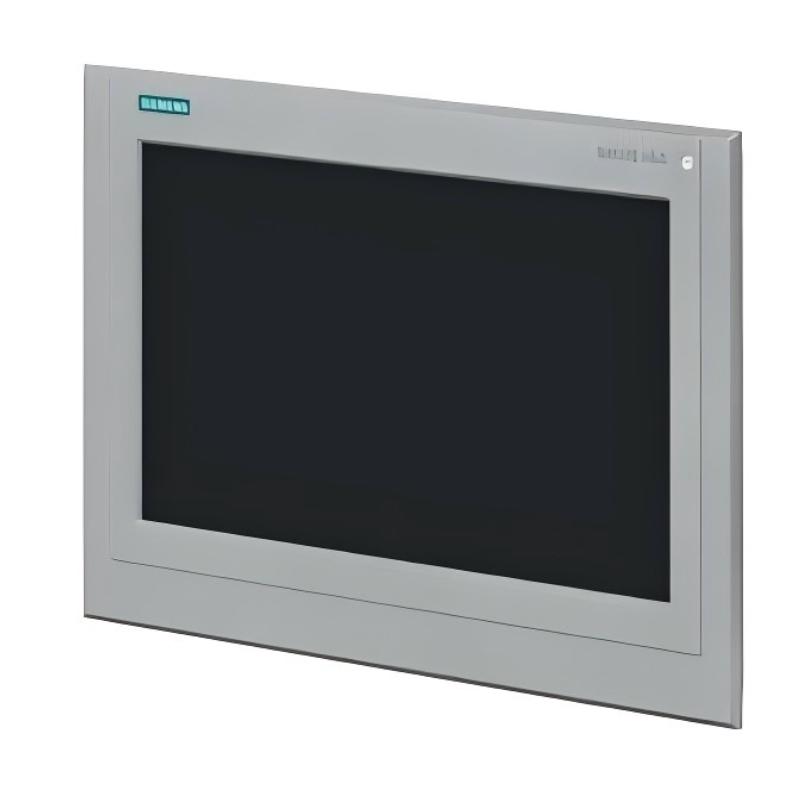
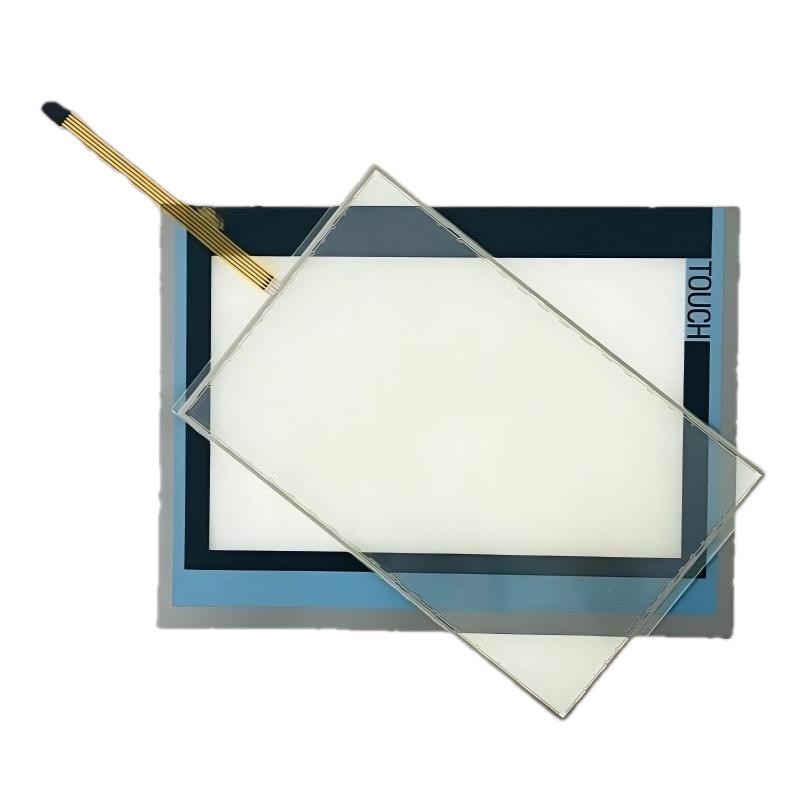
- SIPLUS HMI TP700 Comfort Touch Panel Screen
- Germany
- 214 × 158 × 45 mm
- 1kg
- Xiamen, China
- New & In Stock
- T/T, PayPal, Western Union
- 1 Year
- 1-3 Working Days
- DHL, UPS, TNT, FedEx and EMS.
- 24-Hour Service
- COO
- 4
Our advantage

Global Logistics
We have a 10-year logistics and express cooperation agreement, so our products can be shipped to any place in the world.

Brand new and original
Our products are imported in bulk from the place of origin. Because of the cooperative relationship, our products are all original and 100% new.

24-hour service
We provide 7*24 hours service to our customers. We will be there whenever you need us.

Price advantage
All our products are priced very favorably because we have our own warehouse and supply.
| Company Information | |||
| [email protected] | |||
| Mobile | +8615980777398 | ||
| +8615980777398 | |||
| 15980777398 |
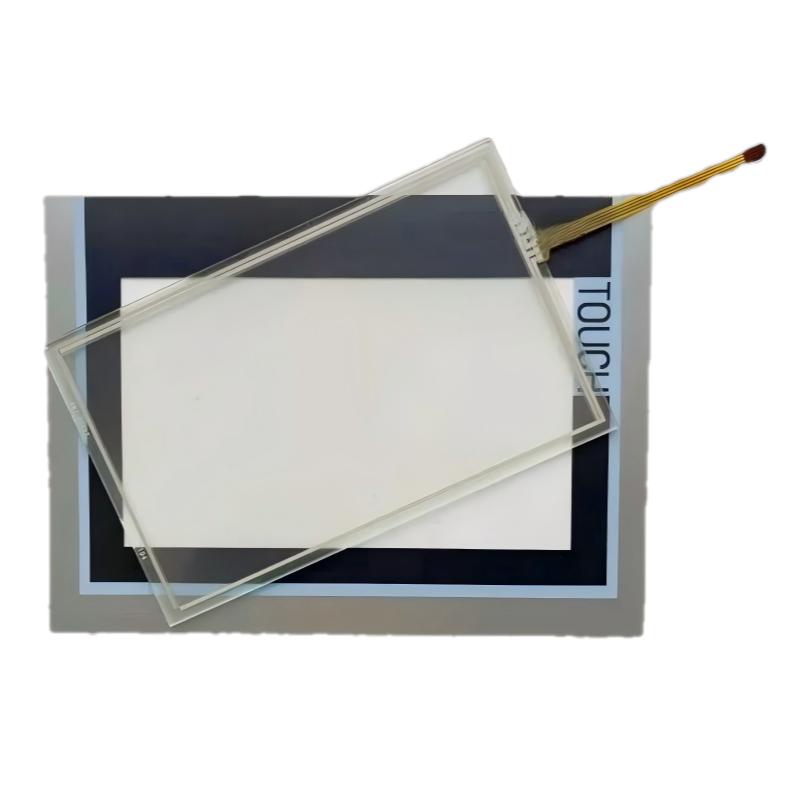
Siemens 6AG1124-0GC13-2AX0 SIPLUS HMI TP700 Comfort — Product Overview, Technical Specifications, Applications and Related Models
1. Product Overview
The Siemens 6AG1124-0GC13-2AX0 SIPLUS HMI TP700 Comfort is an industrial human-machine interface (HMI) designed to provide operators with a clear, convenient way to monitor and control automated equipment. It belongs to the SIPLUS range of industrial products, which are designed for demanding operating environments and may include additional environmental protection compared with standard versions.
The TP700 Comfort platform is intended for applications where operators need to view machine status, monitor process values, acknowledge alarms, adjust operating parameters, and interact with a control system through a graphical touchscreen.
Its 7-inch display provides a practical balance between screen space and installation size. It can be used on machine doors, control cabinets, production equipment, and industrial operator stations where a compact but capable HMI is required.
Important model-identification note: The exact suffix in 6AG1124-0GC13-2AX0 matters. It should not automatically be treated as interchangeable with other TP700 Comfort or SIPLUS TP700 variants. The detailed configuration, environmental rating, interfaces, and dimensions should be confirmed against the nameplate or the technical datasheet for this exact order number. The specifications below distinguish the TP700 Comfort platform characteristics from details that require exact-variant confirmation.
2. Brand and Product Series
| Item | Description |
|---|---|
| Brand | Siemens |
| Product family | SIPLUS |
| Product series | SIPLUS HMI Comfort Panels |
| Product type | Industrial Human-Machine Interface (HMI) |
| Model | 6AG1124-0GC13-2AX0 |
| Platform | TP700 Comfort |
| Display class | 7-inch industrial touchscreen |
| Main purpose | Machine operation, process visualization, alarm handling, and operator interaction |
| Typical installation | Control cabinets, machine panels, and industrial operator stations |
| System integration | Designed for integration with compatible industrial automation systems; confirm interface and software compatibility for the exact variant |
The SIPLUS designation is important when selecting equipment for environments that may place additional demands on electronic components. However, the precise environmental protection and permitted operating conditions depend on the specific product version and must be checked for the complete part number.
3. Detailed Technical Specifications
The 6AG1124-0GC13-2AX0 is the TP700 Comfort Outdoor version, intended for applications where a conventional indoor operator panel may not be suitable. Its principal distinction is its extended operating-temperature capability and conformal coating.
| Parameter | Specification |
|---|---|
| Full model number | 6AG1124-0GC13-2AX0 |
| Product designation | SIPLUS HMI TP700 Comfort Outdoor |
| Base model | 6AV2124-0GC13-0AX0 |
| Product series | SIPLUS Comfort Panels Outdoor |
| Device type | Industrial HMI touchscreen panel |
| Display technology | Widescreen TFT |
| Display size | 7 inches |
| Display resolution | 800 × 480 pixels |
| Display colors | 16.7 million |
| Operation | Touchscreen |
| Rated supply voltage | 24 V DC |
| Permissible supply voltage | 19.2–28.8 V DC |
| Rated current consumption | Approximately 0.7 A |
| Typical active power | Approximately 17 W |
| Operating temperature | -30°C to +60°C |
| Protective treatment | Conformal coating |
| Front protection rating | IP66 |
| Rear protection rating | IP20 |
| Industrial Ethernet interfaces | 2 |
| PROFINET | Supported |
| RS-422 interface | 1 |
| RS-485 interface | 1 |
| USB interfaces | 2 USB 2.0 interfaces |
| User configuration memory | 12 MB |
| Maximum online languages | Up to 32 |
| Password levels | Up to 50 |
| Operating system | Windows CE 6.0 |
| Configuration software | WinCC Comfort V13 SP1 or later compatible configuration environment, with the required hardware support |
| Front enclosure material | Aluminum, coated finish |
| Front width | 214 mm |
| Front height | 158 mm |
| Mounting cutout width | Approximately 197 mm |
| Mounting cutout height | Approximately 141 mm |
| Overall depth | Approximately 67 mm |
| Net weight | Approximately 1.5 kg in technical data; some commercial listings specify approximately 1.917 kg |
| Packaged weight | Approximately 1.7 kg in technical data; packaging and listing conventions may vary |
Installation note: The exact panel cutout, mounting depth, and actual supplied weight should be confirmed against the drawing and documentation for the unit being purchased. For cabinet design, use the product’s installation drawing rather than relying only on the nominal front dimensions.
4. Product Introduction
The TP700 Comfort Outdoor is designed to serve as the operator’s main point of contact with a machine or automated process. Instead of relying on separate switches, indicator lamps, and basic numeric displays, a machine builder can use the HMI to present operating information on a single graphical screen.
The 7-inch widescreen display can accommodate machine status indicators, process values, alarm messages, equipment diagrams, and control buttons. This helps operators understand the current condition of a system without having to interpret multiple independent devices.
Its touchscreen operation also makes it possible to build application-specific screens. For example, one page can show the overall production line, another can display motor or temperature values, and a separate page can provide maintenance information or alarm history.
The outdoor-oriented design is a major part of this model’s appeal. Its specified operating range of -30°C to +60°C and conformal coating make it suitable for installations that experience wider temperature variations or environmental conditions beyond those normally expected in a controlled indoor electrical cabinet. The actual suitability still depends on humidity, condensation, UV exposure, installation method, and the complete equipment enclosure.
The unit supports industrial communication through Ethernet-based interfaces and serial communication. This allows it to be incorporated into suitable control architectures, subject to the controller, protocol, configuration software, and firmware compatibility of the particular project.
5. Main Applications
5.1 Outdoor industrial machinery
The extended temperature range makes this model a candidate for outdoor machinery and equipment installed in areas where ambient temperatures fluctuate significantly.
Typical examples include outdoor material-handling equipment, machine stations near open production areas, and industrial systems installed in partially exposed locations. The HMI should still be mounted in accordance with its environmental limits and the overall enclosure design.
5.2 Manufacturing and production lines
In manufacturing facilities, the panel can display machine status, production counts, cycle information, operating modes, and fault messages.
Operators can use the touchscreen to select permitted operating functions, acknowledge alarms, and enter process values. This helps centralize routine machine interaction and can make production procedures easier to follow.
5.3 Packaging and processing equipment
Packaging machines and processing systems often require several operating screens, including setup pages, production status, fault diagnostics, and recipe-related information.
A configurable Comfort Panel can bring these functions together in one interface. The exact functions available depend on the application software and the connected automation system.
5.4 Pumping, water, and utility systems
The HMI can be used to present pump status, operating values, alarm conditions, and equipment availability in suitable utility installations.
For example, an operator may need to see which pump is running, whether a fault is active, or whether a measured value has exceeded a configured limit. The panel displays the information supplied by the control system; it does not replace the sensors, PLC logic, or independent safety devices.
5.5 Energy and infrastructure equipment
The panel may also be integrated into selected energy, building infrastructure, and industrial utility applications where local operator interaction is required.
Its suitability for any specific outdoor installation must be assessed against the environmental conditions, electrical design, communication requirements, and applicable industry standards.
5.6 Maintenance and troubleshooting stations
Maintenance personnel can use an HMI to review alarms, inspect operating states, enter authorized parameters, and follow diagnostic screens created for the machine.
Clear fault messages and organized screen layouts can shorten troubleshooting time, particularly when the machine builder has designed the project to provide useful diagnostic information.
6. Product Advantages
6.1 Extended operating-temperature range
The specified range of -30°C to +60°C is a key advantage over many standard indoor operator panels. It gives equipment designers more flexibility when selecting an HMI for installations exposed to colder or hotter ambient conditions.
This does not mean that every installation is automatically suitable for outdoor use. Direct sunlight, condensation, enclosure heating, and local weather conditions must also be considered.
6.2 Conformal coating for demanding environments
Conformal coating provides an additional protective layer over relevant electronic components. This can improve resistance to certain environmental stresses compared with an otherwise similar product without that treatment.
It should not be interpreted as complete protection against immersion, unrestricted chemical exposure, or every form of corrosion. The actual environmental limits remain those specified for the product.
6.3 Compact 7-inch display
The 7-inch format is a practical choice for machines where cabinet space is limited but operators still need a graphical interface.
It can present more information than a simple text display while avoiding the larger mounting footprint of a 12-inch or 15-inch panel.
6.4 High color capability
Support for 16.7 million colors allows the application designer to use clear visual distinctions between normal operation, warnings, alarms, and different machine states.
Color alone should not be the only way to communicate a critical condition. Good interface design also uses text, symbols, and consistent screen layouts.
6.5 Flexible communication options
The Ethernet and serial interfaces provide options for connecting the HMI to compatible automation equipment and communication networks.
This is useful when a project combines modern Ethernet-based controllers with existing equipment that uses serial communication. Compatibility must be checked for each protocol and controller configuration.
6.6 Configurable operator interface
The Comfort Panel platform supports application-specific screens rather than restricting the operator to a fixed set of built-in functions.
Machine builders can organize pages around actual workflows, such as startup, production, cleaning, maintenance, alarm handling, and setup. A well-designed project can make daily operation more straightforward.
6.7 Integration with industrial automation systems
The panel is intended to work as part of a larger automation system. It can provide the visual interface while a PLC or other controller handles the underlying control logic.
This division of responsibility helps keep operator interaction separate from the control functions that determine how the machine operates.
6.8 Potentially lower integration complexity
Using a panel that fits the existing automation architecture may reduce the amount of custom interface development required.
However, the benefit depends on the PLC, communication protocols, software versions, and the availability of the original project. Replacing an existing HMI is not always a direct plug-and-play task.
7. Product Series: SIPLUS Comfort Panels Outdoor
The 6AG1124-0GC13-2AX0 belongs to the SIPLUS Comfort Panels Outdoor series. This series is intended for applications that need operator-interface functions together with environmental characteristics designed for more demanding installations.
Different screen sizes in the same general family allow engineers to choose a panel according to the amount of information displayed, the available cabinet space, and the complexity of the operator workflow.
The 7-inch TP700 is well suited to compact machine stations. Larger models may be more appropriate when the interface needs to display several process sections, more detailed diagrams, or extensive diagnostic information at once.
When selecting a replacement, do not compare models only by screen size. Check the complete order number, environmental rating, communication interfaces, configuration software, mounting dimensions, and project compatibility.
8. Five Related Models in the Same or a Closely Related Series
The following models are useful starting points when comparing the TP700 Outdoor with larger outdoor panels or other Comfort Panel configurations. Dimensions and weights are provided as indicative selection data where the exact variant may differ; confirm them before mechanical design or ordering.
| Model | Product description | Display / key characteristics | Operating temperature | Approx. dimensions (W × H × D) | Approx. weight (kg) |
|---|---|---|---|---|---|
| 6AG1124-0GC13-2AX0 | TP700 Comfort Outdoor | 7-inch TFT, 800 × 480, touchscreen | -30°C to +60°C | 214 × 158 × 67 mm | 1.5–1.917 |
| 6AG1124-0JC13-2AX0 | TP900 Comfort Outdoor | Larger Comfort touchscreen class; confirm exact display resolution and interfaces | Confirm exact variant | Approx. 267 × 182 × 67 mm | Approx. 2.3; verify |
| 6AG1124-0MC13-2AX0 | TP1200 Comfort Outdoor | 12-inch class, larger operator workspace | Confirm exact variant | Approx. 330 × 245 × 67 mm | Approx. 3.3; verify |
| 6AG1124-0QC13-2AX0 | TP1500 Comfort Outdoor | 15-inch class for more complex visualizations | Confirm exact variant | Approx. 396 × 286 × 67 mm | Approx. 4.5; verify |
| 6AG1124-0UC13-2AX0 | TP1900 Comfort Outdoor | Large-format panel for extensive process displays | Confirm exact variant | Approx. 483 × 337 × 67 mm | Approx. 6.2; verify |
The larger models can offer more screen space for process overviews, alarm lists, and diagnostic pages. They also require larger cutouts and more installation space, so they are not automatically better choices for every machine.
The dimensions and weights marked approximate are planning estimates, not guaranteed specifications for each complete order number. Confirm the exact model suffix and current mechanical drawing before using these figures in a bill of materials or cabinet layout.
9. Five Other Popular Models from the Same Brand
The following models are common comparison candidates in industrial automation. They are not all HMIs: the selection includes operator panels, PLCs, and a variable-frequency drive to show how a broader automation system may be assembled.
| Model | Product name | Main function | Key technical characteristics | Approx. dimensions (W × H × D) | Approx. weight (kg) |
|---|---|---|---|---|---|
| 6AV2123-2GB03-0AX0 | KTP700 Basic PN | Basic HMI | 7-inch class, touchscreen with function keys, PROFINET | Approx. 214 × 158 × 45 mm; verify drawing | Approx. 1.0; verify |
| 6AV2124-0GC01-0AX0 | TP700 Comfort | Comfort HMI | 7-inch TFT, 800 × 480, touchscreen, industrial communication interfaces | Approx. 214 × 158 × 63 mm | Approx. 1.4; verify exact version |
| 6ES7214-1AG40-0XB0 | SIMATIC S7-1200 CPU 1214C | PLC | Compact controller for machine automation; exact I/O and communication depend on CPU variant | Approx. 110 × 100 × 75 mm; verify drawing | Approx. 0.4; verify |
| 6ES7511-1AK02-0AB0 | SIMATIC S7-1500 CPU 1511-1 PN | PLC | Controller for more advanced automation tasks; PROFINET communication | Approx. 35 × 147 × 129 mm; verify drawing | Approx. 0.7; verify |
| 6SL3210-1KE22-6AF1 | SINAMICS G120C | Variable-frequency drive | Motor-speed control; electrical ratings depend on the exact drive variant | Model- and power-dependent; verify drawing | Model- and power-dependent; verify |
These models serve different roles:
– KTP700 Basic PN: A simpler operator-panel option for applications that do not require all the functions of the Comfort platform.
– TP700 Comfort: A related HMI platform for applications where the standard environmental range is sufficient.
– S7-1200 CPU 1214C: A compact PLC suitable for many machine-control tasks.
– S7-1500 CPU 1511-1 PN: A controller option for projects requiring a different level of processing, system architecture, or automation integration.
– SINAMICS G120C: A motor-drive option that can control motor speed as part of a compatible automation system.
Model verification is particularly important for this table. The listed codes identify specific hardware variants, and their dimensions, mass, communication options, and electrical ratings should be confirmed against the exact device documentation. Drive dimensions and weight, in particular, vary with power rating and hardware configuration.
10. How to Choose the Right Model
When deciding whether the 6AG1124-0GC13-2AX0 is the right HMI, consider the following points.
Environmental conditions: If the panel will operate in cold or hot ambient conditions, compare the actual operating range and protective features of each candidate. Do not assume that a standard Comfort Panel has the same environmental limits as its SIPLUS Outdoor counterpart.
Display size: The TP700’s 7-inch display is suitable for compact operator stations. A larger panel may be worthwhile if the application needs extensive process diagrams, multiple simultaneous value displays, or detailed diagnostics.
Communication compatibility: Confirm that the HMI can communicate with the existing PLC using the required protocol and physical interface. A similar-looking panel may use a different interface configuration or require a different project setup.
Software and project compatibility: Verify the required engineering software version, hardware support package, and availability of the original HMI project. Older panel generations may not be directly interchangeable with newer hardware.
Mechanical fit: Confirm the cutout, mounting depth, clearance behind the panel, cable routing, and enclosure sealing. The front dimensions alone are not enough to guarantee a successful replacement.
Spare-parts planning: If this unit is intended to replace an existing panel, compare the full order number and hardware revision. Also confirm whether the replacement requires project conversion, a new configuration download, or changes to communications settings.
11. Summary
The 6AG1124-0GC13-2AX0 SIPLUS HMI TP700 Comfort Outdoor is a 7-inch industrial touchscreen panel intended for operator control and monitoring in applications that require a wider operating-temperature range and additional environmental protection.
Its key characteristics include a 7-inch, 800 × 480 TFT display, 24 V DC supply, Ethernet-based industrial communication, serial interfaces, 12 MB of user configuration memory, and a specified operating range of -30°C to +60°C.
Its compact format makes it suitable for many machine-level operator stations, while the Comfort Panel platform provides the flexibility to build application-specific operating screens, alarms, and diagnostics.
The main point to remember is that the exact order number determines the real hardware configuration. Before purchasing or designing a replacement, verify the environmental ratings, interfaces, mounting dimensions, weight, software compatibility, and mechanical drawing for the exact version being supplied.