

ProductPRODUCT
Featured products
Contact Us
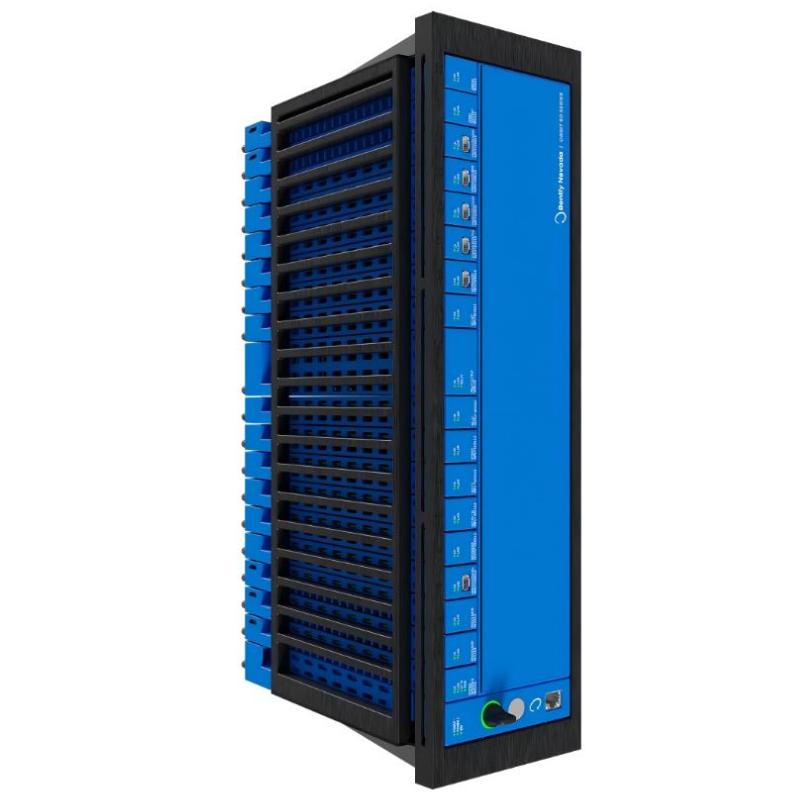
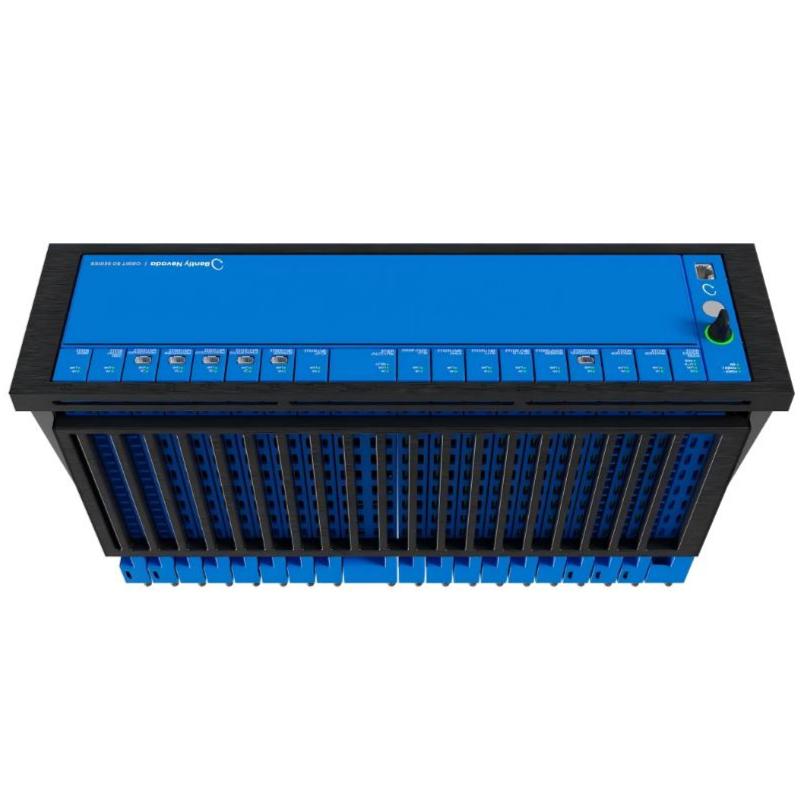
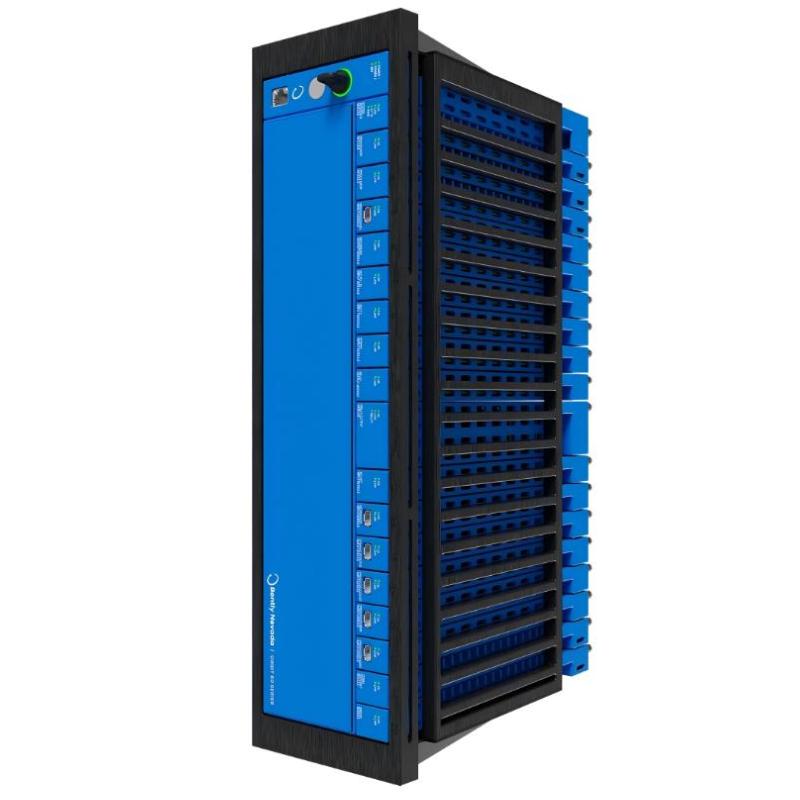
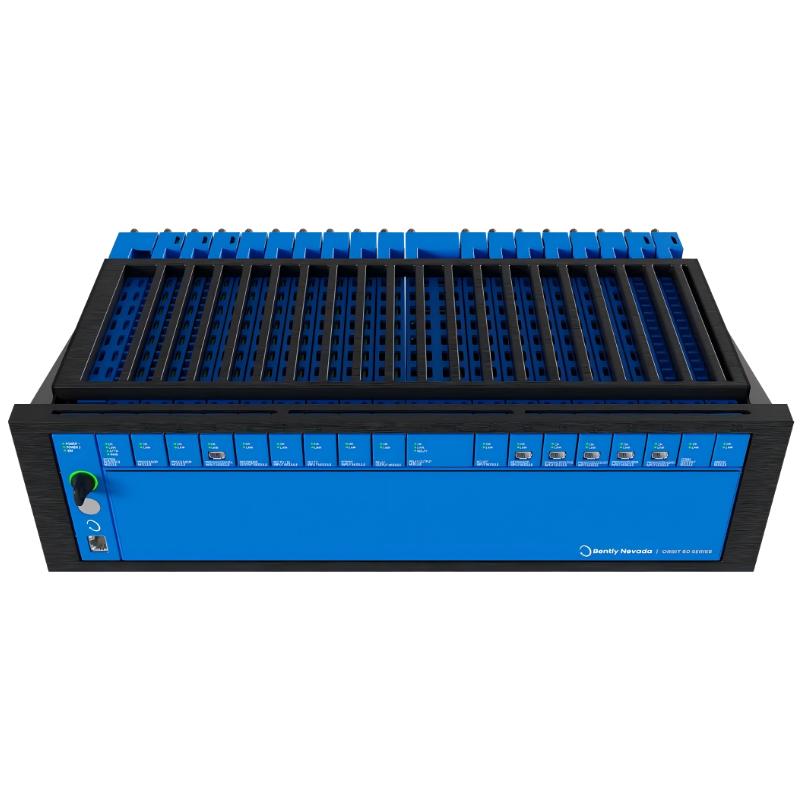
- Bently Nevada
- 60X/CFG
- Orbit Studio Configuration
- USA
- 120 × 30 × 100 mm
- 0.3 kg
- Xiamen, China
- New & In Stock
- T/T, PayPal, Western Union
- 1 Year
- 1-3 Working Days
- DHL, UPS, TNT, FedEx and EMS.
- 24-Hour Service
- COO
- 65
Our advantage

Global Logistics
We have a 10-year logistics and express cooperation agreement, so our products can be shipped to any place in the world.

Brand new and original
Our products are imported in bulk from the place of origin. Because of the cooperative relationship, our products are all original and 100% new.

24-hour service
We provide 7*24 hours service to our customers. We will be there whenever you need us.

Price advantage
All our products are priced very favorably because we have our own warehouse and supply.
| Company Information | |||
| [email protected] | |||
| Mobile | +8615980777398 | ||
| +8615980777398 | |||
| 15980777398 |
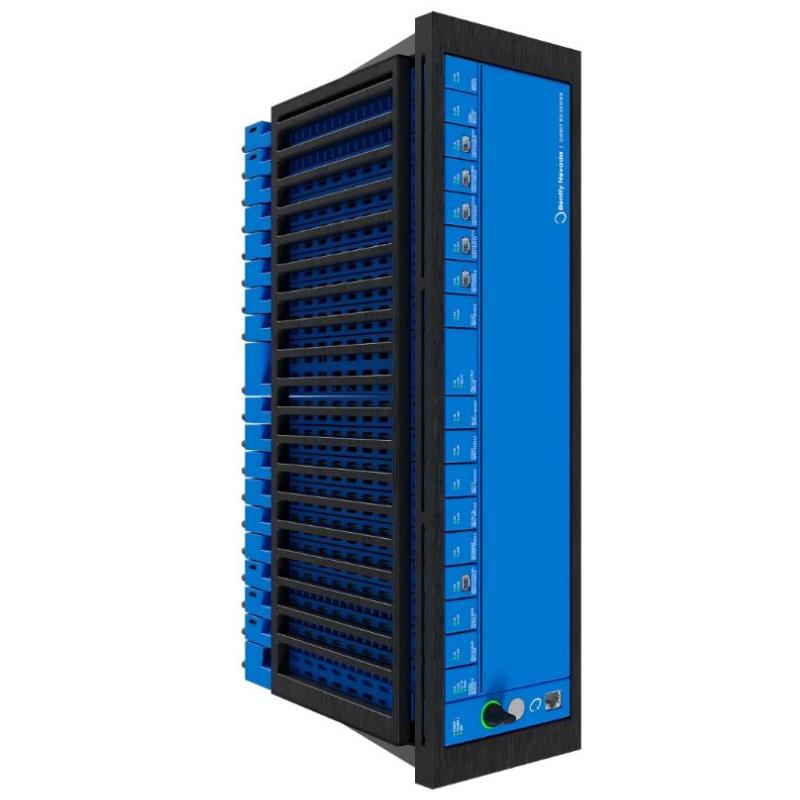
Product Overview
The Bently Nevada 60X/CFG is Orbit Studio Configuration Software for the Orbit 60 Series. It is used to configure, manage, and maintain Orbit 60 machinery monitoring systems from an engineering or maintenance workstation.
The software provides the configuration environment needed to define monitoring hardware, sensor channels, measurement parameters, alarm settings, and system-level operating requirements. Rather than processing the physical sensor signal itself, Orbit Studio works with the installed Orbit 60 hardware and provides the engineering interface used to establish how the monitoring system operates.
For commissioning, modification, or troubleshooting, the configuration software gives maintenance personnel access to system parameters without requiring changes directly at individual hardware modules.
Technical Specifications
| Parameter | Specification |
|---|---|
| Product Type | Orbit 60 Series Orbit Studio Configuration Software |
| Model | 60X/CFG |
| Software Platform | Orbit Studio |
| System | Orbit 60 Series |
| Function | System configuration and engineering |
| Application | Machinery monitoring system configuration |
| Dimensions | 120 × 30 × 100 mm |
| Weight | 0.3 kg |
Product Features
- Configuration software for the Bently Nevada Orbit 60 Series.
- Provides an engineering interface for Orbit 60 system setup.
- Supports configuration of monitoring-system parameters.
- Used during commissioning, maintenance, and system modification.
- Helps manage sensor and measurement-channel configuration.
- Supports adjustment of monitoring and alarm-related settings.
- Provides a software interface between engineering personnel and Orbit 60 hardware.
Working Principle
Orbit Studio operates as the configuration layer between the engineering workstation and the Orbit 60 monitoring hardware. The engineer connects to the appropriate Orbit 60 system and uses the software to view or modify supported configuration parameters.
A typical configuration path is:
Engineering Workstation → Orbit Studio → Orbit 60 Communication Interface → Monitoring Modules → Sensors
The software does not replace the monitoring hardware. Instead, it sends configuration information to the Orbit 60 system, where the installed modules perform the actual sensor acquisition, signal processing, monitoring, and protection functions.
Configuration changes should be reviewed carefully because parameters such as sensor type, channel setup, alarm thresholds, and measurement settings can directly affect the behavior of the monitoring system.
Role in an Orbit 60 Machinery Monitoring Architecture
The 60X/CFG software occupies the engineering and configuration layer of the Orbit 60 architecture. It allows personnel to work with the installed monitoring hardware without treating each measurement module as an isolated device.
| System Element | Function |
|---|---|
| Orbit Studio | Provides system configuration and engineering functions |
| Engineering Workstation | Hosts the configuration software |
| Orbit 60 Communication Interface | Provides the connection between software and monitoring hardware |
| Orbit 60 Monitoring Modules | Acquire and process machinery-monitoring signals |
| Sensors | Measure vibration, position, speed, and other machine parameters |
| Plant Control / Monitoring System | Receives selected monitoring information |
During commissioning, Orbit Studio can be used to establish the required hardware and channel configuration. During maintenance, it can also be used to review existing settings and diagnose configuration-related problems.
Industrial Applications
| Application | Typical Use |
|---|---|
| Turbomachinery Monitoring | Configuration of monitoring channels and system parameters |
| Compressor Monitoring | Setup and maintenance of Orbit 60 monitoring systems |
| Steam Turbines | Engineering of vibration and machinery-condition monitoring |
| Gas Turbines | Configuration of machinery monitoring parameters |
| Pumps and Rotating Equipment | Sensor-channel and alarm configuration |
| Industrial Condition Monitoring | System setup and maintenance |
| Commissioning Projects | Initial Orbit 60 hardware and measurement configuration |
Installation and Maintenance
- Verify Software Compatibility — Confirm that the Orbit Studio version is appropriate for the installed Orbit 60 hardware and system configuration.
- Prepare the Engineering Workstation — Ensure that the workstation meets the required software, communication, and operating-environment conditions.
- Verify Communication Access — Confirm that the workstation can communicate with the target Orbit 60 system before attempting configuration changes.
- Record Existing Parameters — Back up or document the current configuration before making significant changes.
- Check Hardware Configuration — Confirm that the software configuration matches the installed Orbit 60 modules and sensor channels.
- Verify Sensor Definitions — Make sure sensor types and measurement channels correspond to the actual field installation.
- Review Measurement Settings — Check measurement ranges, units, filtering, and other applicable channel parameters before commissioning.
- Review Alarm Parameters — Confirm alarm thresholds and related settings against the approved machinery-monitoring configuration.
- Apply Configuration Carefully — Make changes in a controlled maintenance condition and verify each major change after downloading it to the system.
- Check System Diagnostics — Review communication and hardware status after configuration changes.
- Validate Measurement Data — Confirm that live measurement values are consistent with the installed sensors and current machine condition.
- Maintain Configuration Records — Keep a current copy of the approved system configuration for future troubleshooting and maintenance.
If an Orbit 60 system behaves unexpectedly after a configuration change, compare the current settings with the previously validated configuration. A parameter mismatch can produce abnormal measurements or alarms without indicating a hardware failure.
Related Components
| Component | Function |
|---|---|
| Orbit 60 Monitoring Modules | Acquire and process machinery-monitoring signals |
| Orbit 60 System Interface Module | Provides system-level interface and communication functions |
| Proximity Probes | Measure shaft position and vibration-related parameters |
| Vibration Sensors | Provide machinery condition measurements |
| Engineering Workstation | Runs Orbit Studio and supports system configuration |
| Plant Monitoring System | Uses selected machinery-monitoring information |
Recommended Related Models
| Model / Product Family | Product Type | Typical Application |
|---|---|---|
| Bently Nevada 60X/CFG | Orbit Studio Configuration Software | Orbit 60 system configuration |
| Bently Nevada Orbit 60 | Machinery Monitoring Platform | Machinery condition monitoring |
| Bently Nevada 60R Series | Orbit 60 System Modules | Monitoring and system interface functions |
| Bently Nevada 3500 Series | Machinery Protection System | Rotating-equipment protection and monitoring |
| Bently Nevada System 1 | Asset Condition Monitoring Software | Machinery data analysis and condition monitoring |
Key Advantages
- Dedicated engineering interface for Orbit 60 systems.
- Supports configuration of monitoring-system parameters.
- Useful for commissioning and maintenance activities.
- Provides centralized access to supported hardware configuration.
- Helps maintain consistent sensor and channel settings.
- Supports configuration-based troubleshooting.
Technical FAQs
What is Bently Nevada 60X/CFG used for?
The 60X/CFG is Orbit Studio Configuration Software for the Orbit 60 Series. It provides the engineering interface used to configure and maintain compatible Orbit 60 monitoring hardware.
Does Orbit Studio perform the actual machinery measurement?
No. The installed Orbit 60 monitoring modules and connected sensors perform signal acquisition and monitoring functions. Orbit Studio provides the configuration and engineering interface for those hardware components.
What parameters can be managed through Orbit Studio?
The available parameters depend on the installed Orbit 60 hardware and software configuration. They can include hardware setup, sensor channels, measurement parameters, and monitoring or alarm-related settings.
What should be done before changing an existing Orbit 60 configuration?
Record or back up the validated configuration first, then verify the installed hardware and sensor arrangement. After changes are applied, check communication status and confirm that measurement values and alarm behavior remain consistent with the intended system configuration.