

ProductPRODUCT
Featured products
Contact Us
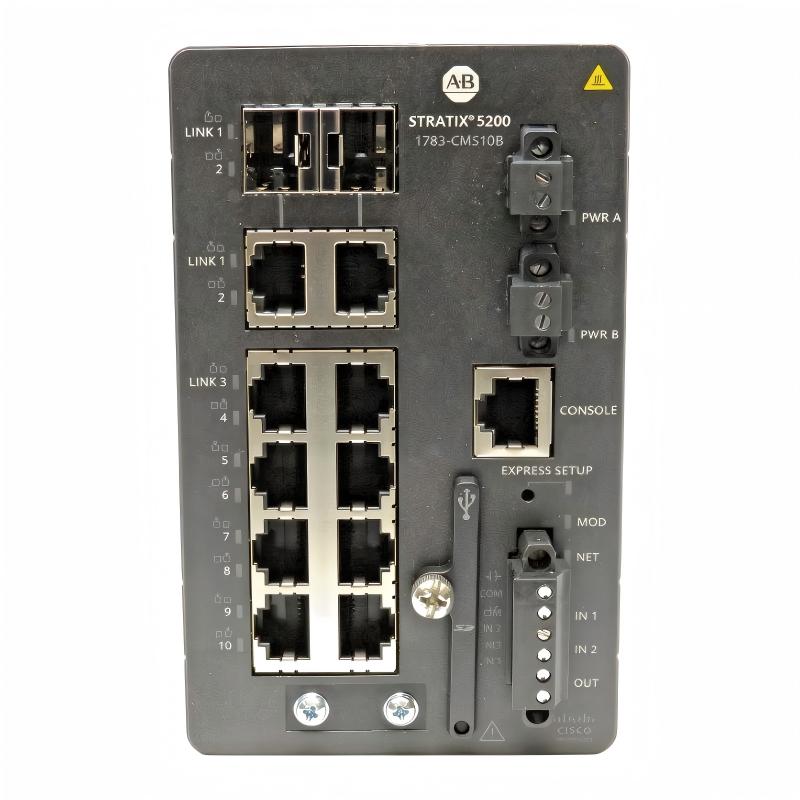
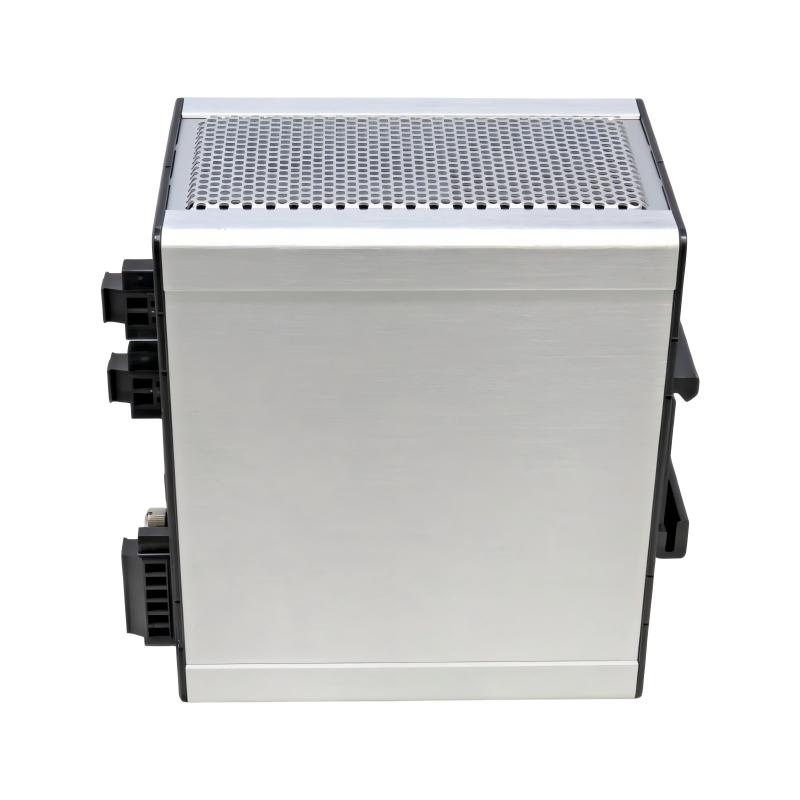
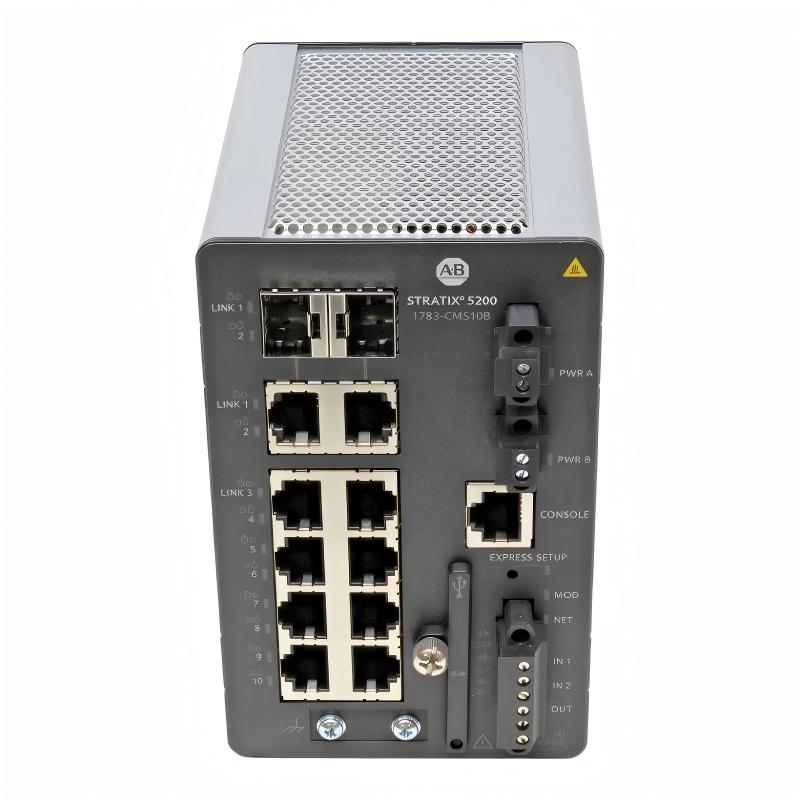
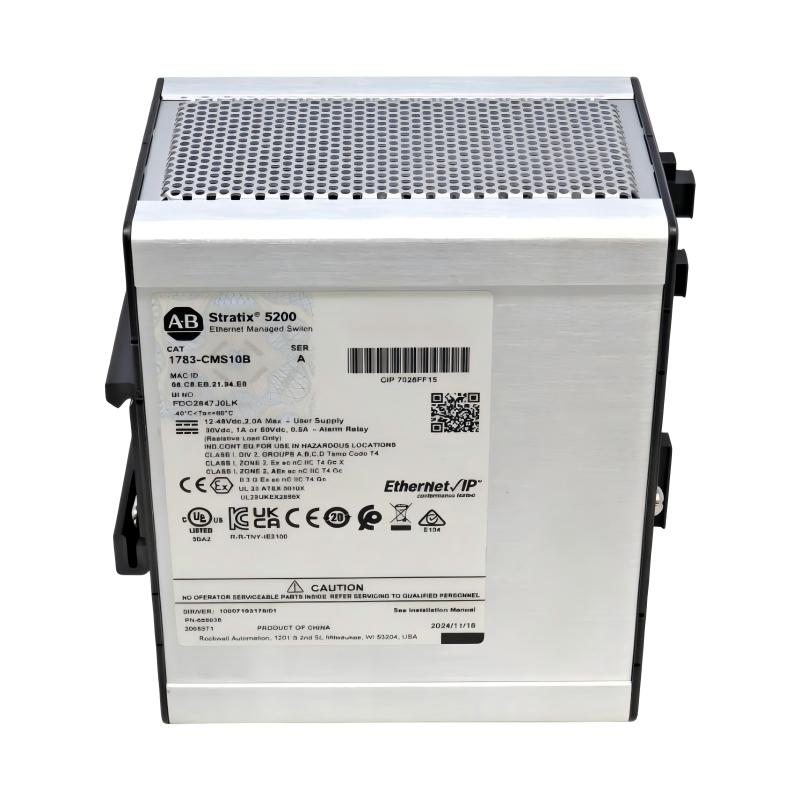
- Allen Bradley
- 1783-CMS10B
- Stratix 5200 Ethernet Managed Switch
- USA
- 127 x 76.2 x 110 mm
- 0.86 kg
- Xiamen, China
- New & In Stock
- T/T, PayPal, Western Union
- 1 Year
- 1-3 Working Days
- DHL, UPS, TNT, FedEx and EMS.
- 24-Hour Service
- COO
- 6
Our advantage

Global Logistics
We have a 10-year logistics and express cooperation agreement, so our products can be shipped to any place in the world.

Brand new and original
Our products are imported in bulk from the place of origin. Because of the cooperative relationship, our products are all original and 100% new.

24-hour service
We provide 7*24 hours service to our customers. We will be there whenever you need us.

Price advantage
All our products are priced very favorably because we have our own warehouse and supply.
| Company Information | |||
| [email protected] | |||
| Mobile | +8615980777398 | ||
| +8615980777398 | |||
| 15980777398 |
Product Overview
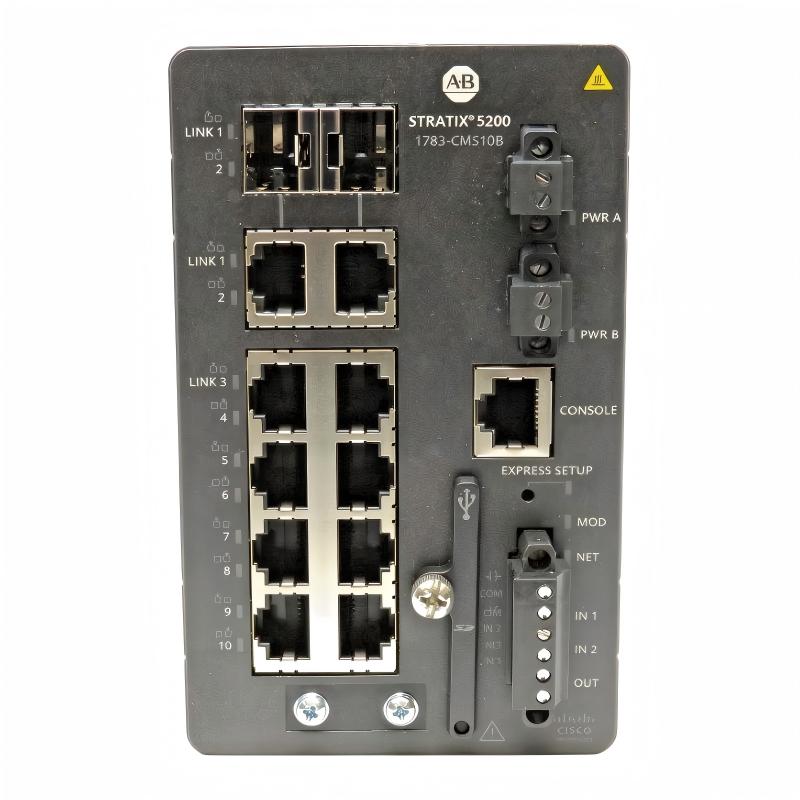
The Allen-Bradley 1783-CMS10B is a 10-port managed industrial Ethernet switch from the Stratix 5200 family. Designed for industrial automation networks, it provides reliable Ethernet connectivity between PLCs, industrial computers, operator interfaces, drives, remote I/O systems, and other network-enabled devices.
The switch features eight 10/100 Mbps copper Ethernet ports and two combination ports supporting 10/100/1000 Mbps connectivity. Its combination-port design provides flexibility for copper or fiber network connections, depending on the selected interface and compatible accessories.
The 1783-CMS10B is supplied with base firmware. It is important to distinguish this version from other Stratix 5200 models with full or advanced firmware, as networking functions and supported protocols can differ between catalog numbers.
With DIN-rail mounting, a 12–48V DC power input, and an operating temperature range of -40°C to +60°C, the switch is intended for installation in industrial control cabinets and automation environments.
Technical Specifications
| Parameter | Specification |
|---|---|
| Brand | Allen-Bradley |
| Model | 1783-CMS10B |
| Product Family | Stratix 5200 |
| Product Type | Managed Industrial Ethernet Switch |
| Total Ethernet Ports | 10 |
| Copper Ethernet Ports | 8 × 10/100 Mbps |
| Combination Ports | 2 × 10/100/1000 Mbps |
| Firmware Type | Base Firmware |
| Network Management | Managed |
| Routing Capability | No |
| Power over Ethernet (PoE) | Not supported |
| Nominal Input Voltage | 12–48V DC |
| Maximum Input Current | 2.0A |
| Maximum Power Consumption | 17.7W |
| Maximum Inrush Current | 10A for 7ms with 12V input; 6A for 6ms with 24V input |
| Alarm Relay Rating | 30V DC, 1.0A; 60V DC, 0.5A |
| Console Interface | RJ45 |
| Additional Interface | USB |
| Mounting Method | DIN Rail |
| Environmental Rating | IP30 |
| Operating Temperature | -40°C to +60°C |
| Dimensions | 127 × 76.2 × 110 mm |
| Weight | 0.86 kg |
Dimensions and weight are provided for the 1783-CMS10B switch. Confirm the required mounting accessories and connector clearances when planning cabinet installation.
Network Architecture and Operating Functions
The 1783-CMS10B serves as a managed Ethernet connection point within an industrial automation network. It allows multiple devices to communicate over a shared network infrastructure while providing network management capabilities beyond those of an unmanaged switch.
1. Ten-port Ethernet connectivity
The switch provides eight copper Ethernet ports for connecting local industrial devices. Two additional combination ports support 10/100/1000 Mbps connections and offer additional flexibility when designing network links.
2. Industrial device communication
The switch can connect compatible PLC controllers, HMIs, industrial computers, drives, and Ethernet-enabled I/O equipment. This helps establish communication paths between control devices and supervisory systems.
3. Managed network configuration
As a managed switch, the 1783-CMS10B supports network configuration and monitoring functions appropriate to its base firmware. These capabilities help maintenance personnel manage connected devices and investigate network communication problems.
4. Combination-port flexibility
The two combination ports provide options for copper or fiber connectivity. This can be useful when connecting equipment within a control cabinet or establishing a link to another network location.
5. Industrial power and installation
The 12–48V DC power input supports common industrial control power arrangements. DIN-rail mounting also makes the switch suitable for installation alongside other automation components.
Industrial Applications
The Allen-Bradley 1783-CMS10B is suitable for industrial Ethernet networks that require managed connectivity and multiple communication ports.
Factory Automation
Production lines often contain PLCs, HMIs, drives, and remote I/O devices that exchange information continuously. The switch provides Ethernet connections for these components, helping organize communication within a production network.
PLC and HMI Communication
The switch can connect compatible Allen-Bradley controllers with operator terminals and industrial computers. This supports data exchange between control equipment and operator interfaces.
Industrial Drive Networks
Ethernet-enabled drives can be connected to the automation network for control-related communication, configuration, and monitoring. Network design should account for traffic requirements and the communication features supported by each device.
Process Automation
In process facilities, the switch can connect control equipment, operator stations, and other Ethernet-enabled devices. Its industrial temperature range makes it suitable for appropriately designed installations in demanding operating environments.
Machine and Equipment Networking
Individual machines frequently contain several networked components. The 1783-CMS10B can provide a managed network connection point for equipment such as packaging machines, material handling systems, and automated assembly stations.
Installation and System Integration
Correct installation is important for maintaining stable communication and protecting the switch from electrical and environmental problems.
Mounting and positioning
The 1783-CMS10B is designed for DIN-rail installation. Leave sufficient clearance around the switch for ventilation, cable routing, and maintenance access. Avoid placing it near equipment that produces excessive heat or electrical interference.
Power connection
The switch requires a 12–48V DC supply. Confirm that the supply voltage is within the specified range and that the power source can provide sufficient current for the connected installation.
Ethernet cabling
Use suitable industrial Ethernet cables and connectors. Check cable condition, connector seating, and cable routing, particularly in areas containing motors, variable-frequency drives, and other sources of electrical interference.
Combination-port configuration
Select compatible copper or fiber connections for the two combination ports according to the network design. Confirm the supported transceiver and cable specifications before connecting fiber equipment.
Network configuration
Configure the switch according to the site’s network addressing, topology, and security requirements. Because the 1783-CMS10B uses base firmware, engineers should verify that its supported functions meet the application requirements rather than assuming it has every feature available on full- or advanced-firmware Stratix 5200 models.
Troubleshooting and Maintenance
Regular inspection can help identify network problems before they interrupt production.
| Problem | Possible Cause | Recommended Action |
|---|---|---|
| Switch does not power on | Incorrect DC supply or loose wiring | Check input voltage and power connections |
| Ethernet link is unavailable | Damaged cable or poor connector contact | Inspect and replace the network cable if necessary |
| Device communication is intermittent | Network congestion or unstable connection | Check traffic conditions and cable quality |
| Combination port does not establish a link | Incompatible transceiver or connection type | Verify port compatibility and interface settings |
| Network device cannot be reached | Incorrect IP configuration or network settings | Review addressing and configuration |
| Switch temperature is unusually high | Poor ventilation or excessive ambient temperature | Improve cabinet ventilation and inspect the installation |
| Multiple devices lose communication | Power interruption or network connection failure | Check the switch power supply and upstream network connections |
Maintenance should include checking power terminals, Ethernet connectors, grounding, cabinet temperature, and the condition of connected cables. Any configuration changes should follow the site’s network management and change-control procedures.
Technical FAQs
1. What is the Allen-Bradley 1783-CMS10B?
It is a 10-port managed industrial Ethernet switch belonging to the Allen-Bradley Stratix 5200 product family.
2. How many Ethernet ports does the 1783-CMS10B provide?
It provides eight 10/100 Mbps copper ports and two 10/100/1000 Mbps combination ports.
3. What is the difference between the 1783-CMS10B and 1783-CMS10P?
Both models have 10 ports, including eight copper ports and two combination ports. The 1783-CMS10B uses base firmware, while the 1783-CMS10P uses full firmware. Their supported network features are therefore not identical.
4. What power supply does the switch require?
The 1783-CMS10B operates from a 12–48V DC power supply.
5. Does the 1783-CMS10B support Power over Ethernet?
No. This model does not provide PoE functionality.
6. Can the switch be installed on a DIN rail?
Yes. It is designed for DIN-rail mounting in industrial control cabinets.
7. What is the operating temperature range?
The specified operating temperature range is -40°C to +60°C.
8. Does the 1783-CMS10B support fiber connections?
Its two combination ports provide copper or fiber connection options. The appropriate compatible interface hardware must be selected for the intended fiber connection.
9. Can the switch connect Allen-Bradley PLCs and HMIs?
Yes. It can provide Ethernet connectivity for compatible PLCs, HMIs, and other network-enabled industrial equipment. Actual communication depends on the connected devices and network configuration.
10. What should be checked before replacing a 1783-CMS10B?
Verify the catalog number, port arrangement, firmware type, power requirements, mounting dimensions, and network configuration. A switch with the same number of ports may not provide equivalent firmware features or network functionality.
Conclusion
The Allen-Bradley 1783-CMS10B Stratix 5200 Ethernet Managed Switch provides 10 Ethernet ports for industrial automation networks. Its eight copper ports, two combination ports, 12–48V DC power input, and DIN-rail mounting make it suitable for connecting a range of industrial control devices.
For maintenance teams and system integrators, the 1783-CMS10B offers a practical networking component for PLC, HMI, drive, and industrial computer communication. Before selecting it for a new installation or replacement project, verify that its base firmware capabilities and port configuration match the requirements of the intended network.