
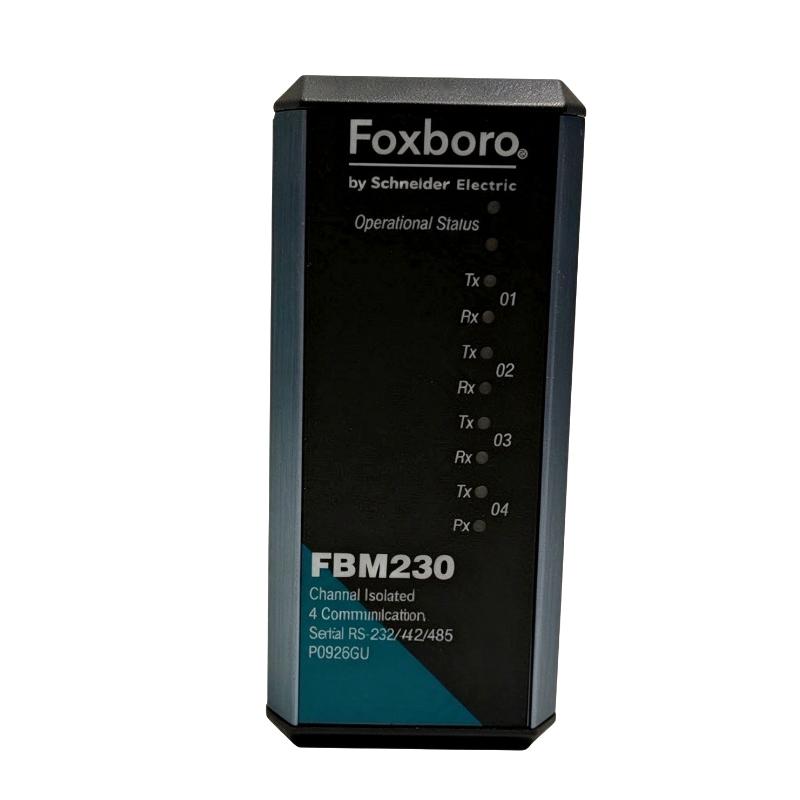
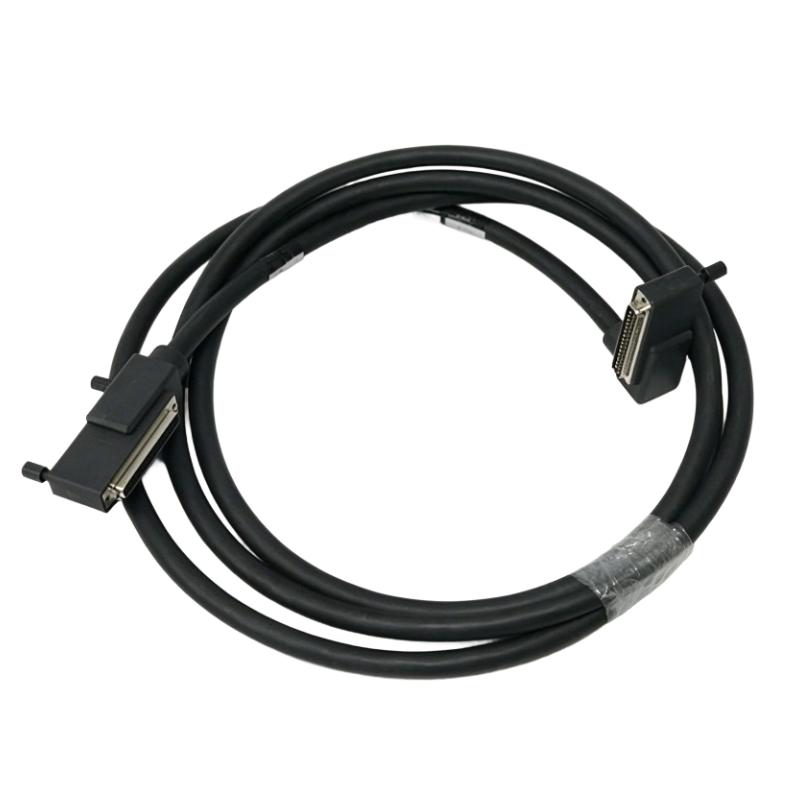
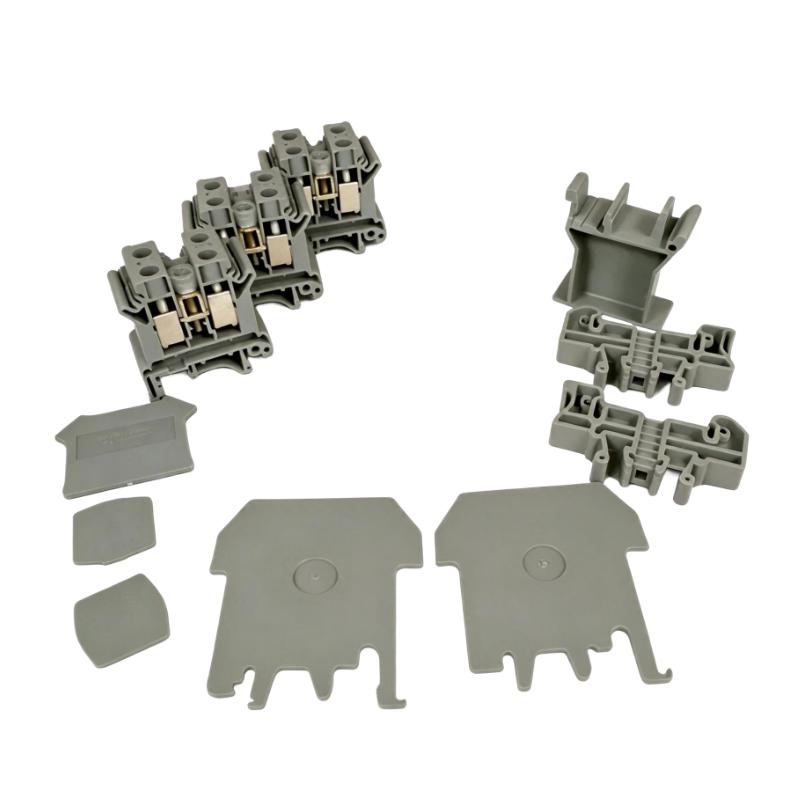
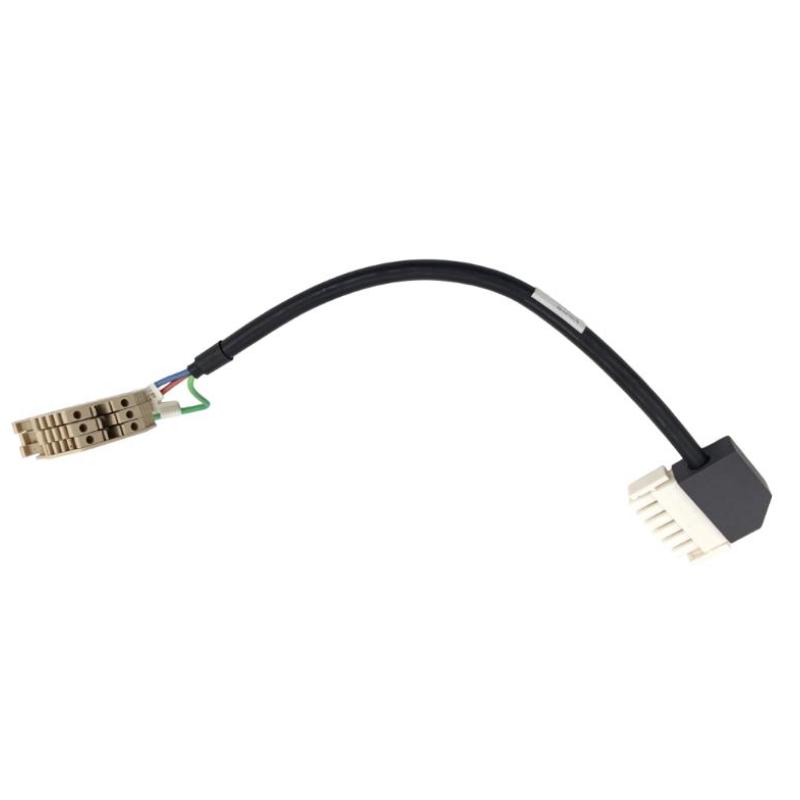

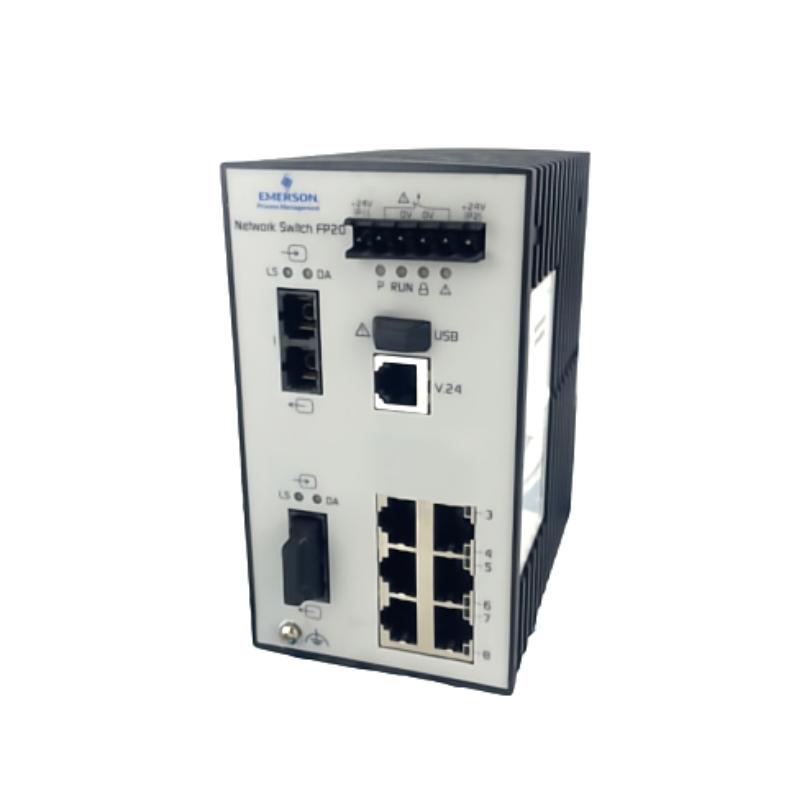
The Emerson KJ1611X1-BE1 Network Switch Module is associated with Ethernet connectivity in DeltaV industrial automation networks. When connected controllers, workstations, or other devices become unreachable, the problem may originate from the switch, its power supply, Ethernet cabling, connected equipment, network topology, or management configuration. Effective troubleshooting requires identifying the affected communication path and separating physical-layer faults from network configuration and system-level problems. This guide provides a structured fault diagnosis approach for the KJ1611X1-BE1.
Contents
- KJ1611X1-BE1 Fault Characteristics
- Common Network Switch Fault Symptoms
- Step-by-Step Fault Diagnosis
- Power and Startup Problems
- Ethernet Port and Cable Faults
- Network Communication and Topology Problems
- Management and Configuration Diagnostics
- Illustrative Troubleshooting Scenarios
- Repair and Replacement Decisions
- Preventive Maintenance
- Technical FAQs
- Troubleshooting Summary
Understanding Emerson KJ1611X1-BE1 Network Switch Fault Characteristics
A network switch forwards Ethernet traffic between connected devices. In a DeltaV control environment, this function supports communication among the components connected through the approved network architecture. A switch-related fault may therefore affect multiple devices even when those devices have no individual hardware failure.
Fault scope is one of the most useful diagnostic indicators. If only one device loses communication, the cause may be a local cable, connector, port, or device interface. If several devices connected through the same switch become unavailable simultaneously, the investigation should include the switch’s power, uplink, shared cabling, and network configuration.
The KJ1611X1-BE1 suffix must be verified before using model-specific electrical or port specifications. Similar Emerson network switch part numbers can represent different assemblies and interface arrangements. Troubleshooting should be based on the installed unit rather than assumed specifications from another variant.
Common KJ1611X1-BE1 Network Switch Fault Symptoms
| Observed Symptom | Possible Cause | Initial Check |
|---|---|---|
| Switch does not start | Power supply fault, incorrect wiring, or internal hardware problem | Check the specified power input and status indications |
| One connected device is unreachable | Damaged cable, connector problem, device interface fault, or port issue | Inspect the affected connection |
| Several devices become unavailable | Switch power loss, uplink interruption, or common network fault | Check shared connections and switch status |
| Intermittent communication | Unstable cable connection, interference, power instability, or network congestion | Review link status and diagnostic history |
| Switch is not discovered by management software | Addressing, compatibility, management connection, or configuration issue | Verify system support and management path |
| Network becomes unstable after adding a cable | Incorrect topology or network loop | Review recent connection changes |
| Communication fails after switch replacement | Incorrect variant, port mapping, network settings, or cabling | Compare the replacement with the original installation |
Step-by-Step Fault Diagnosis for the Emerson KJ1611X1-BE1
Start by determining the number of affected devices and identifying their common network path. This avoids replacing a switch when the actual cause is a single damaged cable or a disconnected uplink.
Step 1: Record the communication symptoms
Document the affected devices, their network locations, the time of failure, and any associated system alarms. Record whether the problem is continuous or intermittent and whether it began after maintenance, a power interruption, or a network change.
Step 2: Establish the fault scope
- Does the fault affect one device or multiple devices?
- Are the affected devices connected to the same switch?
- Are all devices on one network segment affected?
- Can other devices connected to the switch still communicate?
- Is the switch visible through the approved management interface?
Step 3: Inspect the physical installation
Check the power connection, switch mounting, cable condition, and connector engagement. Look for visible damage, excessive cable strain, contamination, and signs of overheating.
Step 4: Check Ethernet link status
Review the available port indicators and compare them with the connected devices. A missing link indication can point toward a disconnected cable, incompatible interface, inactive device port, or switch-port problem.
Step 5: Check the uplink and network path
If multiple devices are affected, inspect the switch’s connection to the upstream network. Confirm that the cable and interface match the approved network design. Review any intermediate switch or network component that lies between the affected devices and their communication destination.
Step 6: Review management diagnostics
Where supported by the installed switch and DeltaV software, review the Network Device Command Center or other approved management interface. Check device discovery, reported status, network alerts, and available port diagnostics.
Step 7: Isolate and correct the confirmed cause
Make one controlled correction at a time. After each change, verify the affected link and communication path. This approach makes it easier to identify the actual cause and reduces the risk of introducing a second network fault.
Power and Startup Fault Diagnosis for the KJ1611X1-BE1
A switch that cannot start or repeatedly restarts may have a power-related problem. Before investigating Ethernet configuration, confirm that the unit receives the electrical supply specified for the exact hardware assembly.
Check the power source
Verify the supply voltage, polarity, wiring, and protective device according to the product label and installation documentation. Do not use a generic industrial switch voltage rating as a substitute for the KJ1611X1-BE1’s actual requirements.
Inspect the power connection
- Check terminal or connector tightness.
- Look for damaged conductors or insulation.
- Inspect for corrosion, contamination, or overheating.
- Check whether other devices on the same supply show abnormal behavior.
- Review power supply alarms and maintenance records.
Observe startup behavior
After confirming that the supply is correct, observe the switch’s documented startup indicators. If the unit remains unresponsive, isolate the supply and inspect the assembly according to the approved procedure. Do not repeatedly cycle power without first checking the cause of the startup failure.
Troubleshooting Ethernet Port and Cable Faults
Port-level faults often affect only one connected device. The most effective method is to compare the affected connection with a known-good connection while preserving the approved network topology.
Port link is inactive
Check the cable at both ends and verify that the connected device is powered and its Ethernet interface is enabled. Confirm that the connector type and cable media are appropriate for the actual switch interface.
Communication is intermittent
Inspect the cable for damage, excessive bending, poor termination, or mechanical stress. For fiber connections, check the connector cleanliness and confirm that the optical components match the installed interface. For copper connections, inspect the RJ45 contacts and cable condition.
Only one port appears to be faulty
Use the approved network maintenance procedure to determine whether the problem follows the cable, connected device, or switch interface. Any temporary port change must be documented and must not alter a critical uplink or redundant connection.
Port diagnosis record
| Check | Observation | Possible Interpretation |
|---|---|---|
| Connector inspection | Loose or damaged connector | Physical connection problem |
| Device power | Connected device is offline | Device-side issue may be responsible |
| Link indication | No link indication | Physical link or interface problem |
| Known-good cable test | Communication returns | Original cable or termination is suspect |
| Management diagnostics | Port reports an abnormal condition | Investigate the port and associated configuration |
Network Communication and Topology Problems
When several devices lose communication together, the fault may involve the network topology rather than an individual Ethernet port. A network switch can be operational while an upstream link, network address, or loop condition prevents the intended communication path from working.
Uplink interruption
If devices connected to the KJ1611X1-BE1 can communicate locally but cannot reach devices on another network segment, investigate the uplink. Check the physical connection, upstream switch status, port assignment, and network configuration.
Incorrect network topology
Unplanned connections between switches can create Layer 2 loops. These may result in broadcast storms, unstable communication, or widespread network interruptions. Compare the actual cable arrangement with the approved network drawing and review recent changes.
Addressing and network configuration
If the switch is reachable but certain devices are not, review the network addressing and configuration of the affected devices. Check for duplicate addresses, incorrect subnet settings, or changes to the intended network segment.
Network congestion or abnormal traffic
Where management diagnostics are available, review traffic statistics, error counters, and relevant event logs. A sudden increase in broadcast or multicast traffic may indicate a network loop, misconfigured device, or other abnormal traffic source.
KJ1611X1-BE1 Management and Configuration Diagnostics
Some Emerson DeltaV Smart Switch generations provide centralized management, automatic discovery, network diagnostics, and security features through the DeltaV Network Device Command Center. The exact functions available depend on the switch generation and installed software. Confirm that the KJ1611X1-BE1 variant supports the intended management workflow before relying on a particular feature.
Switch is not discovered
Check whether the switch is connected to a supported DeltaV network and whether the management workstation has the required application and communication path. Verify the device identity and network addressing. A discovery problem does not necessarily indicate an internal switch failure.
Management access is unavailable
Review the management connection, authorized user access, network path, and applicable security settings. Avoid changing credentials or management parameters without authorization and an approved recovery plan.
Unexpected network alarms
Record the exact alarm text, affected port, timestamp, and related device. Compare the alarm with the network event history and recent maintenance activities. Avoid clearing alarms before recording the information needed for fault analysis.
Security lockdown affects a connection
If the installed switch supports automatic port lockdown, verify whether the affected port was disabled by a security policy. Confirm the identity and purpose of the connected device before requesting any change to the port security configuration.
Illustrative Engineering Scenarios for KJ1611X1-BE1 Troubleshooting
Scenario 1: Several controllers become unreachable at the same time
Observed condition: Multiple controllers connected through the same network segment become unavailable in the operator environment.
Diagnostic approach: The engineer checks the KJ1611X1-BE1 power status, shared uplink, cable connections, and upstream network equipment. The investigation focuses on common communication paths rather than replacing each controller.
Possible corrective action: If a disconnected or damaged uplink is confirmed, restore the approved connection and verify communication with each affected device.
Scenario 2: One workstation loses network communication
Observed condition: A workstation cannot communicate with the control network, while other devices connected through the switch remain operational.
Diagnostic approach: The engineer checks workstation power, network adapter status, cable condition, connector seating, and the assigned switch port.
Possible corrective action: Correct the confirmed cable or workstation interface problem, then verify the workstation’s network configuration and end-to-end communication.
Scenario 3: Network instability appears after a new cable is connected
Observed condition: Communication becomes unstable shortly after an additional network cable is installed.
Diagnostic approach: The engineer compares the physical connections with the approved network topology and investigates the possibility of an unintended Layer 2 loop.
Possible corrective action: Remove or correct the unapproved connection under the site’s network maintenance procedure. Confirm network stability and review the event history.
These scenarios are illustrative engineering examples rather than documented customer incidents. Actual corrective actions must be based on measured conditions and the approved network design.
Repair and Replacement Decisions for the Emerson KJ1611X1-BE1
Replacing a network switch without identifying the fault can create additional communication problems. Before replacement, determine whether the issue is caused by the power supply, cable, connected device, network topology, management configuration, or switch hardware.
When cable repair is appropriate
If the fault follows a damaged cable or connector, repair or replace the affected connection with a suitable component. Verify the interface type and cable requirements before returning it to service.
When configuration correction is appropriate
If the physical links are normal but communication remains unavailable, review network addressing, port assignments, topology, and management settings. Configuration changes should be performed by authorized network personnel and documented.
When switch replacement is justified
Consider replacing the KJ1611X1-BE1 when diagnostic evidence indicates a hardware fault and the external power, cabling, network configuration, and connected equipment have been checked. Confirm that the replacement matches the original hardware variant and approved network requirements.
Switch replacement checklist
- Record the complete model and hardware revision.
- Document all port assignments and cable identifiers.
- Record network addressing and approved management settings.
- Confirm the replacement hardware and connector arrangement.
- Coordinate the maintenance activity with plant operations.
- Follow the approved isolation and replacement procedure.
- Reconnect cables according to the verified network drawing.
- Check switch startup and required Ethernet links.
- Verify communication with all affected devices.
- Record the final network status and maintenance actions.
Do not attempt unauthorized internal component repair. Electronic switch repairs should be performed only through an authorized service process with suitable diagnostic equipment and procedures.
Preventive Maintenance for Emerson DeltaV Network Switches
Preventive maintenance should focus on physical connections, power stability, network configuration, and security. A consistent inspection routine can help detect deteriorating cables and abnormal network behavior before a communication failure affects plant operations.
- Inspect power connections and mounting hardware during scheduled maintenance.
- Check copper and fiber connectors for damage or contamination.
- Review port status and network alarms.
- Maintain current network topology and port assignment drawings.
- Record all approved network configuration changes.
- Investigate repeated link interruptions rather than repeatedly reconnecting cables.
- Review unauthorized connections and unused-port security settings where supported.
- Maintain a verified replacement unit with the correct hardware variant.
Technical FAQs About Emerson KJ1611X1-BE1 Troubleshooting
1. Why does the KJ1611X1-BE1 fail to start?
Possible causes include an incorrect power connection, supply instability, damaged wiring, or an internal hardware fault. Check the exact product rating and startup indications before investigating network configuration.
2. Why do multiple devices lose communication at the same time?
Possible causes include switch power loss, an interrupted uplink, shared cable failure, or a wider network problem. Check common connections before investigating individual devices.
3. What should be checked when one Ethernet port has no link?
Inspect the cable, connector, connected device, and interface compatibility. Compare the affected connection with the approved port assignment and use available diagnostic information to isolate the fault.
4. Can an incorrect network connection cause a wider communication failure?
Yes. An unplanned switch connection can create a network loop or disrupt the intended topology. Review recent cabling changes and compare the actual arrangement with the approved network design.
5. Does the KJ1611X1-BE1 support DeltaV network management?
Its exact management capabilities should be verified against the hardware revision and installed system documentation. Do not assume that features available on newer DeltaV Smart Switch generations are available on every earlier switch assembly.
6. Why is the switch not visible in the network management application?
Possible causes include an unsupported management arrangement, incorrect network addressing, a disconnected management path, or a compatibility issue. Check the installed system version and device configuration.
7. Should the switch be replaced if only one connected device is offline?
Not immediately. Check the device interface, cable, connector, port assignment, and network configuration first. A single-device fault often originates outside the switch itself.
8. What information should be collected before replacing the switch?
Record the exact model and revision, cable connections, port assignments, network addressing, connected devices, alarm messages, and current network topology.
9. Can a switch be replaced while the process is running?
Only when the approved network architecture and maintenance procedure allow it. Replacing an active switch can interrupt communication, so operational coordination and a defined recovery plan are essential.
10. How can communication stability be verified after repair?
Check switch startup, required port links, management status where supported, communication with affected devices, network alarms, and consistency with the approved topology.
Troubleshooting Summary for the Emerson KJ1611X1-BE1 Network Switch
The Emerson KJ1611X1-BE1 is identified as a network switch module associated with DeltaV industrial communication systems. Network faults involving this equipment may originate from the switch itself, its power supply, Ethernet cables, uplink connections, connected devices, or network configuration.
The most effective troubleshooting method is to determine the scope of the communication failure, inspect the physical connections, verify the network topology, and review available management diagnostics. Engineers should distinguish a local cable or device problem from a shared switch or uplink fault before deciding to replace hardware.
Accurate network documentation, controlled maintenance procedures, verified replacement compatibility, and systematic post-repair testing help maintain reliable communication across Emerson DeltaV control networks.