

ProductPRODUCT
Featured products
Contact Us
- Schneider
- HMIPEXCZLSRAZZ
- EcoStruxure Operator Terminal Expert Professional Buildtime License
- France
- 1280 × 720 pixels
- 3 kg
- Xiamen, China
- New & In Stock
- T/T, PayPal, Western Union
- 1 Year
- 1-3 Working Days
- DHL, UPS, TNT, FedEx and EMS.
- 24-Hour Service
- COO
- 8
Our advantage

Global Logistics
We have a 10-year logistics and express cooperation agreement, so our products can be shipped to any place in the world.

Brand new and original
Our products are imported in bulk from the place of origin. Because of the cooperative relationship, our products are all original and 100% new.

24-hour service
We provide 7*24 hours service to our customers. We will be there whenever you need us.

Price advantage
All our products are priced very favorably because we have our own warehouse and supply.
| Company Information | |||
| [email protected] | |||
| Mobile | +8615980777398 | ||
| +8615980777398 | |||
| 15980777398 |
Product Overview
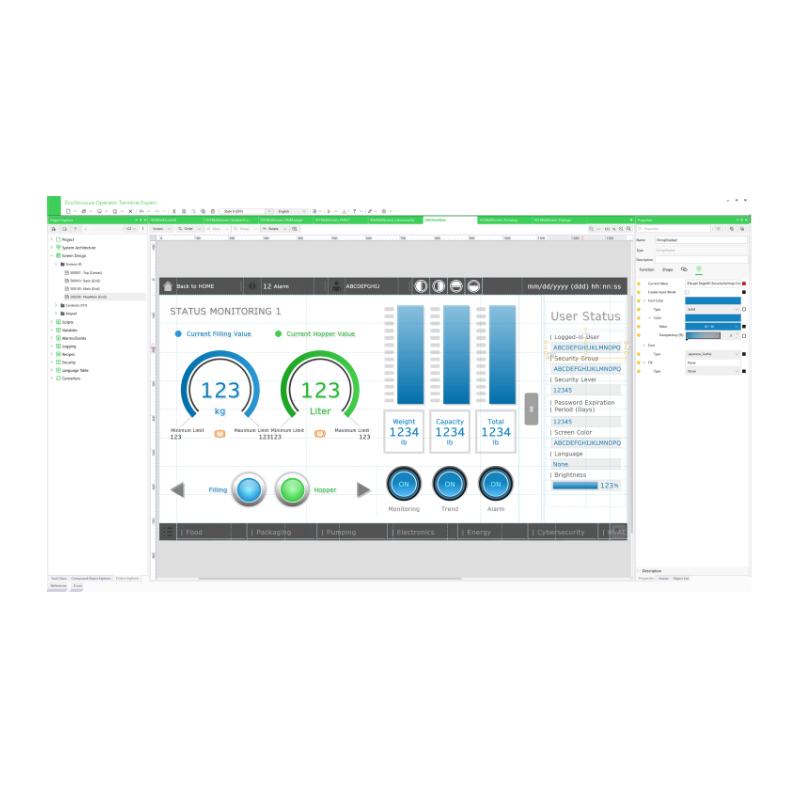
The Schneider Electric HMIPEXCZLSRAZZ is a Professional Buildtime License for EcoStruxure Operator Terminal Expert, an engineering software platform used to develop and configure industrial HMI applications. Unlike a permanent software license, this model provides a fixed three-month authorization for one engineering workstation.
The license is intended for engineers, OEM machine builders, and system integrators who need temporary access to the Professional development environment. It is particularly useful during machine development, HMI migration, commissioning, application modification, and short-term automation projects where a permanent engineering license may not be necessary.
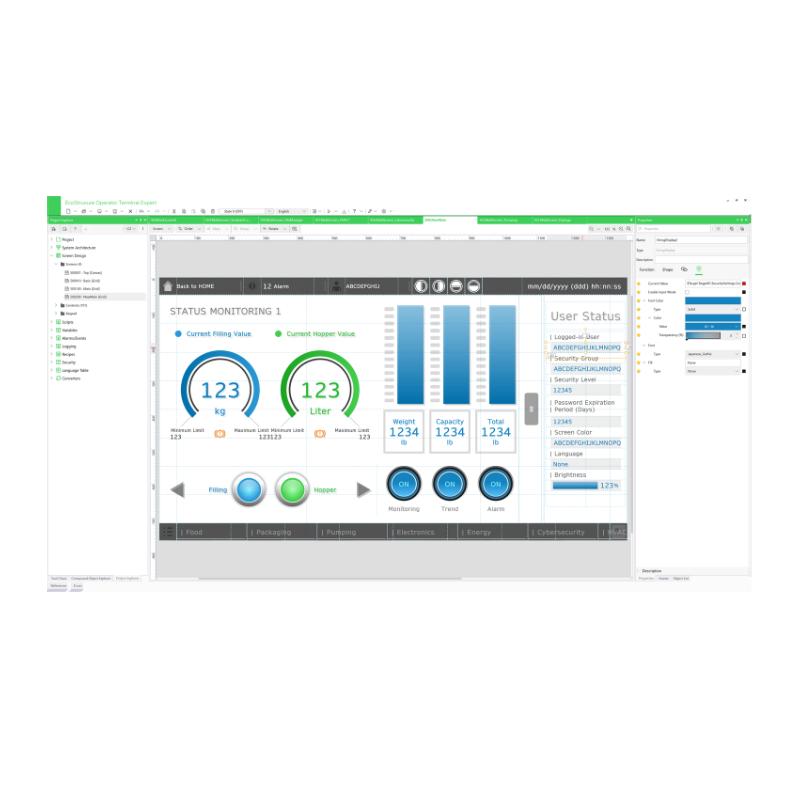
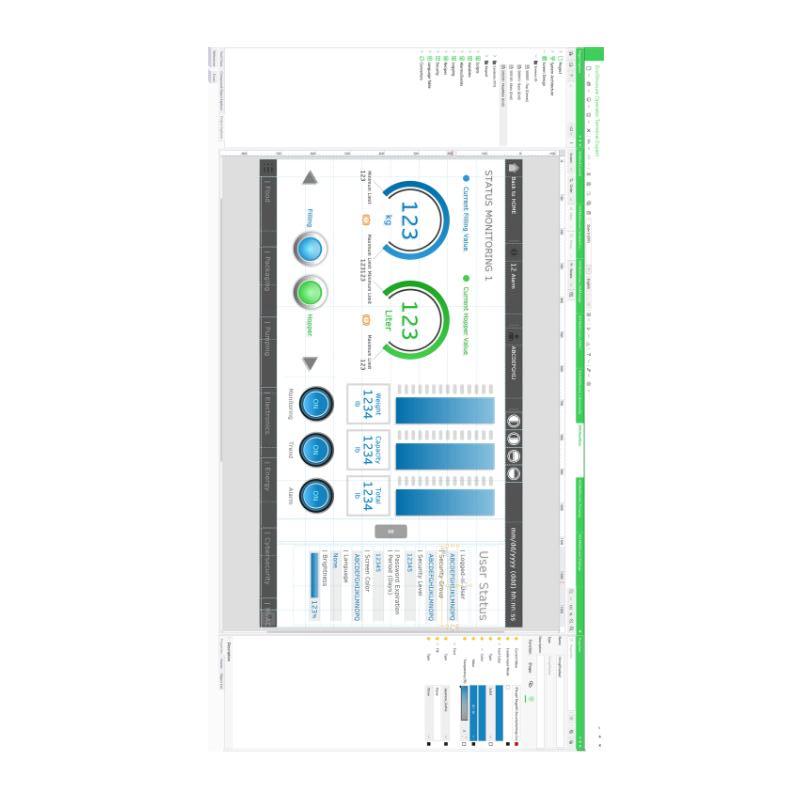
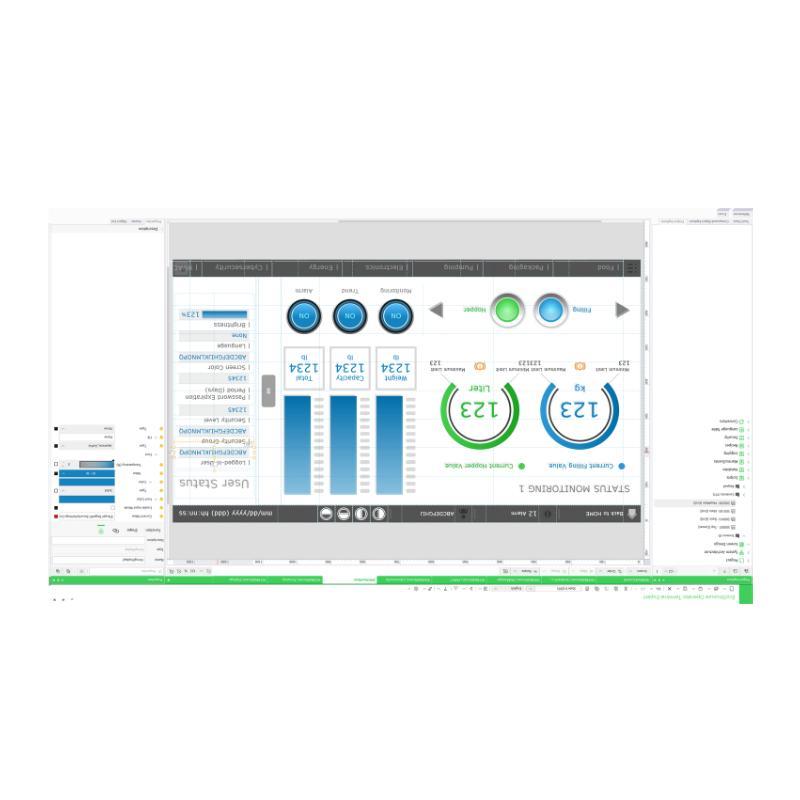
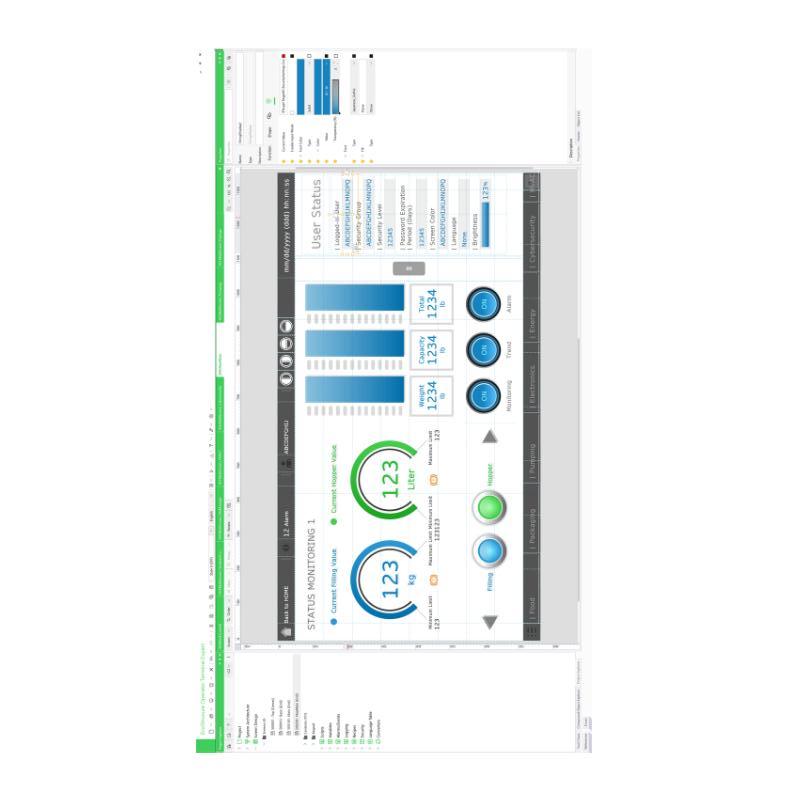
EcoStruxure Operator Terminal Expert provides the tools needed to create graphical operator screens, configure communication with automation equipment, organize machine data, and develop application functions. Engineers can build screen navigation structures, configure alarms, display process variables, and customize the operator interface according to the machine’s operating requirements.
The Professional edition also supports advanced engineering functions such as flexible scripting, Web Server API, and OPC UA capabilities on compatible target platforms. These functions are useful when an HMI application needs to exchange information with other automation devices or integrate with a broader industrial control architecture.
HMIPEXCZLSRAZZ is a digital, node-locked, single-station license. Its three-month validity makes it suitable for temporary engineering assignments, software evaluation projects, and time-limited HMI development work.
The software can be used for compatible Harmony HMI platforms, including GTU, GTO, STO7, ST6, STM6, and Harmony industrial PCs, subject to software-version and target-device compatibility.
Technical Specifications
| Parameter | Specification |
|---|---|
| Manufacturer | Schneider Electric |
| Model | HMIPEXCZLSRAZZ |
| Product Type | Professional Buildtime License |
| Software Name | EcoStruxure Operator Terminal Expert |
| Software Edition | Professional |
| Software Variant | Buildtime |
| License Type | Node-Locked License |
| License Configuration | Single Station |
| Number of Engineering Stations | 1 |
| License Category | Subscription / Fixed-Term |
| License Duration | 3 Months |
| License Format | Digital |
| Software Version | V3.x |
| Display Resolution | 1280 × 720 pixels (HD) |
| Operating System Requirement | Windows 10 64-bit |
| RAM Requirement | 8 GB |
| Hard Drive Space | 30 GB |
| Supported Languages | English, Italian, Chinese, Spanish, French, German, Portuguese, Korean |
| Application Development | HMI Screen Design and Configuration |
| Advanced Functions | Scripting, Alarm Management, Sampling and Trending |
| Dimensions | Not Applicable – Digital Software License |
| Shipping Weight | 3 kg |
Product Features
- Professional Buildtime Environment
The license provides access to the Professional engineering environment of EcoStruxure Operator Terminal Expert. Engineers can create and modify HMI applications, configure graphical interfaces, and prepare projects for compatible Harmony terminals and industrial PCs.
- Three-Month Fixed-Term Authorization
Unlike HMIPELCZLSPAZZ, which is a perpetual Professional Buildtime license, HMIPEXCZLSRAZZ has a defined three-month usage period. This makes it suitable for temporary engineering assignments and projects with a limited development schedule.
- Single-Station Licensing
The license is allocated to one engineering workstation. Its node-locked configuration is relevant when managing software access for individual engineers or temporary project computers.
- Digital License Delivery
The license is supplied in digital format. This avoids the need for physical software media and supports electronic license activation.
- Graphical HMI Application Development
The engineering environment allows developers to organize screens, configure graphical objects, create navigation structures, and display machine operating information. Common elements include numerical indicators, status displays, alarm lists, and operator controls.
- Flexible Scripting
Professional Buildtime supports scripting for application functions that require customized behavior. This is useful when standard screen configuration is insufficient for a particular machine workflow.
- Industrial Communication Configuration
Engineers can configure available communication drivers to exchange data with compatible PLCs and automation equipment. Communication settings and data mappings can be organized within the HMI project.
- Alarm and Event Management
Alarm functions allow developers to configure fault messages and operating notifications. These functions help operators identify abnormal machine conditions through the HMI.
- Sampling and Trending
Sampling and trending functions support the presentation of changing process variables over time. Typical applications include monitoring pressure, temperature, production values, and other machine operating data.
- Professional Integration Functions
The Professional edition supports advanced functions such as Web Server API and OPC UA on compatible hardware and software configurations. These capabilities are useful when integrating HMI applications with other industrial systems.
- Multiple Harmony Platform Compatibility
The software supports several Harmony HMI and industrial PC platforms, subject to the installed software version and target-device requirements.
Working Principle
HMIPEXCZLSRAZZ functions at the engineering level rather than the machine-control level. Its purpose is to authorize the development and modification of HMI applications within EcoStruxure Operator Terminal Expert for a limited period.
After installation and license activation, the engineer opens the development environment and creates a project for the intended Harmony HMI or compatible industrial PC. The target device is selected first because display capabilities, available interfaces, and supported functions can differ between hardware platforms.
The engineer then builds the operator interface by arranging graphical objects and defining screen navigation. Process values, equipment status indicators, alarm messages, and operator input fields are added according to the machine’s requirements.
Communication drivers are configured to connect the HMI application with the PLC. For example, a pressure display can be linked to a controller variable, while an operator input field can be configured to write an authorized setpoint to the PLC.
After the application has been configured, the project is tested and transferred to the target device. During actual operation, the HMI runtime application exchanges data with the controller and displays machine information to the operator.
The three-month license period applies to the engineering authorization. It should not be confused with the runtime operation of an already deployed HMI application. Buildtime and runtime are separate licensing functions, and their requirements depend on the target hardware.
Typical Engineering Workflow:
Engineering Workstation → HMIPEXCZLSRAZZ License Activation → EcoStruxure Operator Terminal Expert → Screen Development → Communication Configuration → Application Transfer
Typical Runtime Communication Path:
PLC / Controller → Industrial Communication Network → HMI Runtime Application → Operator Display → Operator Input → PLC
Typical Project Development Stages:
- Install EcoStruxure Operator Terminal Expert on the engineering workstation.
- Activate the three-month Professional Buildtime license.
- Select the compatible target Harmony HMI or industrial PC.
- Create screen layouts and configure navigation.
- Define communication drivers and PLC variables.
- Configure alarms, scripts, and process displays.
- Test and transfer the completed application to the target device.
Role in EcoStruxure HMI Control Architecture
Within the EcoStruxure HMI architecture, HMIPEXCZLSRAZZ serves as a temporary engineering authorization for developing and modifying operator interface applications.
It belongs to the software development layer rather than the physical control layer. The engineering workstation hosts EcoStruxure Operator Terminal Expert, while the connected PLC and HMI hardware perform their respective runtime functions.
For example, an OEM machine builder may use this license to develop an HMI project for a packaging machine. The engineering workstation is used to configure the display screens, PLC communication, alarms, and operator controls. Once the project has been validated, it is transferred to the compatible Harmony terminal.
The PLC continues to handle machine sequencing, field signal processing, and equipment control. The HMI runtime application presents information and receives operator commands, while the Buildtime software provides the environment used to create that application.
The distinction between fixed-term Buildtime licensing and permanent licensing is particularly important when planning engineering resources. HMIPEXCZLSRAZZ provides one engineering station with a three-month authorization, whereas the HMIPELCZLSPAZZ provides a permanent single-station Professional Buildtime license.
| Control System Component | Function |
|---|---|
| HMIPEXCZLSRAZZ | Provides three-month Professional Buildtime authorization |
| EcoStruxure Operator Terminal Expert | Develops and configures HMI applications |
| Harmony GTU | Compatible HMI platform |
| Harmony GTO | Compatible HMI platform for supported software versions |
| Harmony STO7 | Operator terminal for compatible HMI projects |
| Harmony ST6 | Operator terminal for compatible HMI projects |
| Harmony STM6 | Operator terminal for compatible HMI projects |
| Harmony iPC | Industrial PC platform for compatible HMI runtime applications |
| PLC / Logic Controller | Executes machine control logic |
| Industrial Communication Network | Exchanges data between HMI and automation equipment |
| Engineering Workstation | Hosts the development software and project files |
Industrial Applications
| Application | Software Development Function |
|---|---|
| Packaging Machinery | Develops production overview screens, machine controls, and alarm displays |
| Food and Beverage Equipment | Configures process monitoring, operating parameters, and equipment status screens |
| Textile Machinery | Creates machine operation interfaces and production monitoring pages |
| Compressor Systems | Develops pressure monitoring, operating status, and alarm interfaces |
| Pumping Equipment | Configures pump status displays, operating controls, and process-value monitoring |
| HVAC Systems | Creates temperature monitoring, equipment status, and operating-mode screens |
| Marine Automation | Organizes operator interfaces for compatible marine automation systems |
| OEM Machine Building | Develops and modifies HMI applications during machine engineering and commissioning |
| Industrial System Integration | Configures communication drivers and operator interfaces for automation projects |
Installation and Maintenance
- Verify the License Reference: Confirm that the product is HMIPEXCZLSRAZZ and that the required license is the Professional three-month fixed-term Buildtime version.
- Check the Engineering Workstation: Verify that the computer meets the required operating system, memory, and storage specifications before installation.
- Prepare the Software Environment: Ensure that the Windows installation and user permissions are suitable for installing EcoStruxure Operator Terminal Expert.
- Complete Digital License Activation: Follow the applicable digital activation procedure and verify that the license is associated with the intended engineering workstation.
- Check the License Period: Record the activation date and three-month authorization period. Plan application development and project delivery accordingly.
- Verify Software Version Compatibility: Confirm that the installed software version supports the intended Harmony HMI or industrial PC before creating the project.
- Configure the Target Device: Select the correct HMI hardware in the project settings. An incorrect target selection can affect available functions and application compatibility.
- Check Communication Drivers: Verify that the required PLC and device drivers are available in the installed software version before configuring communication.
- Validate Application Functions: Test screen navigation, numerical inputs, alarms, scripts, and process displays before transferring the project.
- Check PLC Communication: Verify controller addresses, communication protocols, network parameters, and data mappings during application commissioning.
- Maintain Project Backups: Store copies of the original project, scripts, graphical resources, and communication settings in an organized engineering directory.
- Document License Allocation: Record the licensed workstation, activation information, software version, and project assignment for future engineering reference.
Compatible System Components
| Component | Product Type | Application |
|---|---|---|
| Harmony GTU | HMI Operator Terminal | Executes compatible EcoStruxure HMI applications |
| Harmony GTO | Advanced HMI Terminal | Supports compatible HMI projects |
| Harmony STO7 | HMI Operator Terminal | Provides machine-level visualization |
| Harmony ST6 | HMI Operator Terminal | Executes compatible operator interface applications |
| Harmony STM6 | HMI Operator Terminal | Supports compatible HMI runtime applications |
| Harmony iPC | Industrial PC | Hosts compatible HMI runtime applications |
| Modicon M221 | Logic Controller | Provides PLC-based machine control |
| Modicon M241 | Logic Controller | Handles machine automation and communication |
| Modicon M251 | Logic Controller | Supports distributed machine control |
| EcoStruxure Operator Terminal Expert | HMI Configuration Software | Develops and modifies HMI applications |
| Engineering Workstation | Industrial Engineering Computer | Hosts the Professional Buildtime environment |
| Industrial Ethernet Network | Communication Infrastructure | Connects compatible HMI and PLC devices |
Recommended Related Models
| Model | Product Description |
|---|---|
| HMIPELCZLSPAZZ | EcoStruxure Operator Terminal Expert Professional Buildtime Single Perpetual License |
| HMIPELCZLGPAZZ | EcoStruxure Operator Terminal Expert Professional Buildtime Group License |
| HMIPELCZLTPAZZ | EcoStruxure Operator Terminal Expert Professional Buildtime Team License |
| HMIPELCZLEPAZZ | EcoStruxure Operator Terminal Expert Professional Buildtime Entity License |
| HMIEELCZLSPAZZ | EcoStruxure Operator Terminal Expert Basic Buildtime Single License |
| HMIRTWCZLSPAZZ | EcoStruxure Operator Terminal Expert Runtime Single License for Windows |
Key Advantages
- Professional HMI application development environment.
- Three-month fixed-term license.
- Single engineering workstation authorization.
- Digital license format.
- Node-locked licensing configuration.
- Graphical HMI screen development.
- Flexible scripting capabilities.
- Industrial communication driver configuration.
- Alarm management and event visualization.
- Sampling and trending functions.
- Advanced integration capabilities on compatible platforms.
- Support for multiple Harmony HMI and industrial PC platforms.
Technical FAQs
How long can HMIPEXCZLSRAZZ be used after activation?
HMIPEXCZLSRAZZ is a three-month fixed-term Professional Buildtime license. Its authorization period is different from the perpetual licensing arrangement of HMIPELCZLSPAZZ. The activation date should be recorded when planning the engineering schedule.
Can HMIPEXCZLSRAZZ be installed on multiple engineering computers?
This model is a single-station, node-locked license intended for one engineering workstation. It should not be treated as a group or team license that provides multiple simultaneous development stations.
Does the three-month license also provide runtime authorization for Harmony industrial PCs?
No. Buildtime and runtime are separate licensing functions. HMIPEXCZLSRAZZ authorizes HMI application development. Running an EcoStruxure Operator Terminal Expert application on a compatible Windows-based industrial PC may require a separate runtime license, depending on the target platform.
What happens to an HMI project after the fixed-term Buildtime authorization expires?
The three-month period applies to the engineering license, not automatically to the runtime operation of an application already deployed on compatible HMI hardware. However, further project development or modification requires an appropriate valid Buildtime authorization. Existing project files should be backed up before the license period ends.