

ProductPRODUCT
Featured products
Contact Us
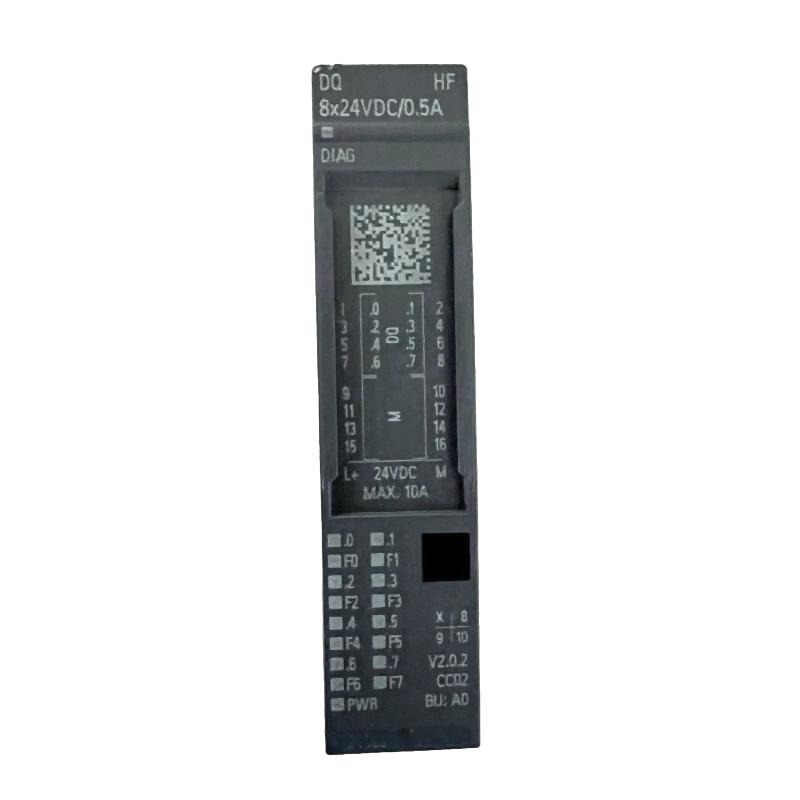
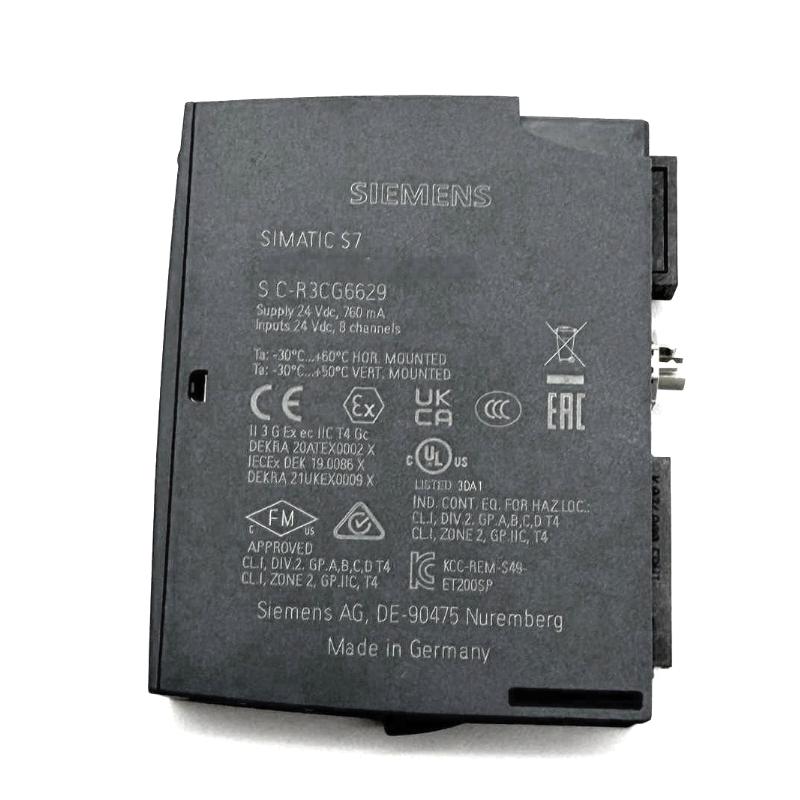
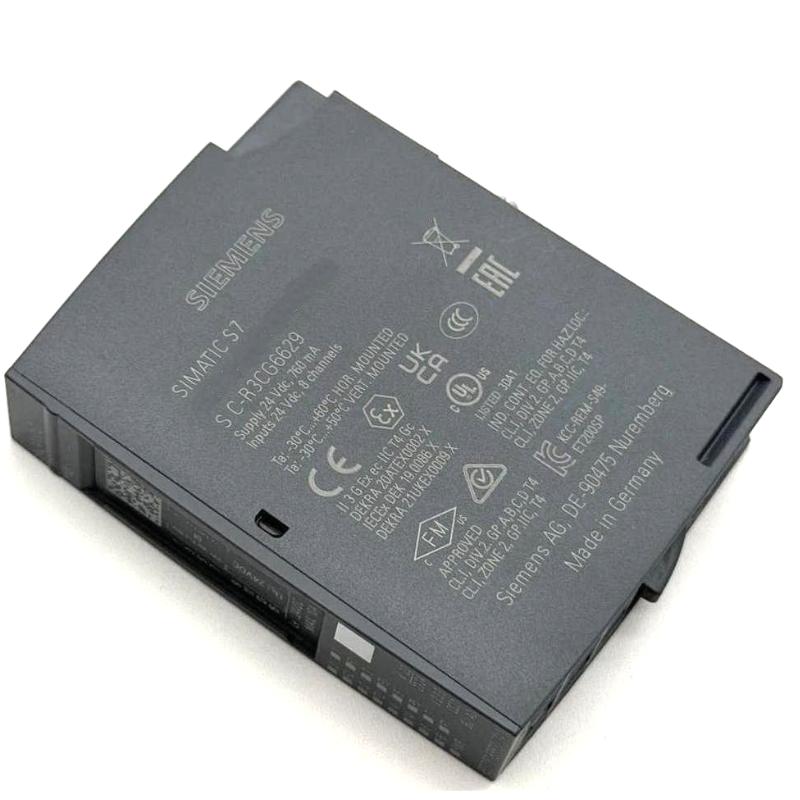
- Siemens
- 6AG2132-6BF00-4CA0
- Digital Output Module
- Germany
- 15 × 73 × 58 mm
- 0.038 kg
- Xiamen, China
- New & In Stock
- T/T, PayPal, Western Union
- 1 Year
- 1-3 Working Days
- DHL, UPS, TNT, FedEx and EMS.
- 24-Hour Service
- COO
- 5
Our advantage

Global Logistics
We have a 10-year logistics and express cooperation agreement, so our products can be shipped to any place in the world.

Brand new and original
Our products are imported in bulk from the place of origin. Because of the cooperative relationship, our products are all original and 100% new.

24-hour service
We provide 7*24 hours service to our customers. We will be there whenever you need us.

Price advantage
All our products are priced very favorably because we have our own warehouse and supply.
| Company Information | |||
| [email protected] | |||
| Mobile | +8615980777398 | ||
| +8615980777398 | |||
| 15980777398 |
Product Overview
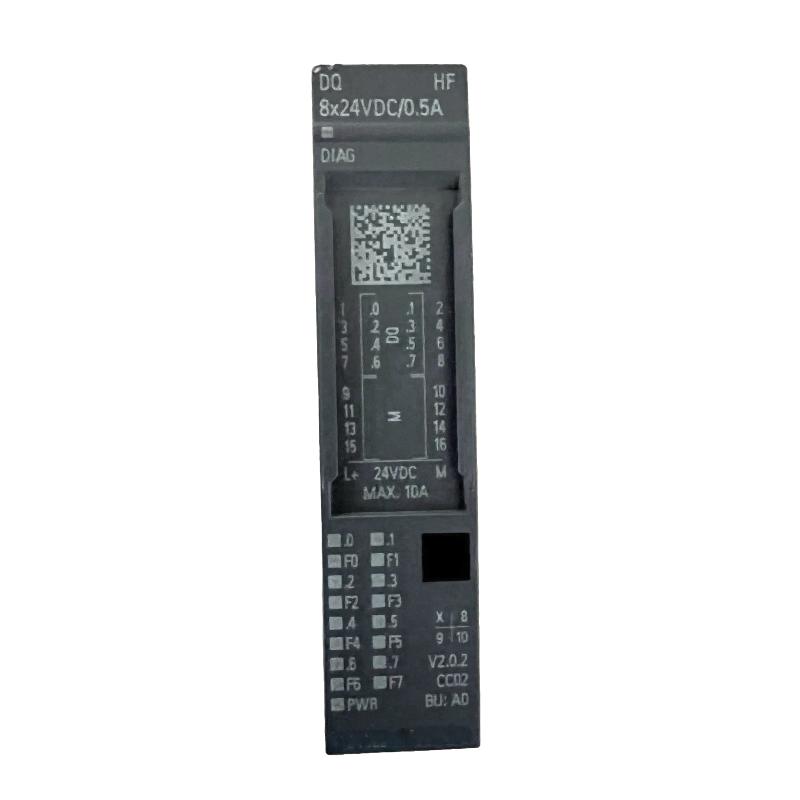
The Siemens 6AG2132-6BF00-4CA0 SIPLUS ET 200SP Digital Output Module belongs to the SIPLUS product range associated with the SIMATIC ET 200SP distributed I/O platform. It provides discrete output control between a PLC-based automation system and connected field devices, allowing programmed commands to operate equipment throughout a machine or production process.
Digital output modules are commonly used to switch control signals for indicator lamps, relays, solenoid valves, and other compatible electrical loads. In an automated production line, for example, the controller may activate an output when a sensor confirms that a component is in position. The output module then switches the corresponding field circuit to initiate the next operation.
Installed as part of an ET 200SP station, the module works with the required base unit and interface components to exchange output data with the controller. This distributed arrangement helps organize field wiring near the equipment being controlled and allows output functions to be grouped with other I/O points. The SIPLUS designation places the module within Siemens’ product range for applications with specified environmental requirements.
Technical Specifications
| Parameter | Specification |
|---|---|
| Brand | Siemens |
| Product Model | 6AG2132-6BF00-4CA0 |
| Product Family | SIPLUS ET 200SP |
| Product Type | Digital Output Module |
| Automation Platform | SIMATIC ET 200SP |
| Module Function | Discrete output signal control |
| Signal Type | Digital ON/OFF signals |
| System Architecture | Distributed I/O |
| Controller Interface | Through the ET 200SP station interface |
| Typical Applications | Switching compatible field control circuits |
| Controlled Devices | Relays, indicators, and suitable actuators |
| Control Method | PLC-programmed output switching |
| Installation Context | Industrial automation station |
| Dimensions | 15 × 73 × 58 mm |
| Weight | 0.038 kg |
Product Features
- Discrete signal output: Transfers programmed ON/OFF commands to connected field circuits for machine and process control.
- ET 200SP integration: Fits into Siemens’ modular distributed I/O architecture, where digital and other supported I/O functions operate within a common station.
- PLC-based operation: Works with controller logic to coordinate actuators, auxiliary devices, and equipment status indicators.
- Distributed installation: Supports locating output connections near the machinery or process equipment they serve.
- Modular control design: Allows output channels to be organized alongside other I/O modules in a structured automation station.
- SIPLUS product family: Intended for applications requiring the environmental characteristics specified for the relevant SIPLUS configuration.
- Simplified troubleshooting: Channel-level checks and station diagnostics can help maintenance personnel investigate output faults.
Working Principle
The module receives output data from the PLC through the ET 200SP station’s communication interface. Each configured channel represents a discrete control point. When the PLC program changes a channel’s state, the module switches the corresponding output circuit according to its electrical design.
Consider a machine that uses a solenoid valve to control a pneumatic cylinder. Once the PLC determines that the required operating conditions have been met, it sends the command to the distributed I/O station. The digital output module switches the associated channel, allowing the valve circuit to respond. The controller can then use feedback from digital input modules to determine whether the next stage of the sequence should proceed.
The same operating principle applies to auxiliary relays, indicator lights, and other compatible loads. The module executes the output state requested by the controller, while the control program determines the timing and sequence of operations.
During commissioning or fault diagnosis, technicians can compare the commanded PLC output with the reported channel state and the actual response of the connected device. This helps distinguish control-program issues from communication faults, wiring problems, output-channel faults, or failures in the field device.
Role in a Distributed I/O Control Architecture
| System Component | Role in the Architecture | Relationship to the Digital Output Module |
|---|---|---|
| SIMATIC PLC | Executes machine and process logic | Generates the output commands |
| Industrial Communication Network | Transfers data between the controller and distributed I/O | Carries output data to the ET 200SP station |
| ET 200SP Interface Module | Connects the station to the controller network | Transfers station data between the network and I/O modules |
| Digital Output Module | Switches discrete output circuits | Executes the output states received from the controller |
| ET 200SP Base Unit | Provides mounting and electrical connections | Supports module installation and field wiring |
| Interposing Relay | Switches a separate electrical circuit | Can interface a compatible output with another control circuit |
| Solenoid Valve | Converts an electrical command into valve actuation | Acts as a controlled field device |
| Contactor Control Circuit | Operates a contactor through its control circuit | Supports switching of compatible equipment |
| Engineering Software | Configures the hardware and automation program | Defines module configuration and output addressing |
Industrial Applications
| Application | Digital Output Use | Role in Automation |
|---|---|---|
| Manufacturing Machinery | Switches indicators, relays, and compatible actuators | Executes programmed machine sequences |
| Packaging Equipment | Controls discrete auxiliary circuits and valve interfaces | Coordinates packaging stages and mechanisms |
| Conveyor Systems | Operates compatible control relays and signaling devices | Supports material handling and equipment coordination |
| Assembly Lines | Controls clamps, stops, and pneumatic interfaces | Coordinates assembly operations |
| Process Equipment | Sends discrete commands to auxiliary devices | Supports automatic operating sequences |
| Utility Systems | Switches status indicators and control circuits | Enables centralized equipment operation |
| Automated Test Stations | Activates fixtures and auxiliary control devices | Coordinates test procedures through PLC logic |
Installation and Maintenance
- Confirm the hardware configuration: Identify the ET 200SP station and verify that the module is intended for the installed system arrangement.
- Isolate the equipment: Switch off the relevant power supplies and follow the site’s electrical isolation procedure before handling the module or its wiring.
- Inspect the installation area: Check the mounting rail, available space, and surrounding equipment for damage or contamination.
- Verify the base unit: Confirm that the required ET 200SP base unit is installed and suitable for the station configuration.
- Mount the module: Install the module in its designated position and ensure that it is seated securely.
- Connect the output circuits: Wire each channel to the intended load or interface device according to the applicable wiring diagram.
- Verify load compatibility: Check that the connected devices match the module’s electrical output characteristics and switching capacity.
- Inspect circuit protection: Confirm that the field circuits have appropriate protection and that the wiring arrangement follows the system design.
- Configure the station: Set up the module in the engineering project so the configured hardware matches the installed equipment.
- Verify output addressing: Check that each physical output channel corresponds to the intended PLC address and program variable.
- Conduct a functional test: Restore power under controlled conditions and test the output channels while observing the corresponding field-device response.
- Document maintenance results: Record channel assignments, wiring changes, diagnostic findings, and any corrective actions taken.
Compatible System Components
| Component | Function | Relationship to the Module |
|---|---|---|
| SIMATIC ET 200SP Interface Module | Connects the distributed I/O station to the controller network | Provides the communication path for output data |
| ET 200SP Base Unit | Provides module mounting and electrical connections | Supports installation and field wiring |
| ET 200SP Digital Input Module | Acquires discrete field signals | Complements output control with sensor and switch feedback |
| ET 200SP Analog Output Module | Supplies analog control signals | Supports applications requiring continuous-value outputs |
| SIMATIC S7 PLC | Executes automation logic | Determines when output channels should switch |
| Interposing Relay | Switches a separate control or load circuit | Provides an interface for suitable output applications |
| Solenoid Valve | Controls fluid or pneumatic flow through electrical actuation | Responds to a compatible discrete output circuit |
| Engineering Software | Configures hardware and control logic | Supports commissioning, addressing, and diagnostics |
Recommended Related Models
| Product or Component | Function | Relevance |
|---|---|---|
| Siemens SIPLUS ET 200SP Digital Input Modules | Acquire discrete field signals | Complementary modules for sensor and switch monitoring |
| Siemens SIPLUS ET 200SP Digital Output Modules | Control discrete field circuits | Related modules for distributed output applications |
| Siemens SIPLUS ET 200SP Analog Input Modules | Acquire continuous-value process signals | Suitable for applications requiring analog measurement |
| Siemens SIPLUS ET 200SP Analog Output Modules | Supply analog control signals | Complementary option for compatible control devices |
| Siemens SIMATIC ET 200SP Interface Modules | Connect distributed I/O stations to the controller network | Support communication between the PLC and I/O modules |
| Siemens SIMATIC S7-1500 Controllers | Execute automation programs | Higher-level control option for compatible distributed I/O configurations |
| Siemens SIMATIC S7-1200 Controllers | Execute compact automation applications | Controller option for suitable machine automation systems |
Key Advantages
- Converts PLC output commands into discrete field control signals.
- Integrates with the modular SIMATIC ET 200SP distributed I/O platform.
- Supports distributed control of compatible relays, indicators, and actuators.
- Helps organize output wiring near the equipment being controlled.
- Supports channel-level testing and structured fault diagnosis.
- Belongs to the Siemens SIPLUS product range for applications with defined environmental requirements.
Technical FAQs
1. What is the purpose of the Siemens 6AG2132-6BF00-4CA0?
It is identified as a SIPLUS ET 200SP digital output module. Its function is to switch discrete output circuits in response to commands from the automation controller, allowing the PLC to operate compatible field devices.
2. What types of equipment can be controlled by a digital output module?
Typical applications include compatible relays, indicator lamps, solenoid valves, and auxiliary control circuits. The selected load must meet the module’s electrical output requirements and the wiring design of the system.
3. How does the module work with other ET 200SP components?
The module operates within an ET 200SP distributed I/O station. The interface module transfers output data from the controller network, while the base unit provides the required mounting and electrical connection arrangement.
4. How can technicians troubleshoot an output that fails to switch?
Check the PLC program and output address, station communication, module diagnostics, field wiring, circuit protection, and connected device. Comparing the commanded output state with the actual channel and load response helps narrow down the fault.