

ProductPRODUCT
Featured products
Contact Us
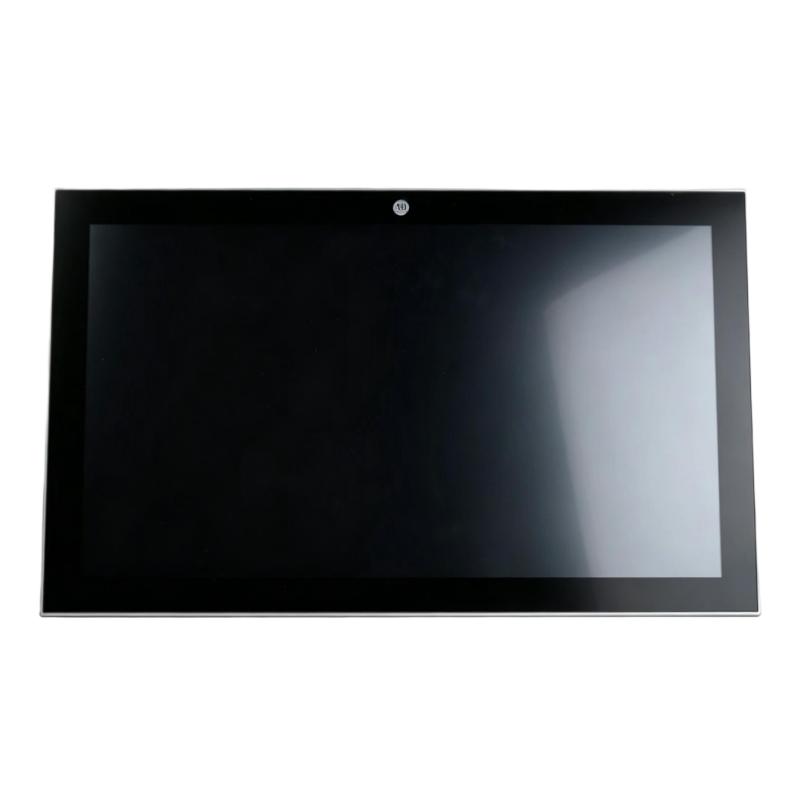
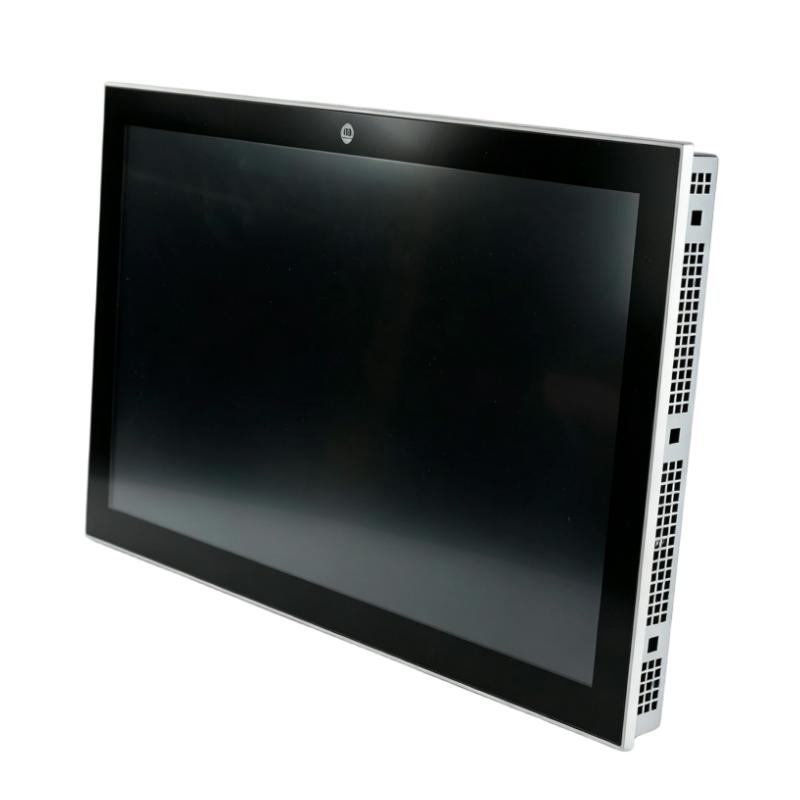
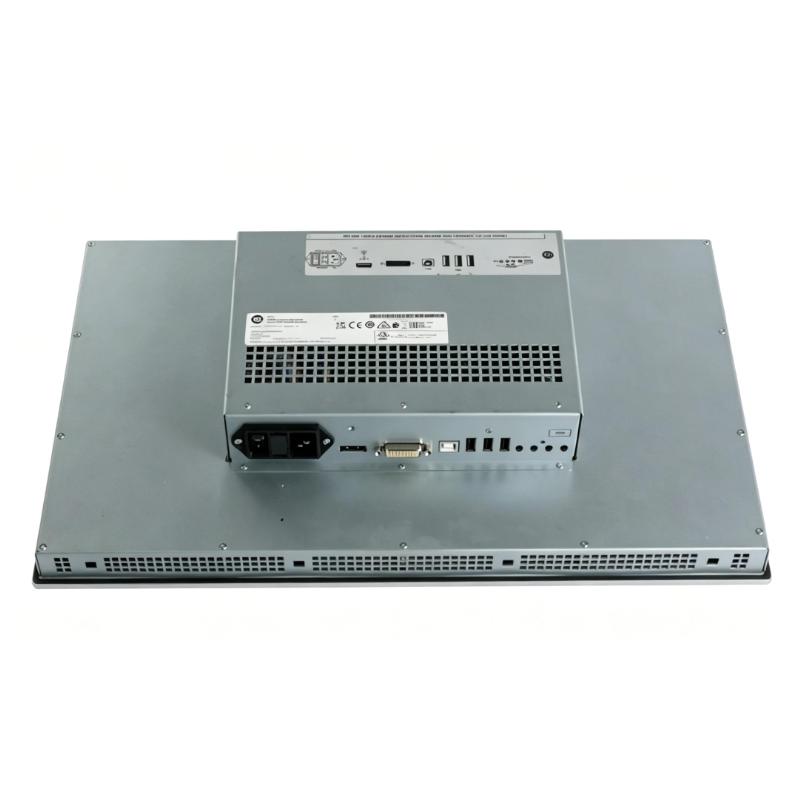
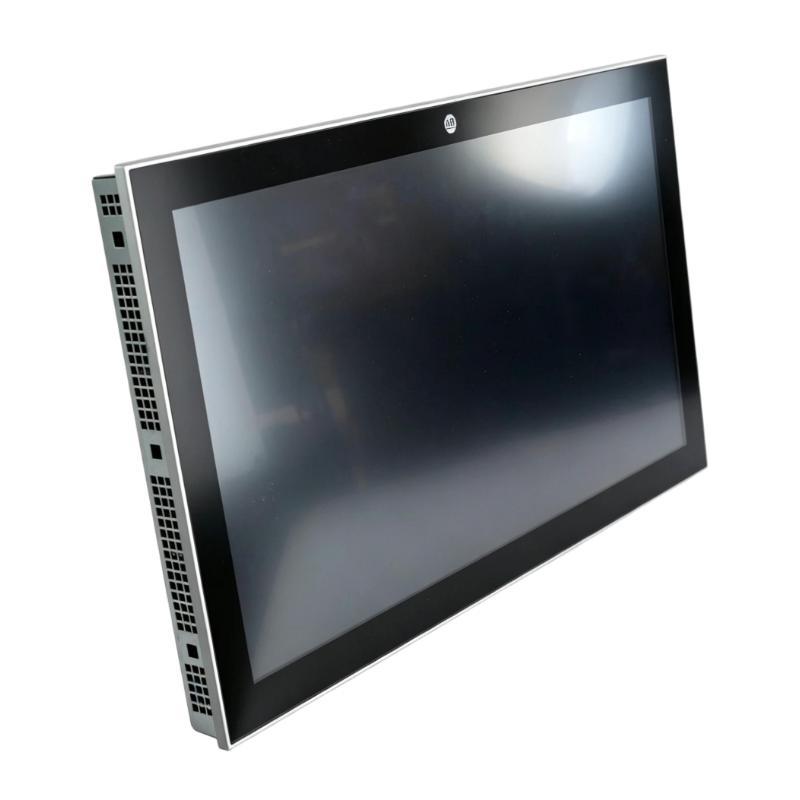
- Allen Bradley
- 6300M-150BAPSXDN1S
- Aluminum Monitor
- USA
- 15 inch
- 1 kg
- Xiamen, China
- New & In Stock
- T/T, PayPal, Western Union
- 1 Year
- 1-3 Working Days
- DHL, UPS, TNT, FedEx and EMS.
- 24-Hour Service
- COO
- 5
Our advantage

Global Logistics
We have a 10-year logistics and express cooperation agreement, so our products can be shipped to any place in the world.

Brand new and original
Our products are imported in bulk from the place of origin. Because of the cooperative relationship, our products are all original and 100% new.

24-hour service
We provide 7*24 hours service to our customers. We will be there whenever you need us.

Price advantage
All our products are priced very favorably because we have our own warehouse and supply.
| Company Information | |||
| [email protected] | |||
| Mobile | +8615980777398 | ||
| +8615980777398 | |||
| 15980777398 |
Product Overview
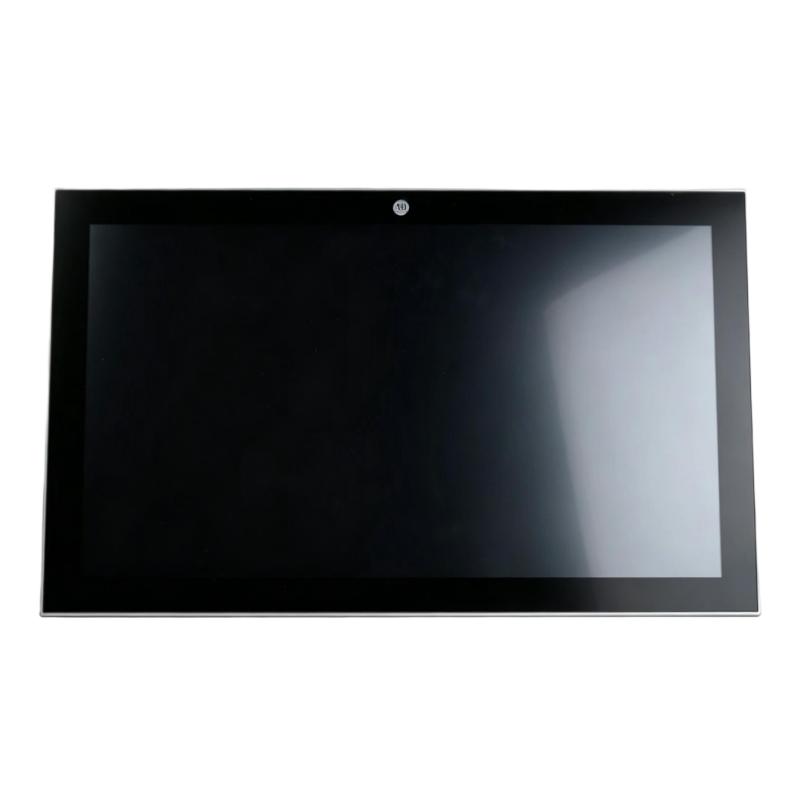
The Allen Bradley 6300M-150BAPSXDN1S is an ASEM 6300M Aluminum Monitor intended for industrial visualization applications where operators need a dedicated display for machine, process, or production information. It can be used as the visual interface between an industrial computer or control platform and the operator workstation.
As part of the ASEM 6300M monitor family, the unit fits applications where a rugged industrial display is preferred over a conventional commercial monitor. It can serve as an operator-facing screen for HMI software, SCADA visualization, production dashboards, equipment status, alarms, and diagnostic information.
The monitor can be integrated with an industrial PC, panel PC, or other compatible computing platform depending on the selected video interface and system architecture. This makes it suitable for control cabinets, machine operator stations, production lines, and industrial work areas where continuous display operation is required.
Technical Specifications
| Parameter | Value |
|---|---|
| Manufacturer | Allen Bradley |
| Model / Part Number | 6300M-150BAPSXDN1S |
| Series | ASEM 6300M |
| Product Type | Aluminum Monitor |
| Application | Industrial operator display and visualization |
| Screen Size | 15 inch |
| Weight | 1 kg |
Product Features
- 15-inch display format for industrial HMI and visualization tasks.
- Aluminum monitor construction suited to industrial workstation applications.
- Intended for integration with industrial PCs and automation visualization systems.
- Suitable for displaying HMI screens, machine status, alarms, trends, and production information.
- Can be incorporated into operator panels and control-room visualization stations.
- A practical option for applications requiring a dedicated industrial monitor rather than an integrated computing unit.
- Supports a modular approach in which the computing platform and operator display are selected separately.
Working Principle
The 6300M-150BAPSXDN1S functions as the visual output device within an industrial computing or automation system. A connected industrial computer processes HMI or SCADA software and sends the display information to the monitor through the applicable video interface.
The operating sequence can be represented as:
Industrial PC / Controller → Video Interface → 6300M Monitor → Operator
The monitor itself does not normally perform PLC logic or process control. Its primary task is to present information generated by the connected computing platform. Operators can use the displayed HMI or visualization screens to observe process values, equipment states, alarms, trends, and machine information.
In a machine application, for example, the industrial PC can collect data from PLCs and other automation devices, process that information through the HMI application, and send the resulting graphical interface to the monitor. The 6300M then serves as the operator-facing display.
Role in a Industrial Visualization Control Architecture
The 6300M-150BAPSXDN1S normally sits at the operator-interface layer rather than directly in the field I/O layer.
Field Devices → PLC / Automation Controller → Industrial PC / HMI Software → 6300M Monitor → Operator
| System Element | Function |
|---|---|
| Field Devices | Provide process measurements, machine status, and equipment signals |
| PLC / Automation Controller | Executes control logic and manages automation operations |
| Industrial PC | Runs HMI, SCADA, visualization, or machine-control software |
| 6300M Monitor | Presents graphical process and machine information to the operator |
| Operator | Monitors conditions, acknowledges alarms, and interacts with the control application |
This separation allows the computing platform and display hardware to be maintained or replaced independently when the system architecture permits.
Industrial Applications
| Application | Typical Use |
|---|---|
| Machine Automation | Display machine operating status, production parameters, alarms, and maintenance information |
| Production Lines | Provide operators with centralized production and equipment visualization |
| HMI Stations | Serve as the display component of an industrial PC-based HMI |
| SCADA Workstations | Present process screens, trends, alarms, and system status |
| Control Cabinets | Provide a dedicated display for automation and machine-control equipment |
| Packaging Equipment | Display machine sequences, recipes, operating conditions, and diagnostic messages |
| Material Handling | Monitor conveyor, sorting, and equipment operating conditions |
| Process Equipment | Present process variables and equipment status through the connected visualization system |
Installation and Maintenance
- Mounting Location
Install the monitor in a suitable operator station or enclosure with adequate mechanical support. - Panel Preparation
Verify that the mounting opening and mechanical arrangement match the monitor installation requirements before installation. - Display Position
Position the screen so that operators can clearly view process information without excessive glare or obstruction. - Video Connection
Connect the monitor to the compatible video output of the industrial PC or visualization computer. - Cable Routing
Keep display cables separated from high-power motor and switching cables where practical to reduce the possibility of electrical interference. - Power Connection
Confirm that the monitor receives the correct power supply before energizing the system. - Initial Commissioning
Check the display image, resolution, signal stability, and communication between the monitor and connected computer during commissioning. - HMI Verification
Confirm that all required HMI screens, alarm displays, trends, and operator graphics are visible correctly. - Ventilation
Maintain sufficient clearance around the equipment and avoid blocking intended ventilation paths. - Screen Cleaning
Clean the display surface with suitable non-abrasive materials and avoid aggressive cleaning chemicals. - Cable Inspection
Periodically inspect power and video connections for looseness, mechanical damage, or signs of wear. - Fault Diagnosis
If the screen is blank or unstable, check the power supply, video cable, computer output, display settings, and application status before replacing the monitor.
Compatible System Components
| Component Type | Typical Role |
|---|---|
| Allen Bradley Industrial PC | Provides the computing platform for HMI or visualization software |
| Industrial HMI Software | Generates operator screens, alarms, trends, and machine information |
| Allen Bradley PLC | Supplies control data and machine status to the visualization system |
| Ethernet Communication Network | Transfers process and equipment data between automation devices and the visualization computer |
| Industrial Keyboard and Mouse | Provides operator input for PC-based HMI stations |
| Control Cabinet | Houses the industrial computer, network equipment, power components, and associated hardware |
Recommended Related Models
| Model / Family | Product Type | Typical Application |
|---|---|---|
| Allen Bradley ASEM 6300M Series | Aluminum Monitor | Industrial visualization and operator display |
| Allen Bradley ASEM 6300P Series | Industrial Panel PC | Integrated computing and HMI applications |
| Allen Bradley ASEM 6300B Series | Box PC | Industrial computing and control applications |
| Allen Bradley PanelView Plus Series | Graphic Terminal | Dedicated machine and process HMI |
| Allen Bradley CompactLogix Series | Programmable Automation Controller | Machine control and automation logic |
| Allen Bradley ControlLogix Series | Programmable Automation Controller | Larger-scale control and system integration |
Key Advantages
- Industrial-oriented monitor for machine and process visualization.
- 15-inch display format suited to operator-facing HMI applications.
- Aluminum construction appropriate for industrial workstation integration.
- Can be paired with an industrial PC to create a flexible visualization station.
- Suitable for HMI, SCADA, machine monitoring, and production-line applications.
- Separates the display function from the computing platform, simplifying system architecture in suitable applications.
Technical FAQs
Can the 6300M-150BAPSXDN1S be used as an HMI display?
Yes. The monitor can serve as the display component of a PC-based HMI system. The HMI software normally runs on the connected industrial computer, while the 6300M presents the graphical interface to the operator.
What type of equipment can be connected to this monitor?
It can be integrated with a compatible industrial PC, panel computer, or other computing platform that provides the appropriate video output. The actual connection should be checked against the interface configuration of the specific system.
Is the monitor itself responsible for PLC control logic?
No. The monitor primarily provides visual output. PLC logic, data processing, and control functions are normally handled by the connected PLC, industrial PC, or other automation controller.
What should be checked if the display does not show the HMI screen?
Start by checking the monitor power connection and video cable. Then verify that the connected computer is operating correctly and that its display output is configured properly. If the monitor receives a signal but the HMI application is not visible, the issue may be related to the operating system, graphics configuration, or HMI software rather than the monitor itself.