

ProductPRODUCT
Featured products
Contact Us
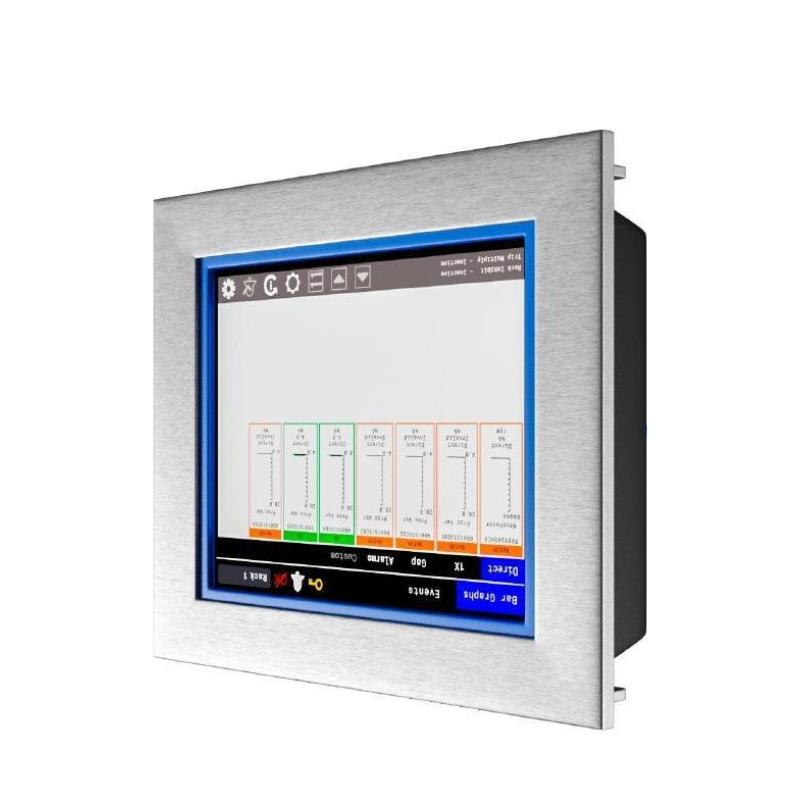
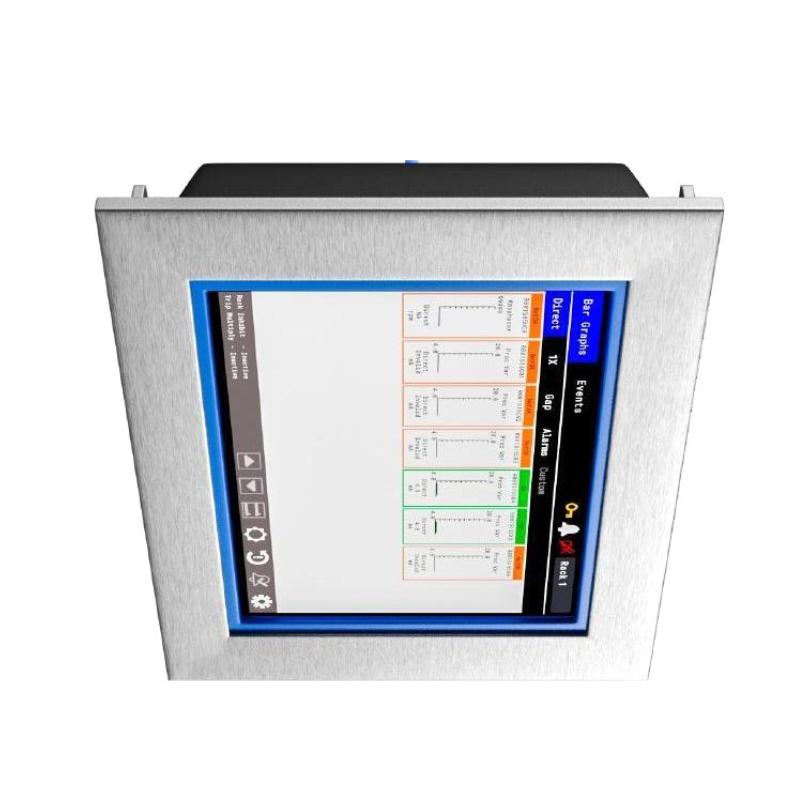
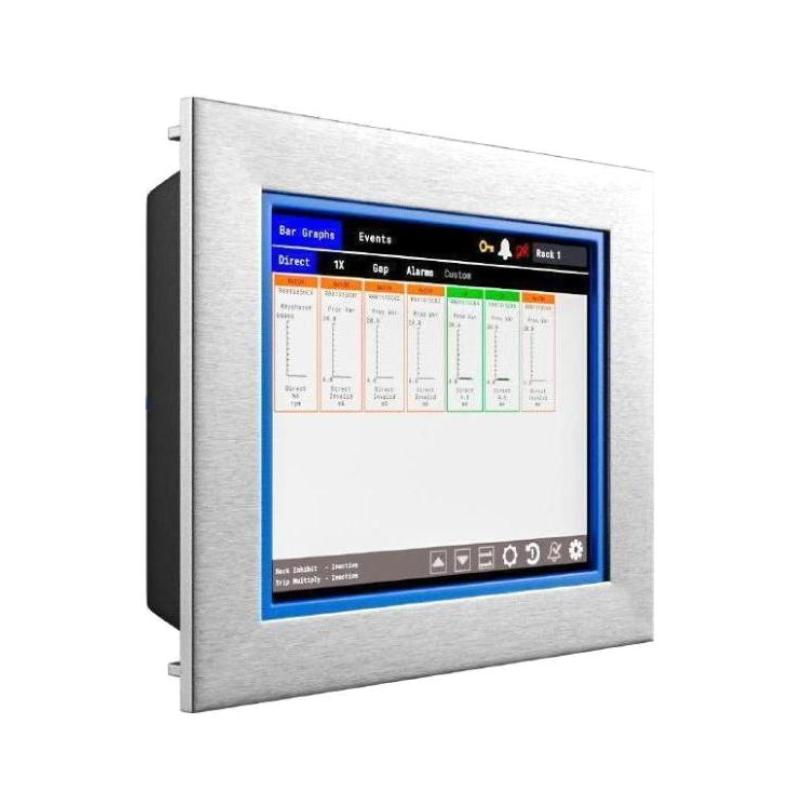
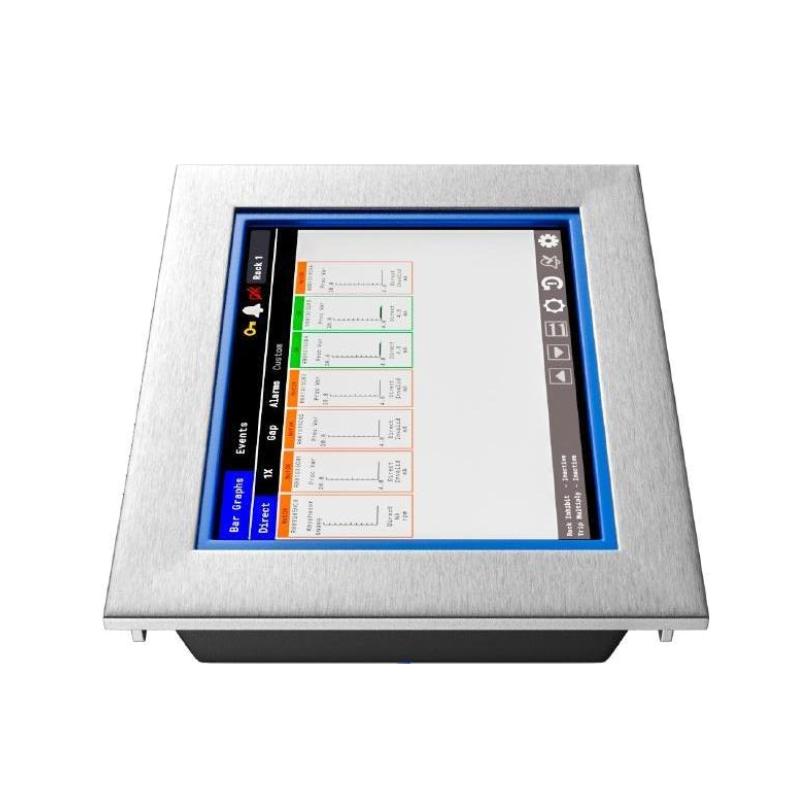
- Bently Nevada
- 60X/EXD02
- 15" Hazardous Area Display
- USA
- 422 × 338 × 68 mm
- 8.5 kg
- Xiamen, China
- New & In Stock
- T/T, PayPal, Western Union
- 1 Year
- 1-3 Working Days
- DHL, UPS, TNT, FedEx and EMS.
- 24-Hour Service
- COO
- 63
Our advantage

Global Logistics
We have a 10-year logistics and express cooperation agreement, so our products can be shipped to any place in the world.

Brand new and original
Our products are imported in bulk from the place of origin. Because of the cooperative relationship, our products are all original and 100% new.

24-hour service
We provide 7*24 hours service to our customers. We will be there whenever you need us.

Price advantage
All our products are priced very favorably because we have our own warehouse and supply.
| Company Information | |||
| [email protected] | |||
| Mobile | +8615980777398 | ||
| +8615980777398 | |||
| 15980777398 |
Product Overview
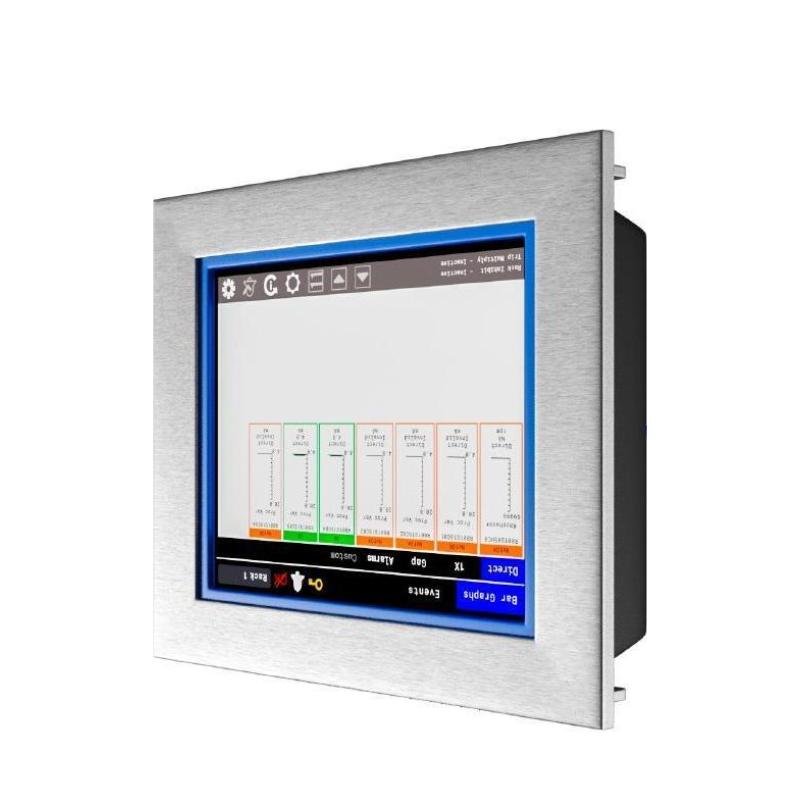
The Bently Nevada 60X/EXD02 is a 15-inch hazardous area display for the Orbit 60 Series, intended for local visualization of machinery monitoring information in industrial areas where hazardous-area installation requirements apply. The larger screen is suited to installations where operators need to view multiple monitoring values, equipment status, or alarm information from a practical distance.
A typical use case is a compressor or turbine installation where the monitored equipment is located away from the main control room. The display can be positioned near the equipment so that maintenance and operations personnel can review available Orbit 60 information while performing field inspections or equipment checks.
The display operates at the operator interface level of the monitoring system. Orbit 60 monitoring modules remain responsible for acquiring and processing machinery-condition signals, while the 60X/EXD02 makes the resulting information available locally in a hazardous-area environment.
Technical Specifications
| Parameter | Specification |
|---|---|
| Manufacturer | Bently Nevada |
| Model | 60X/EXD02 |
| Product Family | Orbit 60 Series |
| Product Type | 15″ Hazardous Area Display |
| Display Size | 15″ |
| Application | Hazardous-area machinery monitoring display |
| Dimensions | 422 × 338 × 68 mm |
| Weight | 8.5 kg |
Product Features
- Orbit 60 Series 15″ Hazardous Area Display
- Model 60X/EXD02
- 15-inch display format for local machinery monitoring
- Intended for hazardous-area operating environments
- Supports local visualization of Orbit 60 monitoring information
- Suitable for viewing machine condition, status, and alarm information
- Larger display area for field-based monitoring tasks
- Suitable for compressor, turbine, pump, and other rotating equipment installations
- Can be installed near monitored machinery where local access to system information is required
- Works with the wider Orbit 60 monitoring architecture
- Separates operator visualization from dedicated signal acquisition hardware
- Suitable for operations and maintenance personnel working near monitored equipment
Working Principle
The 60X/EXD02 functions as a local display point within an Orbit 60 machinery monitoring system.
Machinery Sensors → Orbit 60 Monitoring Modules → System Interface → 60X/EXD02 → Operator
Sensors installed on the monitored machine send measurement signals to Orbit 60 monitoring modules. The monitoring hardware processes the incoming information and makes the relevant machinery-condition data available through the system architecture.
The 60X/EXD02 receives the available display information and presents it locally on its 15-inch screen. This allows personnel working near the equipment to check monitoring values, machine status, and alarms without relying solely on a remote control-room display.
The display does not replace the dedicated monitoring modules. Its function is to provide the local operator-facing visualization layer, while the monitoring hardware continues to handle the actual machinery signal acquisition and processing.
Role in an Orbit 60 Machinery Monitoring Control Architecture
The 60X/EXD02 occupies the local operator interface position within the Orbit 60 architecture, with its hazardous-area construction suited to field installations where the display must be located close to the monitored equipment.
Field Sensors → Orbit 60 Monitoring Modules → System Interface → 60X/EXD02 → Local Operator
| System Element | Function |
|---|---|
| Machinery Sensors | Generate measurement signals from monitored equipment |
| Orbit 60 Monitoring Modules | Acquire and process machinery-condition information |
| System Interface | Transfers monitoring information within the Orbit 60 architecture |
| 60X/EXD02 | Presents monitoring information through a local hazardous-area display |
| Local Operator | Reviews machinery condition, status, and alarm information |
| DCS / PLC | Handles associated plant control functions where integrated |
The actual system arrangement depends on the selected Orbit 60 monitoring hardware, communication architecture, display installation, and plant control requirements.
Industrial Applications
| Application | Typical Use |
|---|---|
| Compressor Stations | Local display of compressor train monitoring information |
| Oil and Gas Facilities | Field visualization of machinery condition in hazardous process areas |
| Gas Processing Plants | Local access to machinery status and alarm information |
| Refining Equipment | Monitoring rotating equipment close to the process area |
| Chemical Processing | Displaying machinery monitoring information in classified areas |
| Turbine Installations | Local viewing of turbine monitoring data and alarms |
| Pump Stations | Providing field personnel with access to monitored pump information |
| Offshore Platforms | Supporting local machinery monitoring in hazardous operating areas |
| Process Machinery | Displaying condition and status information near critical equipment |
| Maintenance Stations | Giving technicians local access to monitoring information during equipment inspection |
Installation and Maintenance
- Confirm the complete 60X/EXD02 reference before installation or replacement.
- Verify that the selected installation location is suitable for the applicable hazardous-area requirements.
- Check the mounting structure and ensure that it can safely support the 8.5 kg display.
- Verify the applicable power arrangement before energizing the display.
- Inspect display and communication connections for secure installation and physical damage.
- Confirm that the communication path to the associated Orbit 60 system interface is correctly established.
- Check the operating condition of the upstream Orbit 60 monitoring modules before troubleshooting the display.
- Verify that required machinery values, equipment status, and alarm information are visible after commissioning.
- Keep the display surface clean and readable using maintenance procedures suitable for the installed equipment.
- Protect the display from excessive mechanical impact, vibration, moisture, and contamination during operation and maintenance.
- If the display is blank or unavailable, check power, communication connections, system interface status, and upstream monitoring hardware before replacing the display.
- After replacement, verify communication and display functions and confirm that the required Orbit 60 monitoring information is correctly presented at the local operating position.
For hazardous-area maintenance, follow the applicable site procedures and equipment installation requirements before opening, removing, or servicing the display.
Related Components
| Component | Function |
|---|---|
| Bently Nevada 60R/SIM01-00-0 | Orbit 60 System Interface Module |
| Orbit 60 Monitoring Modules | Acquire and process machinery-condition signals |
| Orbit 60 Machinery Sensors | Provide measurements from monitored rotating equipment |
| Bently Nevada 60X/CMP01 | Orbit 60 industrial computer for display functions |
| Bently Nevada 60X/EXD01-00-02 | Orbit 60 10.4″ hazardous area display |
| Orbit 60 Configuration Software | Supports system configuration and engineering activities |
| DCS / PLC Interface | Connects relevant monitoring information with plant control systems |
Recommended Related Models
| Model / Product Family | Product Type | Typical Application |
|---|---|---|
| Bently Nevada 60X/EXD01-00-02 | Orbit 60 Series 10.4″ Hazardous Area Display | Smaller local display installations in hazardous areas |
| Bently Nevada 60X/CMP01 | Orbit 60 Series Industrial Computer for Display | Computing and display functions within the Orbit 60 environment |
| Bently Nevada 60R/SIM01-00-0 | Orbit 60 System Interface Module | System-level interface and monitoring data communication |
| Bently Nevada 60X/CFG | Orbit 60 Series Configuration Software | Orbit 60 configuration and engineering |
| Orbit 60 Monitoring Modules | Machinery Monitoring Modules | Acquisition and processing of machinery-condition signals |
Key Advantages
- 15-inch display for local Orbit 60 monitoring.
- Intended for hazardous-area display applications.
- Larger viewing area for field monitoring tasks.
- Allows operators to review machinery information close to the equipment.
- Supports local access to monitoring values, status, and alarms.
- Integrates with the wider Orbit 60 monitoring architecture.
- Suitable for critical rotating equipment installations.
Technical FAQs
What is the main application of the Bently Nevada 60X/EXD02?
The 60X/EXD02 is a 15-inch hazardous area display used to present Orbit 60 machinery monitoring information at a local operating position.
Why use the 15-inch 60X/EXD02 instead of a smaller display?
The larger 15-inch display provides more viewing area for local monitoring tasks. It can be useful where operators need to view several items of machinery information or read the display while standing at a field equipment location.
Is the 60X/EXD02 responsible for machinery signal acquisition?
No. The display operates at the visualization layer. Orbit 60 monitoring modules acquire and process the machinery-condition signals, while the 60X/EXD02 presents the available information to the operator.
What should be verified before installing a replacement 60X/EXD02?
The replacement should be checked against the installed Orbit 60 architecture, display and communication connections, mounting arrangement, and applicable hazardous-area installation requirements. After installation, communication and display functions should be verified before returning the system to normal operation.