

ProductPRODUCT
Featured products
Contact Us
- ABB(KUKA)
- 00-250-424
- Recovery USB Stick
- Germany
- 70 × 20 × 10 mm
- 0.1 kg
- Xiamen, China
- New & In Stock
- T/T, PayPal, Western Union
- 1 Year
- 1-3 Working Days
- DHL, UPS, TNT, FedEx and EMS.
- 24-Hour Service
- COO
- 63
Our advantage

Global Logistics
We have a 10-year logistics and express cooperation agreement, so our products can be shipped to any place in the world.

Brand new and original
Our products are imported in bulk from the place of origin. Because of the cooperative relationship, our products are all original and 100% new.

24-hour service
We provide 7*24 hours service to our customers. We will be there whenever you need us.

Price advantage
All our products are priced very favorably because we have our own warehouse and supply.
| Company Information | |||
| [email protected] | |||
| Mobile | +8615980777398 | ||
| +8615980777398 | |||
| 15980777398 |
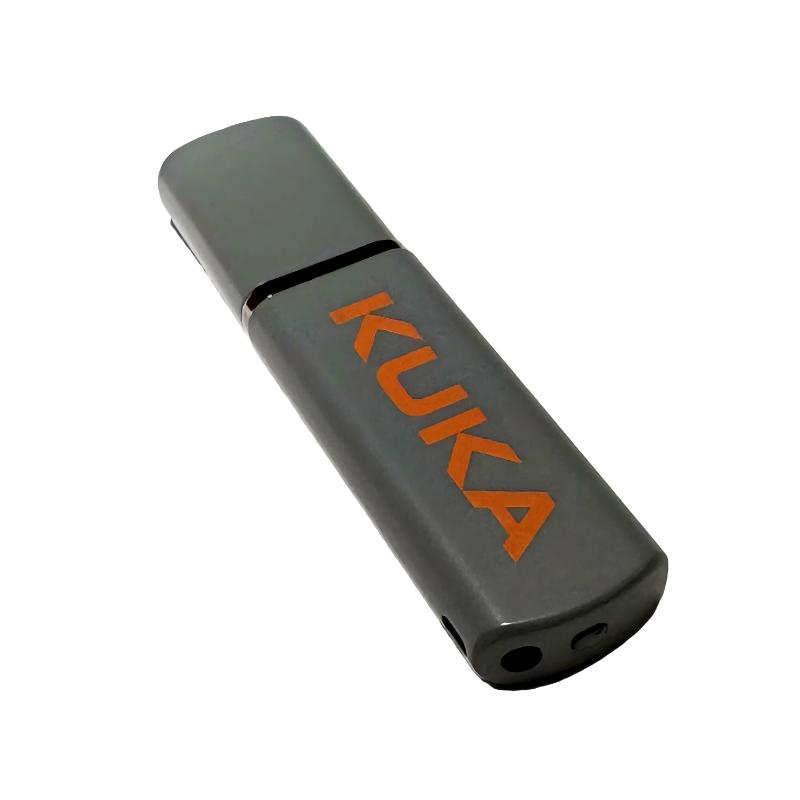
Product Overview
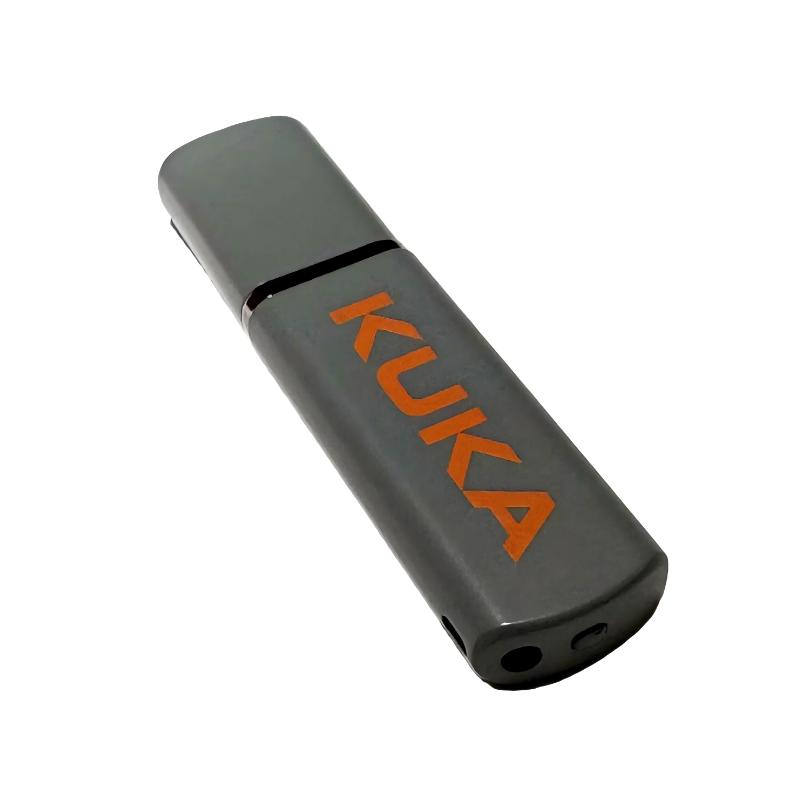
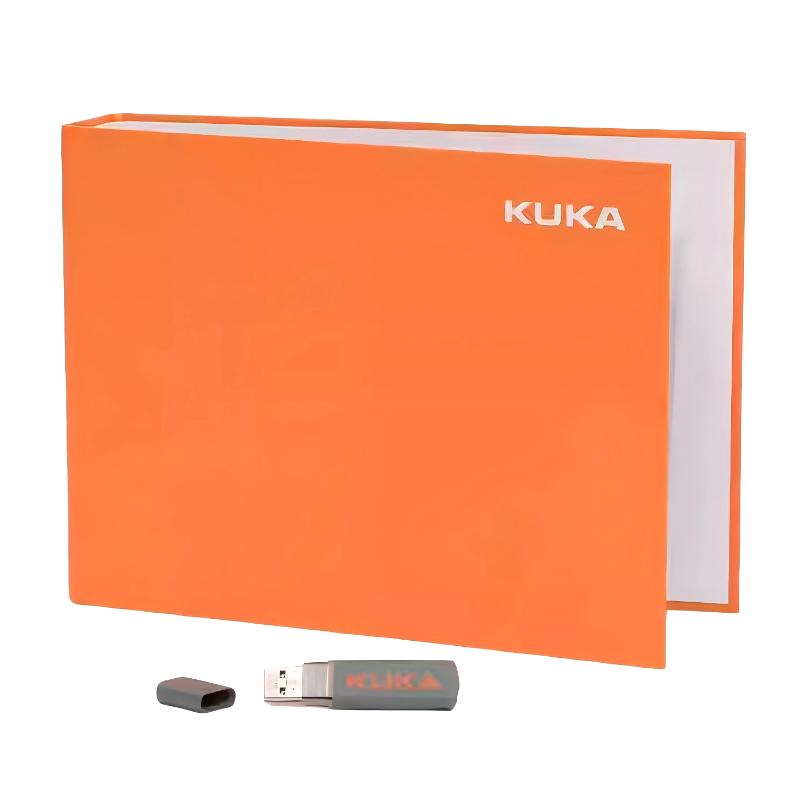
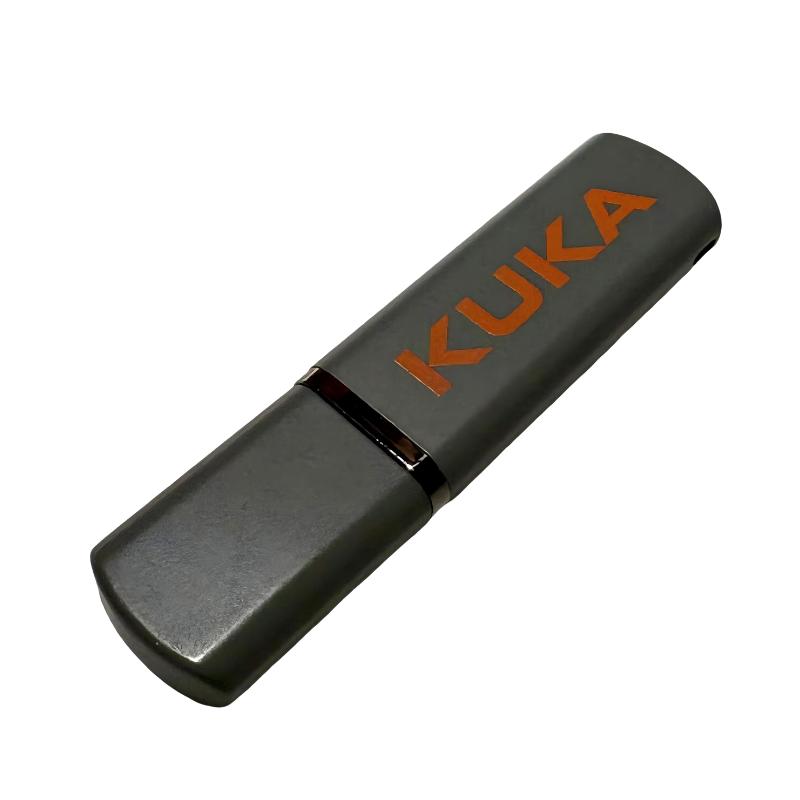
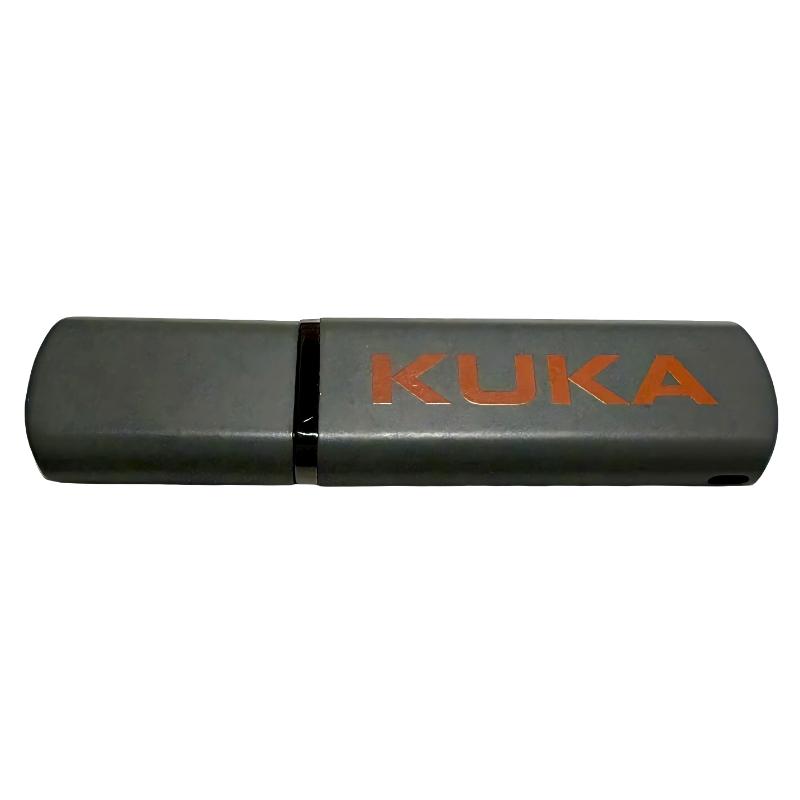
The ABB(KUKA) 00-250-424 Recovery USB Stick is a recovery storage device intended for use with KUKA robot control systems. It is primarily associated with system recovery, software restoration, configuration recovery, or maintenance procedures where specific recovery data needs to be loaded into the robot controller.
Unlike a standard USB storage device used for transferring general files, a recovery USB stick is normally prepared for a particular controller environment. Its contents can include recovery software, system files, configuration data, or other files required during a controlled service procedure.
For robot maintenance engineers, this type of component is particularly useful when a controller needs to be restored following a system failure, software problem, storage-device replacement, or other maintenance event. The exact recovery procedure depends on the KUKA controller generation and the software package associated with the recovery media.
Technical Specifications
| Parameter | Specification |
|---|---|
| Manufacturer | ABB(KUKA) |
| Model | 00-250-424 |
| Product Type | Recovery USB Stick |
| Main Function | Robot Controller System Recovery |
| Application | KUKA Robot Controller Maintenance |
| Storage Interface | USB |
| Dimensions | 70 × 20 × 10 mm |
| Weight | 0.1 kg |
Main Features
The 00-250-424 is intended for controller recovery and maintenance rather than normal robot operation.
Key characteristics include:
- KUKA Recovery USB Stick
- Used for robot controller recovery procedures
- Suitable for system restoration and maintenance
- Provides recovery-related software or system files
- Useful following controller software problems
- Can support controlled recovery operations
- Compact portable storage format
- Suitable for service engineers and maintenance teams
- Intended for use with compatible KUKA controller systems
- Dimensions of 70 × 20 × 10 mm
- Weight of 0.1 kg
The contents of recovery media should be treated as controller-specific. A general-purpose USB drive containing unrelated software should not be considered equivalent to the specified recovery media.
Working Principle
The Recovery USB Stick functions as a bootable or service-related storage medium, depending on the applicable KUKA controller and recovery procedure.
A simplified recovery process can be represented as:
Recovery USB → Robot Controller → Recovery Environment → System Restoration → Controller Restart
When the controller enters the appropriate recovery or service mode, the USB media can supply the required recovery files. The controller then uses those files according to the recovery procedure to restore the applicable software environment or system data.
The recovery process may involve different stages depending on the controller configuration. These can include system software restoration, configuration recovery, system initialization, or preparation of the controller for subsequent configuration.
The USB stick itself does not execute robot motion control. Its role is to provide the required recovery resources to the controller during maintenance.
Role in KUKA Robot System Recovery
A robot controller contains critical software and configuration information required for normal operation. If the controller’s software environment becomes damaged or unavailable, normal robot operation may no longer be possible.
The 00-250-424 can be used as part of a recovery workflow:
Controller Fault → Recovery Media → System Restoration → Configuration Recovery → Functional Verification
Typical situations may include:
- Controller software failure
- System recovery after maintenance
- Replacement of controller storage hardware
- Software corruption
- Controller initialization
- Recovery after an unsuccessful system update
- Service-center repair
- Restoration of a prepared controller environment
The recovery media should be used together with the correct controller-specific procedure. It should not be used as an ordinary file-transfer device unless the applicable documentation explicitly permits that operation.
Industrial Applications
The Recovery USB Stick is primarily associated with KUKA robot controller service and maintenance.
| Application | Typical Use |
|---|---|
| Automotive Robotics | Controller recovery |
| Welding Cells | Restoration of robot controller software |
| Assembly Automation | Controller maintenance |
| Material Handling | System recovery after software faults |
| Machine Tending | Controller service |
| Packaging Lines | Recovery and maintenance |
| Robotic Machining | Software restoration |
| Palletizing Systems | Controller recovery |
| Robot Commissioning | Controller initialization |
| Production Cell Maintenance | System restoration |
It is especially useful for maintenance teams that need to keep appropriate recovery media available when servicing critical robotic production equipment.
Recovery and Maintenance Procedure
Before using the 00-250-424, the controller model and recovery package should be verified.
Recommended preparation includes:
- Confirm the complete 00-250-424 part number.
- Identify the KUKA robot controller model.
- Verify the applicable software/recovery version.
- Back up existing robot programs and configuration whenever the controller remains accessible.
- Record relevant system settings.
- Isolate the robot from normal production operation.
- Follow the applicable controller recovery procedure.
- Use the recovery USB only in the intended controller environment.
During recovery, engineers should avoid interrupting power or removing the USB media while a write or restoration operation is in progress.
After recovery:
- Confirm that the controller starts correctly.
- Check system diagnostics.
- Verify controller configuration.
- Restore required robot programs and system data where applicable.
- Check communication with connected equipment.
- Verify robot calibration data.
- Test I/O functions.
- Check safety functions.
- Perform controlled robot movement tests.
- Return the robot to production only after the complete system has been validated.
A successful recovery boot does not necessarily mean the robot is ready for production. Configuration, calibration, I/O, communication, and safety functions may all require verification.
Related Components
The recovery USB stick can be used alongside other components involved in KUKA controller maintenance.
| Component | Function |
|---|---|
| KUKA Robot Controller | Executes robot control software |
| Controller Storage Device | Stores system and configuration data |
| Recovery USB Stick | Provides recovery resources |
| Teach Pendant | Robot operation and programming |
| Safety Board | Handles safety-related functions |
| Servo Drive | Controls robot-axis motion |
| Robot Servo Motor | Produces mechanical movement |
| Robot I/O System | Exchanges process signals |
| Ethernet Network | Connects external control equipment |
| System Power Supply | Provides controller power |
The exact recovery sequence depends on the controller generation and the condition of the installed system.
Recommended Related Models
For KUKA robot controller maintenance, the following related components may be considered according to the service requirement.
| Model | Product Type | Main Function | Typical Application |
|---|---|---|---|
| ABB(KUKA) 00-250-424 | Recovery USB Stick | Controller recovery | System restoration |
| ABB(KUKA) 00-109-835 | Zero Calibrator | Robot reference calibration | Robot maintenance |
| ABB(KUKA) 00-134-932 | ESC-Ci3 Safety Board | Safety control | Robot safety architecture |
| ABB(KUKA) 00-152-227 | Sicherungsblock | Circuit protection | Controller power distribution |
| ABB(KUKA) 00-126-383 | DC Power Supply | DC power supply | Robot controller cabinet |
| ABB(KUKA) 1FK7101-5AZ91-1ZZ9-ZS07 | Robot Servo Motor | Axis motion | Industrial robot movement |
These components perform very different functions, so selection should be based on the actual maintenance requirement rather than treating them as interchangeable controller accessories.
Key Advantages
- KUKA recovery USB media
- Intended for robot controller recovery
- Useful during software-related maintenance
- Supports controlled system restoration
- Portable and easy to store with maintenance equipment
- Useful for service and commissioning teams
- Helps reduce recovery preparation time when the correct media is available
- Suitable for KUKA controller maintenance environments
- Compact storage format
- Dimensions of 70 × 20 × 10 mm
- Weight of 0.1 kg
Technical FAQs
What is the 00-250-424 Recovery USB Stick used for?
The 00-250-424 is used as recovery media for compatible KUKA robot controller systems. It can provide the files or recovery environment required during controller software restoration and related maintenance procedures.
Can the Recovery USB Stick be used like a normal USB flash drive?
It should not be treated as an ordinary general-purpose storage device. Recovery media is associated with a specific controller and recovery environment, so its contents and intended procedure should be preserved and used according to the applicable KUKA system requirements.
Should robot programs be backed up before performing a controller recovery?
Yes. Whenever the controller remains accessible, important robot programs, configurations, calibration-related information, and other required system data should be backed up before starting a recovery operation. Recovery procedures can affect existing system data depending on the selected recovery method.
What should be checked after completing a KUKA controller recovery?
The controller startup status, software environment, robot programs, calibration information, I/O configuration, communication, safety functions, and controlled robot movement should all be verified. A completed recovery process should be followed by functional testing before the robot returns to automatic production.