Product Overview
In industrial robotic systems, teach pendant control panels are essential human-machine interface (HMI) devices that allow operators and engineers to directly interact with robot controllers. They are widely used for robot programming, manual operation, system configuration, commissioning, and maintenance.
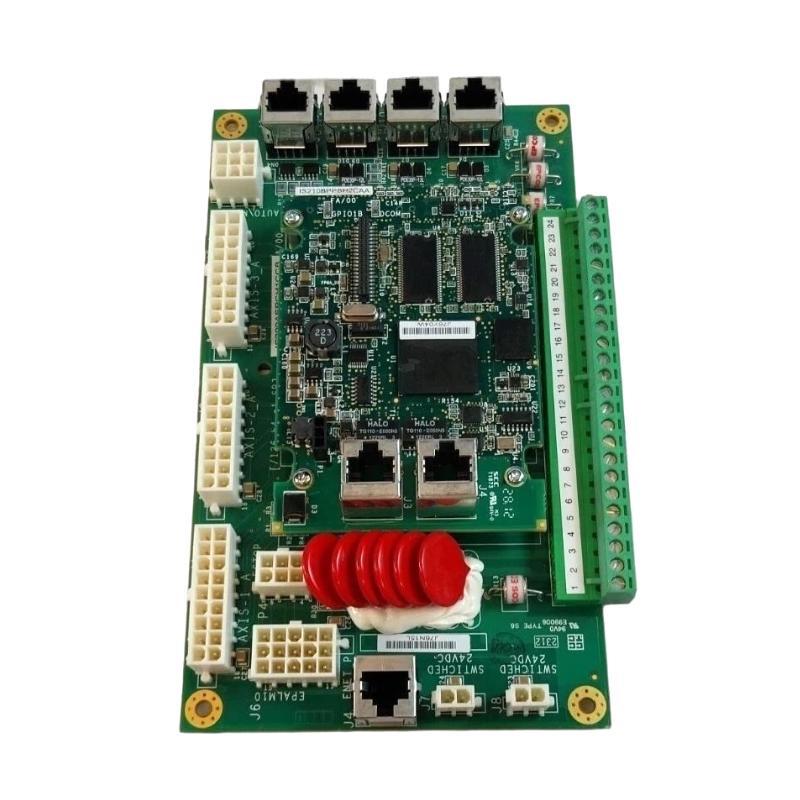
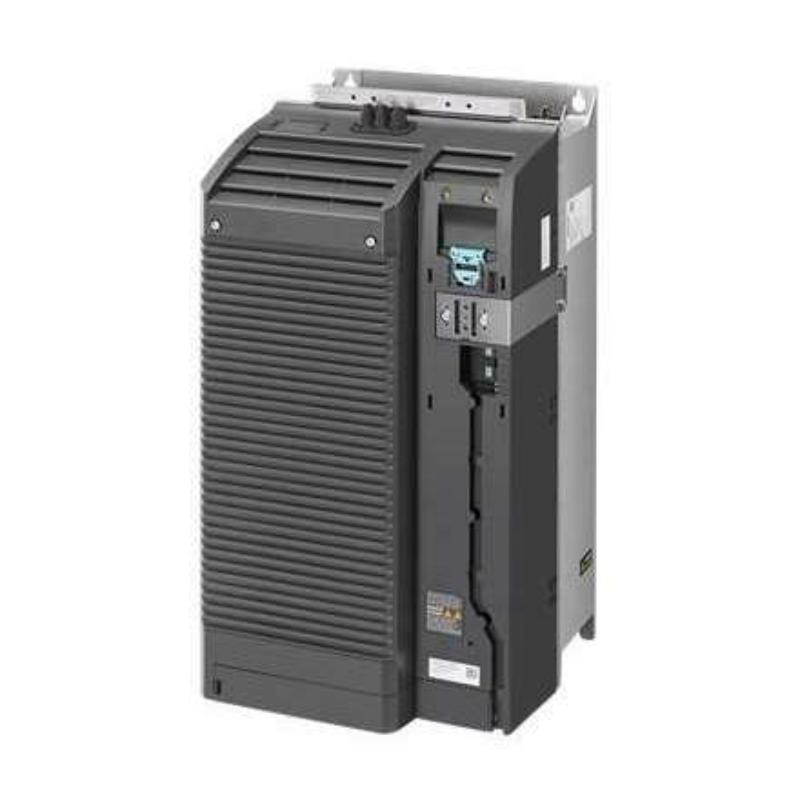
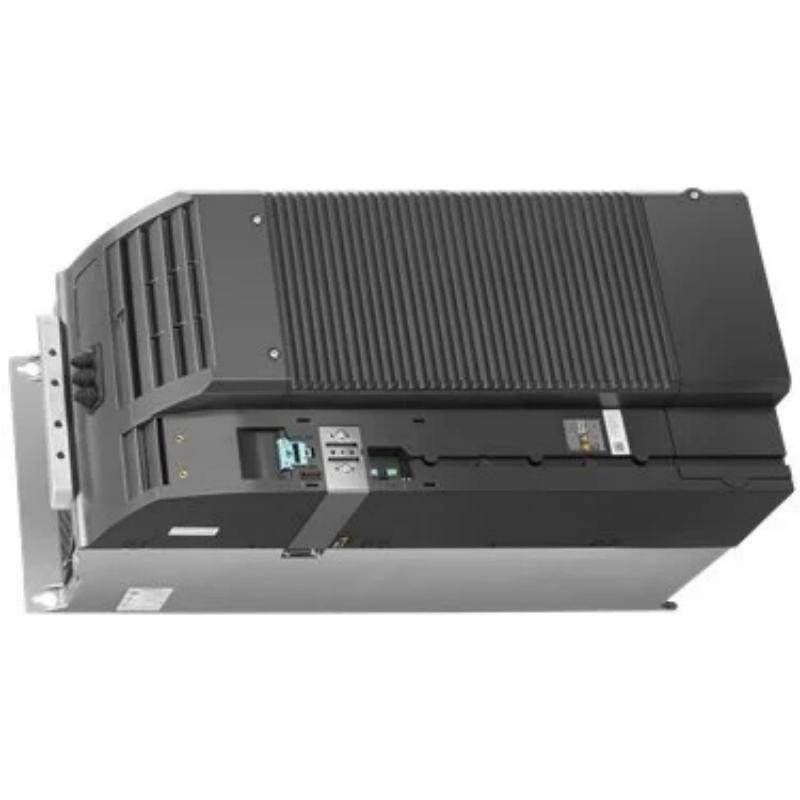
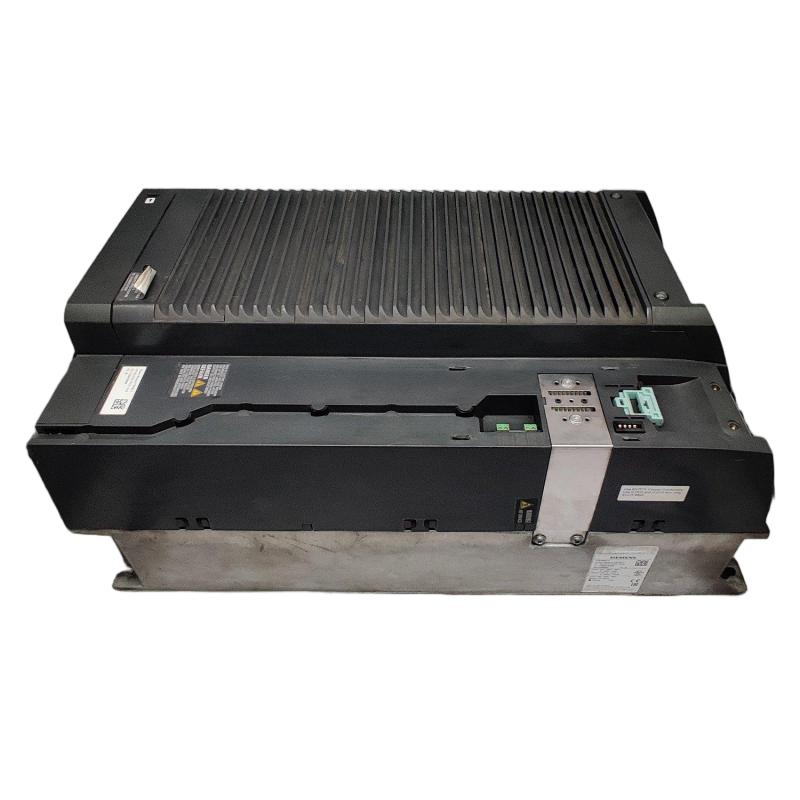
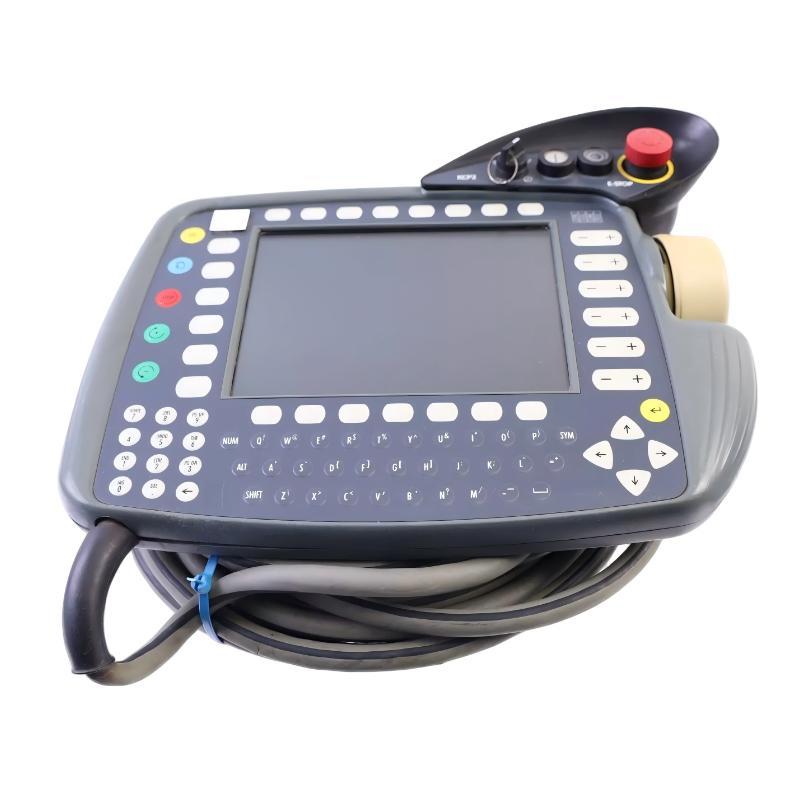
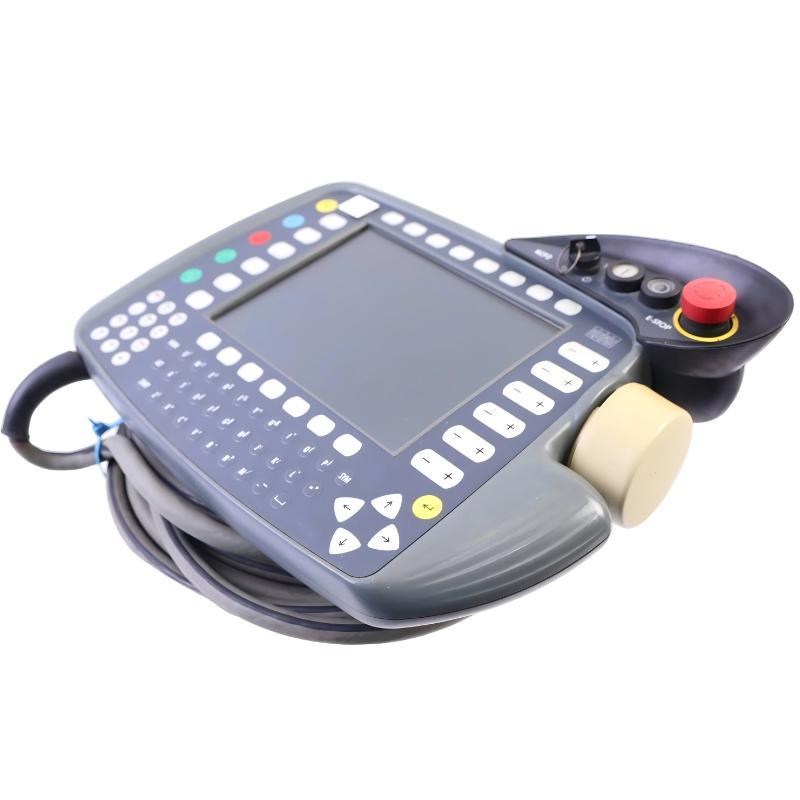
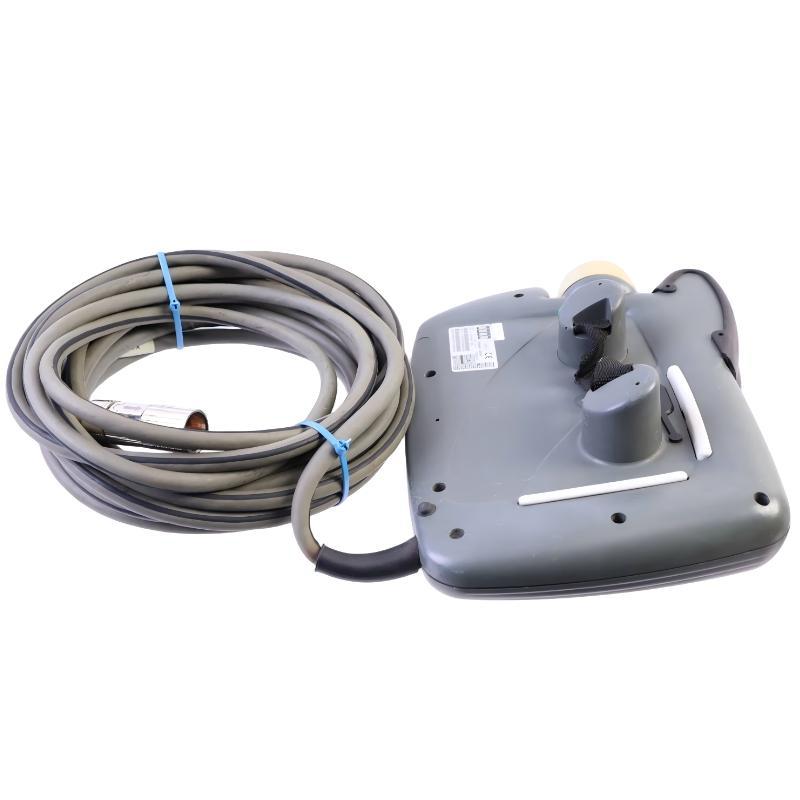
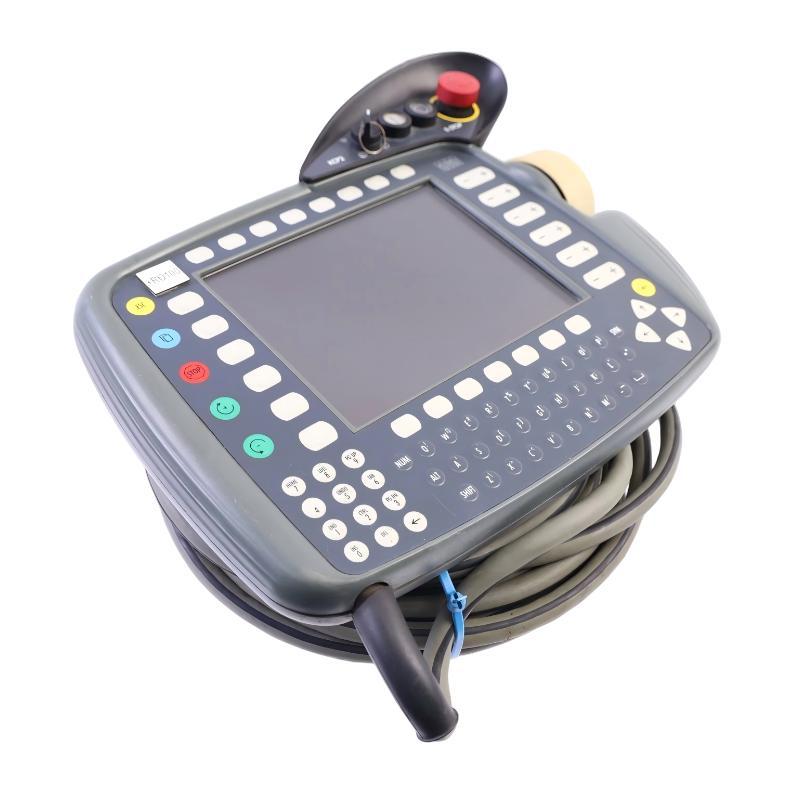
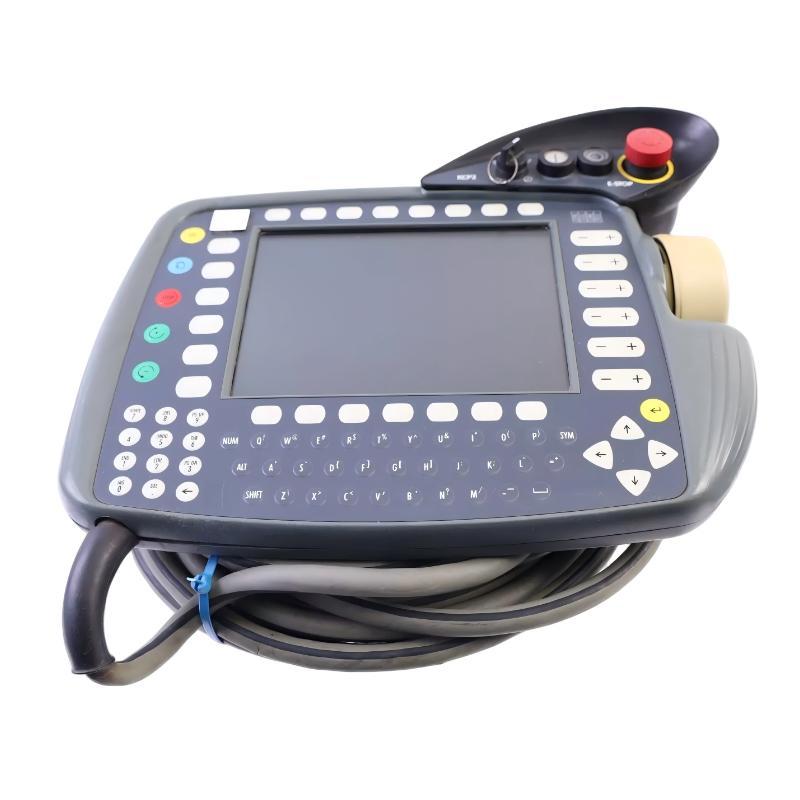
The ABB (KUKA) 00-110-185 Teach Pendant Control Panel is an industrial robot control interface component designed for ABB KUKA robotic automation systems. It provides a communication bridge between the operator and robot controller, enabling precise robot teaching operations, movement adjustment, parameter configuration, and diagnostic functions.
Designed for industrial environments requiring reliable operation and flexible robot control, the 00-110-185 Teach Pendant Control Panel supports efficient robot setup, improved maintenance procedures, and stable automation performance.
With dimensions of 203 × 190 × 60 mm and a weight of 3.08 kg, the ABB (KUKA) 00-110-185 Teach Pendant Control Panel features a durable industrial structure suitable for robotic operation, service, and maintenance applications.
Technical Specifications
| Parameter |
Details |
| Manufacturer |
ABB (KUKA) |
| Model |
00-110-185 |
| Product Type |
Teach Pendant Control Panel |
| Application |
Industrial Robot HMI Interface |
| Function |
Robot Programming and Manual Control |
| Component Type |
Operator Control Panel |
| Installation Type |
Portable Robot Control Device |
| Dimensions |
203 × 190 × 60 mm |
| Weight |
3.08 kg |
Function and Working Principle
The ABB (KUKA) 00-110-185 Teach Pendant Control Panel operates as an interactive control terminal that allows operators to send commands and receive system information from industrial robots.
The operating process is:
Operator Input → Teach Pendant Processing → Robot Controller → Robot Motion Response
Main working functions include:
- Receives operator commands for robot operation.
- Sends programming instructions to the robot controller.
- Enables manual robot movement and position adjustment.
- Provides access to configuration and diagnostic functions.
- Supports robot commissioning and maintenance activities.
The teach pendant allows technicians to perform precise control operations without directly modifying the internal controller hardware.
Role in Industrial Automation Systems
The 00-110-185 Teach Pendant Control Panel is an important component in ABB KUKA robotic control architectures.
Main functions include:
- Robot programming interface
- Manual jogging control
- Motion adjustment support
- System parameter configuration
- Fault diagnosis assistance
Typical applications include:
- Industrial robotic cells
- Automated production systems
- Assembly lines
- Welding robots
- Material handling systems
Main Features
Advanced Robot Control Interface
The teach pendant provides direct access to robot control operations.
Advantages:
- Efficient robot teaching
- Convenient program modification
- Accurate motion adjustment
- Reduced commissioning time
Human-Machine Interaction Capability
The control panel improves communication between operators and robotic equipment.
Benefits:
- Easy command operation
- Real-time system interaction
- Improved maintenance efficiency
- Faster troubleshooting
Durable Industrial Construction
With dimensions of 203 × 190 × 60 mm and weight of 3.08 kg, the unit provides a robust structure for industrial applications.
Advantages:
- Suitable for frequent handling
- Stable mechanical design
- Reliable field operation
- Long-term industrial usage
Flexible Robot Maintenance Support
The teach pendant allows engineers to perform service tasks efficiently.
Benefits:
- Manual robot positioning
- System testing
- Error diagnosis
- Configuration adjustment
Industrial Applications
ABB KUKA Robot Programming
The 00-110-185 Teach Pendant Control Panel is commonly used for robot programming operations.
Applications include:
- Robot motion teaching
- Program editing
- Coordinate adjustment
- Production setup
Automated Manufacturing
Teach pendant control panels are widely used in manufacturing automation.
Applications include:
- Automotive production lines
- Robotic welding systems
- Assembly automation
- Machine tending applications
Robot Commissioning and Maintenance
The device supports technicians during installation and service operations.
Applications include:
- Robot calibration
- Motion testing
- Fault inspection
- System verification
Industrial Training Applications
The teach pendant can support robot operation training.
Applications include:
- Operator training
- Programming practice
- Automation education
Installation and Setup Guide
Step 1: Verify Compatibility
Before installation, confirm:
- ABB KUKA controller compatibility
- Correct model number
- Communication interface type
- Robot system configuration
Ensure the control panel matches the existing automation system.
Step 2: Shut Down Robot Equipment
Before connection:
- Stop robot operation
- Disconnect power supply
- Ensure safe working conditions
This prevents electrical hazards and unexpected robot movement.
Step 3: Connect Teach Pendant
Installation steps:
- Connect communication cable
- Check connector condition
- Secure interface connection
- Confirm proper installation
Step 4: Configure Controller Communication
After connection:
- Start robot controller
- Detect control panel
- Verify communication status
- Confirm command response
Step 5: Perform Functional Testing
Test:
- Manual jogging operation
- Programming functions
- Control buttons
- Communication response
- Robot movement commands
Common Failure Symptoms
| Fault Symptom |
Possible Cause |
| Control panel does not start |
Power connection issue |
| Robot does not respond |
Communication failure |
| Button operation failure |
Panel component damage |
| Intermittent control |
Cable connection problem |
| Incorrect commands |
Interface malfunction |
Troubleshooting Guide
Check Cable and Interface Connections
Inspect:
- Communication cable
- Connectors
- Interface ports
Poor connections are common causes of control communication problems.
Inspect Control Panel Hardware
Check:
- Buttons and switches
- Housing condition
- Internal electronic components
- Connection points
Physical damage may affect operating reliability.
Check Robot Controller Status
Verify:
- Controller alarms
- Communication settings
- System configuration
Incorrect settings may prevent normal operation.
Replace Faulty Teach Pendant
If the unit is confirmed defective:
- Replace the ABB (KUKA) 00-110-185 Teach Pendant Control Panel
- Reconnect all interfaces
- Perform robot system testing
Maintenance Recommendations
To maintain reliable operation of the ABB (KUKA) 00-110-185 Teach Pendant Control Panel:
- Keep the control surface clean
- Avoid strong impact or vibration
- Inspect cables regularly
- Prevent dust and moisture exposure
- Store properly during downtime
Regular maintenance helps extend service life and improve robot system availability.
Compatible Automation Components
| Component |
Function |
| Teach Pendant Control Panel |
Operator interface |
| Robot Controller |
Executes robot programs |
| Servo Driver |
Controls robot motors |
| Servo Motor |
Provides motion power |
| Encoder System |
Provides position feedback |
Key Advantages
- Designed for ABB KUKA robotic systems
- Provides reliable robot operation interface
- Supports programming and commissioning
- Durable industrial construction
- Improves troubleshooting efficiency
- Suitable for automation environments
Technical FAQs
What is ABB (KUKA) 00-110-185 used for?
The ABB (KUKA) 00-110-185 Teach Pendant Control Panel is used for robot programming, manual operation, configuration, and maintenance in industrial robotic systems.
What is the main function of this teach pendant?
Its main function is to provide an operator interface for controlling robot movements and communicating with the robot controller.
Where is it commonly used?
It is commonly used in ABB KUKA industrial robots, manufacturing automation systems, and robotic production cells.
What are the dimensions?
The dimensions are 203 × 190 × 60 mm.
What is the weight?
The weight is 3.08 kg.
Why are teach pendant panels important?
Teach pendants provide direct interaction with robots, enabling efficient programming, commissioning, troubleshooting, and maintenance operations.
Conclusion
The ABB (KUKA) 00-110-185 Teach Pendant Control Panel is a reliable operator interface component designed for industrial robotic automation systems.
With strong control capability, durable construction, and efficient communication functions, it supports robot programming, maintenance, and daily operation while improving overall automation system efficiency.
For robotics engineers, automation technicians, and industrial integrators, the 00-110-185 Teach Pendant Control Panel provides a dependable solution for maintaining stable ABB KUKA robot operation.