

ProductPRODUCT
Featured products
Contact Us
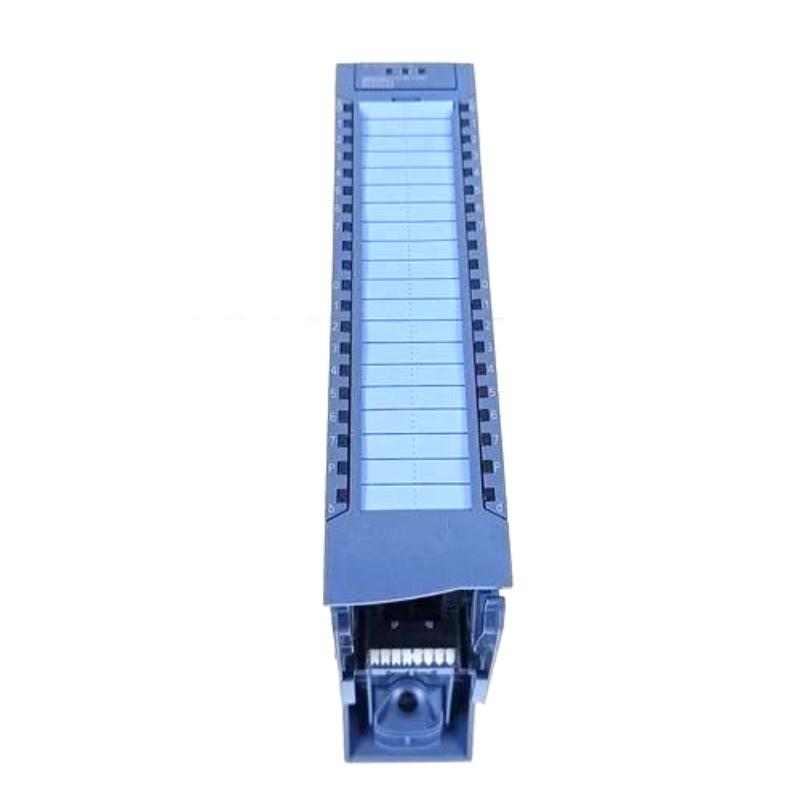
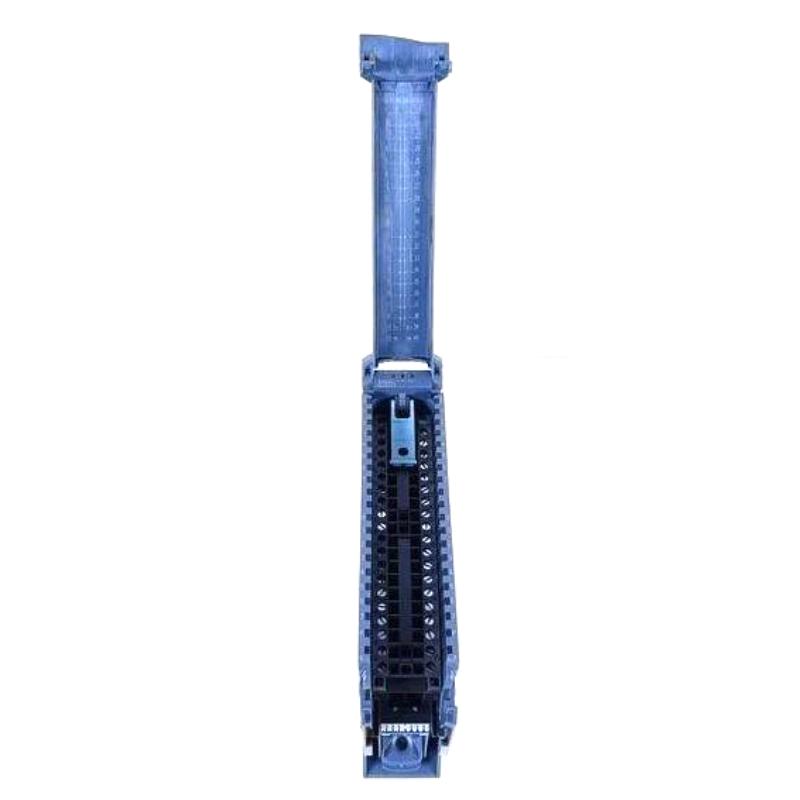
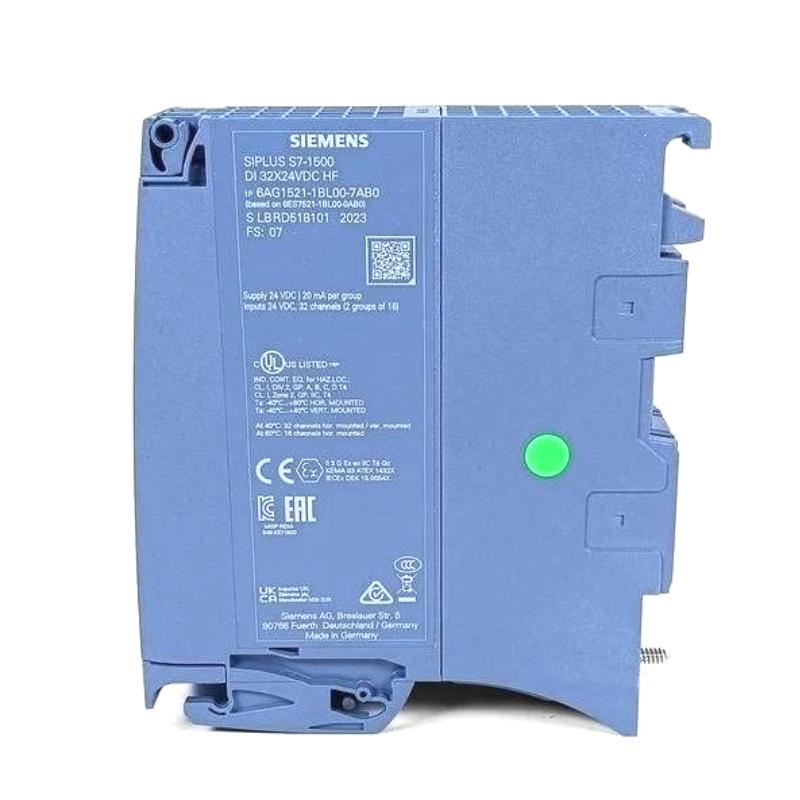
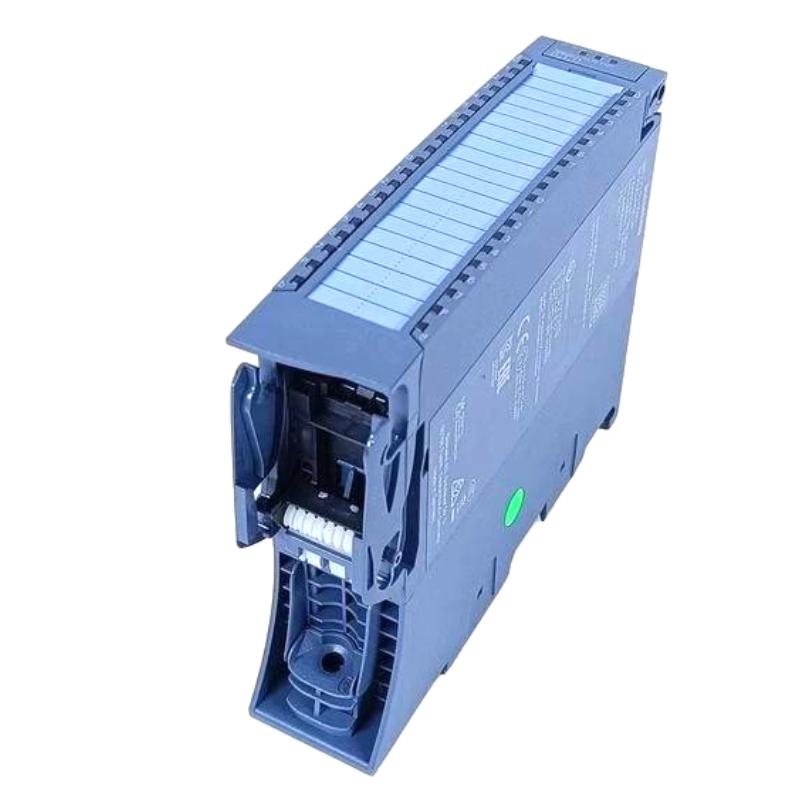
- Siemens
- 6AG1521-1BL00-7AB0
- Digital Input Module
- Germany
- 35 × 147 × 129 mm
- 0.323 kg
- Xiamen, China
- New & In Stock
- T/T, PayPal, Western Union
- 1 Year
- 1-3 Working Days
- DHL, UPS, TNT, FedEx and EMS.
- 24-Hour Service
- COO
- 1
Our advantage

Global Logistics
We have a 10-year logistics and express cooperation agreement, so our products can be shipped to any place in the world.

Brand new and original
Our products are imported in bulk from the place of origin. Because of the cooperative relationship, our products are all original and 100% new.

24-hour service
We provide 7*24 hours service to our customers. We will be there whenever you need us.

Price advantage
All our products are priced very favorably because we have our own warehouse and supply.
| Company Information | |||
| [email protected] | |||
| Mobile | +8615980777398 | ||
| +8615980777398 | |||
| 15980777398 |
Product Overview
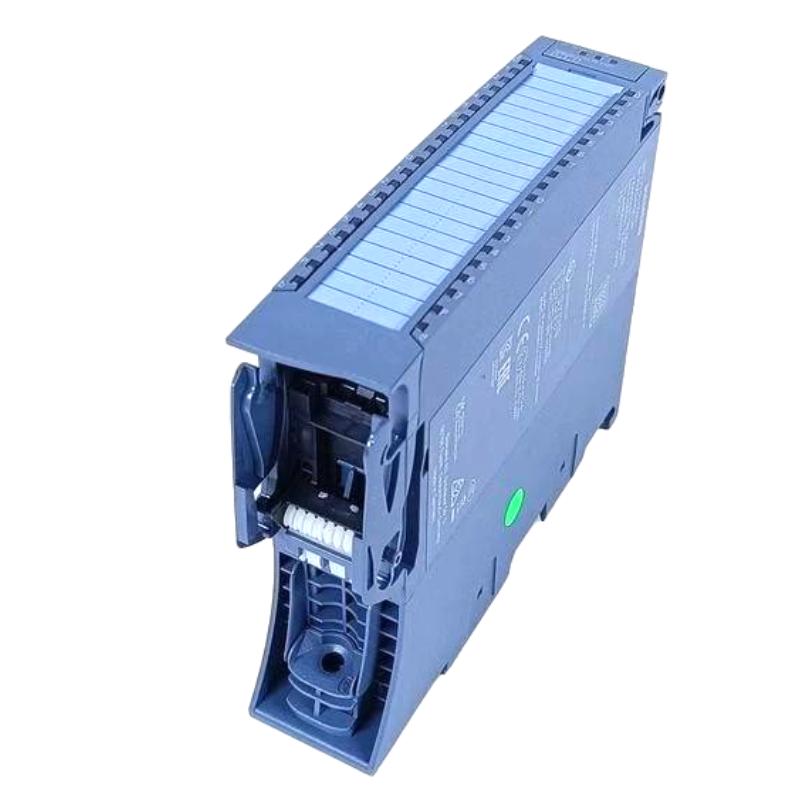
The Siemens 6AG1521-1BL00-7AB0 is a SIPLUS S7-1500 Digital Input Module for acquiring discrete field signals in an S7-1500 automation station. It serves as the interface between binary field devices and the PLC control program, allowing operating states, switching conditions, and machine feedback to be processed by the controller.
In a typical automation cabinet, the module receives signals from devices such as proximity switches, limit switches, pushbuttons, auxiliary contacts, and equipment status circuits. The acquired states are transferred through the S7-1500 station to the CPU, where they can be used for sequencing, interlocking, diagnostics, and machine monitoring.
As a SIPLUS component, this module is suited to S7-1500 installations where the environmental requirements call for the SIPLUS product family. It can be integrated into control systems for industrial machinery, production equipment, infrastructure, and process-related applications.
Technical Specifications
| Parameter | Value |
|---|---|
| Manufacturer | Siemens |
| Model / Part Number | 6AG1521-1BL00-7AB0 |
| Product Type | SIPLUS S7-1500 Digital Input Module |
| Series | SIPLUS S7-1500 |
| Application | Digital signal acquisition for S7-1500 PLC systems |
| Dimensions | 35 × 147 × 129 mm |
| Weight | 0.323 kg |
Product Features
- SIPLUS S7-1500 module for discrete digital signal acquisition.
- Integrates into the modular S7-1500 PLC architecture.
- Suitable for monitoring binary states from field devices and machine equipment.
- Can be used for machine status, position detection, interlocking, and sequence feedback.
- Supports centralized digital input expansion within an S7-1500 station.
- Suitable for industrial control applications requiring a SIPLUS-class module.
- Input information can be processed directly by the S7-1500 control program.
- Can be combined with other S7-1500 I/O modules to build application-specific control stations.
Working Principle
The 6AG1521-1BL00-7AB0 receives discrete signals from connected field devices. When a field device changes state, the corresponding input circuit detects the electrical condition and makes the input information available to the S7-1500 system.
The CPU then reads the input state and applies it within the PLC program. Depending on the application, the information can initiate a machine sequence, confirm an actuator position, generate an interlock condition, or update an equipment status indication.
A typical signal path is:
Field Device → Digital Input Module → S7-1500 Backplane → CPU → PLC Program → Control Action
For commissioning and troubleshooting, the input state can be checked against the actual field condition. This helps determine whether a problem originates from the sensor, wiring, input circuit, station configuration, or control logic.
Role in a S7-1500 Control Architecture
The digital input module occupies the field-signal acquisition layer of the S7-1500 architecture. It collects discrete information from the machine or process and makes those states available to the CPU for logic processing.
Sensors / Switches / Contacts → 6AG1521-1BL00-7AB0 → S7-1500 Backplane → CPU → PLC Logic → Actuators / HMI
| System Element | Function |
|---|---|
| Field Sensors and Switches | Detect machine conditions, positions, or operating states |
| 6AG1521-1BL00-7AB0 | Acquires discrete field input signals |
| S7-1500 Backplane | Provides the internal module connection |
| S7-1500 CPU | Processes the acquired input states |
| PLC Program | Performs sequencing, interlocking, monitoring, and control logic |
| Digital Output Modules | Convert control decisions into discrete output signals |
| HMI | Displays relevant machine and process states |
This arrangement keeps field acquisition separate from the controller’s logic-processing functions. Additional I/O modules can be added when the application requires more signal types or additional field interfaces.
Industrial Applications
| Application | Typical Use |
|---|---|
| Machine Control | Monitoring limit switches, machine positions, safety-related status circuits, and operating commands |
| Production Equipment | Acquiring discrete feedback from individual production stations |
| Conveyor Systems | Detecting product presence, conveyor position, and equipment states |
| Packaging Machinery | Monitoring sensors, guards, actuators, and sequence conditions |
| Pump and Fan Systems | Monitoring run status, auxiliary contacts, and equipment conditions |
| Material Handling | Acquiring position and movement feedback from handling equipment |
| Industrial Infrastructure | Collecting binary status information from field equipment and auxiliary systems |
Installation and Maintenance
- Verify the hardware configuration
Confirm that the 6AG1521-1BL00-7AB0 is correctly represented in the S7-1500 engineering project before commissioning. - Install the module correctly
Make sure the module is properly positioned and seated in the S7-1500 station before connecting field signals. - Check terminal assignments
Compare the actual wiring with the electrical drawings and configured channel assignments. - Inspect field conductors
Check for loose terminals, damaged insulation, incorrect polarity, or improperly routed signal conductors. - Confirm connected device compatibility
Verify that the connected field devices provide the appropriate digital signal for the selected input circuit. - Test individual channels
Activate field sensors or switches one at a time and confirm that the corresponding PLC input changes state. - Use diagnostic information during commissioning
Check available module and station diagnostics when an expected input state is not detected. - Inspect the station connection
If the module is not recognized correctly, check its seating and the associated S7-1500 backplane connection. - Check for electrical interference
If input states change unexpectedly, inspect signal routing and nearby sources of electrical interference. - Maintain suitable cabinet conditions
Follow the applicable SIPLUS installation requirements and keep the installation within the specified environmental conditions. - Keep documentation synchronized
Update electrical drawings, I/O lists, and PLC documentation whenever field assignments are changed. - Use the correct replacement module
When replacing the unit, verify the complete Siemens order number and the requirements of the existing S7-1500 configuration.
Compatible System Components
| Component | Role in the System |
|---|---|
| Siemens SIPLUS S7-1500 CPU | Processes the digital input information |
| SIPLUS S7-1500 Digital Output Modules | Provide discrete control signals to actuators |
| SIPLUS S7-1500 Analog Input Modules | Acquire continuous process measurements |
| SIPLUS S7-1500 Analog Output Modules | Send analog control signals to field equipment |
| S7-1500 Communication Modules | Provide communication interfaces for connected automation networks |
| S7-1500 System Backplane | Connects the CPU and I/O modules within the station |
| SIMATIC HMI | Displays machine states, alarms, and operating information |
Recommended Related Models
| Model | Product Type | Typical Relationship |
|---|---|---|
| Siemens 6AG1521-1BH00-7AB0 | SIPLUS S7-1500 Digital Input Module | Related SIPLUS digital input module |
| Siemens 6AG1521-1BH50-7AA0 | SIPLUS S7-1500 Digital Input Module | Related S7-1500 digital input option |
| Siemens 6AG1522 Series | SIPLUS S7-1500 Digital Output Module | Used for discrete output functions |
| Siemens 6AG1531 Series | SIPLUS S7-1500 Analog Input Module | Used for analog signal acquisition |
| Siemens 6AG1532 Series | SIPLUS S7-1500 Analog Output Module | Used for analog signal output |
| Siemens 6AG1516 Series | SIPLUS S7-1500 Central Processing Unit | Provides the main PLC processing function |
Key Advantages
- Adds digital field signal acquisition to SIPLUS S7-1500 control stations.
- Fits into the modular S7-1500 I/O architecture.
- Suitable for machine status, position, interlock, and sequence feedback.
- Allows discrete field conditions to be processed directly by the PLC program.
- Supports structured troubleshooting from the field device through the controller.
- Suitable for industrial installations requiring the SIPLUS product family.
Technical FAQs
What is the primary function of the Siemens 6AG1521-1BL00-7AB0?
It is a SIPLUS S7-1500 Digital Input Module used to acquire discrete signals from field devices and make those input states available to the S7-1500 CPU and PLC program.
Where is this module normally installed in an S7-1500 system?
It is installed as part of the S7-1500 I/O station and operates between the field wiring and the controller’s internal system connection. The exact position depends on the hardware configuration of the particular station.
How should an input that remains permanently active be investigated?
First check the connected field device and wiring, then verify the actual electrical state at the corresponding input. If the field signal is correct, inspect the module diagnostics and PLC configuration before investigating the application logic.
Can the 6AG1521-1BL00-7AB0 be combined with other SIPLUS S7-1500 modules?
Yes, it can form part of a modular SIPLUS S7-1500 station together with compatible CPU, digital output, analog I/O, and communication modules. The complete station should be checked against the applicable hardware configuration requirements.