

ProductPRODUCT
Featured products
Contact Us
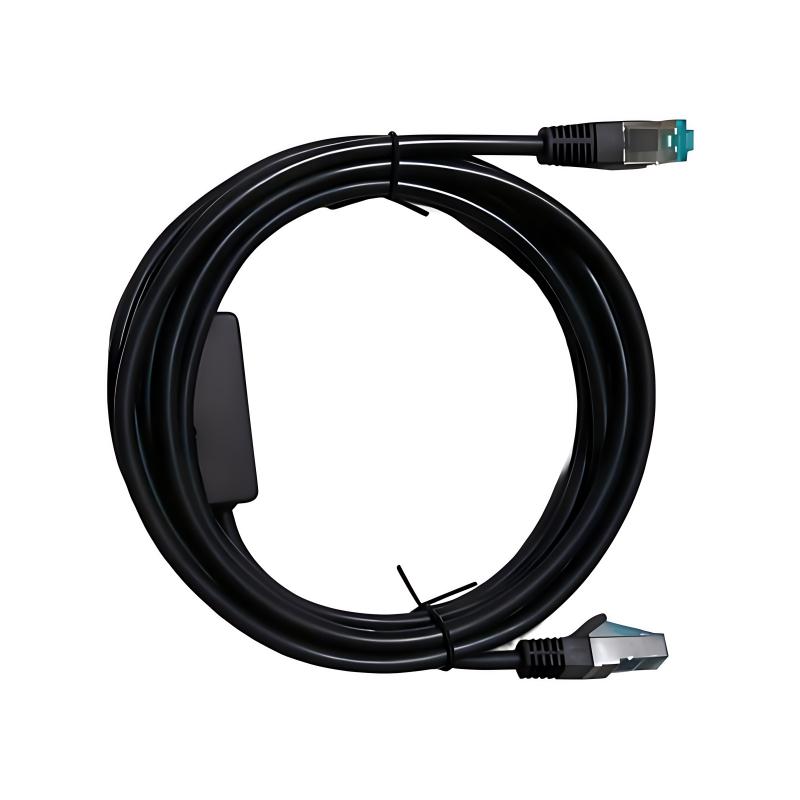
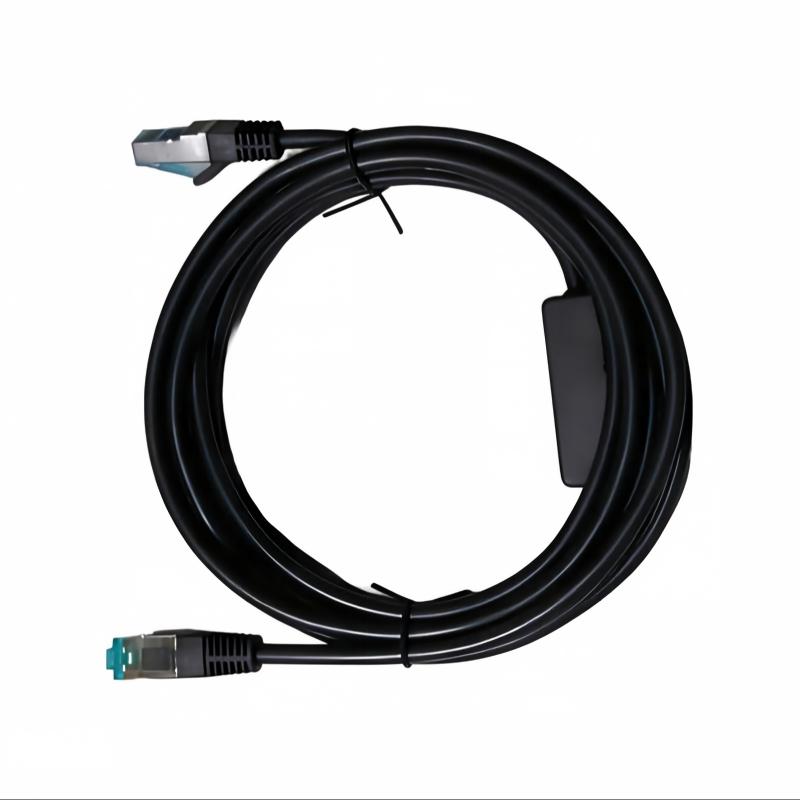
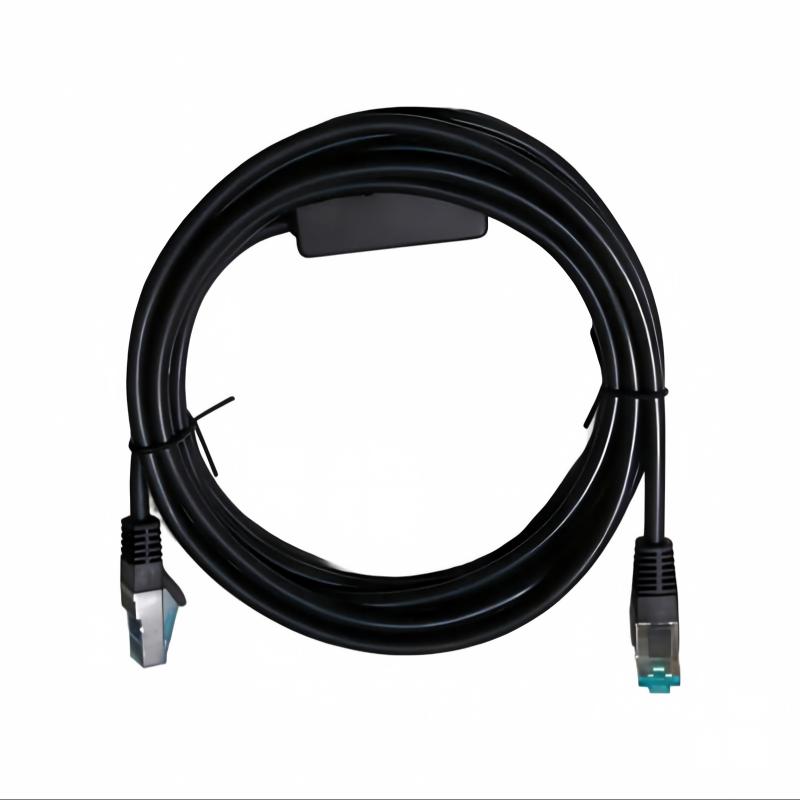
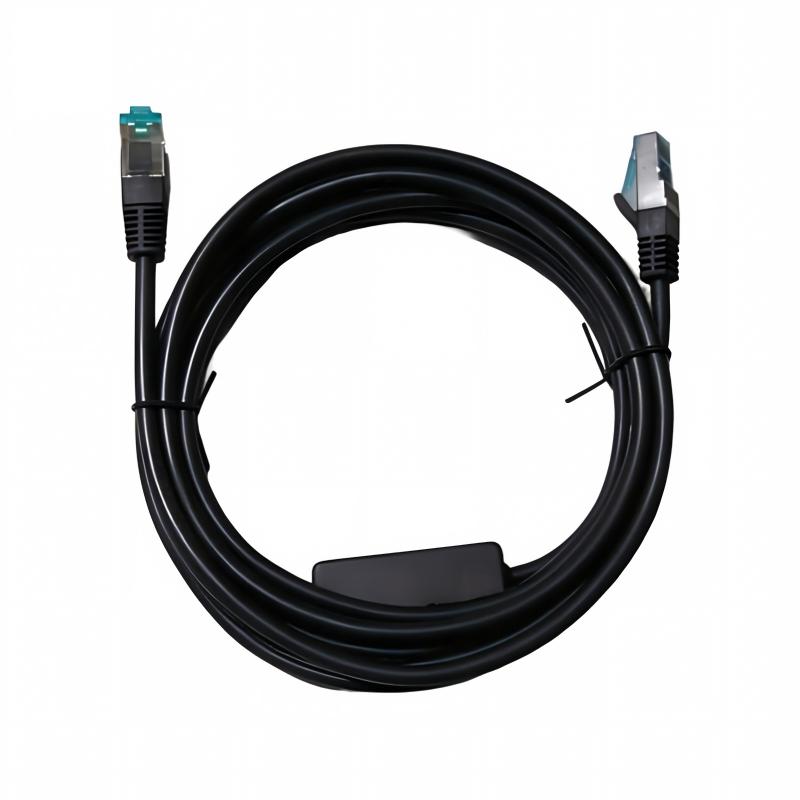
- Schneider
- VW3A8306
- Serial Link Cable
- France
- 3 meters
- 0.15 kg
- Xiamen, China
- New & In Stock
- T/T, PayPal, Western Union
- 1 Year
- 1-3 Working Days
- DHL, UPS, TNT, FedEx and EMS.
- 24-Hour Service
- COO
- 11
Our advantage

Global Logistics
We have a 10-year logistics and express cooperation agreement, so our products can be shipped to any place in the world.

Brand new and original
Our products are imported in bulk from the place of origin. Because of the cooperative relationship, our products are all original and 100% new.

24-hour service
We provide 7*24 hours service to our customers. We will be there whenever you need us.

Price advantage
All our products are priced very favorably because we have our own warehouse and supply.
| Company Information | |||
| [email protected] | |||
| Mobile | +8615980777398 | ||
| +8615980777398 | |||
| 15980777398 |
Introduction
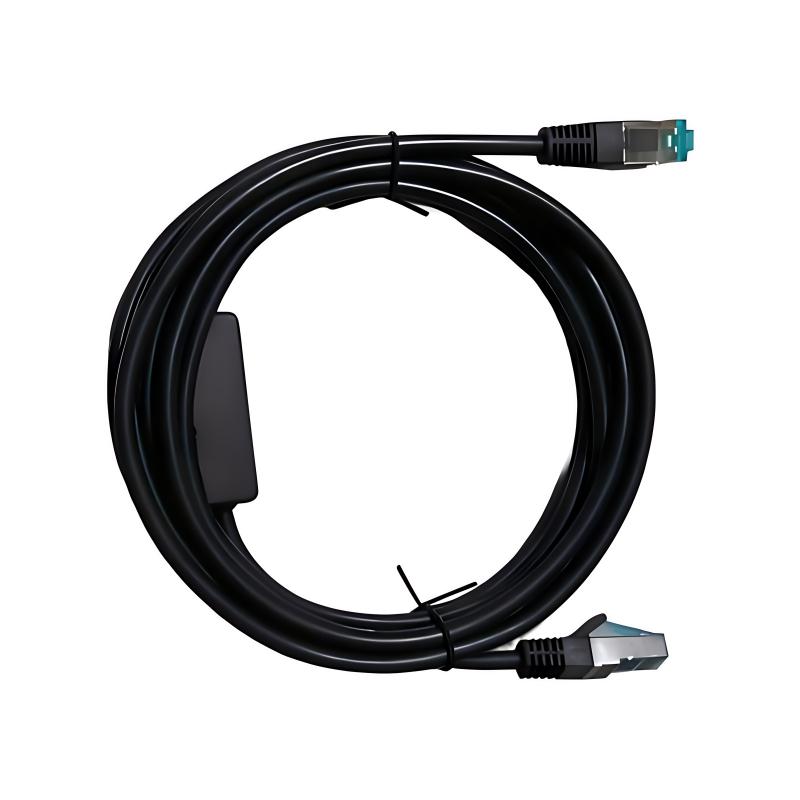
The Schneider Electric VW3A8306 is a serial link cable designed for communication and connection applications involving compatible Schneider Electric industrial automation equipment. It provides a physical communication link between supported devices, helping engineers establish connections for equipment configuration, diagnostics, data exchange, and maintenance.
Serial communication remains important in many industrial environments, particularly where existing controllers, variable speed drives, operator interfaces, and engineering equipment use established serial interfaces. Selecting the correct cable is essential because connector type, pin assignment, electrical interface, and supported communication protocol must match the connected devices.
The VW3A8306 has a specified cable length of 3 meters and a listed weight of 0.15 kg. Its application should be determined by checking the relevant Schneider Electric equipment documentation and the connection requirements of the target device.
Technical Specifications
| Parameter | Specification |
|---|---|
| Brand | Schneider Electric |
| Model | VW3A8306 |
| Product Type | Serial Link Cable |
| Application | Industrial equipment serial communication |
| Cable Length | 3 meters |
| Weight | 0.15 kg |
Note: Connector configuration, pin assignment, electrical interface, and supported device combinations should be confirmed from the cable’s original product documentation. They should not be inferred from the cable length or model family alone.
Function and Working Principle
Serial Communication Connection
The VW3A8306 provides a physical connection for serial communication between compatible industrial devices. A serial link transfers information sequentially between connected equipment according to the electrical and communication specifications of the interfaces.
Depending on the supported equipment, serial communication may be used for configuration, parameter access, diagnostic operations, or data exchange.
The cable itself does not perform protocol conversion or signal processing. Its role is to provide the required electrical connection between compatible communication interfaces.
Equipment Configuration and Maintenance
In industrial automation systems, service cables are often used when engineers need to connect a computer, programming terminal, controller, or drive to another device.
A correctly matched serial cable can support maintenance activities such as:
- Accessing device configuration software.
- Reading equipment parameters.
- Reviewing diagnostic information.
- Performing supported commissioning procedures.
- Transferring configuration data.
- Troubleshooting communication-related problems.
The specific functions available depend on the connected equipment and its software.
Three-Meter Cable Length
The 3-meter cable length provides flexibility when connecting equipment installed within the same control cabinet, nearby equipment racks, or adjacent service areas.
Cable routing should be planned to prevent excessive bending, mechanical tension, and interference from power conductors. The specified length should also be checked against the installation distance before ordering.
Industrial Applications
Variable Speed Drive Maintenance
Serial communication is used in some drive installations for configuration and maintenance. Where the VW3A8306 is specified for the relevant Schneider Electric drive and communication interface, it can provide the physical connection required for supported service operations.
Engineers should confirm the exact drive model and communication port before using the cable.
PLC and Automation Equipment
Some industrial controllers and automation devices provide serial interfaces for engineering access or communication with other equipment. A compatible serial link cable can support these connections during commissioning and maintenance.
The cable should only be used with devices whose connector and electrical specifications match its design.
Industrial Equipment Commissioning
During commissioning, technicians may need to connect a programming computer or service terminal to an industrial device. A suitable serial cable helps establish the required physical link for configuration and verification.
Troubleshooting and Diagnostics
When a device cannot communicate with an engineering computer or another controller, checking the serial cable is an important diagnostic step. A damaged cable, loose connector, or incorrect pin assignment can prevent communication even when the connected equipment is operating normally.
Installation and Connection Guidelines
1. Verify Device Compatibility
Before connecting the VW3A8306, identify the exact model numbers of both devices. Confirm that the cable is approved for the intended connection and that the connector types and electrical interfaces match.
Do not assume that two devices are compatible simply because both provide serial communication ports.
2. Inspect the Cable
Check the cable jacket, connector housing, and contact areas for visible damage. Do not use a cable with exposed conductors, bent contacts, damaged insulation, or loose connector components.
3. Connect the Equipment
Power down equipment where required by the manufacturer’s connection procedure. Align the connectors correctly and secure them without applying excessive force.
Avoid pulling the cable to remove a connector. Use the connector housing instead.
4. Configure Communication Parameters
If the connected devices require configurable serial communication, verify the appropriate settings in their documentation. These may include baud rate, parity, data bits, stop bits, and communication mode.
The cable does not determine these parameters; they must be configured in the connected equipment or software.
5. Verify Communication
After connection, use the approved engineering software or diagnostic procedure to confirm that the devices can communicate.
Check for correct device recognition, stable data exchange, and the absence of recurring communication errors.
Troubleshooting and Maintenance
| Symptom | Possible Cause | Recommended Action |
|---|---|---|
| No communication between devices | Incorrect cable or incompatible interfaces | Verify the cable model and device compatibility |
| Device is not recognized | Incorrect connector seating | Disconnect and reconnect the cable carefully |
| Intermittent communication | Damaged cable or loose contacts | Inspect the cable and connector condition |
| Communication errors | Incorrect serial settings | Check the communication parameters at both devices |
| Connection cannot be established | Incorrect pin assignment | Confirm the required wiring configuration |
| Cable cannot reach the equipment | Insufficient cable length | Review the installation distance before selecting a replacement |
| Connector feels loose | Worn or damaged connector housing | Inspect the connector and replace the cable if necessary |
Preventive Maintenance
- Inspect the cable jacket and connectors periodically.
- Avoid sharp bends and excessive pulling force.
- Keep connectors free from dust, oil, and moisture.
- Route the cable away from high-interference power wiring where practical.
- Avoid placing heavy objects on the cable.
- Disconnect the cable by holding the connector housing.
- Store the cable in a clean, dry location when not in use.
Technical FAQs
1. What is the Schneider Electric VW3A8306?
It is a Schneider Electric serial link cable intended for communication connections between compatible industrial automation devices.
2. What is the cable length?
The specified cable length is 3 meters.
3. What is the weight of the VW3A8306?
The listed weight is 0.15 kg.
4. Can this cable be used with any Schneider Electric PLC or drive?
No. Compatibility depends on the exact device models, connector types, electrical interface, and manufacturer-approved connection arrangement.
5. Does the cable perform protocol conversion?
No. A serial link cable provides the physical connection. It does not independently convert communication protocols or translate data.
6. Can the cable be used for equipment configuration?
It can be used for configuration when the connected equipment specifically supports the VW3A8306 connection and the required engineering software is available.
7. What should be checked before connecting the cable?
Check both device model numbers, connector compatibility, pin assignment, electrical interface, and the manufacturer’s connection instructions.
8. Why might communication fail even when the cable is connected?
Possible causes include incompatible interfaces, incorrect wiring, loose connectors, incorrect communication parameters, or a fault in one of the connected devices.
9. How should the cable be maintained?
Inspect the cable jacket and connectors, avoid excessive bending, protect it from moisture and mechanical damage, and store it properly when not in use.
10. What information is needed when ordering a replacement?
Confirm the complete part number VW3A8306, the 3-meter length, connector configuration, and compatibility with the target equipment. Matching only the cable length is not sufficient.
Conclusion
The Schneider Electric VW3A8306 Serial Link Cable is a 3-meter communication accessory for compatible industrial automation equipment. It provides the physical connection required for supported serial communication, commissioning, configuration, and maintenance tasks.
Before installation or replacement, verify the connected device models and the cable’s documented interface specifications. Correct compatibility checks, careful cable routing, and routine connector inspection help maintain dependable communication in industrial automation systems.