

ProductPRODUCT
Featured products
Contact Us
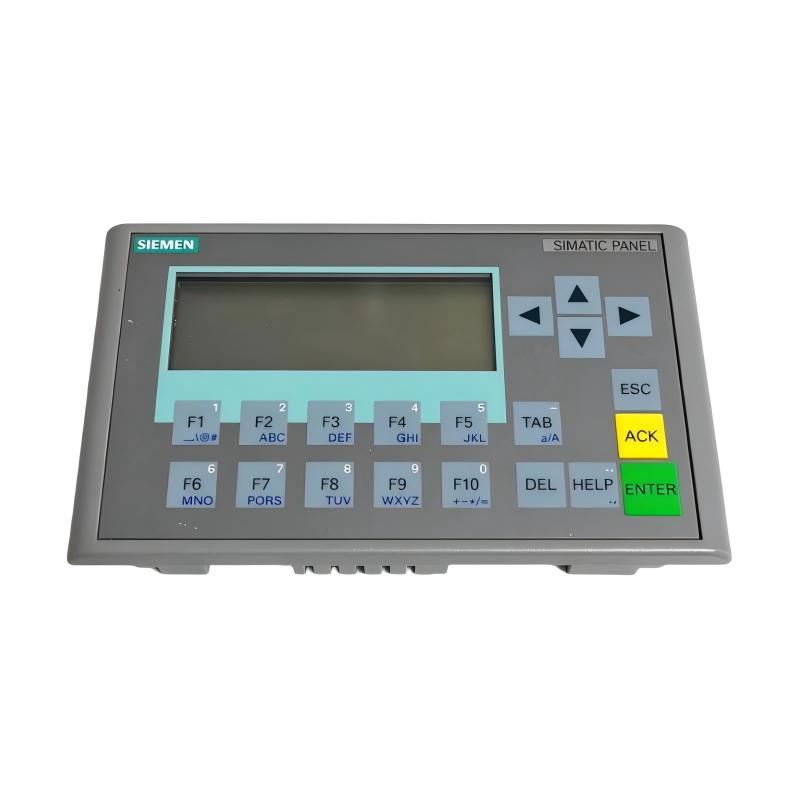
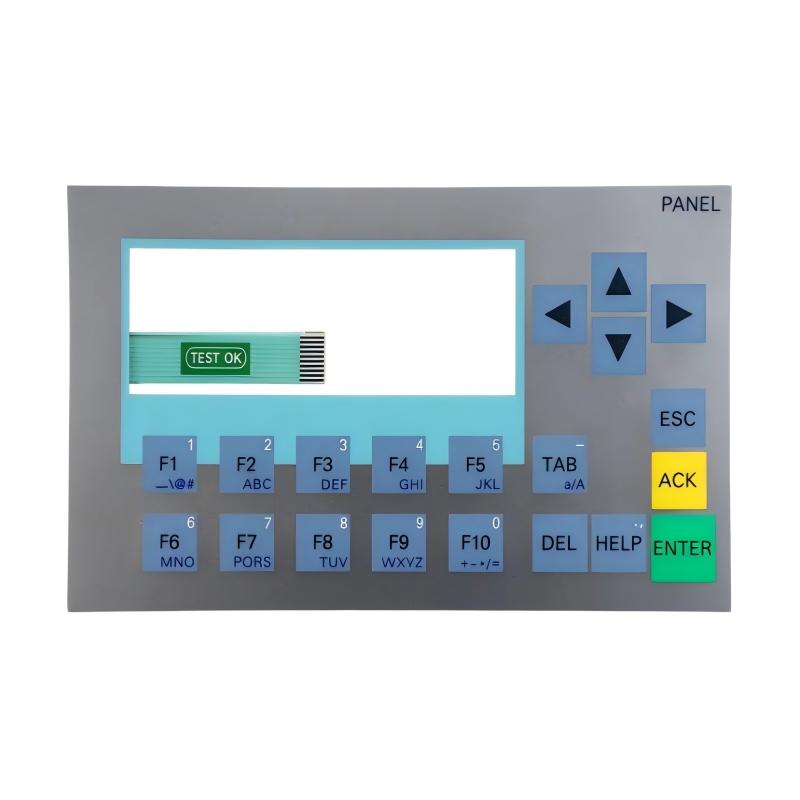
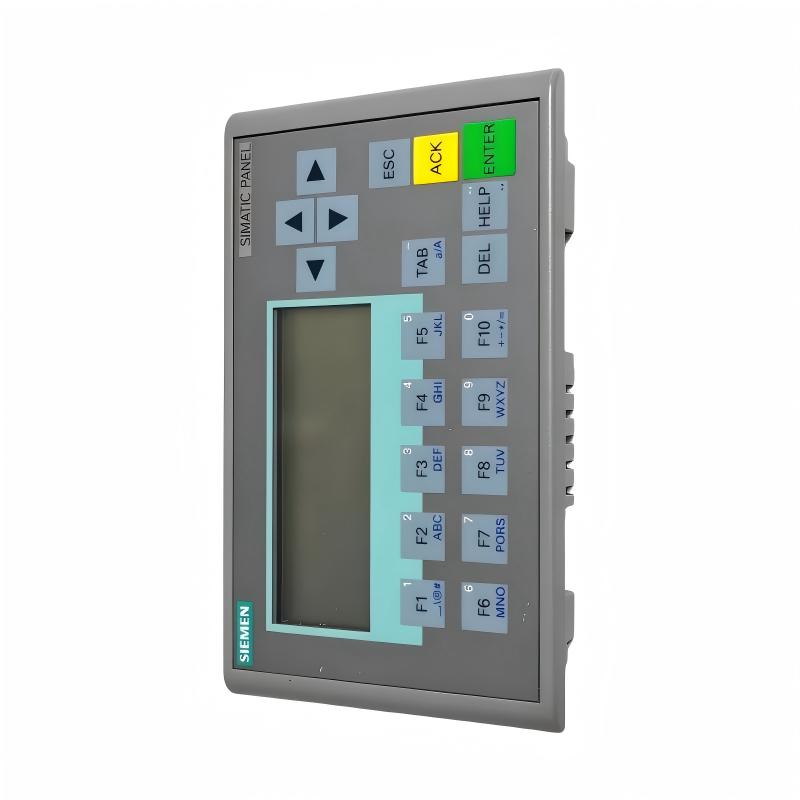
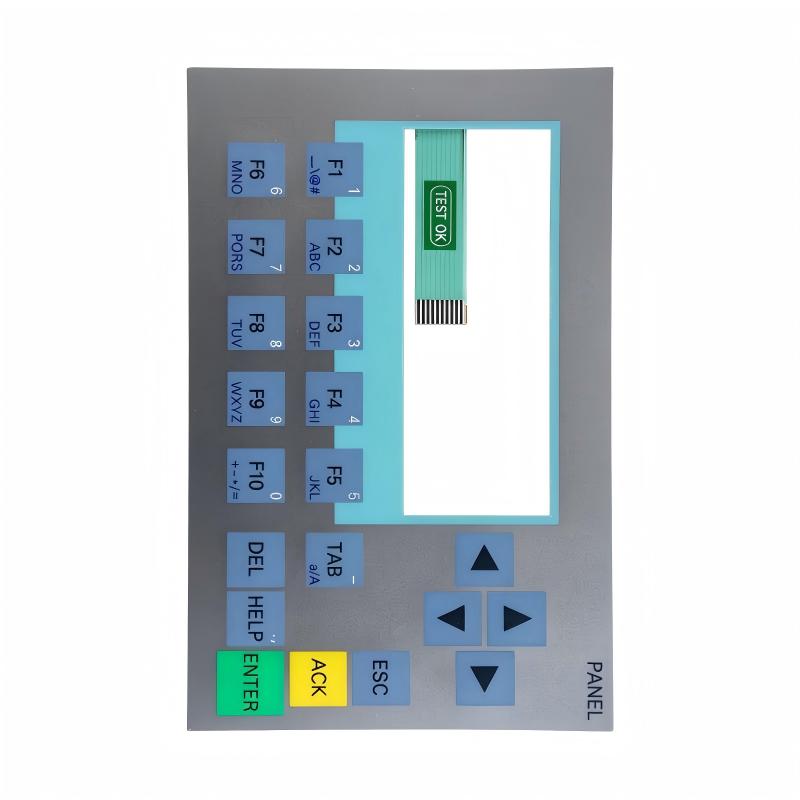
- Siemens
- 6AG1647-0AH11-2AX0
- Membrane Switch Keyboard Panel
- Germany
- 3.6 inch
- 0.25 kg
- Xiamen, China
- New & In Stock
- T/T, PayPal, Western Union
- 1 Year
- 1-3 Working Days
- DHL, UPS, TNT, FedEx and EMS.
- 24-Hour Service
- COO
- 8
Our advantage

Global Logistics
We have a 10-year logistics and express cooperation agreement, so our products can be shipped to any place in the world.

Brand new and original
Our products are imported in bulk from the place of origin. Because of the cooperative relationship, our products are all original and 100% new.

24-hour service
We provide 7*24 hours service to our customers. We will be there whenever you need us.

Price advantage
All our products are priced very favorably because we have our own warehouse and supply.
| Company Information | |||
| [email protected] | |||
| Mobile | +8615980777398 | ||
| +8615980777398 | |||
| 15980777398 |
Introduction
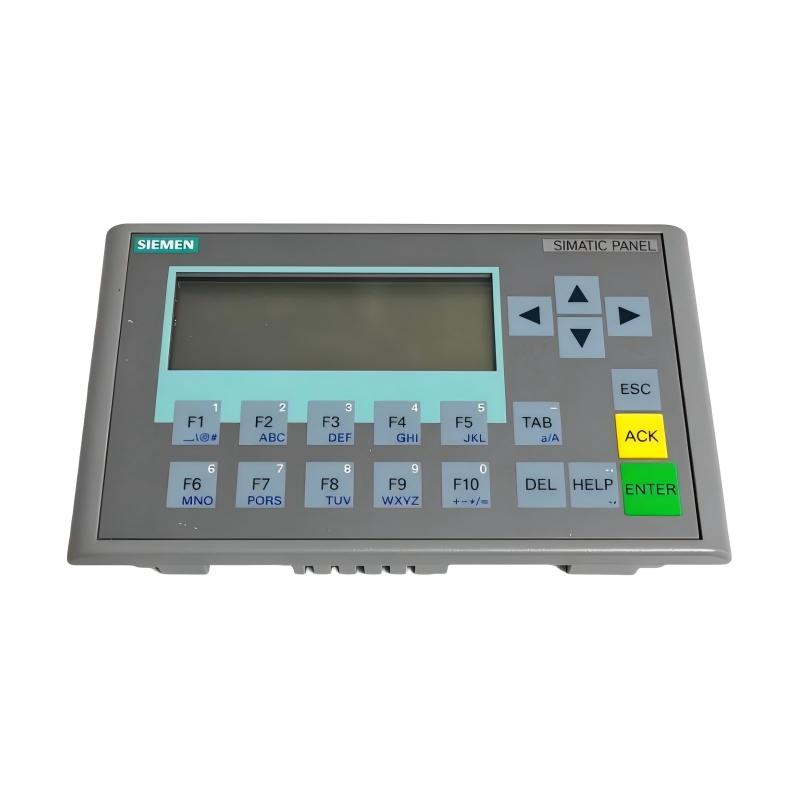
The Siemens 6AG1647-0AH11-2AX0 is a membrane switch keyboard panel designed for industrial operator interaction and machine control applications. Combining a membrane-style keyboard interface with a 3.6-inch display, this component can serve as an operator interface for viewing equipment information and entering control commands.
In industrial automation environments, operator panels provide a practical connection between personnel and automated equipment. They allow operators to monitor operating conditions, access system information, and interact with machine functions through a dedicated interface.
The 6AG1647-0AH11-2AX0 has a specified display size of 3.6 inches and a listed weight of 0.25 kg. Its compact format makes it relevant for applications where a relatively small operator interface is required. Before selecting it as a replacement component, its display technology, communication interface, mounting requirements, and system compatibility should be checked against the equipment documentation.
Industrial Applications
The Siemens 6AG1647-0AH11-2AX0 can be considered for operator-interface applications where compact display and keypad functionality are required.
Typical application areas include:
- Industrial Machinery: Provides an operator interface for viewing machine information and entering commands.
- Manufacturing Equipment: Supports local interaction with production equipment and automated processes.
- Packaging Systems: Can be used in compact operator stations where basic machine information and keypad input are required.
- Process Equipment: Provides a local interface for accessing operating information and interacting with compatible control systems.
- Equipment Maintenance: Supports local operation and information access during inspection and maintenance activities.
- Control Cabinets: Its compact display format can be considered for installations with limited panel space.
The actual application depends on the panel’s electrical interface, communication protocol, supported functions, and compatibility with the host system.
Key Features and Advantages
1. Membrane Switch Keyboard
The membrane keyboard provides a physical input interface for operator commands. This type of interface is commonly used in industrial equipment where dedicated keys are preferred over touchscreen-only operation.
2. 3.6-Inch Display
The specified display size is 3.6 inches. It provides a compact viewing area for information presented by the connected equipment or control system.
3. Integrated Operator Interaction
Combining display and keyboard functions allows operators to view information and enter commands through one interface component.
4. Compact Design
The 0.25 kg listed weight makes the component suitable for evaluation in applications where lightweight operator-interface hardware is required.
5. Industrial Control Interface
The panel can form part of a machine-level operator station, subject to its communication and electrical compatibility with the associated automation equipment.
6. Dedicated Model Identification
The complete model number, 6AG1647-0AH11-2AX0, is important when identifying the correct replacement component. Similar-looking Siemens operator panels may have different display characteristics, key layouts, and communication interfaces.
Technical Specifications
| Parameter | Specification |
|---|---|
| Brand | Siemens |
| Model | 6AG1647-0AH11-2AX0 |
| Product Type | Membrane Switch Keyboard Panel |
| Display Size | 3.6 inch |
| Input Interface | Membrane switch keyboard |
| Weight | 0.25 kg |
| Application | Industrial operator interface |
| Function | Display information and operator input |
Technical note: The supplied information confirms the model number, product description, display size, and weight. The exact display resolution, display technology, key arrangement, supply voltage, communication interface, mounting dimensions, and supported system compatibility should be verified against the technical documentation for this exact part number. These details should not be assumed from other Siemens operator panels.
Functions and Operating Principle
An operator panel provides a communication point between the user and the industrial control system. Its display and input components support different aspects of machine interaction.
Display Function
The display presents information supplied by the connected control equipment. Depending on the supported system configuration, this information may include operating status, machine messages, process values, and operating instructions.
The 3.6-inch display provides a relatively compact area for presenting essential information. The actual content and display capabilities depend on the panel’s supported software and hardware configuration.
Membrane Keyboard Operation
The membrane switch keyboard allows operators to enter commands through physical keys. When a key is pressed, the panel detects the input and processes it according to its internal design and connected system configuration.
Possible operator actions may include:
- Selecting available operating functions.
- Navigating between information screens.
- Entering permitted commands.
- Acknowledging supported messages.
- Accessing machine operating information.
The specific functions available depend on the panel configuration and the control application.
Communication with Automation Equipment
The operator panel must communicate with a compatible controller or host system to exchange information. The communication method and supported protocols depend on the exact hardware version.
Before integration, verify the communication interface and software requirements rather than assuming compatibility with every SIMATIC controller.
Installation and System Integration
Correct installation is important for ensuring reliable operator interaction and compatibility with the automation system.
1. Verify Model Compatibility
Before installation, confirm that the complete designation is 6AG1647-0AH11-2AX0. Check the equipment documentation to identify the supported host system and replacement requirements.
A similar display size or keyboard layout does not guarantee electrical or software compatibility.
2. Check Mechanical Installation Requirements
Confirm the panel mounting dimensions, required cutout, fixing arrangement, and available installation space. The display size alone does not determine the overall panel dimensions.
The installation location should allow operators to read the display and access the keyboard comfortably.
3. Verify Electrical Requirements
Before connecting the panel, check the required supply voltage, connector arrangement, wiring, and grounding requirements. Follow the manufacturer’s installation instructions for the exact model.
4. Confirm Communication Compatibility
The panel must use a communication interface supported by the connected automation equipment. Verify the protocol, connector type, cable requirements, and configuration procedure before commissioning.
5. Perform Functional Testing
After installation, check the display operation and test the keyboard functions. Confirm that operator inputs are recognized correctly and that the panel displays the expected information from the connected system.
Maintenance and Troubleshooting
Routine inspection helps maintain the usability and reliability of the operator interface.
Recommended maintenance activities include:
- Inspect the panel surface for cracks or physical damage.
- Check the membrane keyboard for damaged or unresponsive keys.
- Keep the display surface clean using an appropriate cleaning method.
- Inspect electrical connectors and communication cables.
- Check the panel’s power supply.
- Review communication status and system diagnostic messages.
- Confirm that all required operator functions remain available.
Common troubleshooting situations
| Problem | Possible Cause | Recommended Action |
|---|---|---|
| Display does not turn on | Power supply or connection problem | Check the supply and electrical connections |
| Display information is incorrect | Communication or configuration issue | Check the host system and panel configuration |
| Keys do not respond | Membrane switch wear or input fault | Inspect the keyboard and panel condition |
| Intermittent communication | Loose cable or connection fault | Check connectors and communication wiring |
| Display is difficult to read | Display condition or environmental issue | Inspect the display and installation conditions |
| Panel does not operate with the controller | Compatibility or configuration mismatch | Verify model, protocol, and system requirements |
Repairs and electrical checks should be carried out according to the applicable manufacturer instructions and site safety procedures.
Technical FAQs
1. What is the Siemens 6AG1647-0AH11-2AX0?
It is a Siemens membrane switch keyboard panel designed for industrial operator-interface applications.
2. What is the display size?
The specified display size is 3.6 inches.
3. What type of keyboard does it use?
The product is identified as a membrane switch keyboard panel, providing a physical key-based operator input interface.
4. What is the weight of this panel?
The listed weight is 0.25 kg.
5. What is the main purpose of the panel?
It provides an interface through which operators can view information and enter commands in a compatible industrial control system.
6. Can it be used with Siemens automation equipment?
It is a Siemens industrial interface component, but compatibility with a specific controller or system must be confirmed using the exact model documentation.
7. Does the 3.6-inch display determine the panel’s mounting size?
No. The display size describes the viewing area. The overall housing dimensions and mounting cutout must be checked separately.
8. What should be checked before installation?
Verify the mounting arrangement, supply voltage, connector configuration, communication interface, and host-system compatibility.
9. How should the membrane keyboard be maintained?
Keep the surface clean, avoid excessive pressure, and inspect the keys regularly for damage or reduced responsiveness.
10. What information is important when purchasing a replacement?
Confirm the complete model number, display size, keyboard configuration, physical condition, electrical connections, and compatibility with the existing equipment.
Conclusion
The Siemens 6AG1647-0AH11-2AX0 Membrane Switch Keyboard Panel is an industrial operator-interface component featuring a 3.6-inch display and a physical membrane keyboard. It can support local machine interaction by providing a compact interface for viewing information and entering commands within a compatible automation system.
With a listed weight of 0.25 kg, the panel can be considered for compact operator stations and industrial equipment installations. Before purchasing or replacing the component, verify its electrical connections, communication interface, mounting requirements, and compatibility with the intended control system.