

ProductPRODUCT
Featured products
Contact Us
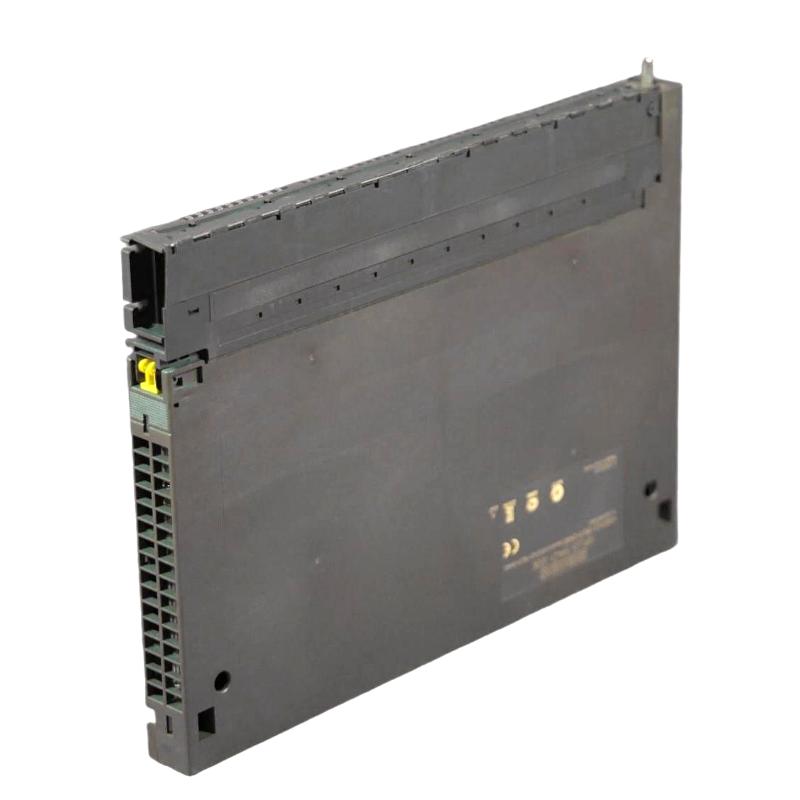
- Siemens
- 6AG1421-1BL01-2AA0
- Digital Input Module
- Germany
- 25 × 290 × 210 mm
- 0.773 kg
- Xiamen, China
- New & In Stock
- T/T, PayPal, Western Union
- 1 Year
- 1-3 Working Days
- DHL, UPS, TNT, FedEx and EMS.
- 24-Hour Service
- COO
- 71
Our advantage

Global Logistics
We have a 10-year logistics and express cooperation agreement, so our products can be shipped to any place in the world.

Brand new and original
Our products are imported in bulk from the place of origin. Because of the cooperative relationship, our products are all original and 100% new.

24-hour service
We provide 7*24 hours service to our customers. We will be there whenever you need us.

Price advantage
All our products are priced very favorably because we have our own warehouse and supply.
| Company Information | |||
| [email protected] | |||
| Mobile | +8615980777398 | ||
| +8615980777398 | |||
| 15980777398 |
Product Overview
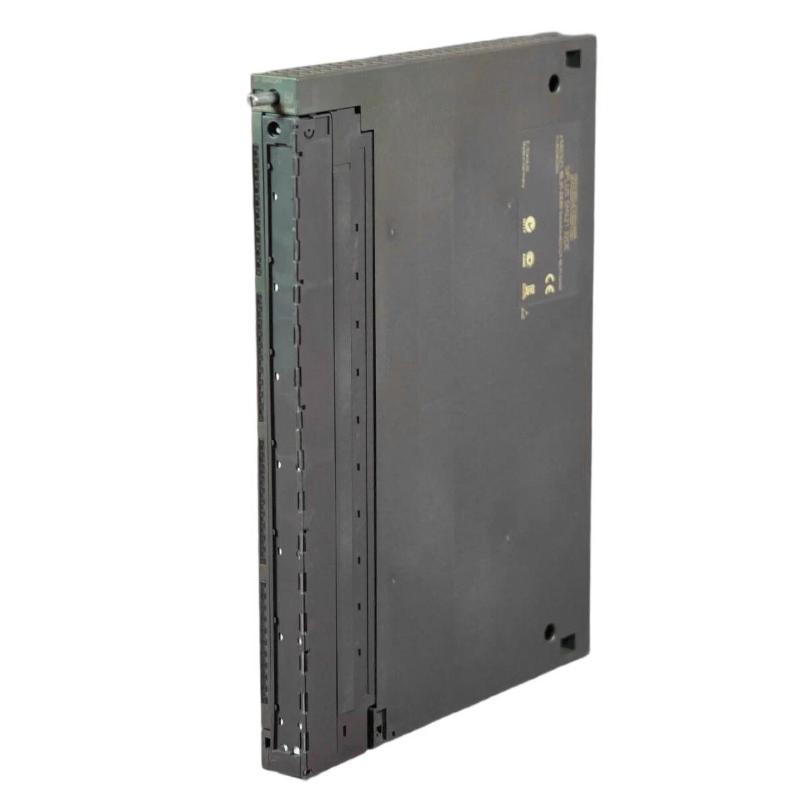
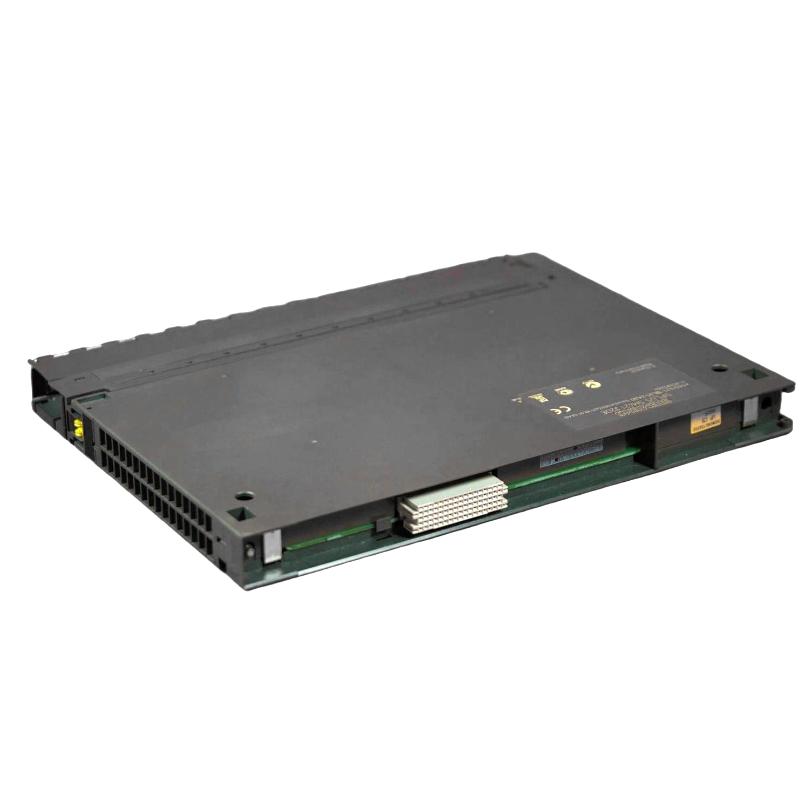
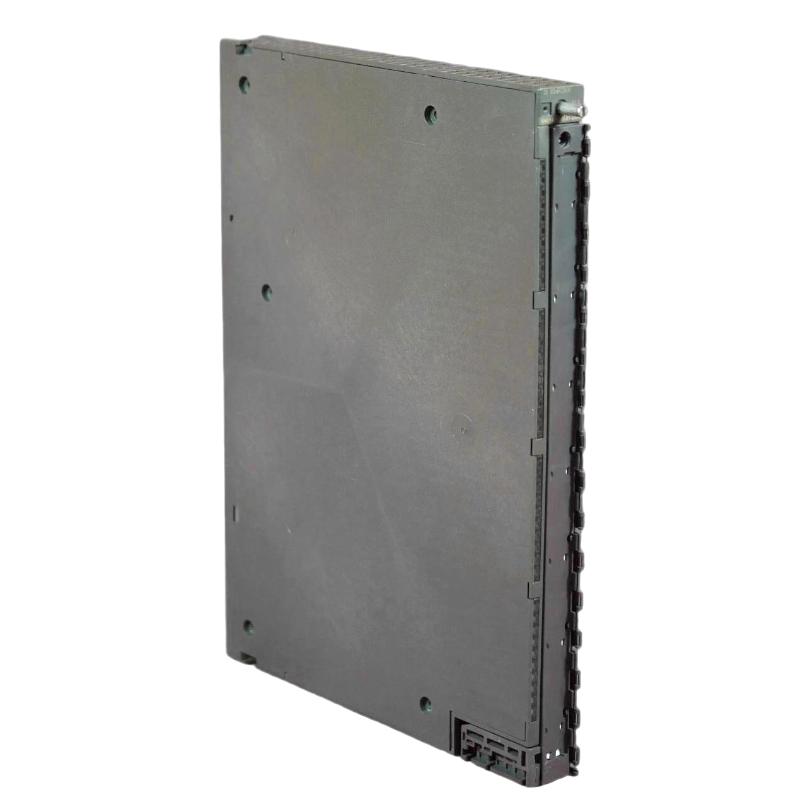
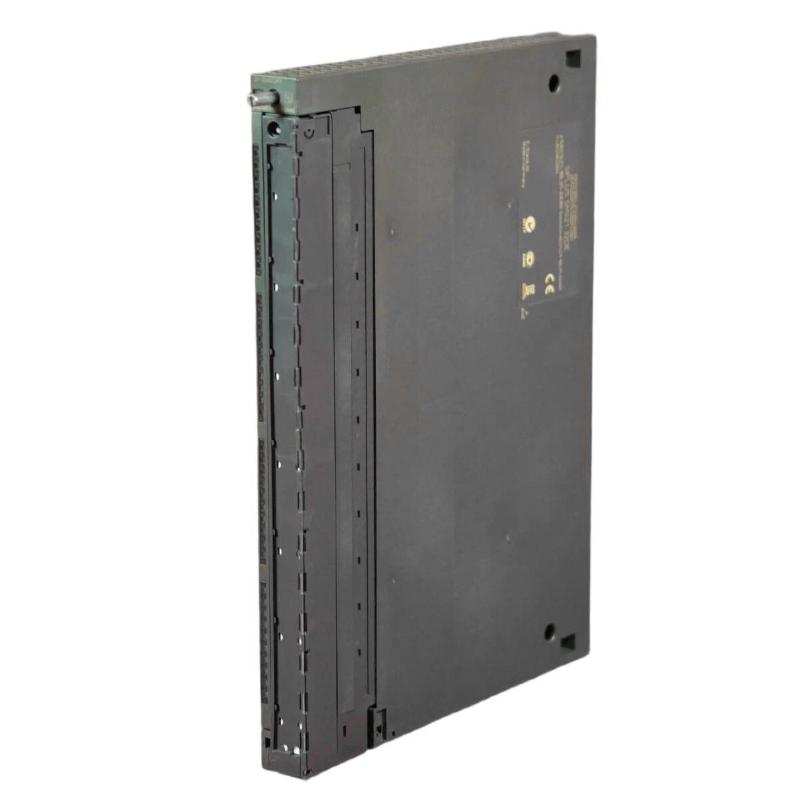
The Siemens 6AG1421-1BL01-2AA0 SIPLUS S7-400 Digital Input Module is a digital signal acquisition module for Siemens S7-400 automation systems. It connects discrete field devices to the PLC, allowing the CPU to detect operating states, switching conditions, interlocks, and other binary process signals.
Typical input devices include proximity switches, limit switches, pushbuttons, contact signals, relay outputs, and equipment status contacts. When a field device changes state, the module detects the corresponding digital input condition and makes the information available to the S7-400 CPU for processing.
The module is useful in control cabinets where a large number of discrete signals must be collected and incorporated into a centralized PLC program. Applications can include machine control, production lines, material handling systems, process equipment, and plant utility systems.
As part of the SIPLUS S7-400 range, the module is intended for industrial applications with demanding environmental requirements. During replacement or system expansion, the complete order number should be checked against the existing hardware configuration, signal requirements, and installation conditions.
Technical Specifications
| Parameter | Specification |
|---|---|
| Model | 6AG1421-1BL01-2AA0 |
| Product Family | SIPLUS S7-400 |
| Product Type | Digital Input Module |
| CPU Platform | Siemens S7-400 |
| Signal Type | Digital Input |
| System Role | Discrete field signal acquisition |
| Primary Function | Transfer binary field states to the PLC |
| Typical Application | Industrial automation and process control |
| Dimensions | 25 × 290 × 210 mm |
| Weight | 0.773 kg |
Product Features
- Part of the Siemens SIPLUS S7-400 automation platform.
- Acquires discrete signals from field-level equipment.
- Transfers binary operating states to the S7-400 CPU.
- Suitable for machine and process monitoring applications.
- Can be used for status signals, switching signals, and equipment interlocks.
- Integrates into the S7-400 rack-based I/O architecture.
- Suitable for centralized control systems with multiple digital field signals.
- SIPLUS configuration supports demanding industrial installation environments.
Working Principle
The module acts as the interface between binary field devices and the S7-400 control program. A connected field device changes the electrical state of an input channel, and the module interprets that condition as a digital signal for the PLC.
Field Switch / Sensor → 6AG1421-1BL01-2AA0 → S7-400 Backplane → CPU → PLC Logic → Control Output
For example, a limit switch on a production machine may change state when a mechanical position is reached. The digital input module captures that change and passes the corresponding status to the CPU. The PLC program can then use the signal to stop a sequence, enable the next step, generate an interlock, or initiate another programmed response.
This arrangement separates field-level signal acquisition from central control processing. Multiple binary devices can therefore be monitored by the S7-400 system while the CPU handles the higher-level control logic.
Role in a Siemens S7-400 Control Architecture
The 6AG1421-1BL01-2AA0 occupies the input interface layer between field devices and the S7-400 CPU. It converts the state of connected discrete devices into information that can be evaluated by the central PLC program.
Field Sensors / Switches → Digital Input Module → S7-400 CPU → Control Logic → Output I/O → Actuators
| System Element | Function |
|---|---|
| Proximity Sensors | Detect machine position or object presence |
| Limit Switches | Provide position and end-of-travel status |
| Equipment Contacts | Report operating or fault conditions |
| 6AG1421-1BL01-2AA0 | Acquires discrete field signals |
| S7-400 CPU | Processes input information according to the PLC program |
| Digital Output Modules | Send resulting control commands |
| Actuators | Execute the programmed control actions |
Industrial Applications
| Application | Typical Use |
|---|---|
| Production Machinery | Position, status, and interlock signal acquisition |
| Manufacturing Lines | Monitoring machine states and sequence conditions |
| Conveyor Systems | Detection of positions, sensors, and equipment status |
| Process Equipment | Acquisition of binary alarms and operating contacts |
| Material Handling | Monitoring limit switches and equipment states |
| Plant Utilities | Status monitoring of pumps, fans, and auxiliary equipment |
Installation and Maintenance
- Verify the complete 6AG1421-1BL01-2AA0 order number before installation.
- Confirm that the module matches the required S7-400 hardware configuration.
- Check the signal type and electrical requirements of all connected field devices.
- Isolate the relevant control circuit before removing or installing the module.
- Inspect the rack and backplane connection for contamination or mechanical damage.
- Install the module securely in its designated S7-400 rack position.
- Verify field wiring and terminal assignments before energizing the system.
- Check that each connected digital input corresponds to the correct PLC address.
- Monitor diagnostic information after startup.
- Test representative field signals individually during commissioning.
- Investigate intermittent input states by checking sensors, wiring, terminals, and grounding.
- Keep the module and surrounding cabinet area clean and free from excessive contamination.
Related Components
| Component | Function |
|---|---|
| Siemens S7-400 Rack | Provides mounting and backplane connections |
| S7-400 Power Supply | Supplies power to the PLC rack |
| S7-400 CPU | Executes control logic using acquired input data |
| Digital Input Devices | Generate binary field signals |
| Proximity Sensors | Detect position or object presence |
| Limit Switches | Provide mechanical position feedback |
| Digital Output Modules | Send PLC commands to actuators |
| HMI System | Displays equipment and process status |
Recommended Related Models
| Model / Product Family | Product Type | Typical Application |
|---|---|---|
| Siemens 6AG1421-1BL01-2AA0 | SIPLUS S7-400 Digital Input Module | Discrete signal acquisition |
| Siemens SIPLUS S7-400 Digital Input Family | Digital Input Module | Industrial binary signal monitoring |
| Siemens S7-400 Digital Input Modules | Digital Input Module | Machine and process inputs |
| Siemens S7-400 Digital Output Modules | Digital Output Module | Discrete actuator control |
| Siemens S7-400 Analog Input Modules | Analog Input Module | Analog process acquisition |
| Siemens S7-400 Analog Output Modules | Analog Output Module | Analog control signals |
| Siemens S7-400 CPU Family | PLC CPU | Central control processing |
| Siemens S7-400 Communication Modules | Communication Module | Industrial network integration |
Key Advantages
- Provides a direct digital signal interface for S7-400 systems.
- Suitable for monitoring discrete field conditions.
- Integrates into the established S7-400 rack architecture.
- Supports machine status, interlock, and sequence-related signals.
- Suitable for centralized industrial automation applications.
- SIPLUS configuration is applicable to demanding installation environments.
Technical FAQs
What types of field signals are commonly connected to a digital input module?
Typical sources include proximity switches, limit switches, pushbuttons, relay contacts, equipment status contacts, and other binary devices. The actual field-device electrical characteristics must match the module’s specified input requirements.
What should be checked if one digital input remains permanently active?
Start by checking the field device and wiring associated with that channel. If the external signal is correct, inspect the terminal connection, input addressing, and module diagnostics. Comparing the affected channel with a known-good channel can help isolate the problem.
Why might a sensor signal appear intermittently in the PLC?
Intermittent digital states can result from loose terminals, damaged field wiring, unstable sensors, electrical interference, or an unreliable contact. The signal should be checked at both the field device and the module input to determine where the state change is occurring.
Can this module directly control a motor or valve?
No. A digital input module is used to receive binary information rather than generate actuator commands. The S7-400 CPU processes the input condition and normally sends the resulting command through an appropriate digital output module or another control interface.