

ProductPRODUCT
Featured products
Contact Us
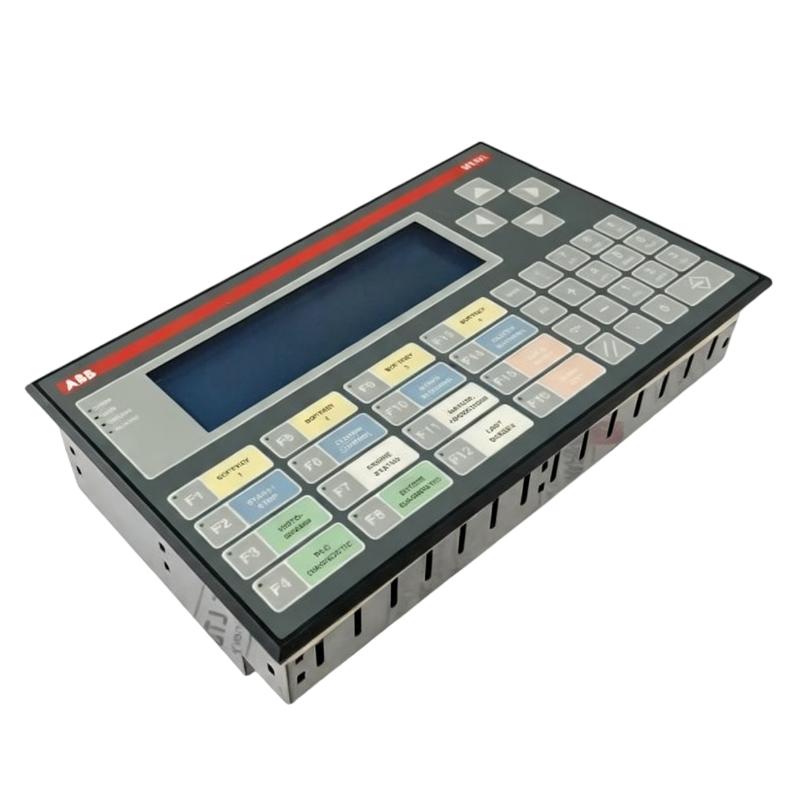
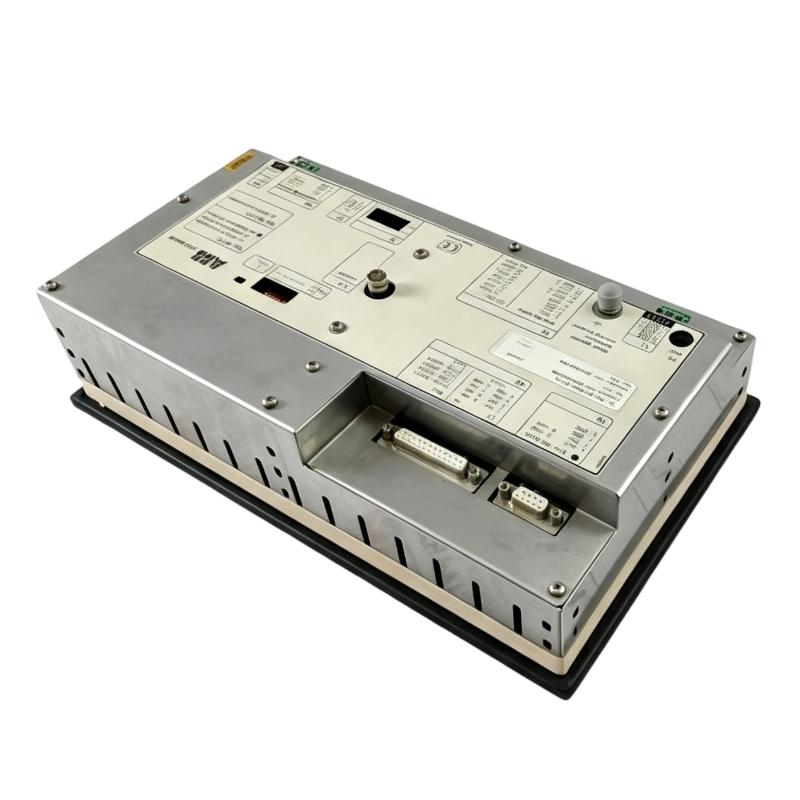
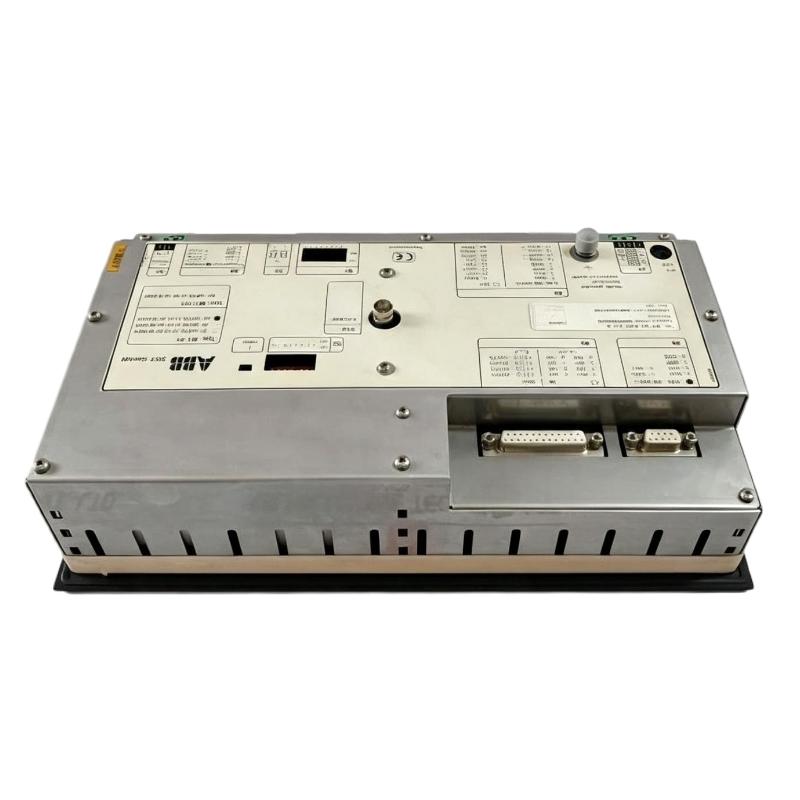
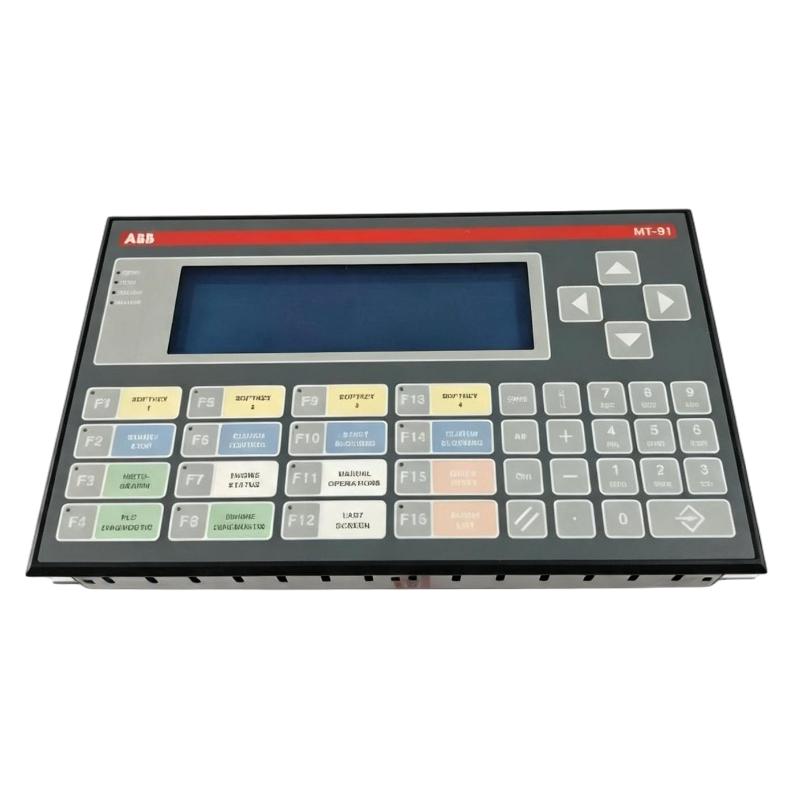
- ABB
- MT-91-ARC FP A
- Operator Panel
- Sweden (SE)
- 285 × 55 × 150 mm
- 1.2 kg
- Xiamen, China
- New & In Stock
- T/T, PayPal, Western Union
- 1 Year
- 1-3 Working Days
- DHL, UPS, TNT, FedEx and EMS.
- 24-Hour Service
- COO
- 79
Our advantage

Global Logistics
We have a 10-year logistics and express cooperation agreement, so our products can be shipped to any place in the world.

Brand new and original
Our products are imported in bulk from the place of origin. Because of the cooperative relationship, our products are all original and 100% new.

24-hour service
We provide 7*24 hours service to our customers. We will be there whenever you need us.

Price advantage
All our products are priced very favorably because we have our own warehouse and supply.
| Company Information | |||
| [email protected] | |||
| Mobile | +8615980777398 | ||
| +8615980777398 | |||
| 15980777398 |
Product Overview
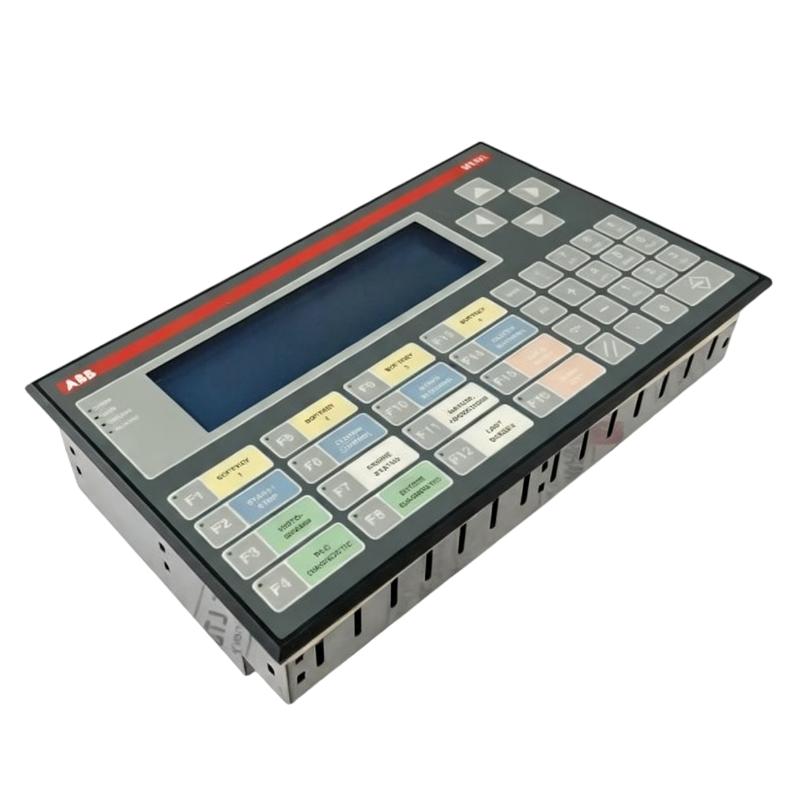
The ABB MT-91-ARC FP A is an operator panel from the MT91 Series, used to provide local operator access to industrial equipment and control functions. It serves as the interface between personnel and the associated automation system, allowing operating information and control commands to be handled directly at the equipment location.
In a machine or process control cabinet, the operator panel can be used for functions such as equipment status monitoring, command entry, alarm acknowledgement, and routine operating adjustments. This arrangement is useful when operators need direct access to the controlled equipment without working from the main controller or electrical cabinet.
The panel can also support maintenance and commissioning activities by giving technicians a local point for observing equipment states and carrying out configured operating commands. Its actual display and control functions depend on the application and the control system with which it is integrated.
For replacement applications, the MT-91-ARC FP A model should be checked against the existing panel, wiring arrangement, communication configuration, and control-system application before installation.
Technical Specifications
| Parameter | Specification |
|---|---|
| Product Brand | ABB |
| Product Series | MT91 Series |
| Model | MT-91-ARC FP A |
| Product Type | Operator Panel |
| Application | Industrial Operator Interface |
| Dimensions | 285 × 55 × 150 mm |
| Weight | 1.2 kg |
Product Features
- MT91 Series operator panel for industrial equipment operation and monitoring.
- Provides a local interface between operators and the associated control system.
- Suitable for machine and process control applications.
- Supports configured operator commands and equipment status information.
- Can be installed as part of an industrial control panel or machine interface.
- Useful for local operation, monitoring, commissioning, and maintenance activities.
- Can work alongside PLC-based or other industrial control architectures.
- Suitable for replacement and service applications involving existing MT91 Series installations.
Working Principle
The MT-91-ARC FP A acts as the operator-facing layer of the control system. Operator actions are processed through the panel and passed to the associated controller or control equipment, while operating states and available system information are returned to the panel.
Operator → MT-91-ARC FP A → Control System → I/O → Field Equipment
The operating sequence typically involves:
- The operator enters a command or selects an available operating function.
- The panel processes the input according to the configured application.
- The associated control system receives the requested command or data.
- The controller evaluates the command against programmed logic and equipment conditions.
- Field signals are acquired through the control-system I/O.
- Equipment status and other configured information are returned to the operator interface.
- The operator uses the displayed information to monitor or control the equipment.
The panel does not replace the underlying control logic. Interlocks, sequencing, equipment protection, and automatic control functions remain dependent on the associated control system.
Role in an Industrial Operator Control Architecture
The MT-91-ARC FP A forms the local operator-interface layer of an industrial automation system.
Operator → MT-91-ARC FP A → PLC / Controller → I/O System → Machine / Process Equipment
| System Element | Function |
|---|---|
| Operator | Enters commands and monitors equipment conditions |
| MT-91-ARC FP A | Provides local operator interaction |
| PLC / Controller | Processes control logic and operator commands |
| I/O System | Connects the controller with field signals |
| Sensors | Provide equipment and process feedback |
| Relays / Contactors | Execute electrical switching functions |
| Actuators | Carry out control commands |
| Machine / Process Equipment | Performs the controlled operation |
Industrial Applications
| Application | Typical Use |
|---|---|
| Machine Control | Local machine operation and status monitoring |
| Production Equipment | Operator access to automated production machinery |
| Motor-Driven Systems | Local monitoring and configured control commands |
| Pump Stations | Equipment status and local operating functions |
| Conveyor Systems | Local operation and fault-response activities |
| Packaging Machinery | Operator interaction with automated machinery |
| Process Equipment | Local process monitoring and control |
| Utility Systems | Local supervision of auxiliary equipment |
| Maintenance Stations | Commissioning, testing, and service operations |
Installation and Maintenance
- Verify the complete MT-91-ARC FP A model before replacement.
- Confirm that the panel is compatible with the existing control-system architecture.
- Isolate the relevant electrical power before disconnecting the existing unit.
- Record the existing wiring and communication connections before removal.
- Check connectors and terminals for damage or loose connections.
- Install the panel securely in the designated mounting position.
- Reconnect the communication and control wiring according to the existing system configuration.
- Restore power after all connections have been inspected.
- Confirm that the operator panel starts correctly.
- Check communication between the panel and the associated controller.
- Test configured commands, status indications, and alarm functions.
- Verify that machine interlocks and controller protection logic remain operational.
- Record the installed model and relevant configuration information for future maintenance.
If the panel powers up but does not communicate with the controller, inspect the communication connection and configuration first. If the panel communicates correctly but individual operating functions are unavailable, the application configuration and controller-side logic should also be checked.
Related Components
| Component | Function |
|---|---|
| ABB PLC / Controller | Executes the main machine or process control logic |
| ABB I/O Modules | Interfaces field signals with the controller |
| ABB Communication Modules | Supports communication between control-system devices |
| Control Cabinet | Houses the automation and electrical control equipment |
| Industrial Communication Network | Transfers operator and control data |
| Pushbuttons | Provides supplementary local control functions |
| Selector Switches | Selects operating modes or equipment states |
| Signal Lamps | Provides basic equipment status indication |
| Sensors | Supplies process and machine feedback |
| Contactors / Relays | Performs electrical switching functions |
Recommended Related Models
| Model / Series | Product Type | Typical Application |
|---|---|---|
| ABB MT91 Series | Operator Panel | Industrial machine and process operation |
| ABB MT Series | Operator Panel | Local industrial equipment interface |
| ABB CP600 Series | Control Panel / HMI | Machine and process visualization |
| ABB CP610 | Control Panel | Compact machine operator interface |
| ABB CP620 | Control Panel | Industrial automation applications |
| ABB CP635 | Control Panel | Machine and process visualization |
| ABB CP660 | Control Panel | Advanced industrial HMI applications |
Key Advantages
- Provides a dedicated local interface for industrial equipment.
- Allows operators to interact directly with configured control functions.
- Separates operator interaction from the underlying PLC or controller logic.
- Suitable for both machine operation and maintenance activities.
- Supports local monitoring in systems that also use automatic control.
- Can be integrated into established industrial control-panel architectures.
- Suitable for replacement applications where an existing MT91 Series installation requires service.
Technical FAQs
What is the main function of the ABB MT-91-ARC FP A?
The MT-91-ARC FP A functions as a local operator interface for industrial equipment. It allows personnel to access configured monitoring and control functions while the associated PLC or controller remains responsible for the underlying control logic.
What type of control system can be connected to the MT-91-ARC FP A?
The applicable control-system connection depends on the original installation and application configuration. Before replacement, the existing controller, communication arrangement, wiring, and configured operator functions should be checked rather than assuming compatibility from the panel model alone.
Can the MT-91-ARC FP A be used for machine maintenance?
Yes. A local operator panel can be useful during commissioning, troubleshooting, testing, and routine maintenance because technicians can observe equipment conditions and operate configured functions directly at the machine.
What should be checked if the operator panel powers on but does not control the equipment?
First check communication with the associated controller, followed by wiring, configuration, controller status, and the application logic governing the requested command. If communication is normal but a particular command has no effect, the relevant PLC logic, interlocks, and equipment permissives should also be inspected.