Product Overview
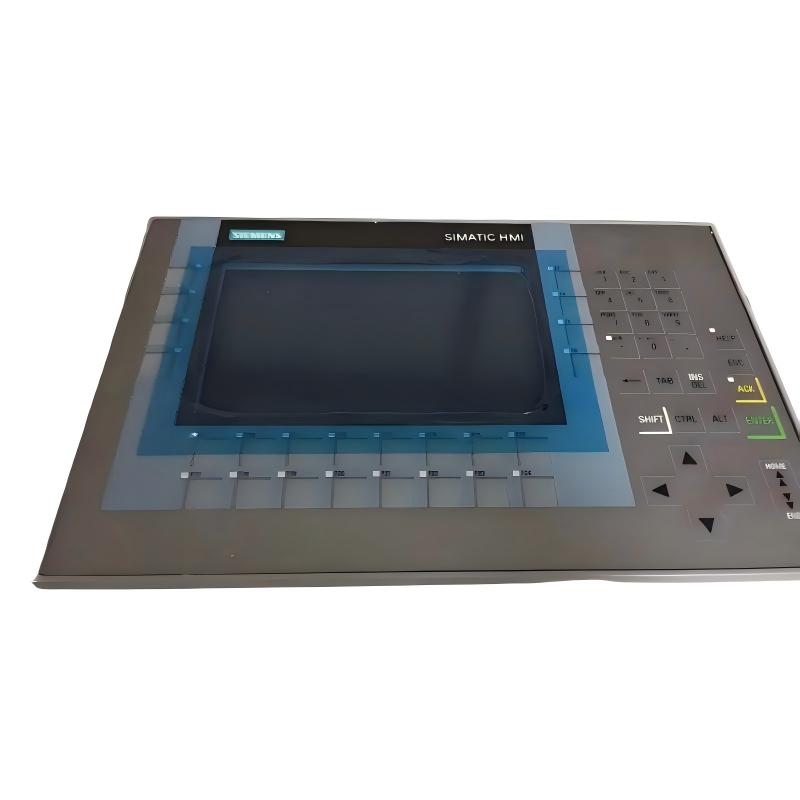
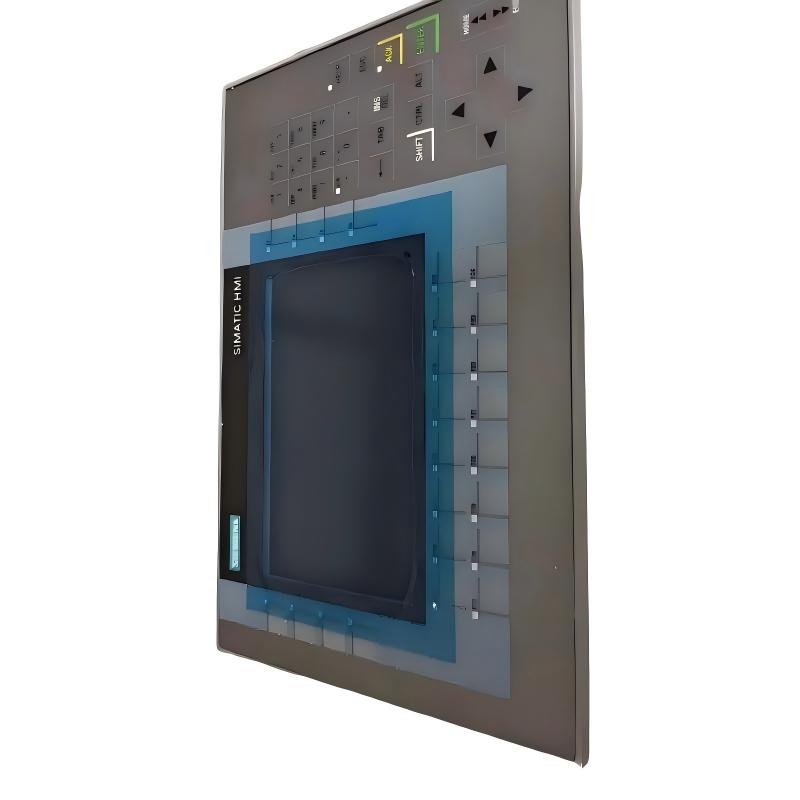
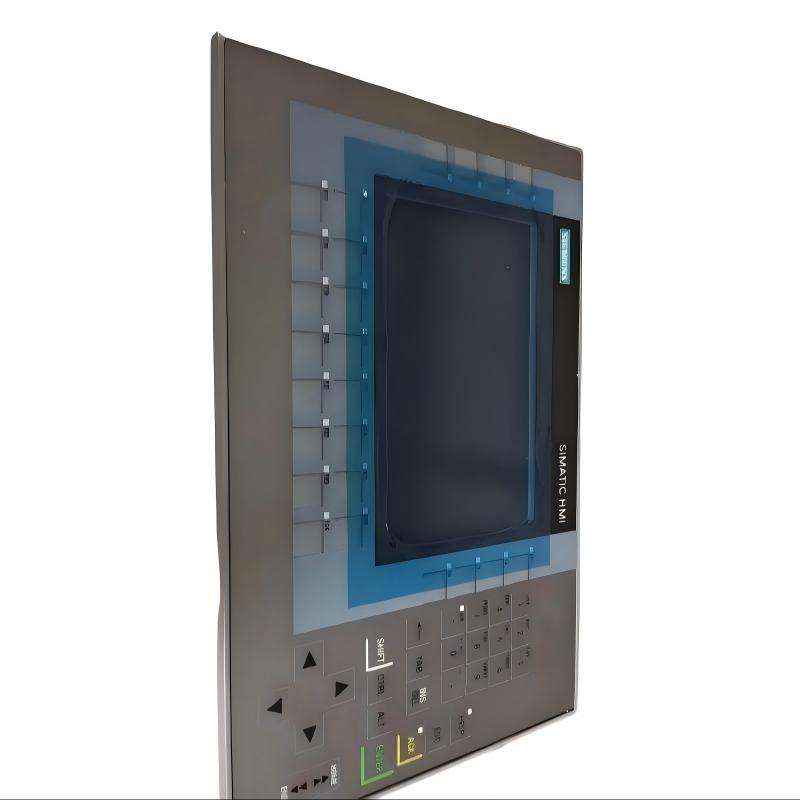
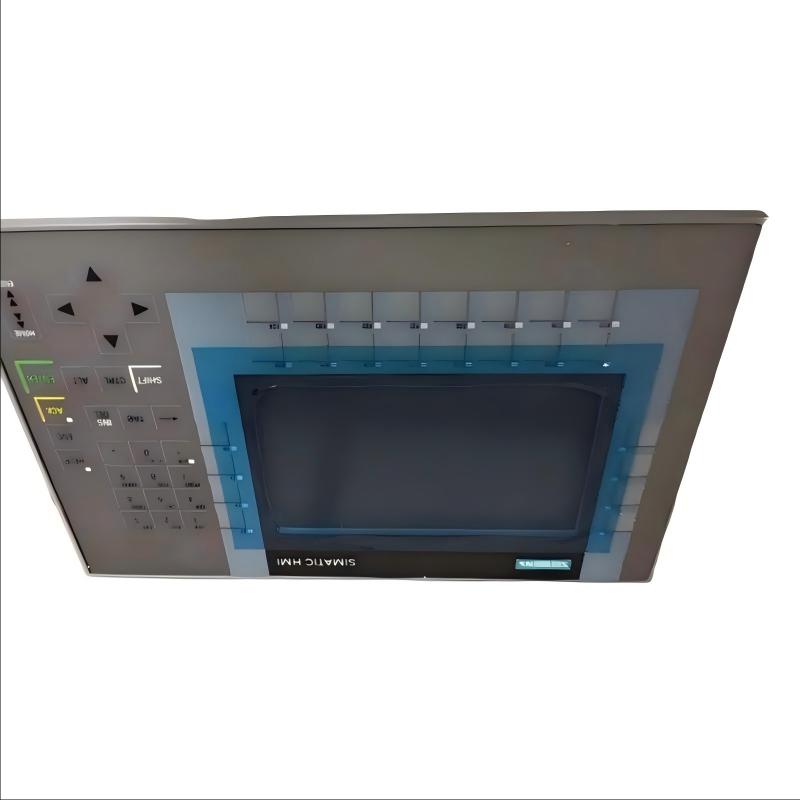
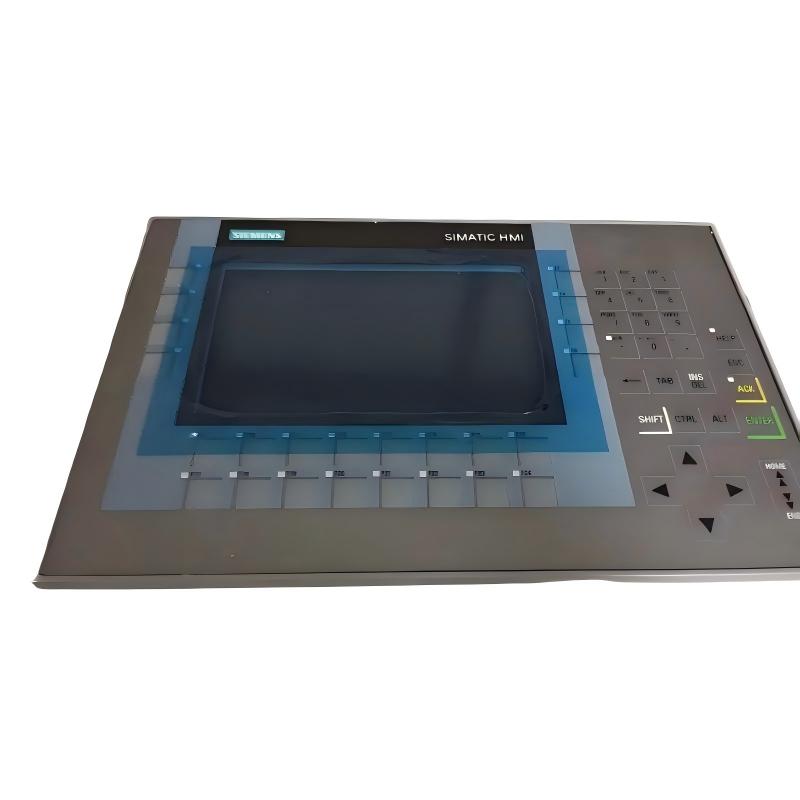
The Siemens 6AG1124-1GC01-4AX0 Touchscreen Panel is a compact industrial Human Machine Interface (HMI) designed for machine operation, production monitoring, alarm management, and process visualization. As part of the Siemens SIPLUS HMI family, it is intended for industrial automation environments where reliable operator interaction and efficient process control are required.
Featuring a 7-inch TFT touchscreen display and a weight of 2.821 kg, this HMI provides an excellent balance between screen visibility and compact installation size. It is well suited for machinery, packaging equipment, production lines, pumping stations, conveyor systems, and process automation applications where operators require clear visualization and intuitive touchscreen control.
The panel allows real-time communication with Siemens PLCs and industrial automation systems, enabling operators to monitor equipment status, adjust process parameters, acknowledge alarms, and perform routine machine operations from a single interface.
Technical Specifications
| Parameter |
Details |
| Manufacturer |
Siemens |
| Model |
6AG1124-1GC01-4AX0 |
| Product Type |
Touchscreen Panel |
| Product Family |
SIPLUS HMI |
| Display Type |
TFT Color Display |
| Display Size |
7 inches |
| Display Resolution |
800 × 480 pixels |
| Display Colors |
16 million colors |
| Touchscreen |
Yes |
| Communication |
PROFINET / MPI / PROFIBUS DP |
| Supply Voltage |
24 V DC |
| Installation |
Control Cabinet / Operator Panel |
| Operating Temperature |
0°C to +50°C |
| Weight |
2.821 kg |
Function and Working Principle
The Siemens 6AG1124-1GC01-4AX0 functions as the operator interface between industrial control equipment and plant personnel.
The operating sequence is:
PLC → Industrial Network → HMI Display → Touchscreen Input → PLC → Machine Operation
The panel continuously exchanges data with the controller, displaying operating information while allowing authorized operator commands.
Primary functions include:
- Machine status monitoring
- Process visualization
- Alarm and event display
- Parameter adjustment
- Production monitoring
- Maintenance information
- Equipment diagnostics
- Operator command input
The touchscreen simplifies machine operation while reducing the need for physical pushbuttons and selector switches.
7-Inch Industrial Display
The 7-inch TFT display provides sufficient space for industrial graphics while maintaining a compact overall panel size.
The display can simultaneously present:
- Equipment status
- Production information
- Alarm windows
- Trend graphs
- Process values
- Navigation buttons
- System diagnostics
Its size makes it particularly suitable for medium-sized machines and compact production equipment.
Touchscreen Operation
The integrated touchscreen allows direct interaction with HMI screens.
Operators can perform tasks such as:
- Starting and stopping machines
- Switching operating modes
- Entering process parameters
- Viewing production data
- Confirming alarms
- Navigating between operating pages
- Accessing maintenance functions
The graphical interface can be customized to suit different industrial applications.
Communication Capabilities
The Siemens 6AG1124-1GC01-4AX0 supports multiple industrial communication methods for integration into Siemens automation systems.
Typical communication functions include:
- PLC communication
- Distributed I/O access
- Drive monitoring
- Process data exchange
- Alarm transmission
- Production data visualization
These communication capabilities allow the HMI to become an integral part of the automation architecture.
Industrial Design
The panel is designed for industrial installation within machine control cabinets and operator stations.
Key design characteristics include:
- Compact footprint
- Industrial-grade construction
- Reliable touchscreen interface
- Conformal-coated electronics
- Suitable for continuous industrial operation
Its 2.821 kg weight allows secure installation while maintaining structural stability inside industrial enclosures.
Industrial Applications
Manufacturing Equipment
Typical applications include:
- Assembly machines
- Packaging machinery
- Conveyor systems
- Production cells
- Industrial workstations
Machine Control
The panel provides operators with convenient access to:
- Machine operation
- Production settings
- Alarm handling
- Equipment diagnostics
- Maintenance functions
Process Automation
The touchscreen can be used for:
- Pump control
- Mixing systems
- Water treatment
- Material handling
- Industrial processing
- Utility monitoring
Control Cabinets
The compact dimensions make the panel suitable for industrial control cabinets where installation space is limited while maintaining adequate visualization.
Installation Guide
Step 1: Verify Compatibility
Before installation:
- Confirm the model number.
- Verify PLC compatibility.
- Check communication requirements.
- Confirm power supply specifications.
- Ensure sufficient installation space.
Step 2: Prepare the Installation
Inspect the mounting location.
Verify:
- Cabinet opening
- Mounting hardware
- Cable routing
- Ventilation
- Operator accessibility
Step 3: Mount the Panel
Install the HMI into the prepared panel opening.
Then:
- Secure the mounting clamps.
- Verify mechanical stability.
- Check alignment.
- Ensure the touchscreen is free from mechanical stress.
Step 4: Connect Power
Connect the 24 V DC power supply.
Before energizing:
- Verify polarity.
- Check wiring.
- Confirm grounding.
- Inspect connectors.
Step 5: Connect Communication
Connect the required industrial communication network.
Verify:
- Communication cables
- Network configuration
- PLC settings
- Connector installation
Step 6: Configure the HMI
After startup:
- Load the HMI application.
- Verify PLC communication.
- Test screen navigation.
- Check process values.
- Confirm alarm display.
- Test touchscreen response.
Step 7: Commission the System
Verify:
- Display operation
- Touchscreen functionality
- PLC communication
- Alarm handling
- Parameter input
- Machine control
- Process visualization
Only place the equipment into production after successful commissioning.
Common Failure Symptoms
| Fault Symptom |
Possible Cause |
| Panel does not start |
Power supply problem |
| Blank display |
Display or power fault |
| Touchscreen not responding |
Touch hardware or configuration issue |
| Missing PLC data |
Communication failure |
| Incorrect process values |
PLC/HMI configuration problem |
| Communication loss |
Network fault |
| Slow response |
Application or communication load |
| Alarm information missing |
Project configuration issue |
Troubleshooting Guide
HMI Will Not Power On
Inspect:
- DC power supply
- Wiring
- Connectors
- Grounding
- Cabinet power distribution
PLC Communication Failure
Check:
- Communication cables
- PLC operating status
- Network configuration
- HMI communication settings
- Connector condition
Touchscreen Failure
If the display is normal but touch input fails:
- Clean the display surface.
- Inspect for physical damage.
- Restart the HMI.
- Verify configuration.
- Test multiple touch areas.
Display Problems
If the display flickers or shows abnormal images:
- Verify power stability.
- Inspect display connections.
- Check cabinet temperature.
- Inspect the display hardware.
Maintenance Recommendations
For reliable long-term operation:
- Keep the touchscreen clean.
- Maintain cabinet ventilation.
- Prevent dust accumulation.
- Inspect communication cables regularly.
- Check mounting hardware.
- Back up HMI project files.
- Monitor recurring alarms.
- Perform scheduled preventive maintenance.
Compatible Automation Components
| Component |
Function |
| Siemens PLC |
Main controller |
| Touchscreen Panel |
Operator interface |
| PROFINET Network |
Industrial communication |
| Remote I/O |
Field signal processing |
| Variable Speed Drive |
Motor control |
| Sensors |
Process monitoring |
Key Advantages
- Compact 7-inch industrial touchscreen
- High-resolution color display
- Touchscreen operator interface
- Industrial communication capability
- Suitable for machine operation
- Compact cabinet installation
- Reliable industrial construction
- Weight: 2.821 kg
Technical FAQs
What is Siemens 6AG1124-1GC01-4AX0?
It is a Siemens SIPLUS industrial touchscreen HMI designed for machine operation and industrial automation applications.
What is the display size?
The panel features a 7-inch TFT color display.
What is the weight?
The unit weighs 2.821 kg.
What is its primary function?
It provides operators with a graphical interface for monitoring machines, viewing alarms, entering parameters, and controlling industrial equipment.
Where is it commonly used?
It is widely used in manufacturing equipment, machine automation, process control systems, production lines, and industrial control cabinets.
Why choose a 7-inch HMI?
A 7-inch panel offers an excellent compromise between display visibility and compact installation size, making it suitable for a wide range of industrial machinery.
Conclusion
The Siemens 6AG1124-1GC01-4AX0 Touchscreen Panel is a compact industrial HMI designed to provide efficient machine visualization, operator control, and process monitoring.
With its 7-inch TFT display, industrial touchscreen interface, multiple communication capabilities, and 2.821 kg industrial design, it is an ideal solution for machine builders, automation engineers, maintenance personnel, and system integrators requiring a reliable operator interface for industrial automation systems.